

Your Browsing History
- In Stock
- Sold by Newegg
- Make an Offer

Any questions? Our AI mode will help you find out quickly.
Try me now
Quick View
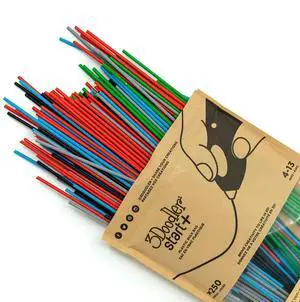
Start 3D Printing Filament Refill Bag for 6+ years old (x250 Strands, Over 1250 ft. of Extruded Plastic) - Primary Pow
- Model #: 626696888818
- $46.99 –
- Free Shipping
Quick View
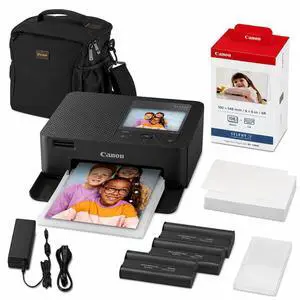
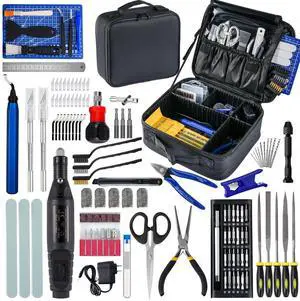
124Pcs 3D Printing Accessory Tools with Tool Bag for 3D Printer Modeler Basic Tools Diverse 3D Print Nozzle Cleaning Kit Mini Rotary Tool 3D Printer Tools for Remove/Trim and Finish 3D Print
- Part Number: ZP002
- Compatible System: Tools with Oxford bag
- Specification: Tools with Oxford bag
- Features: Tools with Oxford bag
- Model #: 301220169986
- $89.09 –
- More options from $67.49 - $99.99
- Free Shipping
Quick View
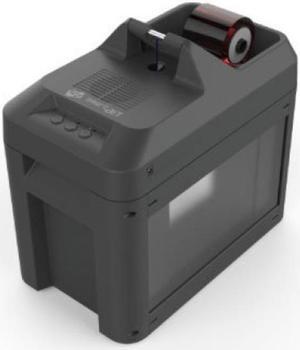
SMART-Bit Disposal Waste Bag Kit, 5-Pack
- Model #: 659943-5
- $44.99 –
- More options from $44.99 - $51.95
- $4.99 Shipping
Quick View
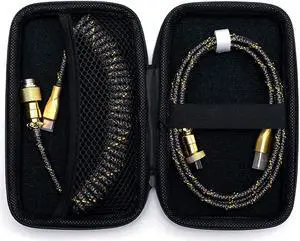
USB C Coiled for Mechanical Keyboard,Coiled USB Aviator Cable for Keyboard, Pro Double Sleeved Cable with Organizer Zipper Bag. (Gold & Black)
- Model #: C0A12793551984588468
- $50.68 –
- Free Shipping
Quick View
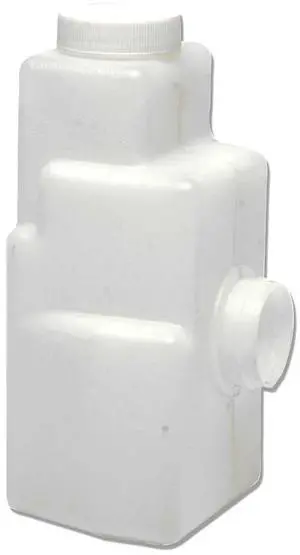
Toshiba Toner Bag For 1340 Copier
- Cartridge Quantity: 1
- Model #: TB1350
- $47.21 –
- Free Shipping
Quick View
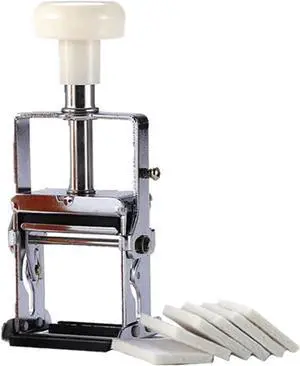
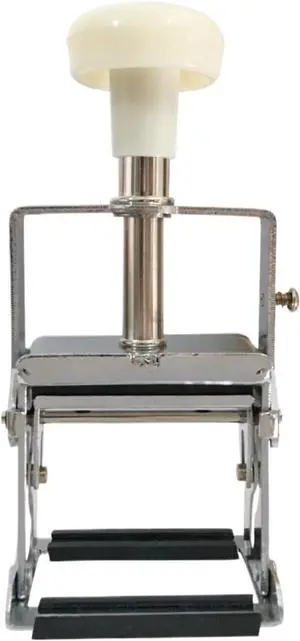
Label Printer, Manual Adjustable Production Date Code Printing Machine On Polybag Plastic Bag Inkjet Printers for
- Model #: HANZB0H1WPWHCM
- $180.99 –
- Free Shipping
Quick View
Label Printer, Portable Inkjet Printer Manufacture Date, Adjustable Manual, Code Plastic Bag
- Model #: HANZB0H1WQ9DFF
- $168.99 –
- Free Shipping
Quick View
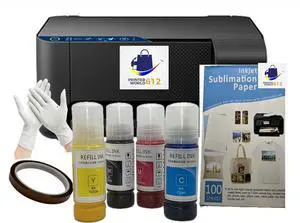
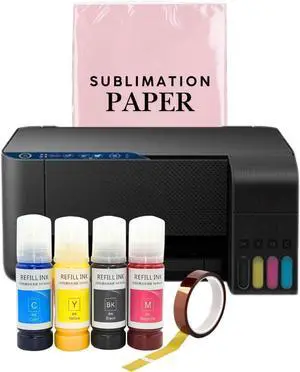
Cartridge-Free Super-Tank Printer with Sublimation Sublimation Heat Transfer Image Printing for T-Shirts Ceramic Mugs Bags and More.
- Model #: HANWB0FBMDB2XZ
- $513.99 –
- Free Shipping
Quick View
Cartridge-Free Super-Tank Printer with Sublimation Sublimation Heat Transfer Image Printing for T-Shirts Ceramic Mugs Bags and More. New
- Model #: HANWB0FC5Z5STB
- $513.99 –
- Free Shipping
Quick View
Generic Sublimation Heat Transfer Image Printing for T-shirts Ceramic Mugs Bags Heat Press Printer Bundle
- Model #: HANWB0CXLYS7WY
- $537.99 –
- Free Shipping
Quick View
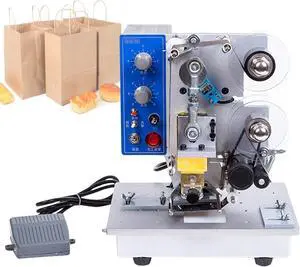
Automatic Ribbon Coding Machine,Electric Thermal Ribbon Marking Machine,Commercial Monochrome Thermal Printer,for Plastic Bag Printing Hot Foil Coding
- Model #: HANZB0FCBMY19X
- $815.99 –
- Free Shipping
Quick View
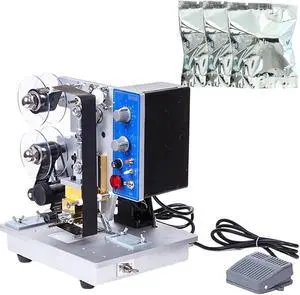
Automatic Ribbon Coding Machine,Speeds Electric Date Label Hot Stamp Printer,Plastic Bag Ribbon Coding Machine,for Various Plastic Composite
- Model #: HANZB0FCB7DQT1
- $819.99 –
- Free Shipping
Quick View
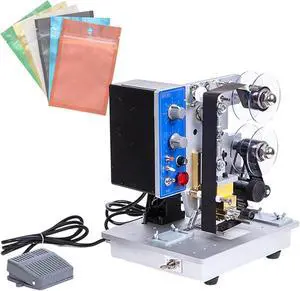
Production Date Automatic Coding Machine,Electric Ribbon Code Printer,200 W for Hot Stamping Plastic Aluminum Foil Bags
- Model #: HANZB0FCBPM1CT
- $819.99 –
- Free Shipping
Quick View
Automatic Ribbon Coding Machine,Electric Date Label Printer with 6 Speed Settings for Hot Stamping on Plastic Bags
- Model #: HANZB0FCBRMDMW
- $819.99 –
- Free Shipping
Quick View
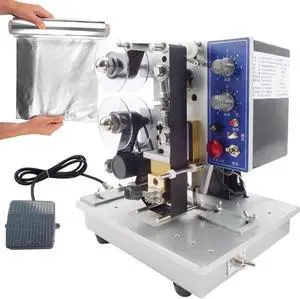
Electric Thermal Ribbon Marking Machine,Automatic Ribbon Coding Machine,Commercial Monochrome Thermal Printer Desktop,for Plastic Bag Printing Hot Foil Coding
- Model #: HANZB0FCBMTL4F
- $815.99 –
- Free Shipping
Quick View
Electric Plastic Bag Printing Coding Tool,Automatic Ribbon Coding Machine,Date Hot Stamping Equipment with Foot Switch
- Model #: HANZB0FCBNJ1FT
- $815.99 –
- Free Shipping
Quick View
Electric Ribbon Code Printer,Electric Plastic Bag Printing Coding Tool,200 W Production Date Automatic Coding Machine,0-200 6 Gear Temperature Adjustment
- Model #: HANZB0FCBMY6CC
- $815.99 –
- Free Shipping
Quick View
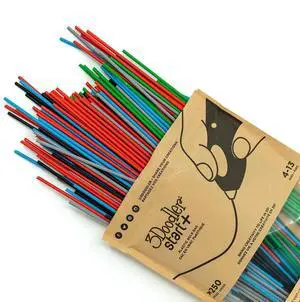
3Doodler Start 3D Printing Filament Refill Bag for 6+ years old (x250 Strands, Over 1250 ft. of Extruded Plastic) - Primary Pow
- Model #: AIWU444275503178
- $59.55 –
- Free Shipping
Quick View
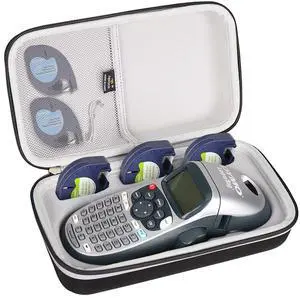
Case Compatible with DYMO LetraTag LT-100H / 100H Plus Handheld Label Maker, Storage Hard Portable Bag for Machine Tapes and Accessories -Black (Case Only)
- Brand: Aproca
- Series: S1218, 308
- Part Number: S308
- Print Technology: wax-based ink
- Model #: 163449937322
- $39.99 –
- Free Shipping
Quick View
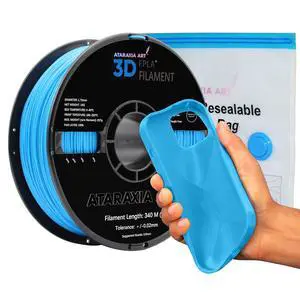
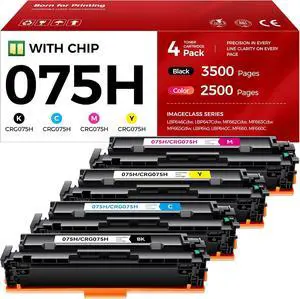
Sanrio My Melody × Kuromi Contactlens Case with Zip Bag for Soft Lenses (Face)
- Model #: BRAPB0H2LDRV2Y
- $250.99 –
- Free Shipping
Quick View
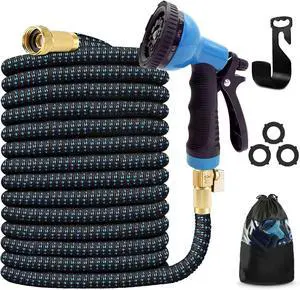
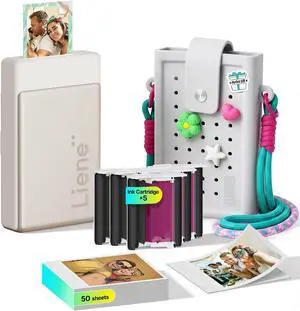
Liene Pearl N200 Pro Portable AI Photo Printer, 50 Sheets 2x3 Adhesive Paper & 5 Cartridges, Gold, DIY Charm Carry Bag Bundle
- Model #: BRAPB0H6C7VJQW
- $232.99 –
- Free Shipping

Quick View
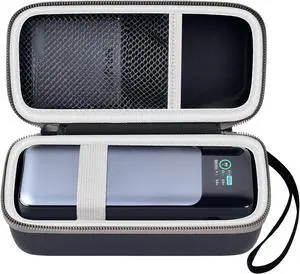
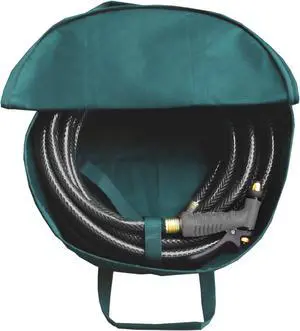
LAMINET Outdoor Multipurpose Heavy Duty Bag Tool Covers Garden Hose Bag for EV Charging Cable, Car Battery jumper cables, RV Sewer Pipe, Extensions. Keeps Your Items Untangled and Organized.
- Model #: Tong409397165772miao
- $29.88 –
- Free Shipping
Quick View
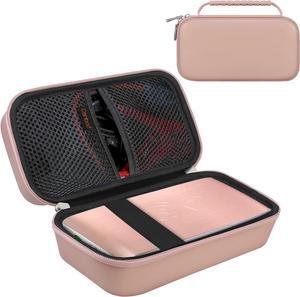
Canboc Hard Carrying Case for Halo Bolt Air 58830 mWh/Halo Bolt Air+ 55500/HALO Bolt Air+ 1750 Portable Car Battery Jump Starter, Mesh Bag fit Jump Cables, AC Outlet, Charger, Rose Gold
- Model #: Tong409397164065miao
- $37.88 –
- Free Shipping
Quick View
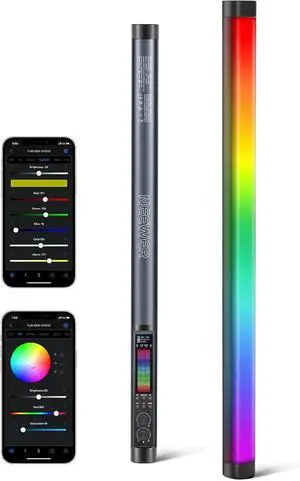
NEEWER TL60 RGB Tube Light, 20W Full Color LED Video Wand, APP/2.4G/DMX Control, 7 Pixel Effects 2500-10000K CRI97+, Radio Frequency, with Adapter, Mount, Cable, Bag
- Model #: Tong409397164683miao
- $259.88 –
- Free Shipping
Quick View
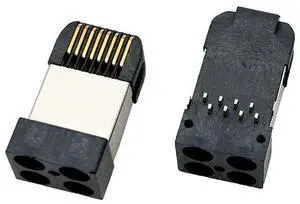
RJ45 Network Connector Modular Plug, cat.5e 8-Pin Ethernet Plug with Gold-Plated Contacts, Black Housing for PCB 10PCS per Bag
- Model #: TOLKB0G1TR2J9B
- $144.99 –
- Free Shipping
Quick View
3Doodler Start 3D Printing Filament Refill Bag for 6+ years old (x250 Strands, Over 1250 ft. of Extruded Plastic) - Primary Pow
- Model #: EQWER462277169956
- $59.88 –
- Free Shipping
Quick View
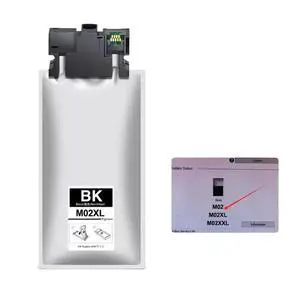
Compatible Ink Bag M02 M02XL and Ink Cartridge M02XXL M5299 M5799 with Pigmented Ink for Printer PRO-M5299 PRO-M5799(M02XL-200ML)
Limited time offer, ends 08/31
- Model #: LC6W1JU7-997
- $242.54 –
- Free Shipping
Quick View
124Pcs 3D Printing Accessory Tools with Tool Bag for 3D Printer Modeler Basic Tools Diverse 3D Print Nozzle Cleaning Kit Mini Rotary Tool 3D Printer Tools for Remove/Trim and Finish 3D Print
Limited time offer, ends 08/31
- Part Number: ZP002
- Compatible System: Tools with Oxford bag
- Specification: Tools with Oxford bag
- Features: Tools with Oxford bag
- Model #: 028007207372
- $74.63 –
- More options from $74.63 - $77.78
- Free Shipping
Quick View
124Pcs 3D Printing Accessory Tools with Tool Bag for 3D Printer Modeler Basic Tools Diverse 3D Print Nozzle Cleaning Kit Mini Rotary Tool 3D Printer Tools for Remove/Trim and Finish 3D Print
Limited time offer, ends 08/31
- Brand: Creality
- Part Number: ZP002
- Type: Filament
- Compatible System: Tools with Oxford bag
- Model #: 369987710797
- $75.88 –
- Free Shipping
Quick View
124Pcs 3D Printing Accessory Tools with Tool Bag for 3D Printer Modeler Basic Tools Diverse 3D Print Nozzle Cleaning Kit Mini Rotary Tool 3D Printer Tool for Remove/Trim and Finish 3D Print
Limited time offer, ends 08/31
- Brand: Creality
- Part Number: ZP002
- Specification: 3d Printer Nozzle Cleaning Kit, Deburring Tool ,Tube Cutter for 3d Printer
- Model #: 515075248541
- $75.88 –
- More options from $75.88
- Free Shipping
Choosing the Right Printer for Your Office Needs
When it comes to office solutions, printers and scanners are essential tools for any business. Whether you need to print important documents, scan invoices, or create professional-quality marketing materials, having the right equipment is crucial. In this article, we will explore the different types of printers and scanners available in the market and provide tips on how to choose the best one for your office.
All-in-One Printers: Versatility and Convenience
all-in-one printers, also known as multifunction printers, are a popular choice for offices. These devices combine the functionality of a printer, scanner, copier, and sometimes even a fax machine into a single unit. They offer versatility and convenience, allowing you to perform multiple tasks without the need for separate devices. All-in-one printers are available in both inkjet and laser options, catering to different printing needs and budgets.
Specialized Printers for Specific Tasks
In addition to all-in-one printers, there are specialized printers designed for specific tasks. For example, 3D printers are ideal for creating prototypes or intricate models, while barcode and label printers are perfect for businesses that require efficient inventory management. laser printers are known for their fast printing speeds and high-quality output, making them suitable for offices with high-volume printing needs. inkjet printers, on the other hand, are more cost-effective and can produce vibrant color prints.
Choosing the Right Supplies
Once you have selected the right printer for your office, it is important to choose the right supplies to ensure optimal performance and longevity. When it comes to inkjet printers, using high-quality ink cartridges is essential to achieve the best print quality and prevent clogging. For laser printers, it is important to choose the right type of toner cartridges that are compatible with your printer model. Additionally, investing in high-quality paper can make a significant difference in the final print results.
FAQs: Common Questions about Printers and Scanners
| Q: How often should I replace the ink cartridges? | A: The frequency of replacing ink cartridges depends on your printing volume. However, it is recommended to replace them when the print quality starts to degrade. |
|---|---|
| Q: Can I use third-party ink cartridges with my printer? | A: While it is possible to use third-party ink cartridges, it is important to ensure compatibility with your printer model. Using incompatible cartridges may result in poor print quality or damage to the printer. |
| Q: How do I clean the scanner glass? | A: To clean the scanner glass, use a soft, lint-free cloth slightly dampened with glass cleaner. Gently wipe the glass surface to remove any smudges or debris. |
| Q: What is the difference between optical and interpolated resolution in scanners? | A: Optical resolution refers to the actual hardware resolution of the scanner, while interpolated resolution is achieved through software enhancements. Optical resolution provides more accurate and detailed scans. |
| Q: How can I improve the scanning speed? | A: To improve scanning speed, reduce the scanning resolution, use black and white mode instead of color, and ensure that the scanner is connected to a high-speed USB port. |