

Your Browsing History
- In Stock
- Sold by Newegg

Any questions? Our AI mode will help you find out quickly.
Try me now
Quick View
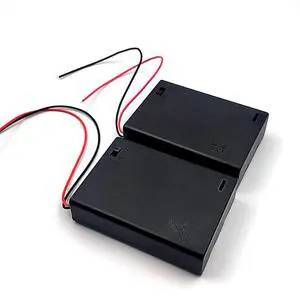
2PCS Wire Lead Cable Plastic 3 x 1.5V AA Batteries Cell Box Holder Case Black
Limited time offer, ends 10/15
- Model #: C745-L708-121
- $28.99 –
- Free Shipping
Quick View
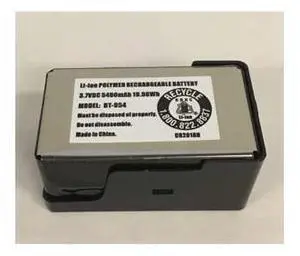
BPS100 LiIon Battery Replacement Battery for Model SDS100 True IQ Digital Handheld Scanner
- Model #: barcod6394
- $73.24 –
- $15.00 Shipping
Quick View
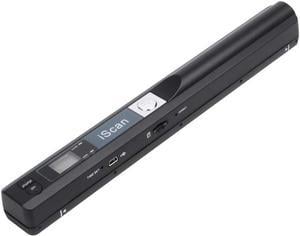
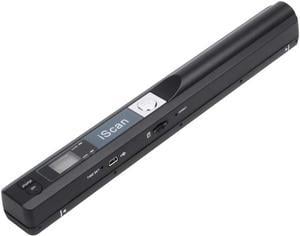
Portable Scanner iSCAN 900 DPI A4 Document Scanner Handheld for Business, Photo, Picture, Receipts, Books, JPG/PDF Format Selection, Micro SD Card Hand Scanner
Limited time offer, ends 10/10
- Max. Document Size: A4 size documents and images
- USB Ports: Yes
- Color: Black
- Model #: 3#Q1643_B
- $64.99 –
- More options from $64.99 - $73.99
- Free Shipping
Quick View
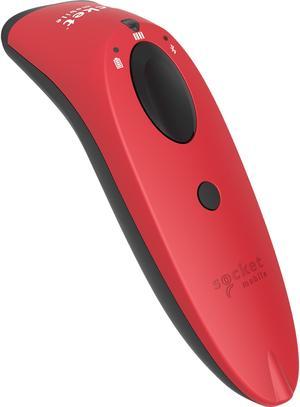
Socketscan® S740 1D/2D Imager Barcode Scanner Red
- Series: SocketScan 700
- : CX3413-1832
- Connectivity: Wireless
- Cordless Type: Handheld Barcode Scanner
- Model #: CX3413-1832
- $340.90
- $316.00 –
- Save: $24.90 (7%)
- More options from $316.00 - $556.66
- Free Shipping
Quick View
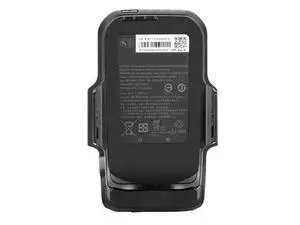
Extended Grip Battery for Zebra TC20/TC25 | BT-000343 Model | 2800mAh Capacity | 1-Year Warranty
Limited time offer, ends 10/15
- Model #: GS.VoltSync.C10V87-939
- $48.49 –
- More options from $48.49
- Free Shipping
Quick View
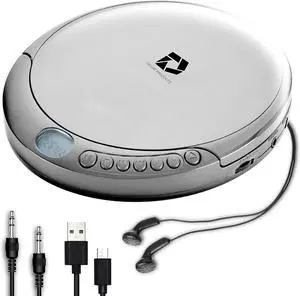
Deluxe Products CD Player Portable with 60 Second Anti Skip, Stereo Earbuds, Includes Aux in Cable and AC USB Power Cable for use at Home or in Car. Silver
- Model #: Tong409397166786miao
- $49.88 –
- Free Shipping
Quick View
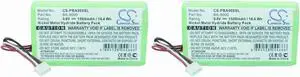
(2 Pack) XSP Battery for Brother PT9600 PT-9600 PN Brother BA-9000
- Model #: HANZB0CFGZJWXN
- $102.99 –
- Free Shipping
Quick View
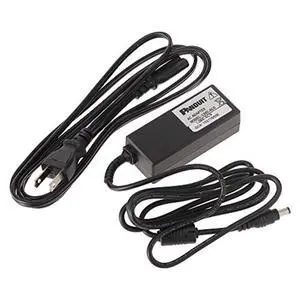
Panduit LS8E-ACS Power Adapter for Panther LS8 Hand-Held Thermal Transfer Printer
- Model #: HANZB004CV2V4G
- $224.99 –
- Free Shipping
Quick View
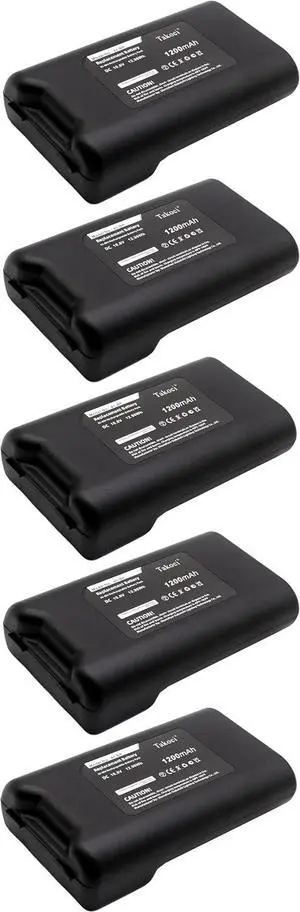
5 Pack BMP41, BMP61, M410 Battery Compatible with BMP41-BATT Label Printer 10.8V 1200mAh
- Model #: HANZB0GX64LDC1
- $338.99 –
- Free Shipping
Quick View
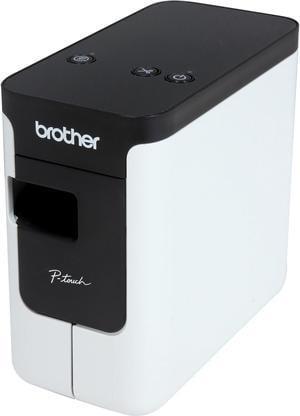
Brother P-touch PT-P700 PC-Connectable Label Printer for PC and Mac, Thermal Transfer, 180 x 360 dpi, 30mm./sec, Up to 4 Print Lines, Auto Cutter, Barcode Printing, USB
- Printer Type: Desktop
- Fonts Included: Fonts: TrueType Font Sizes: Scalable
- Barcode Type: CODE39, UPC-A, UPC-E, ITF (1-2/5), EAN-8, EAN-13, GS1-128 (UCC/EAN-128), CODE128, CODABAR, POSTNET, GS1 DataBar (RSS), QR Code, PDF417, Data Matrix, Laser Bar Code, ISBN-2 (EAN13 AddOn2), ISBN-5 (EAN13 AddOn5), Micro QR Code, MaxiCode, GS-1 Composite, AztecCode
- Cutter: Auto-Cutter
- Model #: PTP700
Quick View
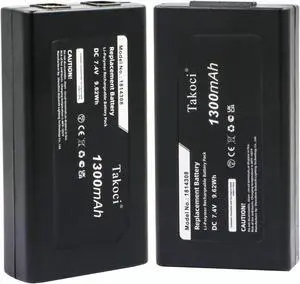
2-Pack1814308 Replacement Battery Compatible with DYMOMobile Label Maker MobileLabeler PnP Wireless XTL 300 XTL 300 Handheld Label Makers 7.4V/1300mAh
- Model #: ENGEB0F9B2YBX7
- $86.99 –
- Free Shipping
Quick View
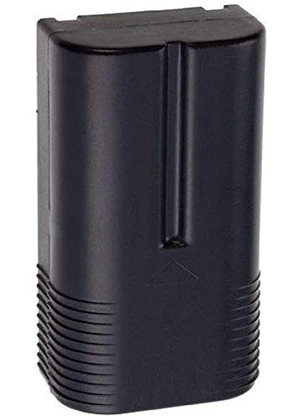
Battery for Avery-Dennison 120095, 6037 Pathfinder, 7.4V Li-ion 2600mAh
- Model #: 413948810509
- $94.99 –
- $5.99 Shipping
Quick View
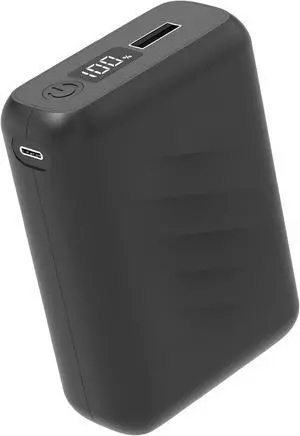
20000mAh Battery Pack for Heated Vest-5V/7.4V Rechargeable Power Bank with LED Display and DC/USB Output for Heated Jacket,Fast Charging Powerbank Compatible with iPhone iPad Samsung
- Model #: EQWER462277177616
- $65.49 –
- Free Shipping
Quick View
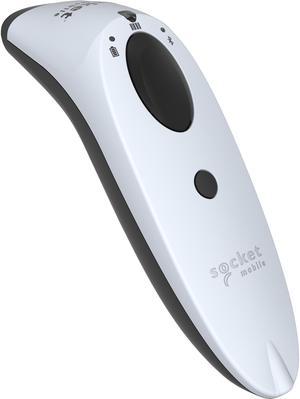
Socketscan® S740 1D/2D Imager Barcode Scanner White
- Series: SocketScan 700
- Part Number: CX3419-1838
- Form Factor: Handheld
- Connectivity: Wireless
- Model #: CX3419-1838
- $357.99 –
- More options from $357.69 - $556.66
- Free Shipping
Quick View
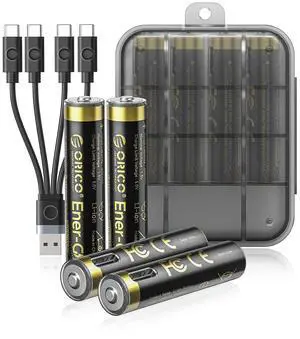
Ener-G Lithium-ion Battery Rechargeable AAA Batteries 4-Pack 1.5V Constant Output, 500mWh, 1 Hour Fast Charging with Type-C Cable, 1500x Cycles Long Lasting for Remote Control/Electronic Toys
Limited time offer, ends 10/15
- Model #: LC6W1JU1-103
- $34.99 –
- Free Shipping
Quick View
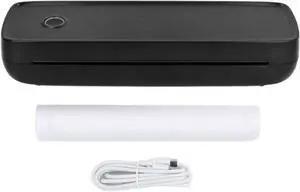
Bluetooth Thermal Printer Black Portable Inkless A4 A5 Paper Printing Lithium Battery for Office Home Car
- Model #: ENGEB0FQHSCZGJ
- $179.99 –
- Free Shipping
Quick View
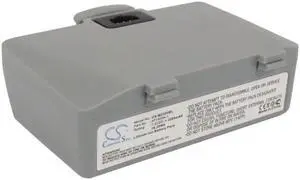
2200mAh AT16004-1 Battery for ZEBRA QL220, QL220+ , QL320, QL320+ Mobile receipt and label Printer
- Model #: SCS-MZ320BL
- $29.39 –
- More options from $29.39 - $33.89
- Free Shipping
Quick View
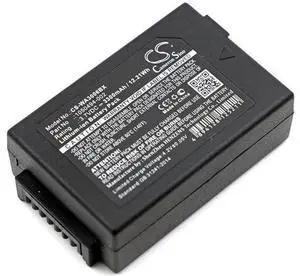
Battery for Psion 1050494 1050494-002 WA3006 WA3020 G3 G4 WA3010
- Model #: barcod3858
- $41.93 –
- $15.00 Shipping
Quick View
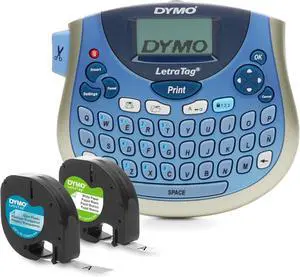
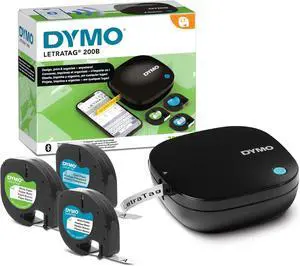
DYMO LetraTag 200B Bluetooth Compact Label Maker Value Pack Wireless Connection to iOS and Android Includes 3 Assorted Label Tapes, Pack of 6
- Model #: HANZB0FT54T54X
- $388.99 –
- Free Shipping
Quick View
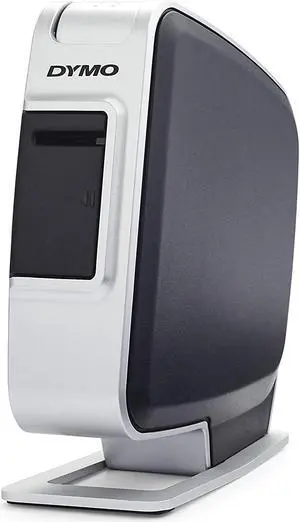
DYMO LabelManager Plug N Play Label Maker for PC or Mac (1768960)
- Model #: HANWB00464E5P2
- $110.99 –
- Free Shipping

Quick View
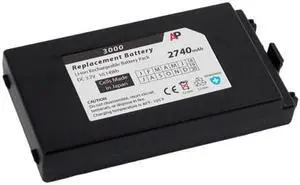
Replacement Battery for MC3000 Laser & MC3090 Scanners. 2740 mAh
- Model #: barcod903
- $45.00 –
- $15.00 Shipping
Quick View
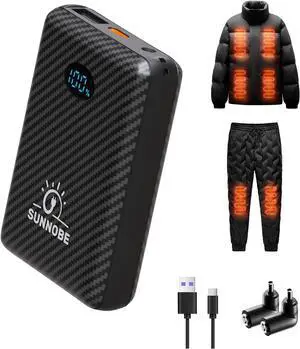
Battery Pack for Heated Vest, 7.4V/5V 10000mAh Power Bank for Heated Vest with DC/USB/Type-C Output and LED Display for Heating Clothing and Phones
- Model #: AIWU444275510831
- $46.55 –
- Free Shipping
Quick View
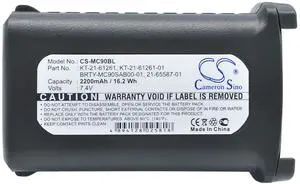
Cameron Sino Battery for Symbol MC9000, MC9010, MC9050, MC9060, MC9060-G, MC9090, MC90XX-G, MC90XX-K, MC9190, MC9190-G, MC9190-K, MC920, MC9200-G, MC9200-K, RD5000
- Brand: CS Cameron Sino
- Part Number: 21-61261-01, 21-65587-01, 21-65587-02, 21-65587-03, 82-111734-01, 82-111734-02, BRTY-MC90SAB00-01, BTRY-MC90GKAB0E-10, KT-21-61261, KT-21-61261-01
- Scan Engine: 1D
- Included Cables: USB Cable
- Model #: 993603599876
- $32.99 –
- More options from $32.62
- Free Shipping
Quick View
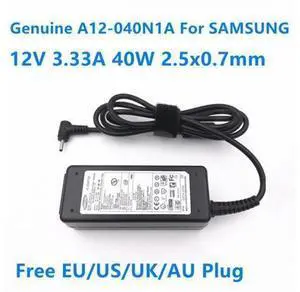
12V 3.33A 40W A12-040N1A AA-PA2N40W ADP-40MH AB AC Power Adapter For SAMSUNG XE700T1C XE500T1C Series Laptop Charger
- Model #: YC7FW0709-oys-193
- $40.47 –
- Free Shipping
Quick View
Battery Pack for Heated Vest, 7.4V/5V 10000mAh Power Bank for Heated Vest with DC/USB/Type-C Output and LED Display for Heating Clothing and Phones
- Model #: EQWER462277177579
- $46.49 –
- Free Shipping
Quick View
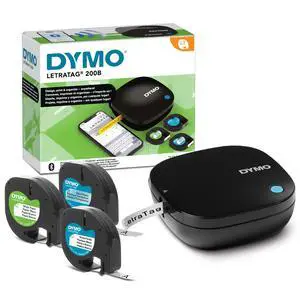
LetraTag 200B Bluetooth Compact Label Maker, Value Pack, Wireless Connection to iOS and Android, Includes 3 Assorted Label Tapes
- Brand: DYMO
- Series: 2177407, 200
- Part Number: 2177407
- Print Technology: Thermal
- Model #: 414698163347
- $82.99 –
- Free Shipping
Choosing the Right Printer for Your Office Needs
When it comes to office solutions, printers and scanners are essential tools for any business. Whether you need to print important documents, scan invoices, or create professional-quality marketing materials, having the right equipment is crucial. In this article, we will explore the different types of printers and scanners available in the market and provide tips on how to choose the best one for your office.
All-in-One Printers: Versatility and Convenience
all-in-one printers, also known as multifunction printers, are a popular choice for offices. These devices combine the functionality of a printer, scanner, copier, and sometimes even a fax machine into a single unit. They offer versatility and convenience, allowing you to perform multiple tasks without the need for separate devices. All-in-one printers are available in both inkjet and laser options, catering to different printing needs and budgets.
Specialized Printers for Specific Tasks
In addition to all-in-one printers, there are specialized printers designed for specific tasks. For example, 3D printers are ideal for creating prototypes or intricate models, while barcode and label printers are perfect for businesses that require efficient inventory management. laser printers are known for their fast printing speeds and high-quality output, making them suitable for offices with high-volume printing needs. inkjet printers, on the other hand, are more cost-effective and can produce vibrant color prints.
Choosing the Right Supplies
Once you have selected the right printer for your office, it is important to choose the right supplies to ensure optimal performance and longevity. When it comes to inkjet printers, using high-quality ink cartridges is essential to achieve the best print quality and prevent clogging. For laser printers, it is important to choose the right type of toner cartridges that are compatible with your printer model. Additionally, investing in high-quality paper can make a significant difference in the final print results.
FAQs: Common Questions about Printers and Scanners
| Q: How often should I replace the ink cartridges? | A: The frequency of replacing ink cartridges depends on your printing volume. However, it is recommended to replace them when the print quality starts to degrade. |
|---|---|
| Q: Can I use third-party ink cartridges with my printer? | A: While it is possible to use third-party ink cartridges, it is important to ensure compatibility with your printer model. Using incompatible cartridges may result in poor print quality or damage to the printer. |
| Q: How do I clean the scanner glass? | A: To clean the scanner glass, use a soft, lint-free cloth slightly dampened with glass cleaner. Gently wipe the glass surface to remove any smudges or debris. |
| Q: What is the difference between optical and interpolated resolution in scanners? | A: Optical resolution refers to the actual hardware resolution of the scanner, while interpolated resolution is achieved through software enhancements. Optical resolution provides more accurate and detailed scans. |
| Q: How can I improve the scanning speed? | A: To improve scanning speed, reduce the scanning resolution, use black and white mode instead of color, and ensure that the scanner is connected to a high-speed USB port. |