


Your Browsing History
- New

Any questions? Our AI mode will help you find out quickly.
Try me now
Quick View
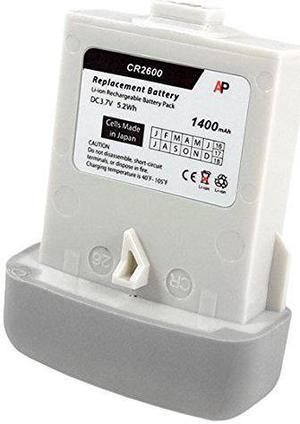
Replacement Battery for the Code Reader CR2600 scanner. 1400 mAh.
- Input Voltage: 3.7
- Color: White
- Model #: SB-CR2600-L
- $53.70 –
- More options from $53.70
- Free Shipping
Quick View
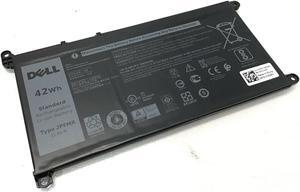
Genuine 42Wh JPFMR Battery for Chromebook 3100 3400 5488 5493 5593
- Model #: AT#324775646743
- $58.99 –
- Free Shipping
Quick View
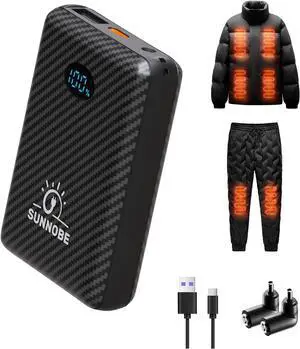
Battery Pack for Heated Vest, 7.4V/5V 10000mAh Power Bank for Heated Vest with DC/USB/Type-C Output and LED Display for Heating Clothing and Phones
- Model #: AIWU444275510831
- $46.55 –
- Free Shipping
Quick View
7.4V 12000mah Heated Vest Battery Pack Compatible with DC 3.5/3.8/4mm, 3 Output with LED Display for Heated Vest & Jacket (Suit for 7.4v and 5V Heated Clothing)
- Model #: AIWU444275510916
- $39.55 –
- Free Shipping
Quick View
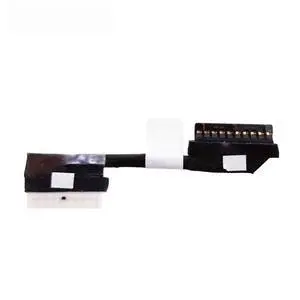
Battery Flex Cable For 7486 14 7486 2-in-1 laptop Battery Cable Connector Line 0RNNR2 DC020035Y00
- Model #: 739375652223
- $19.99 –
- Free Shipping
Quick View
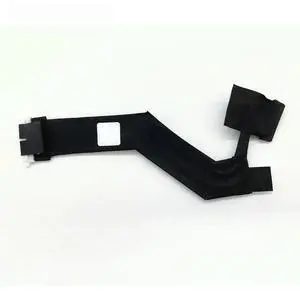
Battery Flex Cable For X17 R1 X17 R2 laptop Battery Cable Connector Line Replace 01C3TM DC02003UI00
- Model #: 739375652643
- $21.98 –
- Free Shipping
Quick View
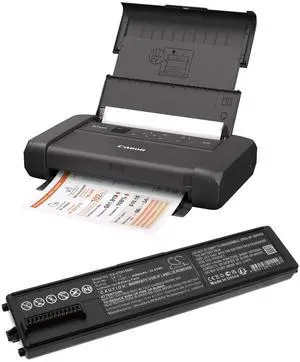
Battery for Canon Pixma TR150 portable printer PN:Canon 4228C002, 4228C003, LK-72 3500mAh / 38.85Wh
- Brand: cameron Sion
- Battery Capacity: 3500 milliamp_hours
- Battery Type: lithium_polymer
- Type: lithium_polymer
- Model #: 658669755835
- $75.17 –
- Free Shipping
Quick View
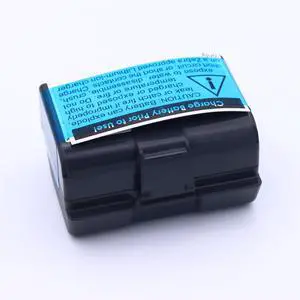
4900mAh Replacement Battery for Zebra ZQ520, ZQ620, QLN320(HC), QLN220(HC), ZQ500, ZQ510, ZQ521, ZR628, ZR638, ZQ610, ZR658, ZR668, ZQ511, ZQ52 Printer Battery
- Model #: HANWB0G1T2Y4F4
- $87.99 –
- Free Shipping
Quick View
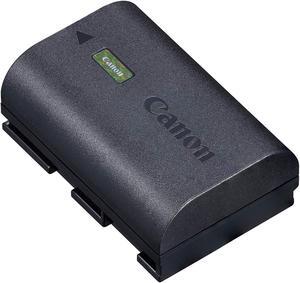
LP-E6NH Lithium-Ion Battery Pack for EOS R5 and EOS R6 4132C002
- Model #: TX#324705252253
- $161.99 –
- Free Shipping
Quick View
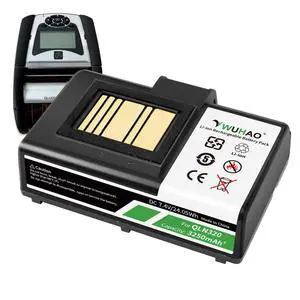
ZQ520 Battery Upgraded for Zebra ZQ620 ZQ510 ZQ520 ZQ521 QLN320 QLN220 QLn220HC ZR628 ZR638 ZR658 ZR668 ZQ610 ZQ500 ZQ510 QLn320HC Printer Battery P1051378 7.4V
Limited time offer, ends 09/29
- Model #: 771120729965
- $57.99
- See price in cart
- Free Shipping
Quick View
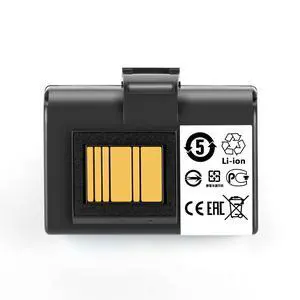
ZQ520 QLN320 Battery for Zebra QLN220 QLn220HC QLN320 QLn320HC ZQ500 ZQ510 ZQ520 ZQ610 ZQ620 ZR628 ZR638 ZR658 ZR668 ZQ521 ZQ511 ZQ52 3400mAh
Limited time offer, ends 09/29
- Model #: 233955307638
- $60.99
- See price in cart
- Free Shipping
Quick View
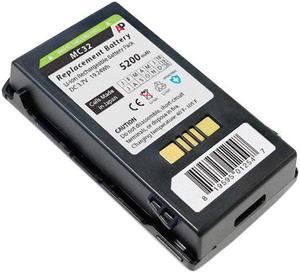
Extended Capacity Replacement Battery for Motorola MC3200 Scanner. 5200 mAh.
- Input Voltage: 3.7
- Color: Black
- Model #: SB-MC32-LE
- $53.70 –
- More options from $53.70
- Free Shipping
Quick View
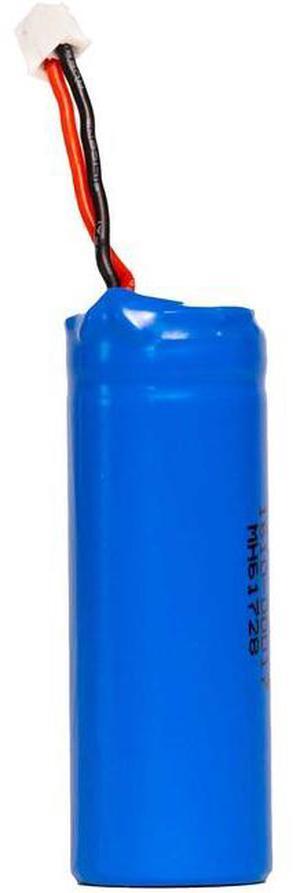
Socket Mobile Lithium ion Battery Compatible with Select Models 5Pk AC42062432
- Weight: 2.0000
- Model #: AC42062432
- $80.03
- Request Price
- Free Shipping
Quick View
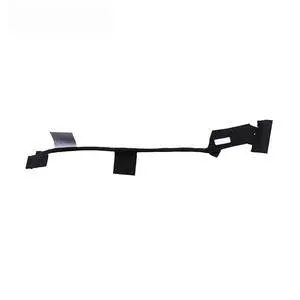
Battery Flex Cable For M15 M17 R3 R4 laptop Battery Cable Connector Line Replace 0302J5 DC02003OV00
- Model #: 739375652506
- $19.99 –
- Free Shipping
Quick View
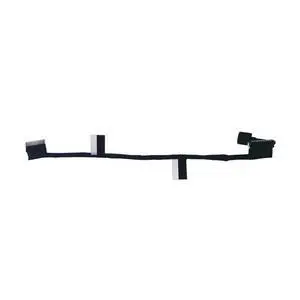
For 5531 E5531 3571 M3571 P3571 Laptop Battery Flex Cable Connector Line Replace 450.0PY02.0001 00CPVV
- Model #: 739375652827
- $19.99 –
- Free Shipping
Quick View
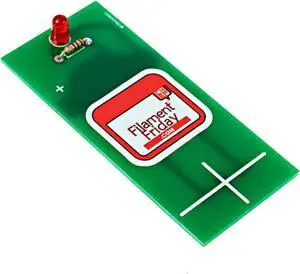
E-Leveler 3D Printer Electronic Bed Leveling Tool
- Model #: EQWER462277177852
- $39.49 –
- Free Shipping
Quick View
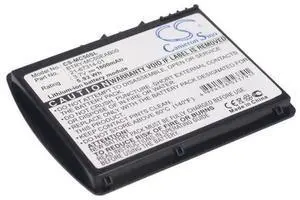
Battery for MC50 MC5040 21-67314-01 BTRY-MC50EAB00 Slim 1600mAh
- Model #: barcod4038
- $23.78 –
- $15.00 Shipping
Quick View
E-Leveler 3D Printer Electronic Bed Leveling Tool
- Model #: 433330051464ComputerzoneGANG
- $39.89 –
- Free Shipping
Quick View
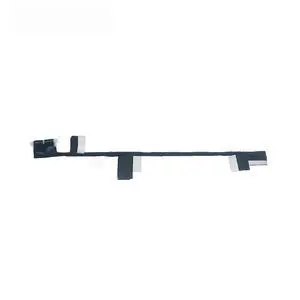
Battery Flex Cable For 5330 5331 E5330 E5331 Laptop Battery Cable Connector Line Replace 450.0PD04.0001 008XDP
- Model #: 739375652780
- $19.99 –
- Free Shipping
Quick View
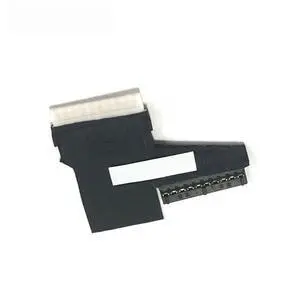
Battery Flex Cable For 17 5765 5767 5766 P32E Laptop Battery Cable Connector Line Replace DC02002MN00 085KJ6
- Model #: 739375653008
- $19.99 –
- Free Shipping
Quick View
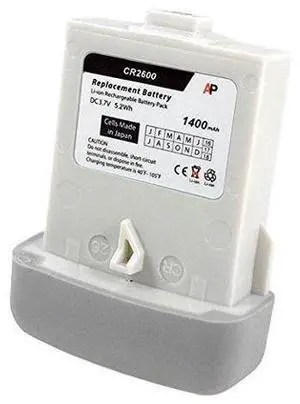
Replacement Battery for the Code Reader CR2600 scanner. 1400 mAh.
- Model #: barcod493
- $53.54 –
- $15.00 Shipping
Quick View
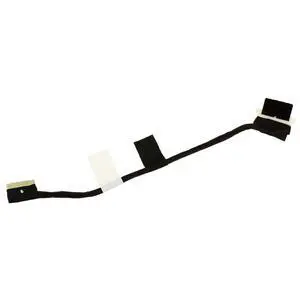
Replace OEM For 11 CC11260 2-in-1 Laptop Battery Flex Cable Connector Line 01FT0X DC02003X700 DC02003TU00
- Model #: 739375652520
- $28.30 –
- Free Shipping
Quick View
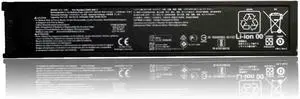
CZ993-60017 Replacement Battery for OfficeJet 200/200C/250/252/252C/258/202/202C/208/250 Mobile Printer 1050mAh 11.1V
- Model #: DARKB0FSRX62YW
- $189.99 –
- Free Shipping
Quick View
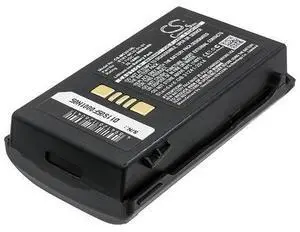
Battery for BTRY-MC32-01-01 MC33-52MA-01 MC32N0 MC3300 6800mAh
- Model #: barcod1011
- $45.73 –
- $15.00 Shipping
Quick View
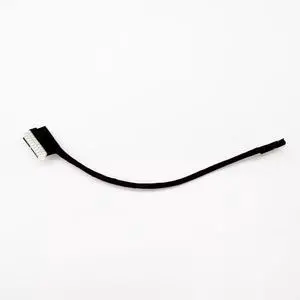
For Pro 14 Plus PB14250 PB14255 Laptop Battery Flex Cable Connector Line Replace 03C35W 0TRHX0 DC02004Q800
- Model #: 739375652278
- $24.98 –
- Free Shipping
Quick View
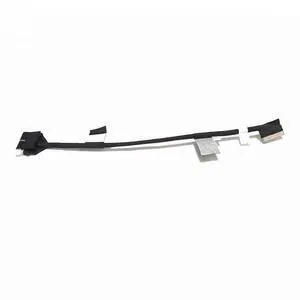
For 5530 E5530 3570 M3570 Laptop Battery Flex Cable Connector Line Replace 0P1RG8 450.0PH0B.0001
- Model #: 739375652049
- $19.99 –
- Free Shipping
Quick View
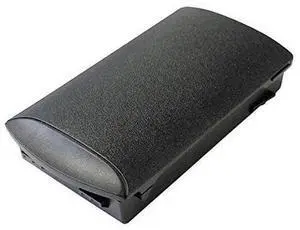
Replacement Battery for MC3200 Scanner Series. 2740 mAh. Japanese cell
- Model #: barcod1875
- $45.74 –
- $15.00 Shipping
Quick View
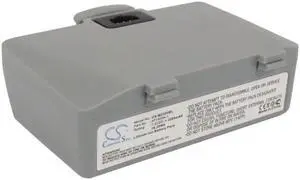
2200mAh AT16004-1 Battery for ZEBRA QL220, QL220+ , QL320, QL320+ Mobile receipt and label Printer
- Model #: SCS-MZ320BL
- $29.39 –
- More options from $29.39 - $33.89
- Free Shipping

Quick View
CODE READER KIT CR7018 IPHONE 7 CASE LIGHT GRAY PALM BATTERY SPARE BATTERY 3FT STRAIGHT USB CABLE
- Model #: barcod6263
- $296.37 –
- $15.00 Shipping
Quick View
E-Leveler 3D Printer Electronic Bed Leveling Tool
- Model #: AIWU444275511128
- $39.55 –
- Free Shipping
Quick View
CZ993-60017 Replacement Battery for OfficeJet 200/200C/250/252/252C/258/202/202C/208/250 Mobile Printer 1050mAh 11.1V
- Model #: HANWB0FSRX62YW
- $192.99 –
- Free Shipping
Quick View
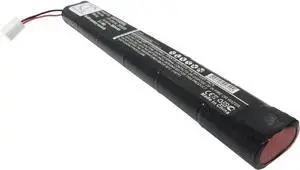
VINTRONS 360mAh Replacement Battery for PENTAX 205526, PT-1501A
- Model #: HANZB017PDCRM8
- $72.99 –
- Free Shipping
Quick View
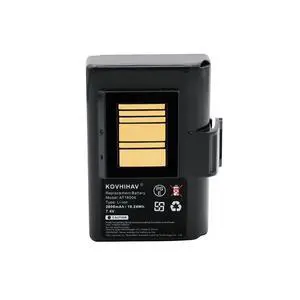
Upgrade Battery for Zebra ZQ520 Qln220 Qln320 Zr638 ZQ500 ZQ510 Printers,fits P1031365-025 P1031365-069 2600mAh
Limited time offer, ends 09/29
- Model #: 559939670582
- $61.99
- See price in cart
- Free Shipping
Quick View
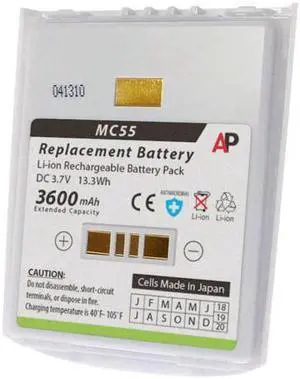
Replacement Battery for MC55, MC55A0-HC. 3600 mAh Extended Capacity (White)
- Model #: barcod1889
- $48.48 –
- $15.00 Shipping
Quick View
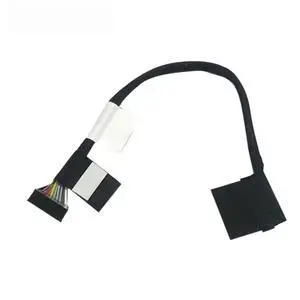
Battery Flex Cable For 15 7506 2-IN-1 Laptop Battery Cable Connector Line Replace 0VRXX4 450.0K303.0001
- Model #: 739375652322
- $21.98 –
- Free Shipping
Quick View
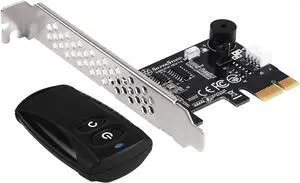
SilverStone Tek 2.4G Wireless Power Remote with Power/Reset Function and Audio Feedback ES02-PCIE
- Model #: TOLKB075ZMPKW6
- $74.99 –
- Free Shipping
Related searches
Choosing the Right Printer for Your Office Needs
When it comes to office solutions, printers and scanners are essential tools for any business. Whether you need to print important documents, scan invoices, or create professional-quality marketing materials, having the right equipment is crucial. In this article, we will explore the different types of printers and scanners available in the market and provide tips on how to choose the best one for your office.
All-in-One Printers: Versatility and Convenience
all-in-one printers, also known as multifunction printers, are a popular choice for offices. These devices combine the functionality of a printer, scanner, copier, and sometimes even a fax machine into a single unit. They offer versatility and convenience, allowing you to perform multiple tasks without the need for separate devices. All-in-one printers are available in both inkjet and laser options, catering to different printing needs and budgets.
Specialized Printers for Specific Tasks
In addition to all-in-one printers, there are specialized printers designed for specific tasks. For example, 3D printers are ideal for creating prototypes or intricate models, while barcode and label printers are perfect for businesses that require efficient inventory management. laser printers are known for their fast printing speeds and high-quality output, making them suitable for offices with high-volume printing needs. inkjet printers, on the other hand, are more cost-effective and can produce vibrant color prints.
Choosing the Right Supplies
Once you have selected the right printer for your office, it is important to choose the right supplies to ensure optimal performance and longevity. When it comes to inkjet printers, using high-quality ink cartridges is essential to achieve the best print quality and prevent clogging. For laser printers, it is important to choose the right type of toner cartridges that are compatible with your printer model. Additionally, investing in high-quality paper can make a significant difference in the final print results.
FAQs: Common Questions about Printers and Scanners
| Q: How often should I replace the ink cartridges? | A: The frequency of replacing ink cartridges depends on your printing volume. However, it is recommended to replace them when the print quality starts to degrade. |
|---|---|
| Q: Can I use third-party ink cartridges with my printer? | A: While it is possible to use third-party ink cartridges, it is important to ensure compatibility with your printer model. Using incompatible cartridges may result in poor print quality or damage to the printer. |
| Q: How do I clean the scanner glass? | A: To clean the scanner glass, use a soft, lint-free cloth slightly dampened with glass cleaner. Gently wipe the glass surface to remove any smudges or debris. |
| Q: What is the difference between optical and interpolated resolution in scanners? | A: Optical resolution refers to the actual hardware resolution of the scanner, while interpolated resolution is achieved through software enhancements. Optical resolution provides more accurate and detailed scans. |
| Q: How can I improve the scanning speed? | A: To improve scanning speed, reduce the scanning resolution, use black and white mode instead of color, and ensure that the scanner is connected to a high-speed USB port. |