
Your Browsing History

Any questions? Our AI beta will help you find out quickly.
Try me now
Quick View
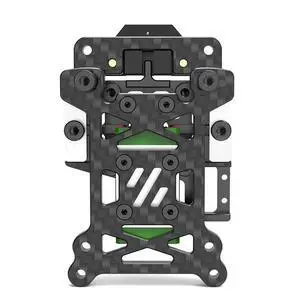
anicorn 3D printer accessories: VORON 2.4/Trident CNC carbon fiber frame, TAP automatic leveling kit
- Model #: WB3EW-0104.25
- $71.92 –
- Free Shipping
Quick View
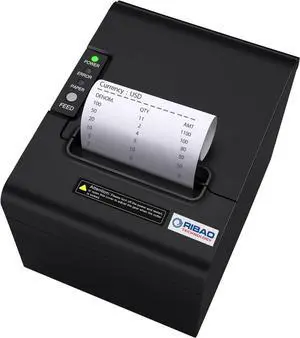
RIBAO Thermal 80mm POS Printer Receipt Printer Connect Cash Registers Cash Drawer, BC-55 BC-40 BCS-160 Mixed Bill Money Counter RS232 Cashbox InterfaceWindows/Mac/Linux
- Model #: DARKB0D9XYV65G
- $180.99 –
- Free Shipping
Quick View
BCZAMD Prusa MK4 I3 MK3 MK52 Gold Double Sided Textured PEI Spring Steel Sheet Powder Coated PEI Build Plate for Prusa i3/quila pro/CR6 SE MK2.5S MK3 MK3S, 253.8 x 241MM
- Model #: R309247663309587
- $51.46 –
- Free Shipping
Quick View
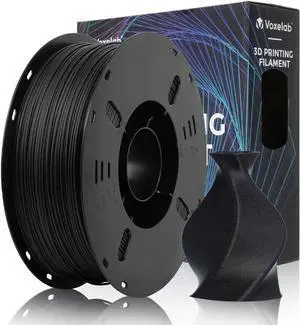
VOXELAB Carbon Fiber PETG 3D Printer Filament, PETG Carbon Fiber Black Filament 1.75mm 1KG (2.2 LBS) 1 Spool, 3D Printing Material, Dimensional Accuracy +/- 0.02 mm, PETG CF Black
- Model #: vfrtR302951377645
- $49.48 –
- Free Shipping
Quick View
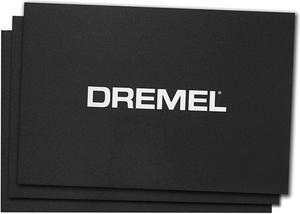
Dremel 3D Printing BT20-01 Build Sheets (Pack of 3)
- Model #: vfrtR302951372770
- $59.24 –
- Free Shipping
Quick View
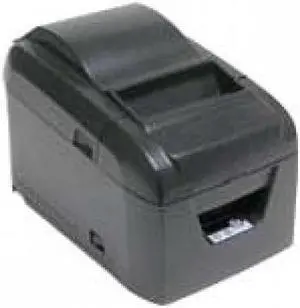
Star Micronics BSC-10 Direct Thermal Printer - Monochrome - Desktop - Receipt Print
- Media Type: Receipt
- Model #: 39465031
- $176.24
- Request Price
- More options from $176.14
- Free Shipping

Quick View
Silk Gold PLA Filament, 1kg 2.2lbs 1.75mm 3D Printing Material, Widely Support for FDM 3D Printer, Pack with Extra Filament Sample by BBLIFE
- Model #: vfrtR302951373074
- $47.26 –
- Free Shipping
Quick View
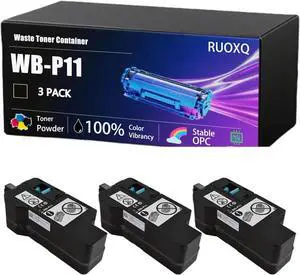
WB-P11 Waste Toner Container Compatible for Konica Minolta bizhub C3120i C3100i Printers, High Yield 7000 Pages, Clear and Sharp, Quick to Adapt (3 Pack Black)
- Model #: BAMB0FRL1P7LN
- $319.99 –
- Free Shipping
Quick View
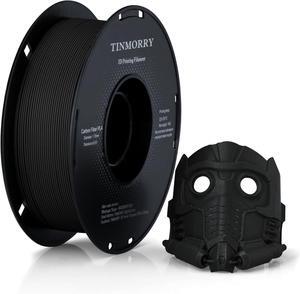
Carbon Fiber PLA Filament 1.75mm, TINMORRY PLA-CF 3D Printing Filament, Highly Compatible with Bambu FDM 3D Printer, 1 KG 1 Spool, Black
- Model #: R254247663309129
- $43.54 –
- Free Shipping
Quick View
BCZAMD Prusa MK4 I3 MK3 MK52 Gold Double Sided Textured PEI Spring Steel Sheet Powder Coated PEI Build Plate for Prusa i3/quila pro/CR6 SE MK2.5S MK3 MK3S, 253.8 x 241MM
- Model #: vfrtR302951376327
- $51.46 –
- Free Shipping
Quick View
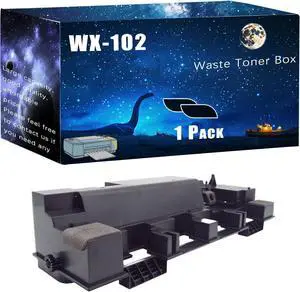
WX-102 Waste Toner Box Compatible for Konica Minolta bizhub 552 652 654 654e bizhub 754 754e 808 Printers, Easy Installation Good Partner at Work (Black)
- Model #: BAMB0DMV9RD43
- $102.99 –
- Free Shipping
Quick View
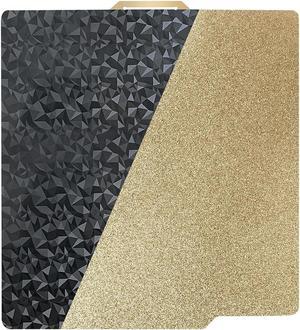
PEO+PEI Build Plate for Bambu Lab X1C/X1/P1P/P1S/P2S/A1, 257x257mm Double Sided PEO+PEI Spring Steel Bed Plate Flexible Textured Print Bed for Bambulab 3D Printers
- Model #: R48247663307408
- $33.64 –
- Free Shipping
Quick View
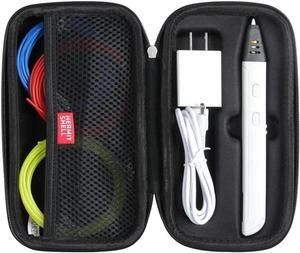
Hermitshell Hard Travel Case for MYNT3D 3D Pen (Only Case)
- Model #: vfrtR302951372398
- $35.62 –
- Free Shipping

Quick View
MC-PRINT2 THERMAL 2IN CUTTER
- Color: Black
- Printer Type: Desktop
- Fonts Included: Font Size: 12 x 24
- Cutter: Auto Cutter: Guillotine (Partial Cut)
- Model #: 39653110
- $317.00
- Request Price
- More options from $316.50 - $362.68
- Free Shipping
Quick View
Carbon Fiber PLA Filament 1.75mm, TINMORRY PLA-CF 3D Printing Filament, Highly Compatible with Bambu FDM 3D Printer, 1 KG 1 Spool, Black
- Model #: vfrtR302951375344
- $43.54 –
- Free Shipping
Quick View
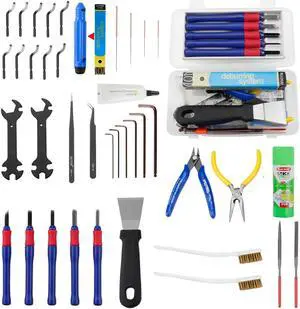
BCZAMD 39Pcs 3D Printer Tools Kit Includes Resin Removal Cleaning Deburring Tool Sanding and Hotend Disassembly Multi-Purpose Tool, 3D Printer Accessories Kit for Trimming and Finishing
- Model #: Fahint365035838289
- $57.40 –
- Free Shipping
Quick View
BCZAMD Prusa MK4 I3 MK3 MK52 Gold Double Sided Textured PEI Spring Steel Sheet Powder Coated PEI Build Plate for Prusa i3/quila pro/CR6 SE MK2.5S MK3 MK3S, 253.8 x 241MM
- Model #: Fahint365035839071
- $51.46 –
- Free Shipping
Quick View
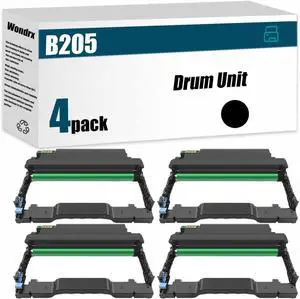
B205 Drum Unit (with chip) Compatible for Xerox B205 B210 B215 Printer, High Yield 10000 Pages, Convenient to Install Eco 101R00664 (BK*4)
- Model #: LEMLB0D18H5WWT
- $792.99 –
- Free Shipping
Quick View
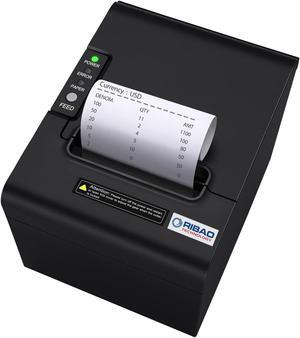
RIBAO Thermal 80mm POS Printer Receipt Printer Connect Cash Registers Cash Drawer, BC-55 BC-40 BCS-160 Mixed Bill Money Counter RS232 Cashbox InterfaceWindows/Mac/Linux
- Model #: 9359014189791
- $152.99 –
- $5.99 Shipping
Quick View
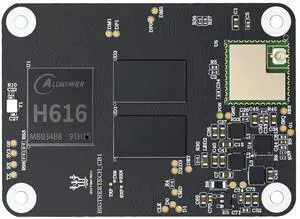
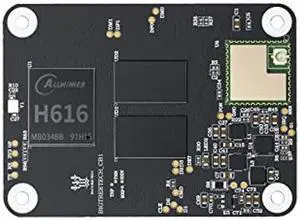
BIGTREETECH CB1 V2.2 Core Control Board 100M 1GB DDR3 RAM Motherboard Support HDMI Klipper/Debian Compatible for Raspberry pi 4 / PI4B Adapter V1.0 Manta M4P/Manta 5P/M8P/E3 EZ 3D Printer Motherboard
Limited time offer, ends 01/18
- Model #: 944529581803
- $58.19 –
- Free Shipping
Quick View
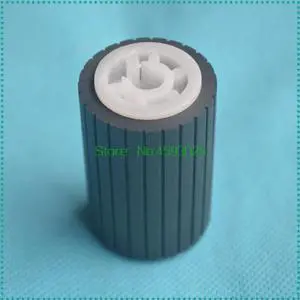
1PCS B039-2740 Pickup Paper Feed Roller for AF 1015 1018 1600 1800 1801 1113 1115SP 2015 2018 MP 1610 2000 2020 2011 2012
- Model #: LXS-DYJ-0074
- $20.12 –
- More options from $19.70
- Free Shipping
Quick View
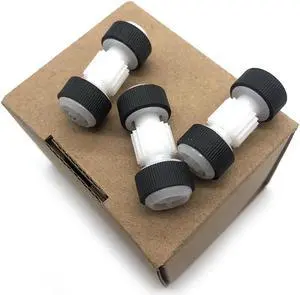
1set Feeder pickup Roller assembly fits For MB2710 MB2320 MB2030 MB2130 MB2120 MB2020 MB2330 MB2720 printer parts
- Product Type: Sheet Feeder
- Model #: LSX-CZL-0023
- $56.00 –
- More options from $55.00
- Free Shipping
Quick View
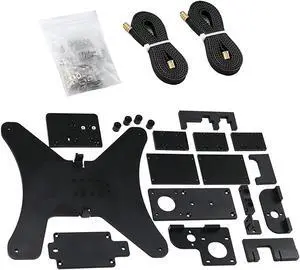
HoCenWay CNC Aluminum BLV Ender 3 V2 Upgrade Kit Y Carriage Plate Belt Screws to 3D Printer, Not Including MGN12H Linear Rails (Ender Without Rails)
- Model #: miqpower9023031625531
- $142.25 –
- More options from $142.24
- Free Shipping
Quick View
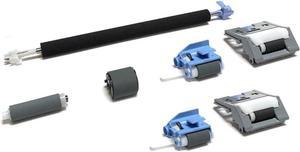
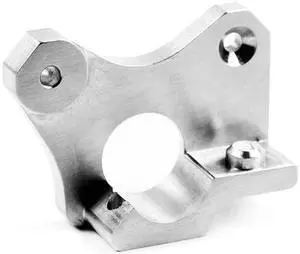
Micro Swiss Wanhao i3 Machined Aluminum Extruder Plate
- Model #: M2569
- $13.00 –
- Free Shipping
Quick View
- $13.00 –
- Free Shipping
Quick View
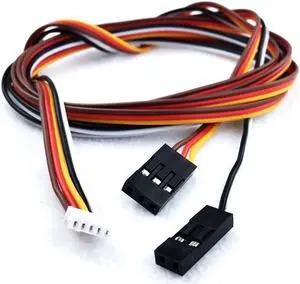
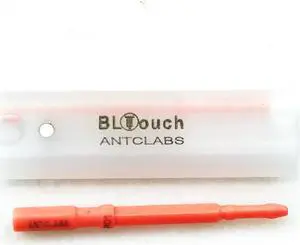
ANTCLABS BLTouch Servo Extension Cable Set (SM-DU-1000)
- Model #: SM-DU-1000
- $10.27 –
- Free Shipping
Quick View
- $14.99 –
- Free Shipping
Quick View
- $34.19 –
Choosing the Right Printer for Your Office Needs
When it comes to office solutions, printers and scanners are essential tools for any business. Whether you need to print important documents, scan invoices, or create professional-quality marketing materials, having the right equipment is crucial. In this article, we will explore the different types of printers and scanners available in the market and provide tips on how to choose the best one for your office.
All-in-One Printers: Versatility and Convenience
all-in-one printers, also known as multifunction printers, are a popular choice for offices. These devices combine the functionality of a printer, scanner, copier, and sometimes even a fax machine into a single unit. They offer versatility and convenience, allowing you to perform multiple tasks without the need for separate devices. All-in-one printers are available in both inkjet and laser options, catering to different printing needs and budgets.
Specialized Printers for Specific Tasks
In addition to all-in-one printers, there are specialized printers designed for specific tasks. For example, 3D printers are ideal for creating prototypes or intricate models, while barcode and label printers are perfect for businesses that require efficient inventory management. laser printers are known for their fast printing speeds and high-quality output, making them suitable for offices with high-volume printing needs. inkjet printers, on the other hand, are more cost-effective and can produce vibrant color prints.
Choosing the Right Supplies
Once you have selected the right printer for your office, it is important to choose the right supplies to ensure optimal performance and longevity. When it comes to inkjet printers, using high-quality ink cartridges is essential to achieve the best print quality and prevent clogging. For laser printers, it is important to choose the right type of toner cartridges that are compatible with your printer model. Additionally, investing in high-quality paper can make a significant difference in the final print results.
FAQs: Common Questions about Printers and Scanners
| Q: How often should I replace the ink cartridges? | A: The frequency of replacing ink cartridges depends on your printing volume. However, it is recommended to replace them when the print quality starts to degrade. |
|---|---|
| Q: Can I use third-party ink cartridges with my printer? | A: While it is possible to use third-party ink cartridges, it is important to ensure compatibility with your printer model. Using incompatible cartridges may result in poor print quality or damage to the printer. |
| Q: How do I clean the scanner glass? | A: To clean the scanner glass, use a soft, lint-free cloth slightly dampened with glass cleaner. Gently wipe the glass surface to remove any smudges or debris. |
| Q: What is the difference between optical and interpolated resolution in scanners? | A: Optical resolution refers to the actual hardware resolution of the scanner, while interpolated resolution is achieved through software enhancements. Optical resolution provides more accurate and detailed scans. |
| Q: How can I improve the scanning speed? | A: To improve scanning speed, reduce the scanning resolution, use black and white mode instead of color, and ensure that the scanner is connected to a high-speed USB port. |