

Your Browsing History
- In Stock
- Sold by Newegg
- Make an Offer
- New

Any questions? Our AI mode will help you find out quickly.
Try me now
Quick View
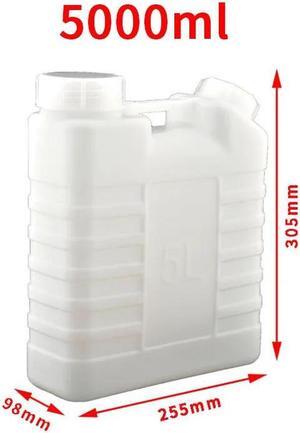
1 PC different Volume Corrosion resistant White UV Eco solven empty ink box ink tank ink kettle for eco solvent and UV printer(5000ML White)
- Product Type: Replacement Parts
- Model #: Dyjmh-231221-469
- $103.49 –
- Free Shipping
Quick View
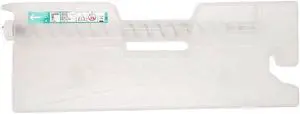
TN619 Waste Toner Box Compatible with Press C1060, C1070, C1070P, C71hc, C2060, C2060L
- Model #: ENGEB0GMXZTC12
- $413.99 –
- Free Shipping
Quick View
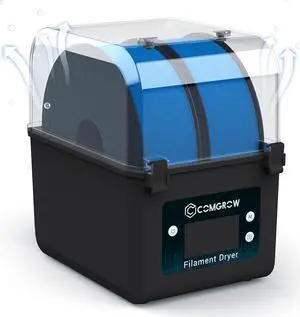
Comgrow Filament Dryer, Upgraded Filament Dry Box, Large-Capacity 3D Filament Dehydrator for 2KG Filament, Compatible with 1.75mm, 2.85mm Filament and PLA PETG TPU ABS Material
- Model #: vfrtR302951374934
- $98.98 –
- Free Shipping
Quick View
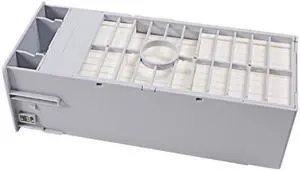
Compatible Maintenance Tank Box T69970 Replacement for Epson SureColor P6000 P7000 P8000 P9000
- Model #: P6000 tanka
- $22.99 –
- Free Shipping
Quick View
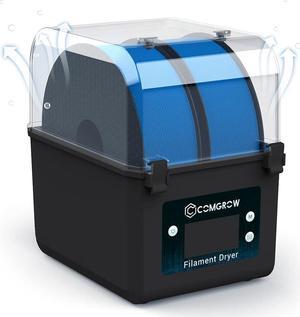
Comgrow Filament Dryer, Upgraded Filament Dry Box, Large-Capacity 3D Filament Dehydrator for 2KG Filament, Compatible with 1.75mm, 2.85mm Filament and PLA PETG TPU ABS Material
- Model #: C0A7465010403836
- $81.88 –
- Free Shipping
Quick View
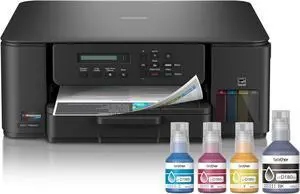
Brother INKvestment Tank 580 Wireless Color Inkjet All-in-One Printer | Includes up to 3 Years of Ink in-Box(1) and 3-Year Limited Warranty(2) (MFC-T580DW)
- Model #: ENGEB0FGBNCR52
- $450.99 –
- Free Shipping
Quick View
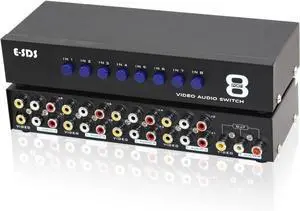
E-SDS 8-Way RCA Switch AV Switcher 8 in 1 Out Composite Video L/R Audio Selector Box for DVD STB Game Consoles
- Model #: STARWELL426253762074Lan
- $45.98 –
- Free Shipping
Quick View
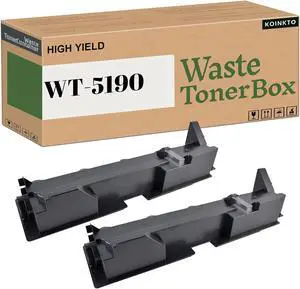
WT5190 Waste Toner Container Box Compatible Replacement for Kyocera WT-5190 1902R60UN0 for TASKalfa 358ci 307ci 308ci 306ci 356ci Printer (2-Pack)
- Model #: DARJB0CV5HCQDL
- $137.99 –
- Free Shipping
Quick View
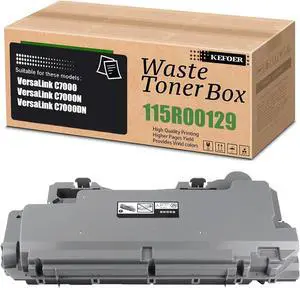
C7000 Waste Toner Container Box Replacement Compatible for Xerox 115R00129 Work with VersaLink C7000 C7000N C7000DN Printer (1-Pack)
- Model #: DARJB0CST14NVC
- $104.99 –
- Free Shipping
Quick View
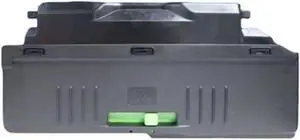
Waste Powder Box Compatible with MX2640 MX3140 MX3640 MX3111 MX3116N MX2614 MX3160 MX3115 MX3110NC MX2310 MX3114 MX3614 MX3160
- Model #: ENGEB0GDTVTP1B
- $402.99 –
- Free Shipping
Quick View
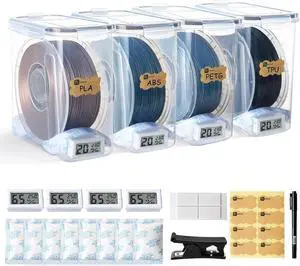
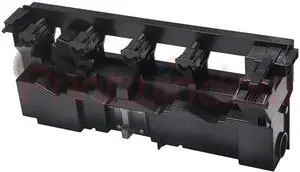
Waste Toner Box Compatible with Printer Supplies C220 C280 C360 C7722 C7728 A162-WY1 for Part Number WX-101
- Model #: DARUB0G47HGFSH
- $119.99 –
- Free Shipping
Quick View
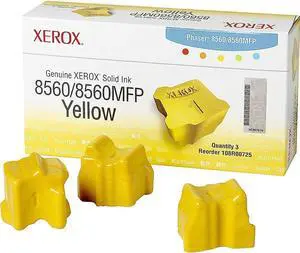
Xerox 108R00725 Solid Ink Phaser 8560/8560MFP, Yellow (3 Sticks) Sealed Xerox Box
- Model #: FB000KVU9FU
- $136.49 –
- Free Shipping
Quick View
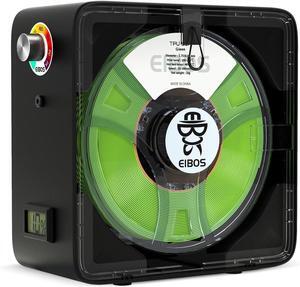
EIBOS Official 3D Printer Filament Dryer Easdry Box with Fan, Adjustable Temperature, Humidity Control & Spool Holder, Compatible with 1.75mm 2.85mm 3.00mm Nylon, PLA, ABS
- Model #: vfrtR302951373036
- $98.98 –
- Free Shipping
Quick View
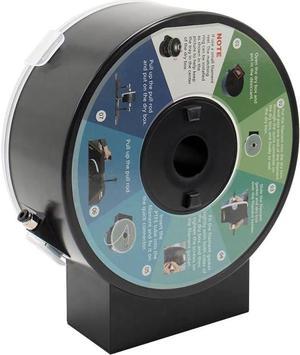
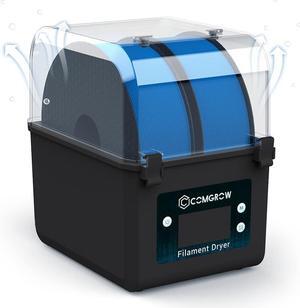
Comgrow Filament Dryer, Upgraded Filament Dry Box, Large-Capacity 3D Filament Dehydrator for 2KG Filament, Compatible with 1.75mm, 2.85mm and PLA PETG TPU ABS Material
- Model #: SOYE517526153740WEI
- $84.48 –
- Free Shipping
Quick View
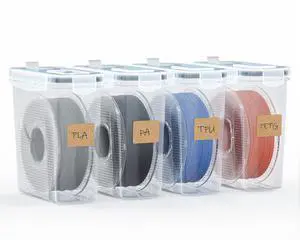
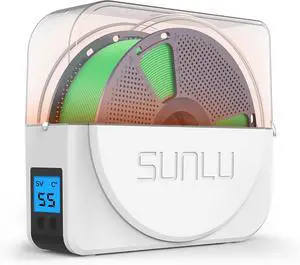
SUNLU Official Filament Dryer S1 Plus, Built-in Circulation Fan, 3D Printer Filament Drying Box and Storage Box fo PLA PETG ABS Filament 1.75 2.85 3.00mm, S1 Plus White
- Model #: C0A919465010412951
- $62.97 –
- Free Shipping
Quick View
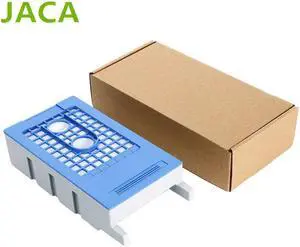
T3280 Waste Ink Tank F6080 F6000 Maintenance Box Ink Tank forepson-T3000 T5000 T7000 T3200 T5200 T7200 T5280 Waste Ink Tank
- Product Type: Replacement Parts
- Model #: Dyjmh-231221-089
- $117.49 –
- Free Shipping
Quick View
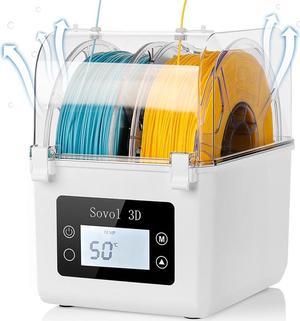
Sovol Filament Dryer 2025, SH01 Filament Dehydrator 3D Printer Spool Holder with Upgraded Fan, Dry Box for Keeping Filament Dry, Compatible with 1.75mm, 2.85mm PLA PETG TPU ABS
- Model #: C0A342465010407186
- $77.79 –
- Free Shipping
Quick View
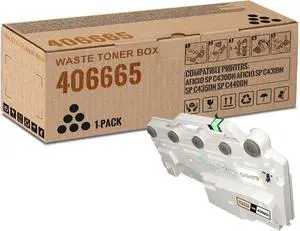
1 Pack 406665 Black Waste Toner Box | Replacement for Ricoh 406665 Work with Aficio SP C430DN Aficio SP C431DN SP C435DN SP C440DN | 406665
- Model #: DARJB0DC3QCKWG
- $137.99 –
- Free Shipping
Quick View
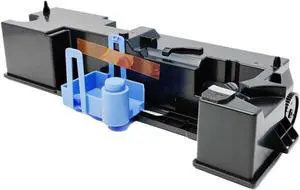
Waste Toner Box A7XWWY2 A7XW0Y1 Compatible with 227 287 367 7536 7528
- Model #: DARUB0G4FW7LLW
- $117.99 –
- Free Shipping
Quick View
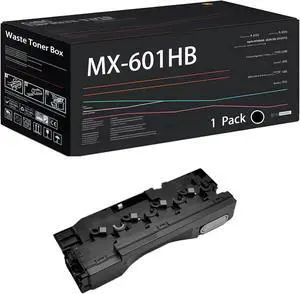
Compatible with Sharp MX-601HB Waste Toner Box Work for Sharp MX-4070V MX-4071 MX-5050N Printers, with Chip, High Yield 60000 Pages, High-Definition Printing (1 Pack Black)
- Model #: CHIXB0G3TVLS7V
- $178.99 –
- Free Shipping
Quick View
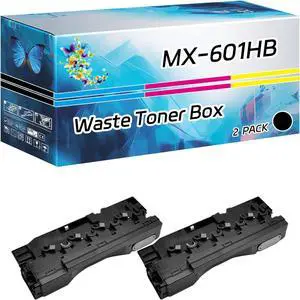
MX-601HB Waste Toner Box Compatible for Sharp MX-5070V MX-5071 MX-6050N Printers, High Yield 60000 Pages, with Chip High-Definition Printing (2-Pack Black)
- Model #: ENGEB0FCSJGDR4
- $338.99 –
- Free Shipping
Quick View
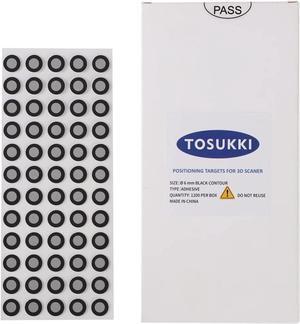
6mm Positioning Targets with Black Contour for 3D Scaner,3D scanning Markers/Dots/StickersReference Point Markers/Reflection Markers/for 3D Scaning and Optical Tracking1200 Per Box
- Model #: C0A377465010407537
- $40.93 –
- Free Shipping
Quick View
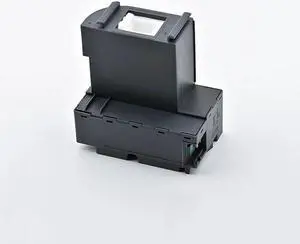
T04D100 T04D1 C13T04D100 EcoTank Ink Maintenance Box Waste Ink Tank Forepson-L6160 L6161 L6170 L6171 L6178 L6190 L6191 L6198
- Product Type: Replacement Parts
- Model #: Dyjmh-231221-015
- $70.49 –
- Free Shipping
Quick View
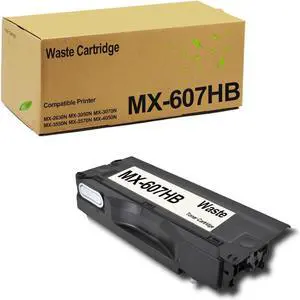
MX607HB MX-607HB Waste Toner Box Compatible for Sharp MX-2630N MX-3050N MX-3070N MX-3550N MX-3570N MX-4050N MX-4070N MX-5050N MX-5070N MX-6050N MX-6070N (1-Pack)
- Model #: CHIXB0D6YK9M3K
- $126.99 –
- Free Shipping
Quick View
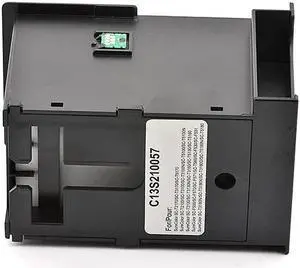
C13S210057 Maintenance Ink Tank S2100 Ink Maintenance Box Forepson-SureColor T2100 T3100 T5100 T2170 T3170 T5170 F570 T3160
- Product Type: Replacement Parts
- Model #: Dyjmh-231221-421
- $66.49 –
- Free Shipping
Quick View
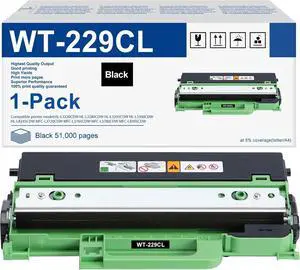
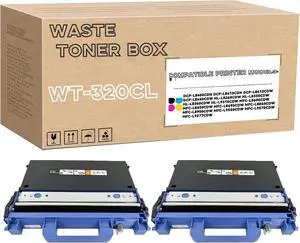
WT-320CL Waste Toner Box Compatible for Brother DCP-L8400CDN DCP-L8410CDN HL-L8260CDW HL-L9310CDW MFC-L8600CDW MFC-L8850CDW MFC-L8900CDW Printer 2Pack
- Model #: DARJB0FM7FYC6V
- $216.99 –
- Free Shipping

Quick View
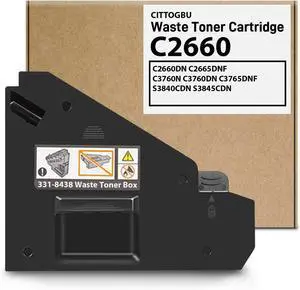
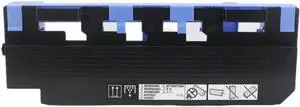
Waste Toner Box 1PCS WX102 Compatible with 552 652 654 C654e 754 C754e 808
- Model #: DARUB0G5NQPGPK
- $184.99 –
- Free Shipping
Quick View
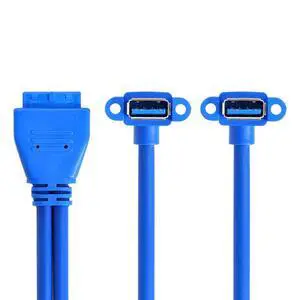
Vszerda Up Angled USB 3.0 A Type Dual Female to Motherboard 20Pin 19 Pin Box Header Slot Panel Mount Cable (Blue 20P Up Angled 50cm)
Limited time offer, ends 08/29
- Cable Length: centimeters
- Brand: xiwai
- Type: USB
- Connector Type: USB
- Model #: U3-063D
- $19.99 –
- Free Shipping
Choosing the Right Printer for Your Office Needs
When it comes to office solutions, printers and scanners are essential tools for any business. Whether you need to print important documents, scan invoices, or create professional-quality marketing materials, having the right equipment is crucial. In this article, we will explore the different types of printers and scanners available in the market and provide tips on how to choose the best one for your office.
All-in-One Printers: Versatility and Convenience
all-in-one printers, also known as multifunction printers, are a popular choice for offices. These devices combine the functionality of a printer, scanner, copier, and sometimes even a fax machine into a single unit. They offer versatility and convenience, allowing you to perform multiple tasks without the need for separate devices. All-in-one printers are available in both inkjet and laser options, catering to different printing needs and budgets.
Specialized Printers for Specific Tasks
In addition to all-in-one printers, there are specialized printers designed for specific tasks. For example, 3D printers are ideal for creating prototypes or intricate models, while barcode and label printers are perfect for businesses that require efficient inventory management. laser printers are known for their fast printing speeds and high-quality output, making them suitable for offices with high-volume printing needs. inkjet printers, on the other hand, are more cost-effective and can produce vibrant color prints.
Choosing the Right Supplies
Once you have selected the right printer for your office, it is important to choose the right supplies to ensure optimal performance and longevity. When it comes to inkjet printers, using high-quality ink cartridges is essential to achieve the best print quality and prevent clogging. For laser printers, it is important to choose the right type of toner cartridges that are compatible with your printer model. Additionally, investing in high-quality paper can make a significant difference in the final print results.
FAQs: Common Questions about Printers and Scanners
| Q: How often should I replace the ink cartridges? | A: The frequency of replacing ink cartridges depends on your printing volume. However, it is recommended to replace them when the print quality starts to degrade. |
|---|---|
| Q: Can I use third-party ink cartridges with my printer? | A: While it is possible to use third-party ink cartridges, it is important to ensure compatibility with your printer model. Using incompatible cartridges may result in poor print quality or damage to the printer. |
| Q: How do I clean the scanner glass? | A: To clean the scanner glass, use a soft, lint-free cloth slightly dampened with glass cleaner. Gently wipe the glass surface to remove any smudges or debris. |
| Q: What is the difference between optical and interpolated resolution in scanners? | A: Optical resolution refers to the actual hardware resolution of the scanner, while interpolated resolution is achieved through software enhancements. Optical resolution provides more accurate and detailed scans. |
| Q: How can I improve the scanning speed? | A: To improve scanning speed, reduce the scanning resolution, use black and white mode instead of color, and ensure that the scanner is connected to a high-speed USB port. |