
Your Browsing History
- In Stock
- Sold by Newegg
- Make an Offer
- New
Quick View
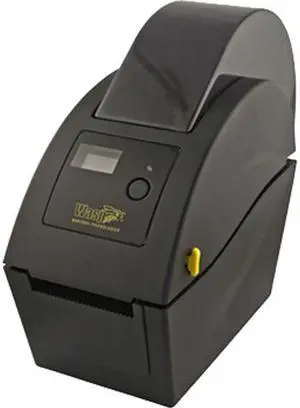
Wasp 633808403911 WHC25 Desktop Wristband Printer, Internal Ethernet, USB 2.0
- Printer Type: Desktop
- Memory: Standard memory: 8 MB SDRAM, 4 MB Flash Memory expansion: MicroSD memory expansion slot for use with Flash memory up to 4 GB
- Fonts Included: Resident fonts: 8 alpha-numeric bitmap fonts, 1 Monotype Image CG Triumvirate Bold Condensed scalable font Font rotation: 0°, 90°, 180°, 270°
- Barcode Type: 1D Barcodes: Code 39, Code 93, Code 128 UCC, Code 128 subsets A.B.C, Codabar, Interleave 2 of 5, EAN-8, EAN-13, EAN-128, UPC-A, UPC-E, EAN and UPC 2 (5) digits add-on, MSI, PLESSEY, POSTNET, China POST, GS1 DataBar, Code11 2D Barcodes: PDF-417, Maxicode, DataMatrix, QR code, Aztec
- Model #: 633808403911
- $501.01 –
- More options from $501.01 - $527.00
Quick View
Theramark L-WB-29330-CASE 1.545" X 13.25" Adult Ink Jet Wristbands
- Product Sort: Printer Accessories
- Product Type: Wristbands
- Specifications: Color: White
- Model #: L-WB-29330-CASE
- $93.99 –
- $2.99 Shipping
Quick View
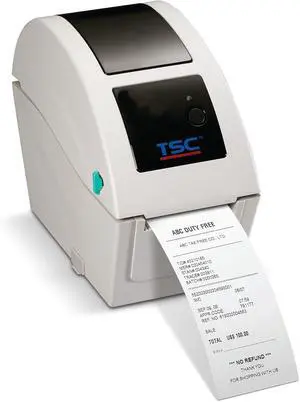
TDP-225W Barcode Label Printer, Direct Thermal, 203 dpi, USB/Ethernet/USB Host, Wristband Printer, 2.05 Print Width, 99-039A002-1301
- Model #: DARJB0FHX1227C
- $504.99 –
- Free Shipping
Quick View
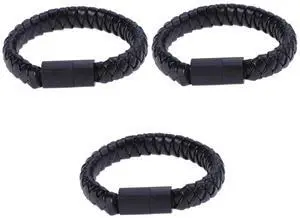
FONDOTIN USB-C Charging Cable Bracelet 3-Pack Braided Wristband Style Fast Data Transfer Portable Type C Charger Cord for Phones Tablets
- Model #: 668706891492
- $58.99 –
- $5.99 Shipping
Quick View
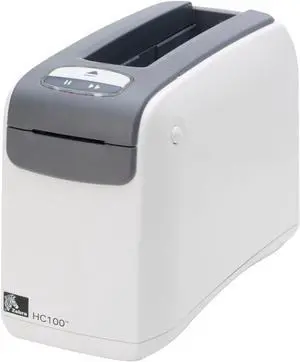
Ze bra HC100 Thermal Wristband Wireless Monochrome Printer 300dpi Serial USB Ethernet HC100-3001-1100
- Model #: 6YG3-6MJU770
- $229.70 –
- More options from $229.70
- Free Shipping
Quick View
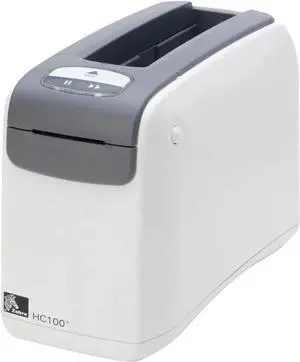
Ze bra HC100 Thermal Wristband Wireless Monochrome Printer 300dpi Serial USB Ethernet HC100-3001-1100
- Model #: LE-5367
- $226.99 –
- More options from $226.99 - $228.00
- Free Shipping
Quick View
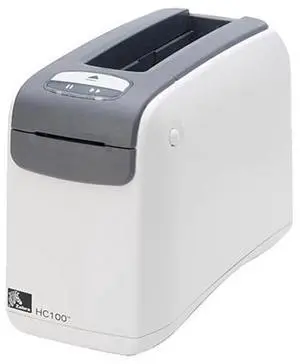
Ze bra HC100-3001-1100 HC100 Health Care Wristband Printer
- Model #: HC100-3001-1100
- $398.29 –
- More options from $398.29
- Free Shipping
Quick View
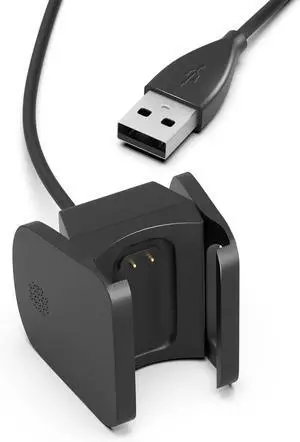
Charger for Fitbit Charge 4 Replacement USB Charging Cable Cord for Fitbit Charge 4 Heart Rate Fitness Wristband 3.3Ft/1M
- Model #: ZZ-1192
- $13.95 –
- Free Shipping
Quick View
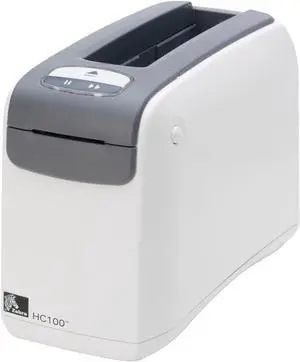
Refurbished Ze bra HC100 Thermal Wristband Wireless Monochrome Printer 300dpi Serial USB Ethernet HC100-3001-1100
- Model #: 6YG3-6MJU770
- $215.00 –
- Free Shipping
Quick View
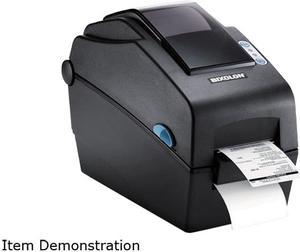
Bixolon SLP-DX220EG 2” Desktop Direct Thermal Barcode/Label/Wristband Printer, 203 dpi, Serial, Ethernet, SLCS, BPL-Z, BPL-E - Black
- Model #: SLP-DX220EG
- $359.00
- $282.99 –
- Save: $76.01 (21%)
- $5.99 Shipping
Quick View
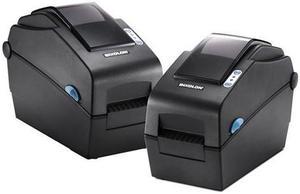
Bixolon SLP-DX220G 2” Desktop Direct Thermal Barcode/Label/Wristband Printer, 203 dpi, Serial, USB, SLCS, BPL-Z, BPL-E - Black
- Printer Type: Desktop
- Interface: Serial / USB
- Model #: SLP-DX220G
- $299.00
- $235.99 –
- Save: $63.01 (21%)
- Free Shipping
Quick View
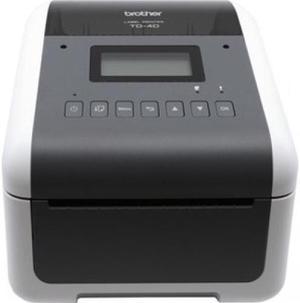
Brother TD-4550DNWB 4.3” Desktop Wireless Network Direct Thermal Label, Tag, Wristband, and Receipt Printer, 300 dpi, USB, Serial, Ethernet LAN, Wi-Fi WLAN, Bluetooth BLE, MFi, Tear Up, Peeler, Cutter
- Printer Type: Desktop
- Memory: 64MB Flash
- Cutter: Cutter
- Interface: Bluetooth / Ethernet / Serial / USB / WiFi
- Model #: TD4550DNWB
- $428.64 –
- More options from $426.00 - $671.52
- Free Shipping
Quick View
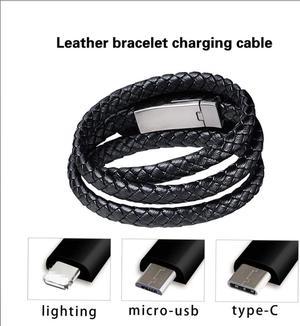
Bracelet Charging Cable Is Suitable for IPhone 11 Xr IOS Type C Micro Cable Fast Charging Cable for
Limited time offer, ends 02/04
- Connector Type: Micro USB to USB A
- Model #: 1-TypeC-Cable0738
- $26.99 –
- More options from $26.99
- Free Shipping
Quick View
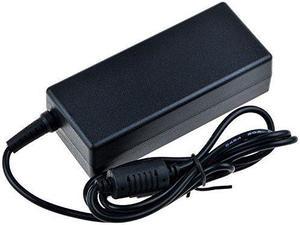
SLLEA AC/DC Adapter for Zebra HC100 Z-Band Direct Wristband Thermal Label Barcode Printer HC-100-3001-0000 Power Supply Cord Cable Charger Mains PSU
- Model #: SLLEA_1431
- $54.99 –
- Free Shipping
Quick View
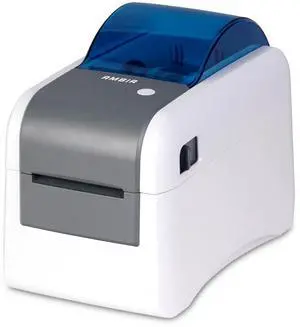
AMBIR LP230 2" Direct Thermal Wristband and Label Printer for Healthcare
- Model #: 994255003735
- $429.99 –
- Free Shipping
Quick View
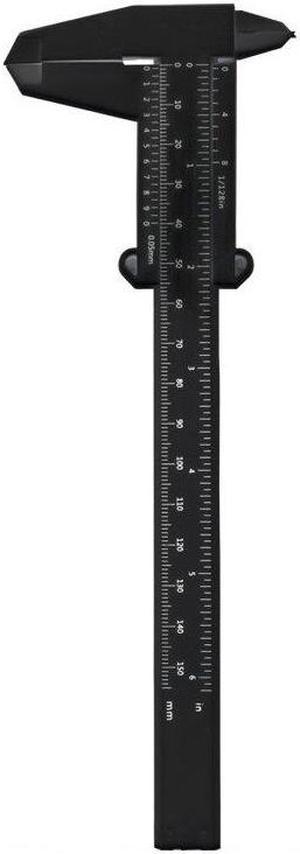
Plastic Vernier Caliper Household Mini Bracelet Jade Jewelry Measuring Ruler Tool for 3D Printing
- Model #: HT-ID-3239-1864716
- $27.23 –
- Free Shipping
Quick View
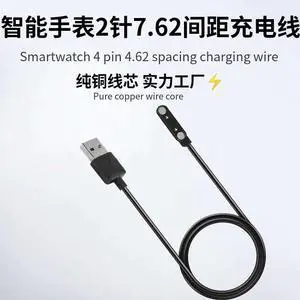
2-pin 2pin 7.62mm Smart Watch Cable Wristbands Magnet Charging Line Cable 2 pin Magnetic Suction Charge Emergency Backup Charger
Limited time offer, ends 02/05
- Connector Type: Micro USB to USB A
- Model #: 1-PowerCable1512
- $14.99 –
- Free Shipping
Quick View
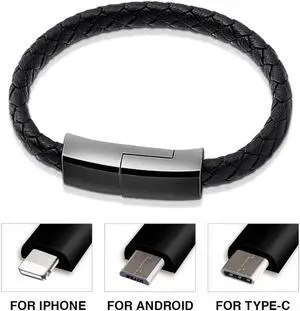
bracelet USB C micro USB charger cable phone fast charging cable for iPhone 11 Pro Max X XR XS iPad plus S8
Limited time offer, ends 02/04
- Connector Type: Micro USB to USB A
- Model #: DF-TypeC-Cable0806
- $26.61 –
- More options from $26.61 - $27.62
- Free Shipping
Quick View
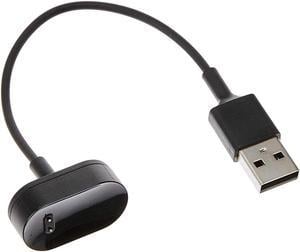
FB169RCC USB Charging Cable Cord Replacement Compatible with Fitbit Inspire, Fitbit Inspire HR and Ace 2 Activity Tracker and Fitness Watch
- Connector Type: USB A to Device Specific
- Model #: FB169RCC
- $6.95 –
- Free Shipping
Quick View
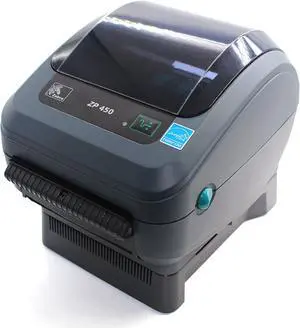
Zebra ZP450 Direct Thermal Label ZP 450 Barcode Printer | USB, Serial, and Parallel Connectivity 203 DPI Resolution, Made for UPS WorldShip
- Model #: DARJB0DHLCCDF1
- $891.99 –
- Free Shipping
Quick View
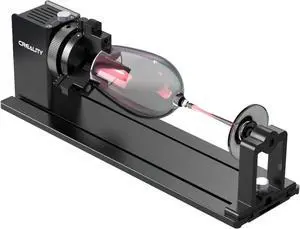
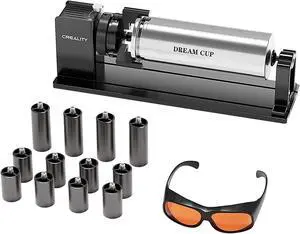
Creality Falcon Rotary Roller, Engravering Accessories 3-in-1 Kit for Creality Falcon A1 Laser Engraver
Limited time offer, ends 02/05
- Model #: C43K-0108-37
- $397.99 –
- Free Shipping
Quick View
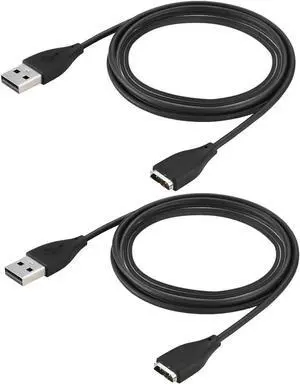
for Fitbit Surge Charger Replacement USB Charger Charging Cable for Fitbit Surge Fitness Superwatch (2-Pack 3.3ft Black)
- Model #: EC-2885
- $18.99 –
- Free Shipping
Quick View
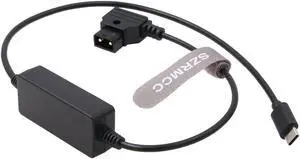
SZRMCC Mobile Phone Pad Tablet Mac-Book Device USB C Type-C to D-tap PD Quick Charging Power Cable for V Mount Gold-Mount Battery PowerTap (Straight USB C)
- Model #: 9359014244971
- $84.99 –
- $5.99 Shipping
Quick View
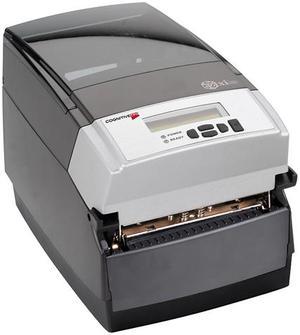
CognitiveTPG CXT4-1000 C Series Thermal Label Printer
- Printer Type: Industrial
- Memory: RAM - 16 MB, Flash - 8 MB
- Fonts Included: Bitmapped: 7 styles with up to 10x10 magnification, variable boldness and spacing International: Sans serif font in 7 pt. sizes, up to 4 x 4 magnification, variable boldness and spacing Scalable Smooth Fonts: 3 Ultra Font styles for smooth characters in any size and boldness Rotations: 0, 90, 180, 270 degrees
- Barcode Type: Add2, Add5, Codabar, Code39, Code93, Code 128A/B/C, D2of5, I2of5, S20f5, EAN8, EAN13, EAN128, MSI/I1, Plessey, Postnet, UPCA/A+/E/E1
- Model #: CXT4-1000
- $666.59 –
- More options from $647.99 - $739.80
- Free Shipping
Quick View
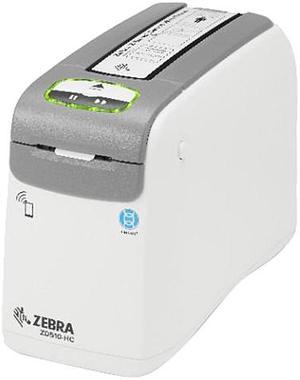
Zebra ZD510-HC Wristband Printer for Healthcare, USB Host, Ethernet (10/100), 802.11, Bluetooth, NALA Power Cord, Not For Latam
- ZD51013-D01B01FZ
OUT OF STOCK
- Printer Type: Desktop
- Fonts Included: 16 resident expandable bitmap fonts Resident scalable fonts
- Barcode Type: 1D Bar Codes: Code 11, Code 39, Code 93, Code 128, ISBT128, UPC-A, UPC-E, EAN -8, EAN -13, EAN -14, UPC-A and UPC-E with EAN 2-or 5-digit extensions, Plessey, Postnet, Standard 2-of-5, Industrial 2-of-5, Interleaved 2-of-5, Logmars, MSI, Codabar and GS1 DataBar (formerly RSS) 2D Bar Codes: PDF417, MicroPDF-417, Code 49, DataMatrix, MaxiCode, Codablock, QR Code, Aztec and Data Matrix
- Cutter: Yes
- Model #: ZD51013-D01B01FZ
- $850.00
- More options from $634.32 - $1,141.99
- $11.18 Shipping
Quick View
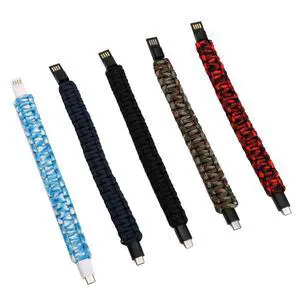
Srliya 5Pcs Type-C USB Charging Cable Bracelet, Portable Woven Data Cable Wristband for Phones, Power Banks, Computers
OUT OF STOCK
- Model #: 592395313204
- $46.99 –
- $5.99 Shipping
Quick View
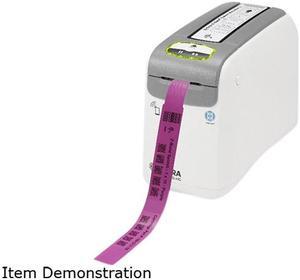
Zebra ZD510 Direct Thermal Wristband Printer, Cartridge Line, 300 dpi, USB, USB Host, Ethernet, Bluetooth LE, ZPL II, XML - ZD51013-D01E00FZ
OUT OF STOCK
- Printer Type: Desktop
- Fonts Included: Character fonts: Standard bitmapped Zebra fonts: A, B, C, D, E (OCR-B), F, G, H (OCR-A), GS, P, Q, R, S, T, U, V & Ø Smooth font (CG Triumvirate™ Bold Condensed) Supports user-defined fonts and graphics — including custom logos Bitmap fonts are expandable up to 10 times, height- and width-independent. Fonts E and H (OCR-B and OCR-A), however, are not considered in spec when expanded Smooth-scalable font Ø (CG Triumvirate Bold Condensed) is expandable dotby-dot, height-and width-independent, while maintaining edges to a max. 1500 x 1500 dots
- Barcode Type: Linear Barcodes Codabar, Code 11, Code 39, Code 93, Code 128, EAN-8, EAN-13, EAN-14, GS1 DataBar™ (formerly RSS), Industrial 2-of-5, Interleaved 2-of-5, Logmars, MSI, Plessey, Postnet, Standard 2-of-5, UPC-A, UPC-E, UPC-A and UPC-E with EAN 2 or 5 digit extension...
- Model #: ZD51013-D01E00FZ
- $622.45
- Free Shipping
Quick View
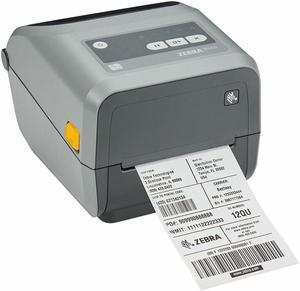
Zebra ZD4A042-D01M00EZ Direct Thermal Label Printer
OUT OF STOCK
- Printer Type: Desktop
- Memory: 256MB Flash
- Media Type: Label Receipt Reflective Roll Fed Tag Stock Wristband Black Mark Continuous Label Continuous Receipt Die-cut Label Fanfold Gap
- Dimensions: 5.90" x 7.00" x 8.70"
- Model #: ZD4A042-D01M00EZ
- $450.55 –
- More options from $449.29 - $461.23
- Free Shipping
Quick View
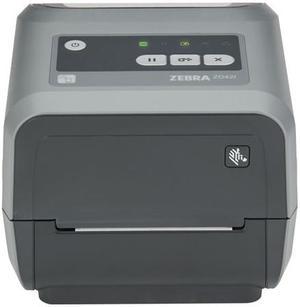
Zebra ZD421c ZD4A043-C01W01EZ Thermal Transfer Printer 4.02 in/s Mono 300 dpi Desktop Label/Receipt Printer - Monochrome - USB - Bluetooth - NFC - US - Real Time Clock
OUT OF STOCK
- Printer Type: Desktop
- Media Type: Fanfold Continuous Label Black Mark Wristband Tag Stock Roll Fed Receipt Label Gap Continuous Paper Die-cut Label
- Media sizes supported: Maximum Label Width: 4.65" Maximum Label Length: 39.02"
- Print Size: Maximum Print Width: 4.09"
- Model #: ZD4A043-C01W01EZ
- $751.99 –
- Free Shipping
Related searches

Any questions? Our AI beta will help you find out quickly.
Try me now
Choosing the Right Printer for Your Office Needs
When it comes to office solutions, printers and scanners are essential tools for any business. Whether you need to print important documents, scan invoices, or create professional-quality marketing materials, having the right equipment is crucial. In this article, we will explore the different types of printers and scanners available in the market and provide tips on how to choose the best one for your office.
All-in-One Printers: Versatility and Convenience
all-in-one printers, also known as multifunction printers, are a popular choice for offices. These devices combine the functionality of a printer, scanner, copier, and sometimes even a fax machine into a single unit. They offer versatility and convenience, allowing you to perform multiple tasks without the need for separate devices. All-in-one printers are available in both inkjet and laser options, catering to different printing needs and budgets.
Specialized Printers for Specific Tasks
In addition to all-in-one printers, there are specialized printers designed for specific tasks. For example, 3D printers are ideal for creating prototypes or intricate models, while barcode and label printers are perfect for businesses that require efficient inventory management. laser printers are known for their fast printing speeds and high-quality output, making them suitable for offices with high-volume printing needs. inkjet printers, on the other hand, are more cost-effective and can produce vibrant color prints.
Choosing the Right Supplies
Once you have selected the right printer for your office, it is important to choose the right supplies to ensure optimal performance and longevity. When it comes to inkjet printers, using high-quality ink cartridges is essential to achieve the best print quality and prevent clogging. For laser printers, it is important to choose the right type of toner cartridges that are compatible with your printer model. Additionally, investing in high-quality paper can make a significant difference in the final print results.
FAQs: Common Questions about Printers and Scanners
| Q: How often should I replace the ink cartridges? | A: The frequency of replacing ink cartridges depends on your printing volume. However, it is recommended to replace them when the print quality starts to degrade. |
|---|---|
| Q: Can I use third-party ink cartridges with my printer? | A: While it is possible to use third-party ink cartridges, it is important to ensure compatibility with your printer model. Using incompatible cartridges may result in poor print quality or damage to the printer. |
| Q: How do I clean the scanner glass? | A: To clean the scanner glass, use a soft, lint-free cloth slightly dampened with glass cleaner. Gently wipe the glass surface to remove any smudges or debris. |
| Q: What is the difference between optical and interpolated resolution in scanners? | A: Optical resolution refers to the actual hardware resolution of the scanner, while interpolated resolution is achieved through software enhancements. Optical resolution provides more accurate and detailed scans. |
| Q: How can I improve the scanning speed? | A: To improve scanning speed, reduce the scanning resolution, use black and white mode instead of color, and ensure that the scanner is connected to a high-speed USB port. |