

Your Browsing History
- In Stock
- Sold by Newegg
- New

Any questions? Our AI mode will help you find out quickly.
Try me now

Quick View
32FT Reusable Fastening Tape Cable Ties Double-Sided Hook-and-Loop Cable Management Tape Strength and Durability 2''/Width (Black)
- Connector Type: type
- Model #: 603904578937725
- $25.77 –
- More options from $25.06
- Free Shipping
Quick View
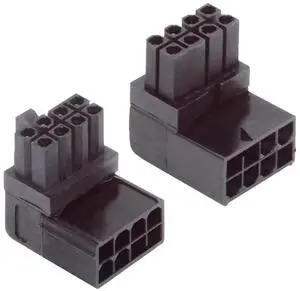
AJMRTC 2Pcs/Lot 90 Degree UpDown Angled ATX 8P Male to Female Power Header Adapter,Right Angle GPU Graphics Card Power Connector for PC Case Cable Management
- Model #: AJ*C8JM*U1329
- $22.53 –
- Free Shipping
Quick View
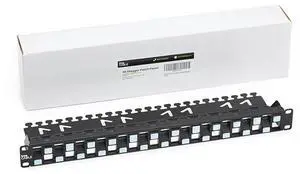
trueCABLE 3-D Staggered 24 Port 19 Toolless Modular Patch Panel, Unshielded, Blank, 1U Rack Mount, with Cable Management Bar, High Density, Black
- Model #: TOLKB0BW168PPB
- $108.99 –
- Free Shipping

Quick View
164ft x 1/2inch Hook Loop Cable Ties - BSELEYY Fastening Reusable Straps Double-Sided Self Gripping Fastener Cable Management Tape for Home,Office, Wire Bundling (82ft x 2 Rolls)
- Connector Type: type
- Model #: 603904579065625
- $31.77 –
- More options from $31.14
- Free Shipping
Quick View
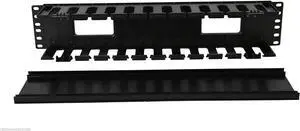
19 Inch 2U Rack Mount Cable Management Unit 12 Slots with Panel Plastic
- Model #: Tong409397168292miao
- $39.88 –
- Free Shipping
Quick View
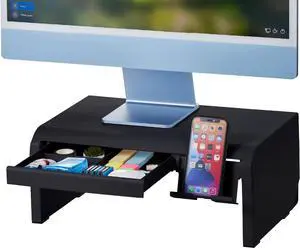
Bostitch Konnect Adjustable Monitor Riser with Drawer & Cell Phone Holder, Laptop Stand for Desk, 4 Height Levels, Cable Management & Rubber Feet
- Model #: Tong409397164201miao
- $42.88 –
- Free Shipping
Quick View
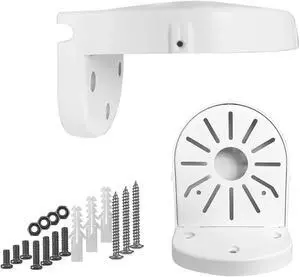
WiTi Universal Wall Mount Bracket for Dome Security Camera,Deep Base Junction Box Cable Management Mounting Case, Outdoor Indoor CCTV IP Surveillance Cameras Holder
- Model #: Tong409397173203miao
- $39.88 –
- Free Shipping
Quick View
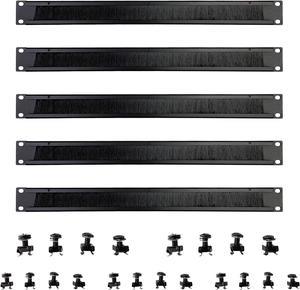
1U Brush Panel Disassembled Rack Mount Cable Management Panel, Horizontal Grommet Strip Server Rack for 19 Inch Rack or Network Cabinet-5Pack (1U-5PACKS)
- Model #: Tong409397166670miao
- $59.88 –
- Free Shipping
Quick View
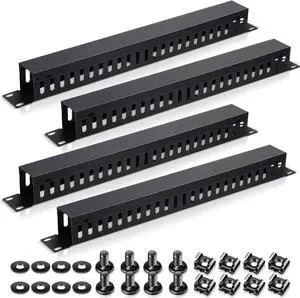
Leinuosen 4 Pcak 1U 19'' Cable Manager 24 Slot Horizontal Rack Mount Wire Management Server Rack Management Metal Finger Duct Wire Organizer with Cover and Mounting Screws for Network Cabinet
- Model #: Tong409397159788miao
- $91.88 –
- Free Shipping
Quick View
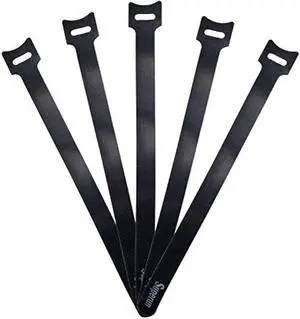
Superun 50 Pcs Black 10 Inch Fastening Cable Ties Reusable Cord Organizer, Adjustable Hook and Loop Wire Wrap Cable Management
- Connector Type: type
- Model #: 603904579089225
- $25.77 –
- More options from $24.68 - $25.77
- Free Shipping
Quick View
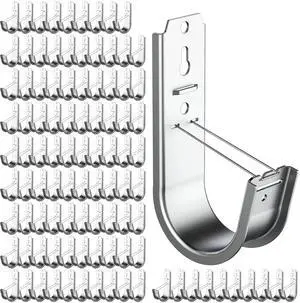
100 Pack 2 Inch J Hook Wall Mount J Hook with Retainer Clip Galvanized Steel Wall Cable Hooks Smooth Round Edge J Hook for Hanging Wire Cable Management & Organization Solution
Limited time offer, ends 10/05
- Model #: 439529414478
- $137.99
- See price in cart
- Free Shipping
Quick View
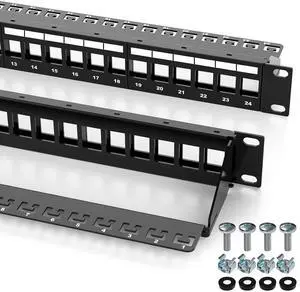
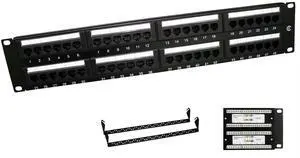
48 Port Cat5e UTP Patch Panel, SPCC Material with Black Powder Coating, Brass Housing, Nickel-Plated Construction, Integrated Cable Management
- Model #: TOLKB0G1Y3J4YV
- $90.99 –
- Free Shipping

Quick View
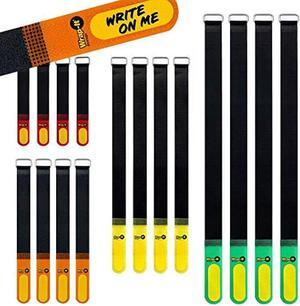
Wrap-It Storage Hook and Loop Cinch-Straps (Assorted 16 Pack) with Write on Label for Easy Cord Identification and Cable Management, Reusable Multi-Purpose Securing Cinch Straps
- Connector Type: type
- Model #: 603904578653625
- $29.77 –
- More options from $28.48 - $29.77
- Free Shipping
Quick View
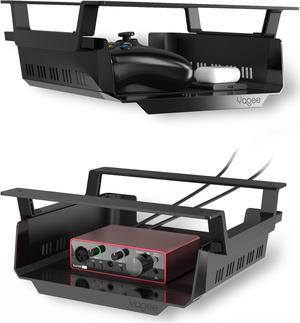
YaGee Under Desk Shelf, 2 Pack, Self-Adhesive Device Storage, Great Desktop Organizer Drawer for Work Stations, Stand Up Desks, Gaming Battlestations with Cable Management Raceway
- Model #: Tong409397165284miao
- $73.88 –
- Free Shipping
Quick View
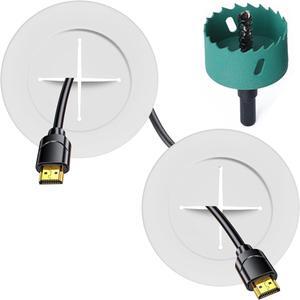
TV Wire Hider Kit for Wall Mount TV, White in Wall Cable Management Kit, Includes 2 Pass Throughs and Hole Saw Drill Attachment for Easy Install
- Model #: Tong409397164324miao
- $27.88 –
- Free Shipping
Quick View
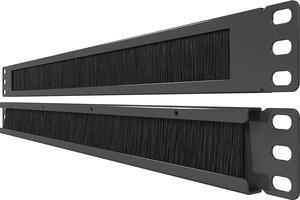
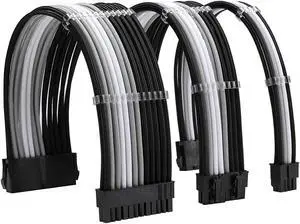
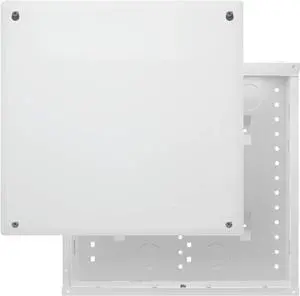
Legrand - OnQ 14 Inch Cable Management, In-Wall 20-Gauge Media Box, Structured Wiring Enclosure with 2.5 Inch Openings for Wires, Glossy White, EN1400
- Model #: Tong409397159320miao
- $106.88 –
- Free Shipping
Quick View
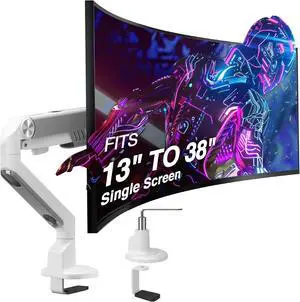
AVLT Single 13"-38" Monitor Arm Desk Mount - White | fits One Flat/Curved/Ultrawide Screen Full Motion Height Swivel Tilt Rotation Adjustable Arm - VESA/C-Clamp/Cable Management
- Model #: Tong409397169107miao
- $217.88 –
- Free Shipping
Quick View
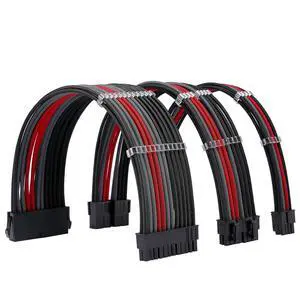
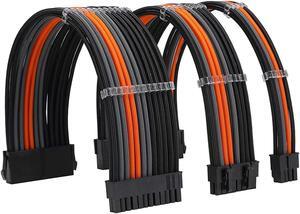
Formulamod PSU Cable Extension Kit 18AWG Sleeved, 24 Pin ATX + 8 Pin EPS + Dual 8 Pin PCI-E, Custom PC Cable Extensions with Combs for Clean Cable Management & Gaming PC Build (Black Grey Red)
- Model #: Tong409397159733miao
- $51.88 –
- Free Shipping
Quick View
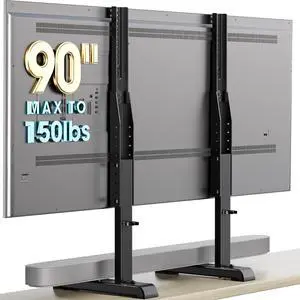
AX WABER Table Top TV Stand with Height Adjustable TV Legs Replacement for Most 37-86 Inch Flat Curved TVs,Steel TV Base Feet Holds up to 150 lbs with Cable Management, Max VESA 800x600mm Black
- Model #: Tong409397161019miao
- $59.88 –
- Free Shipping
Quick View
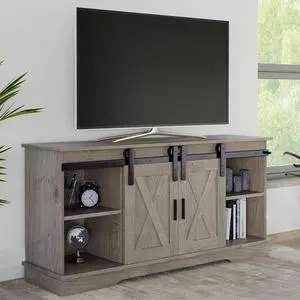
Lavish Home TV Stand - 65-Inch Entertainment Center with Media Console Shelves, Cable Management, and Sliding X-Style Barn Doors (Gray Woodgrain)
- Model #: Tong409397173135miao
- $432.88 –
- Free Shipping
Quick View
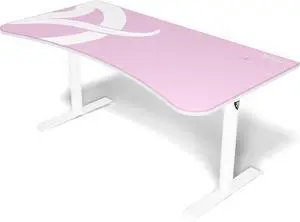
Arozzi Arena Ultrawide Curved Gaming and Office Desk with Full Surface Water Resistant Desk Mat Custom Monitor Mount Cable Management Cut Outs Under The Desk Cable Management Netting - Pink
- Model #: Tong409397173111miao
- $554.88 –
- Free Shipping
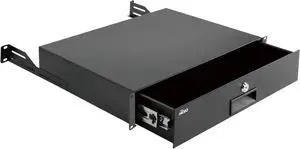
Quick View
Tecmojo 2U Rack Drawer,Rack Mount Drawer for 19in Network Equipment/Server/AV Rack or Cabinet Enclosure,Sliding and Lockable Server Rack Drawer - Load-Bearing 44lb (20kg),with Cable Management Holes
- Model #: Tong409397168223miao
- $118.88 –
- Free Shipping
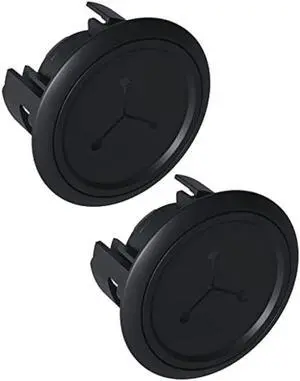
Quick View
ECHOGEAR TV Cord Hider - 2.5 Mini in Wall Cable Management Kit Cord Concealer for Wall Mounted TVs - Easy 3-Step Install w/Locking Winged Grommets for Secure Fit - Black
- Connector Type: type
- Model #: 603904578828825
- $35.77 –
- More options from $34.18 - $35.77
- Free Shipping
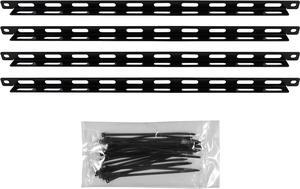
Quick View
ECHOGEAR Rack Cable Management Tie Bar Kit - Includes 4X 1U Tie Bars, 24 Zip Ties, 8 Cage Nuts, & 8 Screws - Works with 19" Open Frame Racks & Enclosures
- Model #: Tong409397159757miao
- $49.88 –
- Free Shipping
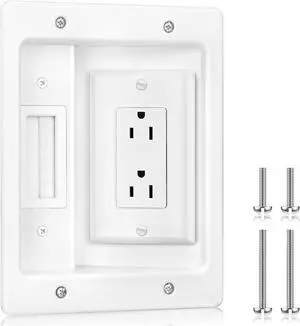
Quick View
Elecpow in Wall Cable Management Kit, Hide TV Power Cables & Low Voltage Wires Behind The Wall, Recessed Outlet for Wall Mounting TV
- Model #: Tong409397161040miao
- $51.88 –
- Free Shipping
Quick View
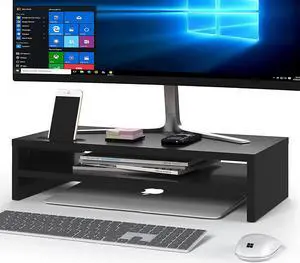
BONTEC Wood Monitor Stand Riser, 2-Tier Desktop Organizer | Ergonomic Computer Stand for Desk, Cable Management, Cellphone Holder, 21.3 Inch Shelf, Black
- Model #: Tong409397159603miao
- $71.88 –
- Free Shipping
Quick View
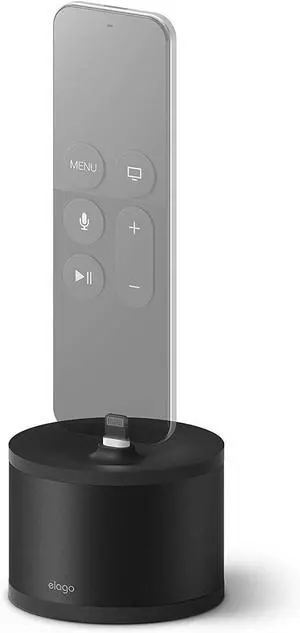
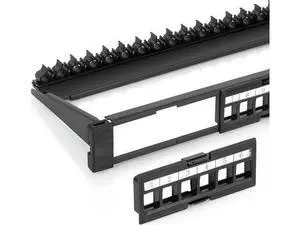
JAENFONG (1-Pack) - 24 Port Keystone Patch Panel - Snap-in Design with Adjustable Rear Cable Management Bar - Heavy-Duty 19" 1U Rack, Cabinet Mount - for CAT5e, CAT6, CAT6A, USB, HDMI
Limited time offer, ends 09/16
- Model #: WLC78S.0728.Pallet2372
- $53.97 –
- Free Shipping
Quick View
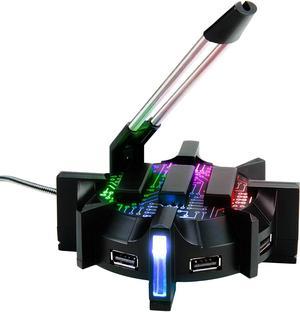
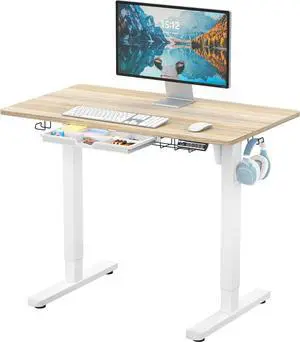
SHW 40-Inch Electric Height Adjustable Standing Desk w/Drawer, Maple | w/ Memory Presets and Cable Management | Drawer with adjustable compartments | Hanging Hooks
- Model #: Tong409397164669miao
- $276.88 –
- Free Shipping
Choosing the Right Printer for Your Office Needs
When it comes to office solutions, printers and scanners are essential tools for any business. Whether you need to print important documents, scan invoices, or create professional-quality marketing materials, having the right equipment is crucial. In this article, we will explore the different types of printers and scanners available in the market and provide tips on how to choose the best one for your office.
All-in-One Printers: Versatility and Convenience
all-in-one printers, also known as multifunction printers, are a popular choice for offices. These devices combine the functionality of a printer, scanner, copier, and sometimes even a fax machine into a single unit. They offer versatility and convenience, allowing you to perform multiple tasks without the need for separate devices. All-in-one printers are available in both inkjet and laser options, catering to different printing needs and budgets.
Specialized Printers for Specific Tasks
In addition to all-in-one printers, there are specialized printers designed for specific tasks. For example, 3D printers are ideal for creating prototypes or intricate models, while barcode and label printers are perfect for businesses that require efficient inventory management. laser printers are known for their fast printing speeds and high-quality output, making them suitable for offices with high-volume printing needs. inkjet printers, on the other hand, are more cost-effective and can produce vibrant color prints.
Choosing the Right Supplies
Once you have selected the right printer for your office, it is important to choose the right supplies to ensure optimal performance and longevity. When it comes to inkjet printers, using high-quality ink cartridges is essential to achieve the best print quality and prevent clogging. For laser printers, it is important to choose the right type of toner cartridges that are compatible with your printer model. Additionally, investing in high-quality paper can make a significant difference in the final print results.
FAQs: Common Questions about Printers and Scanners
| Q: How often should I replace the ink cartridges? | A: The frequency of replacing ink cartridges depends on your printing volume. However, it is recommended to replace them when the print quality starts to degrade. |
|---|---|
| Q: Can I use third-party ink cartridges with my printer? | A: While it is possible to use third-party ink cartridges, it is important to ensure compatibility with your printer model. Using incompatible cartridges may result in poor print quality or damage to the printer. |
| Q: How do I clean the scanner glass? | A: To clean the scanner glass, use a soft, lint-free cloth slightly dampened with glass cleaner. Gently wipe the glass surface to remove any smudges or debris. |
| Q: What is the difference between optical and interpolated resolution in scanners? | A: Optical resolution refers to the actual hardware resolution of the scanner, while interpolated resolution is achieved through software enhancements. Optical resolution provides more accurate and detailed scans. |
| Q: How can I improve the scanning speed? | A: To improve scanning speed, reduce the scanning resolution, use black and white mode instead of color, and ensure that the scanner is connected to a high-speed USB port. |