

Your Browsing History
- Sold by Newegg
- New

Any questions? Our AI mode will help you find out quickly.
Try me now
Quick View
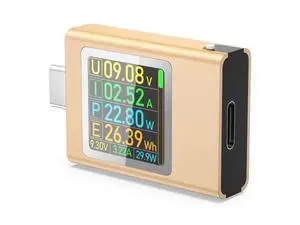
USB C Power Meter Testers, BUCIER PD3.1 Digital Multimeter, USB C Voltage Current Voltmeter Amp Volt Ammeter Detector USB C Cable Charger Indicator DC4.5-50V/0-12APD2.0/PD3.0/PPS/QC2.0/QC3.0/FCP
Limited time offer, ends 10/15
- Model #: YLJGZMC7AZ-0801-735
- $24.98 –
- Free Shipping
Quick View
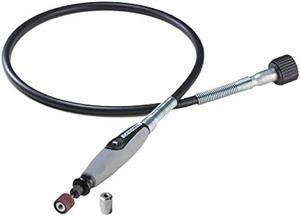
Dremel Flex Shaft Rotary Tool Attachment with Comfort Grip and 36 Long Cable - Engraver, Polisher, and Mini Sander- Ideal for Detail Metal Engraving, Wood Carving, and Jewelry Polishing ,225-02, Grey
- Connector Type: type
- Model #: 603904579017525
- $64.77 –
- Free Shipping
Quick View
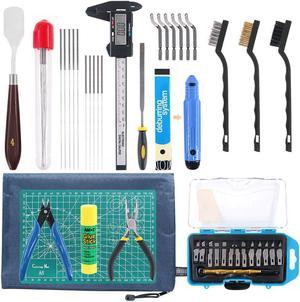
42 Piece 3D Print Tool Kit Includes Debur Tool, Cleaning and Removal Tool with Storage Bag, 3D Printer Tool Set for Cleaning, Finishing and Printing 3D Prints
- Model #: 433330047016ComputerzoneGANG
- $52.89 –
- Free Shipping
Quick View
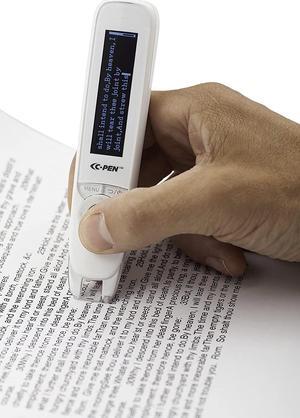
ReaderPen/C-Pen/Reading Support/Human Reader Alternative/Classroom aid
- Model #: ezScanner2202w38
- $459.00 –
- Free Shipping
Quick View
42 Piece 3D Print Tool Kit Includes Debur Tool, Cleaning and Removal Tool with Storage Bag, 3D Printer Tool Set for Cleaning, Finishing and Printing 3D Prints
- Model #: R60247663307507
- $53.36 –
- Free Shipping
Quick View
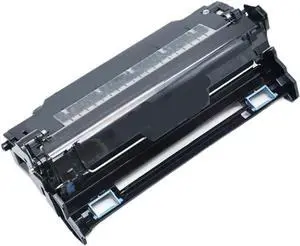
renovated DK1150 DK-1150 302RV93010 Drum Unit Compatible with ECOSYS P2040 P2235 P2335 M2040 M2540 M2135 M2635 M2640 M2735 M2835 Printers Replacement Part
- Model #: DARUB0G4JWQVPV
- $192.99 –
- Free Shipping
Quick View
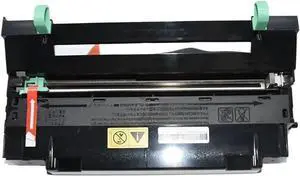
Drum Unit 1PCS DK-170 DK-150 DK-130 DK-110 DK-1105 Compatible with FS 1035 1030 1120 1128 M2035 M2535 P2135 1110 1024 1124 820 920
- Model #: DARUB0G3QRFJ84
- $114.99 –
- Free Shipping
Quick View
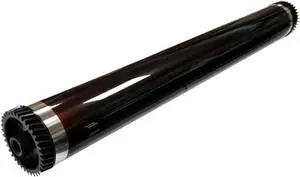
OPC Drum Cylinder 1035 1128 1100 1300D 1320 Compatible with Japan Copier
- Model #: DARUB0G5K8BPWQ
- $207.99 –
- Free Shipping
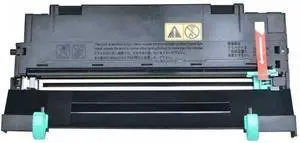
Quick View
DK-170 DK-150 DK-130 DK-110 DK-1105 Drum Unit Compatible with M2035 M2535 FS 1024 1035 1030 1110 1120 1124 1128 1135 1320 1370 P2135 Printer Models
- Model #: DARUB0G4L5ZZBT
- $218.99 –
- Free Shipping
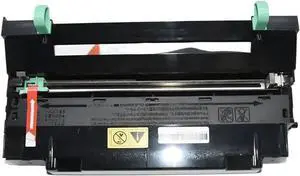
Quick View
Drum Unit DK 170 DK 150 DK 130 DK 110 DK 1105 Compatible with FS 1035 1030 1120 1128 M2035 M2535 P2135 1110 1024 1124 820 920
- Model #: DARJB0G4N9BP9W
- $99.99 –
- Free Shipping
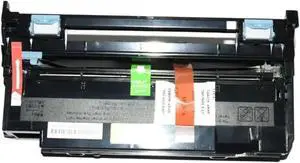
Quick View
1PCS DK1150 DK-1150 302RV93010 Drum Unit Compatible with ECOSYS P2040 P2235 P2335 M2040 M2540 M2135 M2635 M2640 M2735 M2835 P2040dn Universal Fit Aftermarket
- Model #: DARUB0G4KP61YW
- $118.99 –
- Free Shipping
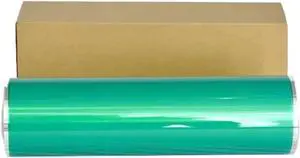
Quick View
OPC Drum Compatible with DR012 Pro 950 951 1052 1250 1250P 1200
- Model #: DARUB0G5N4JF1P
- $666.99 –
- Free Shipping
Quick View
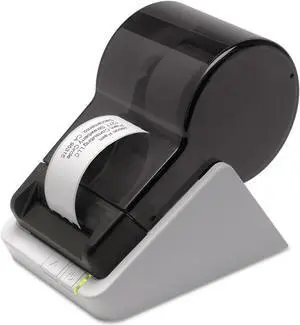
Seiko Instruments Smart Monochrome Label Printer 620, USB, PC/Mac, 2.76 inches/second
- Model #: DARKB00BTKXPYI
- $163.99 –
- Free Shipping
Quick View
OPC Drum Compatible with DR012 Pro 950 951 Press 1052 1250 1250P 1200
- Model #: DARUB0G62RD4NH
- $666.99 –
- Free Shipping
Quick View
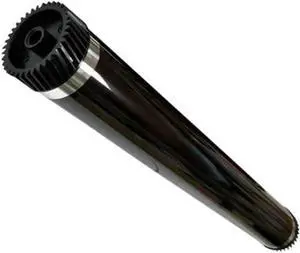
1PCS Fit for Cylinder 1035 1128 1100 1300D 1320 OPC Copier Drum
- Model #: DARUB0G4TFG24M
- $185.99 –
- Free Shipping
Quick View
42 Piece 3D Print Tool Kit Includes Debur Tool, Cleaning and Removal Tool with Storage Bag, 3D Printer Tool Set for Cleaning, Finishing and Printing 3D Prints
- Type: Spare Part
- Model #: C0A15465010403911
- $52.48 –
- Free Shipping
Quick View
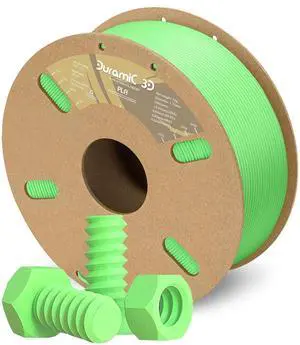
DURAMIC 3D PLA Filament 1.75mm 1kg Spool, Jam-Free High Stifness 3D Printing Filament with Cardboard Spool, No-Tangling No-Clogging Dimensional Accuracy 99% +/- 0.03 mm PLA Neon Green 1 Pack
- Model #: C0A1074465010414504
- $37.48 –
- Free Shipping
Quick View
42 Piece 3D Print Tool Kit Includes Debur Tool, Cleaning and Removal Tool with Storage Bag, 3D Printer Tool Set for Cleaning, Finishing and Printing 3D Prints
- Model #: STARWELL426253755595Lan
- $53.90 –
- Free Shipping
Quick View
42 Piece 3D Print Tool Kit Includes Debur Tool, Cleaning and Removal Tool with Storage Bag, 3D Printer Tool Set for Cleaning, Finishing and Printing 3D Prints
- Model #: vfrtR302951372480
- $43.65 –
- More options from $43.65
- Free Shipping
Quick View
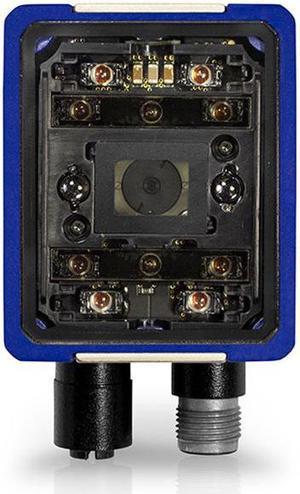
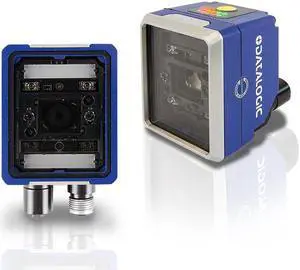
2D Industrial Code Reader MATRIX 220 382-010 Fixed 1D DPM Barcode Scanner 1.2MP DPM-R 7MM
- Model #: MATRIX 220 382-010*US-31
- $1,090.00 –
- Free Shipping
Quick View
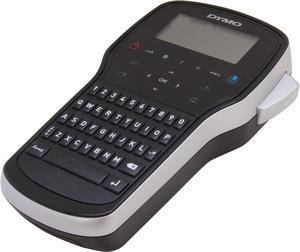
DYMO LabelManager 280 1815990 180 dpi Rechargeable Handheld Label Maker
- Printer Type: Mobile
- Memory: 9 Labels Memory
- Fonts Included: Number Of Fonts: 3 Number Of Font Sizes: 6 Number Of Font Styles: 6
- Media Type: D1 Tapes
- Model #: 1815990
- $93.80 –
- More options from $69.79 - $193.80
- Free Shipping
Quick View
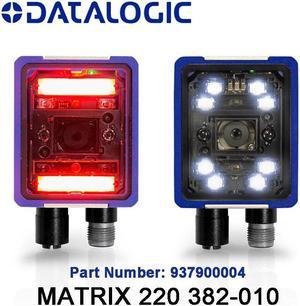
Fixed Barcode Scanner MATRIX 220 382-010 Industrial 1D 2D DPM Code Reader 1.2MP DPM-R 7MM
- Model #: MATRIX 220 382-010*US-21
- $1,067.00 –
- Free Shipping
Quick View
Fixed Industrial 2D Code Reader MATRIX 220 382-010 1D DPM Barcode Scanner 1.2MP DPM-R 7MM
- Model #: MATRIX 220 382-010*US-41
- $1,124.00 –
- Free Shipping
Quick View
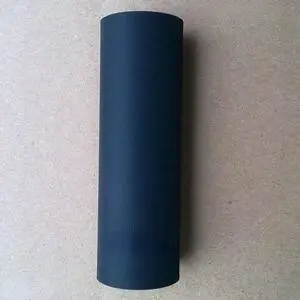
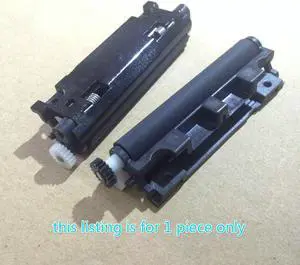
Rubber Roller Pressure Wheel Rubber Shaft For Toledo- T2A-15D T2B-15D bcom Motor Scale Barcode Scale
- Product Type: Printhead
- Model #: ZW-dyt-225
- $96.99 –
- Free Shipping
Quick View
shaft platen roller For Seiko--J245 POS Rubber Roller POS Roller
- Product Type: Printhead
- Model #: ZW-dyt-001
- $36.99 –
- Free Shipping
Quick View
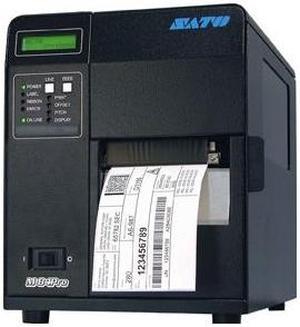
Sato WM8420011 Network Thermal Label Printer
- Printer Type: Industrial
- Memory: 16 MB
- Fonts Included: Bitmap - 12 proportional, mono-spaced and outline fonts (Code table 858), Scalable Internal CG Triumvirate and CG Times Fonts, Optional Downloaded TrueType fonts, scalable from 8 to 72 points
- Barcode Type: Linear: UPC-A, UPC-E, EAN-8, EAN-13, Code 39, Code 93, Code 128, Codabar, MSI, Bookland, Industrial 2/5, Interleaved 2/5, Matrix 2/5, Postnet™, GS1-128, GS1-DataBar 2-D: PDF417, Micro PDF417, Truncated PDF417, Maxicode™, Data Matrix, QR Code, Composite Symbology
- Model #: WM8420011
- $2,480.99
- Request Price
- More options from $2,260.62 - $2,743.99
- Free Shipping
Quick View
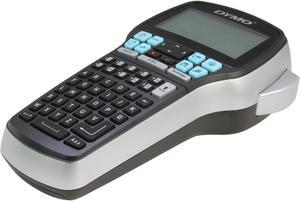
DYMO LabelManager 420P High Performance Portable Label Maker with PC or Mac Connection (1768815)
- Printer Type: Mobile
- Memory: 9 Labels Stored
- Fonts Included: Number of Font Sizes: 7 Number of Styles: 10 Text, 8 Fonts
- Barcode Type: Code 128, Code 39, EAN-13, EAN-8, UPC-A, UPC-E
- Model #: 1768815
- $159.03 –
- More options from $124.27 - $278.00
- Free Shipping

Quick View
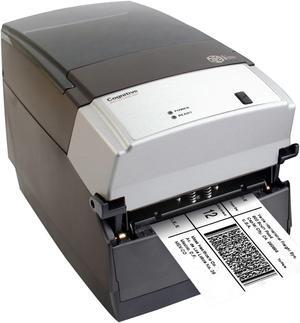
Cognitive Cxi Thermal Label Printer
- Printer Type: Desktop
- Memory: 16 MB SDRAM, 8 MB flash
- Fonts Included: Bitmapped: 7 styles with up to 10x10 magnification, variable boldness and spacing International: Sans serif font in 7 pt. sizes, up to 4x4 magnification, variable boldness and spacing Scalable Smooth Fonts: 3 Ultra Font styles for smooth characters in any size and boldness Rotations: 0, 90, 180, 270 degrees
- Barcode Type: Add2, Add5, Codabar, Code39, Code93, Code 128A/B/C, D2of5, I2of5, S20f5, EAN8, EAN13, EAN128, MSI/I1, Plessey, Postnet, UPCA/A+/E/E1
- Model #: CXD4-1330-RX
- $710.85 –
- Free Shipping
Quick View
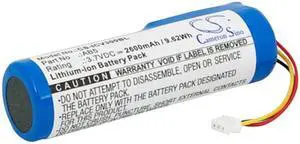
Barcode Scanner Battery for Intermec AB5 CV30 CV30_x000D CV30A0E1000804 2600mAh
- Model #: CS-ICV300BL
- $23.19 –
Quick View
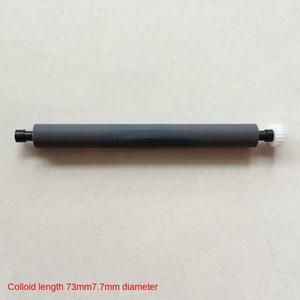
paper roller rubber roller shaft output lever gear pressure paper shaft For Three-channel electrocardiograph printer
- Product Type: Printhead
- Model #: ZW-dyt-084
- $96.99 –
- Free Shipping
Choosing the Right Printer for Your Office Needs
When it comes to office solutions, printers and scanners are essential tools for any business. Whether you need to print important documents, scan invoices, or create professional-quality marketing materials, having the right equipment is crucial. In this article, we will explore the different types of printers and scanners available in the market and provide tips on how to choose the best one for your office.
All-in-One Printers: Versatility and Convenience
all-in-one printers, also known as multifunction printers, are a popular choice for offices. These devices combine the functionality of a printer, scanner, copier, and sometimes even a fax machine into a single unit. They offer versatility and convenience, allowing you to perform multiple tasks without the need for separate devices. All-in-one printers are available in both inkjet and laser options, catering to different printing needs and budgets.
Specialized Printers for Specific Tasks
In addition to all-in-one printers, there are specialized printers designed for specific tasks. For example, 3D printers are ideal for creating prototypes or intricate models, while barcode and label printers are perfect for businesses that require efficient inventory management. laser printers are known for their fast printing speeds and high-quality output, making them suitable for offices with high-volume printing needs. inkjet printers, on the other hand, are more cost-effective and can produce vibrant color prints.
Choosing the Right Supplies
Once you have selected the right printer for your office, it is important to choose the right supplies to ensure optimal performance and longevity. When it comes to inkjet printers, using high-quality ink cartridges is essential to achieve the best print quality and prevent clogging. For laser printers, it is important to choose the right type of toner cartridges that are compatible with your printer model. Additionally, investing in high-quality paper can make a significant difference in the final print results.
FAQs: Common Questions about Printers and Scanners
| Q: How often should I replace the ink cartridges? | A: The frequency of replacing ink cartridges depends on your printing volume. However, it is recommended to replace them when the print quality starts to degrade. |
|---|---|
| Q: Can I use third-party ink cartridges with my printer? | A: While it is possible to use third-party ink cartridges, it is important to ensure compatibility with your printer model. Using incompatible cartridges may result in poor print quality or damage to the printer. |
| Q: How do I clean the scanner glass? | A: To clean the scanner glass, use a soft, lint-free cloth slightly dampened with glass cleaner. Gently wipe the glass surface to remove any smudges or debris. |
| Q: What is the difference between optical and interpolated resolution in scanners? | A: Optical resolution refers to the actual hardware resolution of the scanner, while interpolated resolution is achieved through software enhancements. Optical resolution provides more accurate and detailed scans. |
| Q: How can I improve the scanning speed? | A: To improve scanning speed, reduce the scanning resolution, use black and white mode instead of color, and ensure that the scanner is connected to a high-speed USB port. |