
Your Browsing History
- In Stock
- Sold by Newegg
- Make an Offer

Any questions? Our AI beta will help you find out quickly.
Try me now
Quick View
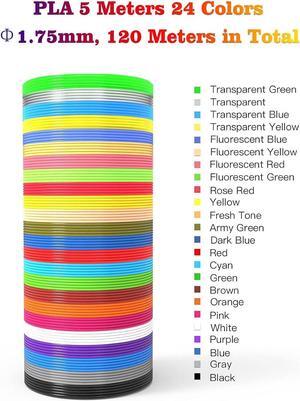
24 Assorted Colors 3D Pen Filament Refills PLA 1.75mm, Each Color 5 Meters (16 Feet), dikale 3D Printing Pen Filament Packs for Kids, Total 120 Meters-Bonus 250 Stencils eBooks
- Model #: R581247663311825
- $31.66 –
- Free Shipping
Quick View
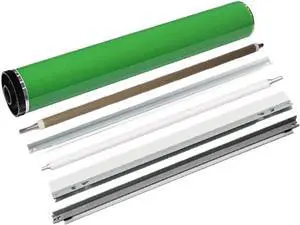
Drum Unit Maintenance Kit Compatible with MPC6502 MPC8002 Pro C5100s C5110s C651 C751 OPC Drum Cleaning PCR Cleaning Roller Bar
- Model #: DARUB0G5MCB73B
- $344.99 –
- Free Shipping
Quick View
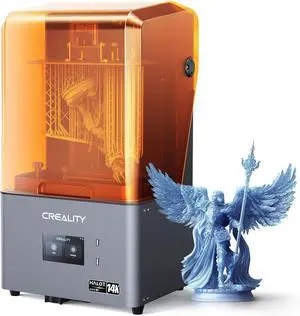
Creality Resin 3D Printer Halot Mage S 14K, with 10.1" HD LCD MSLA Mono, 4X High Speed Printing for 150mm/h Speed, UV Resin Photocuring Printer, Large Printing Size 8.78x4.96x9.06 inches
Limited time offer, ends 01/15
- Model #: C43K-0109-7
- $1,051.99 –
- Free Shipping
Quick View
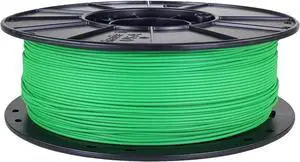
3D-Fuel Tough Pro PCTG Filament for 3D Printing, Better Than PETG Filament, Made in The USA, 3D Printer Filament, Dimensional Accuracy +/- 0.02 mm, 1.75mm, 1 kg Spool, Grass Green
- Model #: vfrtR302951378161
- $79.00 –
- Free Shipping
Quick View
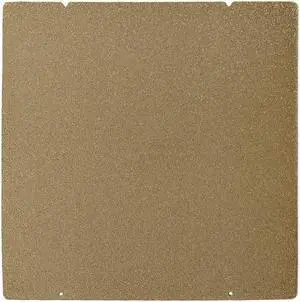
BCZAMD Prusa MK4 I3 MK3 MK52 Gold Double Sided Textured PEI Spring Steel Sheet Powder Coated PEI Build Plate for Prusa i3/quila pro/CR6 SE MK2.5S MK3 MK3S, 253.8 x 241MM
- Model #: vfrtR302951376327
- $51.46 –
- Free Shipping
Quick View
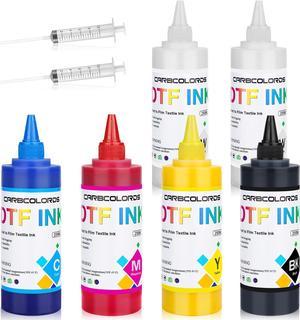
Carbcolords 6x250ml Premium DTF Heat Transfer Ink Conversion Kit Refill for Inkjet DTF Transfer Printer,for DTF Transfer Film (CMYK-WW)
- Model #: PB0B3S9W32V
- $129.69 –
- More options from $129.69
- Free Shipping
Quick View
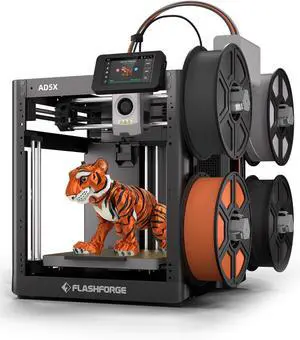
FLASHFORGE AD5X Multi-Color 3D Printer, CoreXY 600mm/s High-Speed, 1-Click Auto Leveling, 300°C Direct Drive Extruder, 220x220x220mm Build Volume, Ideal for Precision and Efficiency
Limited time offer, ends 01/15
- Model #: C40E.010911
- $998.99 –
- Free Shipping

Quick View
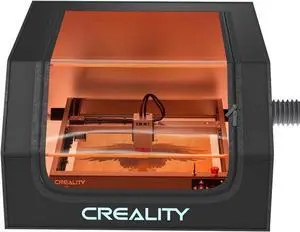
Creality Laser Engraver Enclosure, Fireproof and Dustproof Laser Cutter Protective Cover 27.5x28.3x15.7in with Fan and Pipe, Fits for Most Laser Engraver, Against Smoke, Odor, Noise and Eye Protection
Limited time offer, ends 01/15
- Model #: C43K-0108-19
- $154.99 –
- Free Shipping
Quick View
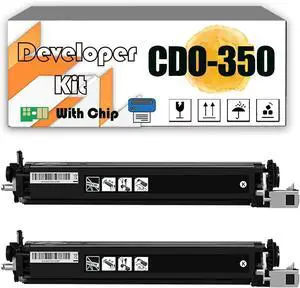
CDO-350 CDO350 Developer Kit Compatible for Pantum CP2510DN CM7115DN CM700x CP2500DN CM7000FDN CP20xx CP231x CP250x CP251x CP50xx CM20xx CM711x Printers Black*2
- Model #: LEMLB0DKT82K72
- $446.99 –
- Free Shipping
Quick View
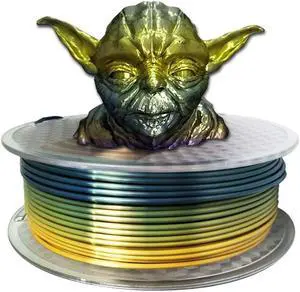
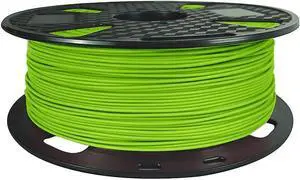
CC3D MAX + Lime Green PLA Filament 1.75 mm 1KG 3D Printer Filament 2.2LBS Spool 3D Printing Material Stronger PRO Plus PLA Green Color
- Model #: vfrtR302951379243
- $31.66 –
- Free Shipping
Quick View
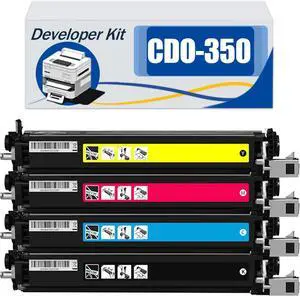
Compatible CDO-350 CDO350 Developer Kit, Work for Pantum CP2510DN CM7115DN CM700x CP2500DN CM7000FDN CP20xx CP231x CP250x CP251x CP50xx CM20xx CM711x Printers BYMC 4 pcs
- Model #: LEMLB0DNQT396L
- $669.99 –
- Free Shipping
Quick View
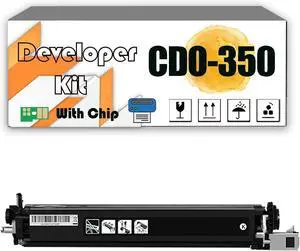
CDO-350 CDO350 Developer Kit Compatible for Pantum CP2510DN CM7115DN CM700x CP2500DN CM7000FDN CP20xx CP231x CP250x CP251x CP50xx CM20xx CM711x Printers Black*1
- Model #: LEMLB0DKT7KZN5
- $230.99 –
- Free Shipping

Quick View
PLA 3D Printer Filament Bundle, TINMORRY PLA Filament 1.75mm, 250g x 5 Spools, Black+White+Blue+Red+Green, Net Weight 1.25kg
- Model #: vfrtR302951373111
- $59.38 –
- Free Shipping
Quick View
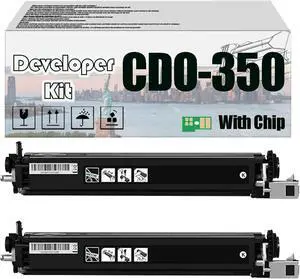
CDO-350 CDO350 Developer Kit, Compatible for Pantum CP2510DN CM7115DN CM700x CP2500DN CM7000FDN CP20xx CP231x CP250x CP251x CP50xx CM20xx CM711x Printers Black*2
- Model #: LEMLB0DKJW3G7D
- $448.99 –
- Free Shipping
Quick View
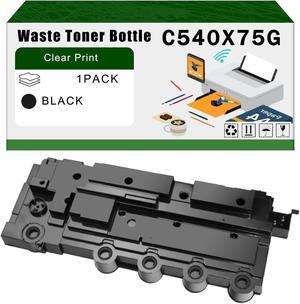
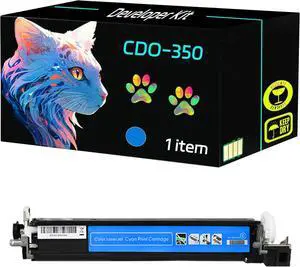
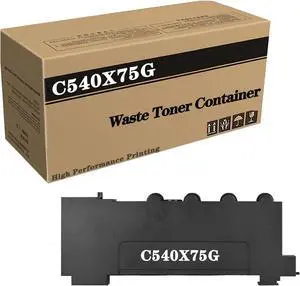
Ennovor Compatible C540X75G Waste Toner Container Replacement for Lexmark CS310 CS317 CS410 CS417 CS510 CS517 CX310 CX317 CX410 CX417 CX510 CX517 Printer 1Pack
- Model #: LIAB0DFTM822F
- $101.99 –
- Free Shipping
Quick View
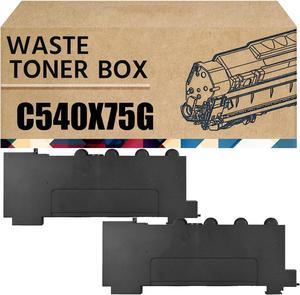
Compatible C540X75G Waste Toner Container Box Replacement for Lexmark CS510de CS517de CX310dn CX317dn CX517de Printer Waste Toner Bottle 2Pack
- Model #: DB0D2W3B1YG
- $209.95 –
- Free Shipping
Quick View
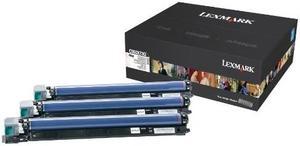
LEXMARK C950X73G C950, X95x Photoconductor Unit 3-Pack
- Product Sort: Printer Accessories
- Product Type: Imaging Drums and Photoconductors
- Color: Multicolor
- Specifications: Maximum Yield Per Unit: 115,000 pages
- Model #: C950X73G
- $1,083.80 –
- More options from $908.95 - $1,746.22
- Free Shipping
![[5pcs/Pack] Hardened Steel Tool High Temperature Pointed Wear Resistant Nozzles 0.4 mm/1.75 mm 3D Printer Compatible with Makerbot, Creality CR-10 All Metal Hotend, Ender 3/ Ender3 pro, Prusa i3](https://c1.neweggimages.com/productimage/nb300/BMC3D230823028Y1M14.jpg "[5pcs/Pack] Hardened Steel Tool High Temperature Pointed Wear Resistant Nozzles 0.4 mm/1.75 mm 3D Printer Compatible with Makerbot, Creality CR-10 All Metal Hotend, Ender 3/ Ender3 pro, Prusa i3")
Quick View
[5pcs/Pack] Hardened Steel Tool High Temperature Pointed Wear Resistant Nozzles 0.4 mm/1.75 mm 3D Printer Compatible with Makerbot, Creality CR-10 All Metal Hotend, Ender 3/ Ender3 pro, Prusa i3
Limited time offer, ends 01/19
- Model #: kolitt9451486453599
- $23.69 –
- Free Shipping
Quick View
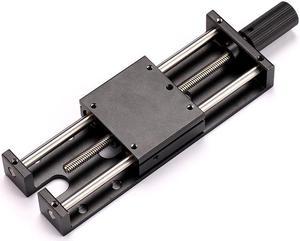
LONGER Laser Engraver Ray5 5W / 10W Laser Module Lifting Bracket Kit
Limited time offer, ends 01/31
- Model #: Ray5 Lifting Bracket Kit

Quick View
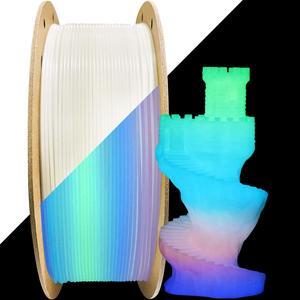
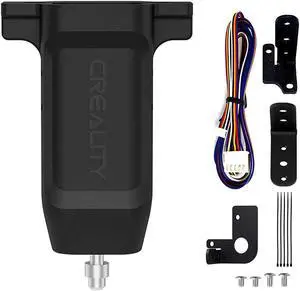
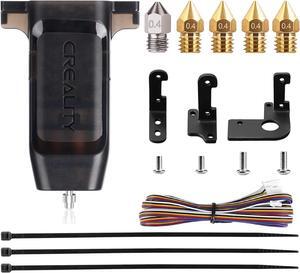
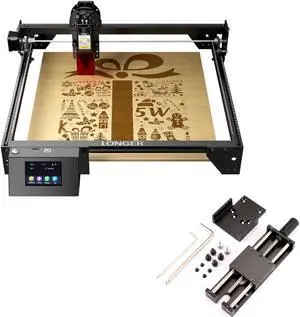
Longer RAY5 5W Laser Engraver & Ray5 Laser Module Lifting Bracket Kit
- Model #: RAY5 5W & Lifting Bracket Kit

Quick View
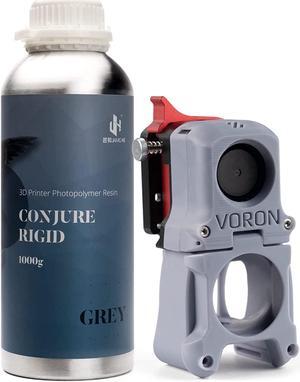
Laser Tek Services Compatible Toner Refill Kit Replacement for Lexmark C500 C500H2KG C500H2CG C500H2MG C500H2YG Works with Lexmark C500 X500 X502 Printers (Black, Cyan, Magenta, Yellow, 4 Pack)
- Cartridge Quantity: Four Pack
- Compatible Products: Lexmark C500,Lexmark C502,Lexmark X500,Lexmark X502
- Approximate Page Yield: Each Bottle is good for at least the same page yield as a new cartridge, usually a bit more.
- Coverage: 5%
- Model #: Lex-C500-TNRK-4PK
Quick View
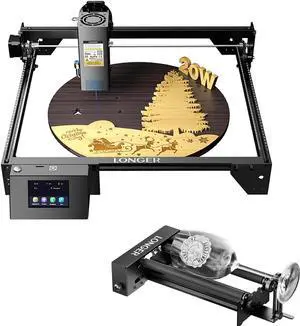
Longer RAY5 20W Laser Engraver & Rotary Roller&Bracket
Limited time offer, ends 01/31
- Model #: RAY5 20W & Roller&Bracket
Quick View
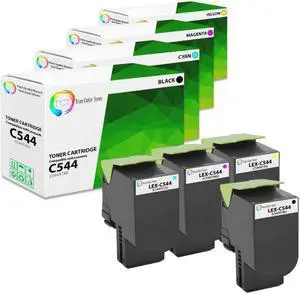
True Color Toner Premium Compatible Toner Cartridge Replacement for Lexmark C544 C544X1KG C544X1CG C544X1MG C544X1YG High Yield Works With Lexmark C544DN C544DTN X544DTN X544DW
- Cartridge Quantity: 4 Pack
- Replacement Brand: Lexmark
- Replacement Model: Lexmark
- Compatible Products: LEXMARK C544DN, C544DTN, C544DW, C544N, C546DTN, X544DN, X544DTN, X544DW, X544N, X546DTN, X548DE, X548DTE
- Model #: TCT-C544-4PK
Quick View
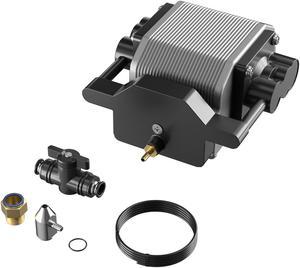
Longer Ray5 Engraver, Cutting Engraving Machine Air Assist Kit with Air Pump, Remove Smoke and Dust
Limited time offer, ends 01/31
- Model #: Air Assist Kit
Quick View
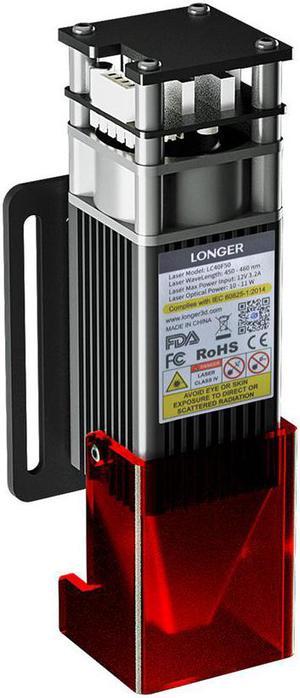
Longer 10W Engraver Module, Dual Beam Compressed 0.06mm Laser Spot, DIY Engraver Module for Engraver, 10,000mm/min Engraving Speed, Eye Protection
Limited time offer, ends 01/31
- Model #: Engraver Module
Quick View
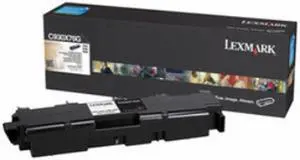
Lexmark C930X76G Waste Toner Bottle
- Cartridge Quantity: Single Pack
- Compatible Products: Lexmark Color Printers: C935dn C935dtn C935hdn Lexmark MFP: X940e X945e
- Approximate Page Yield: 30000 Pages
- Parts: 1 year limited
- Model #: C930X76G
Choosing the Right Printer for Your Office Needs
When it comes to office solutions, printers and scanners are essential tools for any business. Whether you need to print important documents, scan invoices, or create professional-quality marketing materials, having the right equipment is crucial. In this article, we will explore the different types of printers and scanners available in the market and provide tips on how to choose the best one for your office.
All-in-One Printers: Versatility and Convenience
all-in-one printers, also known as multifunction printers, are a popular choice for offices. These devices combine the functionality of a printer, scanner, copier, and sometimes even a fax machine into a single unit. They offer versatility and convenience, allowing you to perform multiple tasks without the need for separate devices. All-in-one printers are available in both inkjet and laser options, catering to different printing needs and budgets.
Specialized Printers for Specific Tasks
In addition to all-in-one printers, there are specialized printers designed for specific tasks. For example, 3D printers are ideal for creating prototypes or intricate models, while barcode and label printers are perfect for businesses that require efficient inventory management. laser printers are known for their fast printing speeds and high-quality output, making them suitable for offices with high-volume printing needs. inkjet printers, on the other hand, are more cost-effective and can produce vibrant color prints.
Choosing the Right Supplies
Once you have selected the right printer for your office, it is important to choose the right supplies to ensure optimal performance and longevity. When it comes to inkjet printers, using high-quality ink cartridges is essential to achieve the best print quality and prevent clogging. For laser printers, it is important to choose the right type of toner cartridges that are compatible with your printer model. Additionally, investing in high-quality paper can make a significant difference in the final print results.
FAQs: Common Questions about Printers and Scanners
| Q: How often should I replace the ink cartridges? | A: The frequency of replacing ink cartridges depends on your printing volume. However, it is recommended to replace them when the print quality starts to degrade. |
|---|---|
| Q: Can I use third-party ink cartridges with my printer? | A: While it is possible to use third-party ink cartridges, it is important to ensure compatibility with your printer model. Using incompatible cartridges may result in poor print quality or damage to the printer. |
| Q: How do I clean the scanner glass? | A: To clean the scanner glass, use a soft, lint-free cloth slightly dampened with glass cleaner. Gently wipe the glass surface to remove any smudges or debris. |
| Q: What is the difference between optical and interpolated resolution in scanners? | A: Optical resolution refers to the actual hardware resolution of the scanner, while interpolated resolution is achieved through software enhancements. Optical resolution provides more accurate and detailed scans. |
| Q: How can I improve the scanning speed? | A: To improve scanning speed, reduce the scanning resolution, use black and white mode instead of color, and ensure that the scanner is connected to a high-speed USB port. |