

Your Browsing History
- In Stock
- Sold by Newegg
- New

Any questions? Our AI mode will help you find out quickly.
Try me now
Quick View
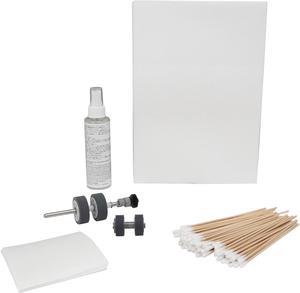
Fujitsu CG01000-277701 Scansnap IX500 Scanaid Clean/Consumable Kit with roller set, cleaning swabs, cleaning paper, f1 cleaner, scanaid sleeve and instructions
- Product Sort: Scanner Accessories
- Product Type: Maintenance Kit
- Specifications: Kit Contents: 1 Roller Set, Cleaning Cloths (20/PK), Cleaning Swabs (100/PK), Cleaning Paper (20/PK), F1 Cleaner, 1 Box, 1 Scanaid Sleeve, 1 Web Site Instruction Card
- Weight: 2
- Model #: CG01000-277701
- $101.99 –
- $1.99 Shipping
Quick View
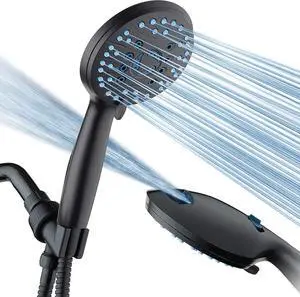
AquaCare High Pressure 8-mode Handheld Shower Head - Anti-clog Nozzles, Built-in Power Wash to Clean Tub, Tile & Pets, Extra Long 6 ft. Stainless Steel Hose, Wall & Overhead Brackets
- Model #: EQWER462277173885
- $69.49 –
- Free Shipping
Quick View
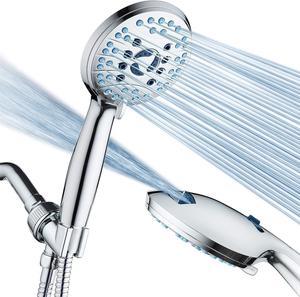
AquaCare High Pressure 8-mode Handheld Shower Head - Anti-clog Nozzles, Built-in Power Wash to Clean Tub, Tile & Pets, Extra Long 6 ft. Stainless Steel Hose, Wall & Overhead Brackets
- Model #: EQWER462277177142
- $59.49 –
- Free Shipping
Quick View
3D Fuel 3D Clean Printer Nozzle Cleaning Filament, Made in USA | 50 Sticks 1.75mm +/- 0.03mm
- Model #: 433330051129ComputerzoneGANG
- $39.89 –
- Free Shipping
Quick View
3D Fuel 3D Clean Printer Nozzle Cleaning Filament, Made in USA | 50 Sticks 1.75mm +/- 0.03mm
- Model #: TUKO413346149904all
- $38.81 –
- Free Shipping
Quick View
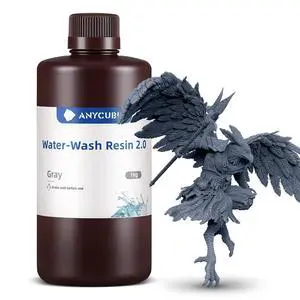
ANYCUBIC 3D Printer Resin, Water Washable Resin 2.0, No Need Extra Alcohol and Easy to Clean, Fast Curing, Low Odor, Wide Compatibility for All LCD Resin 3D Printers (Grey, 1kg)
- Model #: TUKO413346150078all
- $37.03 –
- Free Shipping
Quick View
3D Fuel 3D Clean Printer Nozzle Cleaning Filament, Made in USA | 50 Sticks 1.75mm +/- 0.03mm
- Model #: AIWU444275504250
- $39.55 –
- Free Shipping
Quick View
3D Fuel 3D Clean Printer Nozzle Cleaning Filament, Made in USA | 50 Sticks 1.75mm +/- 0.03mm
- Model #: vfrtR302951378765
- $39.66 –
- Free Shipping
Quick View
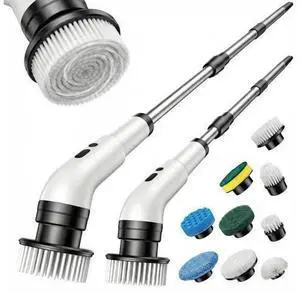
Electric Spin Scrubber, Cordless Power Scrubber for Bathroom/Shower/Tub/Tile & Grout, 7 Brush Heads, Dual-Speed, Adjustable Extension Handle, IPX7 Waterproof, USB-C Rechargeable Cleaning Tool (White)
Limited time offer, ends 10/07
- Model #: JC6WV-0728-OYJ-565
- $67.95 –
- Free Shipping
Quick View
4-Pack Drum Cleaning Unit Replacement for Select Printer Models Including 1050, 1050e, 1051, 1200, 951, 1250, and 1052
- Model #: ENGEB0GQR9JSV5
- $103.99 –
- Free Shipping
Quick View
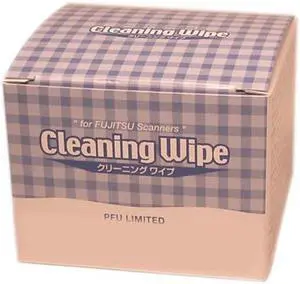
Fujitsu PA03950-0419 Cleaning Wipe for ScanSnap S300 Instant PDF Sheet-Fed Scanner
- Product Sort: Scanner Accessories
- Product Type: Cleaning Wipes
- Compatibility: Scansnap IX500, IX500 DLX, Scansnap S1100, Scansnap S1300i
- Specifications: Packaged Quantity: 1
- Model #: PA03950-0419
- $23.00 –
- More options from $23.00 - $56.49
- Free Shipping

Quick View
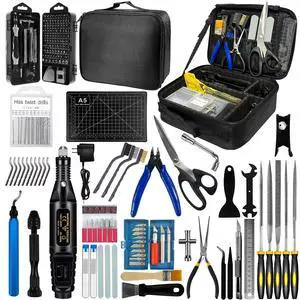
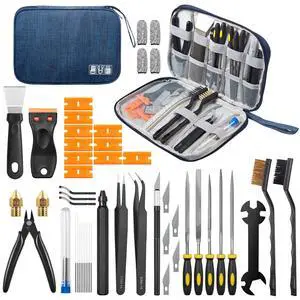
50-Piece 3D Printer Tool Kit, 3D Printing Accessories Compatible with FDM/SLA Printers, Including Nozzle Cleaning Kit, Scraper, Deburring Tool, Files, Brushes, with Storage Case, Starter Kit
Limited time offer, ends 09/30
- Brand: Creality
- Part Number: 3d printer accessories 01
- Type: Filament
- Model #: 354153979573
- $32.95 –
- More options from $32.95 - $33.99
- Free Shipping
Quick View
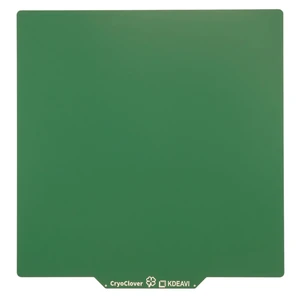
CryoClover 235x235mm Cold Build Plate for Flashforge AD5X/5M/Neptune 3 | Strong Adhesion,Easy release&easy cleaning,Mark-free,Anti-warping,Room-temperature printing,Double Sided
- Brand: KDEAVI
- Part Number: KDg235
- Color: Verdant SoftTouch
- Type: KDg235
- Model #: KDg235
Quick View
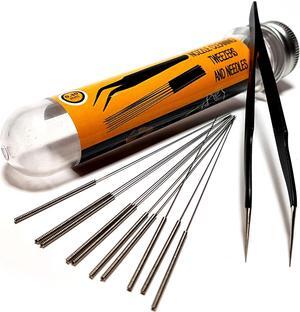
3D Printer Nozzle Cleaning Kit - 0.4mm Needles and Tweezers Toolkit - Stainless Steel Nozzle Cleaning Tool Kit - Alternative for 0.4mm Drill Bits for 3D Printer - Set of 11
- Type: Spare Part
- Model #: 6295441432549ASDFA175156
Quick View
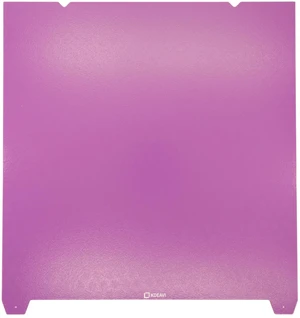
KDEAVI 310x315mm Cold build Plate for Creality K1 Max | Strong Adhesion,Easy release & easy cleaning,Mark-free,Anti-warping,Room-temperature printing,Double Sided
- Brand: KDEAVI
- Part Number: KDPK1MAX
- Color: Amethyst Texture
- Type: KDPK1MAX
- Model #: KDPK1MAX
Quick View
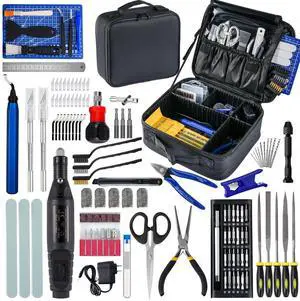
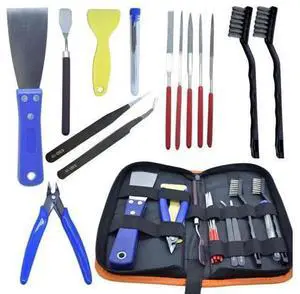
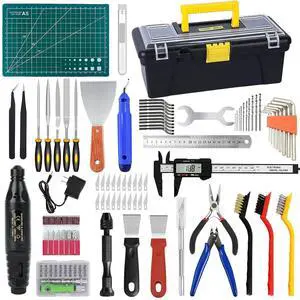
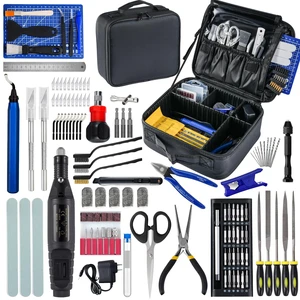
124Pcs 3D Printing Accessory Tools with Tool Bag for 3D Printer Modeler Basic Tools Diverse 3D Print Nozzle Cleaning Kit Mini Rotary Tool 3D Printer Tools for Remove/Trim and Finish 3D Print
Limited time offer, ends 09/30
- Part Number: ZP002
- Compatible System: Tools with Oxford bag
- Specification: Tools with Oxford bag
- Features: Tools with Oxford bag
- Model #: 028007207372
- $74.63 –
- More options from $74.63 - $77.78
- Free Shipping
Quick View
124Pcs 3D Printing Accessory Tools with Tool Bag,Remove/Trim and Finish 3D Print, Deburring Tool, Nozzle Cleaning, Removal Scrapers, Finishing Tools
- Model #: Create-OYSC5KU.9.23-3
- $99.99 –
- Free Shipping
Quick View
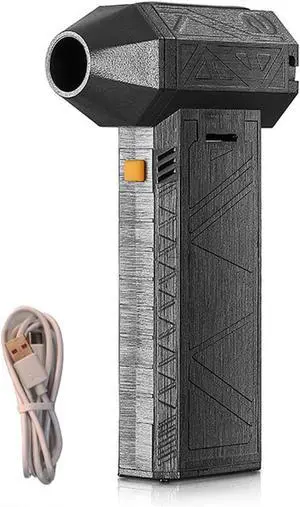
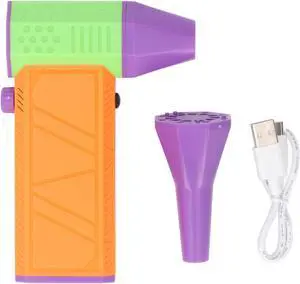
Handheld Air Blower Cordless Electric Duster Rechargeable High Speed Stepless Speed Adjustment Type C Fast Charging for Car Computer Keyboard Cleaning
- Model #: TONFB0DXFXTJCV
- $68.99 –
- Free Shipping
Quick View
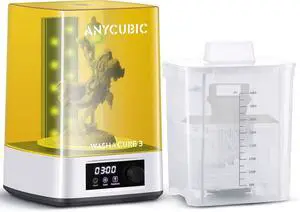
ANYCUBIC Wash and Cure Machine 3.0 with Twistable Gooseneck Light
- Model #: TUKO413346155271all
- $175.48 –
- Free Shipping
Quick View
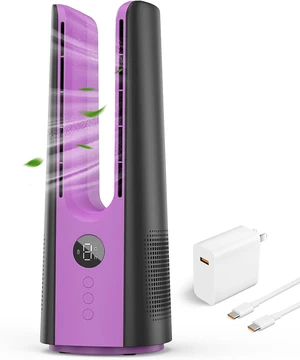
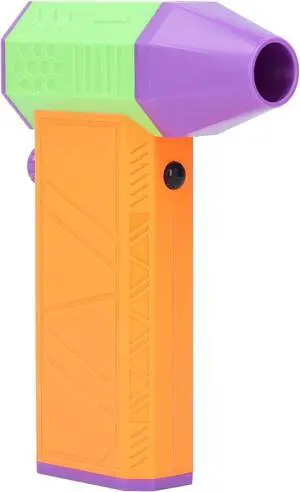
Reable Handheld Fan, 130000RPM Air Blower Fans with Type C Charging Port, Multiple Speeds Adjustment, for Computer Keyboard, Car, Sofa, Pet Hair Cleaning, Outdoors
- Model #: TONFB0DBMYJ6CB
- $67.99 –
- Free Shipping
Quick View
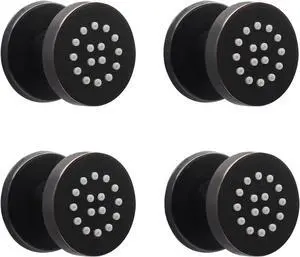
HOMEDEC 2inch Round Shower Body Spray Jets, Brass Showerhead Shower Jets Massage Spa Body Sprays Shower Nozzle Wall Mount, 4PCS, Oil Rubbed Bronze
- Model #: AIWU444275506858
- $149.55 –
- Free Shipping
Quick View
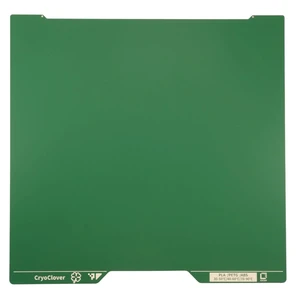
CryoClover 355x346mm Cold Build Plate for Bambu-Lab H2D/H2S | Strong Adhesion, Easy release & easy cleaning, Mark-free, Anti-warping, Room-temperature print,Double Sided
- Brand: KDEAVI
- Part Number: KD010
- Color: Verdant SoftTouch
- Type: KD010
- Model #: KD010
Quick View
50-Piece 3D Printer Tool Kit, 3D Printing Accessories Compatible with FDM/SLA Printers, Including Nozzle Cleaning Kit, Scraper, Deburring Tool, Files, Brushes, with Storage Case, Starter Kit
Limited time offer, ends 09/30
- Brand: Creality
- Part Number: 3d printer accessories 01
- Type: Filament
- Model #: 899468612575
- $32.95 –
- Free Shipping
Quick View
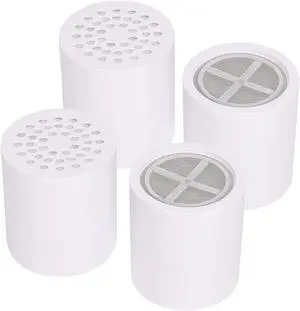
15 Stage Shower Filter Replacement Cartridge, Universal High Output Shower Filter for Hard Water Remove Chlorine and Harmful Substances, Body Caring, 4 Pack
- Model #: AIWU444275510701
- $39.55 –
- Free Shipping
Quick View
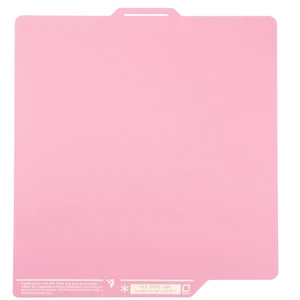
KDEAVI FrostGrain 257x257mm Cold Build Plate | Bambu Lab A1,P1P, P1S, P2S, X1C,X1E, X2D,Strong Adhesion,Easy release&easy cleaning,Mark-free,Anti-warping,scratchresistant
- Brand: KDEAVI
- Part Number: kdfglilac257
- Color: Lilac Frostgrain
- Type: Build Plate
- Model #: kdfglilac257
Quick View
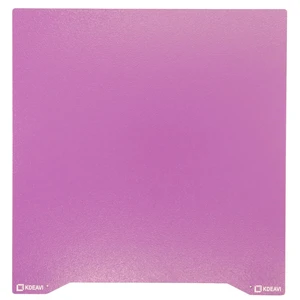
KDEAVI 235x235mm Cold Build Plate for Creality Ender-3/5/v2 | Glue-free,Strong Adhesion,Easy release&easy cleaning,Mark-free
- Brand: KDEAVI
- Part Number: KDP235
- Color: Amethyst Texture
- Type: KDP235
- Model #: KDP235
Quick View
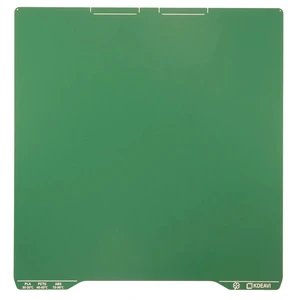
KDEAVI CryoClover 310x325mm Cold Build Plate for Creality K2 Pro | Strong Adhesion,Easy release & easy cleaning,Mark-free,Anti-warping,Room-temperature printing
- Brand: KDEAVI
- Part Number: KDgk2pro
- Color: Verdant SoftTouch
- Type: KDgk2pro
- Model #: KDgk2pro
Choosing the Right Printer for Your Office Needs
When it comes to office solutions, printers and scanners are essential tools for any business. Whether you need to print important documents, scan invoices, or create professional-quality marketing materials, having the right equipment is crucial. In this article, we will explore the different types of printers and scanners available in the market and provide tips on how to choose the best one for your office.
All-in-One Printers: Versatility and Convenience
all-in-one printers, also known as multifunction printers, are a popular choice for offices. These devices combine the functionality of a printer, scanner, copier, and sometimes even a fax machine into a single unit. They offer versatility and convenience, allowing you to perform multiple tasks without the need for separate devices. All-in-one printers are available in both inkjet and laser options, catering to different printing needs and budgets.
Specialized Printers for Specific Tasks
In addition to all-in-one printers, there are specialized printers designed for specific tasks. For example, 3D printers are ideal for creating prototypes or intricate models, while barcode and label printers are perfect for businesses that require efficient inventory management. laser printers are known for their fast printing speeds and high-quality output, making them suitable for offices with high-volume printing needs. inkjet printers, on the other hand, are more cost-effective and can produce vibrant color prints.
Choosing the Right Supplies
Once you have selected the right printer for your office, it is important to choose the right supplies to ensure optimal performance and longevity. When it comes to inkjet printers, using high-quality ink cartridges is essential to achieve the best print quality and prevent clogging. For laser printers, it is important to choose the right type of toner cartridges that are compatible with your printer model. Additionally, investing in high-quality paper can make a significant difference in the final print results.
FAQs: Common Questions about Printers and Scanners
| Q: How often should I replace the ink cartridges? | A: The frequency of replacing ink cartridges depends on your printing volume. However, it is recommended to replace them when the print quality starts to degrade. |
|---|---|
| Q: Can I use third-party ink cartridges with my printer? | A: While it is possible to use third-party ink cartridges, it is important to ensure compatibility with your printer model. Using incompatible cartridges may result in poor print quality or damage to the printer. |
| Q: How do I clean the scanner glass? | A: To clean the scanner glass, use a soft, lint-free cloth slightly dampened with glass cleaner. Gently wipe the glass surface to remove any smudges or debris. |
| Q: What is the difference between optical and interpolated resolution in scanners? | A: Optical resolution refers to the actual hardware resolution of the scanner, while interpolated resolution is achieved through software enhancements. Optical resolution provides more accurate and detailed scans. |
| Q: How can I improve the scanning speed? | A: To improve scanning speed, reduce the scanning resolution, use black and white mode instead of color, and ensure that the scanner is connected to a high-speed USB port. |