

Your Browsing History
- In Stock
- Sold by Newegg
- New

Any questions? Our AI mode will help you find out quickly.
Try me now
Quick View
6pcs Drum Cleaning Unit Compatible with IR2200 IR2800 IR3300 IR2230 IR2830 IR2270 IR2870 IR3570 IR4570
- Model #: ENGEB0GNY6T7YB
- $132.99 –
- Free Shipping
Quick View
6pcs Drum Cleaning Unit Compatible with IR2200 IR2800 IR3300 IR2230 IR2830 IR2270 IR2870 IR3570 IR4570
- Model #: ENGEB0GMWVCHWB
- $131.99 –
- Free Shipping
Quick View
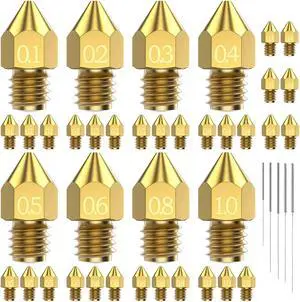
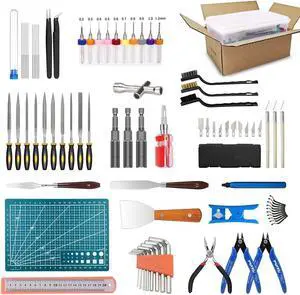
31PCS MK8 3D Printer Nozzles Extruder for Ender 3, 0.4mm 0.1 0.2 0.3 0.5 0.6 0.8 1.0mm Nozzles with Cleaning Kit for Ender 3 V2/Pro (1.75mm Filament)
- Model #: EQWER462277174462
- $25.49 –
- Free Shipping
Quick View
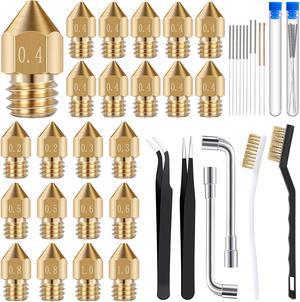
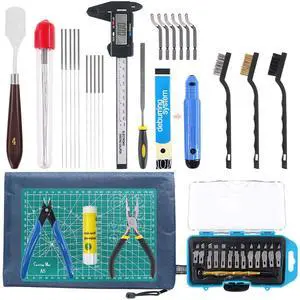
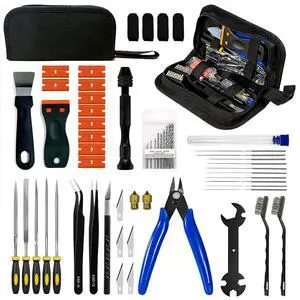
42 Piece 3D Print Tool Kit Includes Debur Tool, Cleaning and Removal Tool with Storage Bag, 3D Printer Tool Set for Cleaning, Finishing and Printing 3D Prints
- Model #: EQWER462277172413
- $47.49 –
- Free Shipping
Quick View
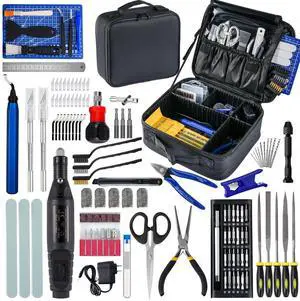
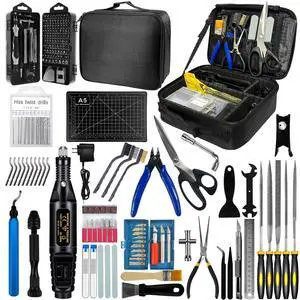
124Pcs 3D Printing Accessory Tools with Tool Bag for 3D Printer Modeler Basic Tools Diverse 3D Print Nozzle Cleaning Kit Mini Rotary Tool 3D Printer Tools for Remove/Trim and Finish 3D Print
Limited time offer, ends 10/15
- Model #: 795779512895
- $74.63 –
- Free Shipping
Quick View
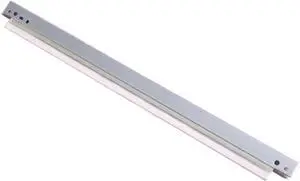
4-Pack Drum Cleaning Kit Compatible with iR4225, iR4235, iR4245, iR4251, iR ADV 4225, 4235, 4245, 4251 Copiers
- Model #: ENGEB0GQXP4FGH
- $119.99 –
- Free Shipping
Quick View
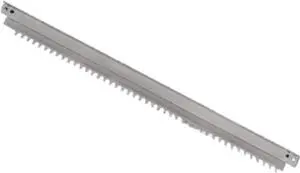
4-Pack Drum Unit Cleaning Components Compatible with E2050 E2051 E3055 E2550 E2551 E2555 E3555 E4555 E5055 Laser Printers
- Model #: ENGEB0GQLTSZ2Y
- $89.99 –
- Free Shipping
Quick View
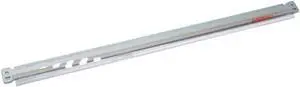
Drum Cleaning Kit 5-Pack 013R00662 for Use with WorkCentre WC 7525 7530 7535 7545 7556 7830 7835 7845 7855 7970
- Model #: ENGEB0GTQ1W8RL
- $130.99 –
- Free Shipping
Quick View
5-Pack Drum Cleaning Kit Compatible with WorkCentre WC 7525, 7530, 7535, 7545, 7556, 7830, 7835, 7845, 7855, 7970
- Model #: ENGEB0GR4TBHNC
- $124.99 –
- Free Shipping
Quick View
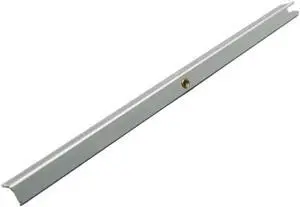
Drum Cleaning Unit 4-Pack 57GA56012 Compatible with Models 1050, 1050e, 1051, 1200, 951, 1250, 1052
- Model #: ENGEB0GS5YT94S
- $105.99 –
- Free Shipping
Quick View
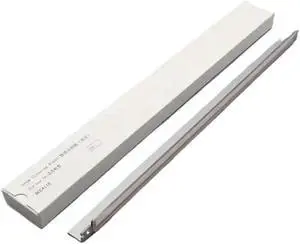
Cleaning Kit Compatible with DC Series 4110, 4112, 4127, 4590, 4595, 900, 1100, 6000, and 7000 Drum Units
- Model #: ENGEB0GS467SH9
- $132.99 –
- Free Shipping
Quick View
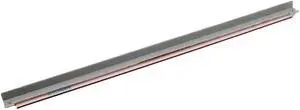
Drum Cleaning Kit 4pcs Compatible with C800 C1000 800i 1000i Color 800 1000 Press Drum
- Model #: ENGEB0GMQRBV64
- $210.99 –
- Free Shipping
Quick View
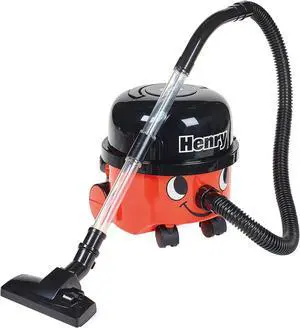
Casdon Henry & Hetty Toys - Henry Vacuum Cleaner - Red Vacuum Cleaning Toy with Real Function & Nozzle Accessories - Kids Cleaning Set - For Children Aged 3+
- Model #: EQWER462277178231
- $67.49 –
- Free Shipping
Quick View
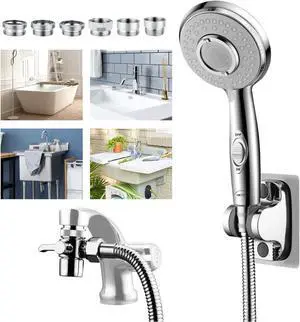
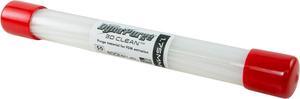
3D Fuel 3D Clean Printer Nozzle Cleaning Filament, Made in USA | 50 Sticks 1.75mm +/- 0.03mm
- Model #: EQWER462277171034
- $39.49 –
- Free Shipping
Quick View
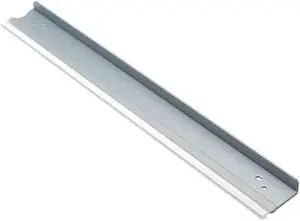
Drum Cleaning Kit Compatible with DocuCentre IV DC286 2056 2058 2060 3060 3065 3070 4070 5070
- Model #: ENGEB0GQSR9249
- $108.99 –
- Free Shipping
Quick View
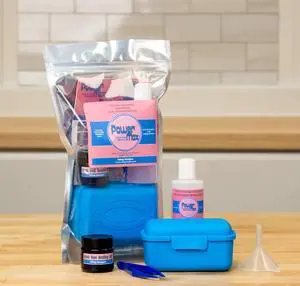
Icing Images® Power Max Printhead Cleaner for Canon® Printers - Extra Strength
- Model #: ENGEB0CT6TLMH9
- $74.99 –
- Free Shipping
Quick View
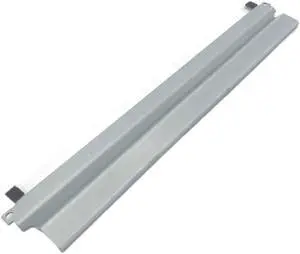
Drum Cleaning Kit Compatible with CLP310 CLP315 CLP320 3170 3175
- Model #: ENGEB0GMZBXRRK
- $103.99 –
- Free Shipping
Quick View
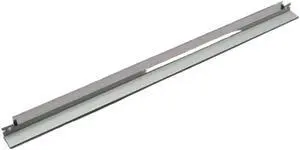
4-Pack Cleaning Drum Compatible with DC Motor Models 4110, 4112, 4127, 4590, 4595, 900, 1100, 6000, and 7000
- Model #: ENGEB0GS5DBZ53
- $144.99 –
- Free Shipping
Quick View
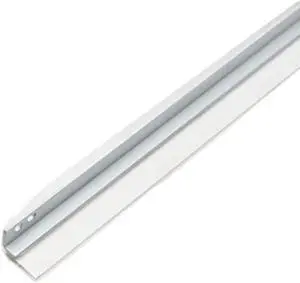
Drum Cleaning Kit Compatible with 2020C 2040C 2320C 2330C 2500C 2540C 2820C 2830C 3040C 3500C 3510C 3520C 3530C
- Model #: ENGEB0GMBRNMGX
- $135.99 –
- Free Shipping
Quick View
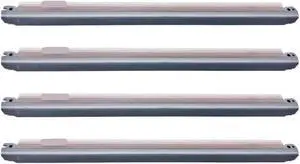
4PCS Drum Cleaning Unit Compatible with Versant 80 180 2100 3100
- Model #: ENGEB0GJC16JBY
- $110.99 –
- Free Shipping
Quick View
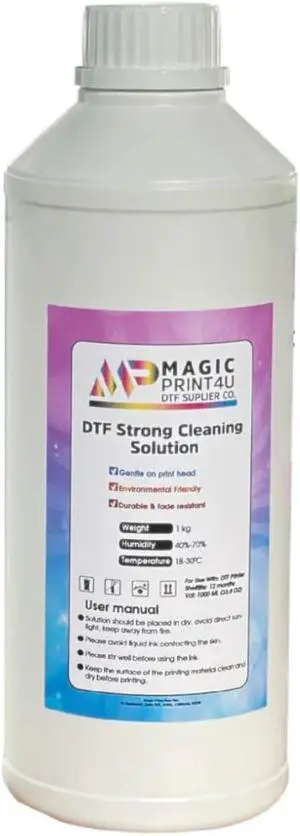
DTF Strong Cleaning Solution 1000ml Heavy Duty Printhead Cleaner for Direct to Film Printers Anti Clog Maintenance Fluid for I3200 A1, I1600 A1, L1800, XP-15000, ET-8550
- Model #: ENGEB0FFSF4H32
- $123.99 –
- Free Shipping
Quick View
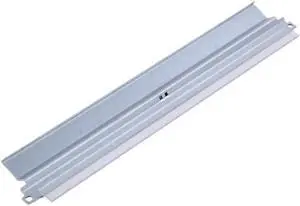
Drum Cleaning Kit Compatible with 2020C 2040C 2320C 2330C 2500C 2540C 2820C 2830C 3040C 3500C 3510C 3520C 3530C
- Model #: ENGEB0GRSJSF7Z
- $141.99 –
- Free Shipping
Quick View
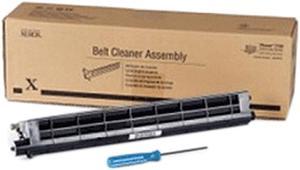
XEROX 108R01036 IBT Cleaner Unit
- Product Sort: Printer Accessories
- Product Type: Cleaning and Maintenance kits
- Color: Black
- Compatibility: Phaser 7800
- Model #: 108R01036
- $106.99 –
- $2.99 Shipping
Quick View
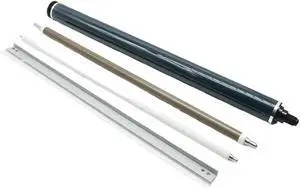
Printer Cleaning Blade, 1 Drum Unit Compatible for Ricoh3000 3500 4500 6000 IM C3000 C3500 C4500 C6000 Drum+Cleaning Blade+ Roller+Cleaner,for Work Purposes
- Model #: ENGEB0GRDLVZ86
- $158.99 –
- Free Shipping
Quick View
Printer Cleaning Blade, 1 Drum Unit Compatible for Ricoh3000 3500 4500 6000 IM C3000 C3500 C4500 C6000 Drum+Cleaning Blade+ Roller+Cleaner,for Work Purposes
- Model #: ENGEB0GRMRMZQK
- $158.99 –
- Free Shipping
Quick View
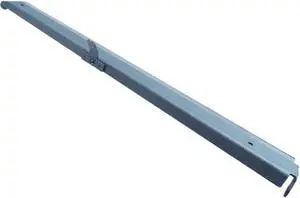
Drum Cleaning Kit for Use with C451 C550 C650 C452 C552 C654 C754 C652 Copier Models
- Model #: ENGEB0GQ5F6YPZ
- $111.99 –
- Free Shipping
Quick View
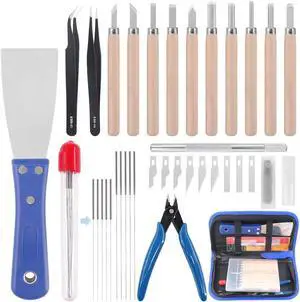
Glarks 34Pieces 3D Printer Nozzle Cleaning Removal Tool Kit, Including 0.35mm 0.4mm Cleaning Needles, Wood Carving Tools Kit, Knife Clean Up Kit, Tweezers, Scraper, Wire Cutter
- Model #: EQWER462277172949
- $37.49 –
- Free Shipping

Choosing the Right Printer for Your Office Needs
When it comes to office solutions, printers and scanners are essential tools for any business. Whether you need to print important documents, scan invoices, or create professional-quality marketing materials, having the right equipment is crucial. In this article, we will explore the different types of printers and scanners available in the market and provide tips on how to choose the best one for your office.
All-in-One Printers: Versatility and Convenience
all-in-one printers, also known as multifunction printers, are a popular choice for offices. These devices combine the functionality of a printer, scanner, copier, and sometimes even a fax machine into a single unit. They offer versatility and convenience, allowing you to perform multiple tasks without the need for separate devices. All-in-one printers are available in both inkjet and laser options, catering to different printing needs and budgets.
Specialized Printers for Specific Tasks
In addition to all-in-one printers, there are specialized printers designed for specific tasks. For example, 3D printers are ideal for creating prototypes or intricate models, while barcode and label printers are perfect for businesses that require efficient inventory management. laser printers are known for their fast printing speeds and high-quality output, making them suitable for offices with high-volume printing needs. inkjet printers, on the other hand, are more cost-effective and can produce vibrant color prints.
Choosing the Right Supplies
Once you have selected the right printer for your office, it is important to choose the right supplies to ensure optimal performance and longevity. When it comes to inkjet printers, using high-quality ink cartridges is essential to achieve the best print quality and prevent clogging. For laser printers, it is important to choose the right type of toner cartridges that are compatible with your printer model. Additionally, investing in high-quality paper can make a significant difference in the final print results.
FAQs: Common Questions about Printers and Scanners
| Q: How often should I replace the ink cartridges? | A: The frequency of replacing ink cartridges depends on your printing volume. However, it is recommended to replace them when the print quality starts to degrade. |
|---|---|
| Q: Can I use third-party ink cartridges with my printer? | A: While it is possible to use third-party ink cartridges, it is important to ensure compatibility with your printer model. Using incompatible cartridges may result in poor print quality or damage to the printer. |
| Q: How do I clean the scanner glass? | A: To clean the scanner glass, use a soft, lint-free cloth slightly dampened with glass cleaner. Gently wipe the glass surface to remove any smudges or debris. |
| Q: What is the difference between optical and interpolated resolution in scanners? | A: Optical resolution refers to the actual hardware resolution of the scanner, while interpolated resolution is achieved through software enhancements. Optical resolution provides more accurate and detailed scans. |
| Q: How can I improve the scanning speed? | A: To improve scanning speed, reduce the scanning resolution, use black and white mode instead of color, and ensure that the scanner is connected to a high-speed USB port. |