

Your Browsing History
- In Stock
- Sold by Newegg
- Make an Offer
- New
Quick View
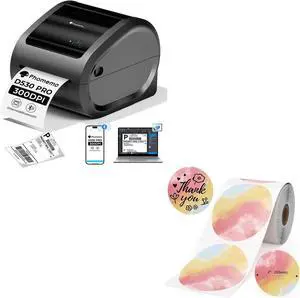
Phomemo Ethernet Thermal Label Printer with 2 Inch Color Round Labels Support Ethernet/Bluetooth/USB, Amazon, Ebay, Etsy, USPS
- Model #: CHIDB0GFHK4TSN
- $205.99 –
- Free Shipping
Quick View
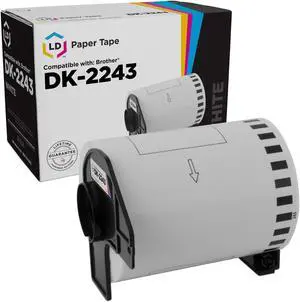
LD Products Compatible Paper Tape Replacement for Brother DK-2243 4 in x 100 ft (White)
- Cartridge Quantity: 1
- Replacement Brand: Brother
- Replacement Model: Brother
- Ink Type: Dye-based
- Model #: DK2243

![[2-PACK, 3.3ft ] USB Printer Cable, USB 2.0 Printer Cable Cord Type A-Male to B-Male Cable for Printer/Scanner Canon Dell Epson HP ZJiang Label Printer Cord](https://c1.neweggimages.com/productimage/nb300/BFMPS2304120AAQIYAA.jpg "[2-PACK, 3.3ft ] USB Printer Cable, USB 2.0 Printer Cable Cord Type A-Male to B-Male Cable for Printer/Scanner Canon Dell Epson HP ZJiang Label Printer Cord")
Quick View
[2-PACK, 3.3ft ] USB Printer Cable, USB 2.0 Printer Cable Cord Type A-Male to B-Male Cable for Printer/Scanner Canon Dell Epson HP ZJiang Label Printer Cord
Limited time offer, ends 07/24
- Type: Printer (Parallel)
- Type: USB Printer Cable
- Color: Black
- Connector Detail: USB Printer Cable
- Model #: A-D105-1Mx2
Quick View
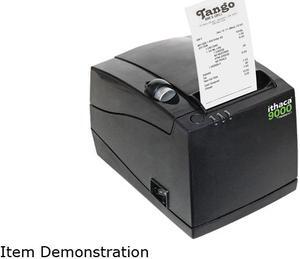
ithaca 9000-USB 3-in-1 Thermal Receipt Printer
- Color: Dark Gray
- Printer Type: Desktop
- Memory: 64MB Flash
- Barcode Type: Bar Codes - Code 39, Code 93, Interleaved 2 of 5, UPC-A and UPC-E, Codabar, EAN8 and EAN13, Code 128, PDf417
- Model #: 9000-USB
- $371.99 –
- More options from $352.79 - $373.69
- Free Shipping
Quick View
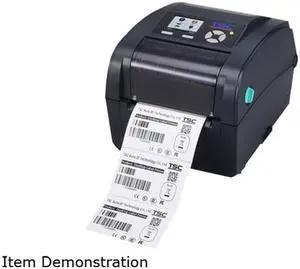
TSC TC310 PRINTER TT 300 DPI 4 IPS NAVY ETHERNET USB SER PAR USB A HOST LCD COLOR DISPLAY NO RTC REPLACES 99059A00250LF
- Series: TC310PN
- Specification: Printer Output Type: Monochrome Language Simulation: TSPL-EZ Print Technology: Direct thermal / thermal transfer Printer Type: Label printer Supported Media Type: Continuous forms, Die cut labels, Fanfold labels, label(s) RAM (installed): 64 MB B&W Resolution (max): 300 dpi OS Required: Apple macOS 10.13, Linux, Microsoft Windows
- Model #: 99-059A002-2001
- $509.99 –
- More options from $509.99 - $752.89
- $11.33 Shipping
Quick View
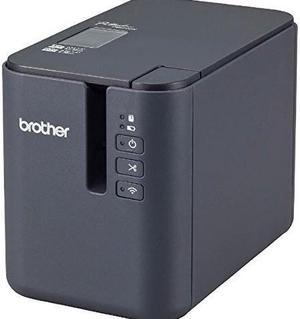
Brother Mobile Solutions Pt-p950nw Powered Wireless Network Laminated Label Printer
- Color: Black
- Model #: PTP950NW
- $499.99 –
- More options from $499.99 - $988.99
- $4.99 Shipping
Quick View
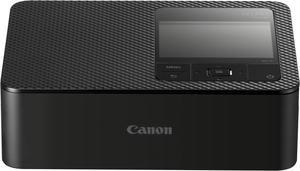
Canon SELPHY CP1500 Wireless Compact Photo Printer, Black
- Model #: 5539C001
- $179.99
- $159.00 –
- Save: $20.99 (11%)
- More options from $159.00 - $200.99
- Free Shipping
Quick View
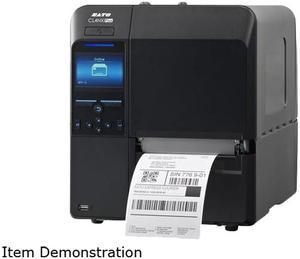
Sato CL4NX PLUS 203 DPI 41 Thermal Transfer Printer WWCLP1001
- Weight: 14
- Model #: WWCLP1001
- $1,610.75 –
- More options from $1,603.67 - $2,230.43
- Free Shipping
Quick View
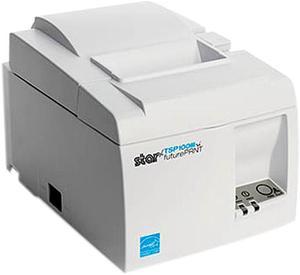
Star Micronics Tsp143iiiu Wt Us Direct Thermal Printer - Monochrome - Wall Mount - Label/Receipt Print
- Color: White
- Weight: 5.75
- Model #: 39472410
- $272.99 –
- More options from $240.77 - $364.58
- Free Shipping
Quick View
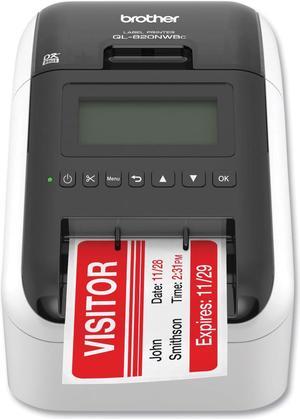
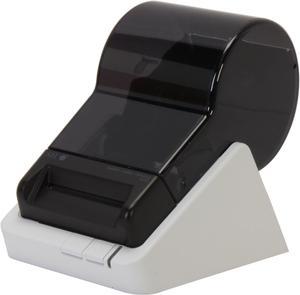
Seiko SL 620 2.28" Direct Thermal Label Printer, 203 dpi, USB, Windows, Mac OS, or Linux
- Printer Type: Desktop
- Media Type: Label, Shipping Label, Address Label, File Folder Label, Multipurpose Label, Name Badge Label, Multi-media Label, Security Label; white, color, clear, opaque, removable, tuffy
- Interface: USB
- Dimensions: 4.48" x 6.77" x 5.83"
- Model #: SLP620
- $103.99 –
- More options from $91.72 - $168.48
- Free Shipping
Quick View
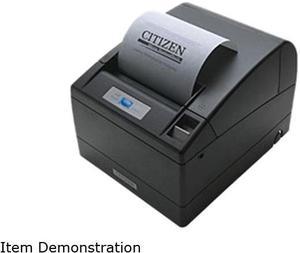
Citizen CT-S4000RSU-BK CT-S4000 Two-Color Receipt Printer
- Color: Black
- Memory: 384K bytes
- Fonts Included: Character Size Font A: 1.25 x 3.0 mm (12 x 24 dots), Font B: 0.88 x 2.13mm (9 x 17 dots), Font C: 0.88 x 2.00 (8 x 16 dots) Character Table Code page 437, 850, 852, 857, 858, 860, 863, 864, 865, 866, Katakana, WPC1252, Thai code 18
- Barcode Type: UPC-A/E, JAN/EAN-8, JAN/EAN-13, ITF, Code 39, Code 93, Code 128, CODABAR, PDF417 (Label type only)
- Model #: CT-S4000RSU-BK
- $418.11 –
- Free Shipping
Quick View
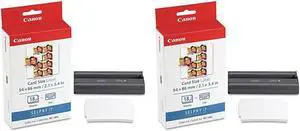
Canon 2 Pack KC-18IL Color Ink Cartridge and Mini Label Set #7740A001 2
- Model #: 7740A001 2
- $43.77 –
Quick View
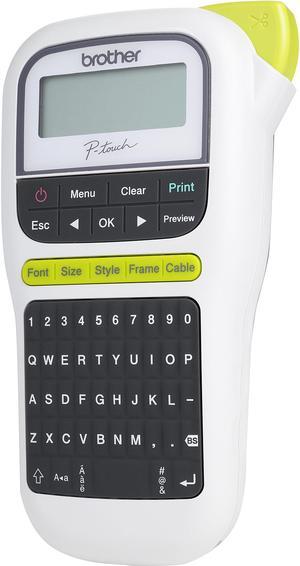
Brother P-touch PT-H110 Easy, Portable Label Maker, Thermal Transfer, 180 dpi, 20mm./sec, Up to 2 Print Lines, Manual Cutter
- Printer Type: Mobile
- Memory: Up to 15 labels Built-in Memory
- Fonts Included: Fonts: Helsinki, Brussels, Florida Font Styles: Normal, Bold, Outline, Shadow, Italic, Italic Bold, Italic Outline, Italic Shadow, Vertical, Vertical Bold Font Sizes: Small, Medium, Large
- Cutter: Manual
- Model #: PT-H110
- $45.99 –
- More options from $39.11 - $59.20
- Free Shipping
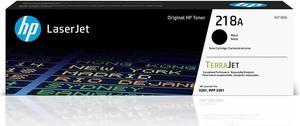
Quick View

- Product Type: Ink, Toner & Drum Units
- Color: Black
- Model #: W2180A
- $78.89 –
- More options from $78.89
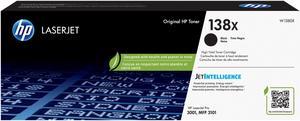
Quick View
- Brand: HP
- Model: W1380X
- Part Number: W1380X
- Cartridge Quantity: 1
- Model #: W1380X
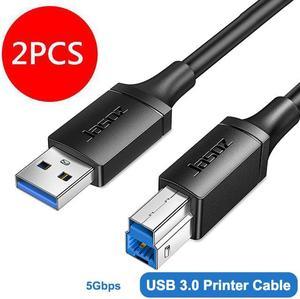
Quick View
USB Printer Cable 2-PACK, USB-A Male to USB-B 3.0 Male USB 3.0 Type B Upstream Cord Label Scanner Printer Cable for Docking Station, External Hard Drivers, Scanner, Printer and More - 6FT
Limited time offer, ends 07/24
- Type: Printer (Parallel)
- Type: USB3.0 Printer Cable
- Color: Black
- Connector Detail: USB3.0 Printer Cable
- Model #: A-D113-2Mx2
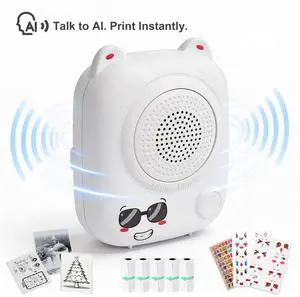
Quick View

- Part Number: AI Mini Printer
- Color: White
- Print Technology: Thermal
- Printer Type: Mobile
- Model #: AI Mini Printer
Quick View
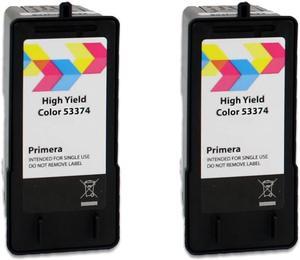
53374 High Yield Tri-Color Ink Cartridge 2-Pack
- Model #: HE4Y7RGN555
Quick View
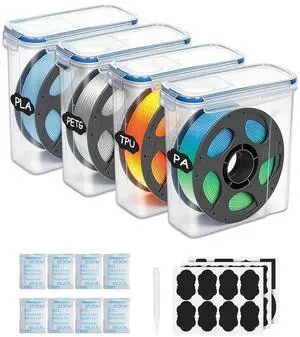
Filament Storage Box 4 Pack for 3D Printer Filament Storage Container Portable with Desiccants and Label Water-Proof Dust-Proof for 1.75mm Filament Transparent Blue
- Model #: C0A182465010405588
- $52.63 –
- Free Shipping
Quick View
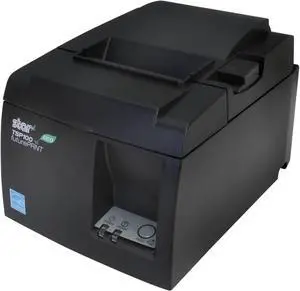
Star Micronics TSP143ECO 39464010 Direct Thermal Receipt Printer (Gray) – Auto-Cutter, USB Interface
- Color: Black
- Fonts Included: ESC/POS, Star Line Mode
- Barcode Type: PDF-417, Maxi Code
- Media Type: TRF-80 (87993460)
- Model #: TSP143IIU GRY US
- $348.99
- Request Price
- More options from $348.49 - $379.00
- Free Shipping
Quick View
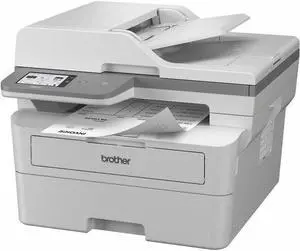
Brother MFC-L2980DW Wired & Wireless Laser Multifunction Printer - Monochrome MFCL2980DW
- Part Number: MFCL2980DW
- Copy Quality, Color: 600 x 600 dpi
- Scan Resolution, Optical: 1200 x 1200 dpi
- Color Fax: Monochrome
- Model #: MFCL2980DW
- $362.99 –
- More options from $362.99 - $410.27
- Free Shipping
Quick View
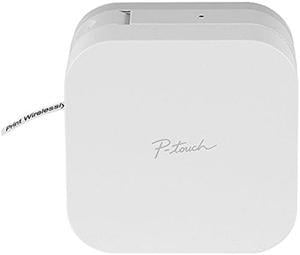
Brother P-touch CUBE PT-P300BT Smartphone Dedicated Label Maker, Bluetooth, Thermal Transfer, 180 dpi, 20mm./sec, Up to 2 Print Lines, Manual Cutter - White
- Printer Type: Mobile
- Cutter: Manual
- Media Type: TZe Laminated Tape
- Media sizes supported: Maximum Tape Width: 12.00 mm (to 0.50")
- Model #: PT-P300BT
Quick View
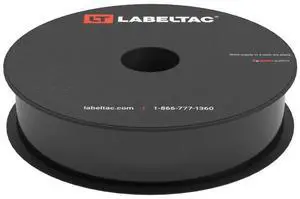
Indoor/Outdoor Vinyl Label Supply, Industrial Label Tape for 4 & Pro X Printers, Durable Facility & Warehouse Label Material - Black, 1in x 150ft
Limited time offer, ends 07/31
- Model #: 411196988896
- $319.99
- See price in cart
- Free Shipping
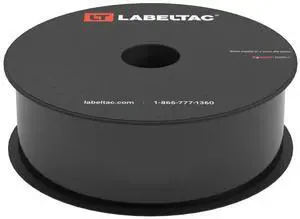
Quick View
Indoor/Outdoor Vinyl Label Supply, Industrial Label Tape for 4 & Pro X Printers, Durable Facility & Warehouse Label Material - Black, 1.5in x 150ft
Limited time offer, ends 07/31
- Model #: 451678214600
- $379.99
- See price in cart
- Free Shipping
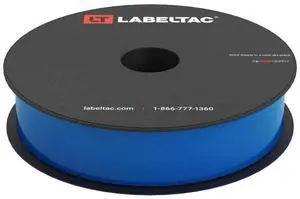
Quick View
Indoor/Outdoor Vinyl Label Supply, Industrial Label Tape for 4 & Pro X Printers, Durable Facility & Warehouse Label Material - Blue, 1in x 150ft
Limited time offer, ends 07/31
- Model #: 411196988889
- $319.99
- See price in cart
- Free Shipping
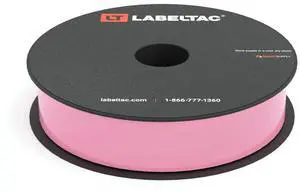
Quick View
Indoor/Outdoor Vinyl Label Supply, Industrial Label Tape for 4 & Pro X Printers, Durable Facility & Warehouse Label Material - Pink, 1in x 150ft
Limited time offer, ends 07/31
- Model #: 411196988919
- $319.99
- See price in cart
- Free Shipping
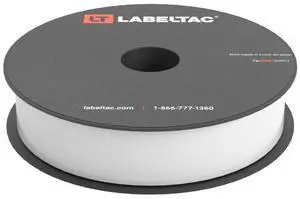
Quick View
Indoor/Outdoor Vinyl Label Supply, Industrial Label Tape for 4 & Pro X Printers, Durable Facility & Warehouse Label Material - White, 1in x 150ft
Limited time offer, ends 07/31
- Model #: 768032420479
- $319.99
- See price in cart
- Free Shipping
Quick View
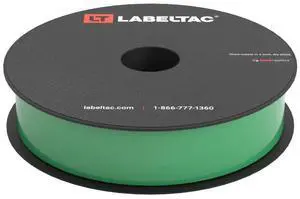
Indoor/Outdoor Vinyl Label Supply, Industrial Label Tape for 4 & Pro X Printers, Durable Facility & Warehouse Label Material - Green, 1in x 150ft
Limited time offer, ends 07/31
- Model #: 411196988933
- $319.99
- See price in cart
- Free Shipping
Quick View
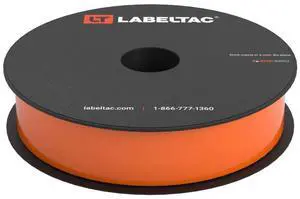
Indoor/Outdoor Vinyl Label Supply, Industrial Label Tape for 4 & Pro X Printers, Durable Facility & Warehouse Label Material - Orange, 1in x 150ft
Limited time offer, ends 07/31
- Model #: 411196988957
- $319.99
- See price in cart
- Free Shipping
Quick View
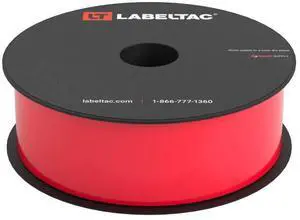
Indoor/Outdoor Vinyl Label Supply, Industrial Label Tape for 4 & Pro X Printers, Durable Facility & Warehouse Label Material - Red, 1.5in x 150ft
Limited time offer, ends 07/31
- Model #: 451678214631
- $379.99
- See price in cart
- Free Shipping

Any questions? Our AI beta will help you find out quickly.
Try me now
Choosing the Right Printer for Your Office Needs
When it comes to office solutions, printers and scanners are essential tools for any business. Whether you need to print important documents, scan invoices, or create professional-quality marketing materials, having the right equipment is crucial. In this article, we will explore the different types of printers and scanners available in the market and provide tips on how to choose the best one for your office.
All-in-One Printers: Versatility and Convenience
all-in-one printers, also known as multifunction printers, are a popular choice for offices. These devices combine the functionality of a printer, scanner, copier, and sometimes even a fax machine into a single unit. They offer versatility and convenience, allowing you to perform multiple tasks without the need for separate devices. All-in-one printers are available in both inkjet and laser options, catering to different printing needs and budgets.
Specialized Printers for Specific Tasks
In addition to all-in-one printers, there are specialized printers designed for specific tasks. For example, 3D printers are ideal for creating prototypes or intricate models, while barcode and label printers are perfect for businesses that require efficient inventory management. laser printers are known for their fast printing speeds and high-quality output, making them suitable for offices with high-volume printing needs. inkjet printers, on the other hand, are more cost-effective and can produce vibrant color prints.
Choosing the Right Supplies
Once you have selected the right printer for your office, it is important to choose the right supplies to ensure optimal performance and longevity. When it comes to inkjet printers, using high-quality ink cartridges is essential to achieve the best print quality and prevent clogging. For laser printers, it is important to choose the right type of toner cartridges that are compatible with your printer model. Additionally, investing in high-quality paper can make a significant difference in the final print results.
FAQs: Common Questions about Printers and Scanners
| Q: How often should I replace the ink cartridges? | A: The frequency of replacing ink cartridges depends on your printing volume. However, it is recommended to replace them when the print quality starts to degrade. |
|---|---|
| Q: Can I use third-party ink cartridges with my printer? | A: While it is possible to use third-party ink cartridges, it is important to ensure compatibility with your printer model. Using incompatible cartridges may result in poor print quality or damage to the printer. |
| Q: How do I clean the scanner glass? | A: To clean the scanner glass, use a soft, lint-free cloth slightly dampened with glass cleaner. Gently wipe the glass surface to remove any smudges or debris. |
| Q: What is the difference between optical and interpolated resolution in scanners? | A: Optical resolution refers to the actual hardware resolution of the scanner, while interpolated resolution is achieved through software enhancements. Optical resolution provides more accurate and detailed scans. |
| Q: How can I improve the scanning speed? | A: To improve scanning speed, reduce the scanning resolution, use black and white mode instead of color, and ensure that the scanner is connected to a high-speed USB port. |