
Your Browsing History
- In Stock
- New
Quick View
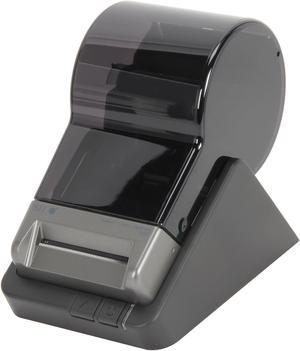
Seiko SLP 650 2.28" Direct Thermal Label Printer, 300 dpi, USB - Windows, Mac OS, or Linux
- Printer Type: Desktop
- Barcode Type: QR Code, Code 39, UPC-A, UPC-E, EAN 13, EAN 128, I-2 of 5, Code 128, MaxiCode, DataMatrix, PDF 417, and Codabar
- Media Type: Label, Shipping Label, Address Label, File Folder Label, Multipurpose Label, Name Badge Label, Multi-media Label, Security Label; white, color, clear, opaque, removable, tuffy
- Media sizes supported: 2.28"
- Model #: SLP650
- $132.82 –
- More options from $97.31 - $251.83
- $14.99 Shipping
Quick View
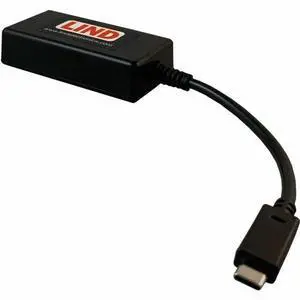
Lind Electronics Charging Cable - For Notebook, Tablet, Power Adapter, Computer - 4" Cord Length - Bondi / USB Type C
- Brand: Lind Electronics
- Model #: DE2UC-5532
- $63.82 –
- More options from $63.82 - $73.62
- $9.99 Shipping
Quick View
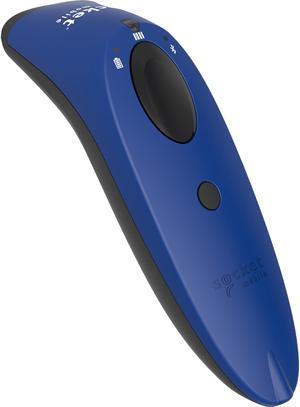
Socketscan® S740 1D/2D Imager Barcode Scanner Blue
- Series: SocketScan 700
- Part Number: CX3431-1881
- Connectivity: Wireless
- Cordless Type: Handheld Barcode Scanner
- Model #: CX3431-1881
- $364.82 –
- More options from $317.20 - $775.41
- $10.99 Shipping
Quick View
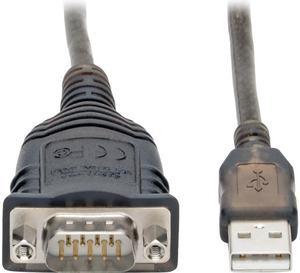
Tripp Lite U209-30N-IND USB to RS485/RS422 FTDI Serial Adapter Cable 30 in.
- Type: USB
- Connector Number: 1
- Model #: U209-30N-IND
- $42.82 –
- More options from $42.82 - $135.15
- $9.99 Shipping
Quick View
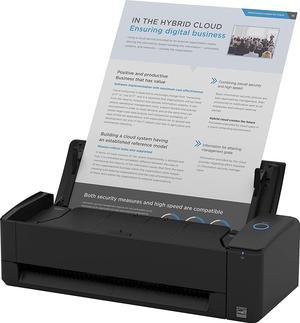
Ricoh ScanSnap iX1300 TAA Black Desktop Scanner - Compact Wireless or USB Double-Sided Color Document, Photo & Receipt Scanner with Auto Document Feeder and Manual Feeder for Mac or PC
- Scanning Speed: 30 ppm
- Model #: PA03805-B225
- $333.82 –
- More options from $329.99 - $499.00
- $19.98 Shipping
Quick View
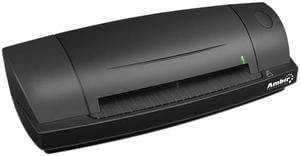
Ambir ImageScan Pro 687 w/ABBYY Business Card Reader Software
- Brand: Ambir
- Type: Duplex
- Scanning Speed: 3 seconds per single-sided card in grayscale mode at 300 dpi 3 seconds per card in duplex mode
- Optical Resolution: 600 dpi
- Model #: DS687-AS
- $342.82 –
- More options from $269.11 - $378.00
- $12.99 Shipping
Quick View
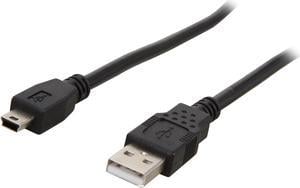
C2G 27005 USB Cable - USB 2.0 A Male to Mini-B Male Cable for Cameras, Canon, Casio, Nikon, Toshiba, Panasonic, Black (6.6 Feet, 2 Meters)
- Type: USB 2.0
- Connector Type: USB A to Mini USB
- Connector Number: 2
- Connector Detail: USB 2.0 A to USB Type Mini-b Male
- Model #: 27005
Quick View
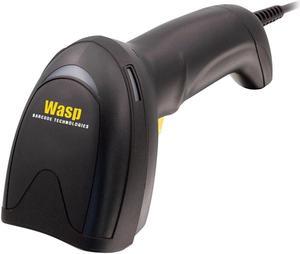
WDI9600 1D LASER SCANNER WITH
- Type: Computer Accessories
- Weight: 0.3900
- Model #: 633809009013
- $175.82 –
- More options from $175.82 - $188.99
- $9.99 Shipping
Quick View
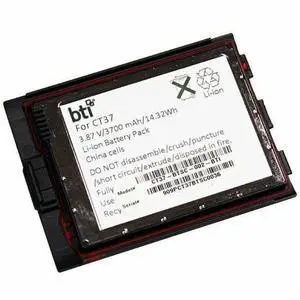
BTI CT37-BTSC-002-BTI 3.87V 3700MAH 14.32WH Li-ION SCANNER BATTERY FOR HONEYWELL CT37BTSC002BTI
- Brand: Battery Technology Inc.
- Model #:
- $77.82 –
- More options from $76.71 - $89.99
- $9.99 Shipping
Quick View
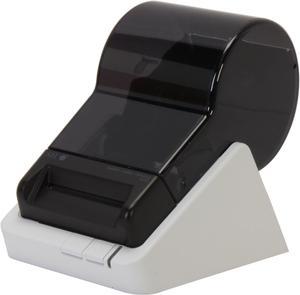
Seiko SL 620 2.28" Direct Thermal Label Printer, 203 dpi, USB, Windows, Mac OS, or Linux
- Printer Type: Desktop
- Media Type: Label, Shipping Label, Address Label, File Folder Label, Multipurpose Label, Name Badge Label, Multi-media Label, Security Label; white, color, clear, opaque, removable, tuffy
- Interface: USB
- Dimensions: 4.48" x 6.77" x 5.83"
- Model #: SLP620
- $106.82 –
- More options from $71.99 - $107.88
- $16.99 Shipping
Quick View
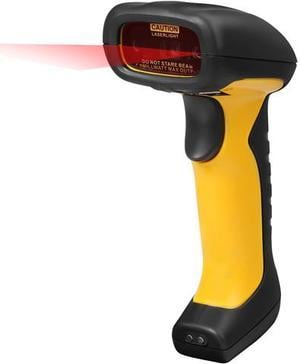
Adesso NuScan 4100B Bluetooth Antimicrobial Waterproof CCD Barcode Scanner with Charging Cradle
- Part Number: NUSCAN 4100B
- Form Factor: Handheld
- Connectivity: Cordless
- Interfaces Supported: Bluetooth (USB port required for charging cradle)
- Model #: NUSCAN 4100B
- $149.99
- $125.81 –
- Save: $24.18 (16%)
- More options from $113.20 - $244.87
- $12.99 Shipping
Quick View
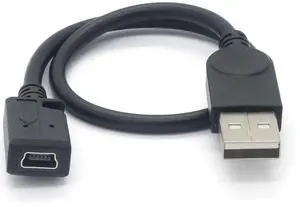
11.4inch Mini b Female to USB A Male Cable minib 5pin Adapter Cable Supports Data Transfer, Charging, and Sync mini USB Female-(USB A) Male, 11.4inch
Limited time offer, ends 02/24
- Model #: C2AG-1220-C5
- $18.69 –
- Free Shipping
Quick View
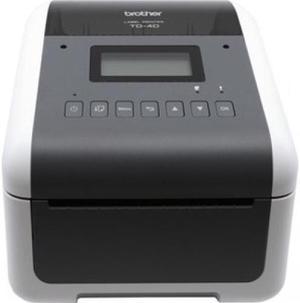
Brother TD-4550DNWB 4.3” Desktop Wireless Network Direct Thermal Label, Tag, Wristband, and Receipt Printer, 300 dpi, USB, Serial, Ethernet LAN, Wi-Fi WLAN, Bluetooth BLE, MFi, Tear Up, Peeler, Cutter
- Printer Type: Desktop
- Memory: 64MB Flash
- Cutter: Cutter
- Interface: Bluetooth / Ethernet / Serial / USB / WiFi
- Model #: TD4550DNWB
- $488.81 –
- More options from $426.00 - $680.49
- $14.99 Shipping
Quick View
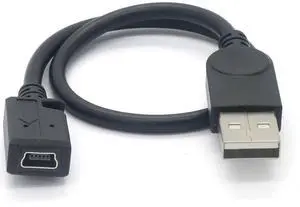
Vszerda 11.4inch Mini b Female to USB A Male Cable minib 5pin Adapter Cable Supports Data Transfer, Charging, and Sync mini USB Female-(USB A) Male, 11.4inch
- Brand: Tivid
- Type: USB
- Connector Number: 4
- Terminal Gender: Male-to-Female
- Model #: usbG12Q
- $19.99 –
- Free Shipping
Quick View
Xerox Wi-Fi Kit - Network adapter - for VersaLink B625/DN, B625/YDN
- Product Type: Computer Accessories
- Model #: 097N02444
- $74.82 –
- More options from $74.82 - $138.63
- $10.99 Shipping
Quick View
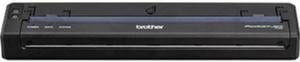
Brother PocketJet PJ-883 300 dpi Mobile Thermal Monochrome Printer with USB-C, Wi-Fi & Bluetooth, No Battery
- Model #: PJ883
- $668.81 –
- More options from $490.09 - $771.38
- $10.99 Shipping
Quick View
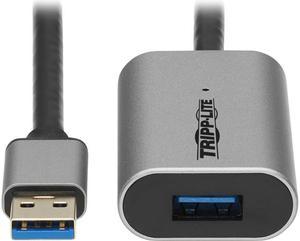
Tripp Lite U330-10M-AL Black & Grey USB Cable
- Cable Length: 32.81 ft. (10m)
- Type: USB
- Connector Type: USB A to USB A
- Connector Number: 2
- Model #: U330-10M-AL
- $97.82 –
- More options from $81.66 - $186.58
- $10.99 Shipping
Quick View
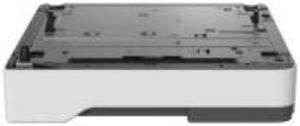
250-SHEET TRAY MS/MX53X-63X M/XM33XX
- Product Type: Computer Accessories
- Model #: 38S2910
- $182.81 –
- More options from $164.99 - $287.25
- $10.99 Shipping
Quick View
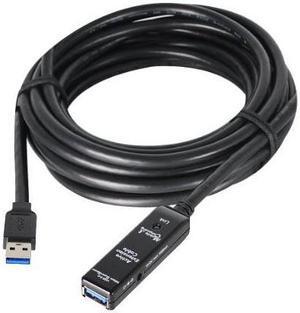
SIIG JU-CB0811-S1 Black USB 3.0 Active Repeater Cable w/ Power adapter
- Type: USB 3.0
- Connector Number: 2
- Connector Detail: Connectors A: 9-pin, Type A, Male Connectors B: 9-pin, Type A, Female
- Terminal Gender: Male to Female
- Model #: JU-CB0811-S1
- $173.84 –
- More options from $167.40 - $267.99
- $12.99 Shipping

Quick View
CONTACTLESS AUTHENTICATION
- Product Type: Computer Accessories
- Color: Black
- Model #: 57X0301
- $245.82 –
- More options from $230.99 - $448.13
- $9.99 Shipping
Quick View
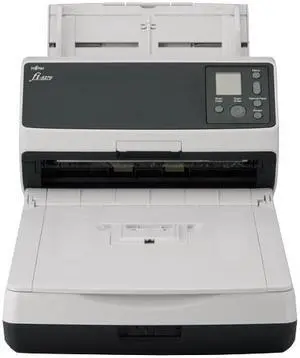
Ricoh fi-8270 fi 8270 fi8270- Document scanner - flatbed: CCD / ADF: dual CIS - Duplex - 216 x 355.6 mm - 600 dpi x 600
- Brand: Ricoh
- Type: Computer Accessories
- Weight: 12.0600
- Model #: PA03810-B551
- $1,345.00 –
- More options from $1,345.00 - $2,546.01
- Free Shipping
Quick View
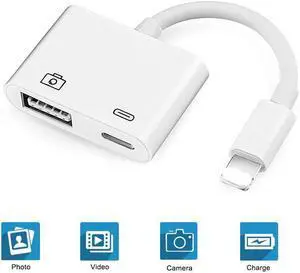
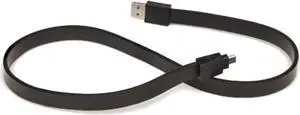
Used - Like New Tylt Syncable 2-Foot Micro-Usb Charge And Sync Cable - Black
- Connector Type: Micro USB to USB A
- Model #: 17d1b878-64f4-4-N2
- $6.99 –
- Free Shipping
Quick View
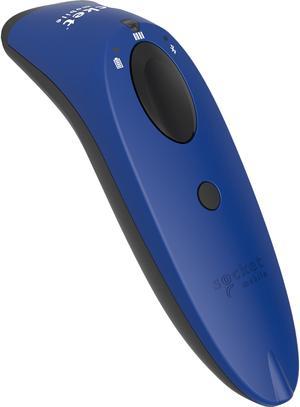
Socket Mobile Socketscan S740 Handheld Barcode Scanner
OUT OF STOCK
- Part Number: CX3448-1911
- Cordless Type: Bluetooth
- Color: Blue
- Weight: 1.08
- Model #: CX3448-1911
- $362.82 –
- More options from $352.20 - $738.19
- $10.99 Shipping
Related searches
Choosing the Right Printer for Your Office Needs
When it comes to office solutions, printers and scanners are essential tools for any business. Whether you need to print important documents, scan invoices, or create professional-quality marketing materials, having the right equipment is crucial. In this article, we will explore the different types of printers and scanners available in the market and provide tips on how to choose the best one for your office.
All-in-One Printers: Versatility and Convenience
all-in-one printers, also known as multifunction printers, are a popular choice for offices. These devices combine the functionality of a printer, scanner, copier, and sometimes even a fax machine into a single unit. They offer versatility and convenience, allowing you to perform multiple tasks without the need for separate devices. All-in-one printers are available in both inkjet and laser options, catering to different printing needs and budgets.
Specialized Printers for Specific Tasks
In addition to all-in-one printers, there are specialized printers designed for specific tasks. For example, 3D printers are ideal for creating prototypes or intricate models, while barcode and label printers are perfect for businesses that require efficient inventory management. laser printers are known for their fast printing speeds and high-quality output, making them suitable for offices with high-volume printing needs. inkjet printers, on the other hand, are more cost-effective and can produce vibrant color prints.
Choosing the Right Supplies
Once you have selected the right printer for your office, it is important to choose the right supplies to ensure optimal performance and longevity. When it comes to inkjet printers, using high-quality ink cartridges is essential to achieve the best print quality and prevent clogging. For laser printers, it is important to choose the right type of toner cartridges that are compatible with your printer model. Additionally, investing in high-quality paper can make a significant difference in the final print results.
FAQs: Common Questions about Printers and Scanners
| Q: How often should I replace the ink cartridges? | A: The frequency of replacing ink cartridges depends on your printing volume. However, it is recommended to replace them when the print quality starts to degrade. |
|---|---|
| Q: Can I use third-party ink cartridges with my printer? | A: While it is possible to use third-party ink cartridges, it is important to ensure compatibility with your printer model. Using incompatible cartridges may result in poor print quality or damage to the printer. |
| Q: How do I clean the scanner glass? | A: To clean the scanner glass, use a soft, lint-free cloth slightly dampened with glass cleaner. Gently wipe the glass surface to remove any smudges or debris. |
| Q: What is the difference between optical and interpolated resolution in scanners? | A: Optical resolution refers to the actual hardware resolution of the scanner, while interpolated resolution is achieved through software enhancements. Optical resolution provides more accurate and detailed scans. |
| Q: How can I improve the scanning speed? | A: To improve scanning speed, reduce the scanning resolution, use black and white mode instead of color, and ensure that the scanner is connected to a high-speed USB port. |