

Your Browsing History

Any questions? Our AI beta will help you find out quickly.
Try me now
Quick View
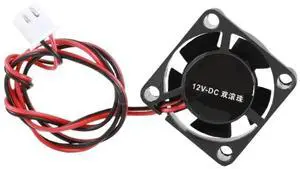
for Mellow 24V 2510 Fan for 3D Printer Parts Small Cooling Dual Ball for Bear for Goliath for Dragon for ultimaker 2 UM2 for Crazy Extruder Hotend
Limited time offer, ends 07/26
- Model #: LC6W1JU7-1014
- $36.62 –
- Free Shipping
Quick View
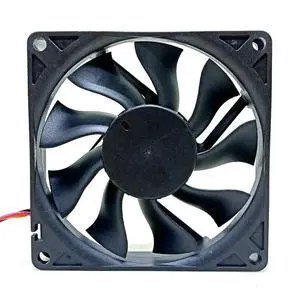
for 60mm Cooling Fan 6015 24V Mute Fan M60R24MGAB -51Z85 M60R24MGAB-51Z85 Printer Power Cooling Fan 6cm
Limited time offer, ends 07/26
- Model #: LC6W1JU7-199
- $42.56 –
- Free Shipping
Quick View
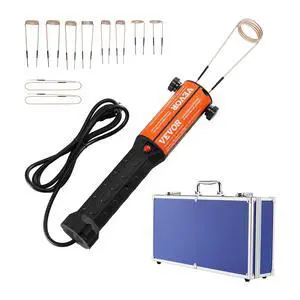
Magnetic Induction Heater Kit, 1000w 110V Portable Hand-held Induction Heater with 10PCS Induction Coils, No-Flame Induction Heater Bolt Remover with Case, Fit for Removing Rusty Bolts & Nuts
Limited time offer, ends 07/30
- Model #: 639913349427
- $363.99
- See price in cart
- Free Shipping
Quick View
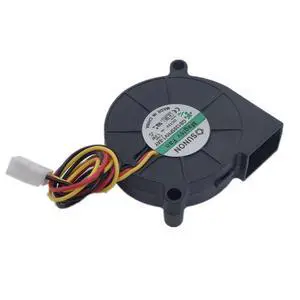
New for GB1205PHV1-8AY 50 * 50 * 15MM 5015 DC12V 3Pin Magnetic Suspension Mute Speed Turbo 3D Printer Blower Cooling Fan
Limited time offer, ends 07/26
- Model #: LC6W1JU7-526
- $32.66 –
- Free Shipping
Quick View
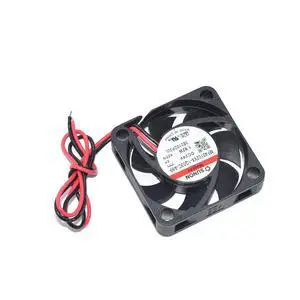
New for SUNON DC24V 1.92W 40 * 40 * 10MM MF40102VX-1Q03C-A99 2Pin 3D Printer Square Cooling Fan
Limited time offer, ends 07/26
- Model #: LC6W1JU7-402
- $32.66 –
- Free Shipping
Quick View
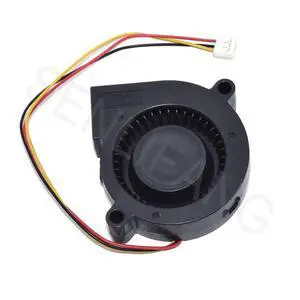
New BUB0524HHB for 3D Printer Blower 5CM Turbine Cooling Fan 5015 24V 0.18A 3-Line Aserver Inverter
Limited time offer, ends 07/26
- Model #: LC6W1JU7-393
- $34.64 –
- Free Shipping
Quick View
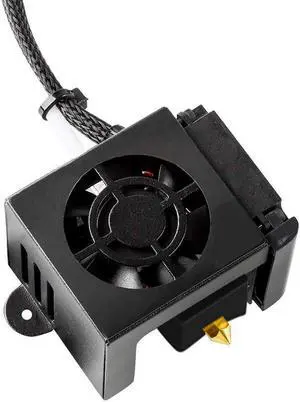
HICTOP Ender 3 Hotend Ender 3 Pro Hotend 24V 40W Full Assembled Extruder Kit Accessories with Silicone Cover for Ender 3, Ender 3 Pro 3D Printer
- Model #: EQWER462277172420
- $45.88 –
- Free Shipping
Quick View
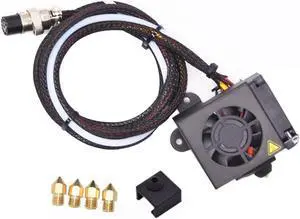
Creativity CR10 Hotend Assembled MK8 Extruder Kit Full Set (with 0.4MM Nozzles) Upgrade for 3D Printer CR 10/CR 10S/S4/S5 Replacement Parts
- Model #: EQWER462277173069
- $41.88 –
- Free Shipping
Quick View
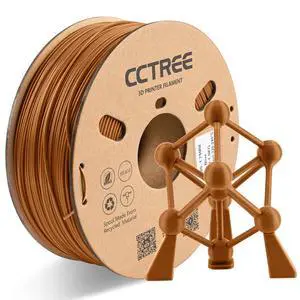
CCTREE 3D Printer ABS+ Filament 1.75mm, Brown | Accuracy +/- 0.03mm, 1KG Cardboard Spool (2.2 LBS), Tough and Durable, Good Heat & Freezing Resistance 3D Printing Filament
- Model #: EQWER462277170525
- $33.88 –
- Free Shipping
Quick View
CCTREE 3D Printer ABS+ Filament 1.75mm, Brown | Accuracy +/- 0.03mm, 1KG Cardboard Spool (2.2 LBS), Tough and Durable, Good Heat & Freezing Resistance 3D Printing Filament
- Model #: EQWER462277170532
- $33.88 –
- Free Shipping
Quick View
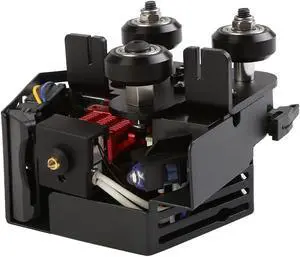
Original Creality CR6 SE Hotend Extruder Full Kit Assembled for CR-6 SE CR6 MAX 3D Printer w/Auto Leveling, Back Support Bracket, Heater, Thermistor, Cooling System
- Model #: EQWER462277179009
- $87.88 –
- Free Shipping
Quick View
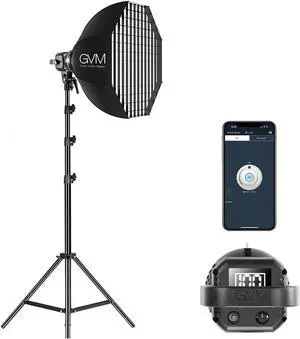
GVM 80W Photo Studio Lighting Kit, LED Video Light with Bowen Mount 23.6" Softbox, Tripod Stand, Continuous Output Daylight 5600K Lights for Photography
- Model #: EQWER462277174196
- $295.88 –
- Free Shipping
Quick View
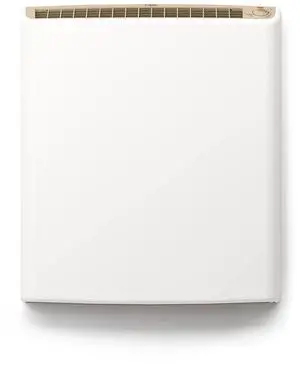
220 Volt Hardwired Electric Panel Wall Heater for Home, Energy Efficient, Child Safe, Quiet, Great for Bedrooms, Bathrooms, Office, Kitchen, Garage, Tip-Over Protection, Comfort-Level Thermostat
Limited time offer, ends 08/02
- Model #: 319312248568
- $379.99
- See price in cart
- Free Shipping
Quick View
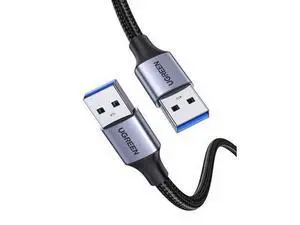
UGREEN USB Cable USB 3.0 A to A Cable Male to Male 5Gbps Data Transfer Cord Nylon Braided Cable for Hard Drive Enclosure, TV Box, Modem, Camera, Printer, Laptop Cooling Fan, 6ft
Limited time offer, ends 07/26
- Model #: .jiudian-YC5KU-1377
- $22.88 –
- Free Shipping
Quick View
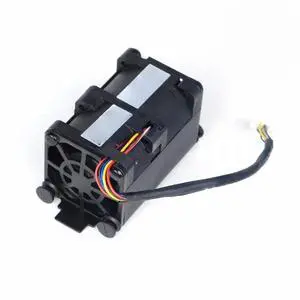
Generic For CPU cooling fan 675449-002 667882-001 654752-002 for DL320EG8 DL320E G8 Gen8 675449-001 GFM0412SS Server fan Cooler
- Model #: 3256807017767248
- $31.60 –
- Free Shipping
Quick View
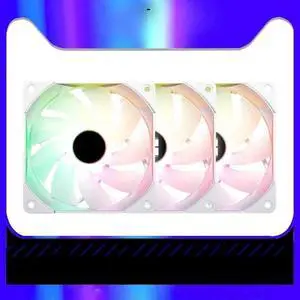
Generic For 3pcs PC Computer Case 120mm Quiet PWM Fan CPU Cooler Radiator Cooling Fan 5V 3PIN ARG SYNC White TL-C12RW-S X3
- Model #: 3256808413038994
- $140.80 –
- Free Shipping
Quick View
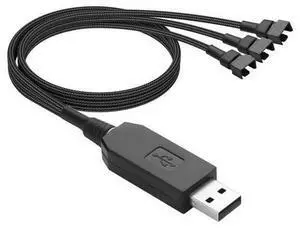
USB to 3/4 Pin Step-Up Fan Power Cable DC5V to DC12V USB-A Male to 3/4 Pin Male Chassis Fan Cable for CPU Fans,Chassis Fans etc(21.26 Inch) to 3
- Model #: Kepler-C72J-0697
- $35.99 –
- Free Shipping
Quick View
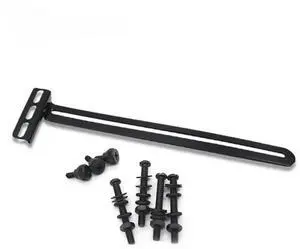
Generic For Graphics Card Cooling Side Blowing Bracket GPU Fan Cooling Mounting Holder MOD Support Video Card Companion
- Model #: 3256806762464807
- $16.20 –
- Free Shipping
Quick View
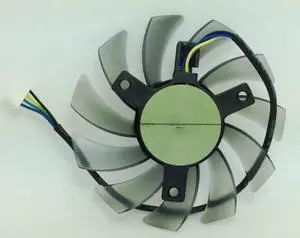
Generic For T128010SH 75mm 12V 0.25A 4Wire 4Pin VGA Cooler Fan Replacement for GTX560 GTX660 HD5870
- Model #: 3256808928780718
- $23.60 –
- Free Shipping
Quick View
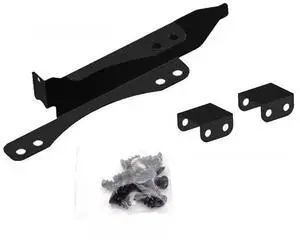
Generic For 9CM/12CM Graphics Card Companion Fan Bracket For Computer Case GPU PCI Bit Cooling Rack MOD Buckle DIY Cabinet
- Model #: 3256808411592812
- $15.26 –
- Free Shipping
Quick View
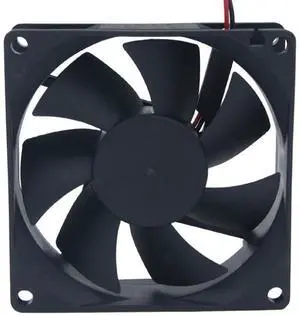
Generic For EG8025H24B 8CM 8025 24V two-wire dc cooling fan industrial cooling fan
- Model #: 3256808733803003
- $29.77 –
- Free Shipping
Quick View
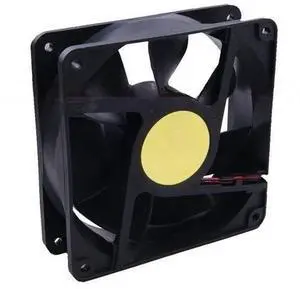
Generic For yy12038h12b 12v 12038 cooling fan dc ventilation fan
- Model #: 3256808908977231
- $34.71 –
- Free Shipping
Quick View
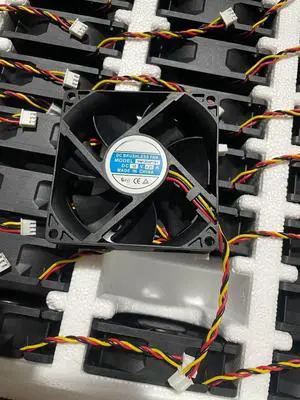
Generic For YM1208PTB1 12V 0.21A 8025 three wire cooling fan
- Model #: 3256811976584064
- $23.50 –
- Free Shipping
Quick View
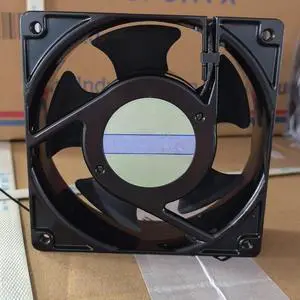
Generic For SJ1238HA3 AC 380V 50/60Hz 0.10A 12038 Double Ball Bearing Cabinet Cooling Fan
- Model #: 3256811913657716
- $44.20 –
- Free Shipping
Quick View
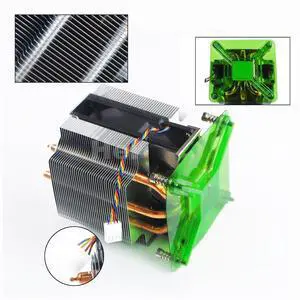
Generic For CPU Cooler Fan W/ Heatsink For XPS 8940 G5 5090 0VWD01 MWXCG
- Model #: 3256803197886313
- $134.96 –
- Free Shipping
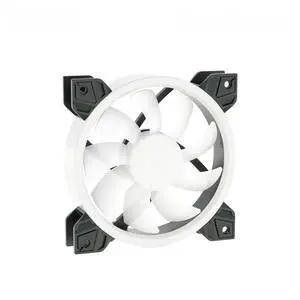
Quick View
Generic For PWM Water Cooling Fan Aurora RGB Adjustable Ring Effect Dedicated For PC Cooling Row Radiator BF03-PR
- Model #: 3256808416743283
- $50.12 –
- Free Shipping
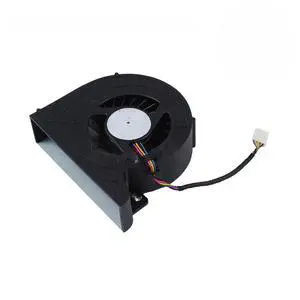
Quick View
Generic For 125W CPU Cooling Fan 4-pin 6C558 For T3630 T3640 T3650 Workstation 06C558
- Model #: 3256807039253891
- $59.82 –
- Free Shipping
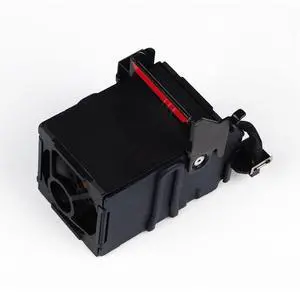
Quick View
Generic For GMF0412SS Cooling Fan For Proliant DL360p DL360e G8 Gen8 Server Cooling Fan 654752-001 667882-001 697183-001 696154-001
- Model #: 3256807002042620
- $22.98 –
- Free Shipping
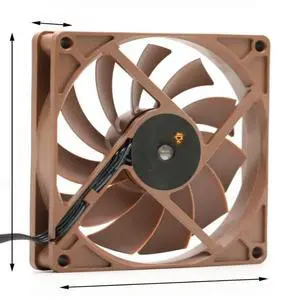
Quick View
Generic For HA9215M12F-Z 12V 92*92*15 0.30A four-wire CPU cooling computer 9cm fan
- Model #: 3256808537942418
- $34.38 –
- Free Shipping
Quick View
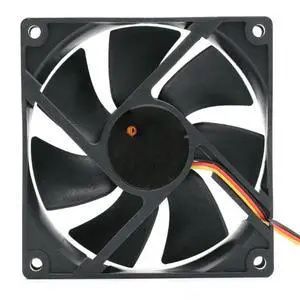
Generic For ID-9225M12S 9225 12V 0.20A three-line computer chassis CPU cooling fan
- Model #: 3256808537906516
- $28.00 –
- Free Shipping
Quick View
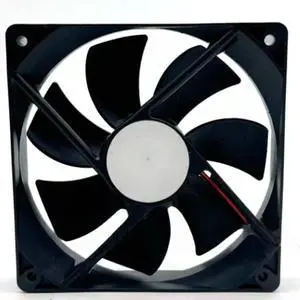
Generic For RD12025B12H 12V 0.60A 12025 12CM two-wire variable frequency ball bearing cooling fan
- Model #: 3256811676024574
- $22.60 –
- Free Shipping
Quick View
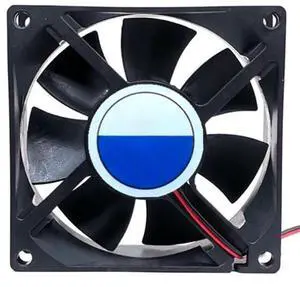
Generic For SDF8025M12S 8MM SUPER FAN 12V0.14A 8025 Two-wire power supply silent cooling fan
- Model #: 3256808928537245
- $19.90 –
- Free Shipping
Quick View
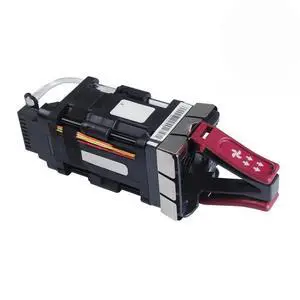
Generic For Cooling Fan NXA-FAN-35CFM-PI V01 For Nexus 2000/3000/9000 Server Fan CMUCAJ4BAA
- Model #: 3256807002048782
- $66.80 –
- Free Shipping
Quick View
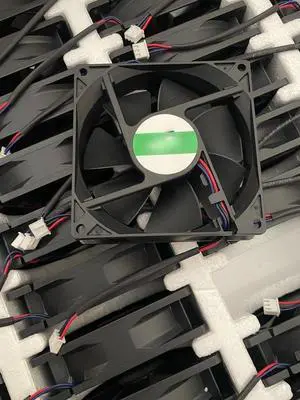
Generic For DA09225B24UP 9225 24V 0.50A three wire cooling fan
- Model #: 3256811987000472
- $20.80 –
- Free Shipping
Quick View
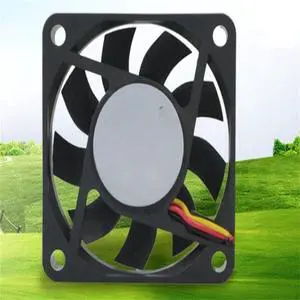
Generic For YY6015H12S 6015 0.25A three-wire cooling fan 6CM DC 12v computer CPU radiator three-wire fan
- Model #: 3256808549166162
- $20.80 –
- Free Shipping
Quick View
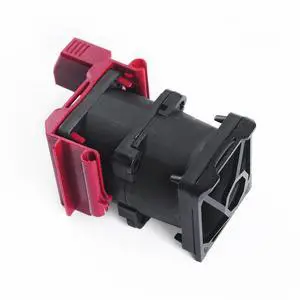
Generic For Cooling Fan 873580-001 873581-001 875283-001 For DL360 GEN10 G10 Server Fan
- Model #: 3256807002316605
- $40.98 –
- Free Shipping
Choosing the Right Printer for Your Office Needs
When it comes to office solutions, printers and scanners are essential tools for any business. Whether you need to print important documents, scan invoices, or create professional-quality marketing materials, having the right equipment is crucial. In this article, we will explore the different types of printers and scanners available in the market and provide tips on how to choose the best one for your office.
All-in-One Printers: Versatility and Convenience
all-in-one printers, also known as multifunction printers, are a popular choice for offices. These devices combine the functionality of a printer, scanner, copier, and sometimes even a fax machine into a single unit. They offer versatility and convenience, allowing you to perform multiple tasks without the need for separate devices. All-in-one printers are available in both inkjet and laser options, catering to different printing needs and budgets.
Specialized Printers for Specific Tasks
In addition to all-in-one printers, there are specialized printers designed for specific tasks. For example, 3D printers are ideal for creating prototypes or intricate models, while barcode and label printers are perfect for businesses that require efficient inventory management. laser printers are known for their fast printing speeds and high-quality output, making them suitable for offices with high-volume printing needs. inkjet printers, on the other hand, are more cost-effective and can produce vibrant color prints.
Choosing the Right Supplies
Once you have selected the right printer for your office, it is important to choose the right supplies to ensure optimal performance and longevity. When it comes to inkjet printers, using high-quality ink cartridges is essential to achieve the best print quality and prevent clogging. For laser printers, it is important to choose the right type of toner cartridges that are compatible with your printer model. Additionally, investing in high-quality paper can make a significant difference in the final print results.
FAQs: Common Questions about Printers and Scanners
| Q: How often should I replace the ink cartridges? | A: The frequency of replacing ink cartridges depends on your printing volume. However, it is recommended to replace them when the print quality starts to degrade. |
|---|---|
| Q: Can I use third-party ink cartridges with my printer? | A: While it is possible to use third-party ink cartridges, it is important to ensure compatibility with your printer model. Using incompatible cartridges may result in poor print quality or damage to the printer. |
| Q: How do I clean the scanner glass? | A: To clean the scanner glass, use a soft, lint-free cloth slightly dampened with glass cleaner. Gently wipe the glass surface to remove any smudges or debris. |
| Q: What is the difference between optical and interpolated resolution in scanners? | A: Optical resolution refers to the actual hardware resolution of the scanner, while interpolated resolution is achieved through software enhancements. Optical resolution provides more accurate and detailed scans. |
| Q: How can I improve the scanning speed? | A: To improve scanning speed, reduce the scanning resolution, use black and white mode instead of color, and ensure that the scanner is connected to a high-speed USB port. |