
Your Browsing History
- In Stock
- Sold by Newegg
- Make an Offer
- New

Any questions? Our AI beta will help you find out quickly.
Try me now
Quick View
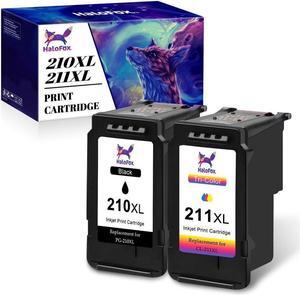
2Pack PG-210XL CL-211XL Ink Cartridge replacement for MP280 480 490
- Approximate Page Yield: For Canon PIXMA iP2700 iP2702 MP230 MP240 MP250 For Canon PIXMA MP270 MP260 MP280 MP480 MP490 For Canon PIXMA MP495 MP499 MX320 MX330 For Canon PIXMA MX340 MX350 MX360 MX410 MX420
- Labor: HaloFox
- Model #: 332853171632j
- $45.94 –
- More options from $45.94
- Free Shipping
Quick View
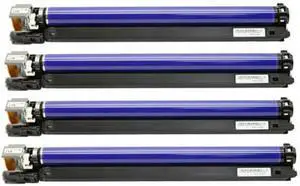
4Pcs Image Drum Unit Compatible with ApeosPort IV C2270 C2275 C3370 C3371 C3373 C3375 C4470 C4475 C5570 C5575 CT350851
- Model #: DARUB0G5GBR6F4
- $1,069.99 –
- Free Shipping
Quick View
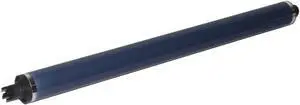
OPC Drum 4pcs CT350851 013R00647 Compatible with WC7425 WC7428 WC7435 WC7525 WC7535 WC7545 WC7500 WC7830 WC7835 WC7845 WC7855 C8030 C8045 C8070 120K
- Model #: DARUB0G57FKX1P
- $187.99 –
- Free Shipping
Quick View
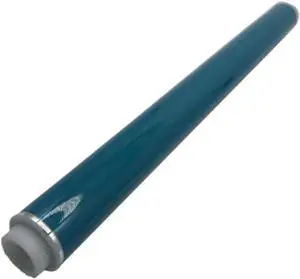
1PCS Long Life Quality OPC Drum Compatible with Printer Supplies IR C5535 C5540 C5550 C5560 C5540i C5535i C5560i C5550i
- Model #: DARUB0G445K7M7
- $139.99 –
- Free Shipping
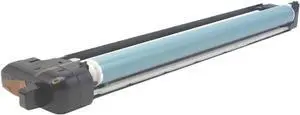
Quick View
Drum Unit Compatible with Printer Supplies IRC3025 C3025i IR Advance C3320 C3320L C3320i C3325i C3330i for Part Number GPR-53 NPG-67 C3520i C3525i No Developer
- Model #: DARUB0G4RSJNF4
- $251.99 –
- Free Shipping
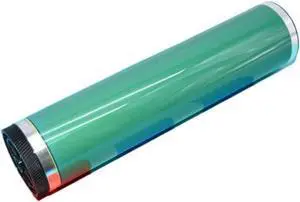
Quick View
1X CLT-R407 OPC Drum Compatible with CLP310 CLP320 CLP325W CLP315 CLP321 CLP325 CLP326 CLX3170 CLX3180 CLX3185 CLX3186 CLX3175 R407
- Model #: DARUB0G5LSBK1W
- $112.99 –
- Free Shipping
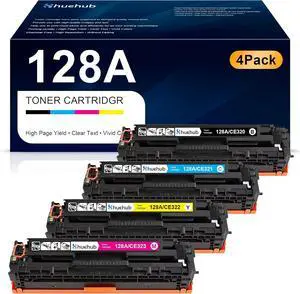
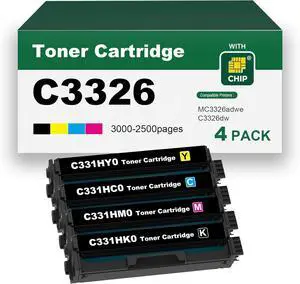
Quick View
C331HK0 C331HC0 C331HM0 C331HY0 High Yield Toner Cartridges 4Pack Set Replacement for C3326 MC3326 Toner Cartridges Compatible with MC3326adwe, C3326dw Printers
- Model #: DARKB0FMF4V411
- $756.99 –
- Free Shipping
Quick View
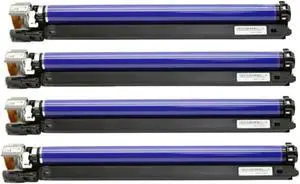
4Pcs Image Drum Unit Compatible with ApeosPort IV C2270 C2275 C3370 C3371 C3373 C3375 C4470 C4475 C5570 C5575 CT350851
- Model #: DARUB0G4DXXCGJ
- $1,069.99 –
- Free Shipping
Quick View
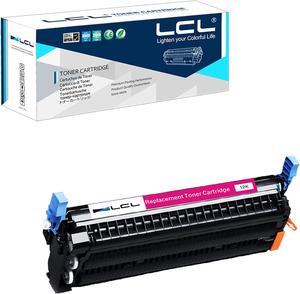
LCL Remanufactured Toner Cartridge Replacement for HP 645A C9733A 5500 5500n 5500dn 5500dtn 5500hdn 5550 5550n 5550dn 5550dtn 5550hdn (Magenta 1-Pack)
- Model #: DARKB0F38BRJR1
- $135.99 –
- Free Shipping
Quick View
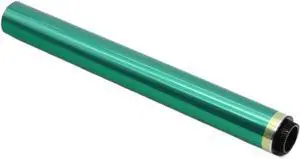
Primary Color Drum Core Compatible with BH C3300i C3350 C3850 OPC Drum C3300i C3350 C3850
- Model #: DARUB0G4QFWDY3
- $120.99 –
- Free Shipping
Quick View
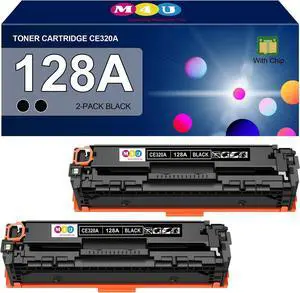
128A Toner Cartridges Black(with Chip) Compatible with HP 128A CE320A for Color MFP CM1415fn MFP CM1415fnw, CP1525n CP1525nw Series(2 Pack, Black)
- Model #: DARKB0D83C9825
- $85.99 –
- Free Shipping
Quick View
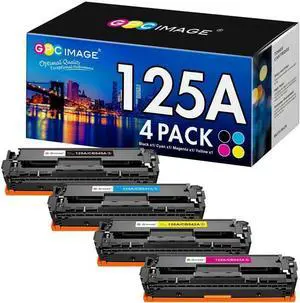
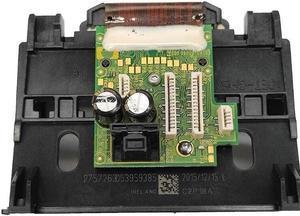
Replacement Printhead for h-p934 935 Printhead Print for Head Fit for 934XL 935XL 6220 6230 6830 6812 6815 6835 C2P18A P
- Model #: fzw-ff-042
- $109.69 –
- Free Shipping
Quick View
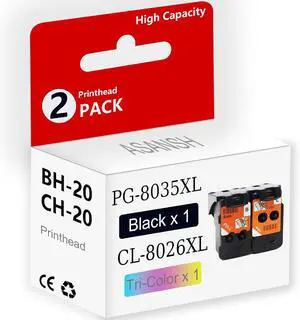
BH-20 CH-20 Printhead for PG-8035XL CL-8026XL Print Head Use for PIXMA G7020 G6020 G5020 G3260 G3262 G2260 G1230 G1220 MegaTank Printers (1 Black 1 Tri-Color)
- Model #: BAMB0FNBWWP5G
- $119.99 –
- Free Shipping
Quick View
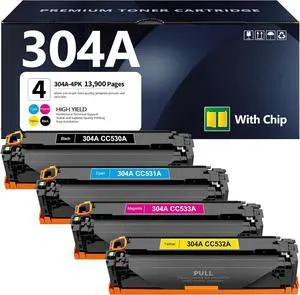
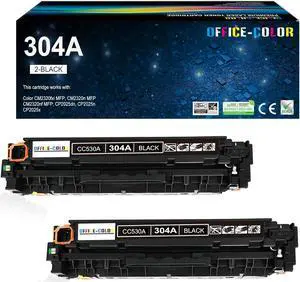
304A Toner Cartridge 4 Pack Replacement for HP 304A Black Cyan Magenta Yellow Toner Cartridge Color CP2025 CP2025n CP2025dn CP2025x MFP CM2320n CM2320fxi CM2320nf Printer
- Model #: BAMB0DKJL5FL4
- $297.99 –
- Free Shipping
Quick View
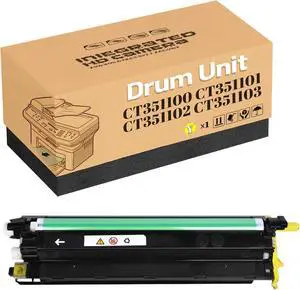
Compatible for Xerox CT351100 CT351101 CT351102 CT351103 Drum Unit Works for DocuPrint CM315z CP315dw CP318dw CM318z Printer,Drum Cartridge/Imaging Unit Yellow 1 Pack
- Model #: LEMLB0FGXJ93TD
- $304.99 –
- Free Shipping
Quick View
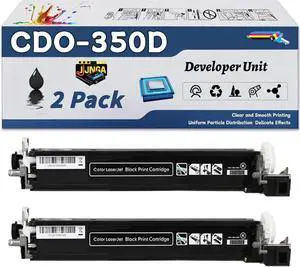
Work for Pantum CP2510DN CM7115DN CM7000FDN Printers, Replacement for Pantum CDO-350DK Developer Unit, Capacity of 30000 Pages (2 Pack Black)
- Model #: LEMLB0FBVVKWHY
- $333.99 –
- Free Shipping
Quick View
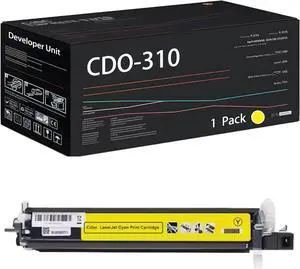
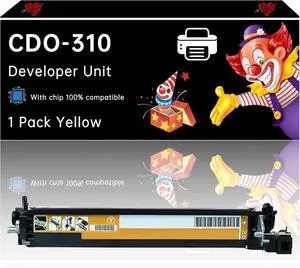
CDO-310 Developer Unit Compatible for Pantum CM7107DN CP2507DN Plus Printers, with Chip, High Yield 225000 Pages, High-Definition Printing (1 Pack Yellow)
- Model #: LEMLB0F1FNSFJY
- $219.99 –
- Free Shipping
Quick View
CDO-310 Developer Unit Compatible with Pantum CM7107DN CP2507DN Printers, Enhanced Durability, Ideal for High-Volume Printing (1 Pack Yellow)
- Model #: LEMLB0F1MHGZLQ
- $225.99 –
- Free Shipping
Quick View
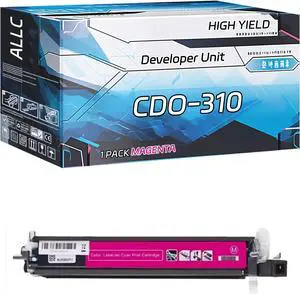
Compatible for Pantum CDO-310 Developer Unit Work for Pantum CM7107DN CP2507DN Plus Printers, with Chip, High Yield 225000 Pages, Clear Printing (1 Pack Magenta)
- Model #: LEMLB0F1FQRB51
- $227.99 –
- Free Shipping
Quick View
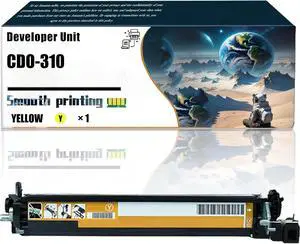
Replacement Parts Developer Unit CDO-310 Compatible with Pantum CM7107DN CP2507DN Printers, Contains Chip and Clear Printing (1 Pack Yellow)
- Model #: LEMLB0F23M3H44
- $248.99 –
- Free Shipping
Quick View
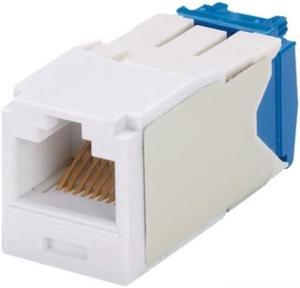
panduit cj6x88tgwh category6a 8wire tgstyle jack module, white
- Model #: ADIB001YXXNQA
- $28.10 –
Quick View
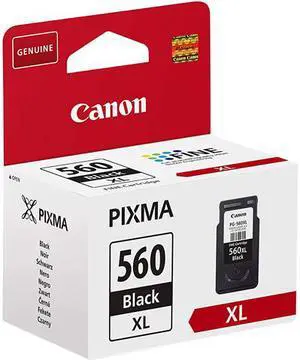
Canon CRTDG046HBK 046H Toner Cartridge Black
- Brand: Canon
- Model: CRTDG046HBK
- Cartridge Quantity: 1
- Cartridge Color: Black
- Model #: CRTDG046HBK
- $163.82 –
- More options from $146.99 - $219.00
- Free Shipping

Quick View
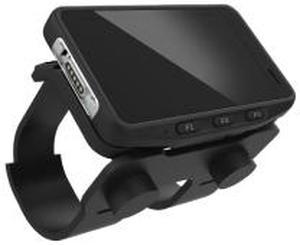
Honeywell CW45 Rugged Mobile Computer CW45X0NAND10SG
- Brand: Honeywell
- Model #: CW45X0NAND10SG
- $2,212.99
- $1,656.99 –
- Save: $556.00 (25%)
- More options from $1,656.99 - $2,634.15
- Free Shipping

Quick View
Innovera ufactured CN054A (933XL) High-Yield Ink Cyan
- Cartridge Quantity: Single Pack
- Model #: 686024127314
- $19.44 –
- Free Shipping
Quick View
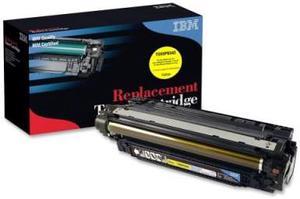
IBM RPL CTG TG95P6543 OEM (HP CE252A #504A YLW) HP CLJ 3525, 1PK, YLW, 7000 PY
- Cartridge Quantity: Single Pack
- Replacement Brand: HP
- Compatible Products: HP CLJ 3525
- Approximate Page Yield: 7000 Pages
- Model #: TG95P6543
- $349.26 –
- Free Shipping
Choosing the Right Printer for Your Office Needs
When it comes to office solutions, printers and scanners are essential tools for any business. Whether you need to print important documents, scan invoices, or create professional-quality marketing materials, having the right equipment is crucial. In this article, we will explore the different types of printers and scanners available in the market and provide tips on how to choose the best one for your office.
All-in-One Printers: Versatility and Convenience
all-in-one printers, also known as multifunction printers, are a popular choice for offices. These devices combine the functionality of a printer, scanner, copier, and sometimes even a fax machine into a single unit. They offer versatility and convenience, allowing you to perform multiple tasks without the need for separate devices. All-in-one printers are available in both inkjet and laser options, catering to different printing needs and budgets.
Specialized Printers for Specific Tasks
In addition to all-in-one printers, there are specialized printers designed for specific tasks. For example, 3D printers are ideal for creating prototypes or intricate models, while barcode and label printers are perfect for businesses that require efficient inventory management. laser printers are known for their fast printing speeds and high-quality output, making them suitable for offices with high-volume printing needs. inkjet printers, on the other hand, are more cost-effective and can produce vibrant color prints.
Choosing the Right Supplies
Once you have selected the right printer for your office, it is important to choose the right supplies to ensure optimal performance and longevity. When it comes to inkjet printers, using high-quality ink cartridges is essential to achieve the best print quality and prevent clogging. For laser printers, it is important to choose the right type of toner cartridges that are compatible with your printer model. Additionally, investing in high-quality paper can make a significant difference in the final print results.
FAQs: Common Questions about Printers and Scanners
| Q: How often should I replace the ink cartridges? | A: The frequency of replacing ink cartridges depends on your printing volume. However, it is recommended to replace them when the print quality starts to degrade. |
|---|---|
| Q: Can I use third-party ink cartridges with my printer? | A: While it is possible to use third-party ink cartridges, it is important to ensure compatibility with your printer model. Using incompatible cartridges may result in poor print quality or damage to the printer. |
| Q: How do I clean the scanner glass? | A: To clean the scanner glass, use a soft, lint-free cloth slightly dampened with glass cleaner. Gently wipe the glass surface to remove any smudges or debris. |
| Q: What is the difference between optical and interpolated resolution in scanners? | A: Optical resolution refers to the actual hardware resolution of the scanner, while interpolated resolution is achieved through software enhancements. Optical resolution provides more accurate and detailed scans. |
| Q: How can I improve the scanning speed? | A: To improve scanning speed, reduce the scanning resolution, use black and white mode instead of color, and ensure that the scanner is connected to a high-speed USB port. |