

Your Browsing History
- Sold by Newegg
- Make an Offer
- New

Any questions? Our AI beta will help you find out quickly.
Try me now
Quick View
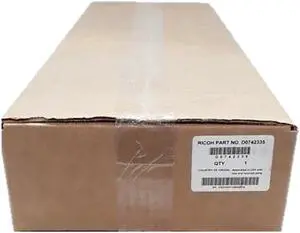
Ricoh Pro C651EX, C751EX Cleaning Assembly D074-2335
- Model #: D0742335
- $80.00 –
- Free Shipping
Quick View

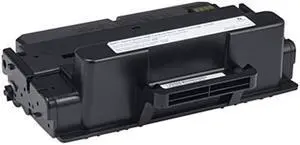
- Cartridge Quantity: Single Pack
- Compatible Products: Dell B2375dfw, B2375dnf
- Approximate Page Yield: 10000 Pages
- Coverage: 5%
- Model #: C7D6F
- $184.99 –
- Free Shipping
Quick View
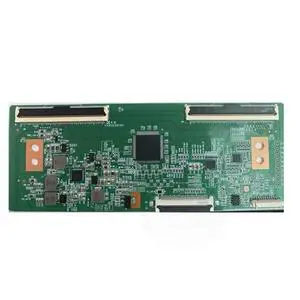
for D55PPUC22 logic board PD6754C2A-V1.0 CC550PV1D screen LC546PU4L01 LC546PU3L01 4K 2K
- Model #: 3256812549129748
- $20.84 –
- Free Shipping
Quick View
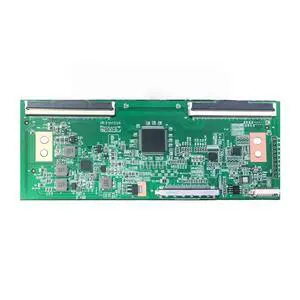
for D55PPUC22 Logic Board PD6754C2A-V1.0 CC550PV1D Screen LC546PU4L01 LC546PU3L TV Display logic board TEST OK
- Model #: 3256805691081840
- $41.26 –
- Free Shipping
Quick View
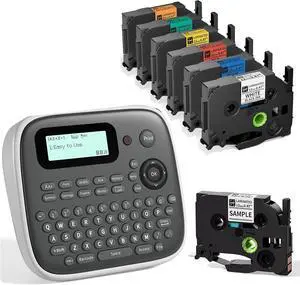
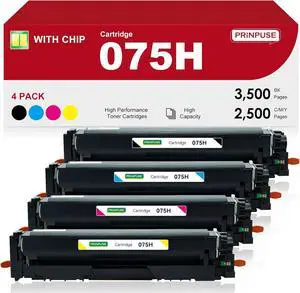
D210S Label Maker Machine with 7PK Tapes, Portable Label Maker with Keyboard, Powered by Type-C, Easy Labeler Machine for School Supplies Office Organization
- Model #: CHIDB0DPCJLXCJ
- $83.99 –
- Free Shipping
Quick View
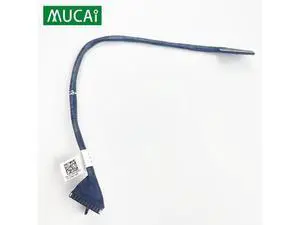
Flex Cable For Dell Latitude E5470 5470 laptop Cable Connector Line Replace 0C17R8 DC020027E00
- Model #: YLJGZMC7AZ-0722-3205
- $34.98 –
- Free Shipping
Quick View
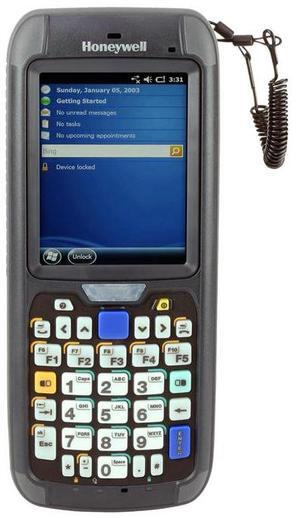
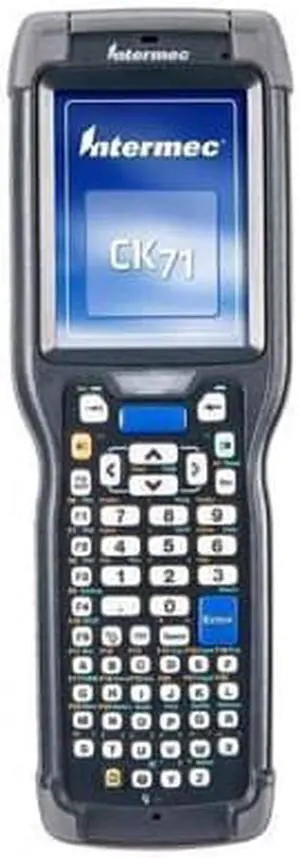
Intermec CK71 2D Scanner Alphanumeric KeyPad BlueTooth Wind Embed Mobile Computer CK71AA4KC00W1100
- Model #: barcod4768
- $276.49 –
- $15.00 Shipping
Quick View
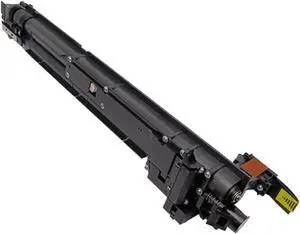
1PCS Black Developer Unit Compatible with Printer Supplies 654 654e 754 C54e for Part Number DV711
- Model #: CHIPB0G2ZMMRFW
- $722.99 –
- Free Shipping
Quick View
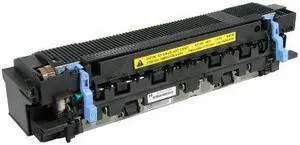
DPI C3914-67902 MAINTENANCE KIT
- Product Type: Toner
- Features: Sold as 1 KT.
- Model #: C3914-69001-REF
- $120.94 –
- Free Shipping
Quick View
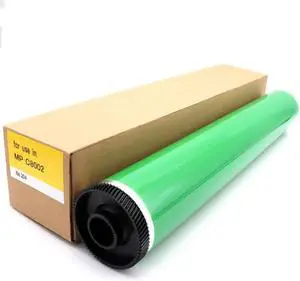
D135-9510 Compatible with Printer Models MPC5100 C5100S C6502 SP Pro C651 C751 C7710 C7100S for Part Number D074-9510
- Model #: CHIPB0GDQ755MS
- $330.99 –
- Free Shipping
Quick View
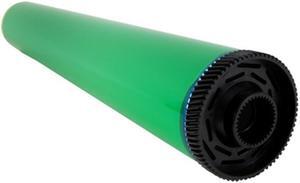
Ricoh Pro C651EX C751EX Drum 47C8568 (D074-9510, D0749510)
- Model #: 889679
- $180.00 –
- Free Shipping
Quick View
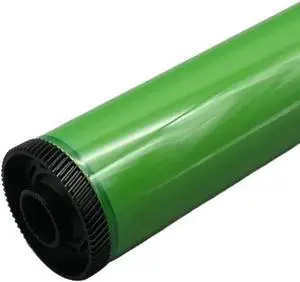
Tambour OPC 900K D074-9510 Compatible with MPC6502 8002 Pro C651 C751 C5100 5110 D135-9510 Copier Cylinder
- Model #: ENGEB0GW5NFQYX
- $240.99 –
- Free Shipping
Quick View
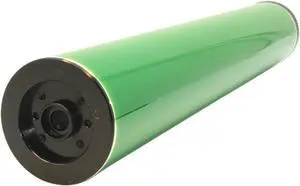
Maintenance and Replace, OPC DrumCompatible for Ricoh MPC8002 MPC6502 Pro C651 C751 C5100 C5110 C7100 C7110 D074-9510 D135-9510 D194-9510,for Office Space
- Model #: ENGEB0GQ6DQ651
- $205.99 –
- Free Shipping
Quick View
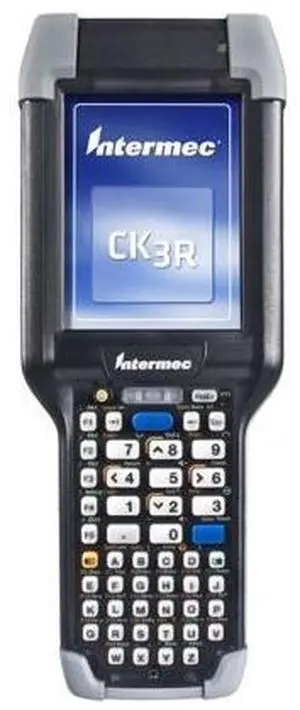
(Intermec) CK3R Alphanumeric Handheld Mobile Computer 1GHz256MB RAM512MB FlashWEH 6.5BluetoothAll Languages - CK3RAA4S000W4100
- Model #: barcod2400
- $1,703.39 –
- $15.00 Shipping
Quick View
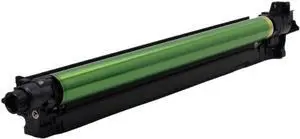
Black Drum Unit Compatible with DR214 DR218 C287 C227 C286i C278i C257i C227i IU214 Printer Models
- Model #: ENGEB0GMYNRLT6
- $240.99 –
- Free Shipping
Quick View
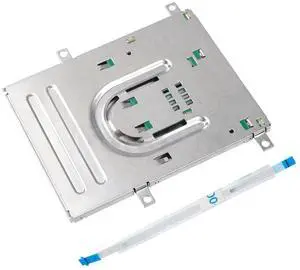
Generic For Smart Card Reader For ThinkPad T440 T470 T480 A475 A485 L560 L570 02HK916 02HK917 00HW553 04X5475 04X5393 5C61A25388 01YR514
- Model #: 3256807866048931
- $47.68 –
- Free Shipping
Quick View
Black Drum Unit Compatible with DR214 DR218 C287 C227 C286i C278i C257i C227i IU214 Printer Models
- Model #: CHIPB0GMYNRLT6
- $240.99 –
- Free Shipping
Quick View
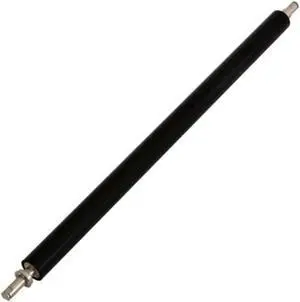
Fit for Pro C7100 C7110 Copier Part D194-6202 D0A5-6252 Transfer Roller
- Model #: CHIPB0GCFCPY2K
- $434.99 –
- Free Shipping
Quick View
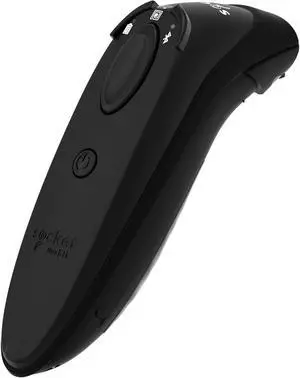
Socket Mobile DuraScan D762 Professional Barcode Scanner - Black CX4294-3445
- Brand: Socket Communications
- Part Number: CX4294-3445
- Form Factor: Handheld
- Model #: CX4294-3445
- $763.81 –
- More options from $587.99 - $763.81
- Free Shipping
Quick View
Black Drum Unit Compatible with DR214 DR218 C287 C227 C286i C278i C257i C227i IU214 Printers
- Model #: CHIPB0GJSDZXGP
- $250.99 –
- Free Shipping
Quick View
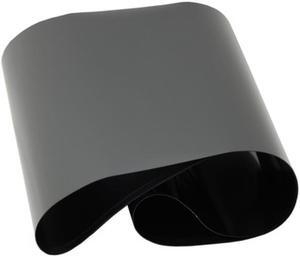
Xerox Workcentre 7328, 7335, 7345, M24, C3535, Transfer Belt (64K91451)
- Model #: 064K91451
- $64.99 –
- Free Shipping
Quick View
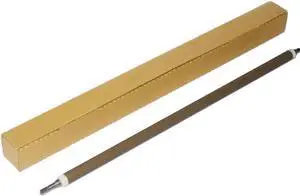
D136-2470 Primary Charge Roller Compatible with Printer Supplies MP C6502 C8002 Pro C651 C751 C720 C900 C901 C5100 C5110 C6502SP C8002SP PCR for Part Number D136-2470
- Model #: CHIPB0G5FRRQ2R
- $372.99 –
- Free Shipping
Quick View
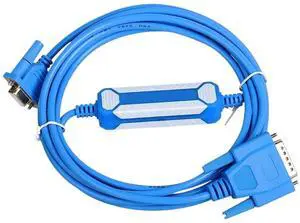
1pc Programming Cable PC-TTY Communication Download 6ES5 734-1BD20 Cable for S5 Series PC TTY RS232
- Model #: TOLKB0F8N7L1ZW
- $103.99 –
- Free Shipping
Quick View
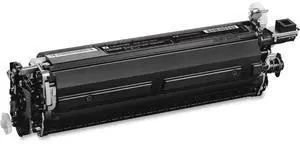
Lexmark 74C0ZK0 150K Black Imaging Kit (CS720/CS725/CX725)
- Product Type: Other Accessories
- Model #: 74C0ZK0-UK
- $162.90 –
- Free Shipping
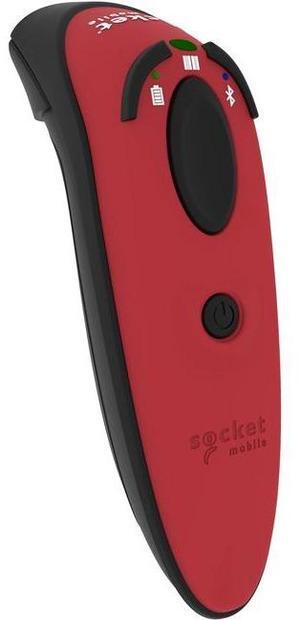
Quick View
Socket Mobile D720 Barcode Scanner with Rechargeable Battery Pre-installed, Red
- Brand: Socket Communications
- Model: CX4059-3122
- Part Number: CX4059-3122
- Scan Engine: 1D
- Model #: CX4055-3118
- $355.48
- $349.31 –
- More options from $349.31 - $399.82
- Free Shipping
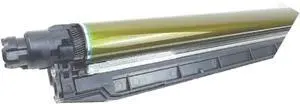
Quick View
Drum Unit Compatible with C221 C224 C281 C284 C364 C454 C554 C7822 C7828 DR512
- Model #: CHIPB0GM7PK396
- $212.99 –
- Free Shipping
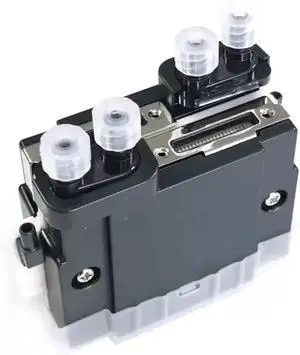
Quick View
Print Head Compatible with Printer Supplies CE4M EFI Rastek Flatbed Printer
- Model #: CHIPB0GH6NW2Z6
- $472.99 –
- Free Shipping
Quick View
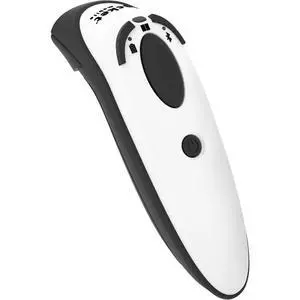
Socket Mobile D720 Barcode Scanner with rechargeable battery pre-installed
- Model #: CX4059-3122
- $377.76 –
- More options from $377.76 - $394.78
Quick View
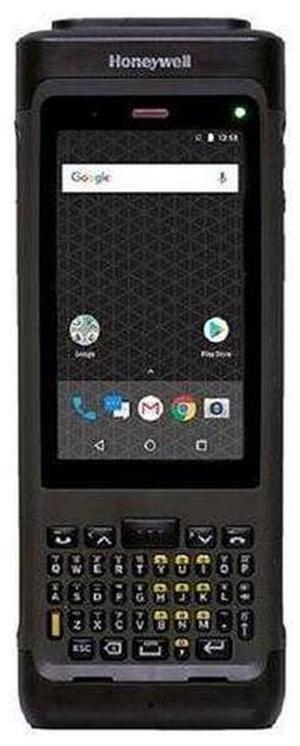
CN80-L1N-6EC111F CN80 4.2-Inch 854x480 Wireless Mobile Computer
- Model #: CN80-New
- $2,698.20 –
- More options from $2,698.20
- Free Shipping
Quick View
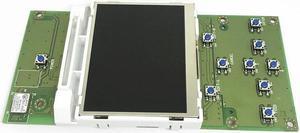
Printer control panel For CL6NX CL4NX barcode printing accessories control panel
- Product Type: Printhead
- Model #: ZW-d5234-470
- $908.49 –
- Free Shipping
Quick View
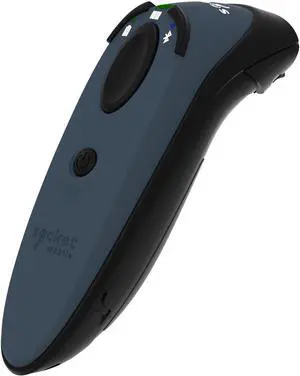
Socket Mobile DuraScan D762 Professional Barcode Reader - Gray CX4323-3456
- Brand: Socket Communications
- Part Number: CX4323-3456
- Form Factor: Handheld
- Model #: CX4323-3456
- $588.55
- Request Price
- Free Shipping
Quick View
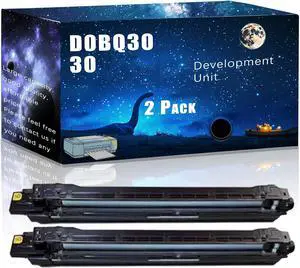
D0BQ3030 Compatible Development Unit Replacement for Ricoh High Yield Compatible IM C4500 IM C6000 Printers, Meet Printing Needs (2 Pack Black)
- Model #: DARJB0F2FD2HLC
- $522.99 –
- Free Shipping
Quick View
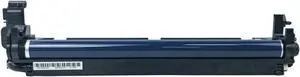
1PCS Drum Unit D2392245 D2392244 for MP C3504 C4503 C4504 C5503 C3004 C6003 C6004 Copier Parts(Color)
- Model #: ENGEB0GTWK5Z4M
- $474.99 –
- Free Shipping
Choosing the Right Printer for Your Office Needs
When it comes to office solutions, printers and scanners are essential tools for any business. Whether you need to print important documents, scan invoices, or create professional-quality marketing materials, having the right equipment is crucial. In this article, we will explore the different types of printers and scanners available in the market and provide tips on how to choose the best one for your office.
All-in-One Printers: Versatility and Convenience
all-in-one printers, also known as multifunction printers, are a popular choice for offices. These devices combine the functionality of a printer, scanner, copier, and sometimes even a fax machine into a single unit. They offer versatility and convenience, allowing you to perform multiple tasks without the need for separate devices. All-in-one printers are available in both inkjet and laser options, catering to different printing needs and budgets.
Specialized Printers for Specific Tasks
In addition to all-in-one printers, there are specialized printers designed for specific tasks. For example, 3D printers are ideal for creating prototypes or intricate models, while barcode and label printers are perfect for businesses that require efficient inventory management. laser printers are known for their fast printing speeds and high-quality output, making them suitable for offices with high-volume printing needs. inkjet printers, on the other hand, are more cost-effective and can produce vibrant color prints.
Choosing the Right Supplies
Once you have selected the right printer for your office, it is important to choose the right supplies to ensure optimal performance and longevity. When it comes to inkjet printers, using high-quality ink cartridges is essential to achieve the best print quality and prevent clogging. For laser printers, it is important to choose the right type of toner cartridges that are compatible with your printer model. Additionally, investing in high-quality paper can make a significant difference in the final print results.
FAQs: Common Questions about Printers and Scanners
| Q: How often should I replace the ink cartridges? | A: The frequency of replacing ink cartridges depends on your printing volume. However, it is recommended to replace them when the print quality starts to degrade. |
|---|---|
| Q: Can I use third-party ink cartridges with my printer? | A: While it is possible to use third-party ink cartridges, it is important to ensure compatibility with your printer model. Using incompatible cartridges may result in poor print quality or damage to the printer. |
| Q: How do I clean the scanner glass? | A: To clean the scanner glass, use a soft, lint-free cloth slightly dampened with glass cleaner. Gently wipe the glass surface to remove any smudges or debris. |
| Q: What is the difference between optical and interpolated resolution in scanners? | A: Optical resolution refers to the actual hardware resolution of the scanner, while interpolated resolution is achieved through software enhancements. Optical resolution provides more accurate and detailed scans. |
| Q: How can I improve the scanning speed? | A: To improve scanning speed, reduce the scanning resolution, use black and white mode instead of color, and ensure that the scanner is connected to a high-speed USB port. |