
Your Browsing History
- In Stock
- Sold by Newegg
- Make an Offer
- New

Any questions? Our AI beta will help you find out quickly.
Try me now
Quick View
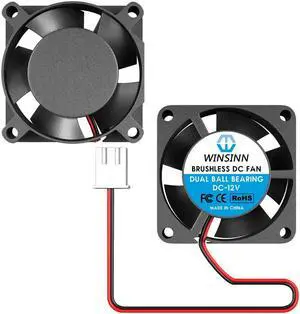
WINSINN 25mm Fan 12V, 3D Printer Micro 12 Volt Fans 2510 Dual Ball Bearing, Brushless Cooling 25mmx10mm 2PIN (Pack of 2Pcs)
- Model #: 6402411568751ASDFA17876403

Quick View
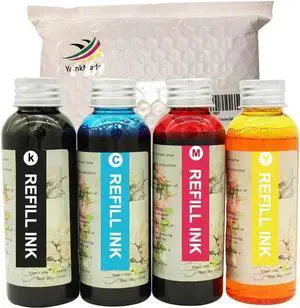
Refill Ink for C88 C88+ WF7710 ET2720 ET15000 WF3640 WF7110 WF7210 WF3610 Printers
- Model #: ENGEB08FY9N6BJ
- $90.99 –
- Free Shipping
![Phomemo M08F Pro Portable Printers Wireless Travel, [Upgrade] Portable Thermal Printers Support 8.5" X 11" US Letter, Inkless Bluetooth Printer Compatible with iOS, Android, PC, Printer with Case](https://c1.neweggimages.com/productimage/nb300/C6W6D2605230UKGFG41.jpg "Phomemo M08F Pro Portable Printers Wireless Travel, [Upgrade] Portable Thermal Printers Support 8.5\" X 11\" US Letter, Inkless Bluetooth Printer Compatible with iOS, Android, PC, Printer with Case")
Quick View
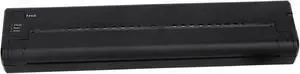
Dioche Thermal Transfer Printer Mini Portable USB Thermal Transfer Copier for Phone PC Black ABS Material 262x57x29mm 1200mAh Battery
- Model #: ENGEB0GF35CXY8
- $159.99 –
- Free Shipping
Quick View
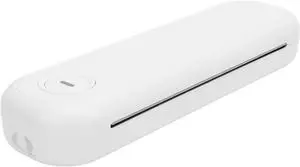
ZJchao Portable Travel Wireless Thermal Printer A4 Inkless Mobile Printer with 2 Roll Paper for Phone PC
- Model #: ENGEB0DSK8C1C8
- $153.99 –
- Free Shipping
Quick View
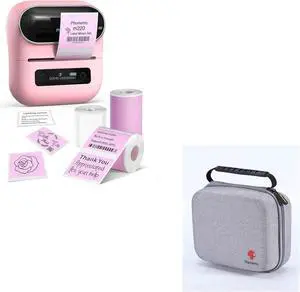
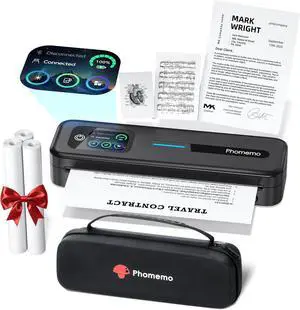
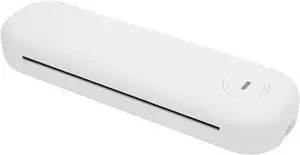
Portable Printers Wire Less for Travel, 200dpi 2600mAh Rechargeable APP Control A4 Inkless Mobile Printer with 2 Roll Paper for Phone PC, BT Thermal Printer for Phone Laptop
- Model #: ENGEB0DS2J9764
- $182.99 –
- Free Shipping
![Phomemo M08F Pro Portable Printers Wireless Travel, [Upgrade] Portable Thermal Printers Support 8.5" X 11" US Letter, Inkless Bluetooth Printer Compatible with iOS, Android, PC, Printer with Case](https://c1.neweggimages.com/productimage/nb300/C6W6D260523098V9WB4.jpg "Phomemo M08F Pro Portable Printers Wireless Travel, [Upgrade] Portable Thermal Printers Support 8.5\" X 11\" US Letter, Inkless Bluetooth Printer Compatible with iOS, Android, PC, Printer with Case")
Quick View
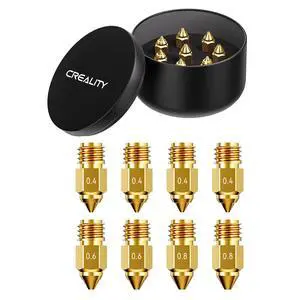
Official Ender 5 Max Nozzles, Brass Material, 8Pcs, 0.4mm, 0.6mm, 0.8mm, High Temperature Resistance(300), Less Clogging, No Leakage, Durable and Reliable, Original 3D Printer Nozzle
- Brand: Creality
- Part Number: 3D-Ender5Max-Nozzle-8PCS
- Type: Filament
- Compatible System: 8Pcs-Brass
- Model #: 356806816393
- $26.99 –
- Free Shipping
Quick View
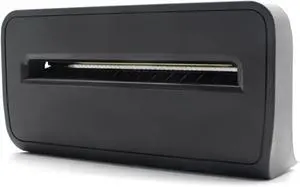
P1080383-228 Kit Cutter Attachment for Zebra ZD420t and ZD620t Thermal Transfer Desktop Printers 203dpi 300dpi
- Model #: ENGEB0D47GNPZT
- $190.99 –
- Free Shipping
Quick View
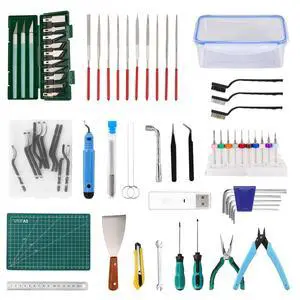
3D Printer Tools Kit, 78 PCS 3D Printer Accessories with Nozzle Cleaning Kit, Removable Multi-Function Screwdriver Kit, Deburring, Removal Tools, Cutters, Hobby Knife Set, Wrench Set
- Brand: Creality
- Part Number: GJTJ
- Specification: 29 L x 20 W x 13 H centimeters, 1.3 kilograms, /, GJTJ
- Features: 78 Pcs, Personal Computer
- Model #: 477388348241
- $51.99 –
- Free Shipping
Quick View
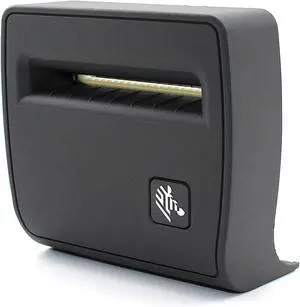
GETPARTS P1079903-021 Kit Cutter Attachment for ZD 410 ZD410 Direct Thermal Desktop Printer Field Installable 203dpi 300dpi Genuine
- Model #: ENGEB0FGTY74K3
- $286.99 –
- Free Shipping
Quick View
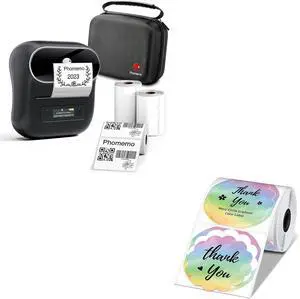
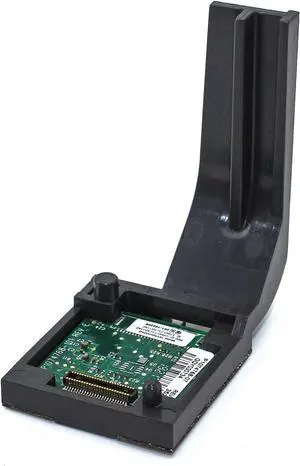
P1112640-017C WiFi 802.11ac Wireless Module for Zebra ZD411 ZD611 ZD411D/T ZD611D/T Thermal Desktop Printer 203dpi 300dpi
- Model #: ENGEB0GXFSYBSQ
- $324.99 –
- Free Shipping
Quick View
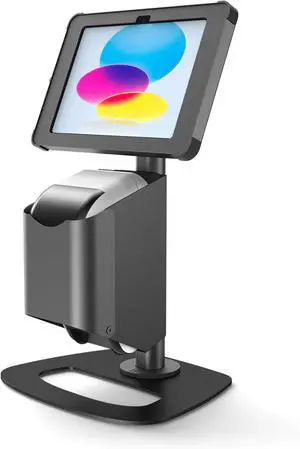
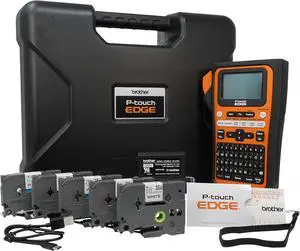
Brother PT-E310BTBP Contractor Kit: P-Touch Handheld Industrial Label Printer with Bluetooth & USB-C Plus 5 Tapes (up to 18mm Labels)
- Model #: ENGEB0DPLJDS66
- $423.99 –
- Free Shipping
Quick View
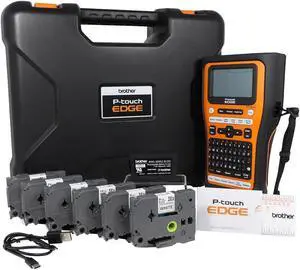
Brother PT-E560BTBP Contractor Kit: P-Touch Handheld Industrial Label Printer with Bluetooth & Dual Auto-Cutter Plus 6 Tapes (up to 24mm Labels)
- Model #: ENGEB0DPLJN53P
- $572.99 –
- Free Shipping
Quick View
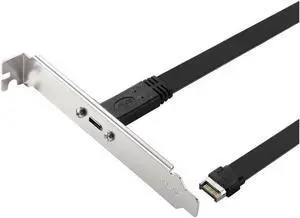
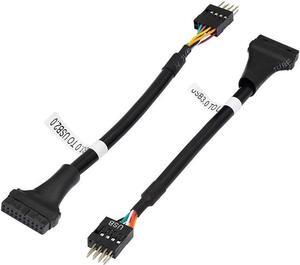
USB 3.1 Type C Front Panel Header Extension Cable cm, USB 3.1 Type E to USB 3.1 Type C Cable,Gen 2 10 Gbps Internal Adapter Cable,with Mount Screw (26cm)
Limited time offer, ends 05/31
- Model #: C32P.1107120
- $24.88 –
- More options from $17.98 - $24.88
- Free Shipping
Quick View
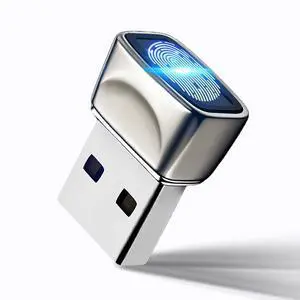
USB Fingerprint Reader for Windows10/11, Windows Hello Mini Fingerprint Scanner,Metal Shell Auto Driver Setup-Windows Password-Free Login for PC Laptop
- Brand: kodak
- Part Number: FP200
- Other Ports: cable
- Power Requirements: cable, false
- Model #: 926763347613
- $51.99 –
- Free Shipping
Quick View
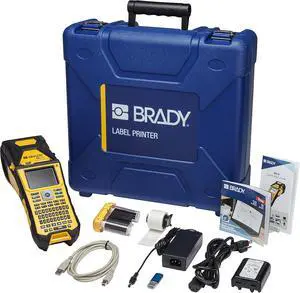
Brady M610 Handheld Label Maker with Hard Case (M610-KIT). Durability Meets The widest Range of Data Entry Options. Replaces BMP61,Yellow/Gray, Large
- Model #: ENGEB0BYFZ32KY
- $1,240.99 –
- Free Shipping
Quick View
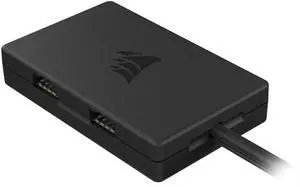
Internal 4-Port USB 2.0 Hub - 4X 9-Pin USB 2.0 Ports - Easy Magnetic Installation - Compatible with Most Intel® and AMD® Motherboards - Black
- Brand: IOGEAR
- Color: Blue
- Length: < 6 ft.
- Connector Number: 16
- Model #: 494959512332
- $48.99 –
- More options from $48.99
- Free Shipping
Quick View
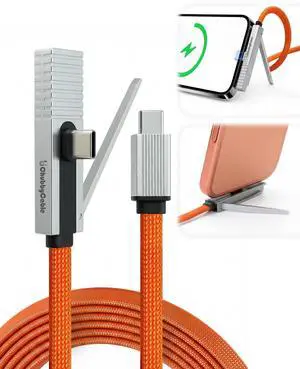
StandLite Pro 90° 240W Fast Charge Cable with Invisible Stand & Phone Case Friendly Right Angle USB C Cable Braided Charging Cord, Orange, Type-C to Type-C, 4.9FT
- Cable Length: 4.9
- Brand: chubbycable
- Type: Type C to Type C
- Connector Type: USB Type C
- Model #: 909575903038
- $39.99 –
- Free Shipping
Quick View
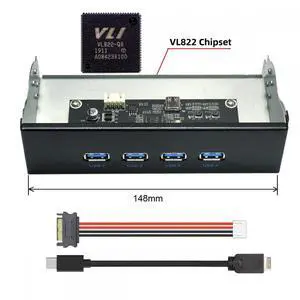
10Gbps USB 3.1 Type-A HUB 4 Ports Front Panel to Motherboard Type-E Connector Cable 10Gbps for 5.25" CD-ROM Bay Tray
- Model #: BZ59-1205-Z54
- $67.39 –
- More options from $67.39 - $68.99
- Free Shipping
Quick View
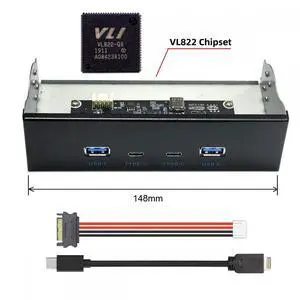
10Gbps USB 3.1 Type-A & Type-C HUB 4 Ports Front Panel to Motherboard Type-E Connector Cable 10Gbps for 5.25" CD-ROM Bay Tray
- Model #: BZ59-1205-Z53
- $67.39 –
- More options from $67.39 - $68.99
- Free Shipping
Quick View
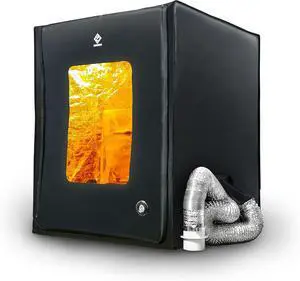
3D Printer Enclosure with Ventilation Kit & LED Lighting Thermal Insulation Cover & Fume Extraction Tent for FDM/DLP/SLA/LCD 3D Printers(Size 700 * 750 * 900mm)
- Model #: 424658193363LUXGENDGANG
- $252.89 –
- Free Shipping

Quick View
P1112640-017A WiFi 802.11ac Wireless Module for Zebra ZD421 ZD421D ZD421T Thermal Desktop Printer 203dpi 300dpi
- Model #: DARKB0DMSQNS8Z
- $324.79 –
- More options from $324.79
- Free Shipping
Quick View
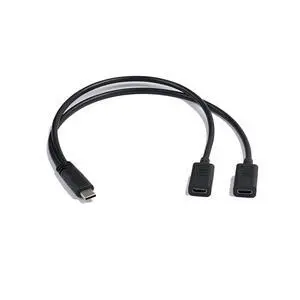
USB C Y Splitter Charge Cable, 1 Feet USB Type C Male to 2 Dual USB Type C Female Y Splitter Extension Charging Cable(Only for Charging) (Typec Male to Dual Female)
- Cable Length: 6 ft.
- Brand: IOGEAR
- Type: USB
- Connector Type: USB C
- Model #: 792502473158
- $31.99 –
- Free Shipping
Quick View
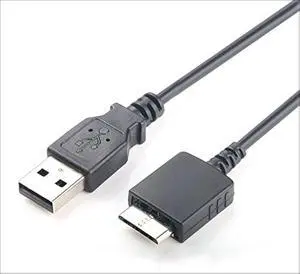
2IN1 USB sync Data Charger Cable for Sony Walkman MP3 Player NWZ-S636F S638F S639F S515 S516 E435F E438F E436F S718FBNC S710F S703F S705F S706F
- Cable Length: 3 ft
- Brand: GuangMaoBo
- Type: USB
- Connector Type: USB Type A
- Model #: 704869211959
- $19.99 –
- Free Shipping
Quick View
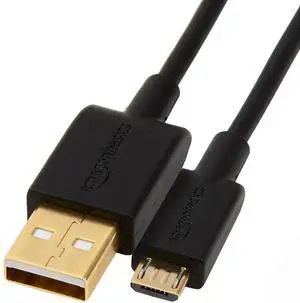
USB-A to Micro USB Charging Cable, 480Mbps Data Transfer Speed, Gold-Plated Plugs, Compatible with Android Phones and Tablets, 6 Foot, Black
- Brand: Amazon Basics
- Type: USB
- Color: Black
- Connector Number: 4
- Model #: 878400053050
- $16.99 –
- Free Shipping
Choosing the Right Printer for Your Office Needs
When it comes to office solutions, printers and scanners are essential tools for any business. Whether you need to print important documents, scan invoices, or create professional-quality marketing materials, having the right equipment is crucial. In this article, we will explore the different types of printers and scanners available in the market and provide tips on how to choose the best one for your office.
All-in-One Printers: Versatility and Convenience
all-in-one printers, also known as multifunction printers, are a popular choice for offices. These devices combine the functionality of a printer, scanner, copier, and sometimes even a fax machine into a single unit. They offer versatility and convenience, allowing you to perform multiple tasks without the need for separate devices. All-in-one printers are available in both inkjet and laser options, catering to different printing needs and budgets.
Specialized Printers for Specific Tasks
In addition to all-in-one printers, there are specialized printers designed for specific tasks. For example, 3D printers are ideal for creating prototypes or intricate models, while barcode and label printers are perfect for businesses that require efficient inventory management. laser printers are known for their fast printing speeds and high-quality output, making them suitable for offices with high-volume printing needs. inkjet printers, on the other hand, are more cost-effective and can produce vibrant color prints.
Choosing the Right Supplies
Once you have selected the right printer for your office, it is important to choose the right supplies to ensure optimal performance and longevity. When it comes to inkjet printers, using high-quality ink cartridges is essential to achieve the best print quality and prevent clogging. For laser printers, it is important to choose the right type of toner cartridges that are compatible with your printer model. Additionally, investing in high-quality paper can make a significant difference in the final print results.
FAQs: Common Questions about Printers and Scanners
| Q: How often should I replace the ink cartridges? | A: The frequency of replacing ink cartridges depends on your printing volume. However, it is recommended to replace them when the print quality starts to degrade. |
|---|---|
| Q: Can I use third-party ink cartridges with my printer? | A: While it is possible to use third-party ink cartridges, it is important to ensure compatibility with your printer model. Using incompatible cartridges may result in poor print quality or damage to the printer. |
| Q: How do I clean the scanner glass? | A: To clean the scanner glass, use a soft, lint-free cloth slightly dampened with glass cleaner. Gently wipe the glass surface to remove any smudges or debris. |
| Q: What is the difference between optical and interpolated resolution in scanners? | A: Optical resolution refers to the actual hardware resolution of the scanner, while interpolated resolution is achieved through software enhancements. Optical resolution provides more accurate and detailed scans. |
| Q: How can I improve the scanning speed? | A: To improve scanning speed, reduce the scanning resolution, use black and white mode instead of color, and ensure that the scanner is connected to a high-speed USB port. |