

Your Browsing History

Any questions? Our AI beta will help you find out quickly.
Try me now
Quick View
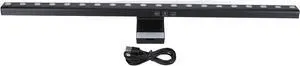
LED Computer Light Bar, Touch Control Stepless Dimming Eye Friendly Display Lamp with 3 Color Temperatures, USB Powered Screen Light for Reading Work and Gaming on
- Model #: DEEUB0GRSRL98L
- $141.99 –
- Free Shipping
Quick View
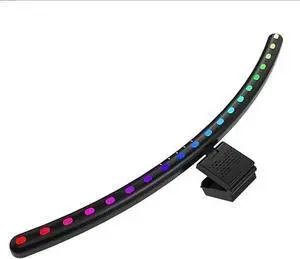
RGB Music Sync Monitor Light Bar for Curved Monitors 24-27 Inch - Touch Control USB Powered Screen Light with Eye Care
- Model #: DEEUB0DT9TJ16P
- $99.99 –
- Free Shipping
Quick View
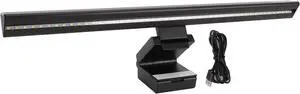
Computer Light Bar, RGB Backlit Music Sync 5 Color Temperature Stepless Dimmable Touch Control LED PC Screen Lamp
- Model #: DEEUB0DLB98GGR
- $64.99 –
- Free Shipping
Quick View
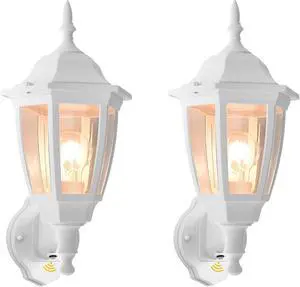
FUDESY Outdoor Wall Light Dusk to Dawn, Porch Sensor Light White Plastic Anti-Corrosion with LED Edison Filament Bulb, Exterior Mount Lantern for House, Garage (2-Pack)
- Model #: EQWER462277176473
- $118.88 –
- Free Shipping
Quick View
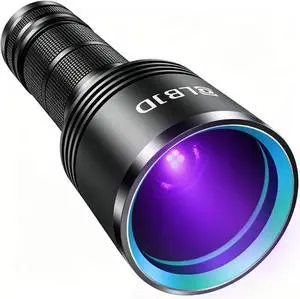
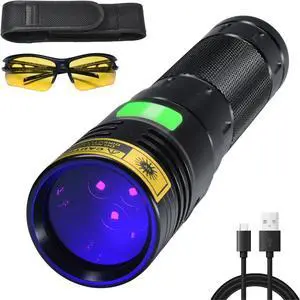
Black Light Flashlight, 365NM Rechargeable Filtered UV Flashlights with High Power Battery for pet Urine Detection, Resin Curing, Scorpions, Rocks Hunting, Car Leaks
- Model #: EQWER462277177708
- $67.88 –
- Free Shipping
Quick View
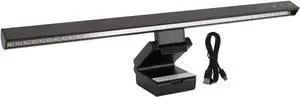
Computer Light Bar USB Powered with 15 Lighting Modes Touch Control, LED Screen Light Bar for Home Office Gaming Desk, Glare Free Asymmetric Eye Protection Design
- Model #: DEEUB0GXPF4DJY
- $65.99 –
- Free Shipping
Quick View
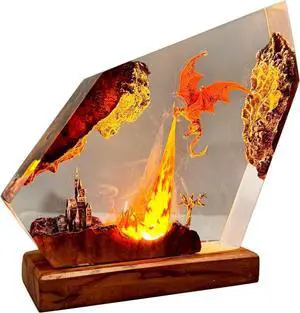
3D Fire Dragon Resin Night Light - Colorful LED Light, Handmade Resin Night Light with USB Port, Suitable for Bedroom and Office Use -2 Randomly distributed Models
- Model #: DEEUB0GSVJM51C
- $182.99 –
- Free Shipping
Quick View
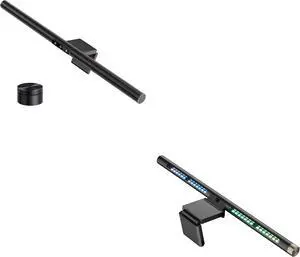
LYMAX Computer Monitor Light Bar with Wireless Remote, Motion Sensor, RGB Monitor Light Bar Fit for Flat/Curved Monitor, Adjustable Color Temperature with Auto-Dimming
- Model #: DEEUB0GS8XT3R3
- $197.99 –
- Free Shipping
Quick View
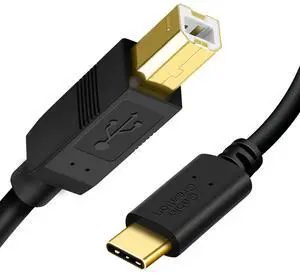
USB C to B Printer & Scanner Cable - 10FT, MIDI Cable for Yamaha & Casio Digital Pianos, DJ Controllers - 3M Black
- Cable Length: 3
- Brand: CableCreation
- Type: USB
- Color: Black
- Model #: 272697358637
- $23.59 –
- More options from $23.59
- Free Shipping
Quick View
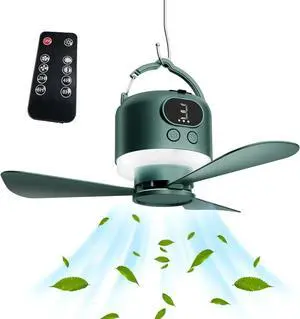
USB Rechargeable Remote Controls Ceiling Fan Light with Detachable Bladee and 10400mAh Emergencys Power for Camping and Outdoor Use USB Rechargeable Ceiling Fan
- Model #: DEEUB0GK9FZ6JM
- $66.99 –
- Free Shipping
Quick View
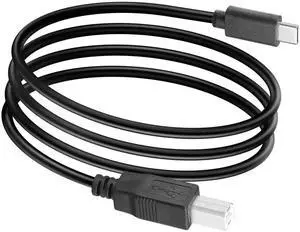
3FT USB C to USB B Cable, Printer Scanner MIDI Cord for Digital Piano, MIDI Controller, DJ Controller
Limited time offer, ends 07/30
- Model #: C24W- USB963

Quick View
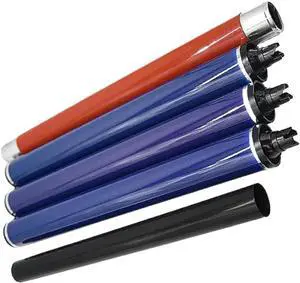
Drum Kit with Fuser Film Sleeve, Upper Fuser Roller, and 3 Color Drums Compatible with Printer Models 700, 550, 560, 570, 240, 242, 250, 252, 260, 5065
- Model #: CHIPB0GLFCYQ7C
- $512.99 –
- Free Shipping
Quick View
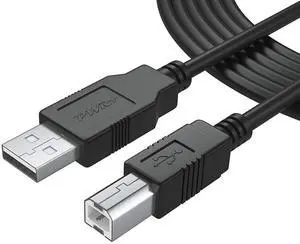
25Ft Extra Long USB-2.0 Cable Type-A to Type-B High Speed Cord for Audio Interface, Midi Keyboard, USB Microphone, Mixer, Speaker, Monitor, Strobe Light System, USB-Printer-Cable, Hp Canon Pixma Epson
- Cable Length: 25 ft
- Brand: PWR+
- Type: USB 2.0 Type-A to Type-B
- Connector Type: USB Type B
- Model #: 996616456778
- $23.99 –
- Free Shipping
Quick View
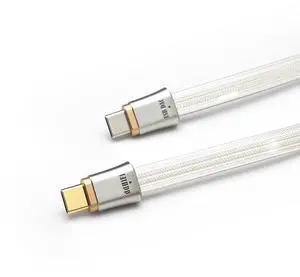
ddHiFi TC19CC (Comet) Digital Signal Cable Pure Silver USB-C to USB-C OTG 25 cm Cable, Four-Wire Parallel Design
- Model #: CLAWB0FN3P6NWX
- $119.99 –
- Free Shipping
Quick View
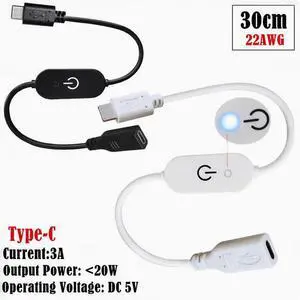
type-c touch dimmer switch Controller with blue indicator light with memory connection strip no strobe 3A
Limited time offer, ends 07/12
- Model #: S317
- $21.53 –
- Free Shipping
Quick View
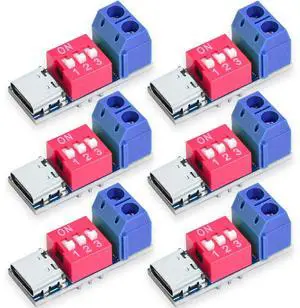
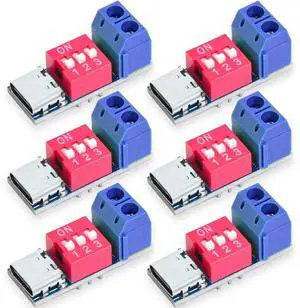
BUCIER USB-C PD Trigger Module, PD/QC Fast Charge Decoy Board, USB Type-C to 5V/9V/12V/20V High-Speed Charging Power Delivery Boost Converter (6PCS)
- Brand: Seloky
- Part Number: SY070
- Type: 6PCS
- Model #: B904
Quick View
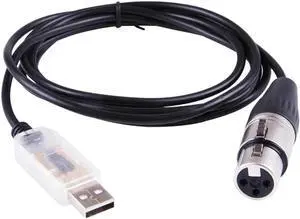
Usb To Dmx Interface Adapter Stage Lighting Disco Light Dj freestyler Art-net Software Party Lights Cable Led Dmx 512 Cable 16.4ft
Limited time offer, ends 07/29
- Model #: XP-18
- $26.68 –
- Free Shipping
Quick View
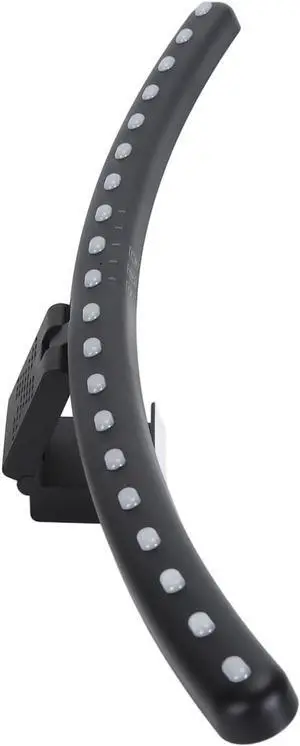
Computer Monitor Light Bar, Computer Light Strip 5V Angle Adjustable Timing Function Eye Control Step Less Dimmable for Students for Games
- Model #: DEEUB0D8QPGNKB
- $135.99 –
- Free Shipping
Quick View
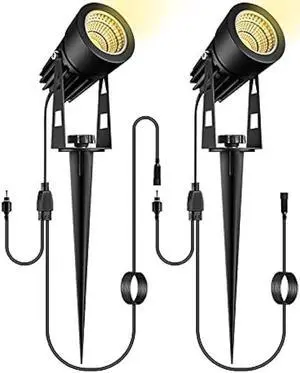
GreenClick 2 Pack Extension Lights Each with 3M/9.84ft Cables for Warm White Landscape Lights, No Plug/Adapter
- Connector Type: type
- Model #: 6039045791622
- $45.48 –
- Free Shipping
Quick View
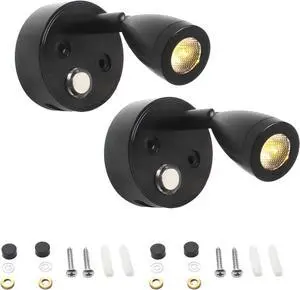
Dual 12V Led Reading Lights With Usb Port, Adjustable Touch Control, 350° Rotating Arm, 3-Color Dimmable For Rv, Boat
- Model #: DEEUB0FH4RQ965
- $97.99 –
- Free Shipping
Quick View
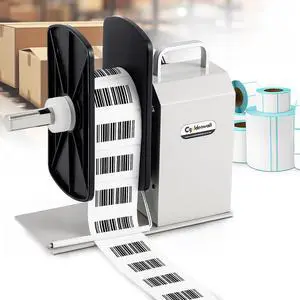
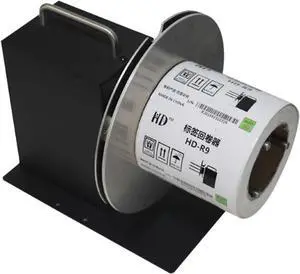
Automatic Label Rewinder- Bar Code Tags Two-Way Rewinding Machine with Speed Regulator 220mm
- Model #: ENGEB08PD3GFTH
- $612.99 –
- Free Shipping

Quick View
3-Pack 26" Caution Wet Floor Cone Shaped Sign, YellowEnglish Spanish
- Model #: barcod6988
- $75.99 –
- $15.00 Shipping
Quick View
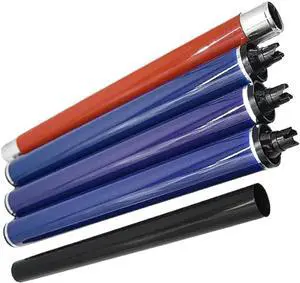
Drum Kit with Fuser Film Sleeve Upper Fuser Roller and 3pcs Color Drum Compatible with 700 550 560 570 240 242 250 252 260 5065
- Model #: ENGEB0GDZLGTKT
- $507.99 –
- Free Shipping

Quick View
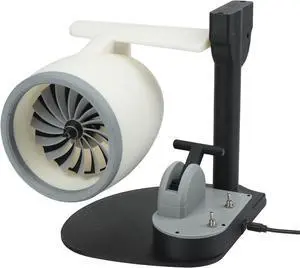
USB Desktop Fan With Creative Engine Shape Humidifier Function And Red LED Light For Enhanced Air Moisture And(Red)
- Model #: DEEUB0GV34KWN7
- $171.99 –
- Free Shipping
Quick View
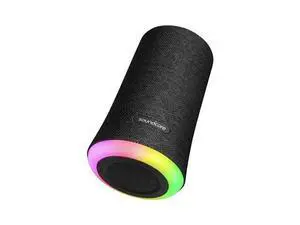
Flare Portable Wireless Speaker LED Bluetooth Pool Party Speaker IP67
- Model #: barcod6212
- $94.99 –
- $15.00 Shipping
Quick View
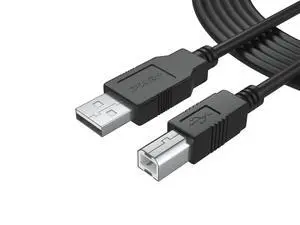
6Ft Long Cable USB 2.0 Type-A to Type-B High Speed Cord for Audio Interface, Midi Keyboard, USB Microphone, Mixer, Speaker, Monitor, Instrument, Strobe Light System Laptop Mac PC
- Cable Length: 6 ft
- Brand: PWR+
- Type: USB 2.0 Type-A to Type-B
- Connector Type: USB Type B
- Model #: 340505734276
- $20.93 –
- Free Shipping
Quick View
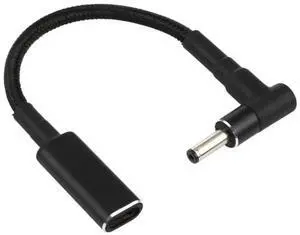
Right Angle 4.0×1.35mm DC to USB-C Nylon Braided PD Trigger Cable | 100W, 18.5V~20V Fixed Output
Limited time offer, ends 07/30
- Model #: C24W- USB392
Quick View
25Ft Extra Long USB-2.0 Cable Type-A to Type-B High Speed Cord for Audio Interface, Midi Keyboard, USB Microphone, Mixer, Speaker, Monitor, Strobe Light System, USB-Printer-Cable, Hp Canon Pixma Epson
- Cable Length: 25 ft
- Brand: PWR+
- Type: USB 2.0 Type-A to Type-B
- Connector Type: USB Type B
- Model #: 407252357159
- $29.99 –
- Free Shipping
Choosing the Right Printer for Your Office Needs
When it comes to office solutions, printers and scanners are essential tools for any business. Whether you need to print important documents, scan invoices, or create professional-quality marketing materials, having the right equipment is crucial. In this article, we will explore the different types of printers and scanners available in the market and provide tips on how to choose the best one for your office.
All-in-One Printers: Versatility and Convenience
all-in-one printers, also known as multifunction printers, are a popular choice for offices. These devices combine the functionality of a printer, scanner, copier, and sometimes even a fax machine into a single unit. They offer versatility and convenience, allowing you to perform multiple tasks without the need for separate devices. All-in-one printers are available in both inkjet and laser options, catering to different printing needs and budgets.
Specialized Printers for Specific Tasks
In addition to all-in-one printers, there are specialized printers designed for specific tasks. For example, 3D printers are ideal for creating prototypes or intricate models, while barcode and label printers are perfect for businesses that require efficient inventory management. laser printers are known for their fast printing speeds and high-quality output, making them suitable for offices with high-volume printing needs. inkjet printers, on the other hand, are more cost-effective and can produce vibrant color prints.
Choosing the Right Supplies
Once you have selected the right printer for your office, it is important to choose the right supplies to ensure optimal performance and longevity. When it comes to inkjet printers, using high-quality ink cartridges is essential to achieve the best print quality and prevent clogging. For laser printers, it is important to choose the right type of toner cartridges that are compatible with your printer model. Additionally, investing in high-quality paper can make a significant difference in the final print results.
FAQs: Common Questions about Printers and Scanners
| Q: How often should I replace the ink cartridges? | A: The frequency of replacing ink cartridges depends on your printing volume. However, it is recommended to replace them when the print quality starts to degrade. |
|---|---|
| Q: Can I use third-party ink cartridges with my printer? | A: While it is possible to use third-party ink cartridges, it is important to ensure compatibility with your printer model. Using incompatible cartridges may result in poor print quality or damage to the printer. |
| Q: How do I clean the scanner glass? | A: To clean the scanner glass, use a soft, lint-free cloth slightly dampened with glass cleaner. Gently wipe the glass surface to remove any smudges or debris. |
| Q: What is the difference between optical and interpolated resolution in scanners? | A: Optical resolution refers to the actual hardware resolution of the scanner, while interpolated resolution is achieved through software enhancements. Optical resolution provides more accurate and detailed scans. |
| Q: How can I improve the scanning speed? | A: To improve scanning speed, reduce the scanning resolution, use black and white mode instead of color, and ensure that the scanner is connected to a high-speed USB port. |