

Your Browsing History
- In Stock
- Sold by Newegg
- Make an Offer
- New

Any questions? Our AI mode will help you find out quickly.
Try me now
Quick View
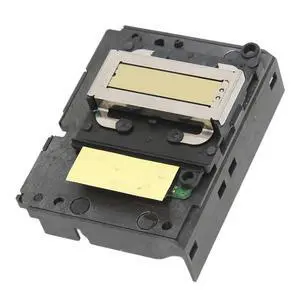
Keenso Print Head, Replacement Easy Install Office Printer Black Print Head Pictures Photos Documents for WF100 Printer
- Model #: 584825447115
- $49.99 –
- $5.99 Shipping
Quick View
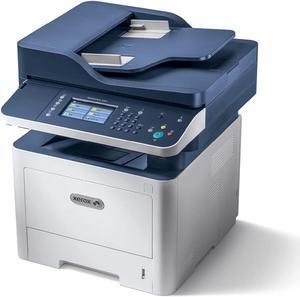
Xerox WorkCentre 3335/DNI Monochrome Multifunction Printer
- Model #: BEHJOD54JS32
- $2,289.00 –
- Free Shipping
Quick View
Ricoh Cleaning Supplies F1 Cleaner 100ml Bottle PA039500352
- Brand: Fujitsu
- Model #:
- $32.26 –
Quick View
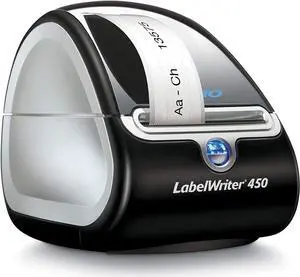
Refurbished DYMO LabelWriter 450 Thermal Label Printer (1752264)
- Model #: DYMO LabelWriter-450-
- $224.95 –
Quick View
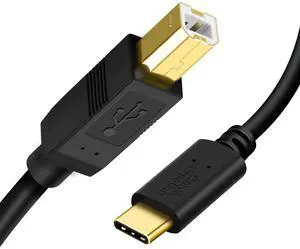
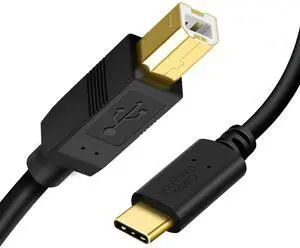
USB B to USB C Printer Cable 6.6FT, Type B to Type C Printer Cord for MacBook Pro, Air, MIDI Cable for Yamaha Casio Digital Piano, MIDI Keyboard, DJ Controller, DAC to iPad - 2M, Black
Limited time offer, ends 10/17
- Cable Length: 6.6
- Brand: Vszerda
- Type: USB
- Color: Black
- Model #: CC0011
- $25.19 –
- Free Shipping
Quick View
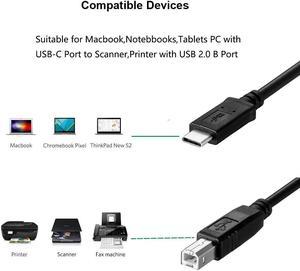
Printer Cable to Computer USB C Printer Cable Compatible with Microsoft Surface Go 2,Surface Laptop Go,Surface Laptop 4,Surface Pro 7,Surface Book 3 for HP,Canon,Brother,Epson,Samsung, Xerox,Dell
Limited time offer, ends 10/02
- Connector Type: USB A to USB A
- Model #: CB094Z9VVY2
- $40.10 –
- Free Shipping
Quick View
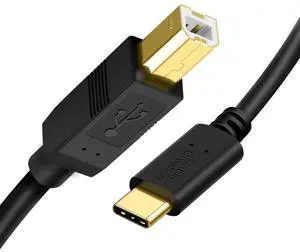
USB C Printer Cable 3.3FT 2 Pack, USB-C to USB-B Cord Type C to Type B for MacBook Pro/Air, MIDI Cable for Yamaha/Casio Digital Piano MIDI Keyboard DJ Controller, Black
Limited time offer, ends 10/17
- Cable Length: 3.3
- Brand: Vszerda
- Type: USB
- Color: Black
- Model #: CC1A0011
- $30.29 –
- Free Shipping
Quick View
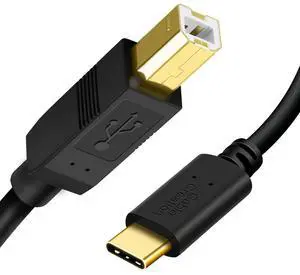
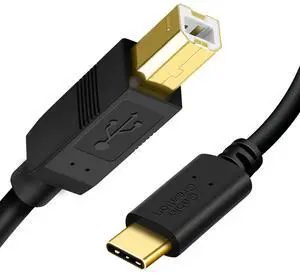
USB C to USB B Printer Cable - 6.6 FT/3Pack, Compatible with MacBook Pro, Air, MIDI Cable for Yamaha, Casio Digital Piano, DJ Controller - Black
Limited time offer, ends 10/17
- Cable Length: 6.6 ft
- Brand: Vszerda
- Type: USB
- Color: Black
- Model #: CC0011-3
- $49.29 –
- Free Shipping
Quick View
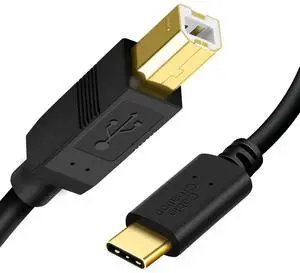
USB B to USB C Printer Cable 6.6 FT/2Pack, USB-C to B Printer Cord for MacBook Pro, Air, MIDI Cable for Yamaha Casio Digital Piano MIDI Controller DJ Controller, 2M Black
Limited time offer, ends 10/17
- Cable Length: 6.6
- Brand: Vszerda
- Type: USB
- Connector Type: Usb Type C, Usb Type B
- Model #: CC0011-2
- $38.29 –
- Free Shipping
Quick View
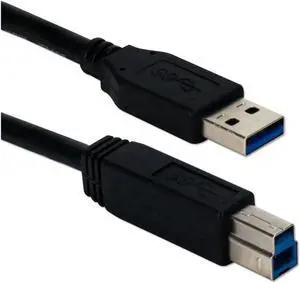
Aomoproing 15 Ft USB 3.0/3.1 Compliant Cable, 5Gbps Type A Male to B Male Black Data Cable
Limited time offer, ends 10/09
- Model #: Aomoproing-wyx215
- $26.94 –
- Free Shipping
Quick View
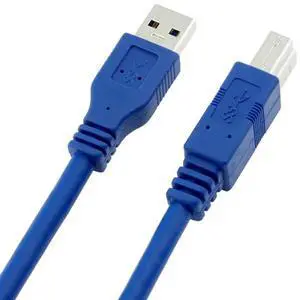
Aomoproing USB 3.0 Cable, Type A-Male to Type B-Male, 2 Feet (0.6 Meters), Round Blue
Limited time offer, ends 10/09
- Model #: Aomoproing-wyx494
- $17.70 –
- Free Shipping
Quick View
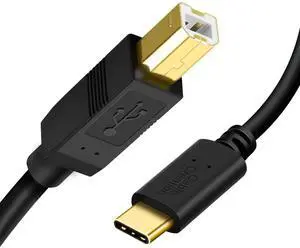
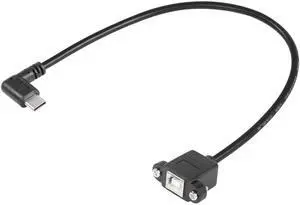
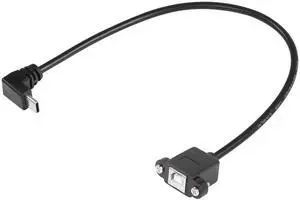
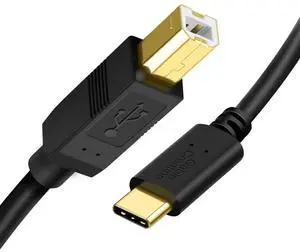
JAENFONG USB B to USB C Printer Cable 6.6FT, Type B to Type C Printer Cord for MacBook Pro, Air, MIDI Cable for Yamaha Casio Digital Piano, MIDI Keyboard, DJ Controller, DAC to iPad - 2M, Black
Limited time offer, ends 09/30
- Model #: fx-711
- $26.99 –
- Free Shipping
Quick View
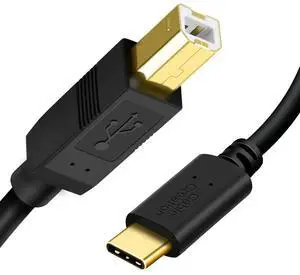
JAENFONG USB C Printer Cable 3.3FT 2 Pack, USB-C to USB-B Cord Type C to Type B for MacBook Pro/Air, MIDI Cable for Yamaha/Casio Digital Piano MIDI Keyboard DJ Controller, Black
Limited time offer, ends 09/30
- Model #: fx-736
- $31.88 –
- Free Shipping
Quick View
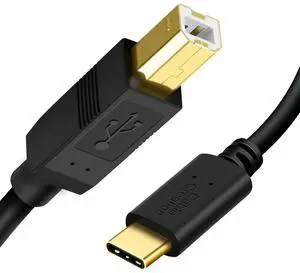
JAENFONG USB B to USB C Printer Cable 6.6 FT/2Pack, USB-C to B Printer Cord for MacBook Pro, Air, MIDI Cable for Yamaha Casio Digital Piano MIDI Controller DJ Controller, 2M Black
Limited time offer, ends 09/30
- Model #: fx-781
- $39.88 –
- Free Shipping
Quick View
JAENFONG USB C to USB B Printer Cable - 6.6 FT/3Pack, Compatible with MacBook Pro, Air, MIDI Cable for Yamaha, Casio Digital Piano, DJ Controller - Black
Limited time offer, ends 09/30
- Model #: fx-821
- $50.34 –
- Free Shipping
Quick View
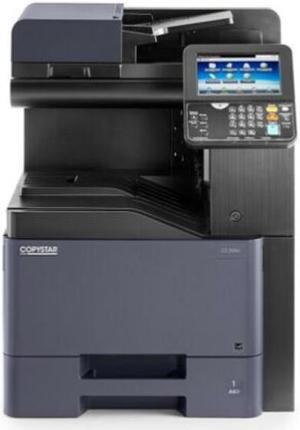
Kyocera Copystar CS-308ci A4 Color Multi Function Printer
- Model #: BE0H0ZX3CV2
- $4,599.99 –
- Free Shipping
Quick View
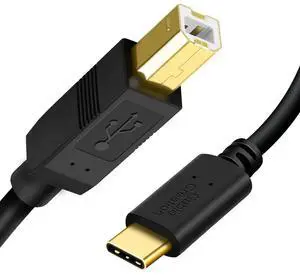
USB B to USB C Printer Cable 6.6 FT/10-Pack, USB-C to USB-B Cord for MacBook Pro, Air, MIDI Keyboard Cable for Yamaha Casio Digital Piano DJ Controller, 2M Black
Limited time offer, ends 10/17
- Cable Length: 6.6
- Brand: Vszerda
- Type: USB
- Color: Black
- Model #: CC0011-10
- $98.29 –
- Free Shipping
Quick View
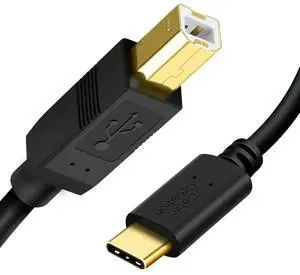
JAENFONG USB B to USB C Printer Cable 6.6 FT/10-Pack, USB-C to USB-B Cord for MacBook Pro, Air, MIDI Keyboard Cable for Yamaha Casio Digital Piano DJ Controller, 2M Black
Limited time offer, ends 09/30
- Model #: fx-852
- $99.34 –
- Free Shipping
Quick View
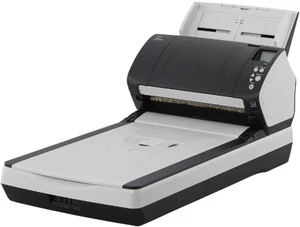
Refurbished Fujitsu fi-7260 Groupscanner, PA03670-B551
- Type: Duplex
- Model #: Fujitsu fi-7260(PA03670-B551)
- $685.99 –
- Free Shipping
Quick View
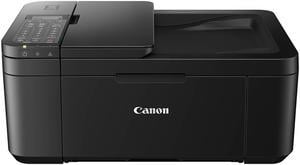
Canon PIXMA TR4720 Black Wireless All-In-One Printer - Black (5074C003)
- Functions: 4-in-1: Print, Copy, Scan & Fax
- Max. Print Speed: 4" x 6" Borderless Photo (PP-201): Approx. 65.0 Seconds Black Document (Letter/Simplex): Approx. 8.8 ipm Colour Document (Letter/Simplex): Approx. 4.4 ipm
- Copier Features: Copy Size: 4" x 6", 5" x 7", Letter (8.5" x 11"), Legal (8.5" x 14") Copy Features: 4-on-1/2-on-1 Copy, Auto Document Feeder (ADF), Auto Exposure (AE) Copy, Borderless Copy, Collated Copy (ADF Only), Document Removal Reminder, Fit-to-Page, Frame Erase Copy (Flatbed Only), ID Card Copy, Multiple Copy (Up to 99 Pages), Preset Copy Ratio, Reduction/Enlargement (25% - 400%), Standard Copy, Two-Sided Copy
- Scan Resolution, Optical: 600 x 1200 dpi
- Model #: 5074C003
- $107.18
- $94.17 –
- Save: $13.01 (12%)
- Free Shipping
Quick View
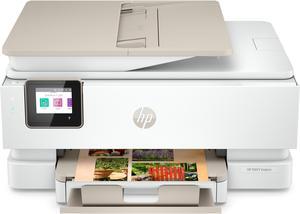
HP Envy Inspire 7955e Wireless Color All-in-One Printer with Bonus 3 Months Instant Ink with HP+ (1W2Y8A) and Advance Photo Paper,-Glossy, 5x5 in, 20 sheets (49V50A)

- Part Number: 1W2Y8A#B1H
- Functions: 4-in-1: Print, Copy, Scan & Photo
- Color Print Speed: Color (ISO): Up to 10 ppm Color (draft): Up to 20 ppm
- Black Print Quality: 1200 x 1200 dpi
- Model #: 1W2Y8A#B1H
- $229.89 –
- More options from $219.89 - $229.89
- Free Shipping
Quick View
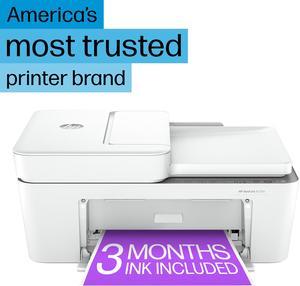
HP DeskJet 4255e All-in-One Wireless Color Printer 588S6A#B1H
- Black Print Speed: Up to 8.5 ppm
- Black Print Quality: Up to 1200X 1200 rendered dpi (when Printing from a computer)
- Brand: HP
- Series: Deskjet
- Model #: 588S6A#B1H
- $109.99
- See price in cart
- More options from $109.89 - $139.99
- Free Shipping
Quick View
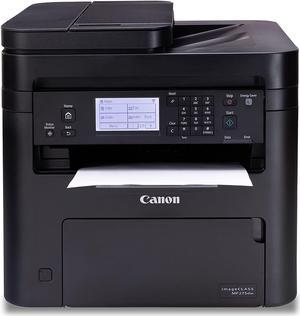
- $294.99 –
- Free Shipping
Quick View
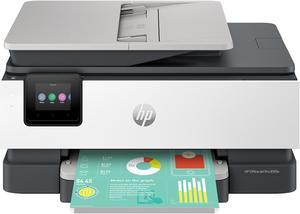
HP OfficeJet Pro 8135e All-in-One Printer w/ bonus 12months Instant Ink through HP+ 40Q35A#B1H
- Part Number: 40Q35A#B1H
- Color Print Speed: Up to 20 ppm
- Black Print Quality: 1200 x 1200 dpi
- Time To First Page (seconds): 15 sec
- Model #: 40Q35A#B1H
- $239.99
- See price in cart
- Free Shipping
Quick View
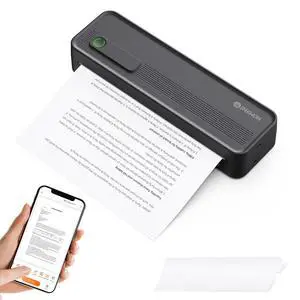
A41 Bluetooth Thermal Printer, Portable Inkless Printer for Travel Supports 8.5 x 11 Inch Paper, Small Mobile Printing Device Ideal for Office, School, Home
- Brand: InkWon
- Series: A41
- Print Technology: Thermal
- Printer Type: A41
- Model #: 978037291620
- $94.99 –
- Free Shipping
Quick View
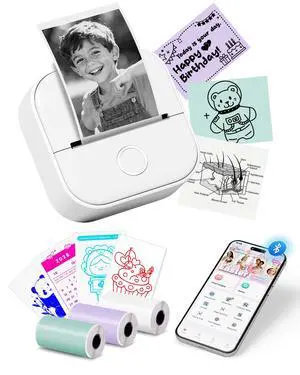
Mini Printer T02 Thermal Sticker Printer with 3 Rolls Paper | Portable Thermal Printer Sticker Maker Machine, Bluetooth Label Printer for Study Graphics, Anatomical Diagrams, DIY, Gift
- Brand: Oki
- Series: T02, 2
- Part Number: T02-WH-A1-3SET(1)
- Print Technology: Inkless
- Model #: 083127834477
- $69.99 –
- Free Shipping
Quick View
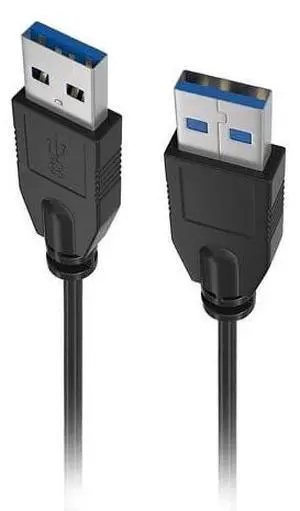
Lumenzi USB 3.0 Type A to Type A Cable Male to Male | SuperSpeed Data Transfer Cable for PC, Laptop, External Hard Drives, and Peripherals - 9 FT
- Cable Length: 9 FT
- Brand: Lumenzi
- Model: USB-3AMM-6-BK-1
- Type: USB 3.0
- Model #: USB-3AMM-6-BK-1

![[10-Pack] LetLinkSo USB Printer Cable, USB A to B Square Port Cord, Thickened Gold-Plated, Bulk Wholesale Value Pack for Schools, IT Departments & Industrial Use, black, 5 feet (1.5m)](https://c1.neweggimages.com/productimage/nb300/VSXPD2603310L2UCY2D.jpg "[10-Pack] LetLinkSo USB Printer Cable, USB A to B Square Port Cord, Thickened Gold-Plated, Bulk Wholesale Value Pack for Schools, IT Departments & Industrial Use, black, 5 feet (1.5m)")
Quick View
[10-Pack] LetLinkSo USB Printer Cable, USB A to B Square Port Cord, Thickened Gold-Plated, Bulk Wholesale Value Pack for Schools, IT Departments & Industrial Use, black, 5 feet (1.5m)
- Cable Length: 5 feet (1.5m)
- Brand: LetLinkSo
- Type: USB 2.0
- Connector Type: USB-A to USB-B
- Model #: B0GV3YS2CR
Quick View
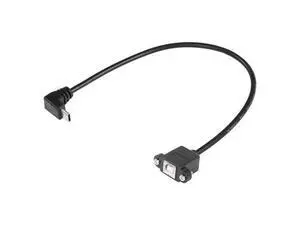
USB C Printer Cable, USB C to USB B Printer Cable, USB B 2.0 Female to USB C Male Printer Cable with Panel Mount Screw Holes for Printers, MIDI Controller DJ Controller(Panel Mount - 0.3M)
Limited time offer, ends 09/30
- Model #: YLJGZMC7AZ-0801-013
- $14.98 –
- Free Shipping
Quick View
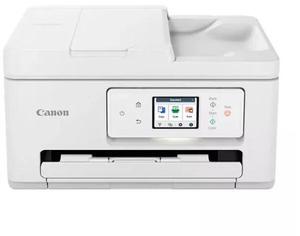
Canon PIXMA TR7820 Wireless Home All-in-One Inkjet Printer
- Part Number: 6258C003
- Functions: 3-in-1: Print, Copy & Scan
- Color Print Speed: Approx. 10.0 ipm (Letter)
- Number of Nozzles: Colour (C/M/Y): 768x3 / Pigment Black: 832 / Total: 3,136
- Model #: 6258C003
- $121.71 –
- Free Shipping
Quick View
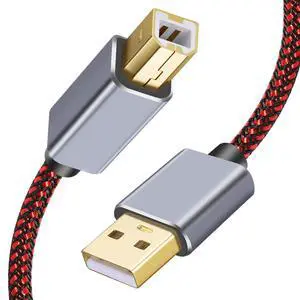
USB Printer Cable - 1.5Ft, Type A Male to B Male, High Speed, Compatible with HP, Canon, Dell, Lexmark, Xerox, Samsung
- Model #: 028274588036
- $19.99 –
- Free Shipping
Choosing the Right Printer for Your Office Needs
When it comes to office solutions, printers and scanners are essential tools for any business. Whether you need to print important documents, scan invoices, or create professional-quality marketing materials, having the right equipment is crucial. In this article, we will explore the different types of printers and scanners available in the market and provide tips on how to choose the best one for your office.
All-in-One Printers: Versatility and Convenience
all-in-one printers, also known as multifunction printers, are a popular choice for offices. These devices combine the functionality of a printer, scanner, copier, and sometimes even a fax machine into a single unit. They offer versatility and convenience, allowing you to perform multiple tasks without the need for separate devices. All-in-one printers are available in both inkjet and laser options, catering to different printing needs and budgets.
Specialized Printers for Specific Tasks
In addition to all-in-one printers, there are specialized printers designed for specific tasks. For example, 3D printers are ideal for creating prototypes or intricate models, while barcode and label printers are perfect for businesses that require efficient inventory management. laser printers are known for their fast printing speeds and high-quality output, making them suitable for offices with high-volume printing needs. inkjet printers, on the other hand, are more cost-effective and can produce vibrant color prints.
Choosing the Right Supplies
Once you have selected the right printer for your office, it is important to choose the right supplies to ensure optimal performance and longevity. When it comes to inkjet printers, using high-quality ink cartridges is essential to achieve the best print quality and prevent clogging. For laser printers, it is important to choose the right type of toner cartridges that are compatible with your printer model. Additionally, investing in high-quality paper can make a significant difference in the final print results.
FAQs: Common Questions about Printers and Scanners
| Q: How often should I replace the ink cartridges? | A: The frequency of replacing ink cartridges depends on your printing volume. However, it is recommended to replace them when the print quality starts to degrade. |
|---|---|
| Q: Can I use third-party ink cartridges with my printer? | A: While it is possible to use third-party ink cartridges, it is important to ensure compatibility with your printer model. Using incompatible cartridges may result in poor print quality or damage to the printer. |
| Q: How do I clean the scanner glass? | A: To clean the scanner glass, use a soft, lint-free cloth slightly dampened with glass cleaner. Gently wipe the glass surface to remove any smudges or debris. |
| Q: What is the difference between optical and interpolated resolution in scanners? | A: Optical resolution refers to the actual hardware resolution of the scanner, while interpolated resolution is achieved through software enhancements. Optical resolution provides more accurate and detailed scans. |
| Q: How can I improve the scanning speed? | A: To improve scanning speed, reduce the scanning resolution, use black and white mode instead of color, and ensure that the scanner is connected to a high-speed USB port. |