
Your Browsing History
- In Stock
- Sold by Newegg
- Make an Offer
- New

Any questions? Our AI beta will help you find out quickly.
Try me now
Quick View
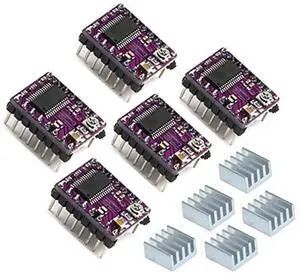
5pcs DRV8825 Stepper Motor Driver Module for 3D Printer RepRap 4 RAMPS1.4 StepStick
Limited time offer, ends 05/12
- Model #: C22J-X-226034
- $33.79 –
- More options from $33.79
- Free Shipping
Quick View
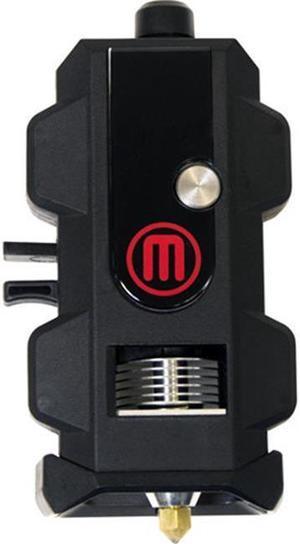
Makerbot MP07325 Replicator 5th-Gen/Mini Smart Extruder+
- Compatible System: MakerBot Replicator Mini Compact 3D Printer (5th generation model) MakerBot Replicator Desktop 3D Printer (5th generation model)
- Specification: Software Requirements: Firmware 1.9 or higher and MakerBot Desktop 3.9 and higher Nozzle Diameter: 400 microns / 0.4 mm
- Model #: MP07325
- $230.62 –
- More options from $230.54 - $256.43
Quick View
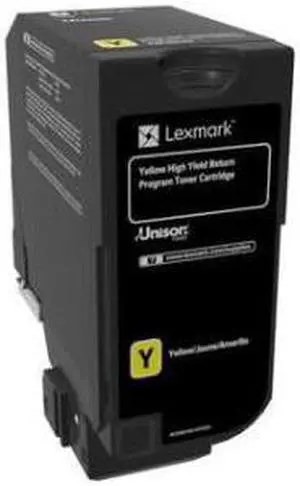
LEXMARK - BPD SUPPLIES 74C1HY0 YELLOW TONER CARTRIDGE FOR
- Model #: 74C1HY0
- $390.99
- See price in cart
- More options from $329.99 - $453.00
- Free Shipping
Quick View
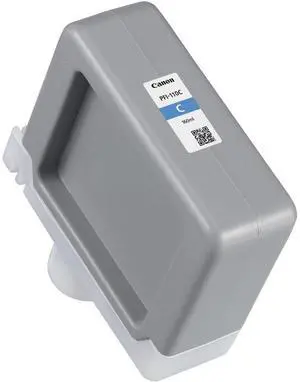
Canon PFI-110 160ml Cyan Pigment Ink Tank for imagePROGRAF TX-2000, TX-3000 and TX-4000 Printers
- Model #: 2365C001AA
- $99.46 –
Quick View
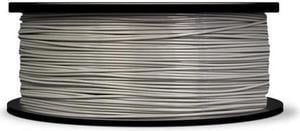
MakerBot Cool Gray PLA Filament (Large Spool)
- Melting Point: 150-160°C (302-320°F)
- Compatible System: MakerBot Replicator 5th Generation Z18 3D Printer
- Weight: 2.00 lbs.
- Model #: MP05784
- $39.83 –
- Free Shipping
Quick View
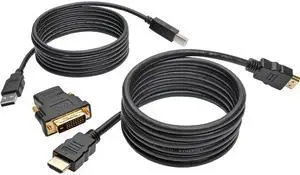
Tripp Lite 6 ft. HDMI/DVI/USB KVM Cable Kit, USB A/B Keyboard Video Mouse (P782-006-DH)
- Color: Black
- Connectors: Side A - Connector 1 :HDMI (FEMALE); HDMI (MALE); USB B (MALE) Side B - Connector 1 :DVI-D DUAL-LINK (MALE) (WIRED TO DVI-D SINGLE-LINK); HDMI (MALE); USB A (MALE)
- Specifications: Connects Your Computer to a Tripp Lite HDMI KVM Switch Includes 6 ft. USB A/B cable, 6 ft. HDMI cable and DVI-to-HDMI adapter First-Rate Construction for Superior Signal Transfer Premium foil and braid shielding for EMI/RFI noise protection Molded gold-plated connectors and contacts for optimal signal quality Integral strain relief for long life Flexible PVC jackets easy to install in tight spaces System Requirements Computer with available USB port and available HDMI or DVI port Tripp Lite HDMI KVM switch
- Package Content: USB cable (A/B M/M), 6 ft. HDMI cable (M/M), 6 ft. DVI-D dual link to HDMI adapter (M/F)
- Model #: P782-006-DH
- $21.18 –
- More options from $21.18 - $190.82
- Free Shipping
Quick View
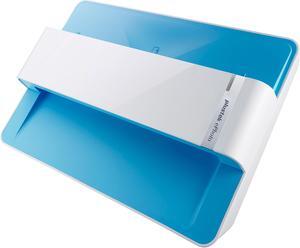
Plustek ePhoto Z300 Up to 300 dpi USB color Photo / Document Scanners
- Light Source: LED
- Scanning Speed: 4" x 6" Photo: Approx. 2 sec. Document(A4): Approx. 5 sec.
- Max. Document Size: 8.5" x 11.7"
- USB Ports: USB 2.0
- Model #: ePhoto Z300
- $219.99 –
- Free Shipping
Quick View
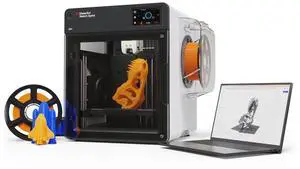
MakerBot Sketch Sprint
- Brand: Makerbot
- Series: Sketch Sprint
- Part Number: 900-0151A
- Type: 3D Printer
- Model #: 900-0151A
- $2,392.99 –
- Free Shipping
Quick View
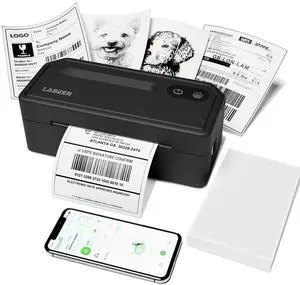
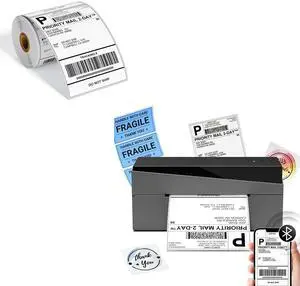
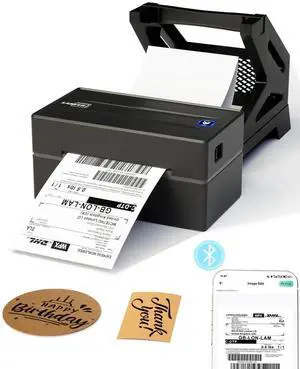
Omezizy 249BT Bluetooth Shipping Label Printer and 250Pcs 4x6 Roll Thermal Labels, Wireless Thermal Label Printer for Small Business
- Model #: 9158154830019
- $103.89 –
- More options from $103.79 - $112.93
- Free Shipping

Quick View
Adesso 5MP Fixed-Focus A4 Document Camera Scanner with OCR Text Recognition
- Model #: Cybertrack520
- $77.99
- $49.99 –
- Save: $28.00 (35%)
- More options from $49.99 - $303.38
- Free Shipping

Quick View
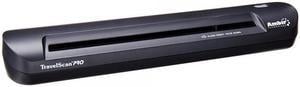
Ambir PS600-AS Business Card Scanner
- Screen Size: 15.6"
- Model #: PS600-AS
- $138.99 –
- Free Shipping
Quick View
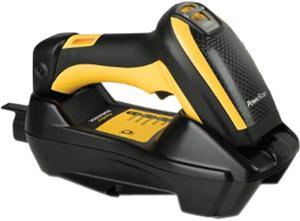
Datalogic PowerScan PM9100 Industrial Laser 1D Linear Imager with Datalogic’s STAR Cordless System, 910 MHz, RB USB Kit - PM9100-910RBK10
- Weight: 2
- Model #: PM9100-910RBK10
- $1,084.00
- $802.99 –
- Save: $281.01 (25%)
- More options from $798.00 - $876.28
- Free Shipping
Quick View
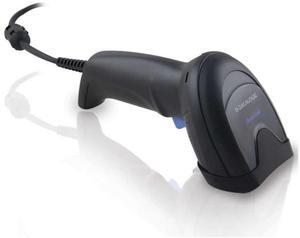
Datalogic QuickScan QD2590 Kit - 2D Mpixel Imager, USB/RS-232/Wedge Multi-Interface, Black (Kit includes Scanner, USB Cable 90A052258 and Stand STD-AUTO-QD25-BK)
- Product Type: Computer Accessories
- Weight: 1.0000
- Model #: QD2590-BKK1B
- $134.99 –
- More options from $134.99 - $158.94
- Free Shipping
Quick View
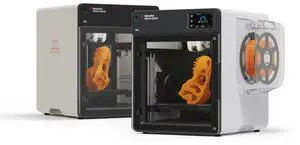
MakerBot Sketch Sprint, Classroom Two-Printer Setup, 3D Printer for small size projects | SKETCHSPRINTCLASSROOM
- Brand: Makerbot
- Series: Sketch Sprint
- Part Number: SKETCHSPRINTCLASSROOM
- Type: 3D Printer
- Model #: SKETCHSPRINTCLASSROOM
- $4,798.00
- $4,145.99 –
- Save: $652.01 (13%)
- Free Shipping
Quick View
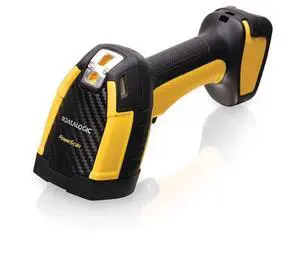
Datalogic PBT9600-SRRB BT Barcode Scanner
- Brand: Datalogic
- Part Number: PBT9600-SRRB
- Form Factor: Handheld
- Model #: PBT9600-SRRB
- $599.99 –
- More options from $599.99 - $1,126.25
- Free Shipping
Quick View
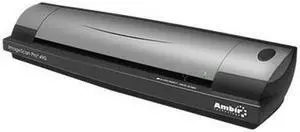
Ambir ImageScan Pro 490i Duplex ID Card and Document Scanner w/AmbirScan (DS490-AS)
- Scanning Speed: 7 seconds per single-sided page in B&W mode at 200 dpi 10 seconds per page duplex mode
- Max. Document Size: 8.5" x 14"
- USB Ports: USB 2.0 hardware compatible with USB 1.1 (USB 1.1 speed performance)
- Operating Systems Supported: Windows 10, Windows 8, Windows 7, Windows Vista(32/64), Windows XP(32/64), Windows 2000 Compatible
- Model #: DS490-AS
- $326.82 –
- More options from $319.44 - $336.64
- $12.99 Shipping
Quick View
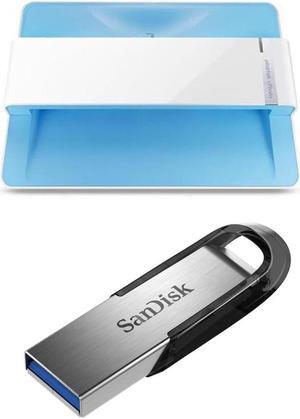
Plustek ePhoto Z300 Photos and Documents Scanner - With Sandisk 128GB Ultra Flair USB 3.0 Flash Drive
- Model #: 783064687102 C
- $245.98 –
Quick View
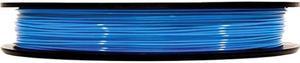
MakerBot True Blue PLA Filament (Large Spool)
- Melting Point: 150-160°C (302-320°F)
- Compatible System: MakerBot Replicator 5th Generation Z18 3D Printer
- Weight: 2.00 lbs.
- Model #: MP05776
- $39.82 –
- More options from $36.97 - $39.82
- Free Shipping
Quick View
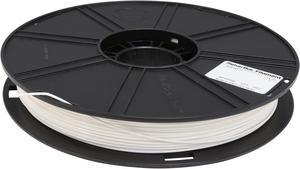
MakerBot True White PLA Filament (Large Spool)
- Melting Point: 150-160°C (302-320°F)
- Compatible System: MakerBot Replicator 5th Generation Z18 3D Printer
- Weight: 2.0 lb. / 0.9 kg
- Model #: MP05780
- $40.27 –
- More options from $31.49 - $40.27
- Free Shipping

Quick View
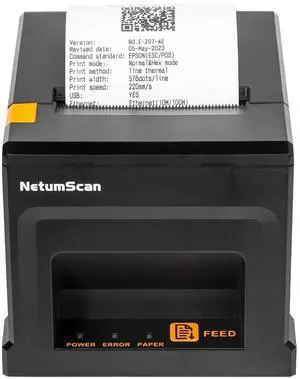
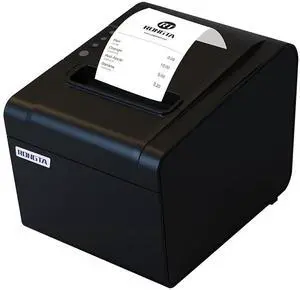
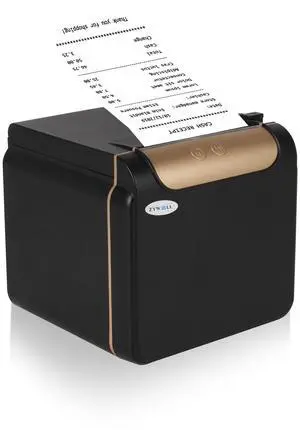
MC-PRINT2 THERMAL 2IN CUTTER
- Color: Black
- Printer Type: Desktop
- Fonts Included: Font Size: 12 x 24
- Cutter: Auto Cutter: Guillotine (Partial Cut)
- Model #: 39653110
- $317.00
- Request Price
- More options from $316.50 - $362.68
- Free Shipping
Quick View
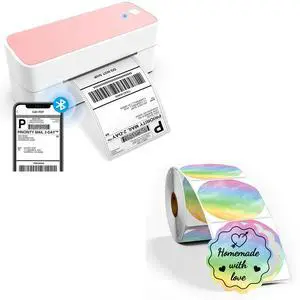
ASprink Bluetooth Thermal Label Printer with 2"×2" Wavy Circle Thermal Sticker Labels
- Model #: 9158154827361
- $127.94 –
- More options from $127.94
- Free Shipping
Quick View
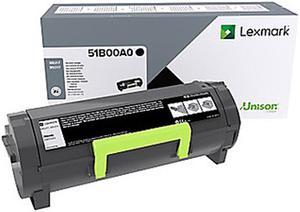
Lexmark 51B00A0 Black Toner Cartridge Standard
- Product Type: Toner Cartridges
- Color: Black
- Weight: 1.3
- Model #: 51B00A0
- $147.99
- $131.99 –
- Save: $16.00 (10%)
- More options from $131.99 - $298.97
- $4.99 Shipping
Quick View
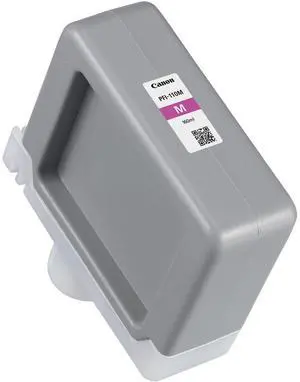
Canon PFI-110 160ml Magenta Pigment Ink Tank for imagePROGRAF TX-2000, TX-3000 and TX-4000 Printers
- Model #: 2366C001AA
- $106.58 –
Quick View
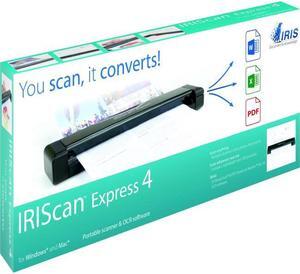
IRIS - 458511 - IRIS Iriscan Express 4-Usb Portable Scanner That Scans Anything - 8 ppm (Mono) - 8 ppm (Color) - USB
- Scanning Speed: 300 dpi color or black and white - 8 pages per minute
- Media Size: A4 8.27" x 11.69" Business Card Letter 8.50" x 10.98" Photo
- Image Formats: JPEG & PDF
- USB Ports: Yes
- Model #: 458511
- $112.99 –
- Free Shipping
Quick View
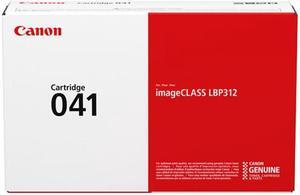
CANON USA 0452C001 Blk Toner Crtrdg for LBP3112dn
- Model #: 0452C001
- $285.97 –
- More options from $285.97 - $309.43
- Free Shipping

Quick View
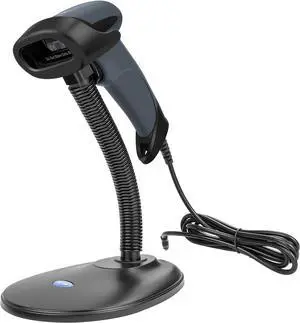
NETUM USB Barcode Scanner with Stand Wired Handheld Bar Code Reader 1D CCD Scanner Gun for Supermarket, Convenience Store, Warehouse -M3S
- Model #: BE NETUM M3S
- $49.99 –
- Free Shipping
Quick View
LEXMARK B220XA0 Blk Extra HY Toner Crtrdg
- Brand: LEXMARK
- Part Number: B220XA0
- Cartridge Quantity: 1
- Cartridge Color: Black
- Model #: B220XA0
- $261.48
- $253.78 –
- More options from $251.00 - $486.15
- Free Shipping
Choosing the Right Printer for Your Office Needs
When it comes to office solutions, printers and scanners are essential tools for any business. Whether you need to print important documents, scan invoices, or create professional-quality marketing materials, having the right equipment is crucial. In this article, we will explore the different types of printers and scanners available in the market and provide tips on how to choose the best one for your office.
All-in-One Printers: Versatility and Convenience
all-in-one printers, also known as multifunction printers, are a popular choice for offices. These devices combine the functionality of a printer, scanner, copier, and sometimes even a fax machine into a single unit. They offer versatility and convenience, allowing you to perform multiple tasks without the need for separate devices. All-in-one printers are available in both inkjet and laser options, catering to different printing needs and budgets.
Specialized Printers for Specific Tasks
In addition to all-in-one printers, there are specialized printers designed for specific tasks. For example, 3D printers are ideal for creating prototypes or intricate models, while barcode and label printers are perfect for businesses that require efficient inventory management. laser printers are known for their fast printing speeds and high-quality output, making them suitable for offices with high-volume printing needs. inkjet printers, on the other hand, are more cost-effective and can produce vibrant color prints.
Choosing the Right Supplies
Once you have selected the right printer for your office, it is important to choose the right supplies to ensure optimal performance and longevity. When it comes to inkjet printers, using high-quality ink cartridges is essential to achieve the best print quality and prevent clogging. For laser printers, it is important to choose the right type of toner cartridges that are compatible with your printer model. Additionally, investing in high-quality paper can make a significant difference in the final print results.
FAQs: Common Questions about Printers and Scanners
| Q: How often should I replace the ink cartridges? | A: The frequency of replacing ink cartridges depends on your printing volume. However, it is recommended to replace them when the print quality starts to degrade. |
|---|---|
| Q: Can I use third-party ink cartridges with my printer? | A: While it is possible to use third-party ink cartridges, it is important to ensure compatibility with your printer model. Using incompatible cartridges may result in poor print quality or damage to the printer. |
| Q: How do I clean the scanner glass? | A: To clean the scanner glass, use a soft, lint-free cloth slightly dampened with glass cleaner. Gently wipe the glass surface to remove any smudges or debris. |
| Q: What is the difference between optical and interpolated resolution in scanners? | A: Optical resolution refers to the actual hardware resolution of the scanner, while interpolated resolution is achieved through software enhancements. Optical resolution provides more accurate and detailed scans. |
| Q: How can I improve the scanning speed? | A: To improve scanning speed, reduce the scanning resolution, use black and white mode instead of color, and ensure that the scanner is connected to a high-speed USB port. |