
Your Browsing History
- Sold by Newegg
- Make an Offer
- New

Any questions? Our AI beta will help you find out quickly.
Try me now
Quick View
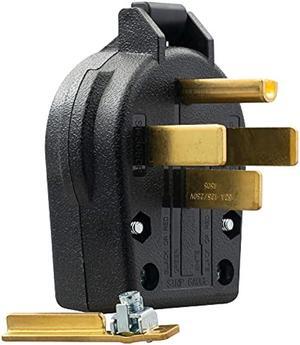
ELEGRP NEMA 14-30P & NEMA 14-50P Plug, 4 Prong Dryer/Range Oven Stove Angle Plug, Straight Blade Heavy Duty, 30 Amp 50 Amp 125/250V, Industrial Grade, Grounding, 3 Pole 4 Wire, UL Listed
- Connector Type: type
- Model #: 603904579140025
- $22.78 –
- Free Shipping
Quick View
#1 Best Seller
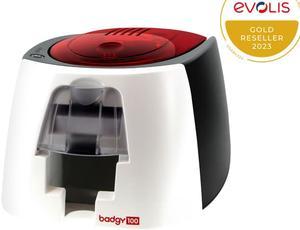
- Memory: 16 MB of memory (RAM)
- Barcode Type: Single-side print module
- Media Type: Card type: PVC cards
- Media sizes supported: Card thickness: 0.50 to 0.76 mm, automatic adjustment of the gauge Card format: ISO CR-80 – ISO 7810 (53.98 x 85.60 mm) Included in the solution: pack of 50 PVC cards 0.76 mm
- Model #: B12U0000RS
- $599.00 –
- $4.99 Shipping
Quick View
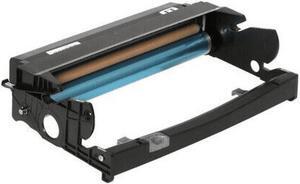
Drum Unit For Lexmark 12A8302 Compatible With Lexmark E230 E232 E232T E234 E234N E238 E240 E240N E240T E242 E330 E332N E332TN E340 E342N
- Cartridge Quantity: Single Pack
- Replacement Brand: Lexmark
- Replacement Model: 12A8302
- Compatible Products: 12A8302
- Model #: 1X12A8302
- $27.99 –
- Free Shipping
Quick View
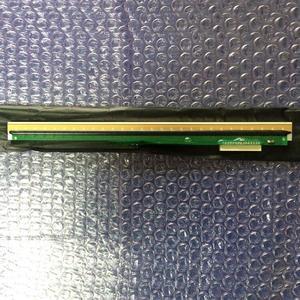
print head single seat For ECG-1200 ecg-1220 12-lead electrocardiograph 12-lead
- Product Type: Printhead
- Model #: ZW-dyt-066
- $722.79 –
- More options from $722.79 - $726.99
- Free Shipping
Quick View
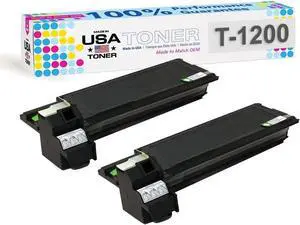
MADE IN USA TONER Replacement for Toshiba T-1200, e-Studio 12,15,120,150,151,162D (Black, 2 Pack)
- Cartridge Quantity: 2
- Replacement Brand: Toshiba
- Type: Compatible Toner
- Model #: e-Studio 12,15,120,150,151,162D

Quick View
print head single seat For ECG-1200 ecg-1220 12-lead electrocardiograph 12-lead
- Product Type: Printhead
- Model #: ZW-d5234-066
- $1,087.49 –
- More options from $1,087.49
- Free Shipping
Quick View
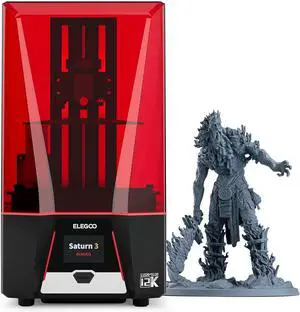
ELEGOO Saturn 3 MSLA 12K 3D Printer, Desktop Resin 3D Printer with 10-Inch Monochrome LCD, Voxeldance Tango Slicer, Large Printing Size of 8.62x4.84x9.84 inches
Limited time offer, ends 04/19
- Model #: C40E.011205
- $698.99 –
- Free Shipping
Quick View
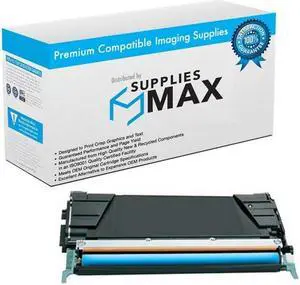
SuppliesMAX Compatible Replacement for Toshiba e-STUDIO 205CP/e-STUDIO 220CP Cyan High Yield Toner Cartridge (5000 Page Yield) (12A9615)
- Cartridge Quantity: 1 Pack
- Replacement Brand: Toshiba
- Replacement Model: Toshiba
- Compatible Products: Toshiba 12A9615
- Model #: 049931390279
- $51.99 –
- $8.99 Shipping
Quick View
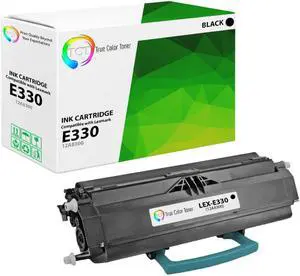
TCT Premium Compatible Toner Cartridge Replacement for Lexmark E330 12A8300 Black Works With Lexmark E332 E340 E230 E232 E234 E238 Dell 1700 1710 IBM 1412 1512
- Brand: TCT
- Model: 12A8300
- Cartridge Quantity: Single Pack
- Cartridge Color: Black
- Model #: TCT-E330
Quick View
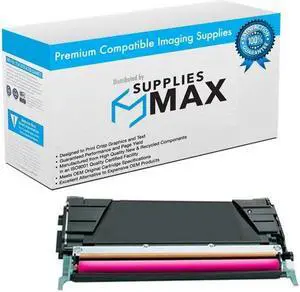
SuppliesMAX Compatible Replacement for Toshiba e-STUDIO 205CP/e-STUDIO 220CP Magenta High Yield Toner Cartridge (5000 Page Yield) (12A9620)
- Cartridge Quantity: 1 Pack
- Replacement Brand: Toshiba
- Replacement Model: Toshiba
- Compatible Products: Toshiba 12A9620
- Model #: 049931390293
- $51.99 –
- $8.99 Shipping
Quick View
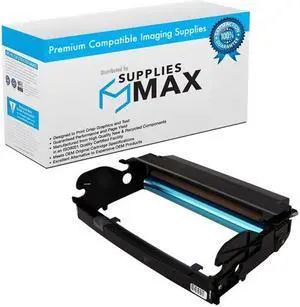
SuppliesMAX Compatible Replacement for Lexmark E230/E232/E234N/E238/E240N/E330/E332N/E340/E342N Drum Unit (30000 Page Yield) (12A8302)
- Series: Works In Lexmark E230 / E232 / E234 / E240 / E330 / E332 / E340 / E342 Series and Other Laser Printers
- Product Sort: Printer Ink & Toner
- Product Type: Drum Cartridge
- Color: Black
- Model #: LEX12A8302-C
- $71.99 –
- $8.99 Shipping
Quick View
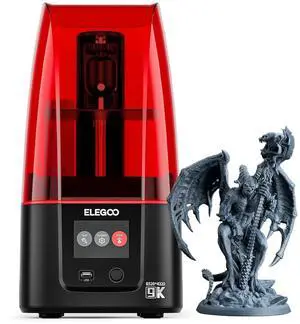
ELEGOO Mars 4 MSLA 3D Printer with 7" 9K Monochrome LCD, UV Resin Photocuring Printer, Multiple Print Modes, Printing Size of 6.04 × 3.06 × 6.89 inches
Limited time offer, ends 04/19
- Model #: C40E.011210
- $498.99 –
- Free Shipping
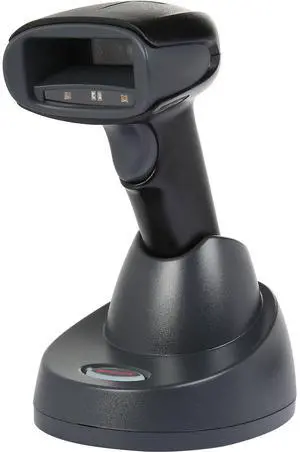
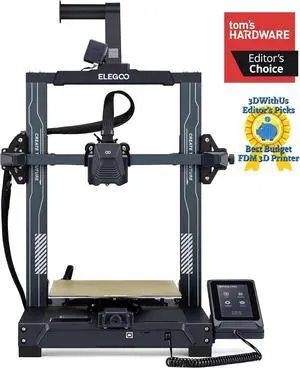
Quick View
ELEGOO Neptune 3 Pro 3D Printer, Quick Assembly with Auto Leveling, Direct Drive Extruder, PEI Flexible Platform and Removable Touchscreen, 8.85x8.85x11 inch Printing Size
Limited time offer, ends 04/19
- Model #: C40E.011274
- $598.99 –
- Free Shipping
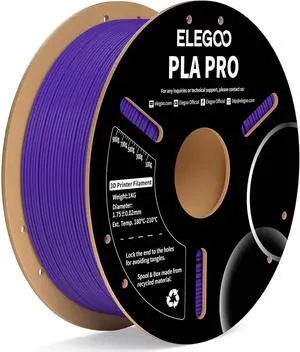
Quick View
ELEGOO PLA PRO Filament 1.75mm Purple 1KG, 30-250mm/s Printing Speed Improved Rigidity 3D Printer Filament Dimensional Accuracy +/- 0.02mm, 1kg Spool (2.2lbs)
- Model #: STARWELL426253764078Lan
- $39.98 –
- Free Shipping
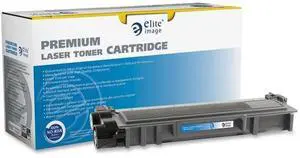
Quick View
Elite Image ELI76157 Laser Toner Cartridge for TN630 - Black
- Model #: ELI76157
- $37.99
- $34.99 –
- Save: $3.00 (7%)
- $15.07 Shipping
Quick View
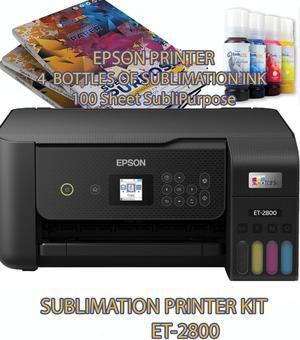
Espon ECOTANK ET 2800 Wireless All-In-One Supertank Color Sublimation Printer
- Product Type: Adapters and Batteries
- Model #: sad1123
- $458.13 –
- More options from $386.42 - $459.53
- Free Shipping
Quick View
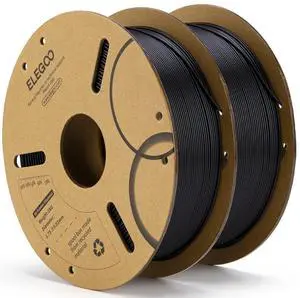
ELEGOO PLA Filament 1.75mm Black 2KG, 3D Printer Filament Dimensional Accuracy +/- 0.02mm, 2 Pack 1kg Cardboard Spool(2.2lbs) 3D Printing Filament Fits for Most FDM 3D Printers
- Model #: STARWELL426253763354Lan
- $49.26 –
- Free Shipping
Quick View
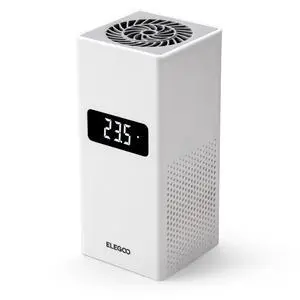
Smart Mini Heater for Resin 3D Printer Intelligent Temperature Control Heater with Air Filtration, Compatible with ELEGOO Most MSLA/DLP/LCD 3D Printers
- Part Number: EL-3D-ST1
- Color: Black
- Specification: resin, 23 L x 19 W x 8.7 H centimeters, White, 1.09 kilograms, EL-3D-ST1
- Features: resin, Resin
- Model #: 659306598062
- $69.69 –
- Free Shipping
Quick View
Elo Elo Edge Connect 2D Barcode Scanner E384627
- Weight: 0.1500
- Model #: E384627
- $369.09
- $311.00 –
- Save: $58.09 (15%)
- More options from $275.44 - $390.41
- Free Shipping
Quick View
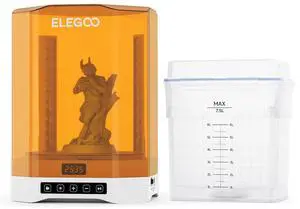
ELEGOO Mercury Plus 3.0 Wash and Cure Station, UV Curing Resin, Large Capacity of 7.5L for MSLA SLA DLP 3D Printer Saturn Mars
Limited time offer, ends 04/19
- Model #: WC40E-0114.28
- $398.99 –
- Free Shipping
Quick View
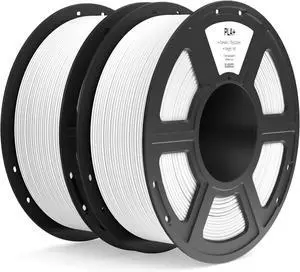
ELEGOO PLA+ Filament 1.75mm White 2KG, High Toughness PLA Plus 3D Printer Filament Dimensional Accuracy +/- 0.02mm, 2pcs 1kg Spool(2.2lbs) Fits for Most FDM 3D Printers
- Model #: C0A837465010412135
- $54.56 –
- Free Shipping
Quick View
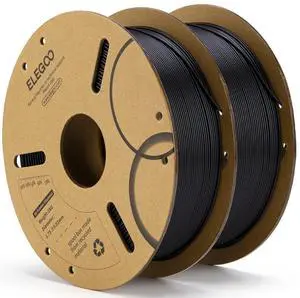
ELEGOO PLA Filament 1.75mm Black 2KG, 3D Printer Filament Dimensional Accuracy +/- 0.02mm, 2 Pack 1kg Cardboard Spool(2.2lbs) 3D Printing Filament Fits for Most FDM 3D Printers
- Model #: C0A788465010411640
- $48.03 –
- Free Shipping
Quick View
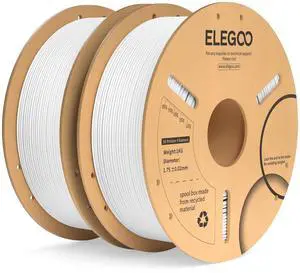
ELEGOO PLA Plus Filament 1.75mm White 2KG, PLA+ Tougher and Stronger 3D Printer Filament Dimensional Accuracy +/- 0.02mm, 2 Pcs 1kg Spool(2.2lbs) Fits for Most FDM 3D Printers
- Model #: STARWELL426253763583Lan
- $57.96 –
- Free Shipping
Quick View
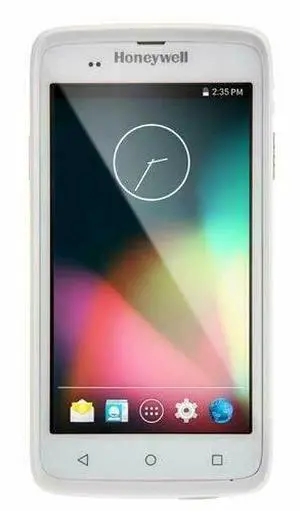
Honey,well ScanPal EDA50-011-C112NGUK Scan,ner Android 7.1 GMS 2D BT4 WLAN
- Model #: HO0S10-A231
- $399.00 –
- Free Shipping
Quick View
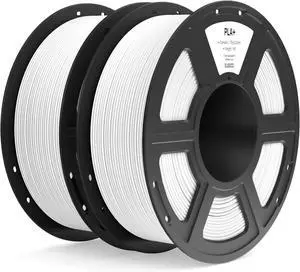
ELEGOO PLA+ Filament 1.75mm White 2KG, High Toughness PLA Plus 3D Printer Filament Dimensional Accuracy +/- 0.02mm, 2pcs 1kg Spool(2.2lbs) Fits for Most FDM 3D Printers
- Model #: STARWELL426253763842Lan
- $55.96 –
- Free Shipping
Quick View
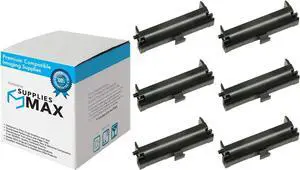
Compatible Replacement for Sharp EL-1196/EL-1197/EL-2197/EL-2607/ER-1017/QS-2168/XE-1017 Black Ink Rollers (EA-741R)
- Model #: DARKB0C5FTVPGT
- $109.99 –
- Free Shipping

Quick View
Honey,well 1202G-2USB-5 1D Single-Line Wireless Bluetooth Laser Bar,code Scan,ner
- Model #: HO0S10-A200
- $288.00 –
- Free Shipping
Quick View
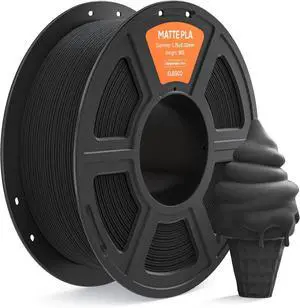
ELEGOO Matte PLA Filament 1.75mm Black 1KG, 3D Printer Filament High Precision, 1kg Spool (2.2lbs) Fits for Most FDM 3D Printers
- Model #: STARWELL426253764160Lan
- $33.98 –
- Free Shipping
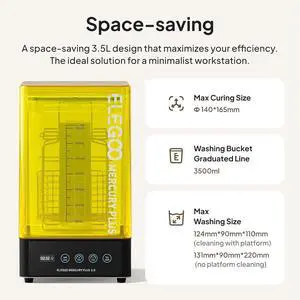
Quick View
ELEGOO Mercury Plus 2.0 Wash and Cure Station V2 for Mars Photon S Photon Mono LCD SLA DLP 3D Printer Models
Limited time offer, ends 04/19
- Model #: WC40E-0113.75
- $298.99 –
- Free Shipping
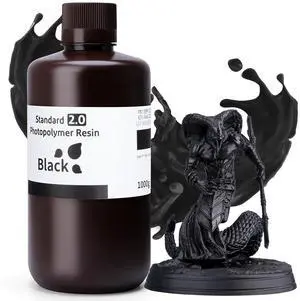
Quick View
ELEGOO Upgraded Standard 3D Printer Resin 2.0, High Precision, Low Odor, Higher Toughness, 405nm UV Curing Photopolymer Resin for Mars Saturn MSLA DLP LCD 3D Printing (Black 1000g)
- Model #: STARWELL426253765853Lan
- $33.98 –
- Free Shipping
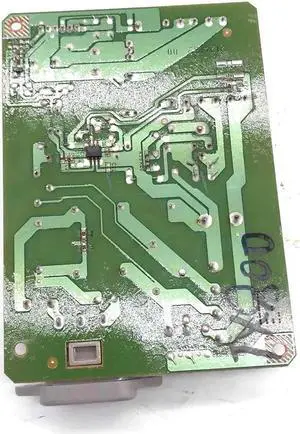
Quick View
Power Board 800 Fits Forepson-710 EP-804A TX710W 800
- Product Type: Printhead
- Model #: Dyj-231218-810
- $93.69 –
- More options from $93.69
- Free Shipping
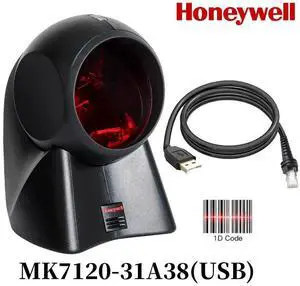
Quick View
Honeyw,ell Orbit MK7120-31A38 Omnidirectional Presentation Laser Bar,Code Reader
- Model #: MK7120-31A38-USB-E17
- $80.93
- Request Price
- More options from $80.00
- Free Shipping
Quick View
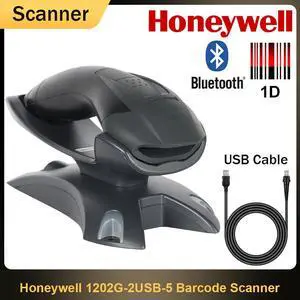
Honey,well 1202G-2USB-5 Bluetooth Wireless Single-Line Laser 1D Bar,code Scan,ner
- Model #: HO0S10-A199
- $288.00 –
- Free Shipping
Quick View
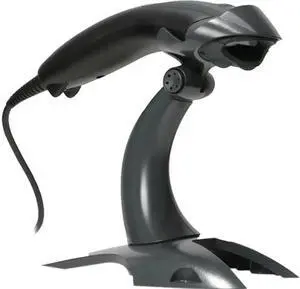
Honey,well Voyager 1200G 1D Linear Scan,ner with Stand 1200G- USB Kit
- Model #: C22J-L-410117
- $67.99 –
- Free Shipping
Choosing the Right Printer for Your Office Needs
When it comes to office solutions, printers and scanners are essential tools for any business. Whether you need to print important documents, scan invoices, or create professional-quality marketing materials, having the right equipment is crucial. In this article, we will explore the different types of printers and scanners available in the market and provide tips on how to choose the best one for your office.
All-in-One Printers: Versatility and Convenience
all-in-one printers, also known as multifunction printers, are a popular choice for offices. These devices combine the functionality of a printer, scanner, copier, and sometimes even a fax machine into a single unit. They offer versatility and convenience, allowing you to perform multiple tasks without the need for separate devices. All-in-one printers are available in both inkjet and laser options, catering to different printing needs and budgets.
Specialized Printers for Specific Tasks
In addition to all-in-one printers, there are specialized printers designed for specific tasks. For example, 3D printers are ideal for creating prototypes or intricate models, while barcode and label printers are perfect for businesses that require efficient inventory management. laser printers are known for their fast printing speeds and high-quality output, making them suitable for offices with high-volume printing needs. inkjet printers, on the other hand, are more cost-effective and can produce vibrant color prints.
Choosing the Right Supplies
Once you have selected the right printer for your office, it is important to choose the right supplies to ensure optimal performance and longevity. When it comes to inkjet printers, using high-quality ink cartridges is essential to achieve the best print quality and prevent clogging. For laser printers, it is important to choose the right type of toner cartridges that are compatible with your printer model. Additionally, investing in high-quality paper can make a significant difference in the final print results.
FAQs: Common Questions about Printers and Scanners
| Q: How often should I replace the ink cartridges? | A: The frequency of replacing ink cartridges depends on your printing volume. However, it is recommended to replace them when the print quality starts to degrade. |
|---|---|
| Q: Can I use third-party ink cartridges with my printer? | A: While it is possible to use third-party ink cartridges, it is important to ensure compatibility with your printer model. Using incompatible cartridges may result in poor print quality or damage to the printer. |
| Q: How do I clean the scanner glass? | A: To clean the scanner glass, use a soft, lint-free cloth slightly dampened with glass cleaner. Gently wipe the glass surface to remove any smudges or debris. |
| Q: What is the difference between optical and interpolated resolution in scanners? | A: Optical resolution refers to the actual hardware resolution of the scanner, while interpolated resolution is achieved through software enhancements. Optical resolution provides more accurate and detailed scans. |
| Q: How can I improve the scanning speed? | A: To improve scanning speed, reduce the scanning resolution, use black and white mode instead of color, and ensure that the scanner is connected to a high-speed USB port. |