
Your Browsing History
- In Stock
- Sold by Newegg
- Make an Offer
- New

Any questions? Our AI beta will help you find out quickly.
Try me now
Quick View
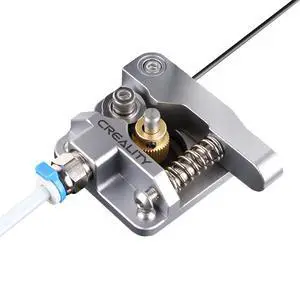
Official Ender 3 Extruder Upgrade Metal Drive Feeder 3D Printer Parts for Ender-3 Pro/3S/3 V2/3 Max CR-10/10S Gray Aluminum 1.75mm Filament Extruder
- Brand: Creality
- Part Number: Gray Extruder
- Color: Black
- Type: Filament
- Model #: 397909347849
- $19.99 –
- Free Shipping
Quick View
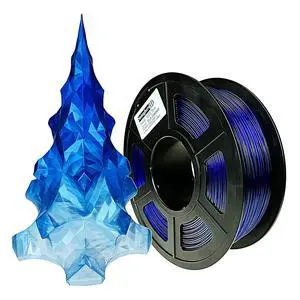
PETG 3D Printer Filament 1.75mm,Gradient Multicolors,Dual Color Blue to Translucent,1kg(2.2lbs) Accuracy +/-0.05mm for ender3 Cr10
- Model #: 762501563263
- $39.99 –
- Free Shipping
Quick View
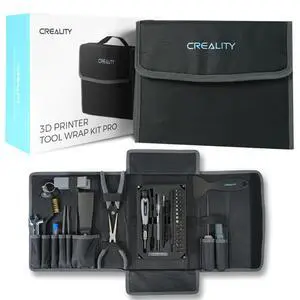
3D Printer Tool Kit, 74Pcs 3D Printing Tool Wrap Kit Assembly/Removal/Filament Cutting Set 3D Printer Accessories for All FDM Printers Cleaning Finishing Printing
- Brand: Creality
- Part Number: 3D Printer Tool 688
- Color: Black
- Type: Filament
- Model #: 029986783275
- $59.99 –
- Free Shipping
Quick View
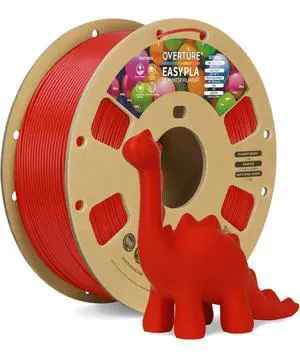
Easy PLA 1.75mm 3D Printer Filament, 1kg PLA Cardboard Spool (2.2lbs), Dimensional Accuracy +/- 0.02mm, Fit Most FDM Printer (Easy Red)
- Model #: 822119510655
- $39.99 –
- Free Shipping
Quick View
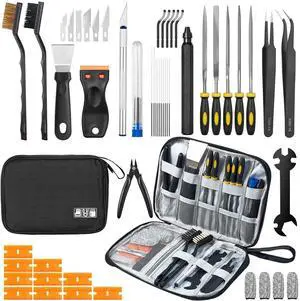
50Pcs 3D Printer Tool Kit & Accessories for All FDM/SLA Printers, Includes Nozzle Cleaning Kit, Scraper, Deburring Tool, Files, Brushes - Complete Starter Kit with Case
- Brand: VERBATIM
- Part Number: 3D-DYGJ
- Color: Black
- Type: Filament
- Model #: 421322987915
- $45.99 –
- Free Shipping
Quick View
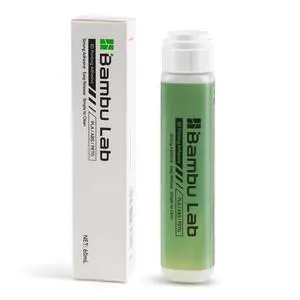
Bamboo Lab 3D Printer Bed Adhesive,3D Print Glue for Hot Bed,Avoid Warping for Printing ABS,PLA,PETG,TPU on Various Build Plate with Stronger Adhesion,No Residue, Durable than Glue Stick-60ml
- Brand: VERBATIM
- Part Number: ENO-Bambulab-Glue-60ml
- Color: Black
- Type: Filament
- Model #: 924268098603
- $39.99 –
- Free Shipping
Quick View
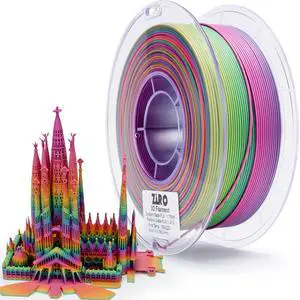
3D Printer Filament PLA, Fast Color Changing Filament(Matte), Color Change by Length PLA, Fit Most FDM 3D Printers, Matte Finish 1KG/ 2.2lbs Spool, Rainbow Blaze
- Model #: 393689746004
- $49.99 –
- Free Shipping
Quick View
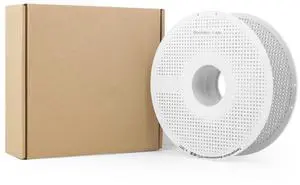
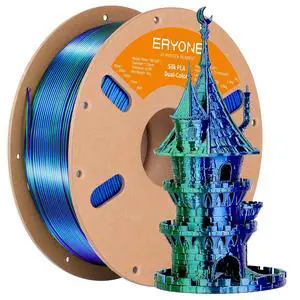
Silk Dual Color PLA Filament 3D Printer 1.75mm +/- 0.03mm, Bicolor Filament Two Tone PLA 1KG(2.2lbs) Cardboard Spool, Blue Green
- Model #: 419280632174
- $29.99 –
- Free Shipping
Quick View
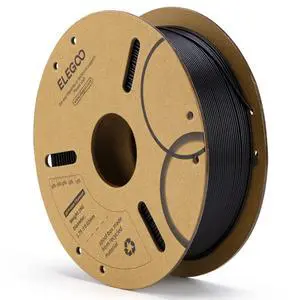
PLA Filament 1.75mm Black 1KG, 3D Printer Filament Dimensional Accuracy +/- 0.02mm, 1kg Cardboard Spool(2.2lbs) 3D Printing Filament Fits for Most FDM 3D Printers
- Model #: 154239681952
- $29.99 –
- Free Shipping
Quick View
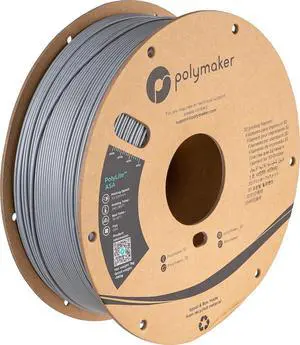
Polymaker ASA Filament 1.75mm Grey, 1kg ASA 3D Printing Filament, Heat & Weather Resistant - ASA 3D Printer Filament Perfect for Printing Outdoor Functional Parts
- Model #: Fahint365035841067
- $59.38 –
- Free Shipping
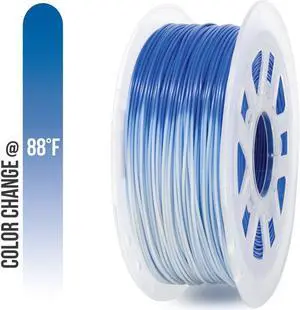
Quick View
Gizmo Dorks 1.75mm PLA Filament, 1 kg for 3D Printers, Color Change Blue to White
- Model #: Fahint365035841418
- $67.22 –
- Free Shipping
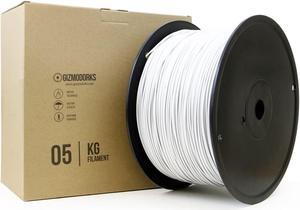
Quick View
Gizmo Dorks PLA Filament for 3D Printers 1.75mm 5kg, White
- Model #: Fahint365035838906
- $207.80 –
- Free Shipping
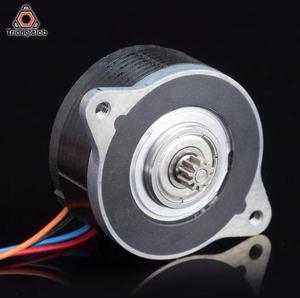
Quick View
/ Dforce Moons Motor NEMA14 36MM 20MM Moons' Enhanced MOTOR Alternative LDO for Orbiter Extruder voron Ender3 CR10 3D Printer
- Model #: HT-ID-3239-1892070
- $56.05 –
- Free Shipping
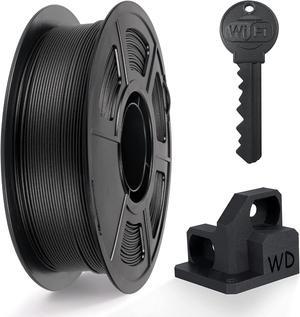
Quick View
IEMAI PETG Carbon Fiber Filament 1.75mm, Matte Black PETG-CF, Heat-Resistant, High Strength & Rigidity 3D Printer Filament, 1kg Spool Designed for Complex Models and Functional Parts
- Model #: Fahint365035838050
- $59.38 –
- Free Shipping
Quick View
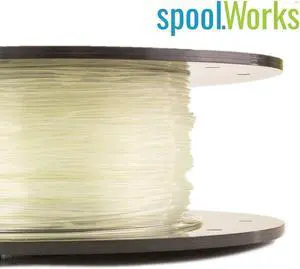
Genuine E3D spoolWorks FleXD Semi-flexible TPU Filament - 2.85mm, 500g, Crystal Clear01
- Model #: F-SW-FLEXD-CLEAR-300
- $55.18 –
- Free Shipping

Quick View
Lay Filaments PLA-Y-SOFT 3D Printing Filament - 3.0mm, 0.25kg
- Model #: PLA_30/1/025
- $29.77 –
- Free Shipping
Quick View
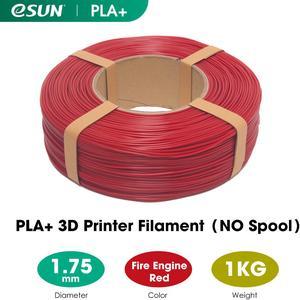
eSUN PLA+ PLA PLUS Filament Refill 1KG 1.75mm for 3D Printer With NO Spool Fire Engine Red
- Compatible System: For FDM 3D Printer
- Weight: 2.20 lbs. (1 kg)
- Model #: PLA+REFILL175FR1A
- $21.99 –
- Free Shipping


Quick View
iBOSS Candy Rainbow PLA Plus 1.75mm for 3D Printer +/- 0.02mm, 1kg (2.2LBS)/Spool, PLA+ Filament 1.75mm Rainbow 3D Printer Multicolor Filament, Strong Toughness Color Change Filament
- Model #: Fahint365035840053
- $43.52 –
- Free Shipping

Quick View
Lay Filaments PLA-Y-SOFT 3D Printing Filament - 3.0mm, 0.75kg
- Model #: PLAsp_30/1/075
- $58.08 –
- Free Shipping
Quick View
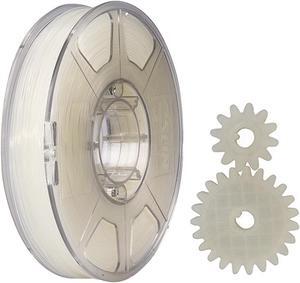
eSUN Nylon Filament 1.75mm 3D Printer PA Filament Accuracy +/- 0.05mm 1KG 2.2LBS Spool 3D Printing Filament for 3D Printers
- Model #: EPA175N1KG
- $43.99 –
- Free Shipping
Quick View
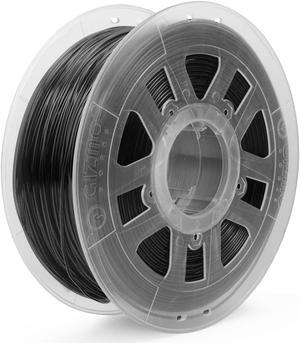
Gizmo Dorks 3D Printer Filament 2.85mm PLA, Neat Wind, Fits Most FDM 3D Printers, 1kg Spool (2.2lb), Black
OUT OF STOCK
- Model #: R98247663307842
- $47.42 –
- Free Shipping
Quick View
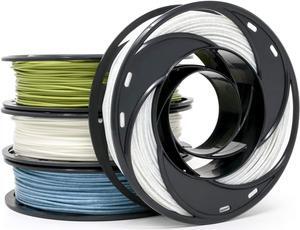
Gizmo Dorks PLA 3D Printer Filament 1.75mm 200g, 4 Color Pack - Marble, Glitter Blue, Glow Green, Change Green Yellow
OUT OF STOCK
- Model #: R287247663309389
- $51.38 –
- Free Shipping
Quick View
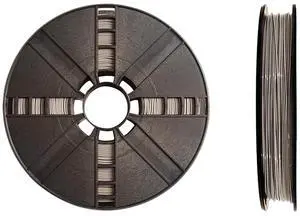
MakerBot PLA 3D Printing Filament Large Spool for Replicator+ and 5th Gen 3D Printers (Cool Gray)
OUT OF STOCK
- Model #: R208247663308726
- $79.18 –
- Free Shipping
Quick View
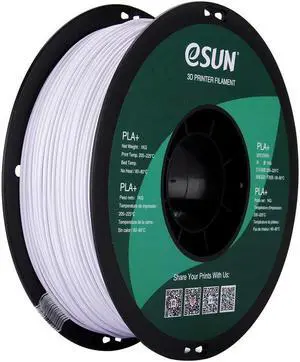
eSUN PLA PRO (PLA+) 3D Printer Filament, Dimensional Accuracy +/- 0.03mm, 1kg, Plastic Spool, 1.75mm, Cool White
OUT OF STOCK
- Model #: R360247663309983
- $51.46 –
- Free Shipping
Quick View
Gizmo Dorks 3D Printer Filament 2.85mm PLA, Neat Wind, Fits Most FDM 3D Printers, 1kg Spool (2.2lb), Black
OUT OF STOCK
- Model #: R490247663311139
- $47.42 –
- Free Shipping
Quick View
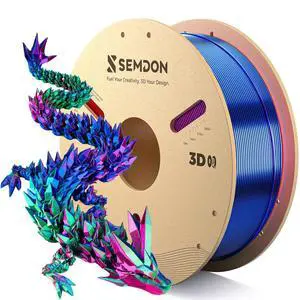
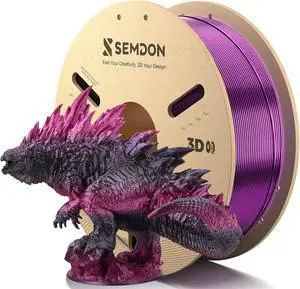
PLA Filament 1.75mm, Purple Black Gradient Rainbow Silk 1KG Spool - SEMDON Anti-Warp, ±0.02mm Precision, ColorLock Gloss Finish for Ender 3, CR-10, Lithophane
OUT OF STOCK
- Model #: R508247663311245
- $53.42 –
- Free Shipping

Quick View
eSUN PETG Filament 1.75mm, 3D Printer Filament PETG, Dimensional Accuracy +/- 0.05mm, 1KG Spool (2.2 LBS) 3D Printing Filament for 3D Printers, Solid Purple
OUT OF STOCK
- Model #: R152247663308269
- $28.49 –
- Free Shipping
Choosing the Right Printer for Your Office Needs
When it comes to office solutions, printers and scanners are essential tools for any business. Whether you need to print important documents, scan invoices, or create professional-quality marketing materials, having the right equipment is crucial. In this article, we will explore the different types of printers and scanners available in the market and provide tips on how to choose the best one for your office.
All-in-One Printers: Versatility and Convenience
all-in-one printers, also known as multifunction printers, are a popular choice for offices. These devices combine the functionality of a printer, scanner, copier, and sometimes even a fax machine into a single unit. They offer versatility and convenience, allowing you to perform multiple tasks without the need for separate devices. All-in-one printers are available in both inkjet and laser options, catering to different printing needs and budgets.
Specialized Printers for Specific Tasks
In addition to all-in-one printers, there are specialized printers designed for specific tasks. For example, 3D printers are ideal for creating prototypes or intricate models, while barcode and label printers are perfect for businesses that require efficient inventory management. laser printers are known for their fast printing speeds and high-quality output, making them suitable for offices with high-volume printing needs. inkjet printers, on the other hand, are more cost-effective and can produce vibrant color prints.
Choosing the Right Supplies
Once you have selected the right printer for your office, it is important to choose the right supplies to ensure optimal performance and longevity. When it comes to inkjet printers, using high-quality ink cartridges is essential to achieve the best print quality and prevent clogging. For laser printers, it is important to choose the right type of toner cartridges that are compatible with your printer model. Additionally, investing in high-quality paper can make a significant difference in the final print results.
FAQs: Common Questions about Printers and Scanners
| Q: How often should I replace the ink cartridges? | A: The frequency of replacing ink cartridges depends on your printing volume. However, it is recommended to replace them when the print quality starts to degrade. |
|---|---|
| Q: Can I use third-party ink cartridges with my printer? | A: While it is possible to use third-party ink cartridges, it is important to ensure compatibility with your printer model. Using incompatible cartridges may result in poor print quality or damage to the printer. |
| Q: How do I clean the scanner glass? | A: To clean the scanner glass, use a soft, lint-free cloth slightly dampened with glass cleaner. Gently wipe the glass surface to remove any smudges or debris. |
| Q: What is the difference between optical and interpolated resolution in scanners? | A: Optical resolution refers to the actual hardware resolution of the scanner, while interpolated resolution is achieved through software enhancements. Optical resolution provides more accurate and detailed scans. |
| Q: How can I improve the scanning speed? | A: To improve scanning speed, reduce the scanning resolution, use black and white mode instead of color, and ensure that the scanner is connected to a high-speed USB port. |