

Your Browsing History
- In Stock
- Sold by Newegg
- Make an Offer
- New

Any questions? Our AI mode will help you find out quickly.
Try me now
Quick View
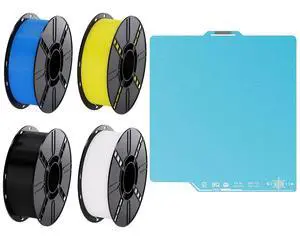
Cryogrip Pro Frostbite Build Plate 257x257MM for Bambu-Lab P1P,P1S,P2S,X1C,X2D,X1E,A1 3D Printers with 4KG(2.2lbsx4) PLA Filament Non-Tangling Beginner Friendly Tough PLA 3D Printing Filament
Limited time offer, ends 08/22
- Model #: C6T1812-XMTT096
- $279.35 –
- Free Shipping

Quick View
CryoGrip Pro Frostbite Cold Build Plate for Voron 350 3D Printer | 350x350MM Double-Sided Strong Adhesion Spring Steel Sheet, Room-Temp Print Upgrade Removable Platform
Limited time offer, ends 08/22
- Model #: C6T1812-XMTT015
- $178.97 –
- Free Shipping
Quick View
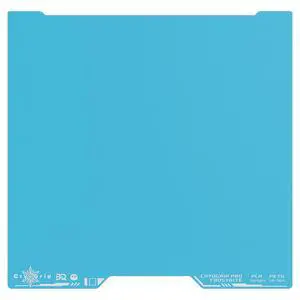
Cryogrip Pro Frostbite Build Plate for Bambu-Lab H2D/H2S 3D Printers | 355x346MM Double Sided Strong Adhesion Spring Steel Sheet Room Temperature Print Upgrade Removable Platform
Limited time offer, ends 08/22
- Model #: C6T1812-XMTT013
- $178.97 –
- Free Shipping
Quick View
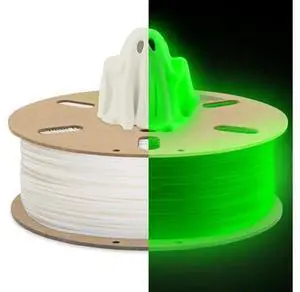
DURAMIC 3D PLA Glow in The Dark Filament 1.75mm Glow Green, 3D Printing PLA Filament 1.75mm Dimensional Accuracy +/- 0.05 mm, 1kg Spool
- Brand: LORDWORLD
- Model #: 26-8CXY10-433
- $43.45 –
- Free Shipping
Quick View
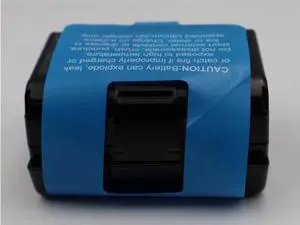
BTRY-MPP-EXT1-01 7.2V 6500mAh 46.8Wh Extended Li-ion Battery for Zebra ZQ51 ZQ52 ZQ61 ZQ62 Mobile Printers High Capacity for Long Shifts
Limited time offer, ends 08/31
- Model #: GS.VoltSync.C10V810-340
- $69.98 –
- Free Shipping
Quick View
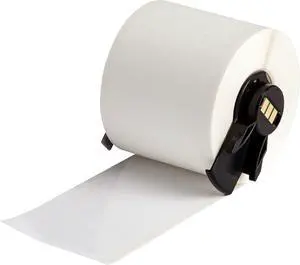
All Weather Permanent Adhesive Vinyl Label Tape for M610, M611, M710, BMP61, and BMP71 Printers - 2" x 50', White. M6C-2000-595-WT
Limited time offer, ends 08/24
- Model #: 339019359909
- $303.99
- See price in cart
- Free Shipping
Quick View
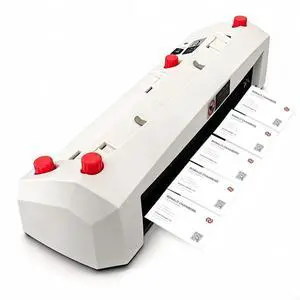
110V Electric Business Card Cutter for 3.5"x2.1" Cards | Automatic Cardboard Cutting Machine, Card Slitter, Suitable for Office & Print Shop Use
Limited time offer, ends 08/27
- Model #: 387559390241
- $239.99
- See price in cart
- Free Shipping
Quick View
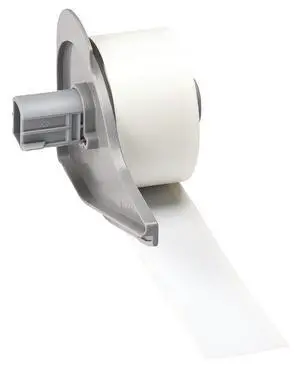
All Weather Permanent Adhesive Vinyl Label Tape for M710 and BMP71 Printers - 1" x 50', White. M7C-1000-595-WT
Limited time offer, ends 08/24
- Model #: 535042891045
- $187.99
- See price in cart
- Free Shipping
Quick View
Canon MAXIFY GX2020 All-In-One Inkjet printer
- Part Number: 6171C003
- Functions: 4-in-1: Print, Copy, Scan & Fax
- Color Print Speed: Approx. 10.0 ipm (Letter)
- Number of Nozzles: Color (C/M/Y): 768x3 / Pigment Black: 832 / Total: 3,136
- Model #: 6171C003
- $410.99
- $347.73 –
- Save: $63.26 (15%)
- More options from $295.94 - $347.73
- Free Shipping
Quick View
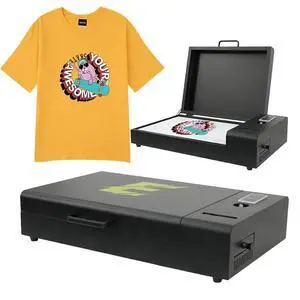
Upgraded A3 DTF Curing Oven with Temperature Control for Heat Transfer Printing, T-Shirts A3 DTF Oven Dryer with Air Purification Black
Limited time offer, ends 08/26
- Model #: 596971925973
- $558.99
- See price in cart
- Free Shipping
Quick View
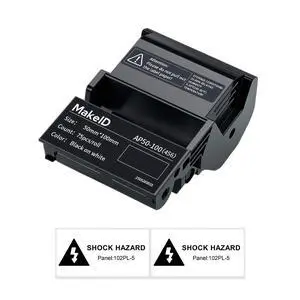
EP53 Labels, All-Weather PET Label Tape with Ribbon Cartridge for Indoor/Outdoor ID and Equipment Labeling - for EP53 Portable Industrial Label Maker
Limited time offer, ends 08/27
- Model #: 377969256909
- $57.99
- See price in cart
- Free Shipping
Quick View
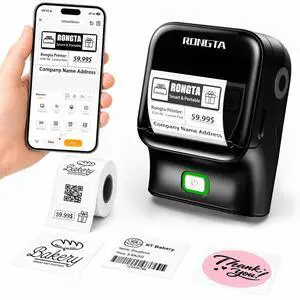
Bluetooth Label Maker Machine, Thermal Label Printer Easy to Use for Office, Home, Small Business, Came with 1 Roll 2x1.18 inch Label(Black)
- Brand: Rongta
- Series: Label Maker Machine with Tape-R22A
- Part Number: 2 Inch Label Maker-R22A
- Print Technology: Thermal
- Model #: 819263507578
- $29.99 –
- Free Shipping
Quick View
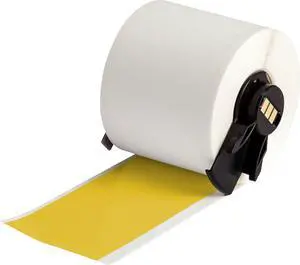
All Weather Permanent Adhesive Vinyl Label Tape for M610, M611, M710, BMP61, and BMP71 Printers - 2" x 50', Yellow. M6C-2000-595-YL
Limited time offer, ends 08/27
- Model #: 723210342158
- $313.99
- See price in cart
- Free Shipping
Quick View
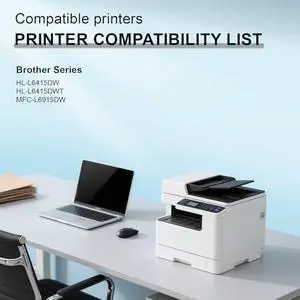
SRITE TN925 TN-925 Black Toner Cartridge Replacement for HL-L6415DWT HL-L6415DW MFC-L6915DW Printer(1-Pack)
- Model #: HANWB0D3KCNV4J
- $171.99 –
- Free Shipping
Quick View
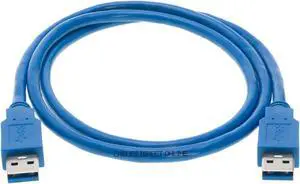
Cables Direct Online USB 3.0 Cable 6FT, Male to Male Type A to Type A Double Sided Cord for Data Transfer Compatible with PC, Laptop, Hard Drive, DVD Player, TV, Hub, Monitor and More
- Cable Length: 3 ft
- Brand: Cables Direct Online
- Type: USB
- Connector Type: USB Type A
- Model #: B01CPZHPZK367
- $17.75 –
- Free Shipping
Quick View
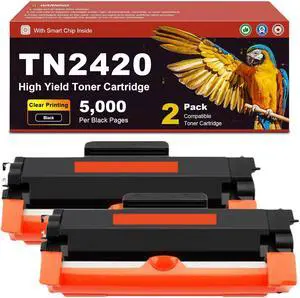
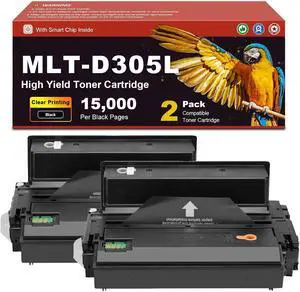
Compatible Toner Cartridge MLT-D305L MLT-D305 305L, for Samsung ML-3753ND ML-3051NG ML-3057ND ML-3750 ML-3750N ML-3750ND Printers, 15,000 Page Yield 2-Pack
- Model #: HANWB0GPXN5783
- $252.99 –
- Free Shipping
Quick View
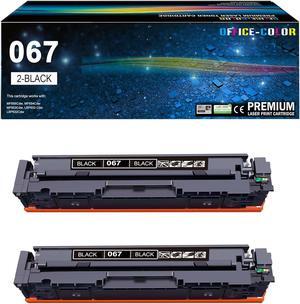
067 Black Toner Cartridge Replacement for Canon 067 067H CRG-067 2 Pack
- Model #: HANWB0DHZW99GR
- $96.99 –
- Free Shipping
Quick View
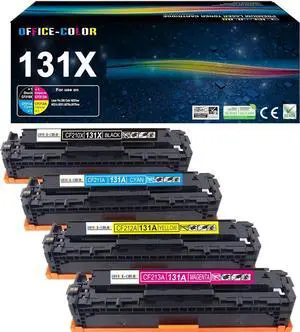
131A 131X Toner Cartridge 4 Pack for HP 131A LaserJet Pro 200 Color Series
- Model #: HANWB08DV2N8GF
- $144.99 –
- Free Shipping
Quick View
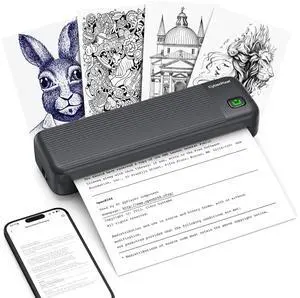
Portable Printer for Travel,Inkless Wireless Thermal Printer
- Brand: CyberPixel
- Color: Black
- Print Technology: Thermal
- Printer Type: Standard
- Model #: 326017804173
- $92.99 –
- Free Shipping
Quick View
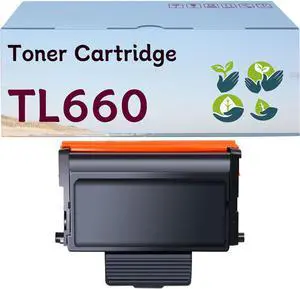
TL660 TL630 Toner Cartridge Compatible TL-660 TL-630 Toner Cartridge Replacement for Pantum L2300DW L2350DW L2710FDW M15DW M29DW M118DW Printer 6000 Pages
- Model #: HANWB0DM1T54C1
- $152.99 –
- Free Shipping
Quick View
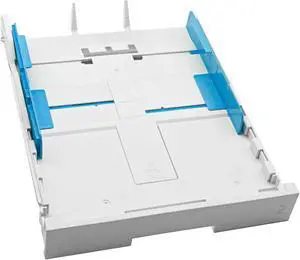
Paper Input Tray 2 Fits for HP OfficeJet Pro 9020 9025e 9023 9135e
- Model #: HANWB0G1SQS8YZ
- $122.99 –
- Free Shipping
Quick View
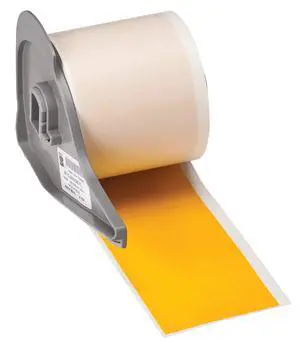
All Weather Permanent Adhesive Vinyl Label Tape for M710 and BMP71 Printers - 2" x 50', Yellow. M7C-2000-595-YL
Limited time offer, ends 08/27
- Model #: 820954823988
- $271.99
- See price in cart
- Free Shipping
Quick View
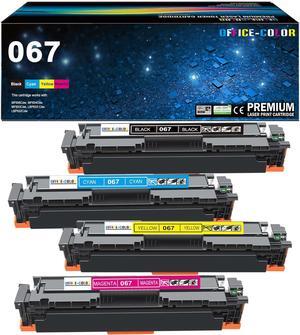
067 Toner Cartridges Set MF656Cdw MF650C MF654Cdw LBP632Cdw MF652Cdw
- Model #: HANWB0D58XTTSZ
- $128.99 –
- Free Shipping
Quick View
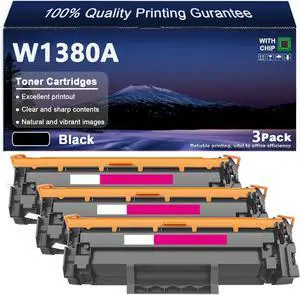
W1380A High Capacity Toner Cartridge for HP LaserJet 3001Dw 3101Dwe Mfp3101fdw 3101Fdwe Printers, High-Definition Printing Effect,Black,3pack
- Model #: HANWB0H3HH7JYP
- $255.99 –
- Free Shipping
Quick View
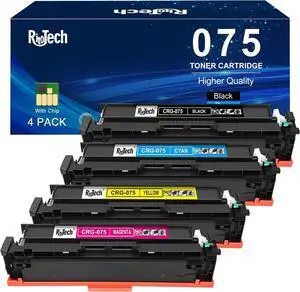
075 Toner Cartridge for Canon 075H MF662CdW LBP646Cdw LB647Cdw MF663Cdw
- Model #: HANWB0FY5NKSRV
- $219.99 –
- Free Shipping
Quick View
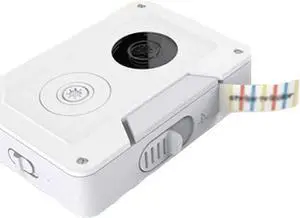
Label Printer - Portable Mini 4.0 Label Printer Pocket Print Paper Convenient Thermal Printer
- Model #: HANZB0DW4HLK77
- $290.99 –
- Free Shipping
Quick View
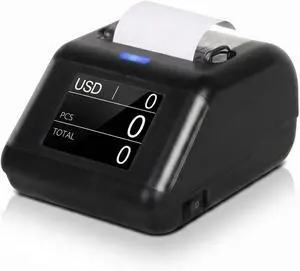
Thermal Printer for KzT0060 Money Counter Machine Mixed DenominationBill Checker MachinePrinter Integrates External Display
- Model #: HANWB0DSZP6TQ6
- $135.99 –
- Free Shipping
Quick View
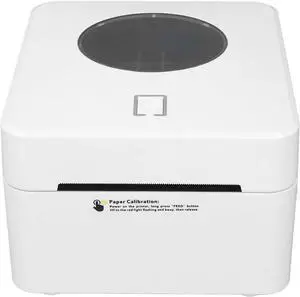
Yunseity Thermal Label Printer, 203DPI High Speed Batch Printing Large Capacity Thermal Paper Label Printer for Logistics (US Plug)
- Model #: HANZB0DJYNXY1V
- $155.99 –
- Free Shipping
Quick View
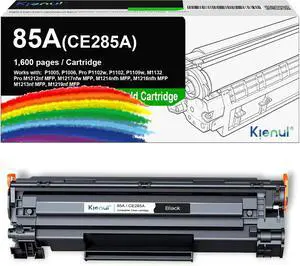
85A CE285A Black Toner Cartridge 1 Pack Replacement for HP 85A Use with Pro P1102w P1102 P1109w M1132 MFP M1213nf M1219nf M1212nf M1217nfw M1214nfh M1216nfh P1005 P1006
- Model #: HANWB0H36H8ZWD
- $108.99 –
- Free Shipping
Quick View
Thermal Label Printer High Speed Printing for Shipping Paper White Label Printer Thermal 203DPI BT USB Connection for Warehousing Catering (US Plug)
- Model #: HANZB0DKG6WT7J
- $129.99 –
- Free Shipping
Quick View
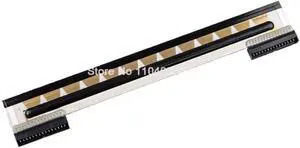
Printhead for Zebra ZD220 ZD230 ZD888 ZD888T ZD888CR ZP888 Thermal Label Printer Print Head 888DT
- Model #: HANZB0F8QLR6LZ
- $90.99 –
- Free Shipping
Quick View
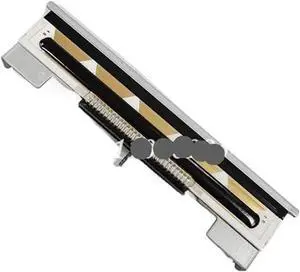
Rongta RP80-USE Thermal Printhead Print Head for RP325L RP325 RP80 RP80UP JS-80IV+ Printer
- Model #: HANZB0F92FZ7K3
- $101.99 –
- Free Shipping
Quick View
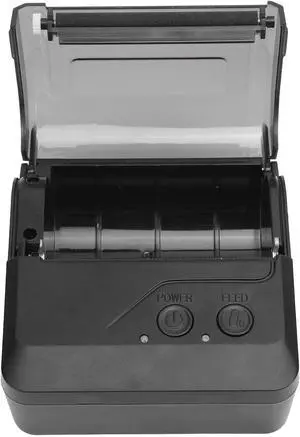
Pongnas 80mm Portable Thermal Label Printer for High Speed 203dpi USB Thermal Label Maker with Compact Design Fit for UPS FedEx Labels
- Model #: HANZB0GGCFPX3H
- $81.99 –
- Free Shipping
Quick View
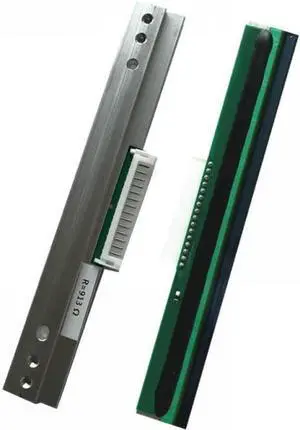
Compatible Thermal Printhead for TSC 244 TTP-244 Pro TTP-244Plus T-200e B200 ME240 LP5402E G812 G210 244ce LP4502E Label Printer
- Model #: HANZB0F3GSCRBC
- $125.99 –
- Free Shipping
Choosing the Right Printer for Your Office Needs
When it comes to office solutions, printers and scanners are essential tools for any business. Whether you need to print important documents, scan invoices, or create professional-quality marketing materials, having the right equipment is crucial. In this article, we will explore the different types of printers and scanners available in the market and provide tips on how to choose the best one for your office.
All-in-One Printers: Versatility and Convenience
all-in-one printers, also known as multifunction printers, are a popular choice for offices. These devices combine the functionality of a printer, scanner, copier, and sometimes even a fax machine into a single unit. They offer versatility and convenience, allowing you to perform multiple tasks without the need for separate devices. All-in-one printers are available in both inkjet and laser options, catering to different printing needs and budgets.
Specialized Printers for Specific Tasks
In addition to all-in-one printers, there are specialized printers designed for specific tasks. For example, 3D printers are ideal for creating prototypes or intricate models, while barcode and label printers are perfect for businesses that require efficient inventory management. laser printers are known for their fast printing speeds and high-quality output, making them suitable for offices with high-volume printing needs. inkjet printers, on the other hand, are more cost-effective and can produce vibrant color prints.
Choosing the Right Supplies
Once you have selected the right printer for your office, it is important to choose the right supplies to ensure optimal performance and longevity. When it comes to inkjet printers, using high-quality ink cartridges is essential to achieve the best print quality and prevent clogging. For laser printers, it is important to choose the right type of toner cartridges that are compatible with your printer model. Additionally, investing in high-quality paper can make a significant difference in the final print results.
FAQs: Common Questions about Printers and Scanners
| Q: How often should I replace the ink cartridges? | A: The frequency of replacing ink cartridges depends on your printing volume. However, it is recommended to replace them when the print quality starts to degrade. |
|---|---|
| Q: Can I use third-party ink cartridges with my printer? | A: While it is possible to use third-party ink cartridges, it is important to ensure compatibility with your printer model. Using incompatible cartridges may result in poor print quality or damage to the printer. |
| Q: How do I clean the scanner glass? | A: To clean the scanner glass, use a soft, lint-free cloth slightly dampened with glass cleaner. Gently wipe the glass surface to remove any smudges or debris. |
| Q: What is the difference between optical and interpolated resolution in scanners? | A: Optical resolution refers to the actual hardware resolution of the scanner, while interpolated resolution is achieved through software enhancements. Optical resolution provides more accurate and detailed scans. |
| Q: How can I improve the scanning speed? | A: To improve scanning speed, reduce the scanning resolution, use black and white mode instead of color, and ensure that the scanner is connected to a high-speed USB port. |