
Your Browsing History
- Sold by Newegg
- Make an Offer

Any questions? Our AI beta will help you find out quickly.
Try me now
Quick View
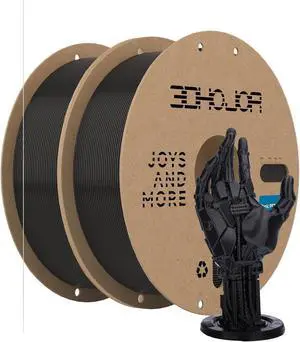
Update Basic PETG Filament 1.75mm 3D Printing Filament 1kg*2 Bundle Spool 3D Filament 1.75mm Dimensional Accuracy +/- 0.03mm Non Tangling Non Clogging,Print with Most 3D Printers-2Pack Black
- Model #: STARWELL426253757018Lan
- $49.98 –
- Free Shipping
Quick View

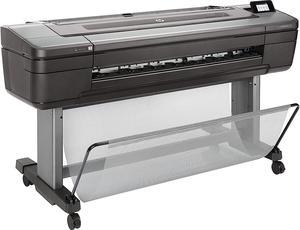
- Black Print Quality: 2400 x 1200 dpi
- Cartridges Compatible: Pigment-based
- Part Number: W3Z71A#B1K
- Functions: Print
- Model #: W3Z71A#B1K
- $4,395.00 –
- Free Shipping
Quick View
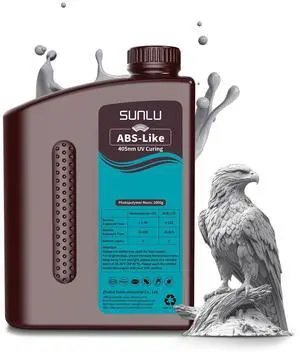
SUNLU 2000G ABS Like Resin for 3D Printer, 405nm UV Curing Photopolymer Rapid 3D Resin for 2K 4K 6K 8K LCD/DLP/SLA 3D Printers, Non-Brittle & High Precision & Low Shrinkage, 2KG, Grey
- Model #: STARWELL426253757704Lan
- $56.98 –
- Free Shipping
Quick View
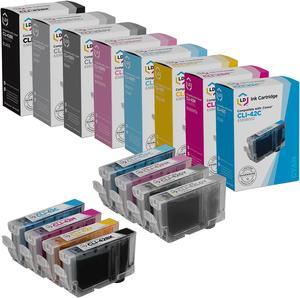
LD Products Compatible Ink Cartridge Replacement for Canon CLI-42 (Black, Cyan, Magenta, Yellow, Photo Cyan, Photo Magenta, Gray, Light Gray, 8-Pack)
- Cartridge Quantity: 1
- Replacement Brand: LD Products
- Ink Type: Dye-based
- Approximate Page Yield: 600 Pages
- Model #: CLI42CIC


Quick View
SUNLU 2000G ABS Like Resin For 3D Printer, 405nm UV Curing Photopolymer Rapid 3D Resin For 2K 4K 6K 8K LCD/DLP/SLA 3D Printers, Non-Brittle & High Precision & Low Shrinkage, 2KG, Grey
- Model #: SOYE517526153672WEI
- $84.68 –
- Free Shipping
Quick View
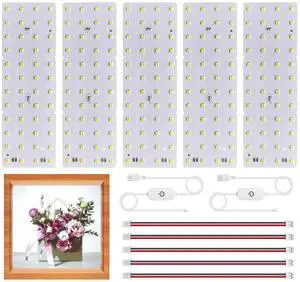
Lithophane LED Backlight Board Kit for BambuLab Sunlu CMYK Monochrome Filament 3D Printed Lithophane, 6500K White Light Kit, Adjustable Brightness, Powered via USB-C, 144x48mm, Flexibility DIY, 5 Pack
- Model #: STARWELL426253766140Lan
- $39.98 –
- Free Shipping
Quick View
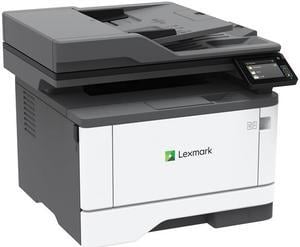
Lexmark MX331adn Multifunction Monochrome Duplex Laser Printer
- Output Capacity, std.: 150 pages 20 lb or 75 gsm bond
- Black Print Quality: 2400 Image Quality, 600 x 600 dpi
- Part Number: 29S0150
- Functions: 4-in-1: Print, Copy, Scan & Fax
- Model #: 29S0150
- $489.99 –
- More options from $0.81 - $709.00
- Free Shipping
Quick View
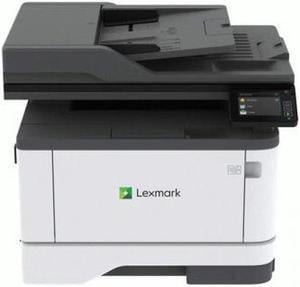
Lexmark MX431adn 29S0200 Workgroup Up to 42 ppm Monochrome Ethernet (RJ-45) / USB Laser 4-in-1 Printer
- Output Capacity, std.: 150 pages 20 lb or 75 gsm bond
- Black Print Quality: 2400 x 1200 dpi
- Functions: 4-in-1: Print, Copy, Scan & Fax
- Display: 2.8 inch (7.2 cm) LCD touch panel
- Model #: 29S0200
- $549.00 –
- More options from $0.82 - $778.00
- Free Shipping
Quick View
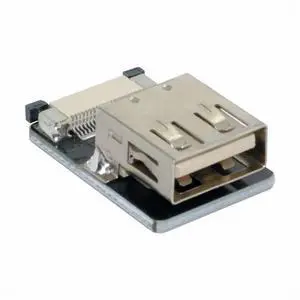
CYFPVUSB USB2.0 Female Type-A Connector Socket for FPV HDTV Multicopter Aerial Photography
- Model #: CN-011-FE-NG
- $7.99 –
- Free Shipping
Quick View
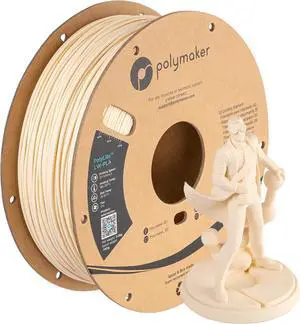
Polymaker Light Weight PLA Filament 1.75mm White 0.8kg, PolyLite 3D Printer PLA Filament White Low Density, Print with Most 3D Printers
- Model #: STARWELL426253760520Lan
- $59.98 –
- Free Shipping
Quick View
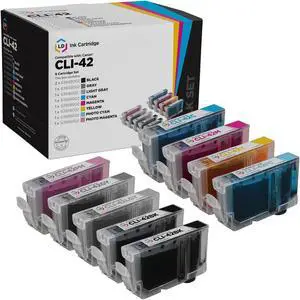
LD Products Compatible Ink Cartridge Replacement for Canon CLI-42 (2 Black, 1 Cyan, 1 Magenta, 1 Yellow, 1 Photo Cyan, 1 Photo Magenta, 1 Gray, 1 Light Gray, 9-Pack)
- Cartridge Quantity: 1
- Replacement Brand: Canon
- Ink Type: Dye-based
- Approximate Page Yield: 600 Pages
- Model #: 6384B002
Quick View
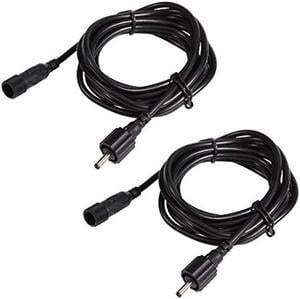
ALOVECO 2 PCS Power Extension Cord, 6.5ft/2M per Cord, 3.5 x 1.35mm DC Extension Wire, IP65 Waterproof, Perfect for Daisy Chain Wiring LED Landscape Lights
- Connector Type: type
- Model #: 603904579044125
- $31.43 –
- Free Shipping
Quick View
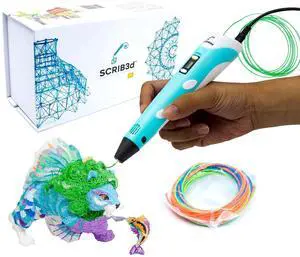
P1 3D Printing Pen with Display - Includes 3D Pen, 3 Starter Colors of PLA Filament, Stencil Book + Project Guide, and Power adapter
- Model #: 648050828480
- $68.99 –
- Free Shipping
Quick View
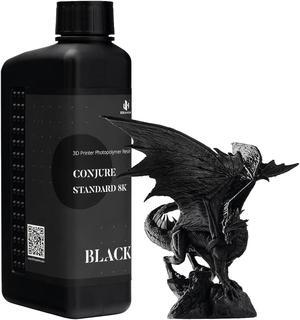
1kg 3D Printing Resin Conjure Standard Resin, 405nm Standard UV Light Curing Photopolymer Fast Curing Resin for LCD/DLP/MSLA 3D Printer,Near-Expiry Resin - Limited Stock (Black, 1kg)
- Model #: C0A284465010406608
- $29.23 –
- Free Shipping
Quick View
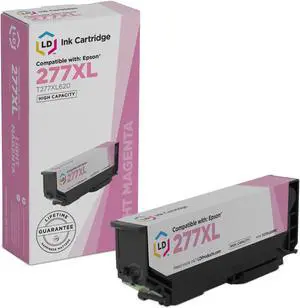
LD Products Remanufactured Ink Cartridge Replacement for Epson 277XL T277XL620 High Yield (Light Magenta)
- Cartridge Quantity: 1
- Replacement Brand: Epson
- Replacement Model: Epson
- Ink Type: Dye-based
- Model #: T277XL620RIC
Quick View
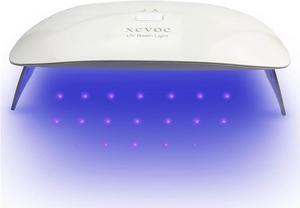
Large UV Light for Resin Curing Lamp,Teeth Gems,Screen Printing,UV Glue,Glass Windshield Repair,3D Printer UV Resin Fast Curing Lamp
- Model #: C0A646465010410223
- $35.08 –
- Free Shipping
Quick View
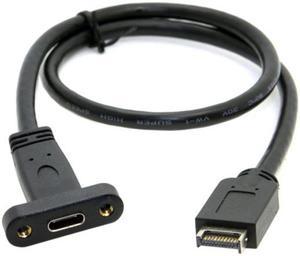
FVH USB 3.1 Front Panel Header to USB-C Type-C Female Extension Cable 40cm with Panel Mount Screw UC-037
Limited time offer, ends 06/08
- Connector Type: Lighting Connector to USB A
- Model #: UC-037-FVH
- $15.62 –
- More options from $15.62 - $18.12
- Free Shipping
Quick View
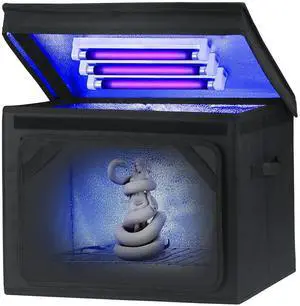
Resin Curing Light Lamp for 3D Printer Large Size Cure Light Box for Machine 3D Printer Led Light 365nm Solidify Photosensitive Resin, 36L/9.5gal, 6w Bulb x3
- Model #: STARWELL426253761312Lan
- $93.98 –
- Free Shipping
Quick View
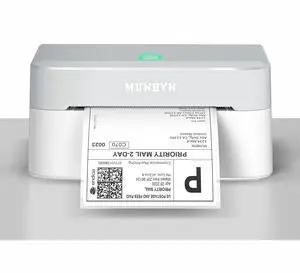
Bluetooth Thermal Label Printer RW403B, Wireless 4x6 Shipping Label Printer for Small Business, Compatible with Android, iPhone, Windows, Mac, Chromebook, Print Width 1.57"-4.25" (Grey)
- Brand: Honeywell
- Part Number: RW403B
- Ribbon Characteristics: Thermal
- Media sizes supported: 4 in x 6 in x 4 in
- Model #: 786539376412
- $138.43 –
- More options from $119.99 - $138.43
- Free Shipping
Quick View
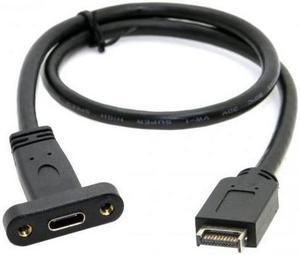
USB 3.1 Front Panel Header to USB-C Type-C Female Extension Cable 40cm with Panel Mount Screw
- Connector Type: Lighting Connector to USB A
- Model #: 5684673453
Quick View
Resin Curing Light Lamp for 3D Printer Large Size Cure Light Box for Machine 3D Printer Led Light 365nm Solidify Photosensitive Resin, 36L/9.5gal, 6w Bulb x3
- Model #: C0A587465010409630
- $91.63 –
- Free Shipping
Quick View
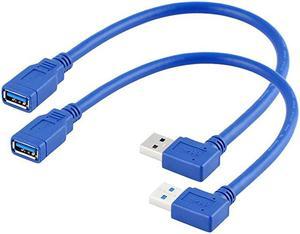
Right Angle USB Extension Cable Short USB 30 Extension Cable 90 Degree Left Right Angle USB Type A Male to Female Cable for USB A Hub PC Computer Laptop Notebook 2Pack LeftampRight
Limited time offer, ends 06/08
- Connector Type: Lighting Connector to USB A
- Model #: aguHt-B07DTMX432
- $24.29 –
- More options from $24.29 - $26.79
- Free Shipping
Quick View
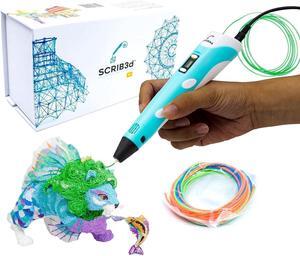
SCRIB3D P1 3D Printing Pen with Display - Includes 3D Pen, 3 Starter Colors of PLA Filament, Stencil Book + Project Guide, and Charger
- Model #: R26247663307217
- $69.28 –
- Free Shipping
Quick View
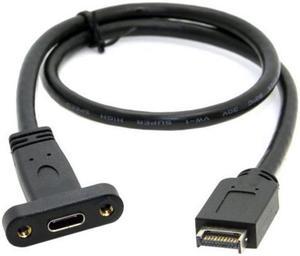
BUCIER USB 3.1 Front Panel Header to USB-C Type-C Female Extension Cable 40cm with Panel Mount Screw UC-037
- Connector Type: Lighting Connector to USB A
- Model #: 789073453
Quick View
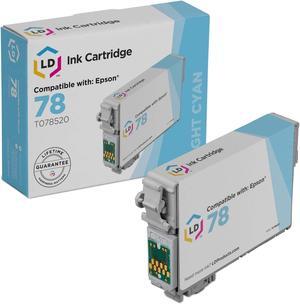
LD Products Remanufactured Ink Cartridge Replacement for Epson 78 T078520 (Light Cyan)
- Cartridge Quantity: 1
- Replacement Brand: Epson
- Replacement Model: Epson
- Ink Type: Dye-based
- Model #: T078520
Quick View
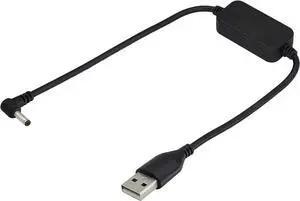
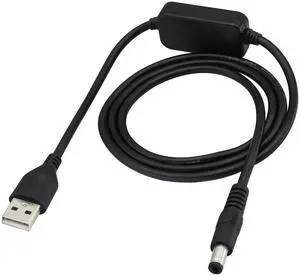
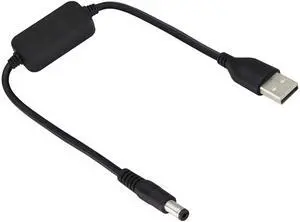
Vszerda USB2.0 Male to DC5521 Male Step Up Cable,DC5521 Transformer Converter with Switch,9v/5v USB,Suitable for Keyboards,routers,mini LCD Monitors,mini Speakers,USB Fans,Tablet Computers.(0.3M)
Limited time offer, ends 07/01
- Brand: zdyCGTime
- Type: USB
- Connector Type: USB Type A
- Color: 180°/0.3M
- Model #: 6cbbfd8712
- $16.99 –
- Free Shipping
Quick View
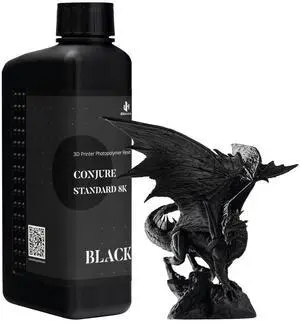
1kg 3D Printing Resin Conjure Standard Resin, 405nm Standard UV Light Curing Photopolymer Fast Curing Resin for LCD/DLP/MSLA 3D Printer,Near-Expiry Resin - Limited Stock (Black, 1kg)
- Model #: SOYE517526153986WEI
- $29.23 –
- Free Shipping
Choosing the Right Printer for Your Office Needs
When it comes to office solutions, printers and scanners are essential tools for any business. Whether you need to print important documents, scan invoices, or create professional-quality marketing materials, having the right equipment is crucial. In this article, we will explore the different types of printers and scanners available in the market and provide tips on how to choose the best one for your office.
All-in-One Printers: Versatility and Convenience
all-in-one printers, also known as multifunction printers, are a popular choice for offices. These devices combine the functionality of a printer, scanner, copier, and sometimes even a fax machine into a single unit. They offer versatility and convenience, allowing you to perform multiple tasks without the need for separate devices. All-in-one printers are available in both inkjet and laser options, catering to different printing needs and budgets.
Specialized Printers for Specific Tasks
In addition to all-in-one printers, there are specialized printers designed for specific tasks. For example, 3D printers are ideal for creating prototypes or intricate models, while barcode and label printers are perfect for businesses that require efficient inventory management. laser printers are known for their fast printing speeds and high-quality output, making them suitable for offices with high-volume printing needs. inkjet printers, on the other hand, are more cost-effective and can produce vibrant color prints.
Choosing the Right Supplies
Once you have selected the right printer for your office, it is important to choose the right supplies to ensure optimal performance and longevity. When it comes to inkjet printers, using high-quality ink cartridges is essential to achieve the best print quality and prevent clogging. For laser printers, it is important to choose the right type of toner cartridges that are compatible with your printer model. Additionally, investing in high-quality paper can make a significant difference in the final print results.
FAQs: Common Questions about Printers and Scanners
| Q: How often should I replace the ink cartridges? | A: The frequency of replacing ink cartridges depends on your printing volume. However, it is recommended to replace them when the print quality starts to degrade. |
|---|---|
| Q: Can I use third-party ink cartridges with my printer? | A: While it is possible to use third-party ink cartridges, it is important to ensure compatibility with your printer model. Using incompatible cartridges may result in poor print quality or damage to the printer. |
| Q: How do I clean the scanner glass? | A: To clean the scanner glass, use a soft, lint-free cloth slightly dampened with glass cleaner. Gently wipe the glass surface to remove any smudges or debris. |
| Q: What is the difference between optical and interpolated resolution in scanners? | A: Optical resolution refers to the actual hardware resolution of the scanner, while interpolated resolution is achieved through software enhancements. Optical resolution provides more accurate and detailed scans. |
| Q: How can I improve the scanning speed? | A: To improve scanning speed, reduce the scanning resolution, use black and white mode instead of color, and ensure that the scanner is connected to a high-speed USB port. |