

Your Browsing History
- In Stock
- Sold by Newegg
- Make an Offer
- New

Any questions? Our AI mode will help you find out quickly.
Try me now
Quick View
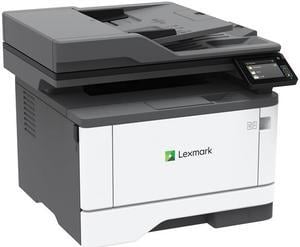
Lexmark MX331adn Multifunction Monochrome Duplex Laser Printer
- Output Capacity, std.: 150 pages 20 lb or 75 gsm bond
- Black Print Quality: 2400 Image Quality, 600 x 600 dpi
- Part Number: 29S0150
- Functions: 4-in-1: Print, Copy, Scan & Fax
- Model #: 29S0150
- $490.99 –
- More options from $409.55 - $709.00
- Free Shipping
Quick View
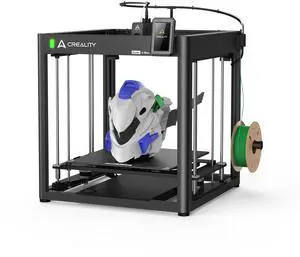
Creality Ender-5 Max 3D Printer, CoreXY 700mm/s, 400x400x400mm Volume
- Brand: Creality
- Build Material: Supported Filaments: Hyper PLA/PLA/PETG/TPU95A/ABS/ASA/PLA-CF/ PA/PLA-Silk
- Build Size: Build Volume: 400 x 400 x 400 mm
- Positioning Precision: Build Plate: Epoxy flexible build plate Leveling Mode: 64-point auto leveling
- Model #: 1001020571
- $699.99 –
- Free Shipping
Quick View
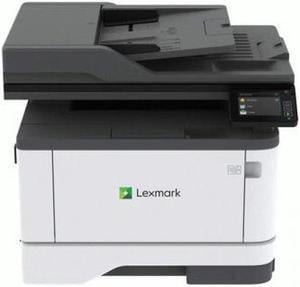
Lexmark MX431adn 29S0200 Workgroup Up to 42 ppm Monochrome Ethernet (RJ-45) / USB Laser 4-in-1 Printer
- Output Capacity, std.: 150 pages 20 lb or 75 gsm bond
- Black Print Quality: 2400 x 1200 dpi
- Functions: 4-in-1: Print, Copy, Scan & Fax
- Display: 2.8 inch (7.2 cm) LCD touch panel
- Model #: 29S0200
- $549.00
- See price in cart
- More options from $510.01 - $778.00
- Free Shipping
Quick View
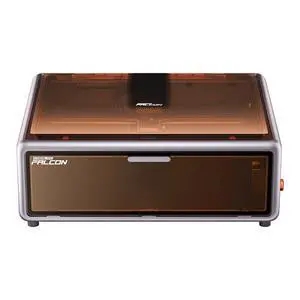
Creality Falcon A1 10W Diode Laser Engraver and Cutter, Enclosed CoreXY 600mm/s
- Brand: Creality
- Type: Laser Engraver
- Work Area: Engraving Area: 305x381mm
- Features: Machine Power (MAX): 120W Optical Power: 10W Input Voltage: 100-240V~ 50-60Hz Output Voltage: DC 24.0V 5.0A Laser Source: Diode Laser Laser Spot: 0.06 x 0.08 mm Laser Wavelength: 455 nm Laser Class: Class 1 (FDA) Laser Engraving Software: LightBurn, LaserGRBL, Falcon Design Space Operating System: Windows/MacOS Supported File Formats: Jpeg, jpg, png, bmp, svg, dxf, etc. Supported Materials: Cardboard, wood, bamboo, rubber, leather, fabric, acrylic, plastic, etc Certifications: EC60825, FDA, CE, ROHS, FCC, UL Report, PSE, SAA, RCM
- Model #: 1005010222
- $549.00 –
- Free Shipping
Quick View

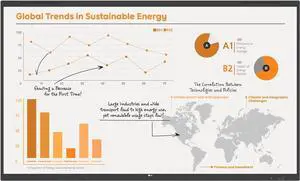
- Model #: 86TR3BQ-B
- $2,248.73 –
- More options from $2,238.99 - $3,200.00
- Free Shipping
Quick View
#1 Best Seller
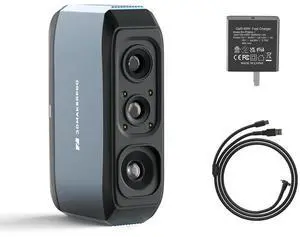
- Supported OS: Windows/Mac/Android/iOS
- Product Size/Dimensions: 115×70×35mm
- Software Compatibility: JMStuio
- Brand: 3DMakerpro
- Model #: Moose

Quick View
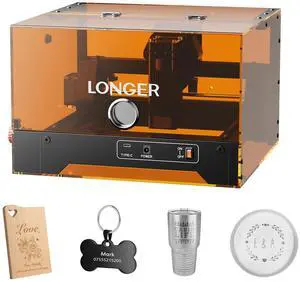
LONGER Ray5 MiniS 5.5W Laser Engraver with Enclosure, Safe Desktop for Beginners, 12000mm/min, WiFi & Offline, LightBurn/LaserGRBL, Door Detection & Emergency Stop, Wood/Acrylic/Leather
- Brand: LONGER
- Type: Laser Engraver
- Color: Black
- Body Material: Metal
- Model #: Ray5 MiniS 5.5W
Quick View
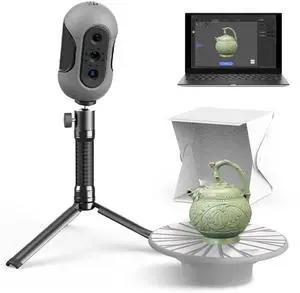
Mole 3D Scanner,0.1MM Resolution,No Marker Scan with 0.05 MM Accuracy, Professional 3D Scanners with Multispectral Technology,Turntable Handheld Scan Mode and Black Objects Scanning Luxury
Limited time offer, ends 08/12
- Model #: Mole Luxury
Quick View
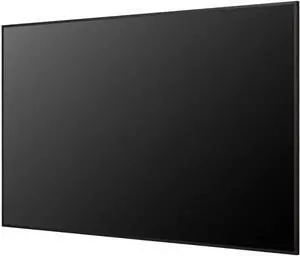
- Model #: 55UH7Q-E
- $1,546.99 –
- More options from $1,546.99 - $2,762.00
- Free Shipping
Quick View
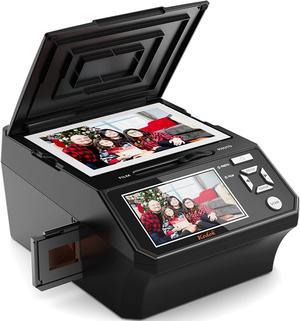
Photo, NameCard, Slide & Negative Scanner with Large 5" LCD Screen,Film and Slide Digitizer-Convert 35mm,110 Film/Photo(3R,4R,5R)/NameCard to 22MP Digital JPEG-8GB SD Card Included
- USB Ports: Yes
- Dimensions: 12.9 x 10.5 x 9.4 inches
- Weight: 4.64 pounds
- Color: Black
- Model #: M129A
Quick View
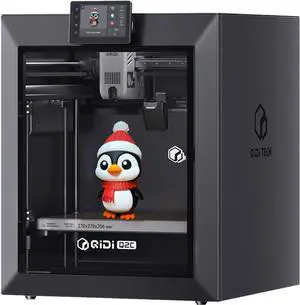
QIDI TECH Q2C 3D Printer, 600mm/s Speed 370°C All-Metal Hotend Enclosed FDM with New Generation Leveling Sensor for Full Auto Leveling, 270x270x256mm Build Volume,Unlock PPS-CF from Beginner to Expert
- Parts: 1 Year
- Labor: 1 Year
- Model #: 1297483
- $429.99 –
- Free Shipping
Quick View
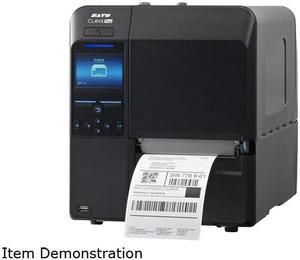
SATO WWCLP1001-NAR CL4NX PLUS 203DPI 41 THERMAL TRANSFER PRINTER LANUSBSERBLUETOOTH WITH RTC
- Printer Type: Industrial
- Fonts Included: 10 Bitmap SATO Fonts, 15 Scalable SATO Fonts, MultiNational Language Support (47 Languages/Unicode), Single and Double Byte Fonts (Korean, Chinese, Japanese)
- Barcode Type: Linear Code 39, Code 93, Code 128, CODABAR (NW7), EAN8/13, GS1-DatabarTM, GS1-128 (UCC/EAN128), Interleaved 2/5, Industrial 2/5, JAN 8/13, Matrix 2/5, MSI, Bookland, PostnetTM, UPC-A/E 2D Symbologies PDF417, Micro PDF, Maxi Code, GS1 Data Matrix, QR Code, Micro QR Code and Composite Symbologies, Aztec
- RFID Encoder: Seamless RFID encoding
- Model #: WWCLP1001-NAR
- $1,502.00 –
- More options from $1,502.00 - $1,809.99
- Free Shipping
Quick View
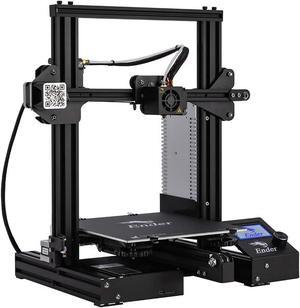
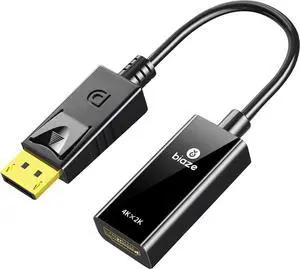
Official Creality Ender 3 3D Printer Fully Open Source with Resume Printing All Metal Frame FDM DIY Printers with Resume Printing Function 220x220x250mm
- Type: Other
- Model #: 6932031724393ASDFA538519
Quick View
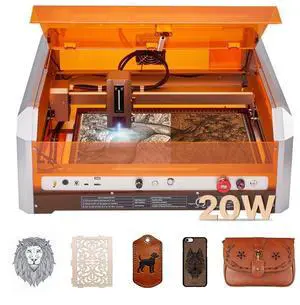
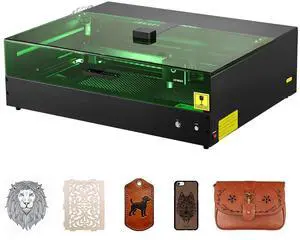
Laser Engraver, 20W, Laser Engraving and Cutting Machine with Enclosure Camera, Laser Cutter, 15.7 x 15.7 in Working Area, 30000 mm/min, for Wood, Leather, Glass, Paper, Certain Metal, Class 1
- Type: Other Appliances
- Model #: FBSJGDKJ4040EZLRF001V1
- $779.99 –
Quick View
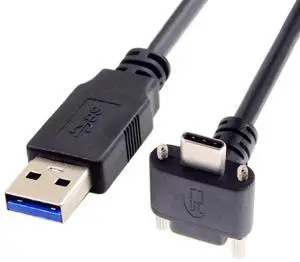
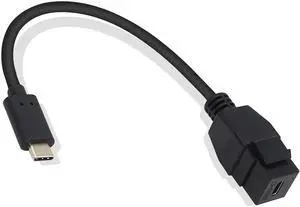
Aomoproing USB-C Keystone Jack Adapter, Male to Female, Panel Mount, USB-C Pigtail Extension, Keystone-to-Cable Converter, Black
- Model #: ww-554
- $17.98 –
- Free Shipping
Quick View
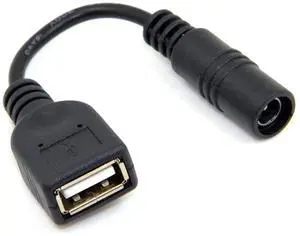
BUCIER 5V USB Female to DC Power Jack 5.5x2.1mm Charge Adpter Cable Compatible for Cell Phone & Tablet & Light
- Brand: BUCIER
- Connector Type: USB
- Color: Black
- Connector Detail: USB
- Model #: 8567457935
Quick View
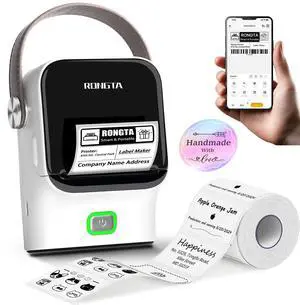
Bluetooth Label Maker Machine with Tape, Thermal Label Printer for Office, Small Business Essentials, Home Organization, Portable Inkless Sticker Label Maker with 2x1.18 inch Labels
- Brand: Honeywell
- Part Number: R1-White
- Print Technology: Direct Thermal
- Printer Type: Desktop
- Model #: 636118680106
- $57.59 –
- More options from $57.59 - $59.79
- Free Shipping
Quick View
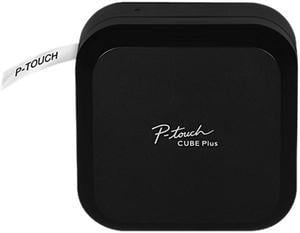
Brother PT-P710BT P-Touch Cube Plus Versatile Label Maker with Bluetooth Wireless Technology, Black
- Printer Type: Mobile
- Cutter: Automatic full cutter
- Media sizes supported: Label width: 6.00, 9.00, 12.00, 18.00, 24.00 mm Label length: 25.00 - 500.00 mm Maximum print height: 18.00 mm
- Print Size: Maximum print height: 18mm
- Model #: PTP710BT
- $122.58 –
- More options from $113.23 - $161.31
- Free Shipping
Quick View
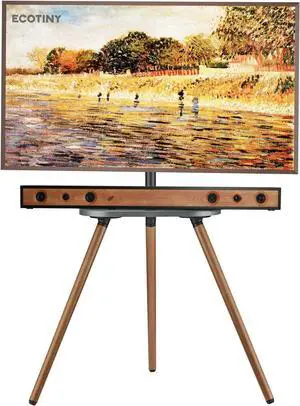
Tripod TV Stand for 43-65" TVs, Swivel, Black Walnut | Height-adjustable easel TV stand, wood media shelf, cable management and VESA up to 400x400
- Model #: Tong409397161002miao
- $197.88 –
- Free Shipping
Quick View
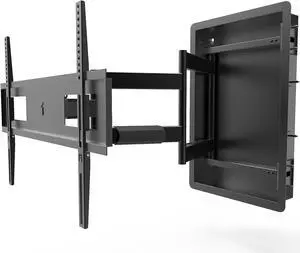
Kanto R500 Recessed In-Wall Full Motion Articulating TV Mount for 46-inch to 80-inch TVs | Ultra Low Profile | Swivel and Tilt Capable | Cable Management for Clean Setup
- Model #: Tong409397160906miao
- $653.88 –
- Free Shipping
Quick View
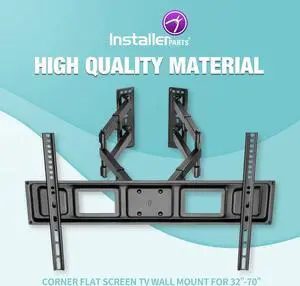
InstallerParts 32"-70" TV Corner Mount Swivel/Tilt 20" Dual Extension Arm Heavy Duty LCD LED TV Monitor Flat Panel Screen, 6ft HDMI Cable
- Model #: Tong409397160937miao
- $136.88 –
- Free Shipping

Quick View
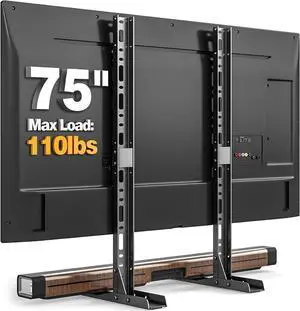
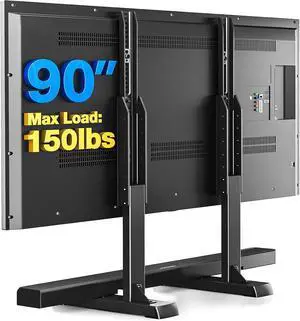
Rfiver Table Top TV Stand with Height Adjustable TV Legs, TV Stands Base with Cable Management for Most 37 to 86 90 Inch Flat or Curved TVs, Steel TV Feet Holds up to 150 lbs, Max VESA 800x600mm
- Model #: Tong409397160999miao
- $63.88 –
- Free Shipping
Quick View
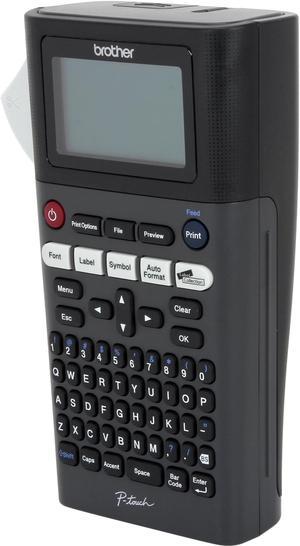
Brother PT-H300LI Rechargeable, Take-It-Anywhere Labeler, Thermal Transfer, 180 dpi, 20 mm/sec, Up to 2 Print Lines, Manual Cutter
- Printer Type: Mobile
- Memory: 30 MB
- Fonts Included: Font Sizes: Small, Medium, Large, Extra Large Font Styles: Normal, Italic Solid, Bold, Outline, Shadow, Italic, Italic Bold, Italic Outline, Italic Shadow, Solid Fonts: Helsinki, Brussels, Belgium, Florida, Los Angeles, San Diego, US, Calgary, Atlanta, Adams, Brunei, Sofia, Germany, LetterGothic Number of Font Styles: 14
- Barcode Type: 9 kinds: CODE39, ITF 2/5, EAN13, EAN8, UPC-A, UPC-E, CODABAR, GS1-128(UCC/EAN128), CODE128
- Model #: PTH300LI
- $129.99 –
- More options from $129.99 - $194.99
Quick View
OUT OF STOCK
- Model #: 50UK777H0UA
- $779.69 –
- More options from $779.69 - $895.00
- Free Shipping
Related searches
Choosing the Right Printer for Your Office Needs
When it comes to office solutions, printers and scanners are essential tools for any business. Whether you need to print important documents, scan invoices, or create professional-quality marketing materials, having the right equipment is crucial. In this article, we will explore the different types of printers and scanners available in the market and provide tips on how to choose the best one for your office.
All-in-One Printers: Versatility and Convenience
all-in-one printers, also known as multifunction printers, are a popular choice for offices. These devices combine the functionality of a printer, scanner, copier, and sometimes even a fax machine into a single unit. They offer versatility and convenience, allowing you to perform multiple tasks without the need for separate devices. All-in-one printers are available in both inkjet and laser options, catering to different printing needs and budgets.
Specialized Printers for Specific Tasks
In addition to all-in-one printers, there are specialized printers designed for specific tasks. For example, 3D printers are ideal for creating prototypes or intricate models, while barcode and label printers are perfect for businesses that require efficient inventory management. laser printers are known for their fast printing speeds and high-quality output, making them suitable for offices with high-volume printing needs. inkjet printers, on the other hand, are more cost-effective and can produce vibrant color prints.
Choosing the Right Supplies
Once you have selected the right printer for your office, it is important to choose the right supplies to ensure optimal performance and longevity. When it comes to inkjet printers, using high-quality ink cartridges is essential to achieve the best print quality and prevent clogging. For laser printers, it is important to choose the right type of toner cartridges that are compatible with your printer model. Additionally, investing in high-quality paper can make a significant difference in the final print results.
FAQs: Common Questions about Printers and Scanners
| Q: How often should I replace the ink cartridges? | A: The frequency of replacing ink cartridges depends on your printing volume. However, it is recommended to replace them when the print quality starts to degrade. |
|---|---|
| Q: Can I use third-party ink cartridges with my printer? | A: While it is possible to use third-party ink cartridges, it is important to ensure compatibility with your printer model. Using incompatible cartridges may result in poor print quality or damage to the printer. |
| Q: How do I clean the scanner glass? | A: To clean the scanner glass, use a soft, lint-free cloth slightly dampened with glass cleaner. Gently wipe the glass surface to remove any smudges or debris. |
| Q: What is the difference between optical and interpolated resolution in scanners? | A: Optical resolution refers to the actual hardware resolution of the scanner, while interpolated resolution is achieved through software enhancements. Optical resolution provides more accurate and detailed scans. |
| Q: How can I improve the scanning speed? | A: To improve scanning speed, reduce the scanning resolution, use black and white mode instead of color, and ensure that the scanner is connected to a high-speed USB port. |