

Your Browsing History
- In Stock
- Sold by Newegg
- Make an Offer
- New

Any questions? Our AI mode will help you find out quickly.
Try me now
Quick View
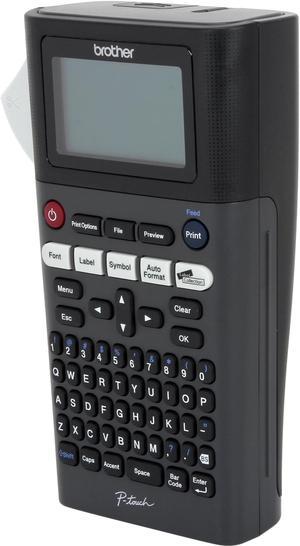
Brother PT-H300LI Rechargeable, Take-It-Anywhere Labeler, Thermal Transfer, 180 dpi, 20 mm/sec, Up to 2 Print Lines, Manual Cutter
- Printer Type: Mobile
- Memory: 30 MB
- Fonts Included: Font Sizes: Small, Medium, Large, Extra Large Font Styles: Normal, Italic Solid, Bold, Outline, Shadow, Italic, Italic Bold, Italic Outline, Italic Shadow, Solid Fonts: Helsinki, Brussels, Belgium, Florida, Los Angeles, San Diego, US, Calgary, Atlanta, Adams, Brunei, Sofia, Germany, LetterGothic Number of Font Styles: 14
- Barcode Type: 9 kinds: CODE39, ITF 2/5, EAN13, EAN8, UPC-A, UPC-E, CODABAR, GS1-128(UCC/EAN128), CODE128
- Model #: PTH300LI
- $129.99 –
- More options from $129.99 - $194.99
Quick View
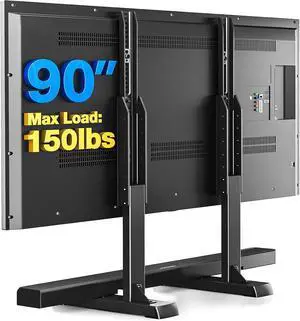
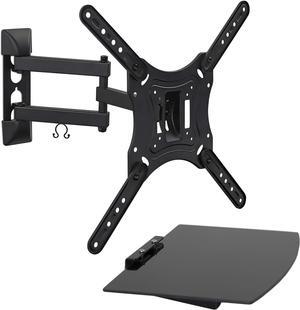
Rfiver Table Top TV Stand with Height Adjustable TV Legs, TV Stands Base with Cable Management for Most 37 to 86 90 Inch Flat or Curved TVs, Steel TV Feet Holds up to 150 lbs, Max VESA 800x600mm
- Model #: Tong409397160999miao
- $63.88 –
- Free Shipping
Quick View
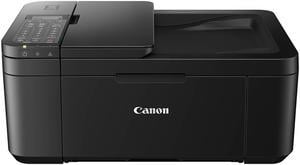
Canon PIXMA TR4720 Black Wireless All-In-One Printer - Black (5074C003)
- Functions: 4-in-1: Print, Copy, Scan & Fax
- Max. Print Speed: 4" x 6" Borderless Photo (PP-201): Approx. 65.0 Seconds Black Document (Letter/Simplex): Approx. 8.8 ipm Colour Document (Letter/Simplex): Approx. 4.4 ipm
- Copier Features: Copy Size: 4" x 6", 5" x 7", Letter (8.5" x 11"), Legal (8.5" x 14") Copy Features: 4-on-1/2-on-1 Copy, Auto Document Feeder (ADF), Auto Exposure (AE) Copy, Borderless Copy, Collated Copy (ADF Only), Document Removal Reminder, Fit-to-Page, Frame Erase Copy (Flatbed Only), ID Card Copy, Multiple Copy (Up to 99 Pages), Preset Copy Ratio, Reduction/Enlargement (25% - 400%), Standard Copy, Two-Sided Copy
- Scan Resolution, Optical: 600 x 1200 dpi
- Model #: 5074C003
- $94.42
- $90.50 –
- Free Shipping
Quick View
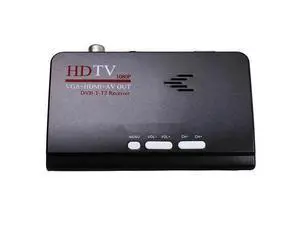
Tv Box Us Plug 1080P Hd Dvb-T2/T Tv Box Hdmi Usb Vga Av Tuner Receiver Digital Set-Top Box-Eu Plug
- Model #: WLC78S.0728.Pallet2336
- $51.32 –
- Free Shipping
Quick View
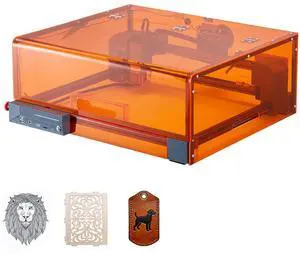
Laser Engraver, 10W, Laser Engraving and Cutting Machine with Enclosure, Laser Cutter Engraver Machine, 11.8 x 11.8 in Working Area, 7000 mm/min, for Wood, Leather, Glass, Certain Metal, Class 1
- Type: Other Appliances
- Model #: FBSJGDKJ10W3Y5W9M001V1
- $299.90 –
Quick View
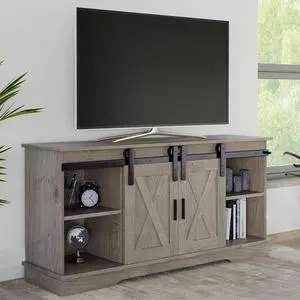
Lavish Home TV Stand - 65-Inch Entertainment Center with Media Console Shelves, Cable Management, and Sliding X-Style Barn Doors (Gray Woodgrain)
- Model #: Tong409397173135miao
- $432.88 –
- Free Shipping
Quick View
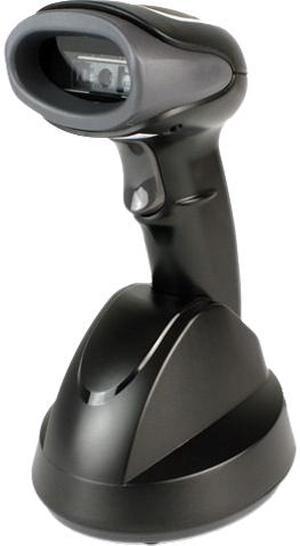
Custom 995ED048500333 ION 2D Bluetooth Scanner, Bluetooth Charging Cradle, Cables, and Power Adapter
- Form Factor: Handheld
- Connectivity: Cordless
- Scan Engine: 2D
- Cordless Type: Bluetooth
- Model #: 995ED048500333
- $342.99 –
- $10.99 Shipping
Quick View
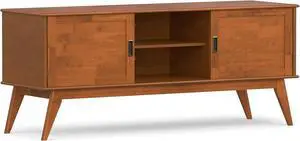
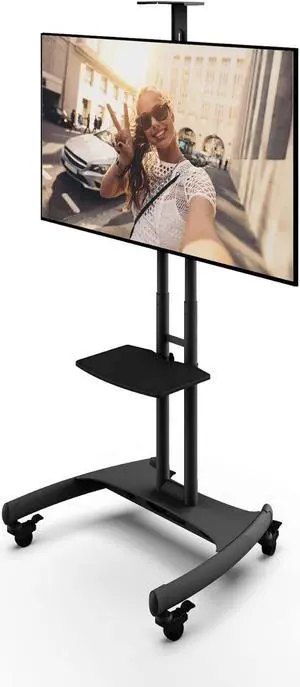
Kanto MTM65PL Height Adjustable Mobile TV Stand with Adjustable Shelf for 37-inch to 65-inch TVs | Supports up to 80 lb (36 kg) Total | Integrated Cable Management | Black
- Model #: Tong409397173623miao
- $494.88 –
- Free Shipping
Quick View
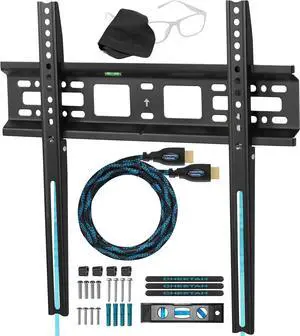
Cheetah Fixed TV Mount for Most 26-60 Inch TVs up to 115lbs, with 10ft HDMI Cable, VESA 400x400mm, Flat Screen TV Wall Mount Bracket, Fits 16" Studs, Quick Release Lock, Low 1" Profile
- Model #: Tong409397170691miao
- $37.88 –
- Free Shipping
Quick View
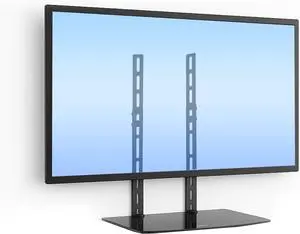
Mount-It TV Wall Mount Shelf Bracket Under TV for Cable Box, DVD Player, Stereo AV Components Shelf,Black
- Model #: Tong409397160890miao
- $102.88 –
- Free Shipping
Quick View
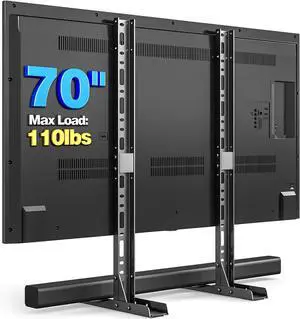
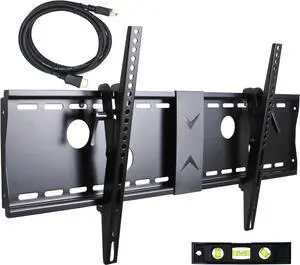
VideoSecu Tilt TV Wall Mount Bracket for Most 37 to 75-Inch LCD LED Plasma Screen Display up to VESA 400X400 684X300 600x400mm with HDMI Cable, Bubble Level MP502B 3KR
- Model #: Tong409397160982miao
- $116.88 –
- Free Shipping
Quick View
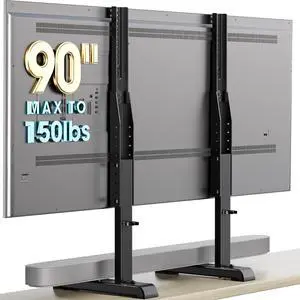
AX WABER Table Top TV Stand with Height Adjustable TV Legs Replacement for Most 37-86 Inch Flat Curved TVs,Steel TV Base Feet Holds up to 150 lbs with Cable Management, Max VESA 800x600mm Black
- Model #: Tong409397161019miao
- $59.88 –
- Free Shipping

Quick View
- $320.99 –
- More options from $320.99
- Free Shipping
Quick View

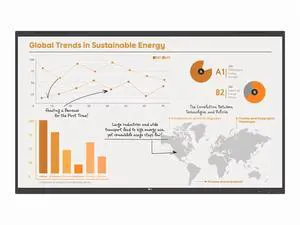
- Model #: 65UH7Q-E
- $1,933.99 –
- More options from $1,863.95 - $1,933.99
- Free Shipping
Quick View
- Model #: 65TR3PN-B
- $2,150.99 –
- More options from $2,127.09 - $2,150.99
- Free Shipping
Quick View
- Model #: 86UH5Q-E
- $4,333.99 –
- More options from $3,165.38 - $4,381.82
- Free Shipping
Quick View
- Model #: 75UK777H0UD
- $1,821.91 –
- More options from $1,821.91 - $2,820.79
- Free Shipping
Quick View
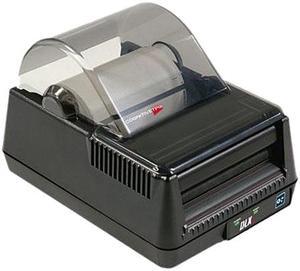
Cognitive TPG DLXi 4" Desktop Direct Thermal Label Printer, 203 dpi, USB/Serial/Mini Cent Parallel/Ethernet - DBD42-2085-G1E
- Printer Type: Desktop
- Memory: 8MB
- Fonts Included: Bitmapped: 7 styles with up to 10x10 magnification, variable boldness and spacing International: Sans serif font in 7 pt. sizes, up to 4x4 magnification, variable boldness and spacing Scalable Smooth Fonts: 3 Ultra Font styles for smooth characters in any size and boldness Rotations: 0, 90, 180, 270 degrees
- Barcode Type: 29 standard bar codes, including Add2, Add5, Codabar, Code39, Code93, Code 128A/B/C, D2of5, I2of5, EAN8/8+, EAN13/13+, EAN128, Maxicode mode 0, MSI/MSI1, PDF417, Plessey, Postnet, UPCA/A+, DataMatrix, Aztec, QR Code, RSS
- Model #: DBD42-2085-G1E
- $599.99
- $503.99 –
- Save: $96.00 (16%)
- Free Shipping
Quick View
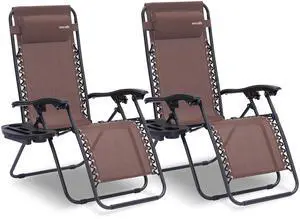
Outdoor Zero Gravity Lounge Chair Set, 2 Pack Adjustable Recliner Chairs with Cup Holder Side Table and Padded Headrest, Foldable Patio Lawn Chairs, Weather Resistant Design (Brown)
Limited time offer, ends 08/20
- Model #: 297908456026
- $179.99
- See price in cart
- Free Shipping
Quick View
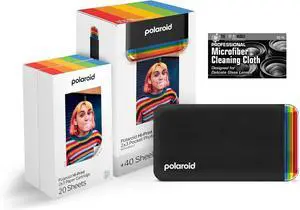
The Imaging World Polaroid Hi-Print - Bluetooth Connected 2x3 Pocket Phone Photo Printer (Black) with 2 Polaroid Hi·Print 2x3 Paper Cartridges (40 Sheets) + Microfiber Cloth
- Model #: BRAPB0GKZMX7NJ
- $252.99 –
- Free Shipping
Quick View
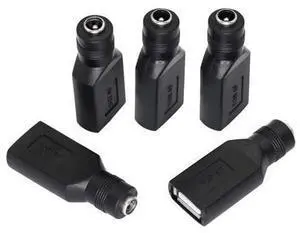
USB 2.0 A Female to DC 5.5x2.1mm Power Adapter, Nickel-Plated Connector, Corrosion-Resistant, 5 PCS Interchangeable Plugs
- Model #: YLJGZMC7AZ-0801-604
- $28.98 –
- Free Shipping
Quick View
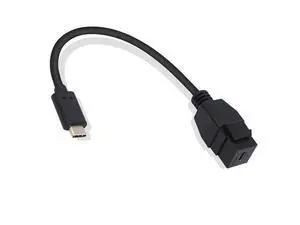
USB-C Keystone Jack Adapter, Male to Female, Panel Mount, USB-C Pigtail Extension, Keystone-to-Cable Converter, Black
- Model #: YLJGZMC7AZ-0801-873
- $18.97 –
- Free Shipping

Quick View
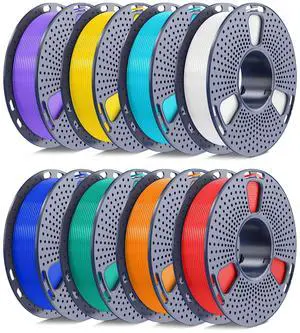
Jamghe Dental Castable Resin UV Photopolymer Resin 405nm Ultra Low Shrinkage, Easy Casting for Dental implant Restoration Frame & Crown 1000G
- Model #: AIWU444275511111
- $254.55 –
- Free Shipping
Quick View
- Model #: 65UK777H0UD
- $1,227.60 –
- More options from $1,220.99 - $1,506.00
- Free Shipping
Quick View
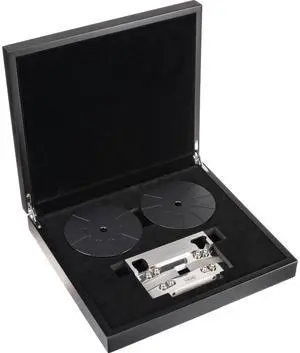
Blackmagic Design 16mm HDR Film Gate for Cintel Scanner
- Model #: CINTELSGATE16MMHDR
- $1,575.00 –
- Free Shipping
Quick View
- Model #: 65UH7N-E
- $1,850.99
- $1,420.99 –
- Save: $430.00 (23%)
- More options from $1,420.99 - $2,873.03
- Free Shipping
Quick View
- Model #: 50UK670H0UA
- $742.28 –
- More options from $742.28 - $939.00
- Free Shipping
Quick View
- Model #: 65UH5Q-E
- $1,639.99 –
- More options from $1,305.29 - $2,190.51
- Free Shipping


Quick View
- Model #: 65UK570H0UD
- $1,069.82 –
- More options from $1,033.66 - $1,261.00
- $10.99 Shipping
Quick View
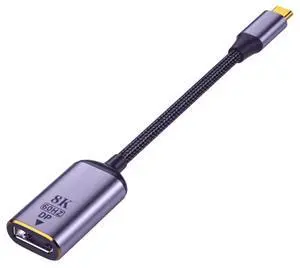
USB4 Type-C to DisplayPort DP Female Cable, 8K@60Hz UHD 4K High Resolution Video Adapter Cable for Monitor Display
Limited time offer, ends 08/08
- Model #: C472-L6793
- $19.49 –
- Free Shipping
Choosing the Right Printer for Your Office Needs
When it comes to office solutions, printers and scanners are essential tools for any business. Whether you need to print important documents, scan invoices, or create professional-quality marketing materials, having the right equipment is crucial. In this article, we will explore the different types of printers and scanners available in the market and provide tips on how to choose the best one for your office.
All-in-One Printers: Versatility and Convenience
all-in-one printers, also known as multifunction printers, are a popular choice for offices. These devices combine the functionality of a printer, scanner, copier, and sometimes even a fax machine into a single unit. They offer versatility and convenience, allowing you to perform multiple tasks without the need for separate devices. All-in-one printers are available in both inkjet and laser options, catering to different printing needs and budgets.
Specialized Printers for Specific Tasks
In addition to all-in-one printers, there are specialized printers designed for specific tasks. For example, 3D printers are ideal for creating prototypes or intricate models, while barcode and label printers are perfect for businesses that require efficient inventory management. laser printers are known for their fast printing speeds and high-quality output, making them suitable for offices with high-volume printing needs. inkjet printers, on the other hand, are more cost-effective and can produce vibrant color prints.
Choosing the Right Supplies
Once you have selected the right printer for your office, it is important to choose the right supplies to ensure optimal performance and longevity. When it comes to inkjet printers, using high-quality ink cartridges is essential to achieve the best print quality and prevent clogging. For laser printers, it is important to choose the right type of toner cartridges that are compatible with your printer model. Additionally, investing in high-quality paper can make a significant difference in the final print results.
FAQs: Common Questions about Printers and Scanners
| Q: How often should I replace the ink cartridges? | A: The frequency of replacing ink cartridges depends on your printing volume. However, it is recommended to replace them when the print quality starts to degrade. |
|---|---|
| Q: Can I use third-party ink cartridges with my printer? | A: While it is possible to use third-party ink cartridges, it is important to ensure compatibility with your printer model. Using incompatible cartridges may result in poor print quality or damage to the printer. |
| Q: How do I clean the scanner glass? | A: To clean the scanner glass, use a soft, lint-free cloth slightly dampened with glass cleaner. Gently wipe the glass surface to remove any smudges or debris. |
| Q: What is the difference between optical and interpolated resolution in scanners? | A: Optical resolution refers to the actual hardware resolution of the scanner, while interpolated resolution is achieved through software enhancements. Optical resolution provides more accurate and detailed scans. |
| Q: How can I improve the scanning speed? | A: To improve scanning speed, reduce the scanning resolution, use black and white mode instead of color, and ensure that the scanner is connected to a high-speed USB port. |