

Your Browsing History
- In Stock
- Sold by Newegg
- New

Any questions? Our AI mode will help you find out quickly.
Try me now

Quick View
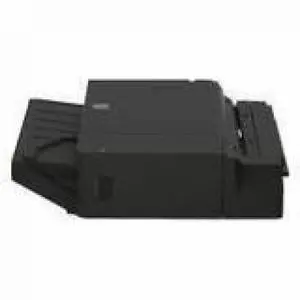
Lexmark 500-Sheet Staple Finisher (fits HP kit) - Plain Paper - A4, A3, B5, B4, Executive, Letter, Folio, Officio, Legal, - 11" x 17" - 500 Sheets 20L8809
- Brand: LEXMARK
- Part Number: 20L8809
- Product Type: Staple Finisher
- Color: Black
- Model #: 20L8809
- $799.99 –
- Free Shipping
Quick View
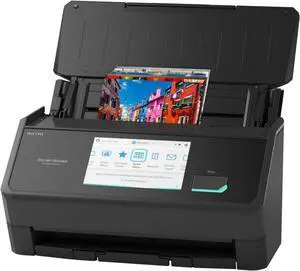
Ricoh ScanSnap iX2500 Photo Edition (Black)
- Brand: Ricoh
- Series: ScanSnap iX2500
- Type: Photo
- Element Type: CIS x 2 (Front x 1, Back x 1)
- Model #: CG01000-399204
- $474.99 –
- $4.99 Shipping
Quick View
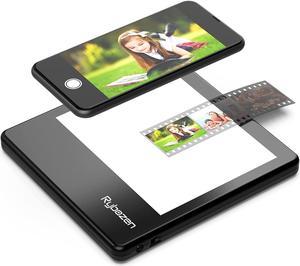
Rybozen Ultra-Thin Portable Slide Scanner 5 x 4 Inches LED Light Panel Photo Slides Negatives and Film Viewer
- Image Sensor: CCD
- Resolutions, Optical: 1800 x 3600 dpi
- Color Depth: 36bit
- Max. Document Size: Custom Size
- Model #: C400
Quick View
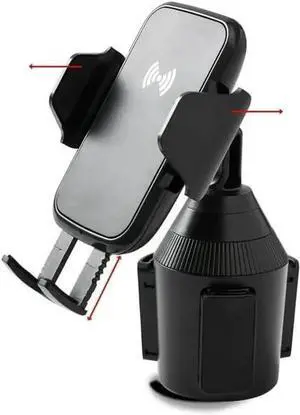
Cup Holder Phone Mount with Wireless Charger Multi-Angle Rotation Quick-Push Release Button Lightweight
- Model #: QQ-283
- $55.98 –
- Free Shipping
Quick View
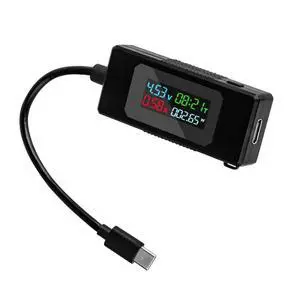
Type-C Voltage Current Power Capacity Working Time Ammeter USB-C Voltmeter USB Cable Charger Detector USB-C Tester 4-30V 0-6.5A Digital Multimeter
- Model #: UC-174-NG
- $11.99 –
- Free Shipping
Quick View
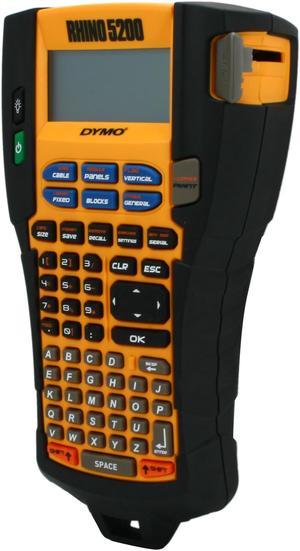
Dymo Rhino 5200 Industrial Label Printer (1755749)
- Printer Type: Mobile
- Memory: Save up to 99 locations
- Barcode Type: Code 39 and Code 128
- Cutter: Manual
- Model #: 1755749
- $235.80 –
- More options from $219.99 - $335.00
- Free Shipping
Quick View
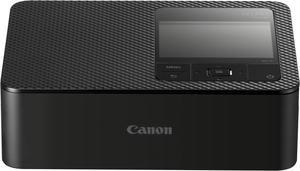
Canon SELPHY CP1500 Wireless Compact Photo Printer, Black
- Model #: 5539C001
- $179.99
- $159.00 –
- Save: $20.99 (11%)
- More options from $159.00 - $222.99
- Free Shipping
Quick View
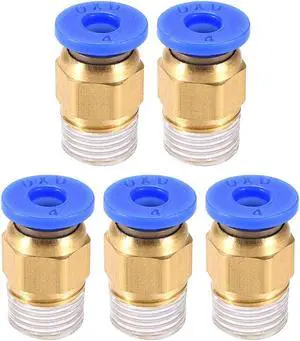
BSPT1/8 Tube Fitting for 3D Printer Push Fixing, for 4mm Tube 1.75mm Filament 5pcs
- Brand: Unique Bargains
- Model #: a19080200ux0602
Quick View
Type-C Voltage Current Power Capacity Working Time Ammeter USB-C Voltmeter USB Cable Charger Detector USB-C Tester 4-30V 0-6.5A Digital Multimeter
- Model #: UC-174_NG2
- $11.99 –
- Free Shipping
Quick View
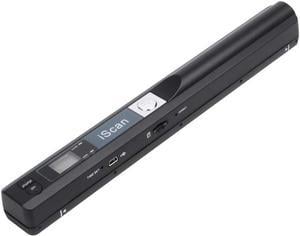
Portable Scanner iSCAN 900 DPI A4 Document Scanner Handheld for Business, Photo, Picture, Receipts, Books, JPG/PDF Format Selection, Micro SD Card Hand Scanner
Limited time offer, ends 09/12
- Max. Document Size: A4 size documents and images
- USB Ports: Yes
- Color: Black
- Model #: 3#Q1643_B
- $64.99 –
- More options from $64.99 - $73.99
- Free Shipping
Quick View
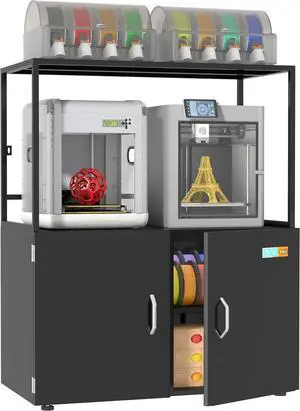
300L 3D Printer Filament Storage Cabinet with Dehumidifier | Industrial Sealed Dehumidifying Cabinet Holds 160 Rolls -Compatible with PLA/ABS/TPU (300L Black)
- Model #: ENGEB0FB89DL9H
- $720.99 –
- Free Shipping
Quick View
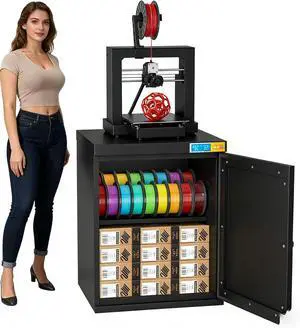
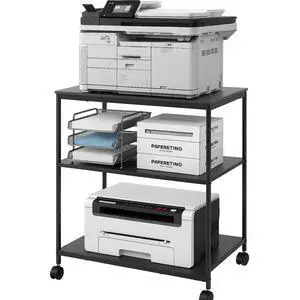
Heavy Duty 3-Tier Printer Stand with Locking Wheels, 23.6"x18.9" *31.5" Large Printer Table Shelf, Holds 100 lbs per Shelf - Fits Most 60" Desks, Perfect for Office, Home, Laser Printer or Mini Fridge
Limited time offer, ends 09/21
- Model #: 957609718273
- $104.99 –
- Free Shipping
Quick View
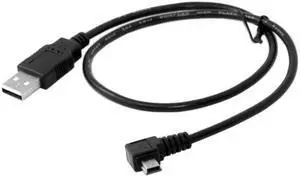
CY 5pin Mini USB type Male Left Angled 90 degree to USB 2.0 male data charge cable 50cm U2-057-LE-0.5M
- Model #: U2-057-LE-0.5M-HKCY
Quick View
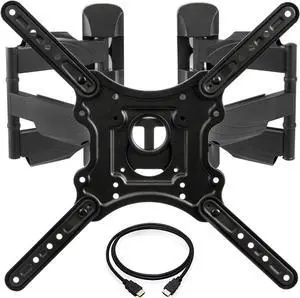
InstallerParts Corner TV Wall Mount for Most 23-55 Inch LED LCD OLED Plasma Flat Screen TVs with Full Motion Swivel and Tilt Articulating Dual Arm - VESA 400x400, Holds 132lbs, HDMI Cable
- Model #: Tong409397160852miao
- $109.88 –
- Free Shipping

Quick View
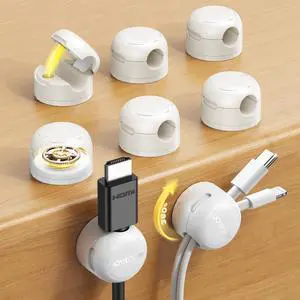
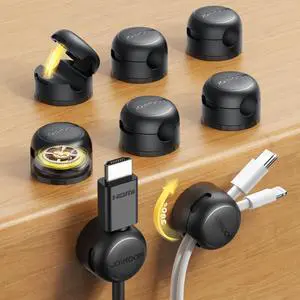
9 Pack Magnetic Cable Clips, Cord Organizer Adhesive Wire Holder
- Model #: 6904090637
Quick View
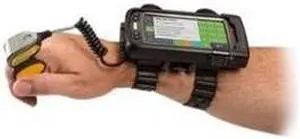
20 pack ring finger straps - large soft rubber straps with snap-on mount. Not compatible with ring scanners s
- Model #: barcod844
- $121.45 –
- $15.00 Shipping
Quick View
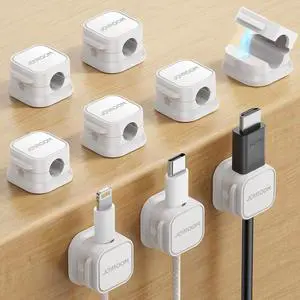
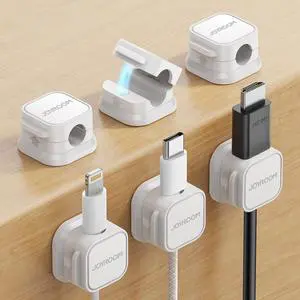
6 Pack Magnetic Cable Clips, Cord Organizer Adhesive Wire Holder
- Model #: 6904090639
Quick View
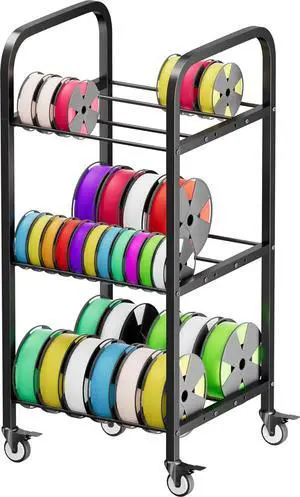
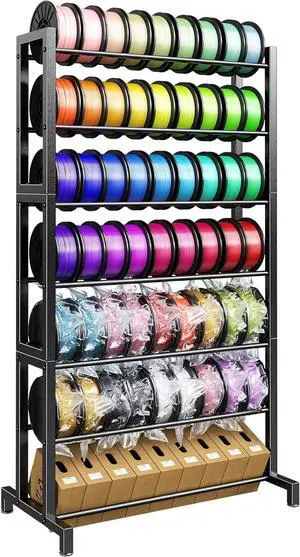
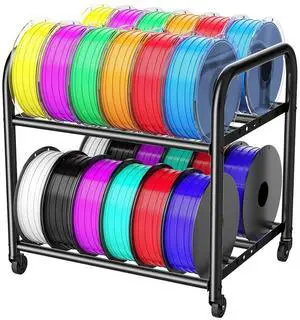
2-Tier Metal Filament Rack, Compact Under Desk 3D Filament Spools Rolling Cart with Adjustable Spools Storage Holds 24+ PLA/ABS/TPU Filaments, for Home, Office Workshop, Studio
- Model #: 433330055479ComputerzoneGANG
- $74.89 –
- Free Shipping
Quick View
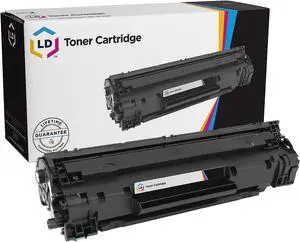
LD Products Compatible Toner Replacement for Xerox 106R03524 (Black, 2-Pk)
- Brand: LD Products
- Cartridge Quantity: 1
- Cartridge Color: Black
- Replacement Brand: Xerox
- Model #:
Quick View
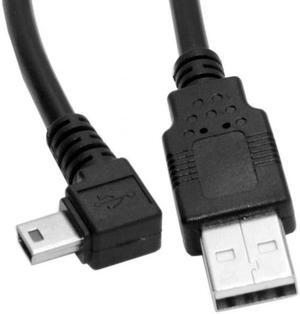
Xiwai 5pin Mini USB type Male Right Angled 90 degree to USB 2.0 male data charge cable 50cm
- Connector Type: Mini USB to USB A
- Model #: U2-057-RI-0.5M-XY2
Choosing the Right Printer for Your Office Needs
When it comes to office solutions, printers and scanners are essential tools for any business. Whether you need to print important documents, scan invoices, or create professional-quality marketing materials, having the right equipment is crucial. In this article, we will explore the different types of printers and scanners available in the market and provide tips on how to choose the best one for your office.
All-in-One Printers: Versatility and Convenience
all-in-one printers, also known as multifunction printers, are a popular choice for offices. These devices combine the functionality of a printer, scanner, copier, and sometimes even a fax machine into a single unit. They offer versatility and convenience, allowing you to perform multiple tasks without the need for separate devices. All-in-one printers are available in both inkjet and laser options, catering to different printing needs and budgets.
Specialized Printers for Specific Tasks
In addition to all-in-one printers, there are specialized printers designed for specific tasks. For example, 3D printers are ideal for creating prototypes or intricate models, while barcode and label printers are perfect for businesses that require efficient inventory management. laser printers are known for their fast printing speeds and high-quality output, making them suitable for offices with high-volume printing needs. inkjet printers, on the other hand, are more cost-effective and can produce vibrant color prints.
Choosing the Right Supplies
Once you have selected the right printer for your office, it is important to choose the right supplies to ensure optimal performance and longevity. When it comes to inkjet printers, using high-quality ink cartridges is essential to achieve the best print quality and prevent clogging. For laser printers, it is important to choose the right type of toner cartridges that are compatible with your printer model. Additionally, investing in high-quality paper can make a significant difference in the final print results.
FAQs: Common Questions about Printers and Scanners
| Q: How often should I replace the ink cartridges? | A: The frequency of replacing ink cartridges depends on your printing volume. However, it is recommended to replace them when the print quality starts to degrade. |
|---|---|
| Q: Can I use third-party ink cartridges with my printer? | A: While it is possible to use third-party ink cartridges, it is important to ensure compatibility with your printer model. Using incompatible cartridges may result in poor print quality or damage to the printer. |
| Q: How do I clean the scanner glass? | A: To clean the scanner glass, use a soft, lint-free cloth slightly dampened with glass cleaner. Gently wipe the glass surface to remove any smudges or debris. |
| Q: What is the difference between optical and interpolated resolution in scanners? | A: Optical resolution refers to the actual hardware resolution of the scanner, while interpolated resolution is achieved through software enhancements. Optical resolution provides more accurate and detailed scans. |
| Q: How can I improve the scanning speed? | A: To improve scanning speed, reduce the scanning resolution, use black and white mode instead of color, and ensure that the scanner is connected to a high-speed USB port. |