
Your Browsing History
- New

Any questions? Our AI beta will help you find out quickly.
Try me now

Quick View
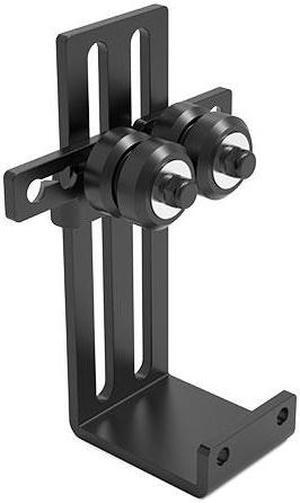
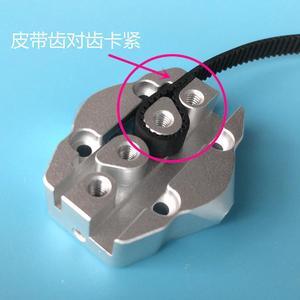
funssor 1pc 3D printer parts Upgraded all metal Delta Pulley Slider for 3D Printer M3 Kossel Tackle
- Model #: ZZL-RNU-ASD1079771
- $38.49 –
- Free Shipping
Quick View
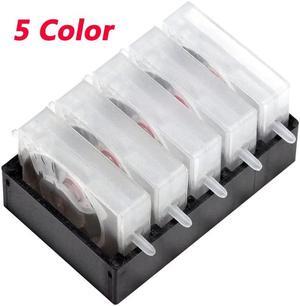
CISS One Way Valve Ink Damper Ink Control Valves 5 Color Forcanon-Forhp-Forepson-For Brother Inkjet Printer
- Product Type: Replacement Parts
- Model #: Dyjmh-231221-013
- $38.49 –
- More options from $38.49
- Free Shipping
Quick View
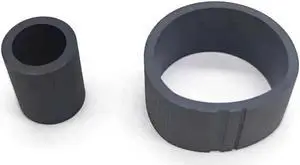
10 sets Paper Feed Pickup Roller Fits Forepson-Stylus Photo R200 G750 D800 G700 D700 G720 R210 R230 D750 R340 R310 R300 R220
- Product Type: Printhead
- Model #: Dyj-231218-031
- $67.69 –
- More options from $67.69
- Free Shipping
Quick View
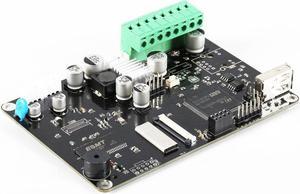
TWO10Pcs Thread Brass Knurled Inserts Nut Heat Set Insert Nuts Embed Parts Female Pressed Fit into Holes for 3D Printer
- Model #: HT-ID-3239-1900760
- $27.25 –
- Free Shipping
Quick View
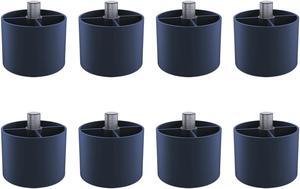
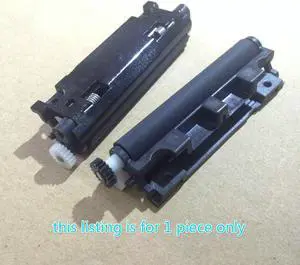
shaft platen roller For Seiko--J245 POS Rubber Roller POS Roller
- Product Type: Printhead
- Model #: ZW-dyt-001
- $36.99 –
- Free Shipping
Quick View
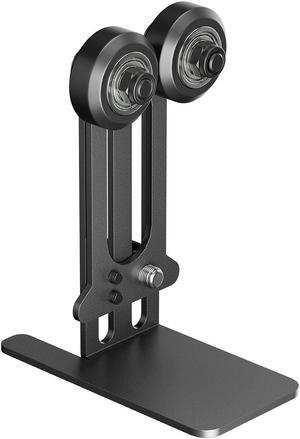
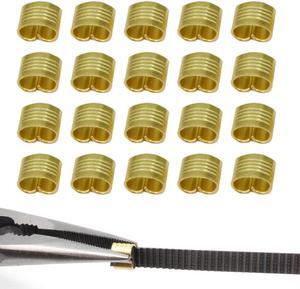
2GT Belt Clamp, Copper Buckle, Wire Cable Connector, 3D Printer Belt Crimps Ends fits for 6mm 3D Printer Belt,20pcs/Pack (Belt Clamp-20pcs)
- Model #: C0A543465010409197
- $29.04 –
- Free Shipping
Quick View
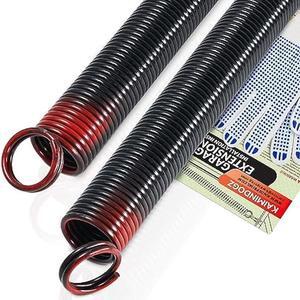
Pair of 150lb. Heavy Duty Garage Door Extension Springs Stretch Springs, 25 Long, Double Loop Ends, High Precision Electrophoresis Black Coated,MIN 16,000 Cycles,for 7ft High Garage Doors Replacement
- Connector Type: type
- Model #: 603904578804225
- $100.68 –
- Free Shipping
Quick View
2GT Belt Clamp, Copper Buckle, Wire Cable Connector, 3D Printer Belt Crimps Ends fits for 6mm 3D Printer Belt,20pcs/Pack (Belt Clamp-20pcs)
- Model #: R18247663307149
- $29.48 –
- Free Shipping
Quick View
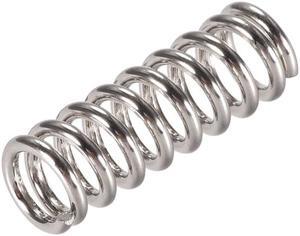
Heated Bed Springs for 3D Printer Extruder Compression Spring, 7.5 X 20 Mm 30pcs
- Product Type: Accessories - Printers/Scanners/Faxes
- Model #: a19073000ux0093
Quick View
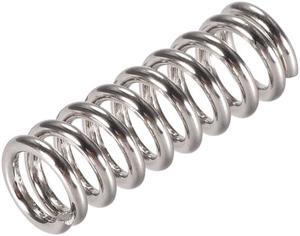
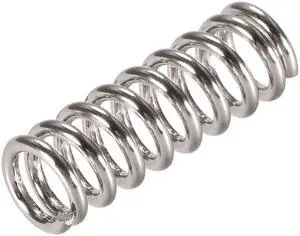
Heated Bed Springs for 3D Printer Extruder Compression Spring, 7.5 X 20 Mm 20pcs
- Product Type: Accessories - Printers/Scanners/Faxes
- Model #: a19073000ux0092
Quick View
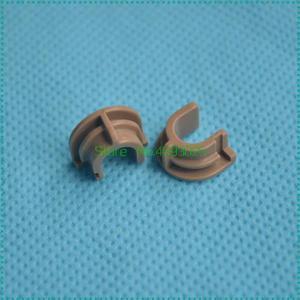
Heated Bed Springs for 3D Printer Extruder Compression Spring, 7.5 X 20 Mm 40pcs
- Product Type: Accessories - Printers/Scanners/Faxes
- Model #: a19073000ux0094
Quick View
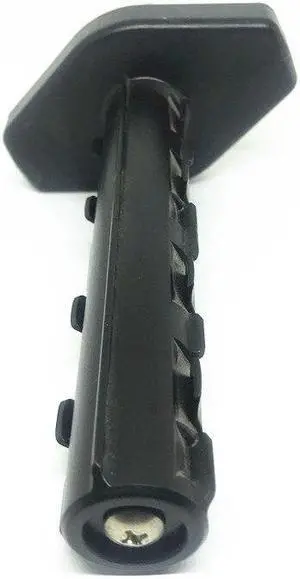
(Recovery shaft)ribbon supply shaft For 9688 printer accessories
- Product Type: Printhead
- Model #: ZW-dyt-635
- $306.99 –
- Free Shipping
Quick View
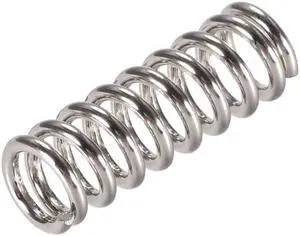
Heated Bed Springs for 3D Printer Extruder Compression Spring, 7.5 X 20 Mm 10pcs
- Product Type: Accessories - Printers/Scanners/Faxes
- Model #: a19073000ux0091
Quick View
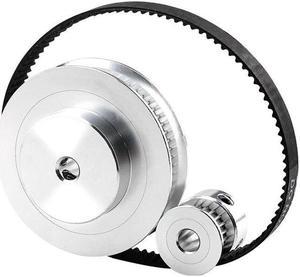
Closed Loop Timing Belt 60-tooth~20-tooth Synchronous Wheel with 200/280/300/400/610 GT2 6mm Belt Combination for 3D Printer
- Model #: HT-ID-3239-1805074
- $24.33 –
- Free Shipping
Quick View
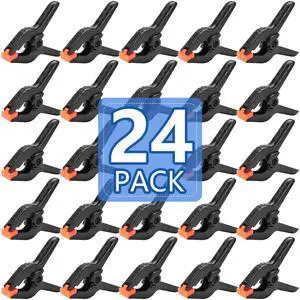
24 Pack 3.5 inch Plastic Spring Clamps, Black Heavy Duty Clips, Backdrop Clips, Plastic Clamps for Crafts, Backdrop Stand, Woodworking, Photography
- Model #: 928822020580
- $19.98 –
- Free Shipping
Quick View
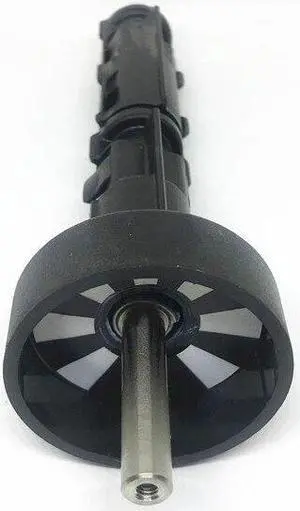
ribbon recycling shaft supply shaft For / 9688 printing accessories 9688 printer accessories(ribbon recycling sha)
- Product Type: Printhead
- Model #: ZW-dyt-586
- $302.79 –
- More options from $302.79 - $306.99
- Free Shipping
Quick View
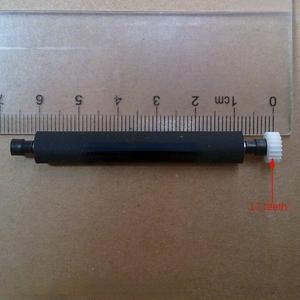
roller pressure paper shaft printing shaft roller rubber shaft 17 teeth For POS machine P58 S58 P80
- Product Type: Printhead
- Model #: ZW-dyt-223
- $77.79 –
- More options from $77.79 - $81.99
- Free Shipping
Quick View
ribbon recycling shaft supply shaft For / 9688 printing accessories 9688 printer accessories(supply shaft)
- Product Type: Printhead
- Model #: ZW-d5234-585
- $459.49 –
- More options from $459.49
- Free Shipping
Quick View
2GT Belt Clamp, Copper Buckle, Wire Cable Connector, 3D Printer Belt Crimps Ends fits for 6mm 3D Printer Belt,20pcs/Pack (Belt Clamp-20pcs)
- Model #: vfrtR302951371902
- $29.48 –
- Free Shipping
Quick View
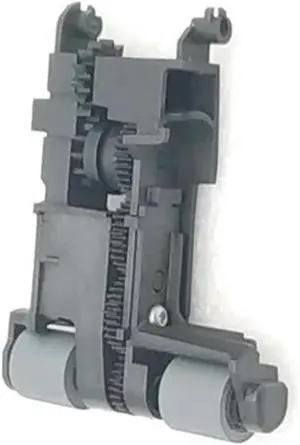
Feed Gear Pick Up Pickup Roller for H-/*p O-ficejet 7000 6000 6500 7500a Printer Parts
- Model #: CHIPB0GHHHFS2C
- $101.99 –
- Free Shipping
Quick View
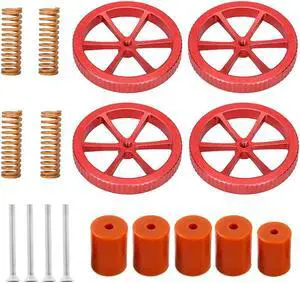
Upgraded Ender 3 Springs Kit,4 Pcs Hand Twist Leveling Nut +4 Pcs Hot Bed Die Springs +5 Pcs Silicone Leveling Column Solid Bed Mounts for Ender 3 V2/3/3 Pro/Ender 5 .(Type 2)
- Model #: vfrtR302951377003
- $29.51 –
- Free Shipping
Quick View
(Supply shaft)ribbon supply shaft For 9688 printer accessories
- Product Type: Printhead
- Model #: ZW-dyt-636
- $306.99 –
- More options from $306.99
- Free Shipping
Quick View
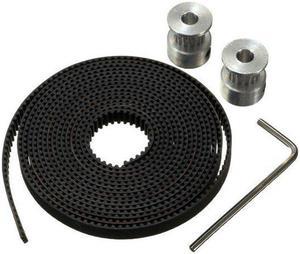
GT2 Pulley 16 Teeth 5mm Bore 2M Timing Belt For 3D Printer Parts RepRap Prusa
- Model #: HT-ID-3239-1070245
- $32.39 –
- Free Shipping
Quick View
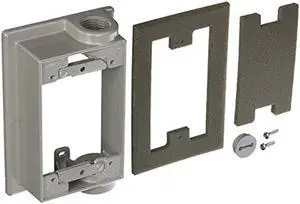
BELL 5412-0 Swing Arm Extension Adapter, Gray
- Connector Type: type
- Model #: 6039045791851
- $47.42 –
- Free Shipping
Quick View
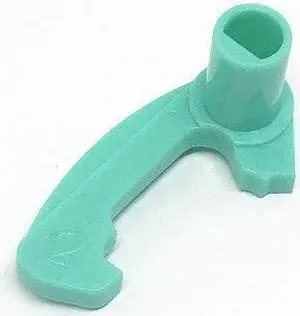
barcode label printer head release button hook hook right hook snap For 243e 342e 244m
- Product Type: Printhead
- Model #: ZW-dyt-365
- $152.79 –
- More options from $152.79 - $156.99
- Free Shipping
Quick View
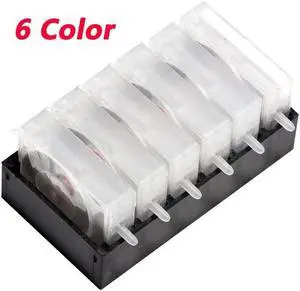
Printer CISS DIY Damper Single Pass One Way Valve Ink Damper Ink Control Valves(6 Color)
- Product Type: Replacement Parts
- Model #: Dyjmh-231221-536
- $40.49 –
- More options from $40.49
- Free Shipping
Quick View
ribbon recycling shaft supply shaft For / 9688 printing accessories 9688 printer accessories(ribbon recycling sha)
- Product Type: Printhead
- Model #: ZW-d5234-586
- $459.49 –
- More options from $459.49
- Free Shipping
Quick View
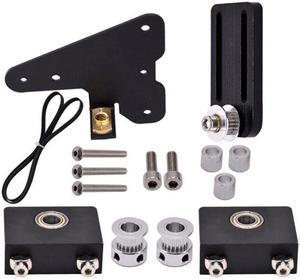
Upgrade Dual Z-Axis Tension Lead Screw Set 3D Printer Dual Z-Tension Timing Belt(Double Z without scr)
(Ender3)
- Model #: ff-yy-150
- $29.90 –
- More options from $29.86
- Free Shipping
Quick View
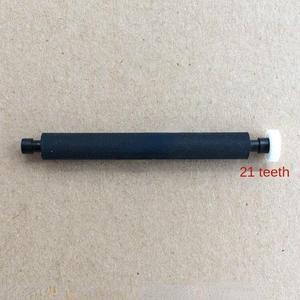
Shaft Pressing Shaft Paper Feeding Shaft Printing Shaft Rubber Roller Roller For Wireless Mobile POS Terminal D210
- Product Type: Printhead
- Model #: ZW-dyt-046
- $77.79 –
- More options from $77.79 - $81.99
- Free Shipping
Quick View
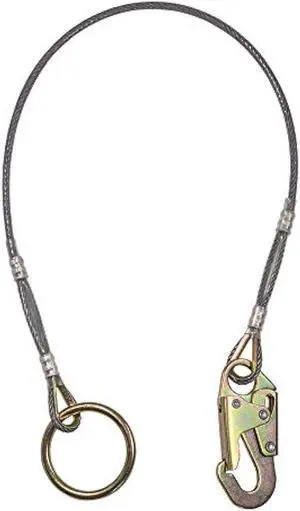
Palmer Safety 6' Anchor Cable Cross Arm with 1/4 Vinyl Coated I-Beam Cable, Ring on One End and Locking Snap Hook on Opposite End - Meets or Exceeds ANSI Z359.18-2017
- Connector Type: type
- Model #: 603904578986525
- $104.50 –
- Free Shipping
Quick View
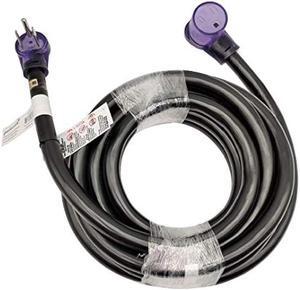
Parkworld 61391 6 AWG 6-50 Extension Cord 50 AMP, 250-Volt 6 Gauge Welder Extension Cord 50A 3-Prong 6-50P to 6-50R (25FT)
- Connector Type: type
- Model #: 603904578888225
- $265.98 –
- Free Shipping
Choosing the Right Printer for Your Office Needs
When it comes to office solutions, printers and scanners are essential tools for any business. Whether you need to print important documents, scan invoices, or create professional-quality marketing materials, having the right equipment is crucial. In this article, we will explore the different types of printers and scanners available in the market and provide tips on how to choose the best one for your office.
All-in-One Printers: Versatility and Convenience
all-in-one printers, also known as multifunction printers, are a popular choice for offices. These devices combine the functionality of a printer, scanner, copier, and sometimes even a fax machine into a single unit. They offer versatility and convenience, allowing you to perform multiple tasks without the need for separate devices. All-in-one printers are available in both inkjet and laser options, catering to different printing needs and budgets.
Specialized Printers for Specific Tasks
In addition to all-in-one printers, there are specialized printers designed for specific tasks. For example, 3D printers are ideal for creating prototypes or intricate models, while barcode and label printers are perfect for businesses that require efficient inventory management. laser printers are known for their fast printing speeds and high-quality output, making them suitable for offices with high-volume printing needs. inkjet printers, on the other hand, are more cost-effective and can produce vibrant color prints.
Choosing the Right Supplies
Once you have selected the right printer for your office, it is important to choose the right supplies to ensure optimal performance and longevity. When it comes to inkjet printers, using high-quality ink cartridges is essential to achieve the best print quality and prevent clogging. For laser printers, it is important to choose the right type of toner cartridges that are compatible with your printer model. Additionally, investing in high-quality paper can make a significant difference in the final print results.
FAQs: Common Questions about Printers and Scanners
| Q: How often should I replace the ink cartridges? | A: The frequency of replacing ink cartridges depends on your printing volume. However, it is recommended to replace them when the print quality starts to degrade. |
|---|---|
| Q: Can I use third-party ink cartridges with my printer? | A: While it is possible to use third-party ink cartridges, it is important to ensure compatibility with your printer model. Using incompatible cartridges may result in poor print quality or damage to the printer. |
| Q: How do I clean the scanner glass? | A: To clean the scanner glass, use a soft, lint-free cloth slightly dampened with glass cleaner. Gently wipe the glass surface to remove any smudges or debris. |
| Q: What is the difference between optical and interpolated resolution in scanners? | A: Optical resolution refers to the actual hardware resolution of the scanner, while interpolated resolution is achieved through software enhancements. Optical resolution provides more accurate and detailed scans. |
| Q: How can I improve the scanning speed? | A: To improve scanning speed, reduce the scanning resolution, use black and white mode instead of color, and ensure that the scanner is connected to a high-speed USB port. |