

Your Browsing History
- In Stock
- Sold by Newegg
- Make an Offer
- New

Any questions? Our AI mode will help you find out quickly.
Try me now
Quick View
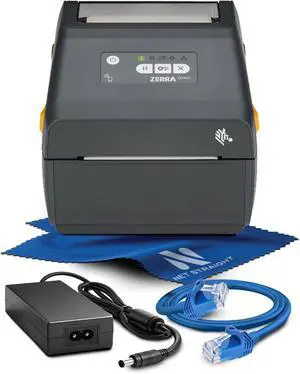
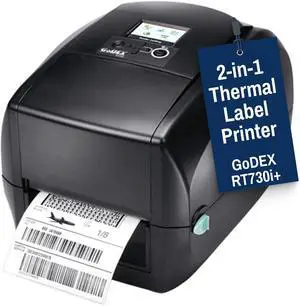
McAuley Labels GoDEX RT730i+ 4 Thermal Label Printer 300 DPI Desktop Barcode Printer with Color Display USB, Ethernet
- Model #: HANZB0F6VQD43W
- $1,207.99 –
- Free Shipping
Quick View
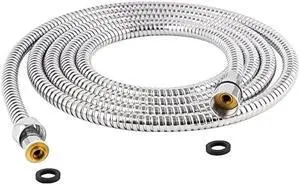
Hibbent All Metal Extra Long Shower Hose 119 inch(9.8 foot) Bathroom Handheld Shower Head Hose 3 meters Extension Replacement Part with Brass Fittings Made of Stainless Steel -Polished Chrome Finish
- Connector Type: type
- Model #: 603904578858525
- $37.77 –
- More options from $36.08 - $37.77
- Free Shipping
Quick View
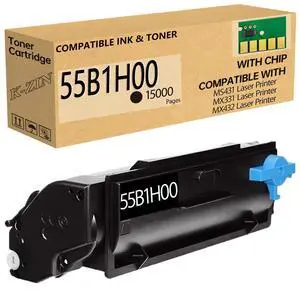
55B1H00 Black Toner Cartridge with Chip 15000 Pages Yield | Compatible with Lexmark MS331dn MS431dn MS431dw MX331adn MX431adn MX431adw MX432adwe Printers for 55B1H00 55B1000 55B1X00
Limited time offer, ends 08/27
- Model #: 969156864457
- $164.99 –
- Free Shipping
Quick View
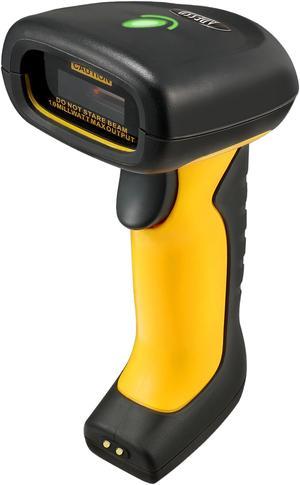
Adesso NuScan 5200TR 2.4GHz RF Wireless Antimicrobial & Waterproof 2D Barcode Scanner
- Part Number: NUSCAN 5200TR
- Form Factor: Handheld
- Connectivity: Cordless
- Scan Engine: 2D/1D
- Model #: NUSCAN 5200TR
- $201.00
- $190.20 –
- Save: $10.80 (5%)
- Free Shipping
Quick View
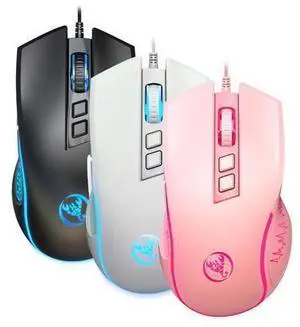
The new X100 wired gaming mouse is a colorful, illuminated, esports office mouse with adjustable 3600 dpi.
Limited time offer, ends 08/30
- Model #: JC7FW0709-OYJ-593
- $33.82 –
- Free Shipping
Quick View
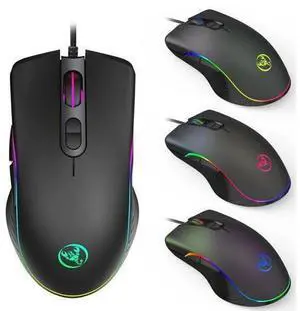
A867 RGB LED gaming wired mouse with four-level adjustable 6400dpi and macro programming capabilities
Limited time offer, ends 08/30
- Model #: JC7FW0709-OYJ-632
- $26.97 –
- Free Shipping
Quick View
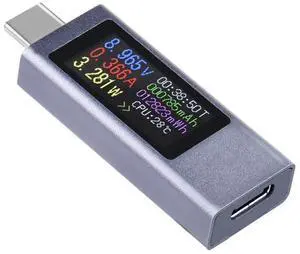
0.96inch USB-C Power Meter, Onboard Type-C Ports, Supports Power-Off Data Storage and Real-time Status Monitoring, Portable & Lightweight
- Model #: LC6W1J16-1316
- $37.99 –
- Free Shipping
Quick View
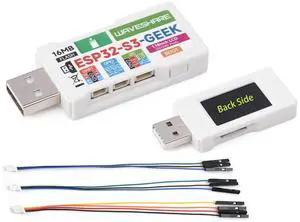
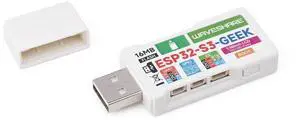
ESP32-GEEK Development Board, Based On ESP32-S3R2 Controller Chip, with 1.14inch 65K Color LCD, Supports WiFi & Bluetooth LE, USB-A Male Port, with White Plastic Case
- Model #: LC6W1J16-1454
- $47.99 –
- Free Shipping
Quick View
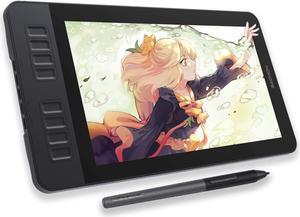
GAOMON PD1161 Drawing Tablet with Screen, Digital Art Tablet with Battery-Free Stylus, Tilt, 8 Shortcut Keys for Paint, Design, Illustration, Editing, 11.6-inch Graphics Tablet for Mac, Windows PC
- Model #: 433330052720ComputerzoneGANG
- $311.98 –
- Free Shipping
Quick View
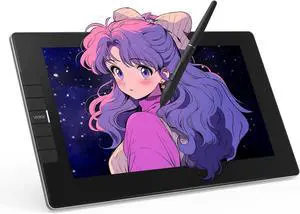
VEIKK VK1200 V2 Drawing Tablet with Screen,11.6-inch Full-Laminated Graphic Drawing Monitor,2 Battery-Free Pens with Tilt Function,6 Customizable Keys,Anti-Glare Glass(Must be Connected to PC to Work)
- Model #: 433330052782ComputerzoneGANG
- $274.89 –
- Free Shipping
Quick View
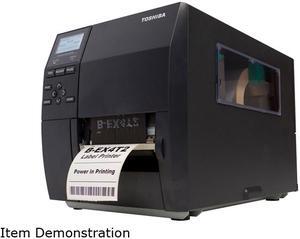
Toshiba - BEX4T2GS12M01 - Toshiba Tec, B-ex4t2 Thermal Printer, 4 Wide, 200dpi, 12ips, Lan, Usb
- Printer Type: Industrial
- Fonts Included: Bitmap and outline
- Barcode Type: Includes GS1 DataBar (RSS) compatibles
- Cutter: Cutter, peel-off & internal rewinder
- Model #: BEX4T2GS12M01
- $1,232.90 –
- Free Shipping
Quick View
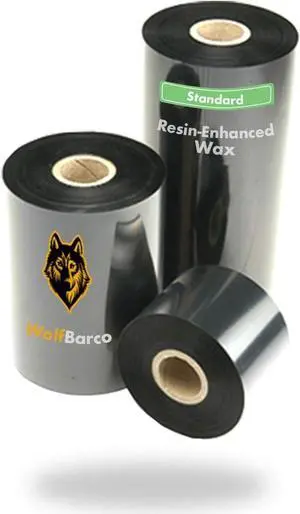
Wolfbarco 24 Rolls 4.09" x 509' (104mm x 155m) General Purpose Wax Thermal Transfer Ribbon Black 1" Core Coated Side Out (CSO)
- Model #: CHIDB0GHGTKHKG
- $147.79 –
- More options from $147.79 - $149.99
- Free Shipping
Quick View
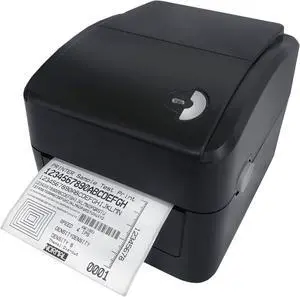
3nStar 4" Direct Thermal Label Printer - USB & LAN Interface - LDT114
- Model #: CHIDB09QBRCDRD
- $261.99 –
- Free Shipping
Quick View
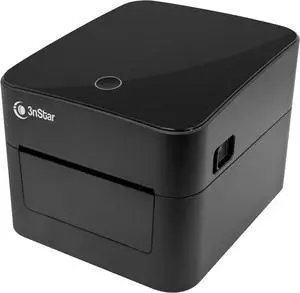
3nStar 4" Direct Thermal Label Printer - USB & LAN Interface - LDT124
- Model #: CHIDB0GMYDR743
- $268.99 –
- Free Shipping

Quick View
Wolfbarco 12 Rolls 4.33" x 243' (110mm x 74m) Premium Resin Enhanced Wax Thermal Transfer Ribbon 1/2" Core, Coated Side Out for Printers
- Model #: ENGEB0BNWLXM58
- $76.99 –
- Free Shipping
Quick View
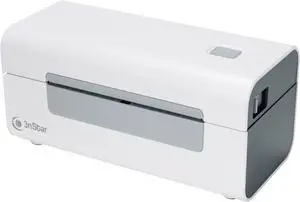
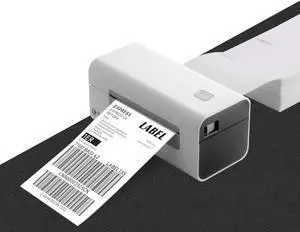
3nStar Direct Thermal Printer for Shipping Labels | 4x6 Product Labels | USB & Bluetooth | Wireless, Compact, Portable | Home & Business | LDT060B
- Model #: ENGEB0DP1M75ZW
- $180.99 –
- Free Shipping
Quick View
3nStar Direct Thermal Printer for Shipping Labels | 4x6 Product Labels | USB | Compact, Portable | Home & Business | LDT060
- Model #: DARKB0DPJ78624
- $144.99 –
- Free Shipping
Quick View
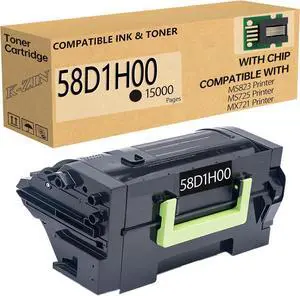
24 Rolls 4.02" x 1345' (102 mm x 410 m) Thermal Transfer General Purpose Wax Ribbon 1" Core, Coated Side in for SATO Printers
- Model #: DARJB0G4C5VR75
- $308.79 –
- More options from $308.79 - $316.99
- Free Shipping
Quick View
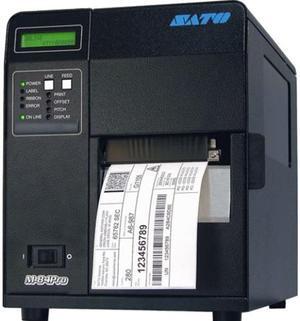
Sato WM8430041 CG412 Direct Thermal Printer - Monochrome - Desktop - Label Print
- Memory: 16 MB
- Media Type: Thermal Transfer Label
- Interface: Lan
- Parts: 1 Year
- Model #: WM8430041
- $3,616.74 –
- Free Shipping
Quick View
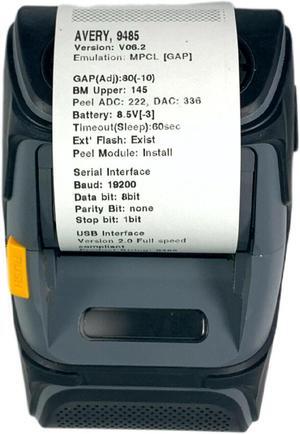
Avery Dennison Monarch 9485BT Mobile Thermal Label Printer BT USB
- Printer Type: Mobile
- Interface: Bluetooth / Serial / USB
- Model #: 304283677271
- $80.00
- Request Price
- Free Shipping
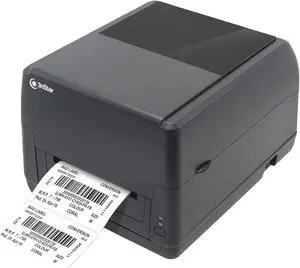
Quick View
3nStar 4" Direct Thermal/Thermal Transfer Label Printer, 300m Ribbon, USB & LAN Interface LTT334
- Model #: CHIDB0F56ZBTGG
- $358.99 –
- Free Shipping
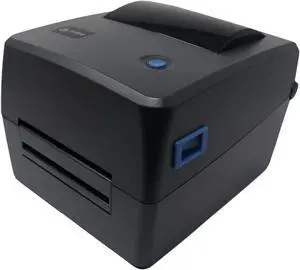
Quick View
3nStar 4" Direct Thermal/Thermal Transfer Label Printer 100mt Ribbon - USB & LAN Interface - LTT214
- Model #: ENGEB0B5BBNW15
- $344.99 –
- Free Shipping
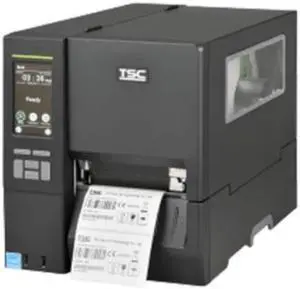
Quick View
TSC MH341T, 300dpi, 4.3" TOUCH LCD, DRAM 256MB/FLASH 512MB, USB+RS-232+ETHERNET+USB HOST, MEDIA NEAR END, TOP BM, Wi-Fi READY, US
- Model #: MH341T-A001-0301
- $1,303.20 –
- More options from $1,303.20 - $2,020.38
- Free Shipping
Quick View
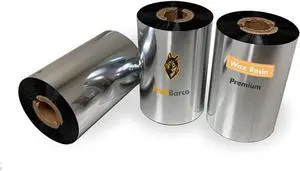
Wolfbarco 12 Rolls 5.98" x 1476' (152 mm x 450 m) Thermal Transfer General Purpose Wax Ribbon 1" Core, Coated Side Out for Printers
- Model #: ENGEB08J8CNKD1
- $267.99 –
- Free Shipping
Quick View
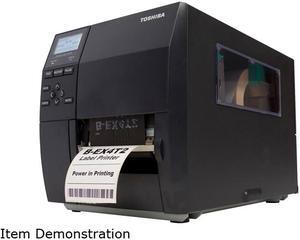
Toshiba BEX4D2GS12M01 B-EX4D2 Series Industrial Label Printer
- Printer Type: Industrial
- Fonts Included: Bitmap and outline
- Barcode Type: Includes GS1 DataBar (RSS) compatibles
- Cutter: Cutter, peel-off & internal rewinder
- Model #: BEX4D2GS12M01
- $910.39 –
- Free Shipping
Quick View
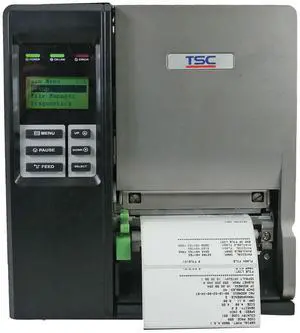
TSC TTP-2410M Industrial Thermal Transfer Label Printer USB Serial LAN
- Print Technology: Direct Thermal/Thermal Transfer Printer
- Printer Type: Industrial
- Max Resolution(B&W): 203 x 203 dpi
- Interface: Lan / Parallel / Serial / USB
- Model #: 306174537073
- $340.05 –
- More options from $340.05 - $343.25
- Free Shipping
Quick View
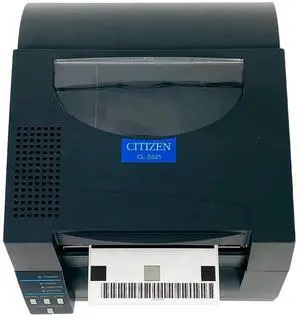
Citizen CL-S521 Industrial Direct Thermal Label Printer USB Ethernet Serial
- Printer Type: Industrial
- Interface: Ethernet / Serial / USB
- Model #: 304824145327
- $155.00
- Request Price
- More options from $129.20 - $154.90
- Free Shipping
Quick View
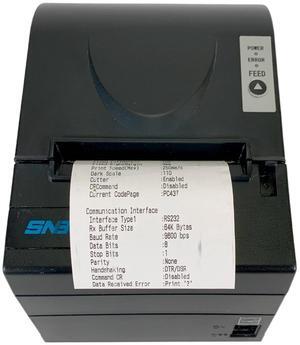
SNBC BTP-R880NP Compact POS Thermal Receipt Printer USB Serial
- Print Technology: Thermal
- Printer Type: Desktop
- Max Resolution(B&W): 203 x 180 dpi
- Interface: Bluetooth / USB
- Model #: 306177003011
- $101.00
- Request Price
- Free Shipping
Choosing the Right Printer for Your Office Needs
When it comes to office solutions, printers and scanners are essential tools for any business. Whether you need to print important documents, scan invoices, or create professional-quality marketing materials, having the right equipment is crucial. In this article, we will explore the different types of printers and scanners available in the market and provide tips on how to choose the best one for your office.
All-in-One Printers: Versatility and Convenience
all-in-one printers, also known as multifunction printers, are a popular choice for offices. These devices combine the functionality of a printer, scanner, copier, and sometimes even a fax machine into a single unit. They offer versatility and convenience, allowing you to perform multiple tasks without the need for separate devices. All-in-one printers are available in both inkjet and laser options, catering to different printing needs and budgets.
Specialized Printers for Specific Tasks
In addition to all-in-one printers, there are specialized printers designed for specific tasks. For example, 3D printers are ideal for creating prototypes or intricate models, while barcode and label printers are perfect for businesses that require efficient inventory management. laser printers are known for their fast printing speeds and high-quality output, making them suitable for offices with high-volume printing needs. inkjet printers, on the other hand, are more cost-effective and can produce vibrant color prints.
Choosing the Right Supplies
Once you have selected the right printer for your office, it is important to choose the right supplies to ensure optimal performance and longevity. When it comes to inkjet printers, using high-quality ink cartridges is essential to achieve the best print quality and prevent clogging. For laser printers, it is important to choose the right type of toner cartridges that are compatible with your printer model. Additionally, investing in high-quality paper can make a significant difference in the final print results.
FAQs: Common Questions about Printers and Scanners
| Q: How often should I replace the ink cartridges? | A: The frequency of replacing ink cartridges depends on your printing volume. However, it is recommended to replace them when the print quality starts to degrade. |
|---|---|
| Q: Can I use third-party ink cartridges with my printer? | A: While it is possible to use third-party ink cartridges, it is important to ensure compatibility with your printer model. Using incompatible cartridges may result in poor print quality or damage to the printer. |
| Q: How do I clean the scanner glass? | A: To clean the scanner glass, use a soft, lint-free cloth slightly dampened with glass cleaner. Gently wipe the glass surface to remove any smudges or debris. |
| Q: What is the difference between optical and interpolated resolution in scanners? | A: Optical resolution refers to the actual hardware resolution of the scanner, while interpolated resolution is achieved through software enhancements. Optical resolution provides more accurate and detailed scans. |
| Q: How can I improve the scanning speed? | A: To improve scanning speed, reduce the scanning resolution, use black and white mode instead of color, and ensure that the scanner is connected to a high-speed USB port. |