

Your Browsing History
- In Stock
- Sold by Newegg

Any questions? Our AI mode will help you find out quickly.
Try me now
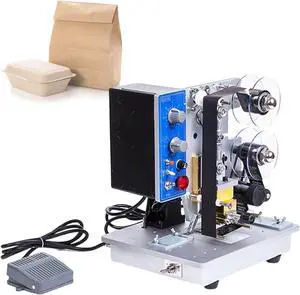
Quick View
Automatic Coding Machine,Electric Ribbon Printer,Hot Stamping Machine,for Marking Trademarks Date Codes Labels
- Model #: CHIPB0FCBQ2Z65
- $819.99 –
- Free Shipping
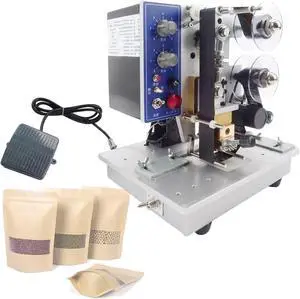
Quick View
Automatic Ribbon Coding Machine,Electric Thermal Foil Stamp Printer,for Various Plastic Composite Films,Printing Coding Hot Stamping Machine
- Model #: ENGEB0FCBP8C9K
- $811.99 –
- Free Shipping
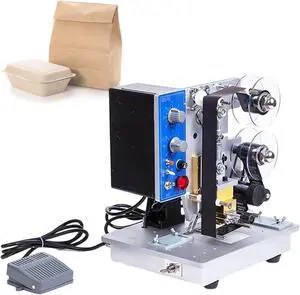
Quick View
Automatic Coding Machine,Electric Ribbon Printer,Hot Stamping Machine,for Marking Trademarks Date Codes Labels
- Model #: ENGEB0FCBQ2Z65
- $819.99 –
- Free Shipping
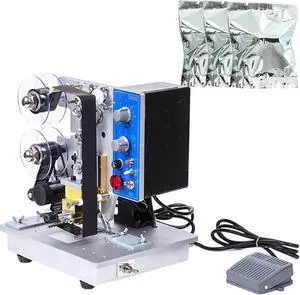
Quick View
Automatic Ribbon Coding Machine,Electric Date Label Printer with 6 Speed Settings for Hot Stamping on Plastic Bags
- Model #: CHIPB0FCBRMDMW
- $819.99 –
- Free Shipping
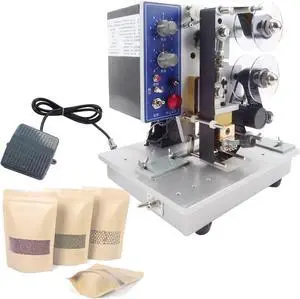
Quick View
Automatic Ribbon Coding Machine,Electric Thermal Foil Stamp Printer,for Various Plastic Composite Films,Printing Coding Hot Stamping Machine
- Model #: CHIPB0FCBP8C9K
- $811.99 –
- Free Shipping
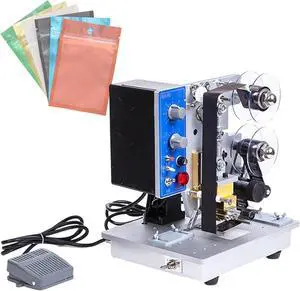
Quick View
Production Date Automatic Coding Machine,Electric Ribbon Code Printer,200 W for Hot Stamping Plastic Aluminum Foil Bags
- Model #: CHIPB0FCBPM1CT
- $819.99 –
- Free Shipping
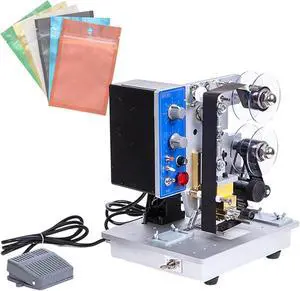
Quick View
Production Date Automatic Coding Machine,Electric Ribbon Code Printer,200 W for Hot Stamping Plastic Aluminum Foil Bags
- Model #: ENGEB0FCBPM1CT
- $819.99 –
- Free Shipping
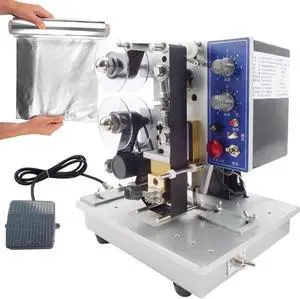
Quick View
Electric Plastic Bag Printing Coding Tool,Automatic Ribbon Coding Machine,Date Hot Stamping Equipment with Foot Switch
- Model #: ENGEB0FCBNJ1FT
- $815.99 –
- Free Shipping
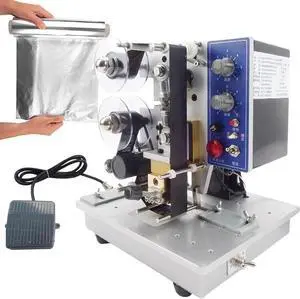
Quick View
Electric Plastic Bag Printing Coding Tool,Automatic Ribbon Coding Machine,Date Hot Stamping Equipment with Foot Switch
- Model #: CHIPB0FCBNJ1FT
- $815.99 –
- Free Shipping
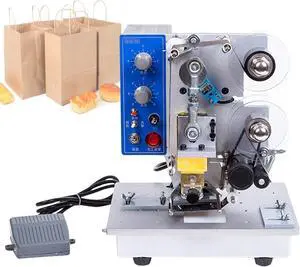
Quick View
Electric Thermal Ribbon Marking Machine,Automatic Ribbon Coding Machine,Commercial Monochrome Thermal Printer Desktop,for Plastic Bag Printing Hot Foil Coding
- Model #: ENGEB0FCBMTL4F
- $815.99 –
- Free Shipping
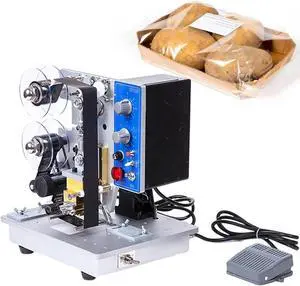
Quick View
Automatic Ribbon Coding Machine,Electric Ribbon Coding Printer Machine,with Stable Base,Date Code Heat Stamping Printing Device,for Labels Stickers Cartons
- Model #: CHIPB0FCBNZVVB
- $815.99 –
- Free Shipping
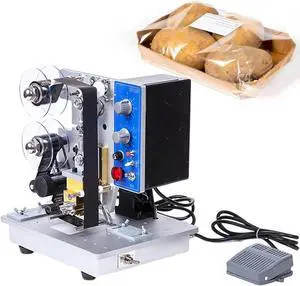
Quick View
Automatic Ribbon Coding Machine,Electric Ribbon Coding Printer Machine,with Stable Base,Date Code Heat Stamping Printing Device,for Labels Stickers Cartons
- Model #: ENGEB0FCBNZVVB
- $815.99 –
- Free Shipping
Quick View
Automatic Ribbon Coding Machine,Electric Ribbon Coding Printer Machine,Date Code Heat Stamping Printing Device,for Labels Stickers Cartons and Other Soft Materials
- Model #: ENGEB0FCBFBQTN
- $815.99 –
- Free Shipping
Quick View
Electric Ribbon Code Printer,Electric Plastic Bag Printing Coding Tool,200 W Production Date Automatic Coding Machine,0-200 6 Gear Temperature Adjustment
- Model #: ENGEB0FCBMY6CC
- $815.99 –
- Free Shipping
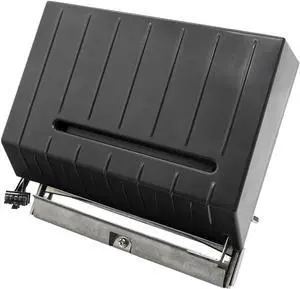
Quick View
ZT510 Cutter Assembly for Zebra ZT510 Thermal Label Printer, P/N:P1083347-020
- Model #: CHIDB0CM65FP9T
- $898.99 –
- Free Shipping
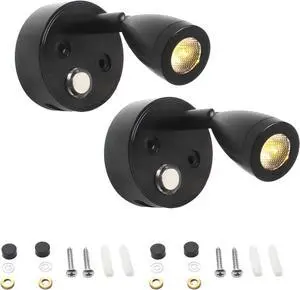
Quick View
Dual 12V Led Reading Lights With Usb Port, Adjustable Touch Control, 350° Rotating Arm, 3-Color Dimmable For Rv, Boat
- Model #: DEEUB0FH4RQ965
- $97.99 –
- Free Shipping
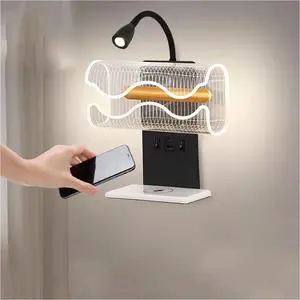
Quick View
Rotating LED Bedside Lamp with Warm Light, Wireless Phone Charging, Reading Light Function
- Model #: DEEUB0GT61RRG2
- $184.99 –
- Free Shipping
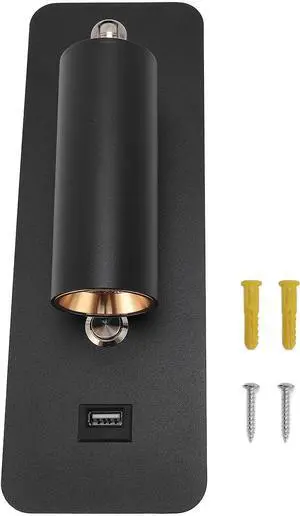
Quick View
LED Wall Mounted Reading Light with USB Port, Hardwired Wall Lamp for Bedside and Living Room, 4000K Neutral Light, 350° Rotatable Headboard Sconce with 5V 2A Charger
- Model #: DEEUB0GJNRFCJG
- $96.99 –
- Free Shipping
Quick View
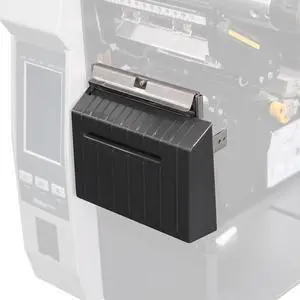
ZT610 Cutter Assembly for Zebra ZT610 ZT610R Thermal Printer 203/300dpi, P/N:P1083320-118
- Model #: DARKB0DPYPC7PT
- $898.99 –
- More options from $898.79
- Free Shipping
Quick View
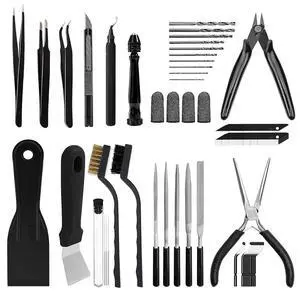
62pcs 3D Printer Tools, 3D Print Accessories Kit Includes Nozzle Cleaning Kit, Deburring Tools, Removal Tools, Needle Files, Brushes, Cutters, Craft Knife, Tweezers, Drills for 3D Prints Finishing
- Brand: Creality
- Part Number: new-black-62pcs
- Type: Filament
- Compatible System: 62 Pcs
- Model #: 150784352838
- $39.99 –
- Free Shipping
Quick View
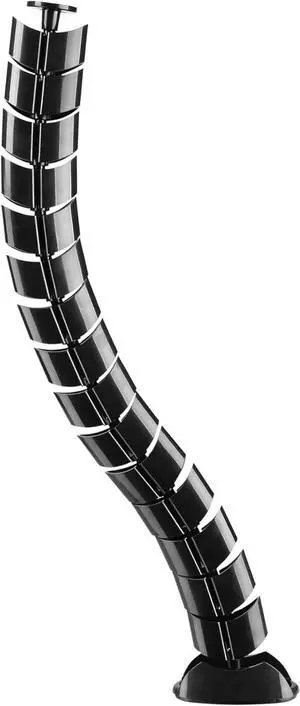
Equip 650861 Double Channel Cable Management Spine, Black
- Model #: DEEUB0CPM5BFHF
- $89.99 –
- Free Shipping
Quick View
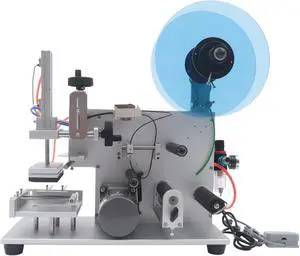
Semi-Automatic Labeling Machine Adjustable Labeler Label Applicator Machine PLC Semi-Automatic Round Bottle Labeling Machine for Cosmetic, Beverage, Food, Food
- Model #: CHIDB0D5HNY1JH
- $1,350.99 –
- Free Shipping
Quick View
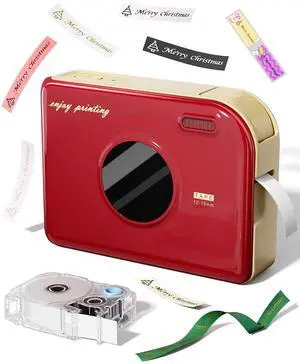
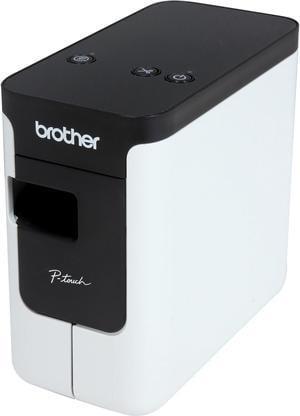
Brother P-touch PT-P700 PC-Connectable Label Printer for PC and Mac, Thermal Transfer, 180 x 360 dpi, 30mm./sec, Up to 4 Print Lines, Auto Cutter, Barcode Printing, USB
- Printer Type: Desktop
- Fonts Included: Fonts: TrueType Font Sizes: Scalable
- Barcode Type: CODE39, UPC-A, UPC-E, ITF (1-2/5), EAN-8, EAN-13, GS1-128 (UCC/EAN-128), CODE128, CODABAR, POSTNET, GS1 DataBar (RSS), QR Code, PDF417, Data Matrix, Laser Bar Code, ISBN-2 (EAN13 AddOn2), ISBN-5 (EAN13 AddOn5), Micro QR Code, MaxiCode, GS-1 Composite, AztecCode
- Cutter: Auto-Cutter
- Model #: PTP700
- $94.99 –
- More options from $94.99 - $122.20
- Free Shipping
Quick View
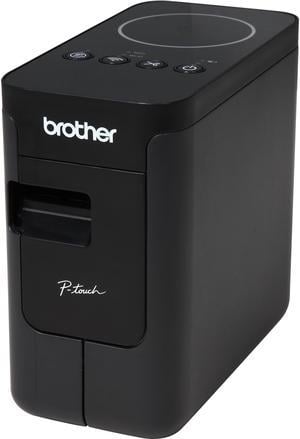
Brother PT-P750W Compact Label Maker with Wireless Printing
- Printer Type: Desktop
- Fonts Included: True Type
- Cutter: Auto-Cutter
- Media Type: Tape: Laminated, Standard Laminated, Flexible ID, Extra Strength Adhesive, Iron-on Fabric, Acid Free, Tamper Evident
- Model #: PTP750W
- $154.99 –
- More options from $129.99 - $169.05
- Free Shipping
Quick View
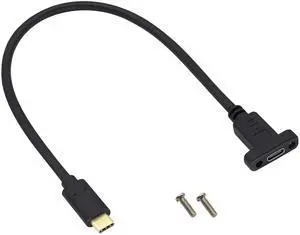
BUCIER USB Type C 3.1Panel Mount Adapter Cable USB-C 3.1 Gen2 10Gbps Male to USB C Female Panel Mount Screw Cable,Supports Charging,Data,Audio,Video Cable for Laptop,Tablet,Mobile Phone(0.3M/1ft)
- Brand: AAOTOKK
- Connector Type: USB Type C
- Color: 0.3M/1ft
- Connector Detail: USB Type C
- Model #: B392

Quick View
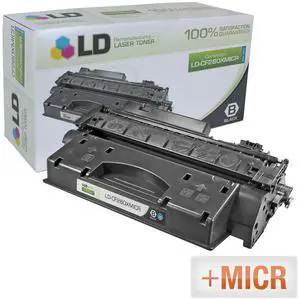
LD © Compatible Replacement for Hewlett Packard CF280X (HP 80X) HY Black MICR Toner Cartridge for HP LaserJet Pro 400 M401n, 400 M401dn, 400 M401dw, 400 MFP M425dn, & 400 M401dne
- Compatible Products: MICR toners are specifically designed for printing professional checks, made possible by a special iron in the toner that allows the check to be detected and passed through a banks scanning system
- Type: 3224
- Model #: CF280XMICR
Quick View
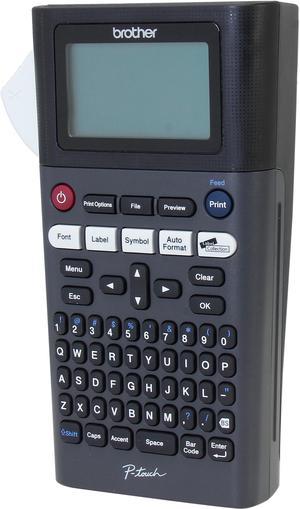
brother P-touch PT-H300 20mm/sec 180 dpi Label Printer
- Printer Type: Mobile
- Memory: 30 MB
- Fonts Included: Font Sizes: Small, Medium, Large, Extra Large Number of Font Styles: 14 Font Styles: Normal, Italic Solid, Bold, Outline, Shadow, Italic, Italic Bold, Italic Outline, Italic Shadow, Solid Fonts: Helsinki, Brussels, US, Florida, Belgium, San Diego, Los Angeles, Calgary, Adams, Atlanta, Brunei, Germany, Sofia, Letter Gothic
- Barcode Type: 9 kinds: CODE39, ITF 2/5, EAN13, EAN8, UPC-A, UPC-E, CODABAR, GS1-128(UCC/EAN128), CODE128
- Model #: PTH300
Quick View
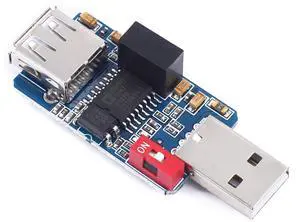
BUCIER ADUM3160 Module USB to USB Isolator Board Protection Isolation 1500V with USB 2.0
- Brand: Teyleten Robot
- Apple Compatible: Mobile Phones
- Construction: iron
- Model #: B842
Quick View
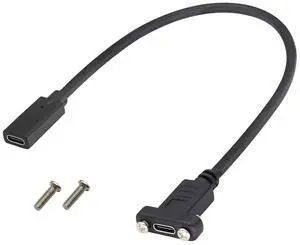
BUCIER 3.1Type C to USB C Panel Mount Screw Cable Gen 2 (3A) USB 3.1 Type C Female to Female Panel Mount Cable, Supports Charging,Data,Audio,Video Cable for Laptop,Tablet,Mobile Phone(0.3M/1ft)
- Brand: AAOTOKK
- Connector Type: USB Type C
- Color: 0.3M/1ft
- Connector Detail: USB Type C
- Model #: B512
Quick View
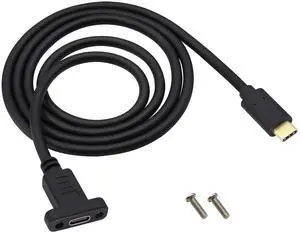
BUCIER USB 3.1 Type C Panel Mount Extension Adapter Cable Gen 2 USB Type C 3.1 Female Panel Mount to Male Cable,Supports Charging,Data,Audio,Video Cable for Samsung Note10,MacBook Air(1M/3ft)
- Brand: AAOTOKK
- Connector Type: USB Type C
- Color: 1M/3ft
- Connector Detail: USB Type C
- Model #: B606
Quick View
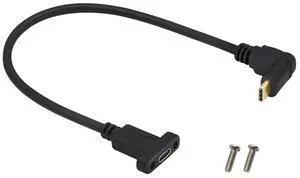
BUCIER Up&Down Angle 3.1Type C Gen 2 Cable (3A) 90 Degree USB 3.1 Type C Male to Female Panel Mount Screw Cable, Supports Charging,Data,Audio,Video Cable for Laptop,Tablet,Mobile Phone(0.3M/1ft)
- Cable Length: 1 ft
- Brand: AAOTOKK
- Connector Type: USB Type C
- Color: 0.3M/1ft
- Model #: B607
Quick View
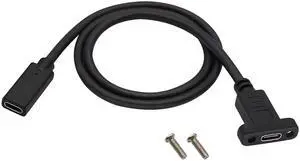
BUCIER Panel Mount USB C 3.1 Extension Cable 4K&60hz 10Gbps USB Type C 3.1 Female Panel Mount Screw Cable,Supports Charging,Data,Audio,Video Cable Compatible Samsung S10 S9 S9+ S8,MacBook(0.6M/2ft)
- Brand: AAOTOKK
- Connector Type: USB Type C
- Color: 0.6M/2ft
- Connector Detail: USB Type C
- Model #: B630
Quick View
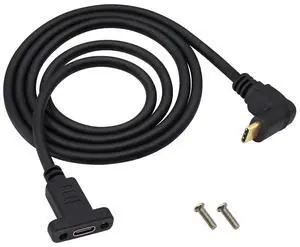
BUCIER90 Degree USB 3.1 Type C Panel Mount Cable Gen 2 Up&Down Angle Type C 3.1 Female Panel Mount to Male Cable,Supports Charging,Data,Audio,Video Cable for Samsung Note10,MacBook Air(1M/3ft)
- Brand: AAOTOKK
- Connector Type: USB Type C
- Color: 1M/3ft
- Connector Detail: USB Type C
- Model #: B609
Quick View
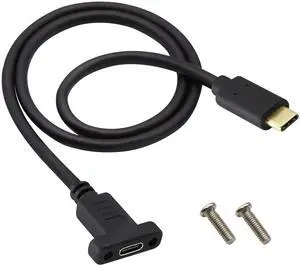
BUCIER Panel Mount Type C USB Extension Cable 4K&60hz 10Gbps USB 3.1Type C Male to Female Screw Panel Mount Cable,Supports Fast Charging,4K HD Vedio,Audio Transfer,Data Sync Extend Cord(0.6M/2ft)
- Brand: AAOTOKK
- Connector Type: USB Type C
- Color: 0.6M/2ft
- Connector Detail: USB Type C
- Model #: B419
Choosing the Right Printer for Your Office Needs
When it comes to office solutions, printers and scanners are essential tools for any business. Whether you need to print important documents, scan invoices, or create professional-quality marketing materials, having the right equipment is crucial. In this article, we will explore the different types of printers and scanners available in the market and provide tips on how to choose the best one for your office.
All-in-One Printers: Versatility and Convenience
all-in-one printers, also known as multifunction printers, are a popular choice for offices. These devices combine the functionality of a printer, scanner, copier, and sometimes even a fax machine into a single unit. They offer versatility and convenience, allowing you to perform multiple tasks without the need for separate devices. All-in-one printers are available in both inkjet and laser options, catering to different printing needs and budgets.
Specialized Printers for Specific Tasks
In addition to all-in-one printers, there are specialized printers designed for specific tasks. For example, 3D printers are ideal for creating prototypes or intricate models, while barcode and label printers are perfect for businesses that require efficient inventory management. laser printers are known for their fast printing speeds and high-quality output, making them suitable for offices with high-volume printing needs. inkjet printers, on the other hand, are more cost-effective and can produce vibrant color prints.
Choosing the Right Supplies
Once you have selected the right printer for your office, it is important to choose the right supplies to ensure optimal performance and longevity. When it comes to inkjet printers, using high-quality ink cartridges is essential to achieve the best print quality and prevent clogging. For laser printers, it is important to choose the right type of toner cartridges that are compatible with your printer model. Additionally, investing in high-quality paper can make a significant difference in the final print results.
FAQs: Common Questions about Printers and Scanners
| Q: How often should I replace the ink cartridges? | A: The frequency of replacing ink cartridges depends on your printing volume. However, it is recommended to replace them when the print quality starts to degrade. |
|---|---|
| Q: Can I use third-party ink cartridges with my printer? | A: While it is possible to use third-party ink cartridges, it is important to ensure compatibility with your printer model. Using incompatible cartridges may result in poor print quality or damage to the printer. |
| Q: How do I clean the scanner glass? | A: To clean the scanner glass, use a soft, lint-free cloth slightly dampened with glass cleaner. Gently wipe the glass surface to remove any smudges or debris. |
| Q: What is the difference between optical and interpolated resolution in scanners? | A: Optical resolution refers to the actual hardware resolution of the scanner, while interpolated resolution is achieved through software enhancements. Optical resolution provides more accurate and detailed scans. |
| Q: How can I improve the scanning speed? | A: To improve scanning speed, reduce the scanning resolution, use black and white mode instead of color, and ensure that the scanner is connected to a high-speed USB port. |