

Your Browsing History
- In Stock
- Sold by Newegg
- Make an Offer

Any questions? Our AI beta will help you find out quickly.
Try me now
Quick View
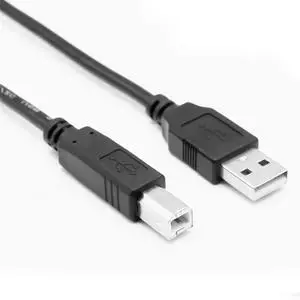
10ft Extra Long Basics USB-A to USB-B 2.0 Cable Replacement Arduino UNO Data Sync Cord for Blue Snowball MIC, Arduino Mega 2560 Rev 3 R3 Microcontroller Cord Microphone,Hard Drive, Printer
- Brand: Love your yy
- Type: USB
- Connector Type: Usb
- Color: Black
- Model #: 414516236616
- $20.93 –
- Free Shipping
Quick View
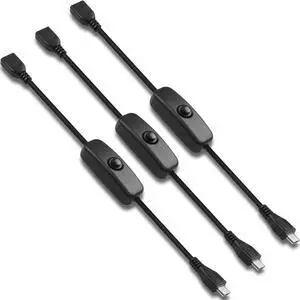
USB Male to Female Switch Charging Cable 5V 2A Short Extension Cord for Micro USB Devices
- Brand: HATMINI
- Type: USB
- Connector Type: Micro USB
- Color: Black
- Model #: 970535249520
- $19.99 –
- Free Shipping
Quick View
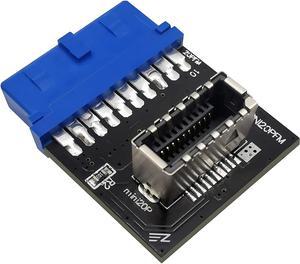
EZDIY-FAB USB 3.0 (3.1 Gen 2) Internal (19-Pin) Header to USB 3.1/3.2 Type-C (20-Pin) A-Key Front Panel Adapter
Limited time offer, ends 07/06
- Connector Type: Lighting Connector to USB A
- Model #: B084S7QKL1-YIXIN
- $19.99 –
- More options from $16.24 - $19.99
- Free Shipping
Quick View
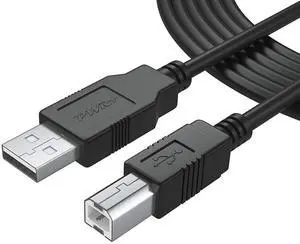
25Ft Extra Long USB-2.0 Cable Type-A to Type-B High Speed Cord for Audio Interface, Midi Keyboard, USB Microphone, Mixer, Speaker, Monitor, Strobe Light System, USB-Printer-Cable, Hp Canon Pixma Epson
- Cable Length: 25 ft
- Brand: PWR+
- Type: USB 2.0 Type-A to Type-B
- Connector Type: USB Type B
- Model #: 996616456778
- $23.99 –
- Free Shipping
Quick View
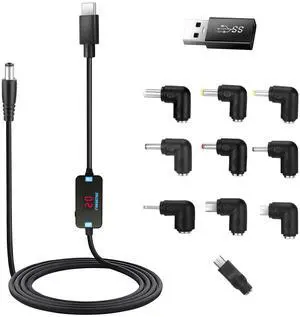
USB C to DC Adapter,Barrel PD Trigger Cable(3.3ft) with 10 Connector Tips,USB to DC Power Cable can Switch Voltage by Pressing The Key,Support LED Display Voltage
- Brand: FARSENSE
- Type: USB
- Connector Type: USB Type C
- Color: Black
- Model #: 470185767964
- $25.99 –
- Free Shipping
Quick View
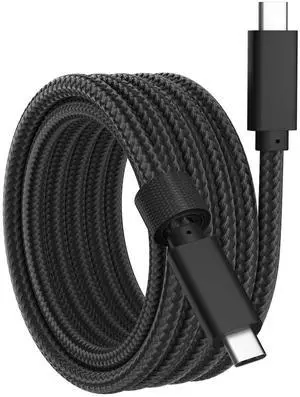
USB C Data Cable, USB C 3.2 Gen 2 Video Cable, 4K@60Hz Video Output, 20Gbps High Speed Data Transfer, 100W Fast Charging for AR Glasses, MacBook, Phone,Table, Portable Monitor(6.6ft)
- Brand: Gamorek
- Type: USB
- Connector Type: USB Type C
- Connector Number: 24
- Model #: 478611916790
- $32.99 –
- Free Shipping
Quick View
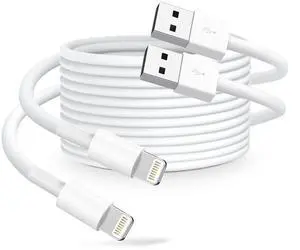
USB-A to Liightning Cable, 2-Pack 6FT (1.8M) White Durable Fast Charging & Sync Cord for Liightning Devices
- Brand: Durcord
- Type: USB
- Connector Type: USB Type A
- Connector Number: 12
- Model #: 774401403772
- $9.99 –
- Free Shipping
Quick View
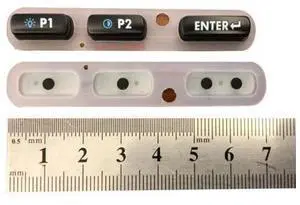
For WT4090, WT41N0 3-Key Rubber Keyboard Part Replacement, Bottom Keypad (P1, P2, Enter) Replacement for WT41N0
- Model #: barcod5381
- $108.10 –
- $15.00 Shipping
Quick View
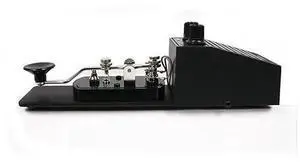
Enterprises Original 557 Deluxe Morse Code Practice Oscillator Straight Key wVolume Control
- Model #: barcod6349
- $94.71 –
- $15.00 Shipping
Quick View
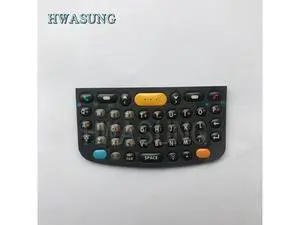
1 sets keys Keypad(QWERTY) for MC75 MC75A0 keyboard replacement
- Model #: barcod7548
- $148.99 –
- $15.00 Shipping
Quick View
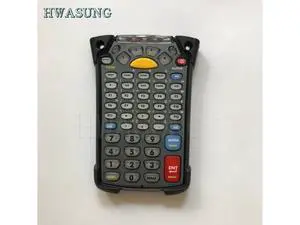
MC9090 MC9190 MC92N0 Keypad 53 Key for mc9090 mc9190 mc92N0 21-79512-02
- Model #: barcod3804
- $292.88 –
- $15.00 Shipping
Quick View
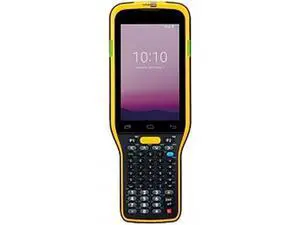
CIPHERLAB RK95 ANDROID 9 GMSAER IP65 WIFI BT 50 STND 2D IMAGER 4750 ENGINE VT 52 KEY 43 DISPLAY CAMERA 4GB RAM64 GB FLASH6000 MAH WPISTOL USB SNAP ON CHARGER
- Model #: barcod5350
- $280.00 –
- $15.00 Shipping
Quick View
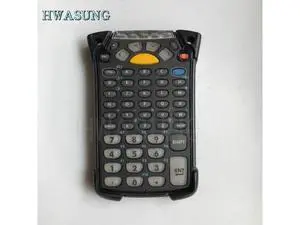
MC9090 MC9190 MC92N0 Keypad 53 Key Instead for 21-79512-02
- Model #: barcod2801
- $369.88 –
- $15.00 Shipping
Quick View
10ft Extra Long Basics USB-A to USB-B 2.0 Cable Replacement Arduino UNO Data Sync Cord for Blue Snowball MIC, Arduino Mega 2560 Rev 3 R3 Microcontroller Cord Microphone,Hard Drive, Printer
- Brand: Love your yy
- Type: USB
- Connector Type: Usb
- Color: Black
- Model #: 512676808089
- $19.99 –
- Free Shipping

Quick View
id technologies id-80110010-004 shuttle secure mobile magstripe reader, track 1 and 2, black
- Model #: barcod2096
- $61.49 –
- $15.00 Shipping
Quick View
- $82.70 –
- $15.00 Shipping
Quick View
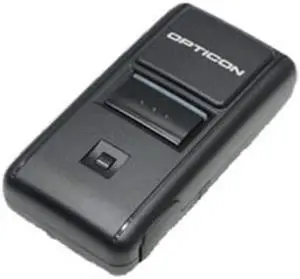
opticon compact laser barcode reader replacing opn2003 same as 2001
- Model #: barcod2410
- $114.75 –
- $15.00 Shipping

Quick View
61-Piece 3D Printer Tool Kit with Hard Case, Deburring Tool, Craft Knife, Hand Drill, Needle Files, Scrapers, Nozzle Cleaning Needles & PTFE Tube Cutter for FDM/SLA Printers
- Brand: Creality
- Part Number: PRINZ007
- Type: Filament
- Model #: 588043869855
- $52.99 –
- Free Shipping
Quick View
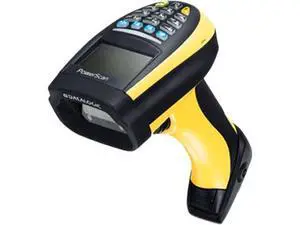
PowerScan PM9100 16-key Cordless Linear Imager with Display, 910 MHz - PM9100-DK910RB
- Model #: barcod1876
- $454.54 –
- $15.00 Shipping
Quick View
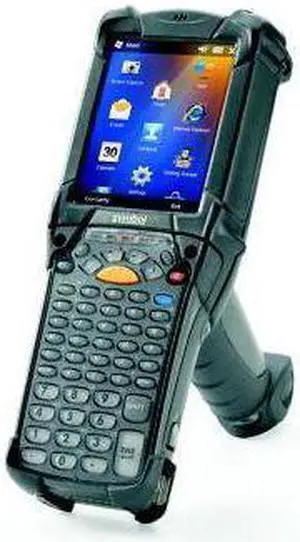
MC9200 Wireless Mobile Computer (802.11abgn, 2D LRI, 512MB2GB, 53-Key, WE6.5.x, Bluetooth)
- Model #: barcod7013
- $600.00 –
- $15.00 Shipping
Quick View
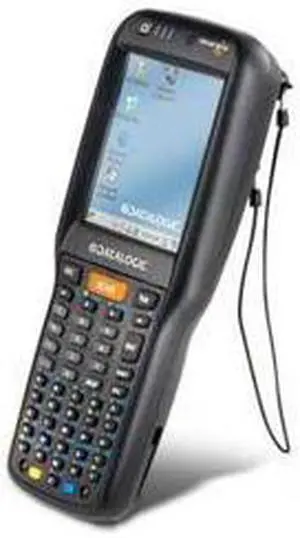
Scanning Skorpio X3 Mobile Computer WEHH 6.5 Hand Held 50-Key Full Alpha Standard Laser With Green Spot
- Model #: barcod2158
- $676.50 –
- $15.00 Shipping
Quick View
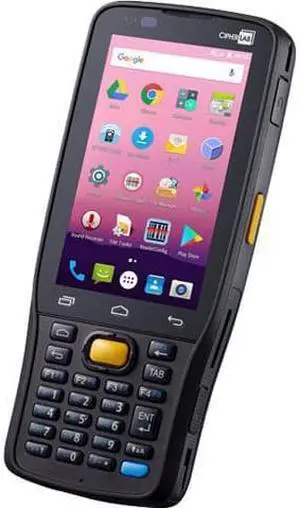
CIPHERLAB RK25 MOBILE COMPUTER ANDROID 70 GMS IP65 BTWIFINFC 2D IMAGER 4 IN WVGA DISPLAY AUTOFOCUS 8 MP CAMERA 28 KEY USB SNAP ON CHARGER KIT
- Model #: barcod1043
- $688.99 –
- $15.00 Shipping
Quick View
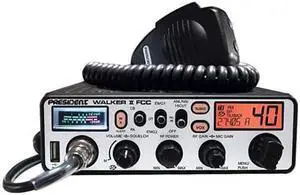
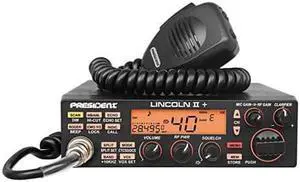
WALKER II FCC AM Transceiver CB Radio 40 Channels AM Channel Rotary Switch Volume Adjustment and ONOFF Manual Squelch and ASC Multifunctions LCD Display
- Model #: barcod6026
- $364.62 –
- $15.00 Shipping
Quick View
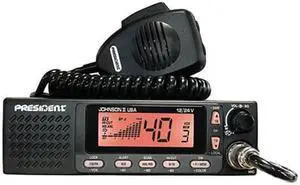
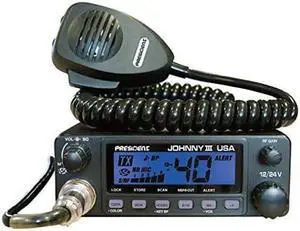
Johnny III USA 40 Channel CB Radio 12 or 24V Black
- Model #: barcod7291
- $109.54 –
- $15.00 Shipping
Quick View
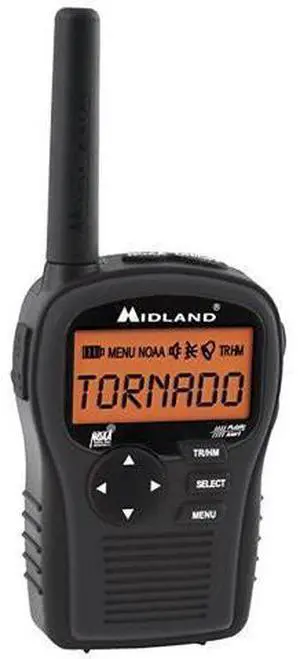
HH54VP Portable Emergency Weather Radio with SAME Black
- Model #: barcod4674
- $142.69 –
- $15.00 Shipping
Quick View
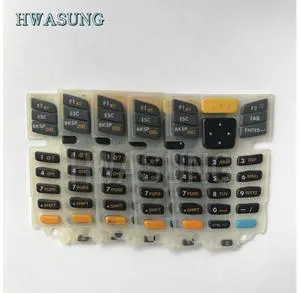
5pcs Keypad Replacement (27-Key) for MC2100, MC2180
- Model #: barcod5408
- $409.88 –
- $15.00 Shipping

Quick View
EVM MC2200 BRICK WLAN BLUETOOTH 2D IMAGER SE4100 40 DISPLAY 34 KEY 3500MAH BATTERY ANDROID GMS 2GB RAM16GB FLASH NORTH AMERICA US CA PR
- Model #: barcod1097
- $788.00 –
- $15.00 Shipping
Quick View
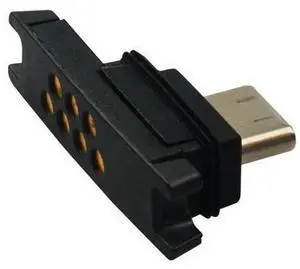
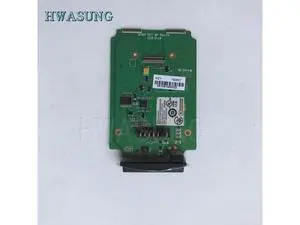
Keypad PCB (25-Key) Replacement for Dolphin 6100 pcb board
- Model #: barcod4049
- $489.99 –
- $15.00 Shipping
Quick View
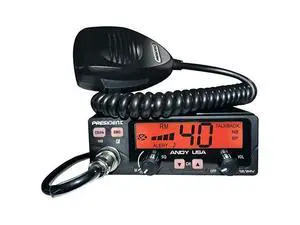
Andy AM USA 1224V with NOAA Weather Channels Alert
- Model #: barcod6215
- $87.98 –
- $15.00 Shipping
Quick View
- $1,998.99 –
- $15.00 Shipping
Choosing the Right Printer for Your Office Needs
When it comes to office solutions, printers and scanners are essential tools for any business. Whether you need to print important documents, scan invoices, or create professional-quality marketing materials, having the right equipment is crucial. In this article, we will explore the different types of printers and scanners available in the market and provide tips on how to choose the best one for your office.
All-in-One Printers: Versatility and Convenience
all-in-one printers, also known as multifunction printers, are a popular choice for offices. These devices combine the functionality of a printer, scanner, copier, and sometimes even a fax machine into a single unit. They offer versatility and convenience, allowing you to perform multiple tasks without the need for separate devices. All-in-one printers are available in both inkjet and laser options, catering to different printing needs and budgets.
Specialized Printers for Specific Tasks
In addition to all-in-one printers, there are specialized printers designed for specific tasks. For example, 3D printers are ideal for creating prototypes or intricate models, while barcode and label printers are perfect for businesses that require efficient inventory management. laser printers are known for their fast printing speeds and high-quality output, making them suitable for offices with high-volume printing needs. inkjet printers, on the other hand, are more cost-effective and can produce vibrant color prints.
Choosing the Right Supplies
Once you have selected the right printer for your office, it is important to choose the right supplies to ensure optimal performance and longevity. When it comes to inkjet printers, using high-quality ink cartridges is essential to achieve the best print quality and prevent clogging. For laser printers, it is important to choose the right type of toner cartridges that are compatible with your printer model. Additionally, investing in high-quality paper can make a significant difference in the final print results.
FAQs: Common Questions about Printers and Scanners
| Q: How often should I replace the ink cartridges? | A: The frequency of replacing ink cartridges depends on your printing volume. However, it is recommended to replace them when the print quality starts to degrade. |
|---|---|
| Q: Can I use third-party ink cartridges with my printer? | A: While it is possible to use third-party ink cartridges, it is important to ensure compatibility with your printer model. Using incompatible cartridges may result in poor print quality or damage to the printer. |
| Q: How do I clean the scanner glass? | A: To clean the scanner glass, use a soft, lint-free cloth slightly dampened with glass cleaner. Gently wipe the glass surface to remove any smudges or debris. |
| Q: What is the difference between optical and interpolated resolution in scanners? | A: Optical resolution refers to the actual hardware resolution of the scanner, while interpolated resolution is achieved through software enhancements. Optical resolution provides more accurate and detailed scans. |
| Q: How can I improve the scanning speed? | A: To improve scanning speed, reduce the scanning resolution, use black and white mode instead of color, and ensure that the scanner is connected to a high-speed USB port. |