

Your Browsing History
- In Stock
- Sold by Newegg
- Make an Offer
- New

Any questions? Our AI mode will help you find out quickly.
Try me now
Quick View
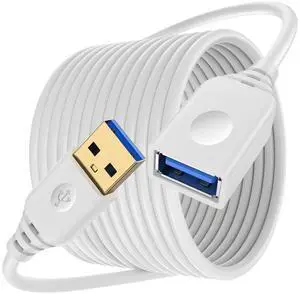
USB Extension Cable 10FT, 5Gbps Long USB Male to Female Extension Cable USB 3.0 Extender Cord High-Speed Data Transfer for Printer, Camera, Gamepad, Keyboard, Webcam, Xbox, Flash Drive, VR Headset
- Cable Length: 10
- Brand: Eusbote
- Type: Fiber Optic
- Connector Type: USB Type A
- Model #: B0FY6GVGQ367
- $13.18 –
- Free Shipping
Quick View
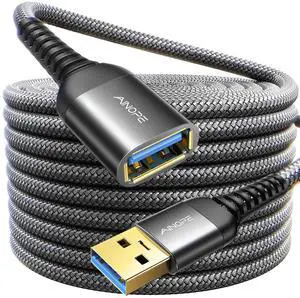
AINOPE USB Extension Cable,USB Extender,USB 3.0 Extension Cable, Male to Female Cord High Data Transfer Compatible with Webcam,Keyboard,Flash Drive,Hard Drive,Printer,6.6FT,Black
- Cable Length: 6.6 ft
- Brand: AINOPE
- Type: USB
- Connector Type: USB Type A
- Model #: B08HDBHGVR367
- $19.78 –
- Free Shipping
Quick View
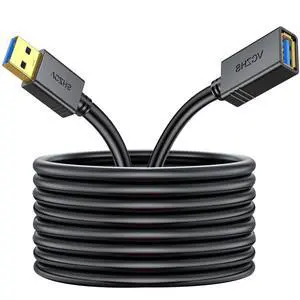
VCZHS Tech USB Extension Cable 6.6ft, USB 3.0 Extender for High-Speed Data Transfer & Fast Charging, Durable & Flexible for Mouse, Keyboard, Printer, Flash Drive, Webcam, and More
- Cable Length: 6 ft
- Brand: VCZHS Tech
- Type: Type-A
- Color: Black
- Model #: B076Z85RKR367
- $13.84 –
- Free Shipping
Quick View
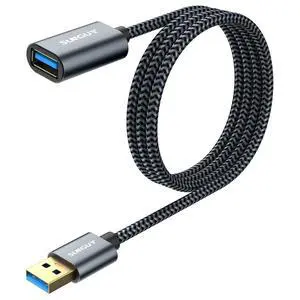
SUNGUY 5Gbps USB 3.0 Extension Cable, 3FT USB Extender, USB A Male to Female Cord, Braided High Data Transfer Compatible with Xbox, Hard Drive, Webcam, USB Keyboard, Mouse, Flash Drive, Oculus VR
- Cable Length: 3
- Brand: SUNGUY
- Type: USB A
- Connector Type: USB Type A
- Model #: B0B7NKBC5G367
- $17.83 –
- Free Shipping
Quick View
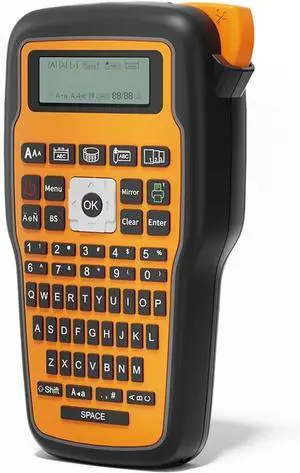
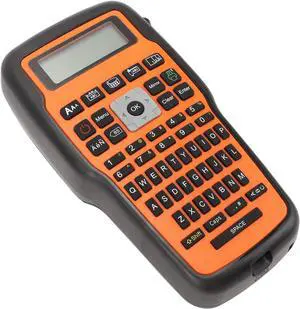
Label Printer, E1000 Handheld Portable Label Printer Industrial Maker Compatible QWERTY Keyboard Symbol(E1000Orange)
- Model #: HANZB0GT4TK8GH
- $182.99 –
- Free Shipping
Quick View
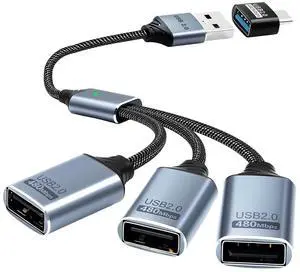
USB Splitter 1 to 3 with USB A to C Adapter, USB 2.0 Extension Cable 3 Port Hub for PC, MacBook, Laptop, Flash Drive, Keyboard 0.8FT/25cm-Grey
- Brand: Duttek
- Series: DUK-00957 Duttek
- Max Devices Supported: 4
- Ports: 1 x Type-A Upstream, 4 xType-A Downstream
- Model #: 472242650473
- $26.99 –
- Free Shipping
Quick View
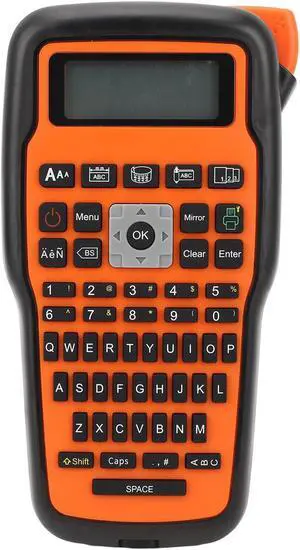
Portable Label Maker,Handheld Label Maker with Keyboard,Thermal Transfer Portable Label Printer,Labeler for Cable Can Toy and Commercial Labels
- Model #: HANZB0DHSW7533
- $115.99 –
- Free Shipping
Quick View
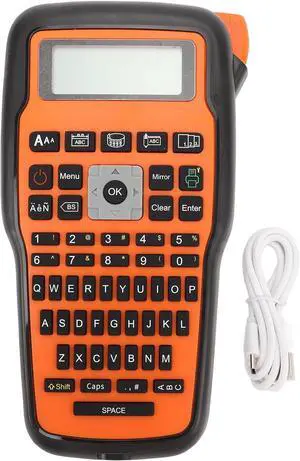
Industrial Label Maker,Handheld Label Printer with Keyboard Thermal Transfer,Portable Mini Label Maker for Cable Can Toy and Commercial Labels
- Model #: HANZB0DT8ZDTKP
- $149.99 –
- Free Shipping
Quick View
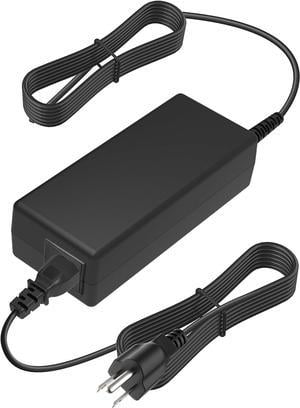
AC DC Adapter Compatible with DYMO XTL 500 XTL500 Label Maker Kit QWERTY Keyboard Industrial Labeling 1868815 Mains PSU
- Model #: HANZB0CFWGFDGW
- $75.99 –
- Free Shipping
Quick View
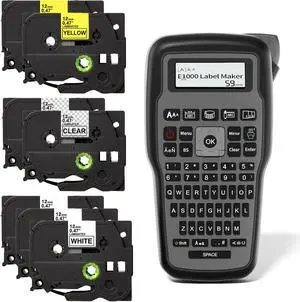
Electriduct E1000 Label Maker Thermal Transfer Portable Printer Handheld Labeler QWERTY Keyboard + 7 Tape Cartridges Black on White, Clear and Yellow
- Model #: HANZB0CW4QVBNR
- $116.99 –
- Free Shipping
Quick View
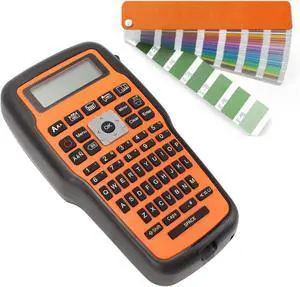
Mini Label Printer Portable Thermal Transfer Label Maker for Cable, Can, Toy, and Commercial Labels with Keyboard Ideal for Home, Office and Industrial Settings
- Model #: HANZB0DPMVJGFZ
- $115.99 –
- Free Shipping
Quick View
AYNEFY Handheld Label Printer, Intelligent Thermal Transfer Printing Technology Mini Label Printer Convenient to Use Quick and Efficient Labeling Label Maker with Keyboard
- Model #: HANZB0DGSRHDL6
- $116.99 –
- Free Shipping
Quick View
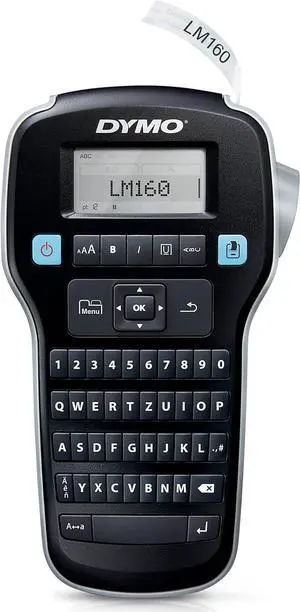
DYMO LabelManager 160 Portable Labelling Device, Labelling Device with QWERTZ Keyboard and Easy Text Editing, for D1 Labels in 6, 9 and 12 mm Widths
- Model #: HANWB0BLGSX8G2
- $122.99 –
- Free Shipping
Quick View
Portable Label Maker, Handheld Label Printer with Keyboard, Thermal Transfer Mini Label Maker for Cable Can Toy and Commercial Labels, Suitable for Home
- Model #: HANZB0DGHGSJ1T
- $116.99 –
- Free Shipping
Quick View
Pssopp Mini Label Maker, Lightweight and Portable Thermal Transfer Technology Easy to Use Handheld Label Printer with Keyboard for Office Small Business and Store
- Model #: HANZB0DG34WKVD
- $116.99 –
- Free Shipping
Quick View
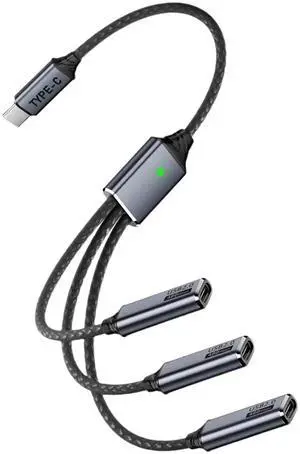
USB C Splitter 1 in 3 Out, Multi USB C Splitter Cable, Type C Male to 3 Female Nylon Braided Cable Support 480Mbps Transfer Data and Charging for Android Tablets, MacBook, Keyboards, 25cm
- Brand: Danfetsoy
- Type: USB
- Connector Type: Lighting Connector to USB A
- Color: Metallic
- Model #: 752237323354
- $28.99 –
- Free Shipping
Quick View
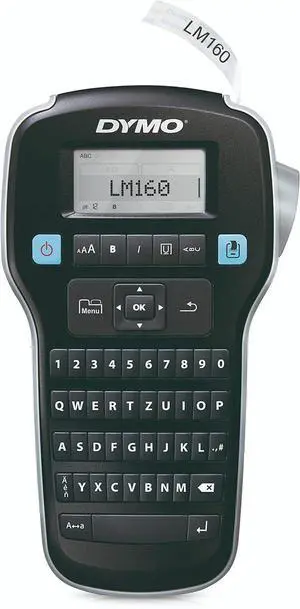
DYMO Label Maker LabelManager 160 Portable Label Maker, Easy-to-Use, One-Touch Smart Keys, QWERTY Keyboard, Large Display, for Home & Office Organization, Black
- Model #: HANWB005X9VZ70
- $81.99 –
- Free Shipping
Quick View
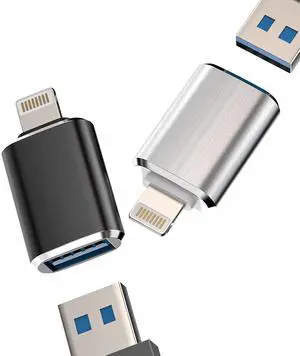
iPhone OTG Adapter(2Pack)USB Female to Lightning Male Dongle for 14 13 11 12 Pro Max Xr X Xs 8 7 Se Plus Camera Card Reader USB Flash Drive Mouse Keyboard Hub MIDI Piano Converter U Disk Apple iPadAir
- Brand: zoyuzan
- Type: USB-C to Lightning
- Connector Type: USB-A to Lightning
- Color: Metallic
- Model #: 154962864596
- $13.99 –
- Free Shipping
Quick View
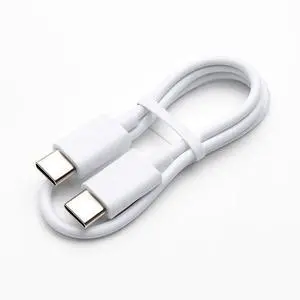
RAPIQUE Type C to Type C Charging Cable for Mouse, Keyboard and Compatible Devices
- Cable Length: 30
- Brand: RAPIQUE
- Type: Type-C
- Connector Type: USB Type C
- Model #: B0FF9MPFWQ367
- $12.58 –
- Free Shipping
Quick View
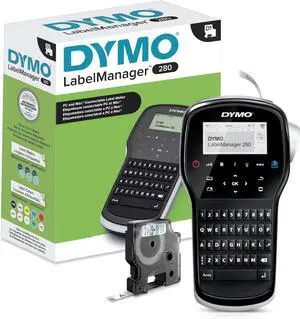
DYMO Label Maker LabelManager 280 Rechargeable Portable Label Maker Easy-to-Use One-Touch Smart Keys QWERTY Keyboard PC and Mac Connectivity For Home & Office Organization
- Model #: HANWB009NVTE5E
- $120.99 –
- Free Shipping
Quick View
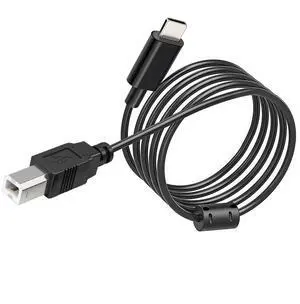
6ft USB B to USB C Printer Cable, Scanner Type-B to USB-C Adapter for MacBook Pro/Air/Laptop/Epson/HP/Canon/Yamaha/MIDI Keyboard/DJ Controller, Long Printer to Computer Cable for iPad/iPhone/Samsung
- Brand: BLRGLRN
- Type: USB
- Connector Type: USB Type C
- Connector Number: 4
- Model #: B0FJ1KTQV5367
- $18.88 –
- Free Shipping
Quick View
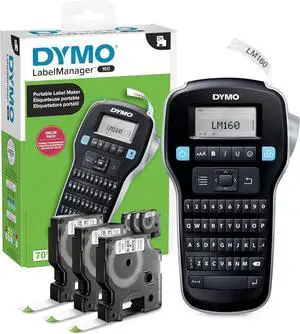
DYMO LabelManager 160 Label Maker Bundle with 3 D1 Label Cassettes, Portable Handheld, QWERTY Keyboard, One-Touch Smart Keys, Large Display, Home & Office Organization
- Model #: HANWB09BK3FVLZ
- $99.99 –
- Free Shipping
Quick View
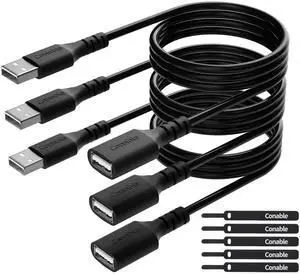
3 Pack USB Extension Cable 2 FT, Short USB 2.0 Type A Male to Female Extender Cord Adapter, Compatible with Printer, Keyboard, Mouse, Flash Drive, Hard Drive, Controller, Black Cable with 5 Cable Ties
- Cable Length: 2
- Brand: Conable
- Type: USB
- Connector Type: Usb 2.0
- Model #: B097Q99K1P367
- $19.78 –
- Free Shipping

Quick View
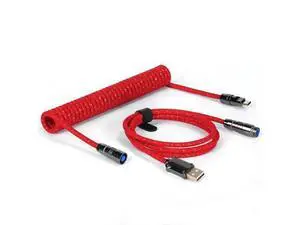
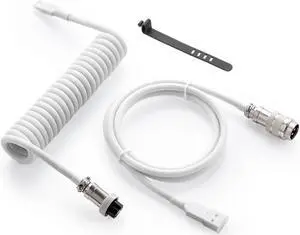
Pro Custom Coiled USB C Cable for Gaming Keyboard, Double-Sleeved Mechanical Keyboard Cable with Detachable Metal Aviator, 1.5M USB-C to USB-A, White
- Cable Length: 59.0 in
- Brand: GUNMJO
- Type: USB
- Connector Type: USB Type A
- Model #: 683480874589
- $34.99 –
- Free Shipping
Quick View
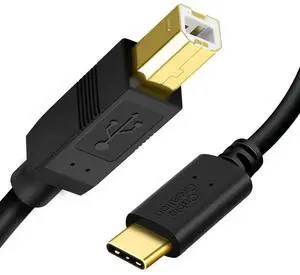
WRIARICH 2 Pack 10FT USB-C to USB-B Cable, Black Printer & MIDI Cord for MacBook, Scanner, MIDI Keyboard, Digital Piano and DJ Controller
- Model #: VASEF41A691176
- $45.19 –
- Free Shipping
Quick View
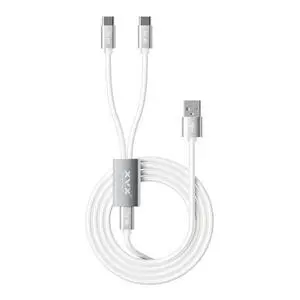
XVX Keyboard Cable, 2-in-1 USB C to USB A Cable for Mechanical Gaming Keyboard, LED Aviator Cable, with CNC Metal Connector for Custom Keyboards and 8K Mouse, 1.8M, White
- Brand: HITIME
- Type: USB
- Connector Type: USB C to USB A
- Color: White
- Model #: 441332473148
- $28.99 –
- Free Shipping
Quick View
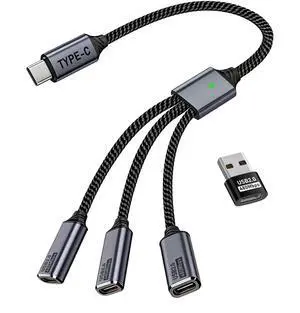
USB C Splitter 1 in 3 USB-C Out, USB Type C Splitter, USBC Male to Multi Type C Female Port Power Charging and Data Transfer Cable for Laptop Mac Flash Drive Keyboard Mouse
- Cable Length: 3
- Brand: MIXVIRGO
- Type: TYPE C
- Color: Black
- Model #: 713132942816
- $25.99 –
- Free Shipping
Quick View
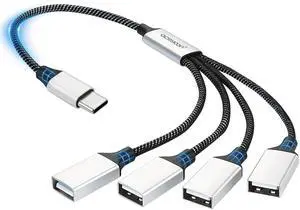
USBC Splitter 1 in 4 Out Durable Braided 5W Charging 1.6FT Type C Male to 4 USBA Female 2.0 Adapter OTG 480Mbps Transfer Multi Port USB-C Extension Cables for Phone, Tablet, Keyboard, Laptop
- Cable Length: 1 ft.
- Brand: aceyoon
- Type: USB
- Connector Type: USB Type C to USB Type C
- Model #: 571875578645
- $24.99 –
- Free Shipping
Quick View
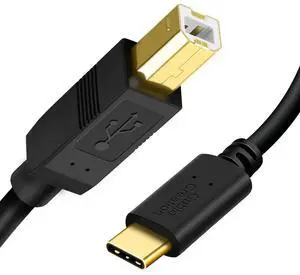
WRIARICH 2 Pack 10FT USB-C to USB-B Printer Cable, Black Data Cord for Printer, Scanner, MIDI Keyboard, Digital Piano & DJ Controller
- Model #: ESF4SW9128
- $44.29 –
- Free Shipping
Quick View
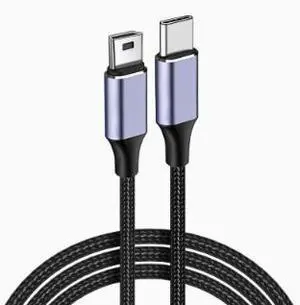
1M USB Type-C to Mini USB Cable, Type-C Male to Mini-B Data Charging Cable for MP3, MP4 Player, Drawing Tablet, Keyboard and Other Devices
Limited time offer, ends 08/16
- Model #: C26.8.5CXY-31
- $17.97 –
- Free Shipping
Choosing the Right Printer for Your Office Needs
When it comes to office solutions, printers and scanners are essential tools for any business. Whether you need to print important documents, scan invoices, or create professional-quality marketing materials, having the right equipment is crucial. In this article, we will explore the different types of printers and scanners available in the market and provide tips on how to choose the best one for your office.
All-in-One Printers: Versatility and Convenience
all-in-one printers, also known as multifunction printers, are a popular choice for offices. These devices combine the functionality of a printer, scanner, copier, and sometimes even a fax machine into a single unit. They offer versatility and convenience, allowing you to perform multiple tasks without the need for separate devices. All-in-one printers are available in both inkjet and laser options, catering to different printing needs and budgets.
Specialized Printers for Specific Tasks
In addition to all-in-one printers, there are specialized printers designed for specific tasks. For example, 3D printers are ideal for creating prototypes or intricate models, while barcode and label printers are perfect for businesses that require efficient inventory management. laser printers are known for their fast printing speeds and high-quality output, making them suitable for offices with high-volume printing needs. inkjet printers, on the other hand, are more cost-effective and can produce vibrant color prints.
Choosing the Right Supplies
Once you have selected the right printer for your office, it is important to choose the right supplies to ensure optimal performance and longevity. When it comes to inkjet printers, using high-quality ink cartridges is essential to achieve the best print quality and prevent clogging. For laser printers, it is important to choose the right type of toner cartridges that are compatible with your printer model. Additionally, investing in high-quality paper can make a significant difference in the final print results.
FAQs: Common Questions about Printers and Scanners
| Q: How often should I replace the ink cartridges? | A: The frequency of replacing ink cartridges depends on your printing volume. However, it is recommended to replace them when the print quality starts to degrade. |
|---|---|
| Q: Can I use third-party ink cartridges with my printer? | A: While it is possible to use third-party ink cartridges, it is important to ensure compatibility with your printer model. Using incompatible cartridges may result in poor print quality or damage to the printer. |
| Q: How do I clean the scanner glass? | A: To clean the scanner glass, use a soft, lint-free cloth slightly dampened with glass cleaner. Gently wipe the glass surface to remove any smudges or debris. |
| Q: What is the difference between optical and interpolated resolution in scanners? | A: Optical resolution refers to the actual hardware resolution of the scanner, while interpolated resolution is achieved through software enhancements. Optical resolution provides more accurate and detailed scans. |
| Q: How can I improve the scanning speed? | A: To improve scanning speed, reduce the scanning resolution, use black and white mode instead of color, and ensure that the scanner is connected to a high-speed USB port. |