• In Stock
  • Sold by Newegg
  • Make an Offer
  • New
Department
Show More
Brands
Show More
Price
Show More
Black Print Speed
Max. Duty Cycle
Series
Output Type
Connectivity Technology
Recommended Use
Duplex printing
USB Ports
LPT Ports
Network Ports
Sold by
All Top Brands
Availability
Condition
Current Promotion
Discount
Useful Links
Customer Ratings
avatar

Any questions? Our AI beta will help you find out quickly.

Sort By:
View:
Lexmark Maintenance Kit
Quick View
Lexmark Maintenance Kit
  • Product Type: Maintenance Kit
  • Color: Black
  • Model #: 41X2242
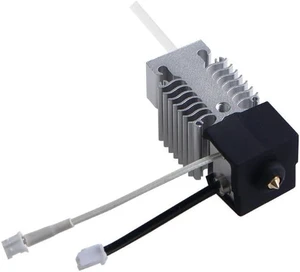
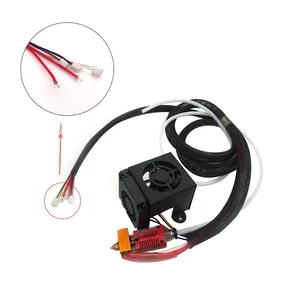
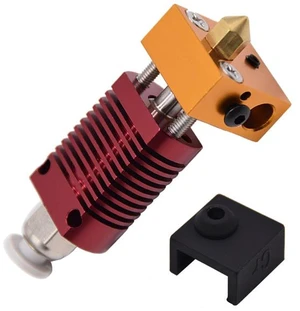
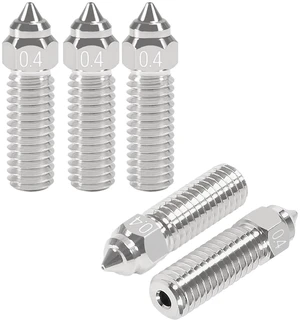
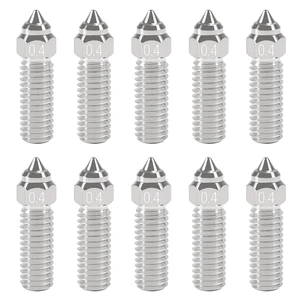
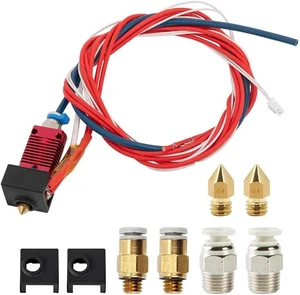
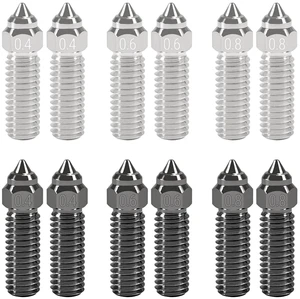
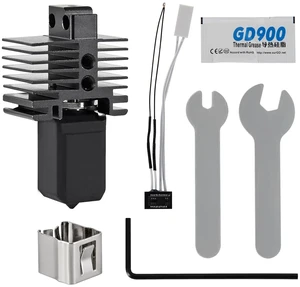
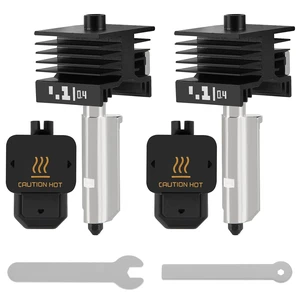
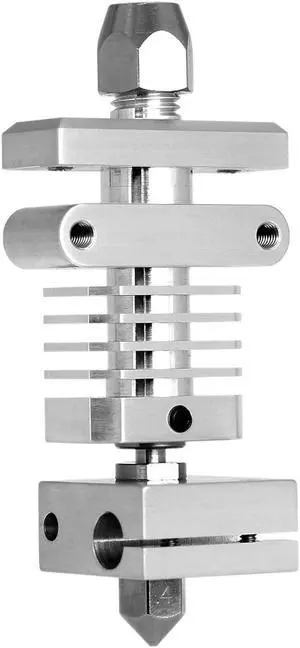
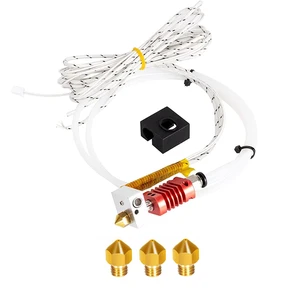
3D Printing Hotend  300°C Hardened Steel Nozzle End3 For Ender3/V-2/CR10(for KIT 3)
Quick View
  •  
  • $77.50 
  • Free Shipping
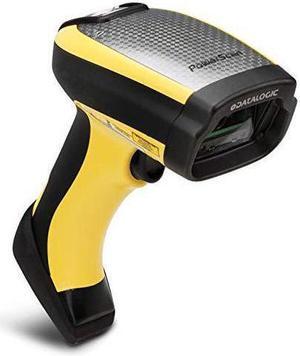
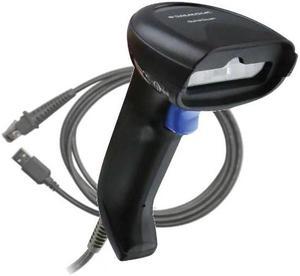
Datalogic - GBT4500-HCK10-BPOC - Datalogic Gryphon GBT4500 Handheld Barcode Scanner - Wireless Connectivity - 1D, 2D -
Quick View
Datalogic - GBT4500-HCK10-BPOC - Datalogic Gryphon GBT4500 Handheld Barcode Scanner - Wireless Connectivity - 1D, 2D -
  • Form Factor: Handheld
  • Connectivity: Cordless
  • Scan Engine: 2D
  • Interfaces Supported: Bluetooth
  • Model #: GBT4500-HCK10-BPOC
HP CLJ X677 Gray Color Panel Kit, 630C6A
Quick View
  •  
  • $111.87 
For Makerbase MKS Robin Nano V1.2 3D Printer Motherboard ESP32 MCU Control Board with TFT35 Touch Screen Kit
Quick View
  •  
  • $162.90 
  • Free Shipping
Xerox Foreign Interface Kit
Quick View
Xerox Foreign Interface Kit
  • Brand: XEROX
  • Product Type: Other Accessories
  • Model #: 097S05140
Axiom Maintenance Kit For Hp Laserjet 2400 Series # H3980-60001
Quick View
Axiom Maintenance Kit For Hp Laserjet 2400 Series # H3980-60001
  • Brand: Axiom
  • Product Type: Maintenance Kit
  • Weight: 6
  • Model #: H3980-60001-AX
  •  
  • $224.04 
  • Free Shipping
Fujitsu Scanaid Consumable Kit for Network Scanner N7100
Quick View
  •  
  • $112.04 
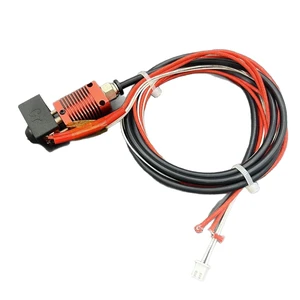
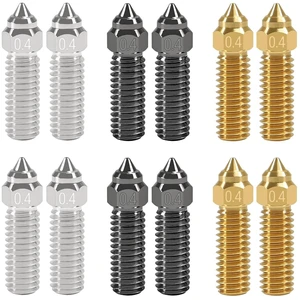
3D Printing Hotend  300°C Hardened Steel Nozzle End3 For Ender3/V-2/CR10(for KIT 1)
Quick View
  •  
  • $73.00 
  • Free Shipping
LEXMARK 41X2586 MS33X SVC Fuser, 115 V
Quick View
LEXMARK 41X2586 MS33X SVC Fuser, 115 V
  • Product Sort: Printer Accessories
  • Product Type: Fuser Kit
  • Compatibility: Lexmark MX431adn Lexmark MS431dw Lexmark MS431dn Lexmark MS331dn Lexmark MX431adw Lexmark B3442dw Lexmark B3340dw Lexmark MB3442adw Lexmark MB3442i Lexmark M1342 Lexmark XM1342
  • Model #: 41X2586
  • $128.59 - $137.14
Sharp MX503TU Transfer Roller Kit
Quick View
Sharp MX503TU Transfer Roller Kit
  • Product Sort: Printer Accessories
  • Product Type: Roller
  • Specifications: Estimated 200,000 pages Kit Includes: 1 x Transfer Roller 1 x Discharge Plate (Sawtooth) Fits these models: Sharp MX-M283N Sharp MX-M363N Sharp MX-M363U Sharp MX-M453N Sharp MX-M453U Sharp MX-M503N Sharp MX-M503U
  • Model #: MX503TU
Sticker Printer, PM290C Portable Mini Printer, Inkless Bluetooth Sticker Maker with 3 Rolls Paper, Impresora Portátil for Notes, DIY, Gift, Smart AI APP, Print Pod for Office/Home, Pink
Quick View
Sticker Printer, PM290C Portable Mini Printer, Inkless Bluetooth Sticker Maker with 3 Rolls Paper, Impresora Portátil for Notes, DIY, Gift, Smart AI APP, Print Pod for Office/Home, Pink
  • Brand: Honeywell
  • Part Number: PM290C
  • Print Technology: Direct Thermal
  • Ribbon Characteristics: thermal, Thermal
  • Model #: 516018785815
Sharp MXC31RT Genuine OEM Feed Roller Kit
Quick View
Sharp MXC31RT Genuine OEM Feed Roller Kit
  • Type: Roller
  • Model #: MXC31RT
  •  
  • $21.99 
  • $3.99 Shipping
Dell P4866 CMYK Imaging Drum Kit 3010cn/3100cn Color Laser Printer
Quick View
  •  
  • $59.99 
  • Free Shipping
Xerox 108R01470 Tray 1 Feed Roll Maintenance Kit
Quick View
Kyocera 1702T67US0 MK3172 Maintenance Kit for P305DN
Quick View
  • $262.63
  •  
  • $252.51 
  • $251.25 - $252.51
HGX-extruder Extruder Gear Kit Hardened Steel Upgrade Feed Gear Extruder Kit
Quick View
  •  
  • $52.80 
  • Free Shipping
Intex Pool Maintenance Kit
Quick View
Intex Pool Maintenance Kit
  • Product Type: Maintenance Kit
  • Model #: 28002E
  •  
  • $32.99 
AXIOM MAINTENANCE KIT FOR HP LASERJET 4000, 4050 - C4118-67903
Quick View
AXIOM MAINTENANCE KIT FOR HP LASERJET 4000, 4050 - C4118-67903
  • Color: N/A
  • Weight: 8
  • Model #: C4118-67903-AX
  •  
  • $179.06 
  • Free Shipping
Hewlett-Packard 875519-B21 BEZEL LOCK KIT
Quick View
  •  
  • $50.75 
  • Free Shipping
Honeywell 50177476-001 Print Head Kit 200DPI PX240S/PD45S
Quick View
Honeywell 50177476-001 Print Head Kit 200DPI PX240S/PD45S
  • Brand: Honeywell
  • Part Number: 50177476-001
  • Product Type: Computer Accessories
  • Model #: 50177476-001
  •  
  • $519.99 
  • Free Shipping
Brother PURA0001 Pick up Roller for ADS-2000, ADS-2500W
Quick View
Brother PURA0001 Pick up Roller for ADS-2000, ADS-2500W
  • Product Sort: Scanner Accessories
  • Product Type: Roller Exchange kit
  • Color: Black
  • Compatibility: SBP20KP
  • Model #: SBP20KP
Axiom Maintenance Kit For Hp Laserjet 4000 4050 # C4118-67909
Quick View
Axiom Maintenance Kit For Hp Laserjet 4000 4050 # C4118-67909
  • Brand: Axiom
  • Weight: 8
  • Model #: C4118-67909-AX
  •  
  • $179.06 
  • Free Shipping
Axiom Maintenance Kit For Hp Laserjet 4000 4050 # C4118-67902
Quick View
Axiom Maintenance Kit For Hp Laserjet 4000 4050 # C4118-67902
  • Brand: Axiom
  • Product Type: Printer Server
  • Weight: 8
  • Model #: C4118-67902-AX
  •  
  • $179.06 
  • Free Shipping
HP - 206X High-Yield Toner Cartridge - Yellow (W2112X)
Quick View
HP
HP - 206X High-Yield Toner Cartridge - Yellow (W2112X)
  • Product Type: Upgrade kits
  • Model #: W2112X-0

Choosing the Right Printer for Your Office Needs

When it comes to office solutions, printers and scanners are essential tools for any business. Whether you need to print important documents, scan invoices, or create professional-quality marketing materials, having the right equipment is crucial. In this article, we will explore the different types of printers and scanners available in the market and provide tips on how to choose the best one for your office.

All-in-One Printers: Versatility and Convenience

all-in-one printers, also known as multifunction printers, are a popular choice for offices. These devices combine the functionality of a printer, scanner, copier, and sometimes even a fax machine into a single unit. They offer versatility and convenience, allowing you to perform multiple tasks without the need for separate devices. All-in-one printers are available in both inkjet and laser options, catering to different printing needs and budgets.

Specialized Printers for Specific Tasks

In addition to all-in-one printers, there are specialized printers designed for specific tasks. For example, 3D printers are ideal for creating prototypes or intricate models, while barcode and label printers are perfect for businesses that require efficient inventory management. laser printers are known for their fast printing speeds and high-quality output, making them suitable for offices with high-volume printing needs. inkjet printers, on the other hand, are more cost-effective and can produce vibrant color prints.

Choosing the Right Supplies

Once you have selected the right printer for your office, it is important to choose the right supplies to ensure optimal performance and longevity. When it comes to inkjet printers, using high-quality ink cartridges is essential to achieve the best print quality and prevent clogging. For laser printers, it is important to choose the right type of toner cartridges that are compatible with your printer model. Additionally, investing in high-quality paper can make a significant difference in the final print results.

FAQs: Common Questions about Printers and Scanners

Q: How often should I replace the ink cartridges?A: The frequency of replacing ink cartridges depends on your printing volume. However, it is recommended to replace them when the print quality starts to degrade.
Q: Can I use third-party ink cartridges with my printer?A: While it is possible to use third-party ink cartridges, it is important to ensure compatibility with your printer model. Using incompatible cartridges may result in poor print quality or damage to the printer.
Q: How do I clean the scanner glass?A: To clean the scanner glass, use a soft, lint-free cloth slightly dampened with glass cleaner. Gently wipe the glass surface to remove any smudges or debris.
Q: What is the difference between optical and interpolated resolution in scanners?A: Optical resolution refers to the actual hardware resolution of the scanner, while interpolated resolution is achieved through software enhancements. Optical resolution provides more accurate and detailed scans.
Q: How can I improve the scanning speed?A: To improve scanning speed, reduce the scanning resolution, use black and white mode instead of color, and ensure that the scanner is connected to a high-speed USB port.