

Your Browsing History
- In Stock
- Sold by Newegg
- Make an Offer
- New

Any questions? Our AI mode will help you find out quickly.
Try me now
Quick View
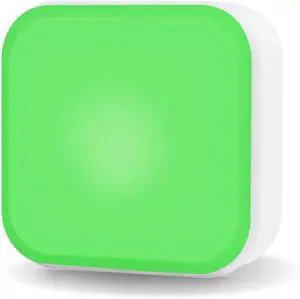
Cube 2 App-Free Standalone Busy Light for Offices LED Availability & Status Indicator Light for Working Space, Office and Meeting Rooms Simply Rotate to Change Colors
- Model #: DEEUB0DTJLM9C2
- $167.99 –
- Free Shipping
Quick View
#1 Best Seller
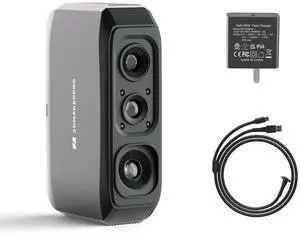
- Supported OS: Windows/Mac/Android/iOS
- Product Size/Dimensions: 115×70×35mm
- Software Compatibility: JMStuio
- Brand: 3DMakerpro
- Model #: Moose Lite Standard

Quick View
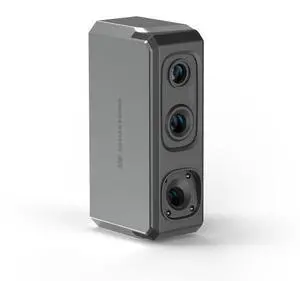
3DMakerpro Seal 3D Scanner, Blue Structured-light 3D Scanners for 3D Printing, Small-Format, Full Color Scanning
- Supported OS: Windows/Mac/Android/iOS
- Product Size/Dimensions: 110×60×35mm
- Software Compatibility: JMStuio
- Brand: 3DMakerpro
- Model #: Seal
Quick View
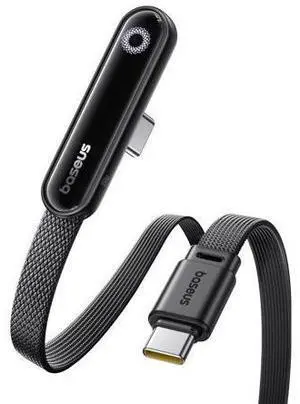
Baseus USB C Cable, 100W 5A Fast Charging Right Angle USB C to USB C Cable, Type C Charger Cord with Atmosphere Light for iPhone 16 15 Pro Plus Pro Max, Galaxy S24/S23, MacBook, iPad, (3.3ft)
Limited time offer, ends 08/30
- Model #: C75J*OYJ*G1*0720-215
- $25.76 –
- Free Shipping
Quick View
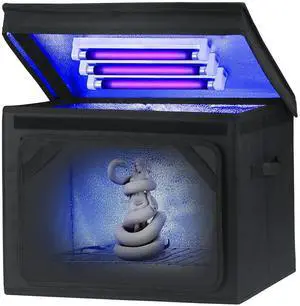
Resin Curing Light Lamp for 3D Printer Large Size Cure Light Box for Machine 3D Printer Led Light 365nm Solidify Photosensitive Resin, 36L/9.5gal, 6w Bulb x3
- Model #: AIWU444275511210
- $92.55 –
- Free Shipping
Quick View
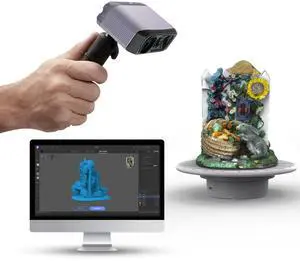
3DMakerpro 3D Scanner, NIR Light Technology, Ideal for Medium-size Object Scanning, Include Tripod and Tunrntable, Moose Lite Premuim Version
Limited time offer, ends 08/26
- Supported OS: Windows/Mac/Android/iOS
- Product Size/Dimensions: 115×70×35mm
- Software Compatibility: JMStuio
- Brand: 3DMakerpro
- Model #: Moose Lite Premuim
Quick View
Resin Curing Light Lamp for 3D Printer Large Size Cure Light Box for Machine 3D Printer Led Light 365nm Solidify Photosensitive Resin, 36L/9.5gal, 6w Bulb x3
- Model #: STARWELL426253761312Lan
- $93.98 –
- Free Shipping

Quick View
Rechargeable Headlamp, 8 LED Headlamp Flashlight 18000 Lumen 8 Modes with White Red Lights USB Cable, Waterproof Head Lamp for Outdoor Camping Cycling Running Fishing
- Model #: Tong409397173562miao
- $33.88 –
- Free Shipping
Quick View
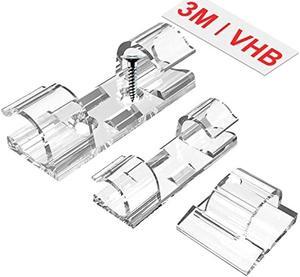
TidyHelper Outdoor Light Clips (Assorted Sizes, 60 PCS), Adhesive Cable Cord Organizer for Wall, Clear Wire Holder Electric Wires, PC Management Under Desk, Christmas LED M&L
- Connector Type: type
- Model #: 603904578710625
- $26.77 –
- More options from $25.94
- Free Shipping
Quick View
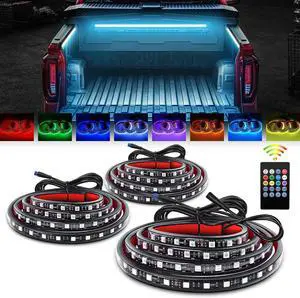
GOOACC RGB Truck Bed Light Strip 3PCS 60" 270 LEDs Neon Accent Lighting with RF Remote On/Off Switch Splitter Extension Cable for 12-Volt Car Cargo Pickup SUV RV Boat
- Model #: Tong409397162344miao
- $83.88 –
- Free Shipping
Quick View
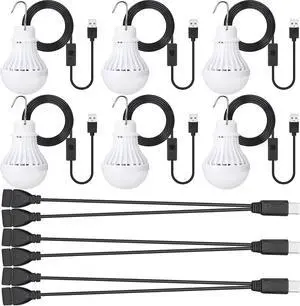
Funtery 6 Pcs USB LED Light Portable Light Bulb with USB Hanging Camping Light Splitter Cable for Camping Tent Garage Warehouse Car Truck Outdoor, 5W, 8.2ft
- Model #: Tong409397168940miao
- $61.88 –
- Free Shipping
Quick View
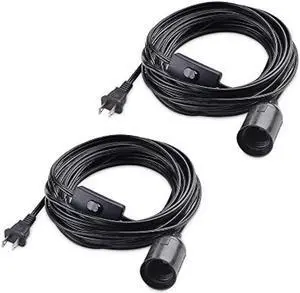
Cable Matters 2-Pack Hanging Light Cord with Switch 25 ft (Pendant Light Cord/Light Socket with Cord) in Black
- Connector Type: type
- Model #: 603904578651225
- $46.77 –
- More options from $37.98 - $46.77
- Free Shipping
Quick View
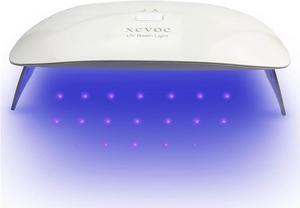
Large UV Light for Resin Curing Lamp,Teeth Gems,Screen Printing,UV Glue,Glass Windshield Repair,3D Printer UV Resin Fast Curing Lamp
- Model #: AIWU444275504892
- $35.55 –
- Free Shipping
Quick View
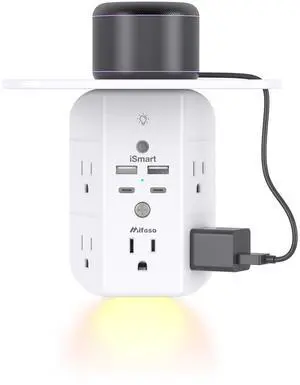
Wall Outlet Extender with Shelf and Night Light, Surge Protector, USB Wall Charger with 5 AC Outlets and 2 USB A Ports 2 USB C Ports Wide Space 3-Sided Power Strip Multi Plug Outlets
Limited time offer, ends 08/24
- Model #: 673760410225
- $37.99
- See price in cart
- More options from $26.99 - $42.99
- Free Shipping
Quick View
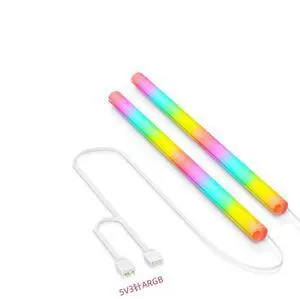
ARGB LED Tube Sleeve, 5V 3Pin RGB LED, 360° Panoramic Soft Light Water Cooling Tube with Programmable 16.8 Million Colors for PC Water Cooling System - 34.5cm
- Color: White
- Model #: ARGB-35
- $35.99
- See price in cart
- $1.99 Shipping
Quick View
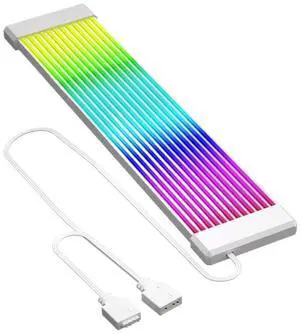
KUNSR Flexible RGB L*/ED Light Strip Bar ARGB Board Cover for Computer Power Supply ATX 24PIN GPU Video Card Cables and Case(X12 White)
- Model #: TOLKB0F8427PDL
- $67.99 –
- Free Shipping
Quick View
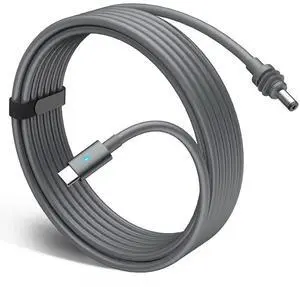
Mini USBC to DC Power Cable Compatible with Starlink Mini, 100W Waterproof Zinc Alloy Power Cord with Colorful Breathing Light (118.11 Inches)
- Model #: B3EN-S766
- $33.99 –
- Free Shipping
Quick View
ANGGREK Computer Screen Light, Monitor Light Bar LED 5 Color Temperatures USB Powered Aluminum Alloy 3 Brightness for Home Office (300SA5)
- Model #: DEEUB0GDZP635Q
- $72.99 –
- Free Shipping
Quick View
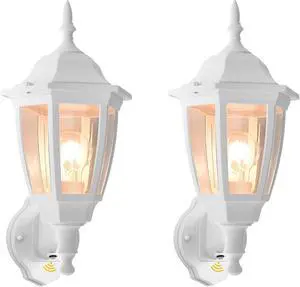
FUDESY Outdoor Wall Light Dusk to Dawn, Porch Sensor Light White Plastic Anti-Corrosion with LED Edison Filament Bulb, Exterior Mount Lantern for House, Garage (2-Pack)
- Model #: EQWER462277176473
- $118.88 –
- Free Shipping
Quick View
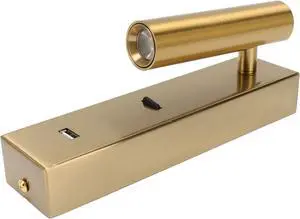
SUNGOOYUE Modern LED Wall Reading Light, Aluminum Alloy USB Rechargeable Wall Light with Adjustable Angle, 100 to 240V Warm for Bedroom Hotel Bedside Readers (White)
- Model #: DEEUB0H3M26P4N
- $81.99 –
- Free Shipping
Quick View
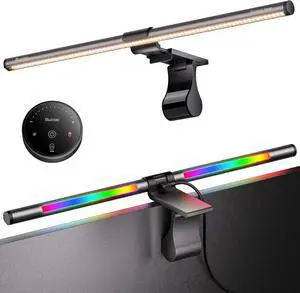
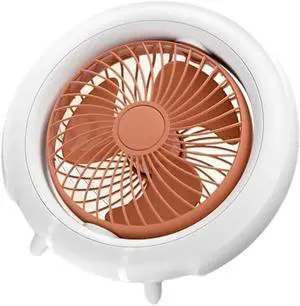
USB Rechargeable Desktop Fan with Night Light and 3 Speed Settings Outdoor Wall Mounted Small Fan for Bedroom Offices
- Model #: DEEUB0H35TB3SN
- $78.99 –
- Free Shipping

Quick View
USB Desktop Fan Portable Fan with Table Lamp 4 Speeds Quiet Desk Fan for Office Table Bedroom Kitchen
- Model #: DEEUB0DB5FM7GC
- $77.99 –
- Free Shipping
Quick View
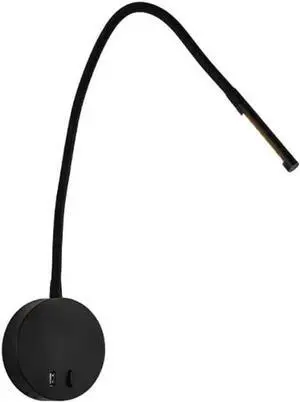
Minimalist 5V USB Wall Mounted Reading Light Adjustable Hose - Perfect for Bedroom, Office, and Hotels(Dark)
- Model #: DEEUB0H1MH9YDB
- $115.99 –
- Free Shipping
Quick View
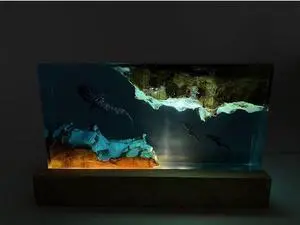
Whale Shark and Diver Resin Night Light Scuba Diving Deep Sea Exploration Wood Lamp Home Decoration Gift (8 * 5 inch)
- Model #: DEEUB0DYND8FP6
- $126.99 –
- Free Shipping
Quick View
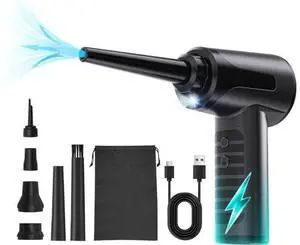
Electric Compressed Air Duster Rechargable Air Blower for Car 100000RPM Air Can Duster for Computer PC Mini Blower Cordless with Led Light Handheld Blower Keyboard Cleaner Black
Limited time offer, ends 08/30
- Model #: C75J*OYJ*0716-9
- $35.74 –
- Free Shipping
Quick View
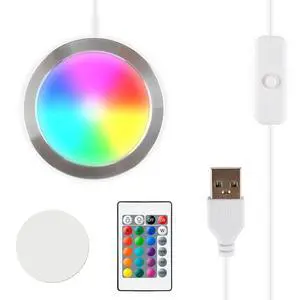
3D Printer LED Lamp Kit 001 Remote Contorl with RGB Color, Compatible with Bambu lab H2D/A1/A1mini/P1S/P1P/X1C Makerworld Maker's Supply Hardware kit 5V USB Powered, RGB Color
- Brand: Howarx
- Part Number: K-004D
- Compatible System: K-004D, Howarx LED Lamp Kit 001
- Specification: Howarx, K-004D, RGB Color, Light Emitting Diode, RGB color-changing, remote control, dynamic color switching, Corded Electric, 2
- Model #: 136125408130
- $20.99 –
- Free Shipping
Quick View
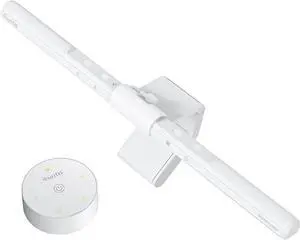
Resin Curing Light Lamp for 3D Printer Large Size Cure Light Box for Machine 3D Printer Led Light 365nm Solidify Photosensitive Resin, 36L/9.5gal, 6w Bulb x3
- Model #: EQWER462277177944
- $93.88 –
- Free Shipping

Quick View
Serial Cable Extension Adapter for Preston Light Ranger 2 MDR3 MDR4 Motor 4 Pin Male to 4 Pin Female 30cm
- Model #: GENXB0BK488LDX
- $70.99 –
- More options from $70.99 - $72.99
- Free Shipping
Choosing the Right Printer for Your Office Needs
When it comes to office solutions, printers and scanners are essential tools for any business. Whether you need to print important documents, scan invoices, or create professional-quality marketing materials, having the right equipment is crucial. In this article, we will explore the different types of printers and scanners available in the market and provide tips on how to choose the best one for your office.
All-in-One Printers: Versatility and Convenience
all-in-one printers, also known as multifunction printers, are a popular choice for offices. These devices combine the functionality of a printer, scanner, copier, and sometimes even a fax machine into a single unit. They offer versatility and convenience, allowing you to perform multiple tasks without the need for separate devices. All-in-one printers are available in both inkjet and laser options, catering to different printing needs and budgets.
Specialized Printers for Specific Tasks
In addition to all-in-one printers, there are specialized printers designed for specific tasks. For example, 3D printers are ideal for creating prototypes or intricate models, while barcode and label printers are perfect for businesses that require efficient inventory management. laser printers are known for their fast printing speeds and high-quality output, making them suitable for offices with high-volume printing needs. inkjet printers, on the other hand, are more cost-effective and can produce vibrant color prints.
Choosing the Right Supplies
Once you have selected the right printer for your office, it is important to choose the right supplies to ensure optimal performance and longevity. When it comes to inkjet printers, using high-quality ink cartridges is essential to achieve the best print quality and prevent clogging. For laser printers, it is important to choose the right type of toner cartridges that are compatible with your printer model. Additionally, investing in high-quality paper can make a significant difference in the final print results.
FAQs: Common Questions about Printers and Scanners
| Q: How often should I replace the ink cartridges? | A: The frequency of replacing ink cartridges depends on your printing volume. However, it is recommended to replace them when the print quality starts to degrade. |
|---|---|
| Q: Can I use third-party ink cartridges with my printer? | A: While it is possible to use third-party ink cartridges, it is important to ensure compatibility with your printer model. Using incompatible cartridges may result in poor print quality or damage to the printer. |
| Q: How do I clean the scanner glass? | A: To clean the scanner glass, use a soft, lint-free cloth slightly dampened with glass cleaner. Gently wipe the glass surface to remove any smudges or debris. |
| Q: What is the difference between optical and interpolated resolution in scanners? | A: Optical resolution refers to the actual hardware resolution of the scanner, while interpolated resolution is achieved through software enhancements. Optical resolution provides more accurate and detailed scans. |
| Q: How can I improve the scanning speed? | A: To improve scanning speed, reduce the scanning resolution, use black and white mode instead of color, and ensure that the scanner is connected to a high-speed USB port. |