
Your Browsing History
- In Stock
- Sold by Newegg
- Make an Offer
- New

Any questions? Our AI beta will help you find out quickly.
Try me now
Quick View
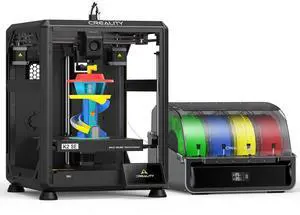
Creality K2 SE Combo 3D Printer, Support Multicolor Printing with CFS, 500mm/s High-Speed Printing, Auto Leveling, Vibration Control, Compact Desktop Upgrate 3D Printer, Print Size 220x215x245mm
Limited time offer, ends 02/24
- Model #: WC40E-0113.63
- $1,198.99 –
- Free Shipping
Quick View
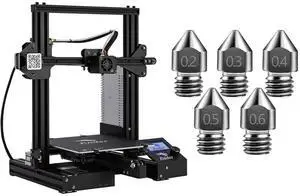
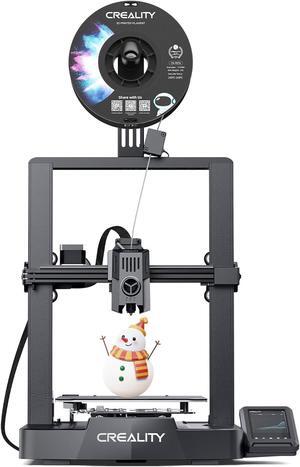
Creality Ender 3 3D Printer with Ender 3 Hardened Steel Nozzles 5 Packs
Limited time offer, ends 02/24
- Model #: WC40E-0113.81
- $298.99 –
- Free Shipping
Quick View
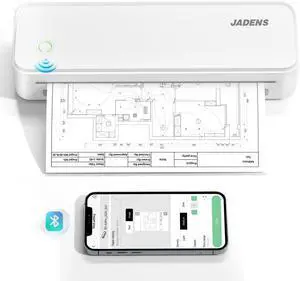
Portable Printers Wireless for Travel, Thermal Inkless Printer, Support 8.5" X 11" Thermal Paper, Compatible with iOS, Android & Laptop
- Brand: JADENS
- Part Number: PD-A4
- Power Requirements: true
- Other: PD-A4
- Model #: 819197987743
- $79.99 –
- Free Shipping
Quick View
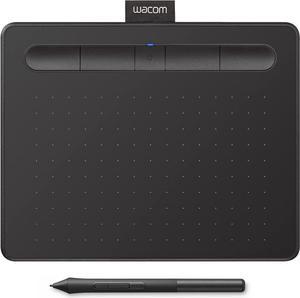
Wacom Intuos Small Bluetooth Graphics Drawing Tablet, 4 Customizable ExpressKeys, Portable for Teachers, Students and Creators, Compatible with Chromebook Mac OS Android and Windows - Black
Limited time offer, ends 02/24
- Model #: 6295441433508ASDFA502483
- $150.50 –
- More options from $150.50 - $151.51
- Free Shipping
Quick View
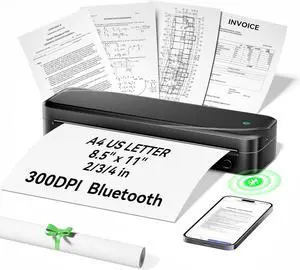
Portable Printers Wireless for Travel, Thermal Inkless Printer Support 8.5" X 11" US Letter & A4 Size, Bluetooth Mobile Printer Compatible with iOS, Android & Laptop for Home Office Car (Black)
Limited time offer, ends 02/24
- Model #: C43K-0202-6
- $88.69 –
- Free Shipping
Quick View
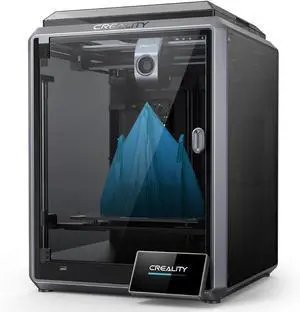
Creality K1 3D Printer with Auto Leveling 600mm/s Printing Speed 2000mm/s² Acceleration, 300 High-Temp 32mm³/s Flow Hotend Dual-Gear Direct Extruder Build Volume 8.66x8.66x9.84 inch
Limited time offer, ends 02/24
- Model #: C40E.011249
- $998.99 –
- Free Shipping
Quick View
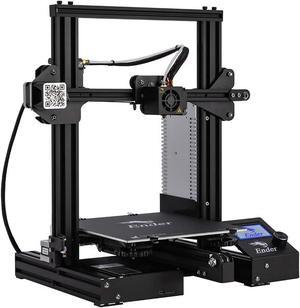
Official Creality Ender 3 3D Printer Fully Open Source with Resume Printing All Metal Frame FDM DIY Printers with Resume Printing Function 220x220x250mm
- Type: Other
- Model #: 6932031724393ASDFA538519

Quick View
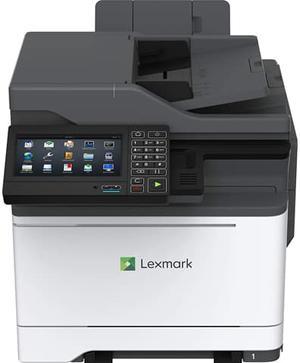
Used - Like New Lexmark Cx625ade Laser Multifunction Printer - Color
- Part Number: 42C7780
- Weight: 69
- Model #: 42C7780
- $699.99 –
- More options from $699.99 - $2,703.45
- Free Shipping
Quick View
- $5,800.00 –
- $220.00 Shipping
Quick View
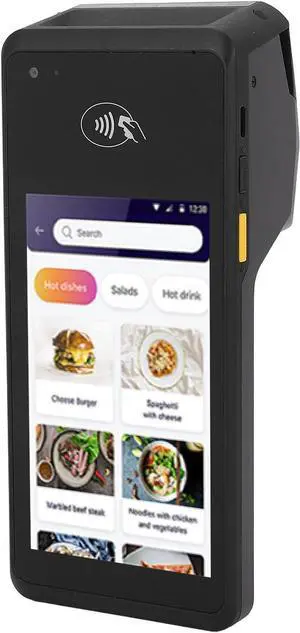
POS Receipt Printer 5.0 Screen Handheld 4G 1D 2D QR NFC Thermal Printer for Android 11 with 5.0MP Camera, 2 Band, BT, 5 inch Touch Screen, 58mm Print Speed 90mm s, Compact
- Model #: DARKB0DWNGBCKQ
- $296.99 –
- Free Shipping
Quick View
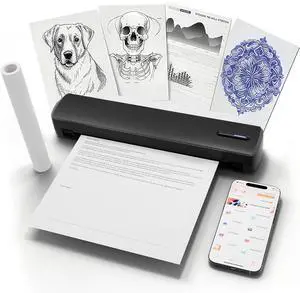
C80 Wireless Printer, Inkless Portable Printer for Travel, Supports A4 8.5 x 11 Inch Thermal Paper, Compatible with Phone & Laptop (Black)
- Model #: DARKB07B9W7FCH
- $126.99 –
- Free Shipping
Quick View
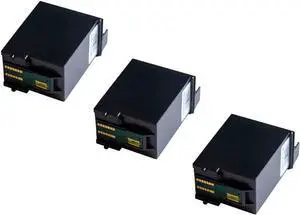
Ink Cartridges Replacement Latte Art Coffee Printer 3-Packed
- Model #: DARKB07Y2R762X
- $358.99 –
- Free Shipping
Quick View
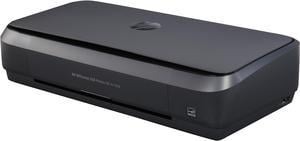
HP OfficeJet 250 (CZ992A) All-In-One Duplex Wireless Mobile Portable Color Inkjet Printer

- Recommended Use: MFC / All-In-One
- Black Print Speed: On AC: Up to 10 ppm (ISO) / Up to 20 ppm (Draft) On Battery: Up to 9 ppm (ISO) / Up to 18 ppm (Draft)
- Black Print Quality: Up to 1200 x 1200 rendered dpi (when printing from a computer)
- Cartridges Compatible: HP 62 Black Original Ink Cartridge HP 62 Tri-color Original Ink Cartridge HP 62XL High Yield Black Original Ink Cartridge HP 62XL High Yield Tri-color Original Ink Cartridge
- Model #: CZ992A#B1H
- $519.99
- $519.89 –
- More options from $489.89 - $519.99
Quick View
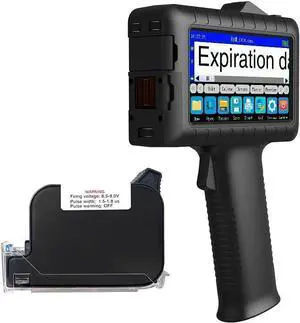
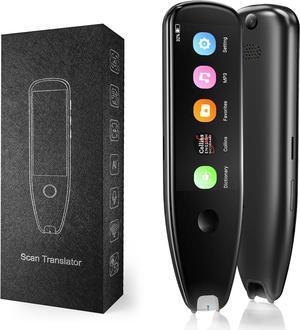
Faith Handheld Inkjet Printer with 0.5 Inch Print Height Portable Handheld Printer for Date, Batch Number, Code, Logo on Paper Wood Plastic Metal
- Model #: BAMB0F53WGP55
- $486.99 –
- Free Shipping
Quick View
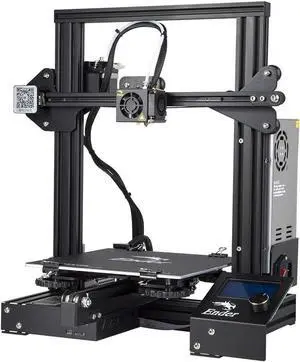
Official Creality Ender 3 3D Printer Fully Open Source with Resume Printing Function DIY Printers Build Volulme 8.66x8.66x9.84 inch
Limited time offer, ends 02/24
- Model #: C40E.011240
- $398.99 –
- Free Shipping
Quick View
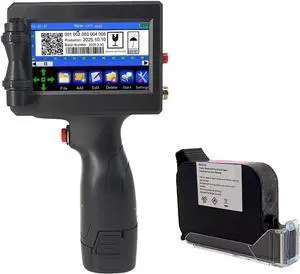
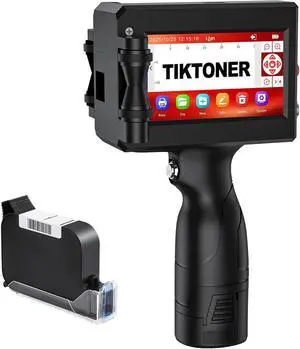
Handheld Inkjet Printer, Portable Handheld Printer Gun for Date, QR Code, Barcodes, Logos & Text Printing on Metal, Plastic, Wood, Glass, Paper
- Model #: DARJB0FSSDSRJF
- $227.99 –
- Free Shipping
Quick View
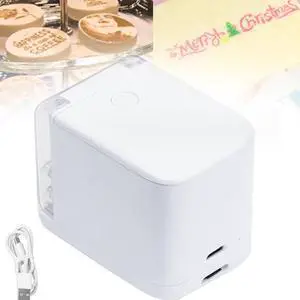
Handheld Cake Printer, Mini Food Printer, Food Grade Portable Printing Pen for Bread Coffee Gourmet Cooking
- Model #: DARKB0DCGC14BM
- $418.99 –
- Free Shipping

Quick View
JADENS Portable Printers Wireless for Travel, Thermal Inkless Printer, Support 8.5" X 11" Thermal Paper, Compatible with iOS, Android & Laptop
- Model #: DARKB0DCF8LX8K
- $90.99 –
- Free Shipping
Quick View
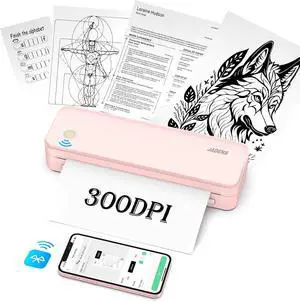
JADENS Portable Printers Wireless fot Travel, 300DPI Support 8.5''×11'' Thermal Paper, Inkless Printer for Laptop, Compatible with iOS, Android
- Model #: DARKB0CYLMG7FJ
- $126.99 –
- Free Shipping
Quick View
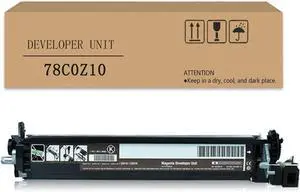
POYRAZ Developer Unit Compatible for Lexmark CS321 CS421 CS521 C5621 CX321 CX421 CX521 CX522 CX621 CX622 Printer,Developer Assembly Black
- Model #: DARKB0CSSYG3XY
- $205.99 –
- Free Shipping
Quick View
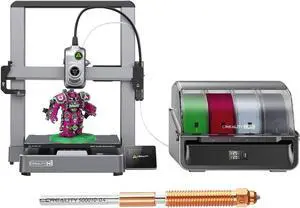
Creality Hi Combo (A) 3D Printer, Multi Color 3D Printing with CFS, 500mm/s Print Speed 95% Pre-Assemble, XY Step-Servo Motor and Auto Leveling Build Volume 10.24×10.24×11.81 inch
Limited time offer, ends 02/24
- Model #: C40E.011238
- $748.99 –
- Free Shipping
Quick View
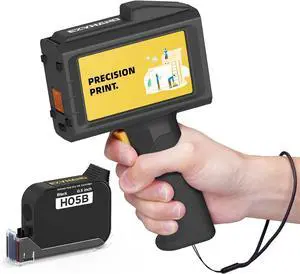
Handheld Inkjet Printer 0.5 Inches Print Height Weighs Only 390g for Batch Code Date Lot Number Print on Plastic Carton Wood Metal Glass Aluminum with 42ml Fast Dry Ink
- Model #: DARKB0FBW34S3H
- $304.99 –
- Free Shipping
Quick View
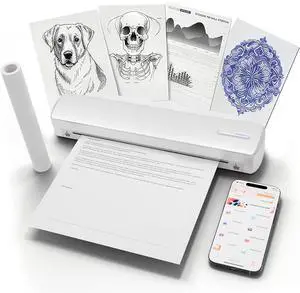
C80 Wireless Printer, Inkless Portable Printer for Travel, Supports A4 8.5 x 11 Inch Thermal Paper, Compatible with Phone & Laptop (White)
- Model #: DARKB0FL229LHL
- $126.99 –
- Free Shipping
Quick View
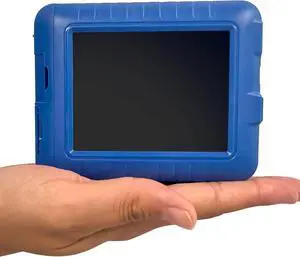
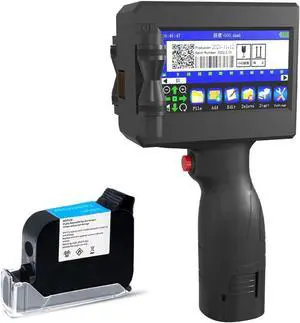
Faith 25 Languages Handheld Printer Portable Small Inkjet Coding Machine Production Date Mini Fast Dry Print Height12.7mm (Printer+1*Black Ink)
- Model #: DARKB0BQQD5LDL
- $445.99 –
- Free Shipping
Quick View
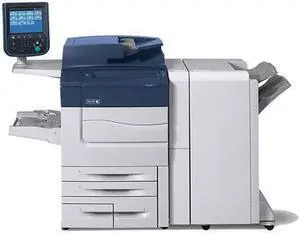
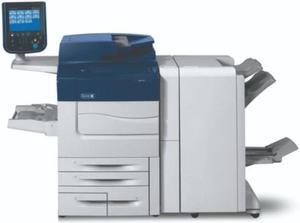
Refurbished Xerox Color C60 PRO with booklet maker finisher
- Model #: C60 Pro
- $5,000.00 –
- $220.00 Shipping
Quick View
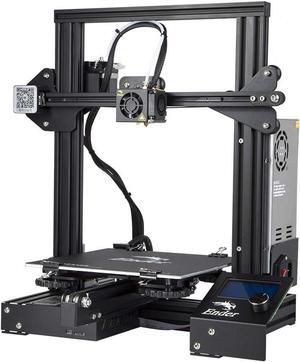
Creality Ender 3 3D Printer Fully Open Source with Resume Printing Function DIY Printers Build Volulme 8.66x8.66x9.84 inch
- Model #: SHOPRTMCNMAR3103
- $288.41 –
- More options from $288.39
- Free Shipping
Quick View
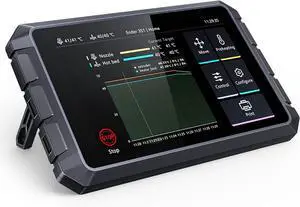
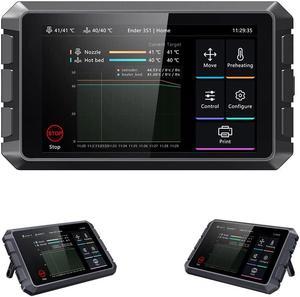
Creality Sonic Pad 7 Inch Touchscreen, Powered by Klipper Firmware for Increased 3D Printing Speed and Smart Control Perfect for Ender 3 V3 SE, Ender 3 Pro, Ender 3 V2, Ender 3 S1 Series 3D Printers
Limited time offer, ends 02/24
- Model #: C43K-0108-24
- $388.00 –
- Free Shipping
Quick View
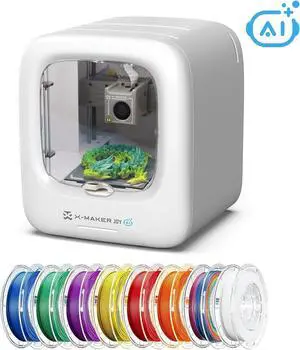
AI-Powered 3D Printer for Kids, 3D Printer with 8 PLA Filament Set, AI Design App, Huge Toy Library, Up to 400mm/s Faster Speed, W/ 16+ Mini 3D Design Module, App Control, X-Maker Joy AI+
Limited time offer, ends 02/24
- Model #: WC40E-0113.11
- $665.99 –
- Free Shipping
Quick View
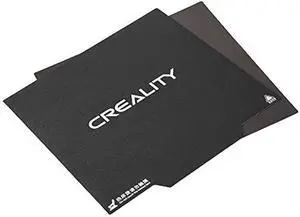
Creality 3D CR-10/10S Ender-3 Max Neo Ultra-Flexible Removable Magnetic Build Surface 3D Printer Heated Bed Cover 12x12 Inches
Limited time offer, ends 02/24
- Model #: kolitt9451486453391
- $39.40 –
- More options from $36.72 - $39.40
- Free Shipping
Choosing the Right Printer for Your Office Needs
When it comes to office solutions, printers and scanners are essential tools for any business. Whether you need to print important documents, scan invoices, or create professional-quality marketing materials, having the right equipment is crucial. In this article, we will explore the different types of printers and scanners available in the market and provide tips on how to choose the best one for your office.
All-in-One Printers: Versatility and Convenience
all-in-one printers, also known as multifunction printers, are a popular choice for offices. These devices combine the functionality of a printer, scanner, copier, and sometimes even a fax machine into a single unit. They offer versatility and convenience, allowing you to perform multiple tasks without the need for separate devices. All-in-one printers are available in both inkjet and laser options, catering to different printing needs and budgets.
Specialized Printers for Specific Tasks
In addition to all-in-one printers, there are specialized printers designed for specific tasks. For example, 3D printers are ideal for creating prototypes or intricate models, while barcode and label printers are perfect for businesses that require efficient inventory management. laser printers are known for their fast printing speeds and high-quality output, making them suitable for offices with high-volume printing needs. inkjet printers, on the other hand, are more cost-effective and can produce vibrant color prints.
Choosing the Right Supplies
Once you have selected the right printer for your office, it is important to choose the right supplies to ensure optimal performance and longevity. When it comes to inkjet printers, using high-quality ink cartridges is essential to achieve the best print quality and prevent clogging. For laser printers, it is important to choose the right type of toner cartridges that are compatible with your printer model. Additionally, investing in high-quality paper can make a significant difference in the final print results.
FAQs: Common Questions about Printers and Scanners
| Q: How often should I replace the ink cartridges? | A: The frequency of replacing ink cartridges depends on your printing volume. However, it is recommended to replace them when the print quality starts to degrade. |
|---|---|
| Q: Can I use third-party ink cartridges with my printer? | A: While it is possible to use third-party ink cartridges, it is important to ensure compatibility with your printer model. Using incompatible cartridges may result in poor print quality or damage to the printer. |
| Q: How do I clean the scanner glass? | A: To clean the scanner glass, use a soft, lint-free cloth slightly dampened with glass cleaner. Gently wipe the glass surface to remove any smudges or debris. |
| Q: What is the difference between optical and interpolated resolution in scanners? | A: Optical resolution refers to the actual hardware resolution of the scanner, while interpolated resolution is achieved through software enhancements. Optical resolution provides more accurate and detailed scans. |
| Q: How can I improve the scanning speed? | A: To improve scanning speed, reduce the scanning resolution, use black and white mode instead of color, and ensure that the scanner is connected to a high-speed USB port. |