

Your Browsing History
- In Stock
- Sold by Newegg
- Make an Offer
- New
Quick View
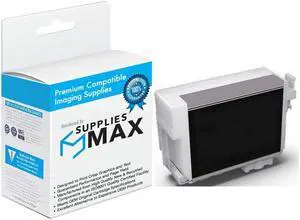
SuppliesMAX Remanufactured Replacement for SureColor P600 Light Black Inkjet (25.9ML) (NO. 760) (T760720)
- Cartridge Quantity: Single Pack
- Replacement Brand: Epson
- Replacement Model: Epson
- Compatible Products: Epson T760720
- Model #: EPST760720-C
- $19.99 –
- $7.99 Shipping
Quick View
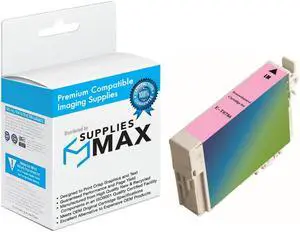
SuppliesMAX Remanufactured Replacement for Artisan 50/Stylus Photo R260/R280/R380/RX-580/RX-595/RX-680 Light Magenta Inkjet (NO. 78) (T078620)
- Cartridge Quantity: Single Pack
- Replacement Brand: Epson
- Replacement Model: Epson
- Compatible Products: Epson T078620
- Model #: EPST078620-C
- $7.99 –
- $7.99 Shipping
Quick View
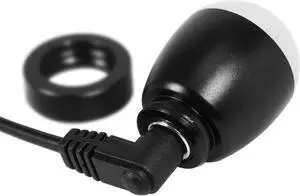
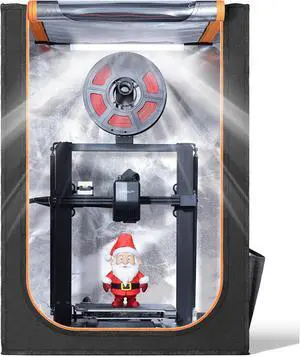
B, This is a Lighting Device Designed for 3D Printing, Paper, Laser Cutting or Any Other DIY Lamps.
- Model #: 433330052010ComputerzoneGANG
- $25.89 –
- Free Shipping
Quick View
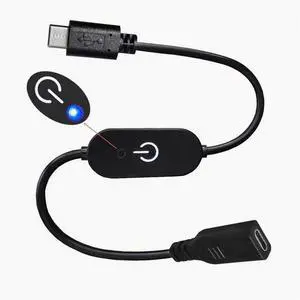
type-c touch dimmer switch Controller with blue indicator light with memory connection strip no strobe 3A Black
Limited time offer, ends 10/14
- Model #: wa-1348
- $14.93 –
- Free Shipping
Quick View
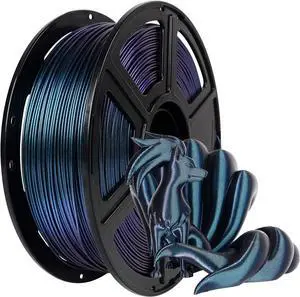
FLASHFORGE PETG Pro Filament 1.75mm +/- 0.02mm Burnt Titanium, Color Changeable 3D Printer Filament 1kg, Chameleon 3D Printing Filament Changing Colors with Light, Perfectly Hide The Layer Line
- Material: PETG
- Model #: 433330050719ComputerzoneGANG
- $70.89 –
- Free Shipping
Quick View
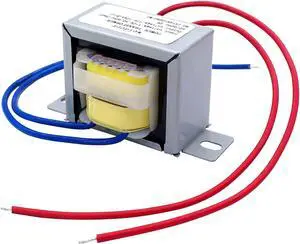
weideer Power Transformer Single Phase, LED Lighting Controller for Lighting Power Supplies, Audio Equipment etc. Input AC 110V Output AC 12V 10VA
- Model #: EQWER462277168270
- $27.49 –
- Free Shipping
Quick View
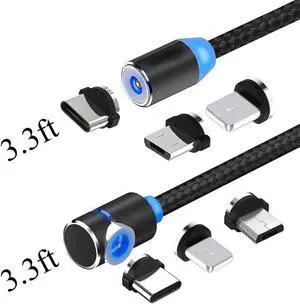
Magnetic USB Charging Cable Micro USB Type C Lighting with LED, Multi 3-in-1 Cable Charger for Android Phone,Multiple Charging Adapters.Fast Charge,(2-Pack,3.3ft) - (Black)
Limited time offer, ends 10/14
- Color: Black
- Model #: cy2114
- $17.43 –
- Free Shipping
Quick View
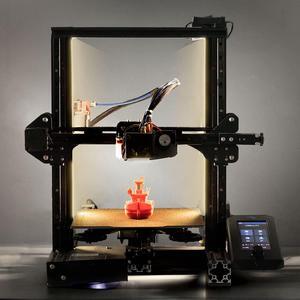
UniTak3D Ender 3 3D Printer LED Light 24V 7.5W Dual Sides Embedded Light Bar Strip Upgrades for Ender 3 V2, Ender 3 Pro,Ender 3 S1,CR6SE, Voxlab Aquila-2020 Profile
- Model #: 433330049638ComputerzoneGANG
- $29.89 –
- Free Shipping
Quick View
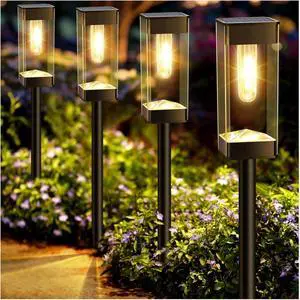
Bright Solar Pathway Lights Outdoor 8 Pack Solar Lights Outdoor LED Waterproof with 3000K Tungsten Filament Bulb Landscape Lighting for Yard, Driveway, Garden, Walkway, Lawn, Path
- Model #: EQWER462277176503
- $70.49 –
- Free Shipping
Quick View
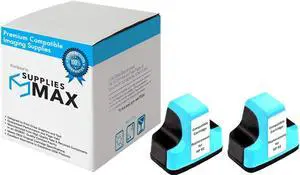
SuppliesMAX Remanufactured Replacement for HP PhotoSmart 3110/3210/3310/8250/C5140/C6100/C6250/C7150/C7250/C8150/D7145/D7460 Light Cyan Inkjet (2/PK-220 Page Yield) (NO. 02) (C8774WN_2PK)
- Cartridge Quantity: 2 Pack
- Replacement Brand: HP
- Replacement Model: HP
- Compatible Products: HP C8774WN_2PK
- Model #: 049919395609
- $8.99 –
- $7.99 Shipping
Quick View
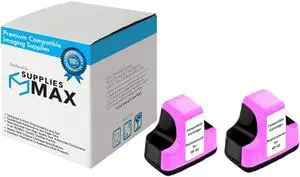
SuppliesMAX Remanufactured Replacement for HP PhotoSmart 3110/3210/3310/8250/C5140/C6100/C6250/C7150/C7250/C8150/D7145/D7460 Light Magenta Inkjet (2/PK-220 Page Yield) (NO. 02) (C8775WN_2PK)
- Cartridge Quantity: 2 Pack
- Replacement Brand: HP
- Replacement Model: HP
- Compatible Products: HP C8775WN_2PK
- Model #: 049919395647
- $8.99 –
- $7.99 Shipping
Quick View
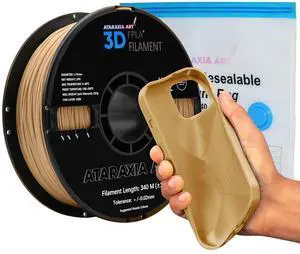
ATARAXIA ART Flexible PLA 3D Printer Filament 1.75mm, Strong 1Kg/2.2lb Spool 5X Longer Stretch, Easy Than TPU Extruder,89A Shore Hardness, Patent Formula, with Filament Storage Bags, FPLA Light Brown
- Material: PLA
- Model #: 433330055721ComputerzoneGANG
- $58.89 –
- Free Shipping
Quick View
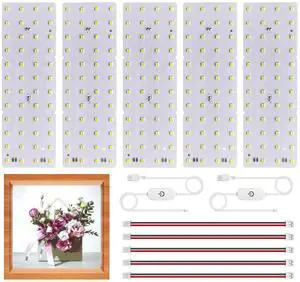
Lithophane LED Backlight Board Kit for BambuLab Sunlu CMYK Monochrome Filament 3D Printed Lithophane, 6500K White Light Kit, Adjustable Brightness, Powered via USB-C, 144x48mm, Flexibility DIY, 5 Pack
- Model #: 433330055530ComputerzoneGANG
- $39.89 –
- Free Shipping

Quick View
Solar Firefly Jar Gnome Resin LED Garden Statue | Waterproof hand-painted resin; flickering firefly LED lights; holiday gift for women mom grandma
- Model #: EQWER462277176428
- $73.49 –
- Free Shipping
Quick View
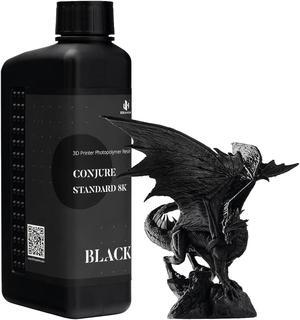
1kg 3D Printing Resin Conjure Standard Resin, 405nm Standard UV Light Curing Photopolymer Fast Curing Resin for LCD/DLP/MSLA 3D Printer,Near-Expiry Resin - Limited Stock (Black, 1kg)
- Material: Standard Resin
- Model #: 433330049171ComputerzoneGANG
- $35.89 –
- Free Shipping
Quick View
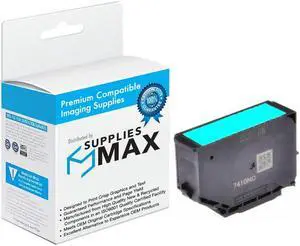
SuppliesMAX Remanufactured Replacement for Expression Photo XP-8500/XP-8505/XP-8600/XP-8605/XP-8606/XP-15000 Light Cyan High Yield Inkjet (830 Page Yield) (NO. 312XL) (T312XL520-S)
- Cartridge Quantity: Single Pack
- Replacement Brand: Epson
- Replacement Model: Epson
- Compatible Products: Epson T312XL520-S
- Model #: EPST312XL520-S-C
- $17.99 –
- $7.99 Shipping
Quick View
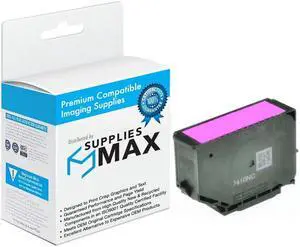
SuppliesMAX Remanufactured Replacement for Expression Photo XP-8500/XP-8505/XP-8600/XP-8605/XP-8606/XP-15000 Light Magenta High Yield Inkjet (830 Page Yield) (NO. 312XL) (T312XL620-S)
- Cartridge Quantity: Single Pack
- Replacement Brand: Epson
- Replacement Model: Epson
- Compatible Products: Epson T312XL620-S
- Model #: EPST312XL620-S-C
- $17.99 –
- $7.99 Shipping
Quick View
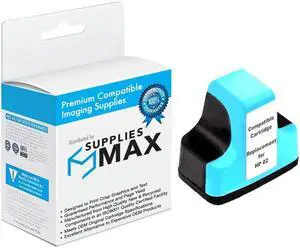
SuppliesMAX Remanufactured Replacement for HP PhotoSmart 3110/3210/3310/8250/C5140/C6100/C6250/C7150/C7250/C8150/D7145/D7460 Light Cyan Inkjet (220 Page Yield) (NO. 02) (C8774WN)
- Cartridge Quantity: Single Pack
- Replacement Brand: HP
- Replacement Model: HP
- Compatible Products: HP C8774WN
- Model #: HEWC8774WN-C
- $6.99 –
- $7.99 Shipping
Quick View
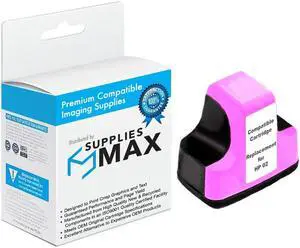
SuppliesMAX Remanufactured Replacement for HP PhotoSmart 3110/3210/3310/8250/C5140/C6100/C6250/C7150/C7250/C8150/D7145/D7460 Light Magenta Inkjet (220 Page Yield) (NO. 02) (C8775WN)
- Cartridge Quantity: Single Pack
- Replacement Brand: HP
- Replacement Model: HP
- Compatible Products: HP C8775WN
- Model #: HEWC8775WN-C
- $6.99 –
- $7.99 Shipping
Quick View
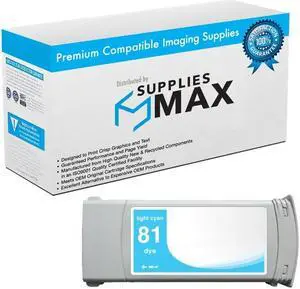
SuppliesMAX Remanufactured Replacement for HP DesignJet 5000/DesignJet 5500/DesignJet 5500PS Light Cyan Dye High Yield Wide Fomat Inkjet (680 ML) (NO. 81) (C4934A)
- Cartridge Quantity: Single Pack
- Replacement Brand: HP
- Replacement Model: HP
- Compatible Products: HP C4934A
- Model #: HEWC4934A-C
- $77.99 –
- $7.99 Shipping
Quick View
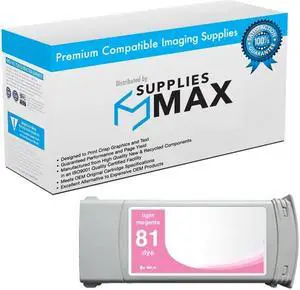
SuppliesMAX Remanufactured Replacement for HP DesignJet 5000/DesignJet 5500/DesignJet 5500PS Light Magenta Dye High Yield Wide Fomat Inkjet (680 ML) (NO. 81) (C4935A)
- Cartridge Quantity: Single Pack
- Replacement Brand: HP
- Replacement Model: HP
- Compatible Products: HP C4935A
- Model #: HEWC4935A-C
- $77.99 –
- $7.99 Shipping
Quick View
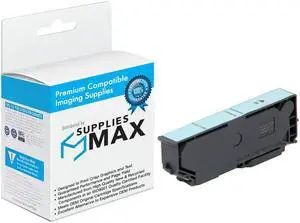
SuppliesMAX Remanufactured Replacement for Expression Photo XP-55/XP-750/XP-760/XP-850/XP-860/XP-950/XP-960/XP-970 Light Cyan High Yield Inkjet (740 Page Yield) (NO. 277XL) (T277XL520)
- Cartridge Quantity: Single Pack
- Replacement Brand: Epson
- Replacement Model: Epson
- Compatible Products: Epson T277XL520
- Model #: EPST277XL520-C
- $8.99 –
- $7.99 Shipping
Quick View
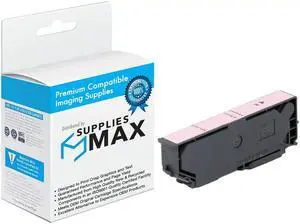
SuppliesMAX Remanufactured Replacement for Expression Photo XP-55/XP-750/XP-760/XP-850/XP-860/XP-950/XP-960/XP-970 Light Magenta High Yield Inkjet (740 Page Yield) (NO. 277XL) (T277XL620)
- Cartridge Quantity: Single Pack
- Replacement Brand: Epson
- Replacement Model: Epson
- Compatible Products: Epson T277XL620
- Model #: EPST277XL620-C
- $8.99 –
- $7.99 Shipping
Quick View
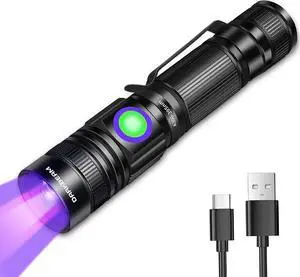
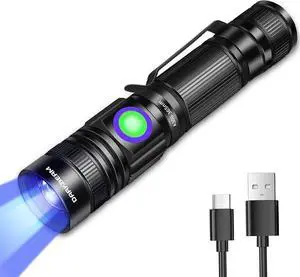
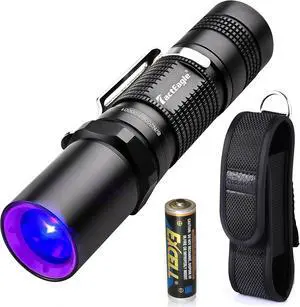
365nm Black Light Flashlight, UV Flashlight, Black Light Flashlight Mini for Pet Urine Detection, Resin Curing, Blood Tracking, A/C Leak, Scorpion, Uranium Glass
- Model #: EQWER462277177692
- $53.49 –
- Free Shipping
Quick View
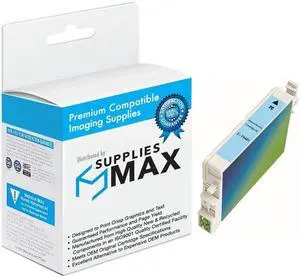
SuppliesMAX Remanufactured Replacement for Stylus Photo R200/R220/R300M/R320/R340/RX-500/RX-600/RX-620/RX-640 Light Cyan Inkjet (430 Page Yield) (NO.48) (T048520)
- Cartridge Quantity: Single Pack
- Replacement Brand: Epson
- Replacement Model: Epson
- Compatible Products: Epson T048520
- Model #: EPST048520-C
- $7.99 –
- $7.99 Shipping
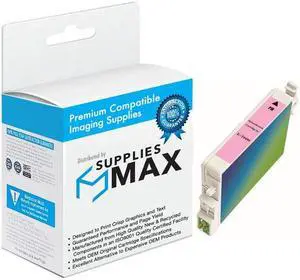
Quick View
SuppliesMAX Remanufactured Replacement for Stylus Photo R200/R220/R300M/R320/R340/RX-500/RX-600/RX-620/RX-640 Light Magenta Inkjet (430 Page Yield) (NO.48) (T048620)
- Cartridge Quantity: Single Pack
- Replacement Brand: Epson
- Replacement Model: Epson
- Compatible Products: Epson T048620
- Model #: EPST048620-C
- $7.99 –
- $7.99 Shipping
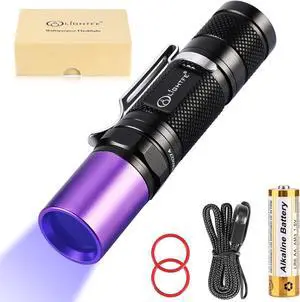
Quick View
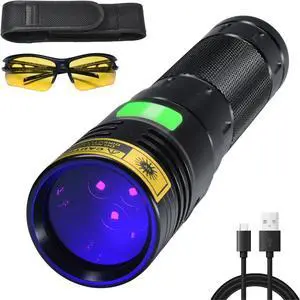
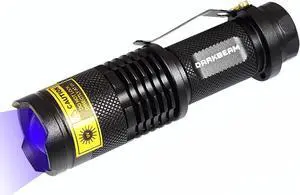
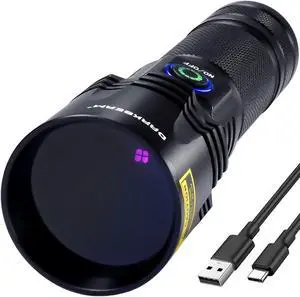
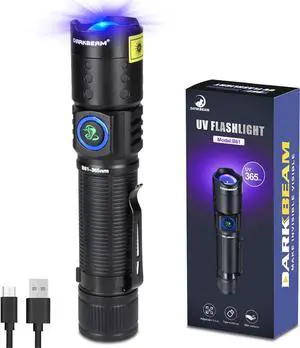
Black Light UV Flashlight 365nm Blacklight UV301D with LG LED Source,Black Filter Lens, Max.3000mW high Power for Resin Glue Curing Light, Rocks and Mineral Glowing,A/C Leak Detector
- Model #: EQWER462277177739
- $49.49 –
- Free Shipping
Quick View
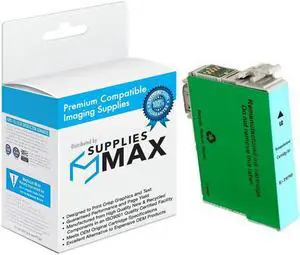
SuppliesMAX Remanufactured Replacement for Stylus Photo 1400/1500W/PX-660/PX-710W/PX-720/PX-730/PX-800/PX-810/PX-820/PX-830FWD Light Cyan Inkjet (NO.79) (T079520)
- Cartridge Quantity: Single Pack
- Replacement Brand: Epson
- Replacement Model: Epson
- Compatible Products: Epson T079520
- Model #: EPST079520-C
- $7.99 –
- $7.99 Shipping
Quick View
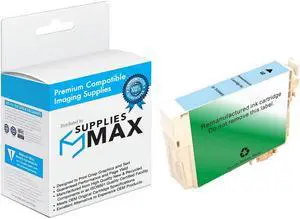
SuppliesMAX Remanufactured Replacement for Artisan 700/Artisan 710/Artisan 725/Artisan 730/Artisan 800/Artisan 810/Artisan 835/Artisan 837 Light Cyan Inkjet (NO. 98) (T098520)
- Cartridge Quantity: Single Pack
- Replacement Brand: Epson
- Replacement Model: Epson
- Compatible Products: Epson T098520
- Model #: EPST098520-C
- $9.99 –
- $7.99 Shipping

Any questions? Our AI mode will help you find out quickly.
Try me now
Choosing the Right Printer for Your Office Needs
When it comes to office solutions, printers and scanners are essential tools for any business. Whether you need to print important documents, scan invoices, or create professional-quality marketing materials, having the right equipment is crucial. In this article, we will explore the different types of printers and scanners available in the market and provide tips on how to choose the best one for your office.
All-in-One Printers: Versatility and Convenience
all-in-one printers, also known as multifunction printers, are a popular choice for offices. These devices combine the functionality of a printer, scanner, copier, and sometimes even a fax machine into a single unit. They offer versatility and convenience, allowing you to perform multiple tasks without the need for separate devices. All-in-one printers are available in both inkjet and laser options, catering to different printing needs and budgets.
Specialized Printers for Specific Tasks
In addition to all-in-one printers, there are specialized printers designed for specific tasks. For example, 3D printers are ideal for creating prototypes or intricate models, while barcode and label printers are perfect for businesses that require efficient inventory management. laser printers are known for their fast printing speeds and high-quality output, making them suitable for offices with high-volume printing needs. inkjet printers, on the other hand, are more cost-effective and can produce vibrant color prints.
Choosing the Right Supplies
Once you have selected the right printer for your office, it is important to choose the right supplies to ensure optimal performance and longevity. When it comes to inkjet printers, using high-quality ink cartridges is essential to achieve the best print quality and prevent clogging. For laser printers, it is important to choose the right type of toner cartridges that are compatible with your printer model. Additionally, investing in high-quality paper can make a significant difference in the final print results.
FAQs: Common Questions about Printers and Scanners
| Q: How often should I replace the ink cartridges? | A: The frequency of replacing ink cartridges depends on your printing volume. However, it is recommended to replace them when the print quality starts to degrade. |
|---|---|
| Q: Can I use third-party ink cartridges with my printer? | A: While it is possible to use third-party ink cartridges, it is important to ensure compatibility with your printer model. Using incompatible cartridges may result in poor print quality or damage to the printer. |
| Q: How do I clean the scanner glass? | A: To clean the scanner glass, use a soft, lint-free cloth slightly dampened with glass cleaner. Gently wipe the glass surface to remove any smudges or debris. |
| Q: What is the difference between optical and interpolated resolution in scanners? | A: Optical resolution refers to the actual hardware resolution of the scanner, while interpolated resolution is achieved through software enhancements. Optical resolution provides more accurate and detailed scans. |
| Q: How can I improve the scanning speed? | A: To improve scanning speed, reduce the scanning resolution, use black and white mode instead of color, and ensure that the scanner is connected to a high-speed USB port. |