

Your Browsing History

Any questions? Our AI mode will help you find out quickly.
Try me now
Quick View
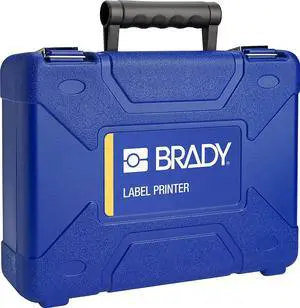
Brady M211 Portable Printer Accessory Hard Case (M211-HC), Blue
- Model #: CHIDB09WZFDZ5Z
- $109.99 –
- Free Shipping

Quick View
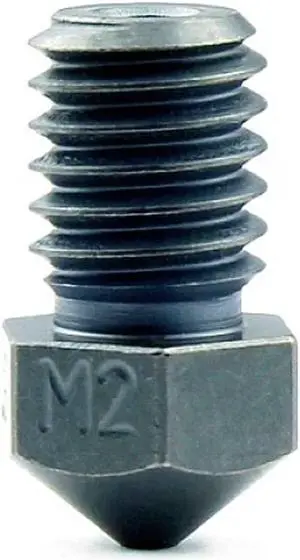
Micro Swiss M2 Hardened High Speed Steel Nozzle RepRap - M6 Thread 1.75mm Filament V6 (.6mm)
- Model #: 6295441433102ASDFA342323
Quick View
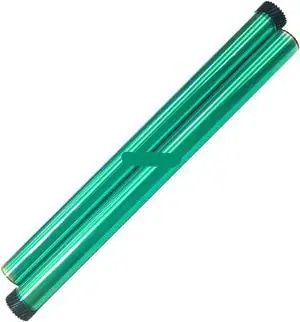
Drum Unit Compatible with M2020 M2020W M2021W M2022W M2070 M2070W M2071 M2071W M2071FH MLT-D101S
- Model #: ENGEB0GT3YSMRF
- $84.99 –
- Free Shipping
Quick View
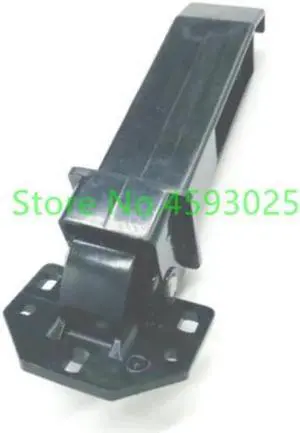
1PC ADF Hinge Assembly For M2040 M2135 M2540 M2635 M2640 M2735 P2040 P2235 M5521 M5526
- Model #: LXS-DYJ-0082
- $21.28 –
- Free Shipping
Quick View
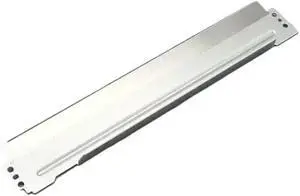
5 Piece Compatible Doctor for MS310 MS312 MS317 MS410 MS415 MS510 MS610 MS710 MX711 MS810 MX811 MS812 XM1145 MX1140
- Model #: ENGEB0GMDG2YJG
- $170.99 –
- Free Shipping

Quick View
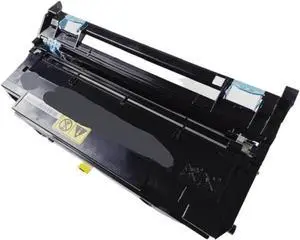
Drum Unit Compatible with M2040 M2540 M2135 M2635 M2735 M2640 M2645 P2040 P2235 302RV93010
- Model #: CHIPB0GK138HPK
- $357.99 –
- Free Shipping

Quick View
Microswiss M2 Hardened High Speed Steel Nozzle RepRap - M6 Thread 1.75mm Filament V6 (.4mm)
- Model #: R618247663312112
- $43.54 –
- Free Shipping
Quick View
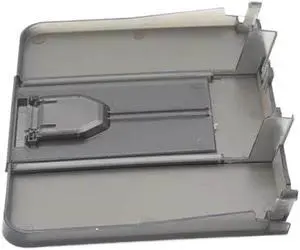
10PCS Paper Delivery Output Tray Compatible with Printer Supplies Pro M201 M202 MFP M226 M225 for Part Number RM1-9678-000 RM1-9649-000
- Model #: CHIPB0G3CMDR96
- $138.99 –
- Free Shipping
Quick View
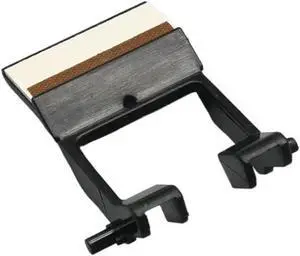
5PCS Separation Pad Roller for MP2014 2014AD M2700 2701 IM2702 DSM 1120 G1127 - Good Replacement Parts
- Model #: CHIPB0G3PJWCSD
- $81.99 –
- Free Shipping
Quick View
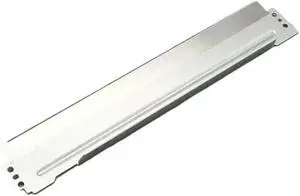
5 Piece Compatible Doctor for MS310 MS312 MS317 MS410 MS415 MS510 MS610 MS710 MX711 MS810 MX811 MS812 XM1145 MX1140
- Model #: CHIPB0GHSLXVZ9
- $160.99 –
- Free Shipping
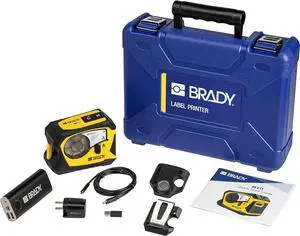
Quick View
Brady M211 Portable Bluetooth Label Printer Kit (M211-KIT), Yellow/Black
- Model #: CHIDB09WZCD5J8
- $460.99 –
- Free Shipping
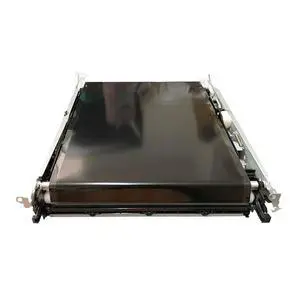
Quick View
Intermediate Transfer Belt Assembly Compatible with M255 M255dw 255 255dw
- Model #: CHIPB0GJD1XQJR
- $614.99 –
- Free Shipping
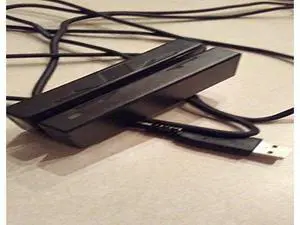
Quick View
MagTek 21040102 Triple Track Magnetic Stripe Mini Swipe Reader with USB HID Interface Emulation and 6' Cable, Black
- Model #: barcod2434
- $62.80 –
- $15.00 Shipping

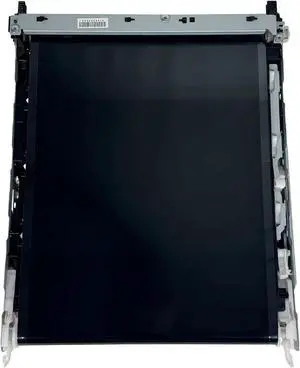
Quick View
RM2-5907 Intermediate Transfer Belt Assembly For HP For LaserJet Pro M252 M254 M255 M277 M281 M283 Models For Accurate Color Printing
- Model #: CHIPB0FWCMQLSS
- $263.99 –
- Free Shipping
Quick View
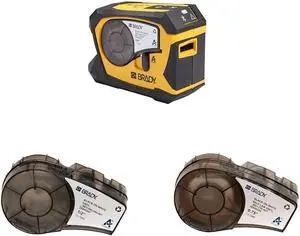
Brady M211 Portable Bluetooth Monochrome Label Printer, Yellow/Black & Authentic (M21-500-595-WT) All-Weather Vinyl Label & Authentic (M21-750-427) Self-Laminating Wire Wrap
- Model #: CHIDB0CZKNNVRR
- $374.99 –
- Free Shipping

Quick View
- $95.00 –
- $15.00 Shipping
Quick View
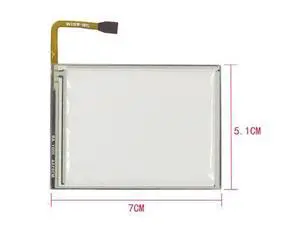
HON-MARK For MC2100 MC2180 Pda 2.8 inch Resistance High Definition Touch Screen Panel Glass
- Model #: barcod6688
- $67.50 –
- $15.00 Shipping
Quick View
Microswiss M2 Hardened High Speed Steel Nozzle RepRap - M6 Thread 1.75mm Filament V6 (.4mm)
- Model #: vfrtR302951379397
- $43.54 –
- Free Shipping

Quick View
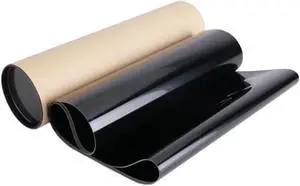
Transfer Belt Compatible with Printer Supplies M252 M277 M281 M254 M283 M180 M181 M274 M280 M277 M154 IBT Belt for Part Number RM2-5907-000CN
- Model #: CHIPB0G7W1Z5F1
- $350.99 –
- Free Shipping
Quick View
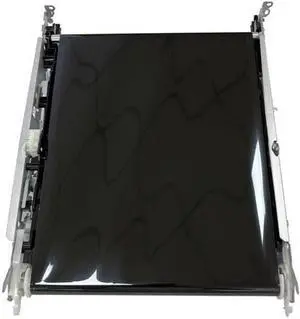
ITB Transfer Belt Unit Kit Compatible with M154 M180 M181 M252 M254 M274 M277 M280 M281 Printers RM2-5907-000CN RM2-5907
- Model #: DARKB0F66SDTRX
- $402.99 –
- Free Shipping
Quick View
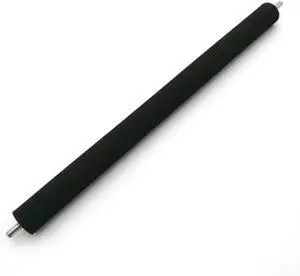
Transfer Roller Fits for M280 M284 M281 M281 FDW M281fdw M284FDN M281FDW
- Model #: DARJB0G3C6C1ZB
- $107.99 –
- Free Shipping
Quick View
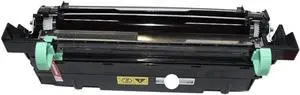
Drum Unit Compatible with M2035 M2535 FS1035 FS1135 FS1320 FS1370 P2135 Printers
- Model #: DARUB0G4BK3BBH
- $115.99 –
- Free Shipping

Quick View
MC2100 PDA Digitizer Touch Screen Panel For MC2100 MC2180 Handheld Terminal Data Collector
- Model #: barcod2528
- $106.24 –
- $15.00 Shipping
Quick View
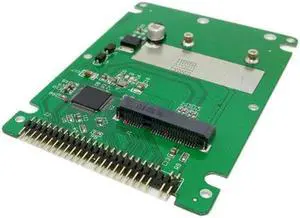
Aomoproing mSATA mini PCI-E SATA SSD to 2.5 inch IDE 44pin Notebook Laptop hard disk case Enclosure White
- Model #: oo-921
- $17.19 –
- Free Shipping
Quick View
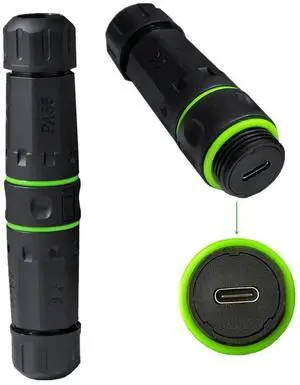
M20 Locking IP68 Waterproof Type-C 10Gbps USB3.1 Female to USB-C Female Extension Adapter Coupler
- Model #: CN-038-CF_NG2
- $11.99 –
- Free Shipping

Choosing the Right Printer for Your Office Needs
When it comes to office solutions, printers and scanners are essential tools for any business. Whether you need to print important documents, scan invoices, or create professional-quality marketing materials, having the right equipment is crucial. In this article, we will explore the different types of printers and scanners available in the market and provide tips on how to choose the best one for your office.
All-in-One Printers: Versatility and Convenience
all-in-one printers, also known as multifunction printers, are a popular choice for offices. These devices combine the functionality of a printer, scanner, copier, and sometimes even a fax machine into a single unit. They offer versatility and convenience, allowing you to perform multiple tasks without the need for separate devices. All-in-one printers are available in both inkjet and laser options, catering to different printing needs and budgets.
Specialized Printers for Specific Tasks
In addition to all-in-one printers, there are specialized printers designed for specific tasks. For example, 3D printers are ideal for creating prototypes or intricate models, while barcode and label printers are perfect for businesses that require efficient inventory management. laser printers are known for their fast printing speeds and high-quality output, making them suitable for offices with high-volume printing needs. inkjet printers, on the other hand, are more cost-effective and can produce vibrant color prints.
Choosing the Right Supplies
Once you have selected the right printer for your office, it is important to choose the right supplies to ensure optimal performance and longevity. When it comes to inkjet printers, using high-quality ink cartridges is essential to achieve the best print quality and prevent clogging. For laser printers, it is important to choose the right type of toner cartridges that are compatible with your printer model. Additionally, investing in high-quality paper can make a significant difference in the final print results.
FAQs: Common Questions about Printers and Scanners
| Q: How often should I replace the ink cartridges? | A: The frequency of replacing ink cartridges depends on your printing volume. However, it is recommended to replace them when the print quality starts to degrade. |
|---|---|
| Q: Can I use third-party ink cartridges with my printer? | A: While it is possible to use third-party ink cartridges, it is important to ensure compatibility with your printer model. Using incompatible cartridges may result in poor print quality or damage to the printer. |
| Q: How do I clean the scanner glass? | A: To clean the scanner glass, use a soft, lint-free cloth slightly dampened with glass cleaner. Gently wipe the glass surface to remove any smudges or debris. |
| Q: What is the difference between optical and interpolated resolution in scanners? | A: Optical resolution refers to the actual hardware resolution of the scanner, while interpolated resolution is achieved through software enhancements. Optical resolution provides more accurate and detailed scans. |
| Q: How can I improve the scanning speed? | A: To improve scanning speed, reduce the scanning resolution, use black and white mode instead of color, and ensure that the scanner is connected to a high-speed USB port. |