
Your Browsing History
- In Stock
- Sold by Newegg
- Make an Offer
- New
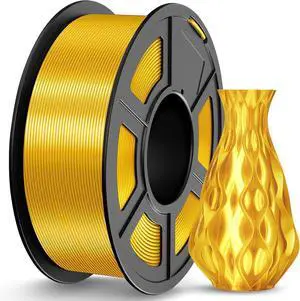
Quick View
JAYO Silk PLA Filament 1.75mm Gold 1.1KG, Metal-Like Shiny 3D Printer Filament Dimensional Accuracy +/- 0.02mm, 1.1kg Spool(2.4lbs), Fits for Most FDM 3D Printers
- Model #: vfrtR302951372794
- $39.38 –
- Free Shipping
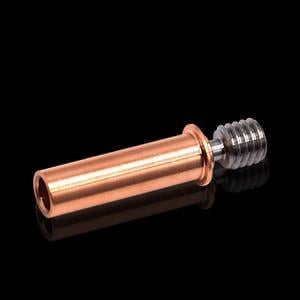
Quick View
Upgrade CR6 SE All Metal Bimetal Heatbreak Copper Titanium TC4 Throat For Creality CR-6 SE/Max/CR-5 PRO 3D Printer
- Model #: HT-ID-3239-1909666
- $40.96 –
- Free Shipping
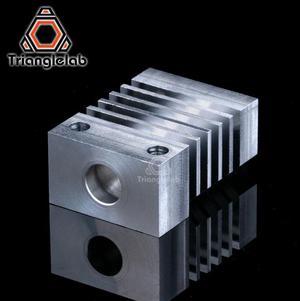
Quick View
/ Dforce CR10 heatsink All Metal Hotend upgrade Kit for CR-10 Ender3 micro swiss CR10 hotend Titanium heat breaker for 3D Printer
- Model #: HT-ID-3239-1846254
- $39.10 –
- Free Shipping
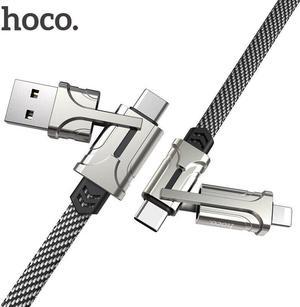
Quick View
4in1 USB Type C Cable 60W Metal PD Fast Charger Cable USB C to Type C Wire for iPhone11 MacBook Pro Air iPad
- Connector Type: Micro USB to USB A
- Model #: 1-TypeC-Cable1429
- $28.63 –
- Free Shipping
Quick View
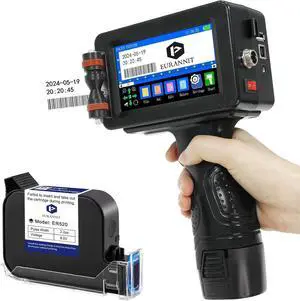
E16 Pro Handheld Inkjet Printer - 0.5 Inch Nozzle with ER520 Fast-Drying Ink for Text, Barcode, Date, Logo on Carton, Wood, Plastic, Metal & Glass Surfaces
- Model #: BAMB0DNT1WCB3
- $432.99 –
- Free Shipping
Quick View
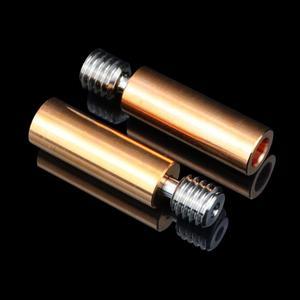
Throat Ender3 CR10 Titanium Alloy Bi-Metal Heatbreak for CR10 ENDER 5/3 CR-10S 1.75MM Filament Smooth Heatbreak
- Model #: HT-ID-3239-1893711
- $34.40 –
- Free Shipping
Quick View
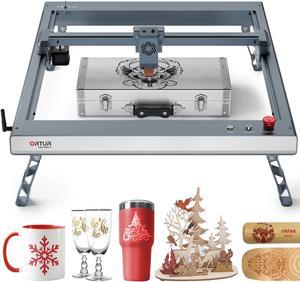
ORTUR Laser Master 3 with Foldable Feet Laser Cutter, 10W Output Power 0.05 * 0.1mm Compressed Spot Laser Engraver, Laser Engraving Machine for Wood and Metal, APP Control (with Air Assist Nozzle)
- Type: Laser Engraver & Cutter
- Model #: OLM3-LU2-10A-FFT1.0
- $649.99 –
- Free Shipping
Quick View
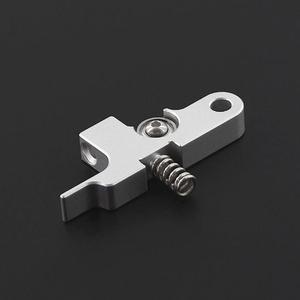
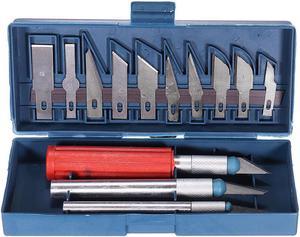
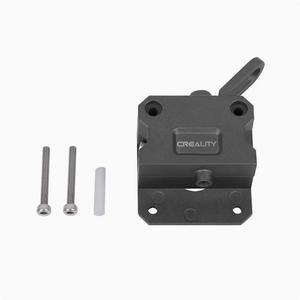
TWOSilver Metal Titan Extruder Idler Arm For 1.75mm Prusa i3 UltimateSidewinder X1 Titan Extruder Parts
- Model #: HT-ID-3239-1894359
- $31.32 –
- Free Shipping
Quick View
Bi-metal Heatbreak Copper Titanium Alloy Throat V6 Remote/Ender3 Series/Water-cooled Version for For PT100 V6 Volcano Hotend Block Prusa i3 MK3 3D Printer
- Model #: HT-ID-3239-1886768
- $25.76 –
- Free Shipping

Quick View
Dragon Water Hotend High Flow Standard Flow WHF WST Full Metal 500 Degree Resistance Water Cooling System fitEnder-3 3D Printer
- Model #: HT-ID-3239-1918528
- $165.68 –
- Free Shipping
Quick View
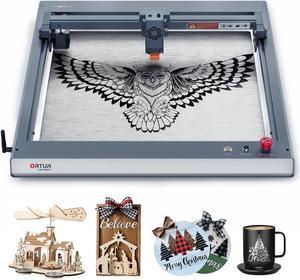
ORTUR Laser Master 3 10W Output Power Laser Engraver, 0.05 * 0.1mm Compressed Spot Laser Cutter add App Offline Control High Power Laser Engraver for Wood and Metal (with Air Assist Nozzle)
- Type: Laser Engraver & Cutter
- Model #: OLM3-LU2-10A
- $569.99 –
- Free Shipping
Quick View
- $58.99 –
- Free Shipping
Quick View
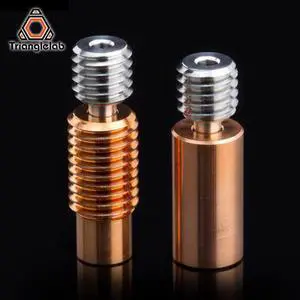
/ Dforce V6 Titanium Alloy Bi-Metal Heatbreak For E3D V6 HOTEND Heater Block For Prusa i3 MK3 Break 1.75MM for 3D Printer
Limited time offer, ends 03/02
- Model #: DF-ID-3239-1891248
- $45.56 –
- More options from $45.56 - $46.57
- Free Shipping
Quick View
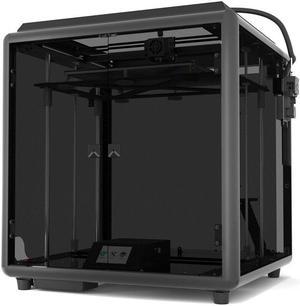
D01 Plus Guard Plus Corexy 3D Printer 330*330*400mm Large Build Volume Full Metal Frame with Dual Z axis / Filament Detect / Auto Leveling / Lattice Glass
- Model #: HT-ID-3239-ID-3239-1805357
- $1,246.82 –
- Free Shipping
Quick View
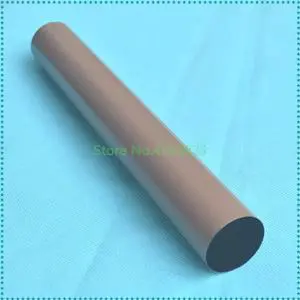
2PCS Metal Fuser Film Sleeve for MFC-8510DN MFC8512 MFC8515 MFC8520 MFC8710 MFC8712 MFC8910 MFC8912 MFC8950DW MFC8952DWT 5445
- Model #: LXS-DYJ-0059
- $120.40 –
- More options from $119.80
- Free Shipping

Quick View
SIHAO 50W Fiber Laser Marking Machine Compatible with Coreldraw, AutoCAD, 7.9"x7.9" Work Area for Precise Metal Engraving
- Model #: 077032677428
- $2,250.46
- $2,125.39 –
- Save: $125.07 (5%)
- Free Shipping
Quick View
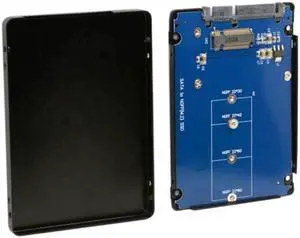
Aomoproing B+M Key Socket 2 M.2 NGFF (SATA) SSD to 2.5 SATA Adapter Card Adapter with Black Metal Case
- Model #: oo-779
- $20.18 –
- Free Shipping
Quick View
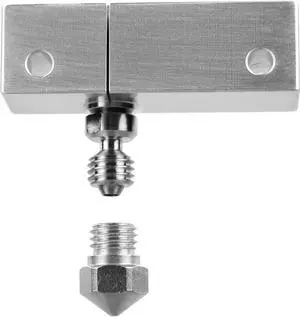
Microswiss All Metal Hotend with Slotted Cooling Block for Wanhao i3 w/.4mm Nozzle
- Model #: vfrtR302951376952
- $98.98 –
- Free Shipping
Quick View
Microswiss All Metal Hotend with Slotted Cooling Block for Wanhao i3 w/.4mm Nozzle
- Model #: Fahint365035839385
- $98.98 –
- Free Shipping
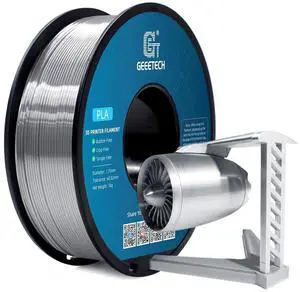
Quick View
Geeetech Silk PLA Filament 1.75mm for 3D Printer, Metal-Like Shiny 3D Filament 1kg (2.2lbs) 1 Spool, Dimensional Accuracy +/- 0.02 mm, Metallic Silver Silk Filament
- Model #: R148247663308238
- $35.62 –
- Free Shipping

Quick View
ZIRO 3D Printer Filament, Silky PLA Filament 1.75mm, Shining Silk 3D Printing Material, Fit Most Printers, Metal Glossy 1KG/2.2lb Spool, Christmas Green
- Model #: R474247663310996
- $39.58 –
- Free Shipping
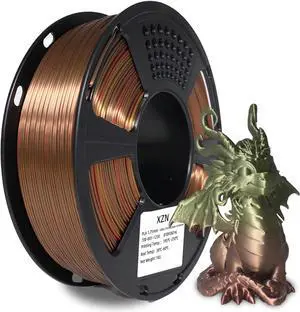
Quick View
Silk PLA Filament 1.75mm, Metal-Like Shiny Silk Bronze Gradient 3D Printer Filament, 1kg Spool (2.2lbs), Dimensional Accuracy +/- 0.02 mm, Vacuum Packaging
- Model #: R576247663311795
- $49.48 –
- Free Shipping
Quick View
Microswiss All Metal Hotend with Slotted Cooling Block for Wanhao i3 w/.4mm Nozzle
- Model #: R349247663309907
- $98.98 –
- Free Shipping
Quick View
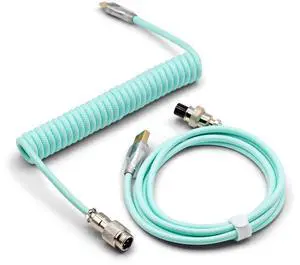
Glacier Premium Durable Quality Braided USB-C to USB-A Coiled Cable with Detachable Metal Aviator Connector Plug for Mechanical Keyboard (Turquoise)
- Model #: 9435761091270
- $69.99 –
- $5.99 Shipping
Quick View
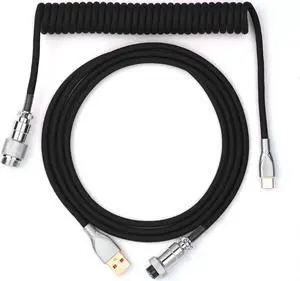
EPOMAKER Mix 1.8m Coiled Keyboard Cable, USB C to USB A TPU Cable for Mechanical Gaming Keyboard, with Detachable Metal Aviator for Custom Keyboard, Black
- Model #: R151252927816794
- $39.58 –
- Free Shipping
Quick View
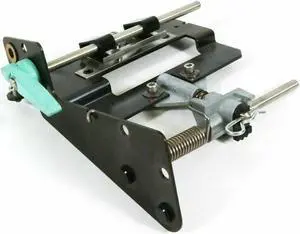
Refurbished Intermec 3400 Printhead SmartHead Metal Case Label Printer 059654-003
- Model #: 304680750728
- $61.49 –
- More options from $61.49 - $64.50
- Free Shipping

Quick View
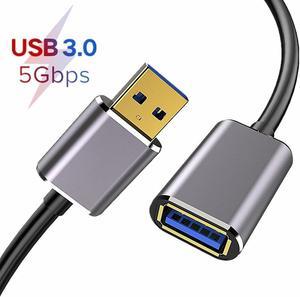
USB Extension Cable, Hannord Type A Male to Female USB 3.0 Extension Cord High Data Transfer Compatible with Webcam ,GamePad, USB Keyboard, Flash Drive, Hard Drive, Printer (6.6FT)
- Cable Length: 3.3 ft.
- Type: USB 3.0
- Connector Type: USB A to USB A
- Connector Number: 2
- Model #: E000183_2M

Quick View
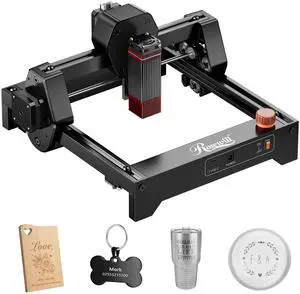
#1 Best Seller

+ $10 off w/ promo code MMSF245, limited offer
- Brand: Rosewill
- Type: Laser Engraver
- Color: Black
- Print Technology: Diode Laser
- Model #: Ray6mini_2.5W
- $129.99
- $99.99 –
- Save: $30.00 (23%)
- Free Shipping
![USB C to USB C Cable 240W [2 Pack, 3.3ft+6.6ft], Type C Charging Cable, USB C Fast Charging Cord, Nylon Braided USB C Cable Compatible with MacBook Pro 2021, i-Pad Pro, i-Pad Air 4th, Galaxy, Pixel](https://c1.neweggimages.com/productimage/nb300/AMM4S2311080JC3XU46.jpg "USB C to USB C Cable 240W [2 Pack, 3.3ft+6.6ft], Type C Charging Cable, USB C Fast Charging Cord, Nylon Braided USB C Cable Compatible with MacBook Pro 2021, i-Pad Pro, i-Pad Air 4th, Galaxy, Pixel")
Quick View
USB C to USB C Cable 240W [2 Pack, 3.3ft+6.6ft], Type C Charging Cable, USB C Fast Charging Cord, Nylon Braided USB C Cable Compatible with MacBook Pro 2021, i-Pad Pro, i-Pad Air 4th, Galaxy, Pixel
Limited time offer, ends 03/07
- Cable Length: 1M, 2M
- Connector Type: USB C to USB C
- Terminal Gender: Male to Male
- Model #: Q2463_1M2M
Quick View
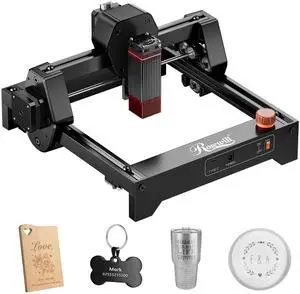
Rosewill Mini Laser Engraver 3.5W Diode Laser Engraving & Cutting Machine, 12000mm/min High Speed, 0.04mm Compressed Spot, ,130x140mm Engraving Area,Portable Engraver Eye Protection
- Brand: Rosewill
- Type: Laser Engraver
- Color: Black
- Print Technology: Diode Laser
- Model #: Ray6mini_3.5W
- $139.99
- $109.99 –
- Save: $30.00 (21%)
- Free Shipping
Quick View
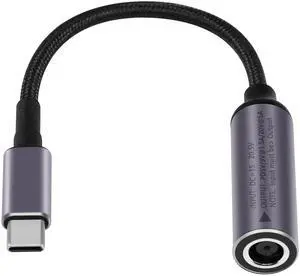
BUCIER PD 100W DC 7.4mm x 5.0mm Female(7.4 x 0.6mm) Input to USB Type C Male Power Charging Cable, 100W DC7450 to Type C Cable with PD Automatic Identification Chip,for Phones,Tablets,Laptops(Blue)
- Cable Length: 15
- Brand: SinLoon
- Type: DC7450
- Color: Blue
- Model #: A86
Quick View
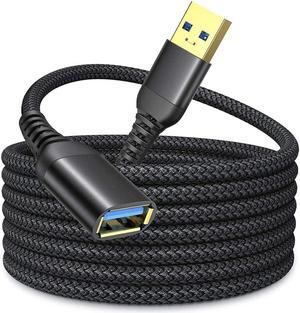
16FT / 5M USB 3.0 Extension Cable Type A Male to Female Extension Cord IHDAPP High Data Transfer Compatible with USB Keyboard,Flash Drive, Hard Drive
Limited time offer, ends 03/07
- Type: USB 3.0 Extension Cable
- Connector Type: USB A to USB A
- Terminal Gender: Male to Female
- Model #: 3#Q0992_B_5M
Quick View
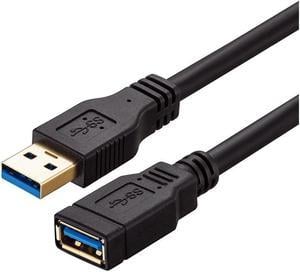
USB 3.0 Extension Cable 20 ft,Ruaeoda 22 AWG Long USB Extension Cable SuperSpeed USB 3.0 Type A Male to Female USB Cable Compatible with Printer,Xbox, USB Flash Drive, Card Reader, Hard Drive,Camera
Limited time offer, ends 03/08
- Connector Type: Micro USB to Mini USB
- Model #: 4687964322

Any questions? Our AI beta will help you find out quickly.
Try me now
Choosing the Right Printer for Your Office Needs
When it comes to office solutions, printers and scanners are essential tools for any business. Whether you need to print important documents, scan invoices, or create professional-quality marketing materials, having the right equipment is crucial. In this article, we will explore the different types of printers and scanners available in the market and provide tips on how to choose the best one for your office.
All-in-One Printers: Versatility and Convenience
all-in-one printers, also known as multifunction printers, are a popular choice for offices. These devices combine the functionality of a printer, scanner, copier, and sometimes even a fax machine into a single unit. They offer versatility and convenience, allowing you to perform multiple tasks without the need for separate devices. All-in-one printers are available in both inkjet and laser options, catering to different printing needs and budgets.
Specialized Printers for Specific Tasks
In addition to all-in-one printers, there are specialized printers designed for specific tasks. For example, 3D printers are ideal for creating prototypes or intricate models, while barcode and label printers are perfect for businesses that require efficient inventory management. laser printers are known for their fast printing speeds and high-quality output, making them suitable for offices with high-volume printing needs. inkjet printers, on the other hand, are more cost-effective and can produce vibrant color prints.
Choosing the Right Supplies
Once you have selected the right printer for your office, it is important to choose the right supplies to ensure optimal performance and longevity. When it comes to inkjet printers, using high-quality ink cartridges is essential to achieve the best print quality and prevent clogging. For laser printers, it is important to choose the right type of toner cartridges that are compatible with your printer model. Additionally, investing in high-quality paper can make a significant difference in the final print results.
FAQs: Common Questions about Printers and Scanners
| Q: How often should I replace the ink cartridges? | A: The frequency of replacing ink cartridges depends on your printing volume. However, it is recommended to replace them when the print quality starts to degrade. |
|---|---|
| Q: Can I use third-party ink cartridges with my printer? | A: While it is possible to use third-party ink cartridges, it is important to ensure compatibility with your printer model. Using incompatible cartridges may result in poor print quality or damage to the printer. |
| Q: How do I clean the scanner glass? | A: To clean the scanner glass, use a soft, lint-free cloth slightly dampened with glass cleaner. Gently wipe the glass surface to remove any smudges or debris. |
| Q: What is the difference between optical and interpolated resolution in scanners? | A: Optical resolution refers to the actual hardware resolution of the scanner, while interpolated resolution is achieved through software enhancements. Optical resolution provides more accurate and detailed scans. |
| Q: How can I improve the scanning speed? | A: To improve scanning speed, reduce the scanning resolution, use black and white mode instead of color, and ensure that the scanner is connected to a high-speed USB port. |