

Your Browsing History
- In Stock
- Sold by Newegg
- New

Any questions? Our AI mode will help you find out quickly.
Try me now
Quick View
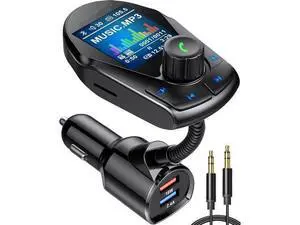
Bluetooth FM Transmitter (Upgraded) Car Wireless Radio Adapter Kit W 1.8 Color Display Hands-Free Calling Fast Charging 18W and Smart 2.4A Dual USB Ports, TF Card MP3 Player
Limited time offer, ends 10/07
- Model #: YC7FW0709-oys-375
- $34.67 –
- Free Shipping
Quick View
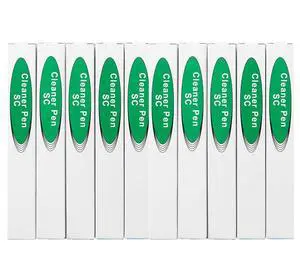
Fiber Optic Connector Cleaning Pen,10PCS Fiber Optic Cleaner Pen for 2.5mm Ferrules SC,FC,ST,SC/APC and FC/APC,800+ Clean Times
- Model #: GENXB0DW94LBDM
- $126.99 –
- Free Shipping
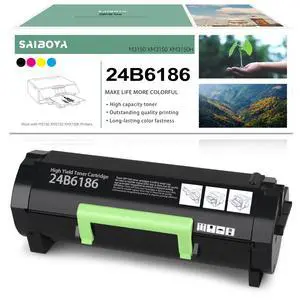
Quick View
SAIBOYA High Yield 24B6186 M3150 Black Toner Cartridge Replacement for Lexmark XM3150 Toner Compatible M3150 XM3150 XM3150h Printers,16000 Pages
- Model #: 439480327350
- $91.99 –
- $5.99 Shipping
![Print.Save.Repeat. Lexmark 801SY Yellow Remanufactured Toner Cartridge for CX310, CX410, CX510 Laser Printer [2,000 Pages]](https://c1.neweggimages.com/productimage/nb300/C4GSD26011518O7NCF3.jpg "Print.Save.Repeat. Lexmark 801SY Yellow Remanufactured Toner Cartridge for CX310, CX410, CX510 Laser Printer [2,000 Pages]")
Quick View
Print.Save.Repeat. Lexmark 801SY Yellow Remanufactured Toner Cartridge for CX310, CX410, CX510 Laser Printer [2,000 Pages]
- Model #: 439480310819
- $85.99 –
- $5.99 Shipping
![Print.Save.Repeat. Lexmark 801SC Cyan Remanufactured Toner Cartridge for CX310, CX410, CX510 Laser Printer [2,000 Pages]](https://c1.neweggimages.com/productimage/nb300/C4GSD26011518OKUNC6.jpg "Print.Save.Repeat. Lexmark 801SC Cyan Remanufactured Toner Cartridge for CX310, CX410, CX510 Laser Printer [2,000 Pages]")
Quick View
Print.Save.Repeat. Lexmark 801SC Cyan Remanufactured Toner Cartridge for CX310, CX410, CX510 Laser Printer [2,000 Pages]
- Model #: 439480310956
- $85.99 –
- $5.99 Shipping
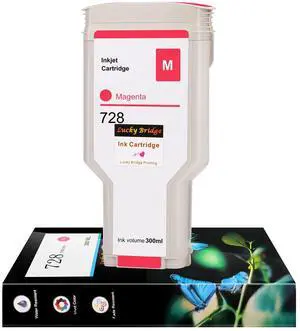
Quick View
Lucky Bridge 728 300ml x 1PK Magenta Ink cartridges F9K16A Compatible Ink Cartridge Replacement for HP DesignJet T730 T830 Printers (1 M)-US
- Model #: 439480300759
- $79.99 –
- $5.99 Shipping
Quick View
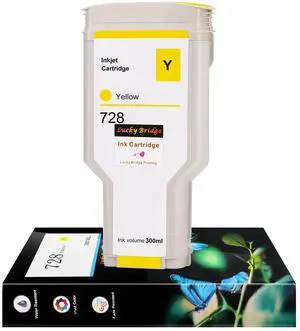
Lucky Bridge 728 300ml x 1PK Yellow Ink cartridges F9K15A Compatible Ink Cartridge Replacement for HP DesignJet T730 T830 Printers (1 Y)-US
- Model #: 439480300438
- $79.99 –
- $5.99 Shipping
Quick View
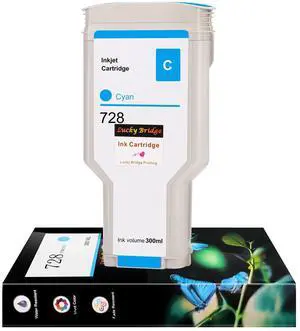
Lucky Bridge 728 300ml x 1PK Cyan Ink cartridges F9K17A Compatible Ink Cartridge Replacement for HP DesignJet T730 T830 Printers (1 C)-US
- Model #: 439480297646
- $79.99 –
- $5.99 Shipping
Quick View
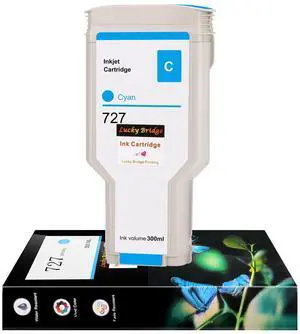
Lucky Bridge 727 300ml 1 pcs Cyan Ink Cartridge F9J76A Compatible Ink Cartridge Replacement for HP 727 DesignJet T920 T930 T1530 T2500 T1500 T2530 Printers (1C)-US
- Model #: 439480286916
- $74.99 –
- $5.99 Shipping
Quick View
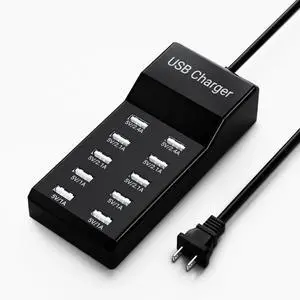
10-Port USB Charger Block, Multi USB Charging Station, for iPhone/iPad/Samsung Galaxy Note Tablet Android Smartphone Multi-Function Device, 50W10A Power Strip(BIack)
Limited time offer, ends 10/10
- Model #: C5PY-C03010-8
- $39.89 –
- Free Shipping
Quick View
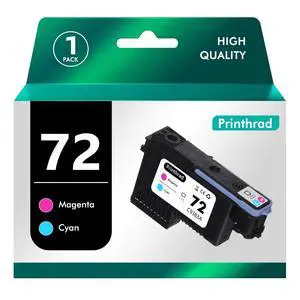
Churler 72 Printhead with New Updated Chips Compatible for HP Printers T610 T620 T770 T790 T1100 T1120 T1200 T1300 T2300 Printer Cyan+Magenta
- Model #: 439480289269
- $75.99 –
- $5.99 Shipping
Quick View
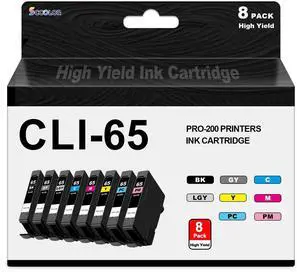
CLI-65 CLI65 Ink Cartridge Replacement for Canon PRO-200 Ink and CLI-65 Color Pack,Compatible with Cacon PRO-200 PRO-200S Professional Photographic Inkjet Printers
- Model #: 439480347136
- $129.99 –
- $5.99 Shipping
Quick View
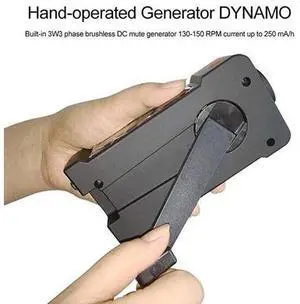
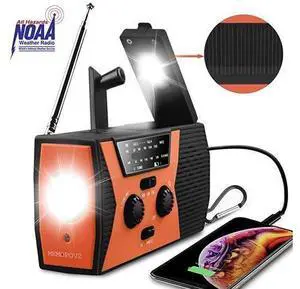
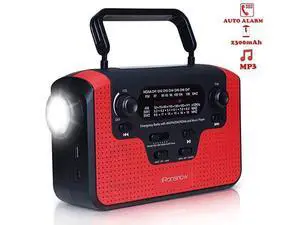
Portable Solar Hand Crank Radio, NOAA Weather Radio for Outdoor Emergency with AMFMWB, LED Flashlight, SOS Flash Alarm and 2000mAh Power Bank USB Smart Phone Charger
- Model #: barcod7270
- $1,998.99 –
- $15.00 Shipping
Quick View
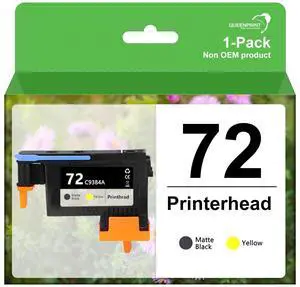
Remanufactured C9380A 72 Printhead MBK with New Updated Chips Replacement for HP Designjet Printer T610 T620 T770 T790 T1100 T1120 1200 T1300 T2300 (MBK+Y)-1pk
- Model #: 439480297974
- $79.99 –
- $5.99 Shipping
Quick View
- $1,998.99 –
- $15.00 Shipping
Quick View
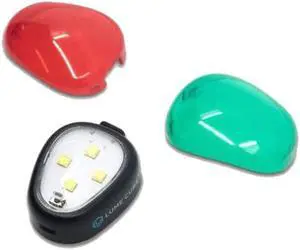
Anti-Collision Strobe Light for Drones LC-AC1
- Model #: TX#314261805095
- $88.99 –
- Free Shipping
Quick View
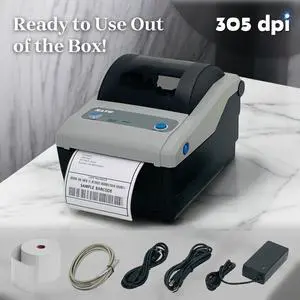
Refurbished SATO CG412DT-LAN Direct Thermal POS Receipt Tag Printer USB Ethernet BUNDLE
- Model #: 305640234192
- $148.90 –
- More options from $147.00 - $148.90
- Free Shipping
Quick View
- $699.00 –
- $220.00 Shipping
Quick View
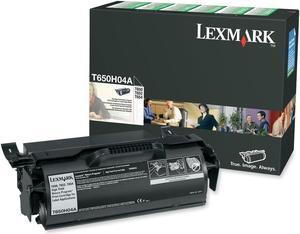
Lexmark T650H04A High Yield Return Program Toner Cartridge - Black
- Cartridge Quantity: Single Pack
- Compatible Products: Lexmark Label Applications Series Printers: T650 T652 T654
- Approximate Page Yield: 25000 Pages
- Coverage: Lexmark Return Program Cartridges Lexmark Return Program Cartridges are sold at a discount versus the prices of regular cartridges in exchange for the customer’s agreement to use the cartridge only once and return it only to Lexmark for remanufacturing or recycling. Regular cartridges without this license/agreement sold at regular prices are also available. Regular cartridges are also recyclable at no cost through Lexmark Cartridge Collection Program. Lexmark Cartridge Collection Program Lexmark Cartridge Collection Program includes various methods of return and sponsors unique collection partnerships around the world. Collection programs are always free to the consumer and are...
- Model #: T650H04A
- $350.00
- $319.00 –
- Save: $31.00 (8%)
- More options from $319.00 - $684.99
Quick View

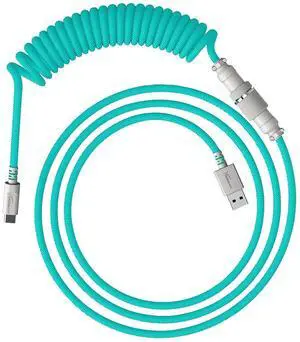
- Part Number: 6J681AA
- Keyboard Color: Light Green
- Tracking Method: N/A
- Model #: 6J681AA

Quick View
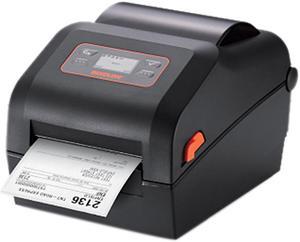
Bixolon XD5-40d 4 inch Direct Thermal Label Printer
- Printer Type: Mobile
- Memory: 64 MB SDRAM, 128 MB Flash
- Fonts Included: 10 SLCS / One SLCS / 16 BPL-Z / One BPL-Z / 5 BPL-E / 23 Code Page / Unicode supported (UTF-8, UTF-16LE, UTF-16BE)
- Barcode Type: 1D: Codabar, Code 11, Code 39, Code 93, Code 128, EAN-13, EAN-8, Industrial 2-of-5, Interleaved 2-of-5, Logmars, MSI, Plessey, Postnet, GS1 DataBar (RSS-14), Standard 2-of-5, UPC / EAN extensions, UPC-A, UPC-E, IMB 2D: Aztec, Codablock, Code49, Data Matrix, MaxiCode, MicroPDF417, PDF417, QR Code, TLC39
- Model #: XD5-40d
- $273.99 –
- $11.33 Shipping
Quick View
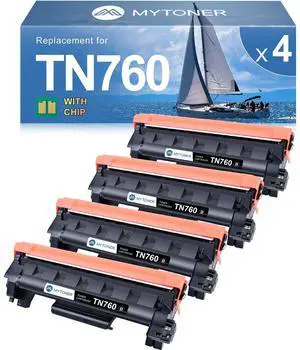
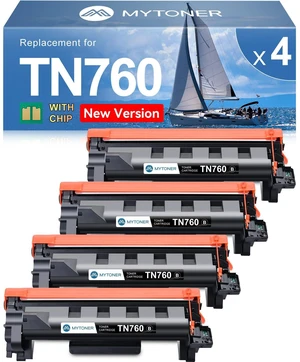
MYTONER TN760 Toner Compatible for Brother TN-760 L2690DW L2710DW Printer | TN730/760 Black High Yield Toner Cartridge for MFC-L2690DW MFC-L2717DW HL-L2350DW HL-L2395DW L2750DW 4-Pack for home office
OUT OF STOCK
- Brand: tonerC
- Series: Yes
- Part Number: BROTHER TN760-4BK
- Cartridge Quantity: 4
- Model #:
- $79.12 –
- Free Shipping
Choosing the Right Printer for Your Office Needs
When it comes to office solutions, printers and scanners are essential tools for any business. Whether you need to print important documents, scan invoices, or create professional-quality marketing materials, having the right equipment is crucial. In this article, we will explore the different types of printers and scanners available in the market and provide tips on how to choose the best one for your office.
All-in-One Printers: Versatility and Convenience
all-in-one printers, also known as multifunction printers, are a popular choice for offices. These devices combine the functionality of a printer, scanner, copier, and sometimes even a fax machine into a single unit. They offer versatility and convenience, allowing you to perform multiple tasks without the need for separate devices. All-in-one printers are available in both inkjet and laser options, catering to different printing needs and budgets.
Specialized Printers for Specific Tasks
In addition to all-in-one printers, there are specialized printers designed for specific tasks. For example, 3D printers are ideal for creating prototypes or intricate models, while barcode and label printers are perfect for businesses that require efficient inventory management. laser printers are known for their fast printing speeds and high-quality output, making them suitable for offices with high-volume printing needs. inkjet printers, on the other hand, are more cost-effective and can produce vibrant color prints.
Choosing the Right Supplies
Once you have selected the right printer for your office, it is important to choose the right supplies to ensure optimal performance and longevity. When it comes to inkjet printers, using high-quality ink cartridges is essential to achieve the best print quality and prevent clogging. For laser printers, it is important to choose the right type of toner cartridges that are compatible with your printer model. Additionally, investing in high-quality paper can make a significant difference in the final print results.
FAQs: Common Questions about Printers and Scanners
| Q: How often should I replace the ink cartridges? | A: The frequency of replacing ink cartridges depends on your printing volume. However, it is recommended to replace them when the print quality starts to degrade. |
|---|---|
| Q: Can I use third-party ink cartridges with my printer? | A: While it is possible to use third-party ink cartridges, it is important to ensure compatibility with your printer model. Using incompatible cartridges may result in poor print quality or damage to the printer. |
| Q: How do I clean the scanner glass? | A: To clean the scanner glass, use a soft, lint-free cloth slightly dampened with glass cleaner. Gently wipe the glass surface to remove any smudges or debris. |
| Q: What is the difference between optical and interpolated resolution in scanners? | A: Optical resolution refers to the actual hardware resolution of the scanner, while interpolated resolution is achieved through software enhancements. Optical resolution provides more accurate and detailed scans. |
| Q: How can I improve the scanning speed? | A: To improve scanning speed, reduce the scanning resolution, use black and white mode instead of color, and ensure that the scanner is connected to a high-speed USB port. |