

Your Browsing History
- In Stock
- Sold by Newegg
- Make an Offer
- New

Any questions? Our AI mode will help you find out quickly.
Try me now
Quick View
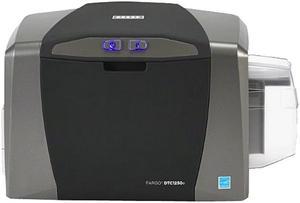
Fargo 050100 DTC1250e Direct-to-Card Printer & Encoder
- Printer Type: Dual-side
- Memory: 32 MB RAM
- MSR: N/A
- Media Type: PVC or polyester cards with polished PVC finish; monochrome resin required for100% polyester cards; optical memory cards with PVC finish; rewrite
- Model #: 050100
- $1,658.10 –
- More options from $1,658.10 - $1,963.49
- Free Shipping
Quick View
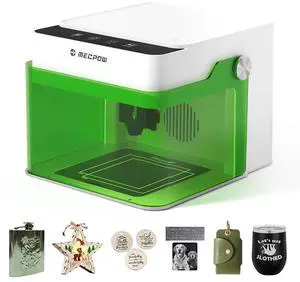
Mecpow M1 Mini Laser Engraver, 5W Laser Cutter Portable Desktop Laser Engraving, 100x100mm Engraving Area, 10000 mm/min Engraving Speed,Accuracy up to 0.01 mm, Eye Protection Design
- Parts: 1 Year
- Labor: 1 Year
- Model #: 1293191
- $149.99 –
- Free Shipping
Quick View
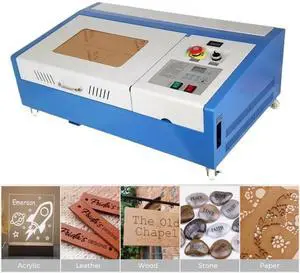
SIHAO 40W CO2 Laser Engraver 8"x12" Laser Engraving Machine LED Monitor Display for Plywood Acrylic,DIY Tools
- Model #: 500220657074
- $580.54
- $469.99 –
- Save: $110.55 (19%)
- Free Shipping
Quick View
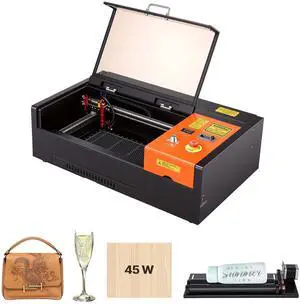
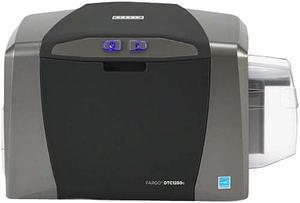
HID Global 050000 Fargo DTC1250e Single-sided ID Direct-to-Card Printer & Encoder, Base Model (NA), USB
- Printer Type: Single-Side
- Memory: 32 MB RAM
- MSR: N/A
- Media Type: PVC or polyester cards with polished PVC finish; monochrome resin required for100% polyester cards; optical memory cards with PVC finish; rewrite
- Model #: 050000
- $980.00
- $979.50 –
- More options from $979.50 - $2,234.99
- Free Shipping

Quick View
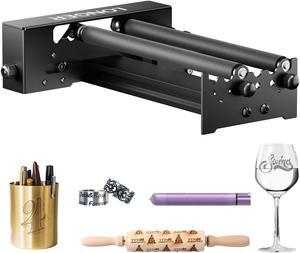
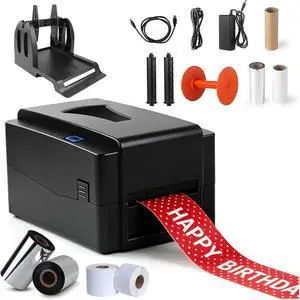
300DPI Thermal Garment Label Printer Desktop Gold Ribbon Foil Flower Printer Flower Wrapping Ribbon Party Banner Thermal Printer
- Model #: BRATB0GZT6QVDX
- $880.99 –
- Free Shipping
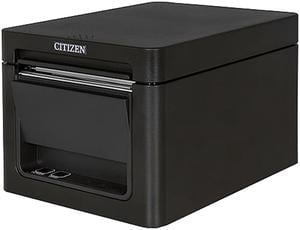
Quick View
Open Box Citizen CT-E651BTUBK CT-E651 Series Fast High Performance Direct Thermal Receipt and Label Printer – USB/Bluetooth – Black
- Model #: CT-E651BTUBK
- $399.99
- $197.99 –
- Save: $202.00 (50%)
- Free Shipping
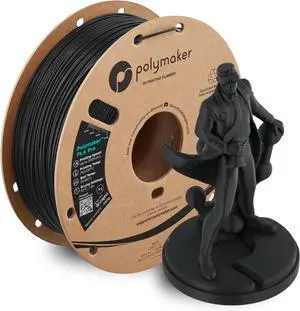
Quick View
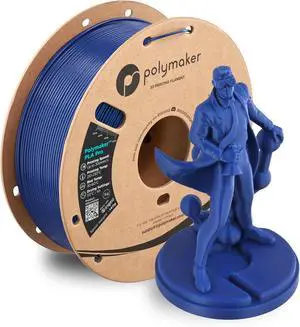
Polymaker PLA Pro 3D Printing Filament Black 1.75mm 1KG, High-Impact Tough PLA, Fast Printing up to 300mm/s, High Speed New Formula, Easy to Print on Most FDM Printers, No Enclosure Required
- Model #: 433330056094ComputerzoneGANG
- $39.89 –
- Free Shipping
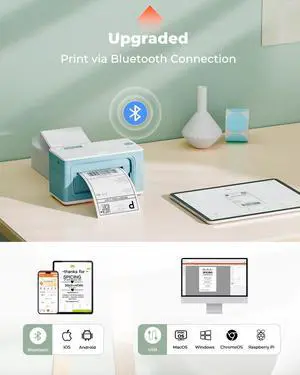
Quick View
MUNBYN Bluetooth Thermal Label Printer 941B+Green 4"x6" Direct Thermal Shipping Labels+Label Holder for Rolls and Fanfold Labels+IPS03 440lb for Postal Scale
- Model #: BRATB0FRS36DJN
- $356.99 –
- Free Shipping
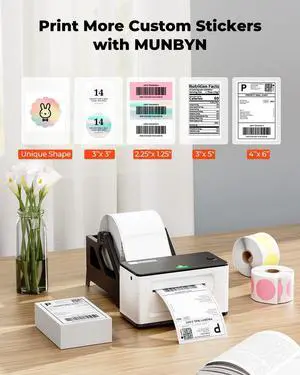
Quick View
MUNBYN Bluetooth Thermal Label Printer 941B+Thermal Direct Shipping Label (Pack of 500 4x6 Fan-Fold Labels)
- Model #: BRAPB0D41MMTRQ
- $265.99 –
- Free Shipping
Quick View
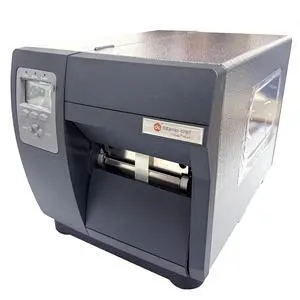
GETPARTS I12-07-4Y00N007 Datamax O'Neil I-Class I-4212E Mark II 203DPI Thermal Industrial Barcode Printer 4.10 Inch Print Width | USB 2.0 + Serial Ports RS232 + Parallel Port |
Limited time offer, ends 08/01
- Model #: OYS-C5TJ-2607130494
- $2,235.75 –
- Free Shipping
Quick View
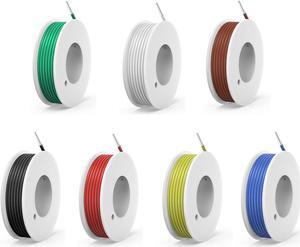
20awg Solid Wire kit Electrical Wire Cable 7 Colors 23ft Each spools 20 Gauge UL1007 Tinned Copper Hook up Wire kit breadboard Wire for DIY
- Model #: Tong409397171148miao
- $28.88 –
- Free Shipping
Quick View
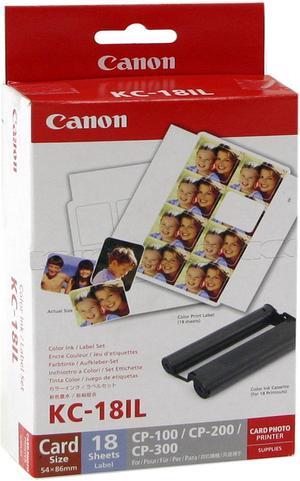
Canon KC-18IL Ink Cartridge - Combo Pack - Color/Paper
- Compatible Products: CP-100, CP-200, CP-220, CP-300, CP-330, SELPHY CP400, SELPHY CP510, SELPHY CP600, SELPHY CP710, SELPHY CP720, SELPHY CP730, SELPHY CP740, SELPHY CP760, SELPHY CP770, SELPHY CP780, SELPHY CP790, SELPHY CP800 Black, SELPHY CP800 White, SELPHY CP900, SELPHY CP900 White, SELPHY CP910, SELPHY CP910 Blue, SELPHY CP910, SELPHY CP910 Blue
- Ink Type: Dye-based
- Model #: 7740A001
- $31.92 –
- $7.85 Shipping
Quick View
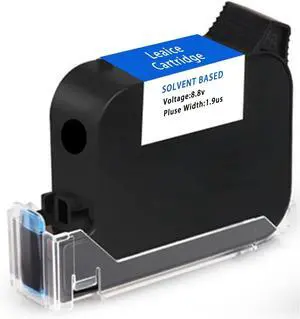
Original 42ml Black Quick Dry Solvent Ink Cartridge Replacement for 1 inch/25.4 mm Handheld Inkjet Printers
- Model #: BRAPB0F93QDWZD
- $162.99 –
- Free Shipping
Quick View
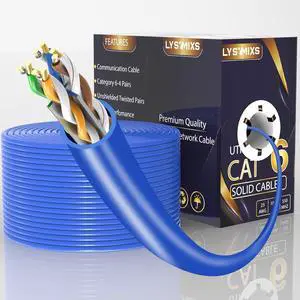
Cat6 Ethernet Cable 1000FT Channel Test Pass, Cat6 1000ft Ethernet Cable 23AWG Solid CCA, Cat6 Cable 550MHZ 10G with Easy Pull Box Blue
- Model #: Tong409397169510miao
- $178.88 –
- Free Shipping
Quick View
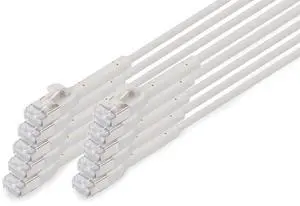
DIGITUS LAN cable Cat 6A 3 m 10 pieces 10 Gbps flexible plug slim version AWG 32-7 RJ45 network cable F-FTP PoE+ LSZH compatible with Cat7, Cat6, Cat5e grey
- Model #: TOLKB0FXWVYX6S
- $310.99 –
- Free Shipping
Quick View
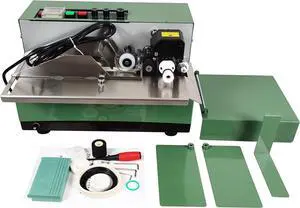
Solid Ink Coding Machine Automatic Ink Wheel Continuous Coding Machine for Paper Plastic Film Aluminum Foil Paint 110V
- Model #: BRAPB0F47WRDH7
- $1,005.99 –
- Free Shipping
Quick View
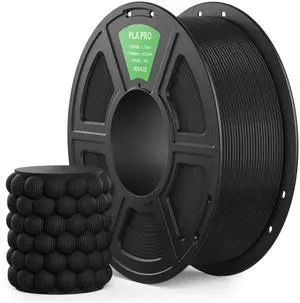
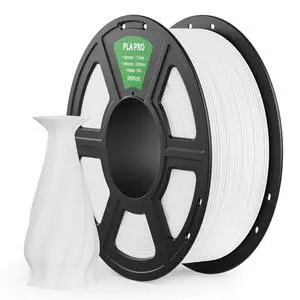
PLA PRO Filament 1.75mm, Stronger Toughness 3D Printer Filament, PLA Filament Dimensional Accuracy +/- 0.02 mm, Neatly Wound, Fits Most FDM 3D Printer, 1KG Black
- Model #: 182629994443
- $27.99 –
- Free Shipping
Quick View
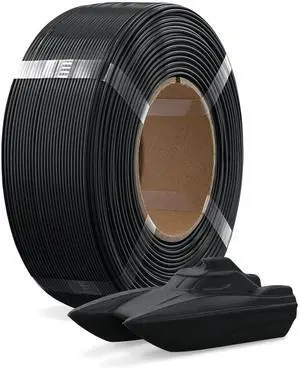
Refill PETG 1.75mm Spoolless 3D Printer Filament, 1kg (2.2lb) Refilament for Bambu Lab Reusable Spool, Accuracy +/- 0.02 mm, Fit Most FDM 3D Printers(Black)
- Brand: OVERTURE
- Color: Black
- Material: Polyethylene Terephthalate Glycol
- Diameter: 1.75
- Model #: 216482021115
- $27.99 –
- Free Shipping
Quick View
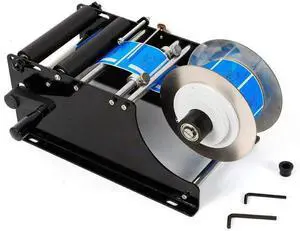
MT-30 Manual Round Labeling Machine 30pcs/min Bottle Label Applicator 10-110 mm Label Width Adjustable Labeler Label Applicator Machine
- Model #: BRATB09ZQCWSTW
- $122.99 –
- Free Shipping
Quick View
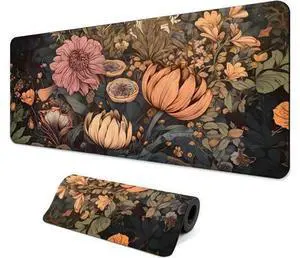
Gaming Mouse Pad with Anti-Slip Rubber Base, Extended Large Computer Mouse Mat with Stitched Edges, Long XL Anime Mousepad for Laptop and Keyboard, 31.5 x 11.8 inch (Wildflowers)
Limited time offer, ends 08/01
- Model #: WLC78S.0727.Pallet0275
- $20.47 –
- Free Shipping
Quick View
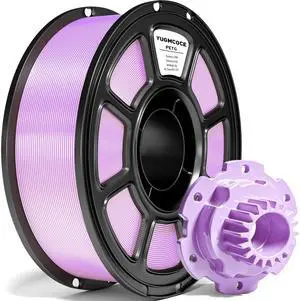
High Speed PETG+ 3D Printer Filament 1.75 mm
- Brand: YUGMCOCE
- Color: Petg Light Purple 1kg
- Material: Polyethylene terephthalate modified with ethylene glycol
- Diameter: 1.75
- Model #: 810188434459
- $28.99 –
- Free Shipping
Quick View
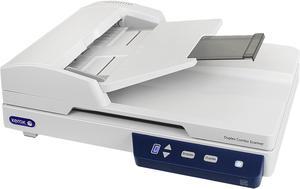
XEROX XD-Combo Hi-speed USB 2.0 (3.0 compatible) Interface Flatbed or Automatic Document Feeder (Duplex) Duplex Combo Scanner
- Image Sensor: CIS
- Light Source: LED (light emitting diode) instant on
- Duplex Scanning: Yes
- Scanning Speed: 25 ppm / 50 ipm @ 300 or 200 dpi (Color, B&W or grayscale)
- Model #: XD-Combo
- $308.99 –
- More options from $303.54 - $456.00
- Free Shipping
Quick View
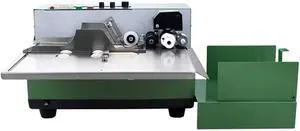
INTBUYING MY-380F Sold Ink Coding Machine Label Coding Machine High Speed Dry Ink Coding Packaging (Standard) 110V
- Model #: BRATB088GWWPCS
- $898.99 –
- Free Shipping
Quick View
Citizen CT-E651BTUBK CT-E651 Series Fast High Performance Direct Thermal Receipt and Label Printer – USB/Bluetooth – Black
- Model #: CT-E651BTUBK
- $309.99 –
- More options from $309.99 - $377.19
- Free Shipping
Quick View
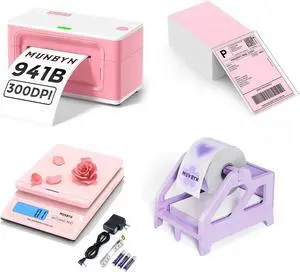
MUNBYN Bluetooth Thermal Label Printer 941B+Pink Shipping Labels+Purple Label Holder+Shipping Scale, Accurate 66lb/0.1oz Postal Scale with Sweet Pink Style
- Model #: BRATB0FRS58YCZ
- $322.99 –
- Free Shipping

Quick View
MUNBYN Bluetooth Thermal Label Printer 941B+3x2 Inch White Thermal Labels
- Model #: BRAPB0FWR5NLR3
- $241.99 –
- Free Shipping
Quick View
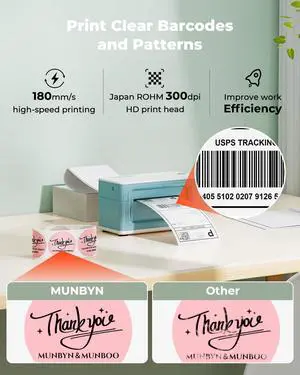
MUNBYN Bluetooth Thermal Label Printer 941B+ILH03 5-in-1 Desk Organizer with Drawers, Hooks
- Model #: BRAPB0GMQ3D6MK
- $301.99 –
- Free Shipping

Quick View
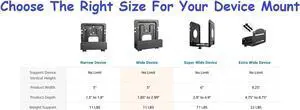
Mount Plus MP-06-02 2 Pack Cable Box Mount and Modem Mount for Wide Range of Media Players, Cable Boxes, Modems, DVD Players, Game Console (2 Pack Wide)
- Model #: Tong409397159863miao
- $59.88 –
- Free Shipping
Quick View
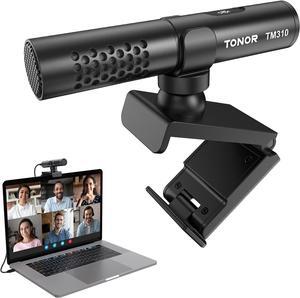
TONOR USB Conference Microphone for Laptop, Adjustable Computer PC Mic with Mute Button & LED Indicator, Microfono for Zoom Skype, 200 cm/78inch Cable, Plug-Play for MacOS Windows, TM310
- Model #: Tong409397161095miao
- $59.88 –
- Free Shipping
Quick View
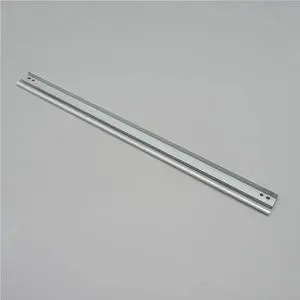
4pcs Compatible Wiper Blade MPC 3003 4503 5503 Copier Drum Cleaning for Ricoh MPC3003 MPC3503 MPC4503 MPC5503 MPC6003 Replacement Parts
- Model #: BRATB0GXMYCD9Q
- $75.99 –
- Free Shipping
Choosing the Right Printer for Your Office Needs
When it comes to office solutions, printers and scanners are essential tools for any business. Whether you need to print important documents, scan invoices, or create professional-quality marketing materials, having the right equipment is crucial. In this article, we will explore the different types of printers and scanners available in the market and provide tips on how to choose the best one for your office.
All-in-One Printers: Versatility and Convenience
all-in-one printers, also known as multifunction printers, are a popular choice for offices. These devices combine the functionality of a printer, scanner, copier, and sometimes even a fax machine into a single unit. They offer versatility and convenience, allowing you to perform multiple tasks without the need for separate devices. All-in-one printers are available in both inkjet and laser options, catering to different printing needs and budgets.
Specialized Printers for Specific Tasks
In addition to all-in-one printers, there are specialized printers designed for specific tasks. For example, 3D printers are ideal for creating prototypes or intricate models, while barcode and label printers are perfect for businesses that require efficient inventory management. laser printers are known for their fast printing speeds and high-quality output, making them suitable for offices with high-volume printing needs. inkjet printers, on the other hand, are more cost-effective and can produce vibrant color prints.
Choosing the Right Supplies
Once you have selected the right printer for your office, it is important to choose the right supplies to ensure optimal performance and longevity. When it comes to inkjet printers, using high-quality ink cartridges is essential to achieve the best print quality and prevent clogging. For laser printers, it is important to choose the right type of toner cartridges that are compatible with your printer model. Additionally, investing in high-quality paper can make a significant difference in the final print results.
FAQs: Common Questions about Printers and Scanners
| Q: How often should I replace the ink cartridges? | A: The frequency of replacing ink cartridges depends on your printing volume. However, it is recommended to replace them when the print quality starts to degrade. |
|---|---|
| Q: Can I use third-party ink cartridges with my printer? | A: While it is possible to use third-party ink cartridges, it is important to ensure compatibility with your printer model. Using incompatible cartridges may result in poor print quality or damage to the printer. |
| Q: How do I clean the scanner glass? | A: To clean the scanner glass, use a soft, lint-free cloth slightly dampened with glass cleaner. Gently wipe the glass surface to remove any smudges or debris. |
| Q: What is the difference between optical and interpolated resolution in scanners? | A: Optical resolution refers to the actual hardware resolution of the scanner, while interpolated resolution is achieved through software enhancements. Optical resolution provides more accurate and detailed scans. |
| Q: How can I improve the scanning speed? | A: To improve scanning speed, reduce the scanning resolution, use black and white mode instead of color, and ensure that the scanner is connected to a high-speed USB port. |