
Your Browsing History
- In Stock
- Sold by Newegg
- New

Any questions? Our AI beta will help you find out quickly.
Try me now
Quick View
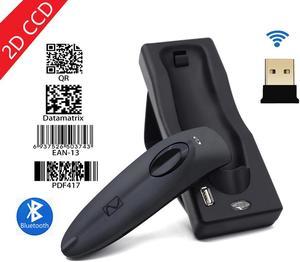
Nexanic MJR40 Bluetooth 2.4Ghz Wireless 2D Barcode Scanner Screen Mobile Payment 2D 1D QR Bar Code Reader
- Series: MJR40
- Form Factor: Handheld
- Connectivity: Cordless
- Scan Engine: 2D CCD
- Model #: MJR40-2D
- $67.49 –
- Free Shipping

Quick View
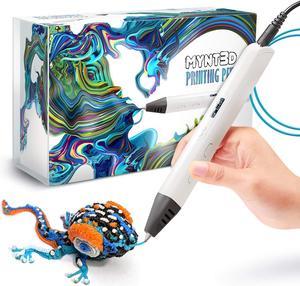
MYNT3D Professional Printing 3D Pen with OLED Display
- Model #: vfrtR302951372008
- $104.98 –
- More options from $104.98 - $111.88
- Free Shipping
Quick View
MYNT3D Professional Printing 3D Pen with OLED Display
- Model #: R27247663307224
- $118.78 –
- Free Shipping
Quick View
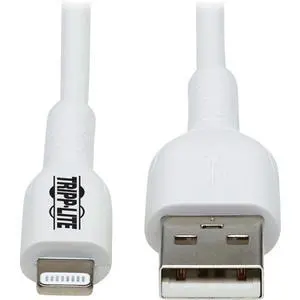
Tripp Lite Safe-IT M100AB-03M-WH Sync/Charge Lightning/USB Antimicrobial Data Transfer Cable M100AB03MWH
- Brand: Tripp Lite
- Type: USB
- Connector Type: Lighting Connector to USB A
- Connector Number: 1
- Model #: M100AB03MWH
- $13.50 –
- More options from $13.50 - $20.37
- Free Shipping
Quick View
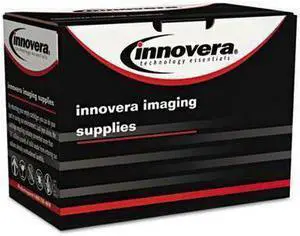
Innovera M476B, M476BX, M476C, M476M, M476Y Toner - IVRM476BX
- Cartridge Quantity: 1
- Model #: UT-IVRM476BX
- $54.99 –
- Free Shipping
Quick View
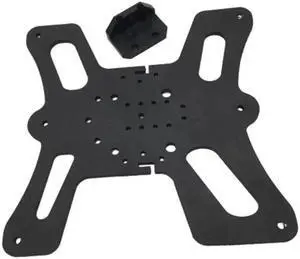
CREALITY Ender3 V2 3D Printer BLV Ender 3V2 Y Axis Hiwin MGN12H linear rail upgrade kit
- Model #: ZZL-RNU-ASD1080301
- $66.62 –
- Free Shipping
Quick View
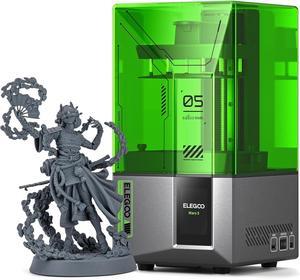
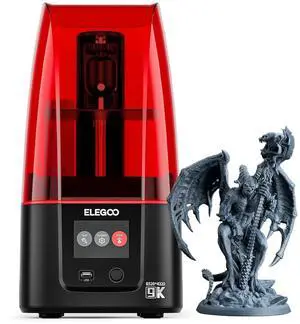
ELEGOO Mars 4 MSLA 3D Printer with 7" 9K Monochrome LCD, UV Resin Photocuring Printer, Multiple Print Modes, Printing Size of 6.04 × 3.06 × 6.89 inches
Limited time offer, ends 03/19
- Model #: C40E.011210
- $498.99 –
- Free Shipping
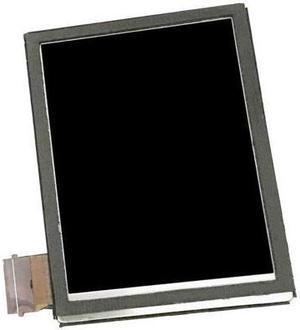
Quick View
Nueva pantalla LCD para símbolo Zebra MC55A0 MC65 MC67 MC75A0 3N83 escáner
- Model #: 20211117-B48P-Scanner-6236
- $129.56 –
- Free Shipping
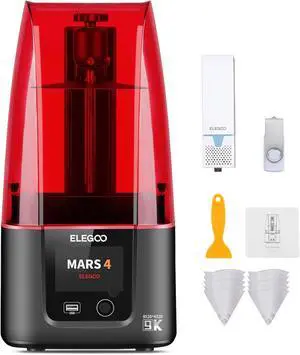
Quick View
ELEGOO Mars 4 MSLA Resin 3D Printer with 7-Inch 9K Monochrome LCD, Multiple Print Modes and Voxeldance Tango Slicing Software, Printing Size of 6.04x3.06x6.89 Inches
Limited time offer, ends 03/19
- Model #: WC40E-0113.32
- $398.99 –
- Free Shipping
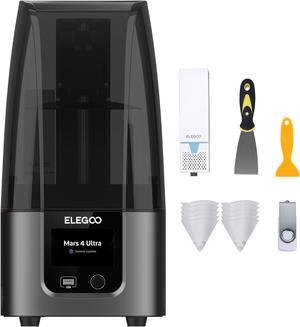
Quick View
ELEGOO Mars 4 Ultra MSLA 3D Printer with 7-Inch 9K Monochrome LCD, Wi-Fi Connectivity, Effortless Leveling System, ACF Release Liner Film, Printing Size of 6.04x3.06x6.5 Inches
- Model #: SHOPRTMCNMAR3142
- $386.70 –
- Free Shipping
Quick View
Innovera M476B, M476BX, M476C, M476M, M476Y Toner - IVRM476Y
- Cartridge Quantity: 1
- Replacement Brand: HP
- Compatible Products: HP LaserJet Pro Color LaserJet Pro MFP M476 dn HP LaserJet Pro Color LaserJet Pro MFP M476 dw HP LaserJet Pro Color LaserJet Pro MFP M476 nw
- Approximate Page Yield: 2700 Pages
- Model #: UT-IVRM476Y
- $65.99 –
- Free Shipping
Quick View
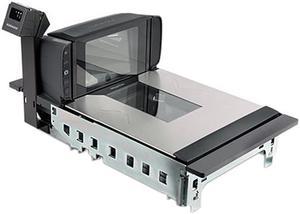
Datalogic Magellan MGL94 POS Scanner Scale
- Series: Magellan 9400i
- Form Factor: Fixed-position
- Scan Engine: 2D/1D
- Interfaces Supported: USB, RS-232, IBM
- Model #: 9420250012-010231
- $2,166.99
- $2,035.99 –
- Save: $131.00 (6%)
- $16.05 Shipping
Quick View
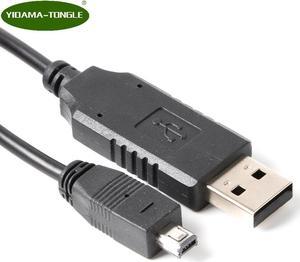
MINI USB DATA Cable for MINIDX3 MINIDX4 MIN123 MSR500EX MSR400 MINI400 MINI600 MNI123EX MSR500M MSR500 TA32 MINI400B Card Reader
- Model #: ccooc-0042284
- $15.99 –
- Free Shipping
Quick View
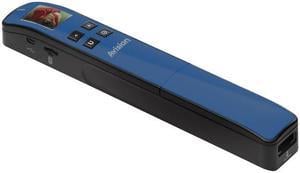
AVISION Miwand2 Ultralight 000-0743C-01G Mobile 600 dpi Scanner (Blue)
- Max. Document Size: scan up to 14" length
- Model #: 000-0743C-01G
- $60.70 –
- Free Shipping
Quick View
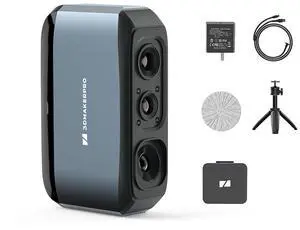
3DMakerpro 3D Scanner Moose, Medium-Format 3D Scanners for Printing, Blue Led Light Source, Up to 0.03mm Accuracy, 24-Bit Full-Color Scanning
+ 30% off w/ promo code MKTC5T6HQDXB,limited offer
- Model #: Moose Premium
- $759.00 –
- Free Shipping
Quick View
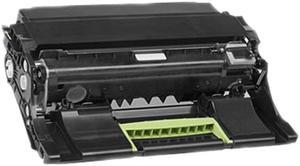
500ZA Imaging Unit for Lexmark MS310 , MS410 , MS510/MS610 , MX310/MX410 , MX510/MX511 , MX610/MX611
- Product Sort: Printer Accessories
- Product Type: Imaging Drums and Photoconductors
- Color: Black
- Compatibility: Lexmark models: MS310, MS310d, MS310dn, MS312DN, MS315dn, MS410, MS410d, MS410dn, MS415dn, MS510, MS510dn, MS610, MS610de, MS610dn, MS610dte, MS610dtn, MX310dn, MX410de, MX510de, MX510dte, MX511de, MX511dhe, MX511dte, MX610de, MX611de, MX611dhe, MX611dte
- Model #: 50F0ZA0
- $85.95 –
- More options from $85.95 - $174.41
- Free Shipping
Quick View
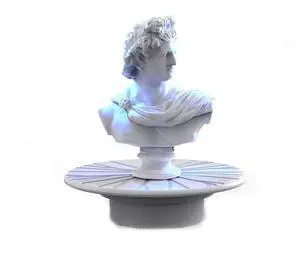
Turntable for 3DMakerpro Moose/Moose Lite Seal/Seal Lite 3D Scanners
+ 15% off w/ promo code MKTC2W893LX4,limited offer
- Model #: Turntable
- $29.00 –
- Free Shipping
Quick View
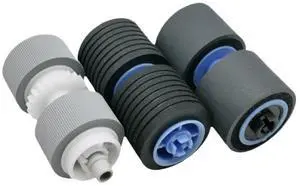
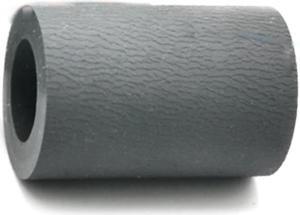
10PCS Separation Roller Rubber Tire Fits For M4020 M3320 SCX5737FW ML3370 M3825DW/XAA ML3750 M2024W ML3310ND M4025
- Product Type: Printhead
- Model #: CH-DYJ-0079
- $77.23 –
- Free Shipping
Quick View
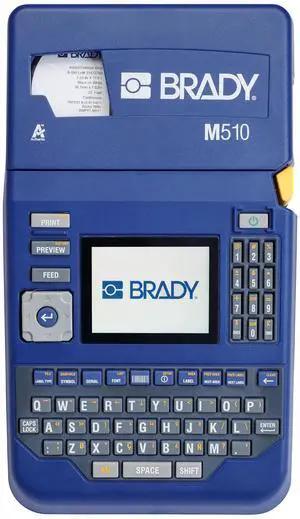
Brady M510 Portable Industrial Label Printer Kit with Carrying Case M510-KIT
- Brand: Brady Worldwide
- Model #:
- $491.40 –
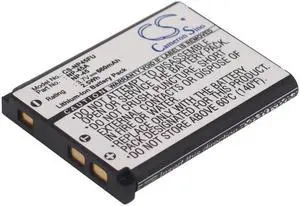
Quick View
- $21.49 –
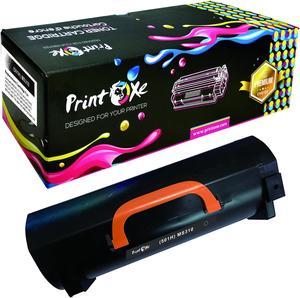
Quick View
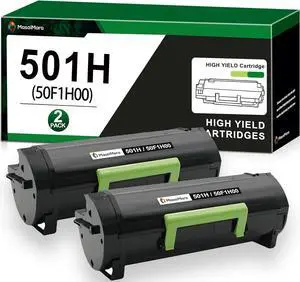
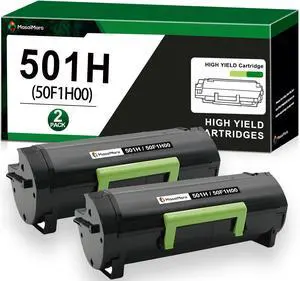
50F1H00 Compatible Toner 501H 5K Pages Lexmark MS310 MS312 MS315 MS410 MS415 MS510 MS610 MS317 MS417 MS517 MS617 M1140 M1145 M3150 XM1135 XM3150 XM1140 MS310 MS410 MS510 MS610 & others
- Replacement Brand: Lexmark
- Approximate Page Yield: 5000 Pages
- Coverage: 5%
- Model #: MS310-1T
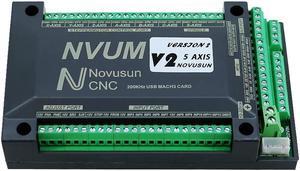
Quick View
NVUM NVEM Mach3 USB Ethernet Card 200KHz CNC Router 3 4 5 6 Axis Motion Control Card for DIY Engraving Machine MEIHAOCNC (4 axis USB)
- Model #: GODSB0BNMTZSWJ
- $225.99 –
- Free Shipping
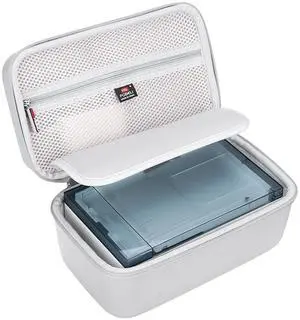
Quick View
FBLFOBELI EVA Hard Storage Case Compatible with Liene M100 4x6'' Photo Printer, Portable Travel Protective Bag (Case Only) (Gray)
- Model #: 680952985756
- $48.99 –
- $5.99 Shipping
Quick View
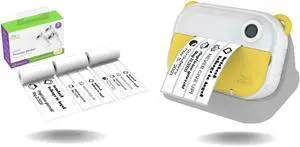
Oaxis myFirst Camera Insta Wi (Yellow) & Thermal Sticker Label (Refill) - Wireless Instant Print Camera with Video and Label Maker
- Model #: CHIDB0D4M6CXVQ
- $126.99 –
- Free Shipping
Quick View
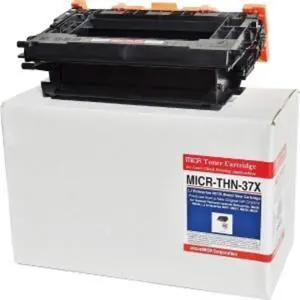
microMICR Toner Cartridge MICRTHN37X
- Product Type: Toner
- Color: N/A
- Weight: 5
- Features: Sold as 1 EA.
- Model #: MICRTHN37X
- $471.72 –
- More options from $450.82 - $485.93
Quick View
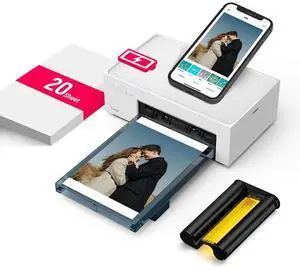
Liene Amber M200 Rechargeable Instant Photo Printer, White
- Model #: DHP512W#US1
- $129.84 –
- $14.99 Shipping
Quick View
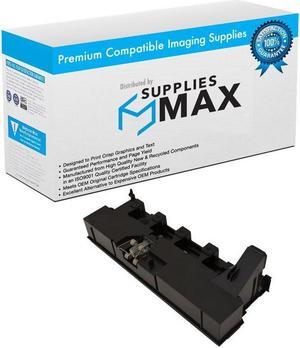
SuppliesMAX Compatible Replacement for Muratec MFX-C2260/MFX-C2860 Waste Toner Container (22000 Page Yield) (WX-105) (A8JJ0Y1)
- Cartridge Quantity: 1 Pack
- Replacement Brand: Muratec
- Compatible Products: Muratec A8JJ0Y1
- Approximate Page Yield: 22000 Pages
- Model #: SPB-MURA8JJ0Y1-C
- $40.99 –
- $8.99 Shipping
Quick View
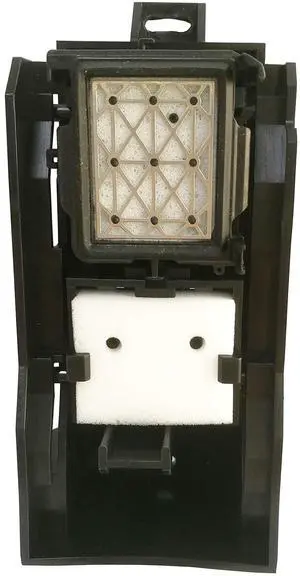
Xinghoo JV33 Cap Capping Top Station Assembly for Mimaki JV33 CJV30 Printers-M007389
- Model #: 668706892833
- $141.99 –
- $5.99 Shipping
Quick View
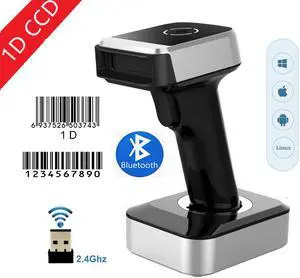
Nexanic MJ1900 Bluetooth 2.4Ghz Wireless 1D Barcode Scanner Screen Mobile Payment 1D Bar Code Reader
- Series: MJ1900
- Form Factor: Handheld
- Connectivity: Cordless
- Scan Engine: 1D CCD
- Model #: MJ1900-1D
- $56.49 –
- Free Shipping
Choosing the Right Printer for Your Office Needs
When it comes to office solutions, printers and scanners are essential tools for any business. Whether you need to print important documents, scan invoices, or create professional-quality marketing materials, having the right equipment is crucial. In this article, we will explore the different types of printers and scanners available in the market and provide tips on how to choose the best one for your office.
All-in-One Printers: Versatility and Convenience
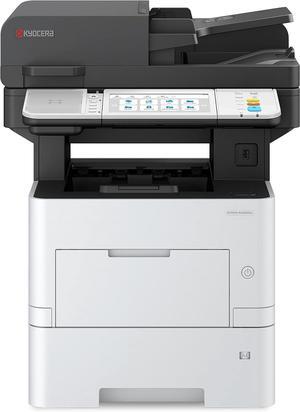
all-in-one printers, also known as multifunction printers, are a popular choice for offices. These devices combine the functionality of a printer, scanner, copier, and sometimes even a fax machine into a single unit. They offer versatility and convenience, allowing you to perform multiple tasks without the need for separate devices. All-in-one printers are available in both inkjet and laser options, catering to different printing needs and budgets.
Specialized Printers for Specific Tasks
In addition to all-in-one printers, there are specialized printers designed for specific tasks. For example, 3D printers are ideal for creating prototypes or intricate models, while barcode and label printers are perfect for businesses that require efficient inventory management. laser printers are known for their fast printing speeds and high-quality output, making them suitable for offices with high-volume printing needs. inkjet printers, on the other hand, are more cost-effective and can produce vibrant color prints.
Choosing the Right Supplies
Once you have selected the right printer for your office, it is important to choose the right supplies to ensure optimal performance and longevity. When it comes to inkjet printers, using high-quality ink cartridges is essential to achieve the best print quality and prevent clogging. For laser printers, it is important to choose the right type of toner cartridges that are compatible with your printer model. Additionally, investing in high-quality paper can make a significant difference in the final print results.
FAQs: Common Questions about Printers and Scanners
| Q: How often should I replace the ink cartridges? | A: The frequency of replacing ink cartridges depends on your printing volume. However, it is recommended to replace them when the print quality starts to degrade. |
|---|---|
| Q: Can I use third-party ink cartridges with my printer? | A: While it is possible to use third-party ink cartridges, it is important to ensure compatibility with your printer model. Using incompatible cartridges may result in poor print quality or damage to the printer. |
| Q: How do I clean the scanner glass? | A: To clean the scanner glass, use a soft, lint-free cloth slightly dampened with glass cleaner. Gently wipe the glass surface to remove any smudges or debris. |
| Q: What is the difference between optical and interpolated resolution in scanners? | A: Optical resolution refers to the actual hardware resolution of the scanner, while interpolated resolution is achieved through software enhancements. Optical resolution provides more accurate and detailed scans. |
| Q: How can I improve the scanning speed? | A: To improve scanning speed, reduce the scanning resolution, use black and white mode instead of color, and ensure that the scanner is connected to a high-speed USB port. |