

Your Browsing History
- Sold by Newegg
- Make an Offer

Any questions? Our AI beta will help you find out quickly.
Try me now
Quick View
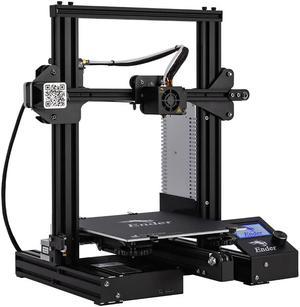
Official Creality Ender 3 3D Printer Fully Open Source with Resume Printing All Metal Frame FDM DIY Printers with Resume Printing Function 220x220x250mm
- Type: 3D Printer
- Model #: DIY3DPDC305
- $309.42 –
- More options from $288.99 - $309.42
- Free Shipping
Quick View
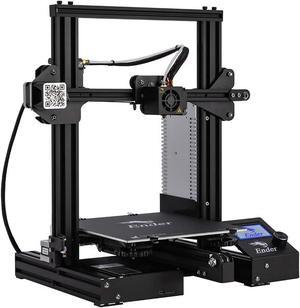
Official Creality Ender 3 3D Printer Fully Open Source with Resume Printing All Metal Frame FDM DIY Printers with Resume Printing Function 220x220x250mm
- Type: Other
- Model #: 6932031724393ASDFA538519

Quick View
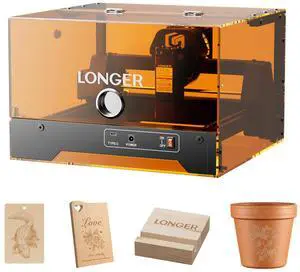
LONGER Ray5 MiniS 3.5W Laser Engraver, Protective Enclosure, 12000mm/min, 0.04mm Spot, 130×140mm, WiFi & Offline Control, LightBurn/LaserGRBL, Safety Door & Emergency Stop, Wood/Acrylic/Leather
- Brand: LONGER
- Model: Ray5 MiniS 3.5W
- Type: Laser Engraver
- Color: Black
- Model #: Ray5 MiniS 3.5W
Quick View
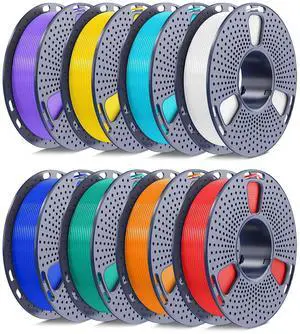
250g PLA Filament 1.75mm Bundle, SUNLU 3D Printer Filament Neatly Wound, Individually Vacuum Packed, 250g Spool, 8 Rolls, White+Red+Orange+Yellow+Green+Blue+Cyan+Purple
- Model #: C0A800465010411763
- $91.14 –
- Free Shipping
Quick View
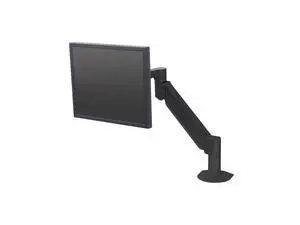
HAT DESIGN WORKS, 7500 DELUXE MONITOR ARM. INCLUDES UNIVERSAL FLEXMOUNT, & VESA ADAPTERS. 800. SUPPORTS 6-12LBS (BLACK)
- Model #: 7500-800-104
- $321.34 –
- Free Shipping
Quick View
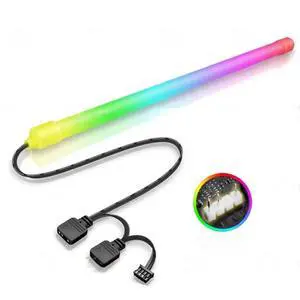
Generic For Computer Case RGB Lamp 30cm LED Strip Light Bar Decorative Silicone Light Magnetic 5V 3PIN ARGB SYNC PC DIY Cabinet
- Model #: 3256808416605118
- $36.08 –
- Free Shipping
Quick View
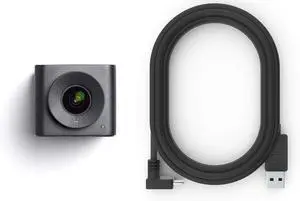
Huddly IQ Room Kit (Includes IQ Camera and 2M USB Cable)
- Model #: GENXB07HXY7PVJ
- $378.99 –
- Free Shipping
Quick View
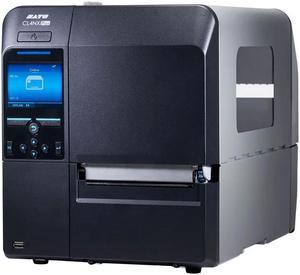
Sato CL4NX Plus Industrial Thermal Printer WWCLP3001
- Model #: WWCLP3001
- $2,628.13 –
- More options from $2,628.13 - $3,627.39
- Free Shipping
Quick View
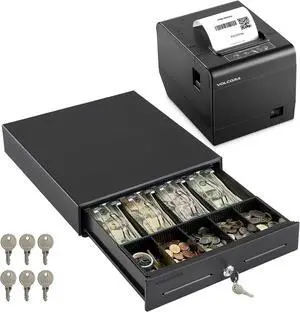
Volcora 13" Electronic Cash Register Drawer & 80mm Thermal Receipt Printer w/Auto Cutter for Point of Sale (POS) System, Small Businesses (Black)
- Model #: DARKB0DFWHDSK1
- $228.99 –
- Free Shipping
Quick View
250g PLA Filament 1.75mm Bundle, SUNLU 3D Printer Filament Neatly Wound, Individually Vacuum Packed, 250g Spool, 8 Rolls, White+Red+Orange+Yellow+Green+Blue+Cyan+Purple
- Model #: 433330053437ComputerzoneGANG
- $91.89 –
- Free Shipping
Quick View
250g PLA Filament 1.75mm Bundle, SUNLU 3D Printer Filament Neatly Wound, Individually Vacuum Packed, 250g Spool, 8 Rolls, White+Red+Orange+Yellow+Green+Blue+Cyan+Purple
- Model #: STARWELL426253763477Lan
- $93.48 –
- Free Shipping
Quick View
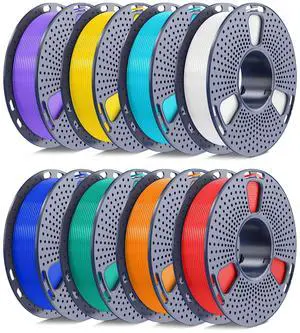
250g PLA Filament 1.75mm Bundle, SUNLU 3D Printer Filament Neatly Wound, Individually Vacuum Packed, 250g Spool, 8 Rolls, White+Red+Orange+Yellow+Green+Blue+Cyan+Purple
- Brand: YOOPAI
- Color: A-pla-8x250g-white+red+orange+yellow+green+blue+cyan+purple
- Material: Polylactic Acid
- Diameter: 1.75
- Model #: 785692188162
- $86.99 –
- More options from $86.99 - $88.99
- Free Shipping
Quick View
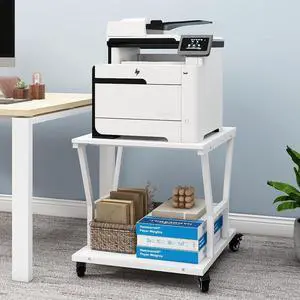
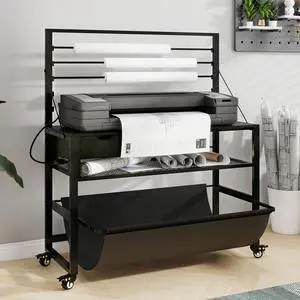
Natwind 2-Tier Large Printer Stand,23.6"x23.6"x29.5" Heavy-Duty Printer Table Cart with Paper Storage Shelf & Wheels,Ideal for Home Office Laser Printers, Copiers (White)
- Model #: DARKB0DK15HT96
- $144.99 –
- Free Shipping
Quick View
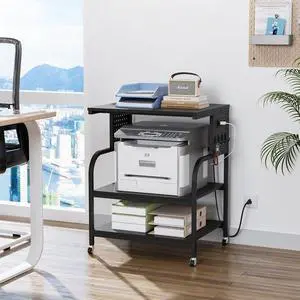
VINGLI 3 Tier Large Printer Stand with Power Outlet/USB Port, Rolling Printer Cart with Adjustable Shelf, 3D Printer Stand with Storage, Laser Printer Table (Black)
- Model #: DARKB0F1N21RTZ
- $126.99 –
- Free Shipping
Quick View
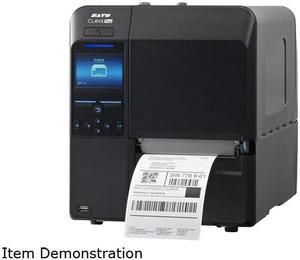
SATO WWCLP1001-NAR CL4NX PLUS 203DPI 41 THERMAL TRANSFER PRINTER LANUSBSERBLUETOOTH WITH RTC
- Printer Type: Industrial
- Fonts Included: 10 Bitmap SATO Fonts, 15 Scalable SATO Fonts, MultiNational Language Support (47 Languages/Unicode), Single and Double Byte Fonts (Korean, Chinese, Japanese)
- Barcode Type: Linear Code 39, Code 93, Code 128, CODABAR (NW7), EAN8/13, GS1-DatabarTM, GS1-128 (UCC/EAN128), Interleaved 2/5, Industrial 2/5, JAN 8/13, Matrix 2/5, MSI, Bookland, PostnetTM, UPC-A/E 2D Symbologies PDF417, Micro PDF, Maxi Code, GS1 Data Matrix, QR Code, Micro QR Code and Composite Symbologies, Aztec
- RFID Encoder: Seamless RFID encoding
- Model #: WWCLP1001-NAR
- $1,502.00 –
- More options from $1,502.00 - $2,512.10
- Free Shipping
Quick View
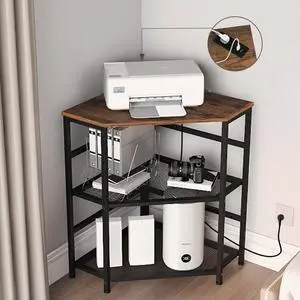
VEDECASA Corner Printer Stand Table with Power Outlet Charging Plugs USB Port Adjustable Storage Shelf Computer Tower CPU Stand Holder for Home Office (Brown)
- Model #: DARKB0B7GH451H
- $171.99 –
- Free Shipping
Quick View
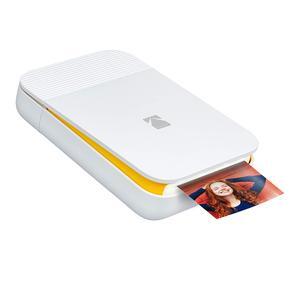
KODAK Smile Instant Digital Printer Pop-Open Bluetooth Mini Printer for iPhone & Android Edit, Print & Share 2x3 ZINK Photos w/FREE Smile App White/ Yellow Title
- Output Capacity, std.: 40
- Black Print Speed: 1
- Black Print Quality: 300 dpi
- Brand: Zink
- Model #: RODSMMPWYAMZ
- $84.99 –
- Free Shipping
Quick View
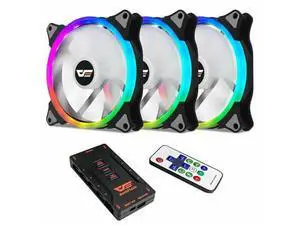
CS140 140mm 3IN1 Addressable RGB Computer Cooling Case Fan Cooler
- Model #: barcod6628
- $134.99 –
- $15.00 Shipping
Choosing the Right Printer for Your Office Needs
When it comes to office solutions, printers and scanners are essential tools for any business. Whether you need to print important documents, scan invoices, or create professional-quality marketing materials, having the right equipment is crucial. In this article, we will explore the different types of printers and scanners available in the market and provide tips on how to choose the best one for your office.
All-in-One Printers: Versatility and Convenience
all-in-one printers, also known as multifunction printers, are a popular choice for offices. These devices combine the functionality of a printer, scanner, copier, and sometimes even a fax machine into a single unit. They offer versatility and convenience, allowing you to perform multiple tasks without the need for separate devices. All-in-one printers are available in both inkjet and laser options, catering to different printing needs and budgets.
Specialized Printers for Specific Tasks
In addition to all-in-one printers, there are specialized printers designed for specific tasks. For example, 3D printers are ideal for creating prototypes or intricate models, while barcode and label printers are perfect for businesses that require efficient inventory management. laser printers are known for their fast printing speeds and high-quality output, making them suitable for offices with high-volume printing needs. inkjet printers, on the other hand, are more cost-effective and can produce vibrant color prints.
Choosing the Right Supplies
Once you have selected the right printer for your office, it is important to choose the right supplies to ensure optimal performance and longevity. When it comes to inkjet printers, using high-quality ink cartridges is essential to achieve the best print quality and prevent clogging. For laser printers, it is important to choose the right type of toner cartridges that are compatible with your printer model. Additionally, investing in high-quality paper can make a significant difference in the final print results.
FAQs: Common Questions about Printers and Scanners
| Q: How often should I replace the ink cartridges? | A: The frequency of replacing ink cartridges depends on your printing volume. However, it is recommended to replace them when the print quality starts to degrade. |
|---|---|
| Q: Can I use third-party ink cartridges with my printer? | A: While it is possible to use third-party ink cartridges, it is important to ensure compatibility with your printer model. Using incompatible cartridges may result in poor print quality or damage to the printer. |
| Q: How do I clean the scanner glass? | A: To clean the scanner glass, use a soft, lint-free cloth slightly dampened with glass cleaner. Gently wipe the glass surface to remove any smudges or debris. |
| Q: What is the difference between optical and interpolated resolution in scanners? | A: Optical resolution refers to the actual hardware resolution of the scanner, while interpolated resolution is achieved through software enhancements. Optical resolution provides more accurate and detailed scans. |
| Q: How can I improve the scanning speed? | A: To improve scanning speed, reduce the scanning resolution, use black and white mode instead of color, and ensure that the scanner is connected to a high-speed USB port. |