

Your Browsing History
- In Stock
- Sold by Newegg
- New

Any questions? Our AI mode will help you find out quickly.
Try me now
Quick View
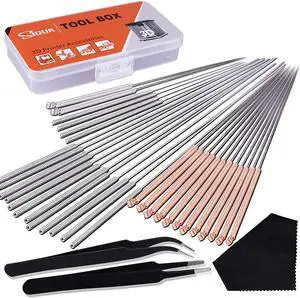
SIQUK 33 Pcs 3D Printer Nozzle Cleaning Tools Kit 30 Pcs 0.15mm, 0.25mm, 0.35mm, 0.4mm, 0.5mm Cleaning Needles 2 Pcs Tweezers and 1 Pc Cleaning Cloth
- Model #: 433330046958ComputerzoneGANG
- $23.89 –
- Free Shipping
Quick View
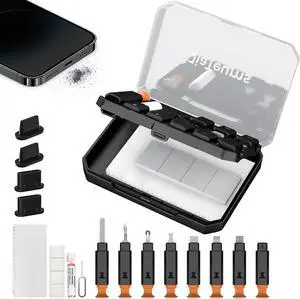
Charging Port Cleaning Tool for iPhone, JiaTeums Cleaning and Repair Kit for iPhone and Airpod,Cell Phone,Laptop PC USB C Type C Charging Slot and Lightning Data Cable (Black)
- Model #: Tong409397173210miao
- $27.88 –
- Free Shipping
Quick View
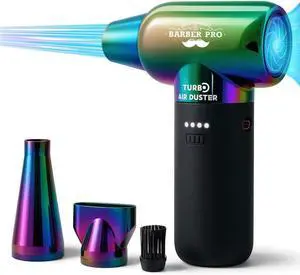
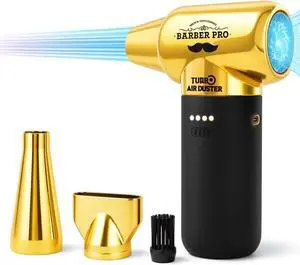
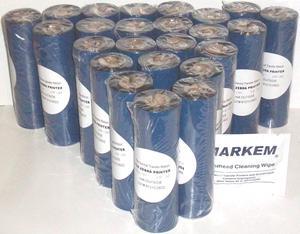
48 Thermal Transfer Ribbons 4.33" 1/2" core for Zebra Desktop TLP2844 TLP2442 GC420t GK420t GX420t. More - Free Print Head Cleaner
- Model #: XB01LK84P10
- $156.55 –
- More options from $156.00
- Free Shipping
Quick View
SIQUK 33 Pcs 3D Printer Nozzle Cleaning Tools Kit 30 Pcs 0.15mm, 0.25mm, 0.35mm, 0.4mm, 0.5mm Cleaning Needles 2 Pcs Tweezers and 1 Pc Cleaning Cloth
- Type: Spare Part
- Model #: 6295441433119ASDFA346327

Quick View
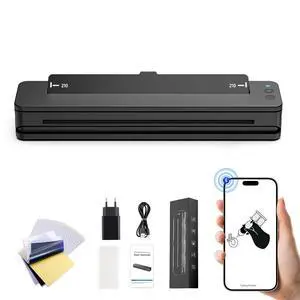
RHEIN Tattoo Stencil Printer T106Z-US Wireless Thermal Printer 2500mAh 300 dpi A4 Tattoo Transfer Paper 10PCS Free Cleaning Fabrics Compatible with Smartphone & Pc
- Model #: ENGEB0DCVM2RT6
- $162.99 –
- Free Shipping
Quick View
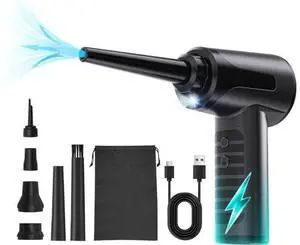
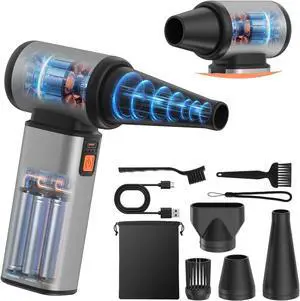
Compressed Air Duster - 130000 RPM Powerful Electric Air Duster, Multi-Gear Adjustable Canned Air, Fast Charging Duster for Computer, Keyboard, Home, Outdoor Duster
- Model #: ENGEB0G4GPDLGF
- $72.99 –
- Free Shipping
Quick View
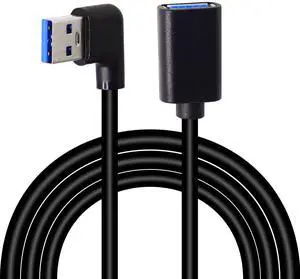
BUCIER Right Left Angle USB 3.0 Extension Cable,SuperSpeed 90 Degree USB3.0 A Male to Female Super Fast 5Gbps Data Cord for Laptop TV USB Disk Mouse Hard Disk Camera -Black 3.3Ft/1M
- Brand: GELRHONR
- Type: USB
- Connector Type: USB Type A
- Color: Black-Left Angle
- Model #: B645
Quick View
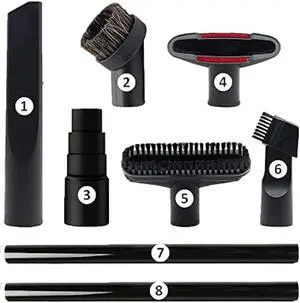
GEBDSM Vacuum Attachments, 1 1/4 Vacuum Cleaning Tools Kit for Shop Vac Accessories with 32mm/ 1.25 Extension Wands and Hose Adapter, 8 Pack
- Connector Type: type
- Model #: 6039045791660
- $37.77 –
- More options from $36.08 - $37.77
- Free Shipping
Quick View
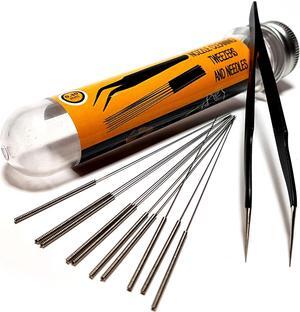
3D Printer Nozzle Cleaning Kit - 0.4mm Needles and Tweezers Toolkit - Stainless Steel Nozzle Cleaning Tool Kit - Alternative for 0.4mm Drill Bits for 3D Printer - Set of 11
- Type: Spare Part
- Model #: 6295441432549ASDFA175156
Quick View
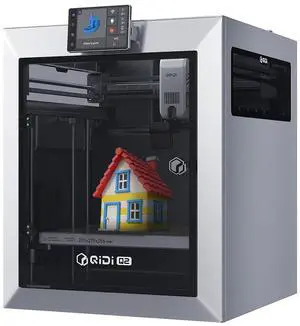
QIDI TECH Q2 3D Printer 65 Heated Chamber for Beginner,600mm/s High-Speed 370°C Hot End,Enclosed Chamber with Auto Leveling AI Camera,Large Build Volume 270×270×256mm compatible with PLA/ABS/PETG
- Technology: FDM (Fused Deposition Modeling)
- Parts: 1 Year
- Labor: 1 Year
- Model #: 8683769243363
- $499.00 –
- Free Shipping
Quick View
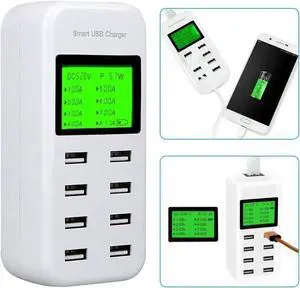
8 Port Smart USB Charger Hub with LCD 40W Multi-Port USB Charging Standation USB Wall Travel Charger for Smartphone
- Model #: cy-3192
- $32.24 –
- Free Shipping
Quick View
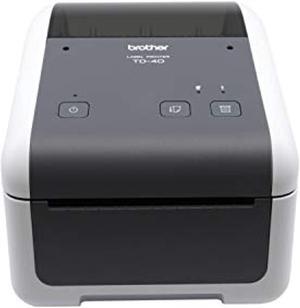
Brother TD4420DN 4-inch Thermal Desktop Barcode and Label Printer, 203 dpi, 8 IPS, Standard USB and Serial, Ethernet LAN (TD4420DN)
- Model #: TD4420DN-0
- $659.00 –
- Free Shipping
Quick View
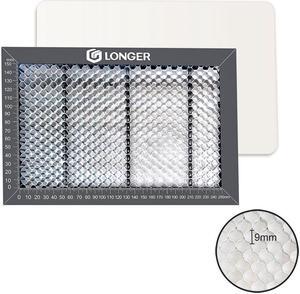
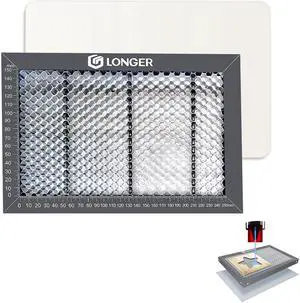
Longer Honeycomb Working Table, The Soulmate for Engraver, Honeycomb Working Panel Set for RAY5, Fast Heat Dissipation and Desktop-Protecting, Compatible with All Cutter, 1.8"x 7.8"x 0.86"
- Type: Spare Part
- Specification: 300*200mm
- Model #: Honeycomb Working Table
Quick View
in 30 days
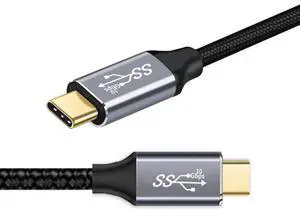
0.5M USB3.1 Gen2 USBC to USBC Cable | Built-in E-Marker Chip, 10Gbps Data & 100W PD Fast Charging for Laptops & PhonesLimited time offer, ends 09/24
- Model #: C24W- USB196
Quick View
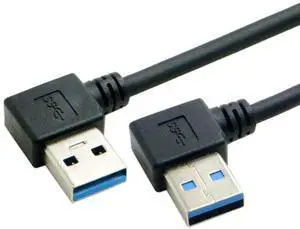
WRIARICH 50cm USB3.0 Type-A Left 90° to Right 90° Angled Cable | 5Gbps High Speed Data Cord for External Hard Drive & PC
- Model #: F4EW9ASGS
- $20.19 –
- Free Shipping
Quick View
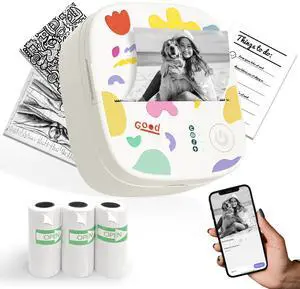
Mini Sticker Printer AHM2, Mini Thermal Printer with 3 Rolls Paper, Portable Bluetooth Inkless Printpods, Pocket Label Maker Suitable for Creative Kids DIY, Diaries, Photos, Study Notes -White
- Brand: CASIO
- Part Number: AH-M2-001
- Print Technology: Direct Thermal
- Printer Type: Desktop
- Model #: 454818156003
- $39.99 –
- Free Shipping
Choosing the Right Printer for Your Office Needs
When it comes to office solutions, printers and scanners are essential tools for any business. Whether you need to print important documents, scan invoices, or create professional-quality marketing materials, having the right equipment is crucial. In this article, we will explore the different types of printers and scanners available in the market and provide tips on how to choose the best one for your office.
All-in-One Printers: Versatility and Convenience
all-in-one printers, also known as multifunction printers, are a popular choice for offices. These devices combine the functionality of a printer, scanner, copier, and sometimes even a fax machine into a single unit. They offer versatility and convenience, allowing you to perform multiple tasks without the need for separate devices. All-in-one printers are available in both inkjet and laser options, catering to different printing needs and budgets.
Specialized Printers for Specific Tasks
In addition to all-in-one printers, there are specialized printers designed for specific tasks. For example, 3D printers are ideal for creating prototypes or intricate models, while barcode and label printers are perfect for businesses that require efficient inventory management. laser printers are known for their fast printing speeds and high-quality output, making them suitable for offices with high-volume printing needs. inkjet printers, on the other hand, are more cost-effective and can produce vibrant color prints.
Choosing the Right Supplies
Once you have selected the right printer for your office, it is important to choose the right supplies to ensure optimal performance and longevity. When it comes to inkjet printers, using high-quality ink cartridges is essential to achieve the best print quality and prevent clogging. For laser printers, it is important to choose the right type of toner cartridges that are compatible with your printer model. Additionally, investing in high-quality paper can make a significant difference in the final print results.
FAQs: Common Questions about Printers and Scanners
| Q: How often should I replace the ink cartridges? | A: The frequency of replacing ink cartridges depends on your printing volume. However, it is recommended to replace them when the print quality starts to degrade. |
|---|---|
| Q: Can I use third-party ink cartridges with my printer? | A: While it is possible to use third-party ink cartridges, it is important to ensure compatibility with your printer model. Using incompatible cartridges may result in poor print quality or damage to the printer. |
| Q: How do I clean the scanner glass? | A: To clean the scanner glass, use a soft, lint-free cloth slightly dampened with glass cleaner. Gently wipe the glass surface to remove any smudges or debris. |
| Q: What is the difference between optical and interpolated resolution in scanners? | A: Optical resolution refers to the actual hardware resolution of the scanner, while interpolated resolution is achieved through software enhancements. Optical resolution provides more accurate and detailed scans. |
| Q: How can I improve the scanning speed? | A: To improve scanning speed, reduce the scanning resolution, use black and white mode instead of color, and ensure that the scanner is connected to a high-speed USB port. |