

Your Browsing History
- In Stock
- Sold by Newegg
- Make an Offer
- New

Any questions? Our AI mode will help you find out quickly.
Try me now
Quick View
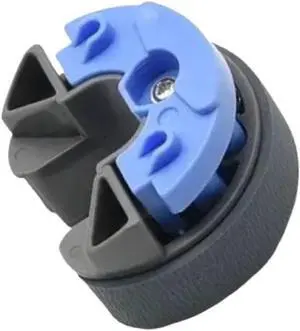
5Pcs Pick Up Roller C12C937771 Compatible with Printer Supplies L8050 L18050 L8058 L18058 for Part Number C12C937771
- Model #: CHIPB0GFZSBXTW
- $87.99 –
- Free Shipping

Quick View
RAMAHP Gaming Mouse Pad Large Keyboard Pad 23.6 x 11.8in Cyberpunk Geared Machinery Mouse Pad for Keyboard with Anti-Slip Rubber Base, Extended Desk Pad Keyboard Pad Mouse Mat Green
Limited time offer, ends 08/30
- Model #: YC7FW0709-oys-11
- $27.57 –
- Free Shipping
Quick View
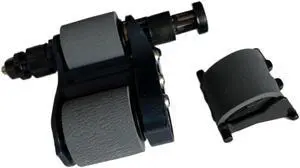
1Set Japan Quality C1P70-67901 ADF Pick Up Roller Assembly Compatible with Printer Supplies LJ M880 M830 M855 855 880 830 for Part Number C1P70-67901
- Model #: CHIPB0G2X493FG
- $136.99 –
- Free Shipping
Quick View
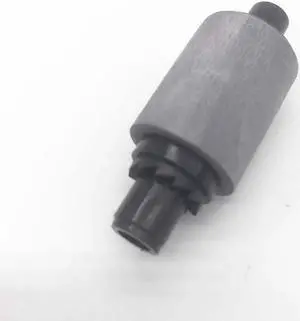
ADF Pick-Up Roller Fits For CLP-775ND ML3320 ML3712 SCX4833HD SCX4833 M3325ND ML3312ND M3820 M4020 SCX5639
- Product Type: Sheet Feeder
- Model #: LSX-CZL-0020
- $31.19 –
- Free Shipping
Quick View
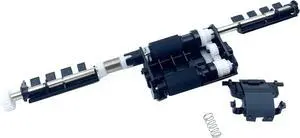
ADF Pick Roll Kit for Lexmark MX310 MX317dn MX410 MX610 MX611 MX510 MX511 MX517 XM1140 XM1145 XM3150 CX310 CX410 CX510 CX725 CX421 CX522
- Model #: DARJB0D9DBLSJ8
- $144.99 –
- Free Shipping
Quick View
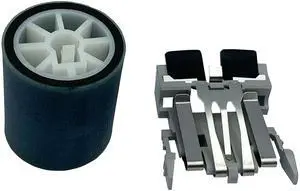
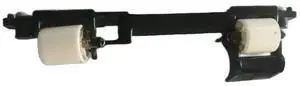
For Paper Pick Up Roller Assembly for 1866 Laser,Paper Pick Up Roller Assembly For 1866 1866 Laser
- Model #: 3256809034801897
- $31.28 –
- Free Shipping
Quick View
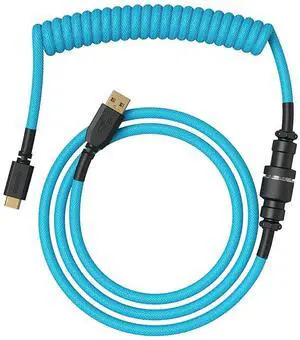
GLORIOUS Coiled Keyboard Cable Coiled USB C Cable Artisan Braided Cables for Mechanical Gaming Keyboard Coiled Cable - Custom Keyboard Cable (Electric Blue)
- Model #: TOLKB09PRDMT9H
- $90.99 –
- Free Shipping
Quick View
GLORIOUS Coiled Keyboard Cable Coiled USB C Cable Artisan Braided Cables for Mechanical Gaming Keyboard Coiled Cable - Custom Keyboard Cable (Electric Blue)
- Model #: GENXB09PRDMT9H
- $167.99 –
- Free Shipping
Quick View
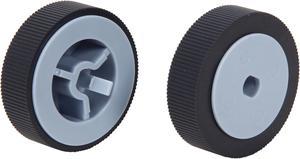
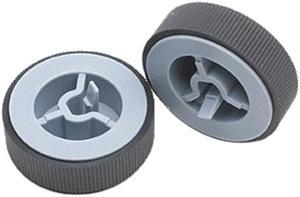
Fujitsu PA03450-K011 Scanner Pick Roller Set for FI-5900C, FI-5950
- Product Sort: Scanner Accessories
- Product Type: Pick Roller
- Compatibility: FI-5950
- Specifications: 600,000 sheets or one year
- Model #: PA03450-K011
- $45.75 –
- More options from $45.75 - $105.99
- Free Shipping
Quick View
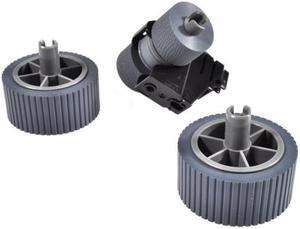
Fujitsu PA03575-K011 Pick Roller for Fi-6800
- Product Sort: Scanner Accessories
- Product Type: Pick Roller
- Color: Black
- Compatibility: Fujitsu fi-6800 Scanner
- Model #: PA03575-K011
- $51.69 –
- More options from $48.94 - $51.99
- Free Shipping
Quick View
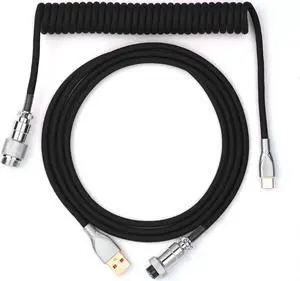
EPOMAKER Mix 1.8m Coiled Keyboard Cable, USB C to USB A TPU Cable for Mechanical Gaming Keyboard, with Detachable Metal Aviator for Custom Keyboard, Black
- Model #: R151252927816794
- $39.58 –
- Free Shipping
Quick View
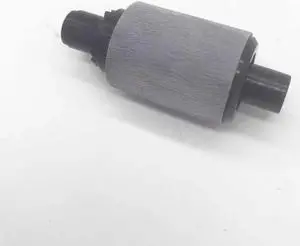
ADF Pick-Up Roller Fits For SCX-5639 SL-M4072 SCX-5639FR SL-M3320ND ML-3310 SCX-5739 ML-3712ND SL-M4020ND
- Product Type: Sheet Feeder
- Model #: LSX-CZL-0073
- $31.19 –
- Free Shipping
Quick View
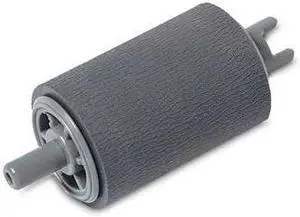
PUR2001C Brother PICK-UP ROLLER - ADS1700
- Product Type: Other Accessories
- Model #: PUR2001C
Quick View
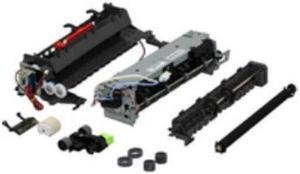
Lexmark ADF Pick Roll (40X8736)
- Product Type: See Description
- Color: liver
- Model #: SN938821
- $62.29 –
- More options from $60.99 - $78.44
- Free Shipping
Quick View
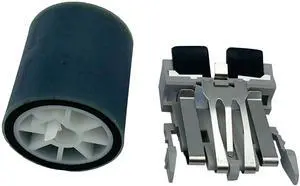
For Pick Roller+Pad for Fi-5110C S500 S510 PA03360-0001,Pick Roller + Pad Assembly Fi-5110C fi-5110EOX fi-5110EOX fi-5110EOXM S500 S500M S510 S510M PA03360-0001 PA03360-0002
- Model #: 3256805198898371
- $40.46 –
- Free Shipping

Quick View
PA03706-0001 PA03670-0002 Compatible Pick & Brake Roller Kit for Fujitsu fi-7030 N7100/E - User Installable (Roller Kit)
- Model #: DARJB0CXJDJ32H
- $124.99 –
- Free Shipping
Quick View
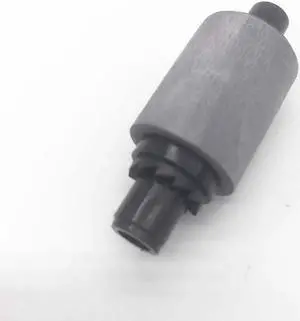
ADF Pick-Up Roller Fits For ML-3710 SL-M3325 SL-M3825ND SCX-5737FW SL-M3825DW/XAA ML-3200 SCX-4833FD
- Product Type: Sheet Feeder
- Model #: LSX-CZL-0071
- $31.19 –
- Free Shipping
Quick View
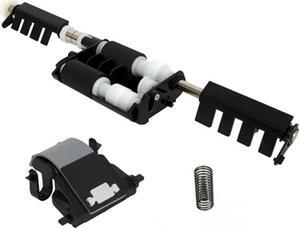
604K85850 - Xerox 604K85850 Dadf Pick up Doc Feeder Module Kit
New OEM Sealed
- Type: Copier
- Model #: 604K85850
- $119.00 –
- Free Shipping
Quick View
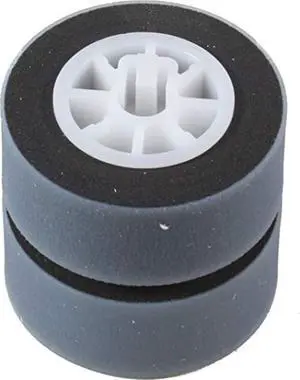
pick roller unit for fi-4530c fi-5530c fi-5530c2 scanners
- Model #: RNAB000X4K9E0
- $66.41 –
- Free Shipping
Quick View
Lexmark Pick roller assembly TRAYS
- Series: 40X8443
- Product Type: Other Accessories
- Color: N/A
- Model #: 40X8443
- $23.15 –
- More options from $22.59
Quick View
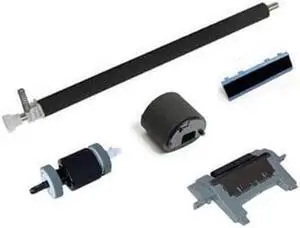
Maintenance Roller Pad Pick Up Kit and Separation Pad for HP P3015
- Product Type: Roller
- Model #: BE632C0YRA

Quick View
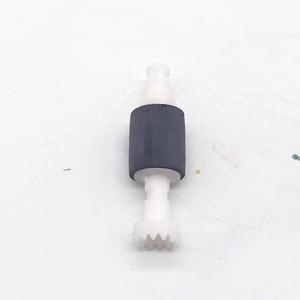
Pick-Up Roller Fits Forepson-700 PX820FWD TX810 EP-904A EP-801A PX800FW PX830FWD PX810FW PX700W 800 TX820 PX720WD EP-901A PX730
- Product Type: Printhead
- Model #: CH-DYJ-0057
- $94.96 –
Quick View
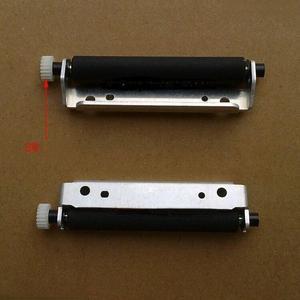
Pressing shaft Rubber roller Paper feeding roller Pick-up shaft rp-pos58nl4 58nl5 Rubber roller gear 20 teeth
- Product Type: Printhead
- Model #: ZW-d5234-020
- $123.49 –
- Free Shipping
Quick View
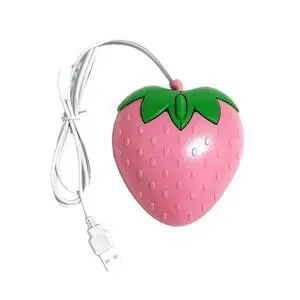
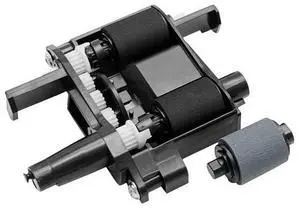
Wired Mouse Pink Strawberry Small Optical PC Computer Game Mouse Cute Creative Design Girls Birthday Gift For Office Laptop V1P8
- Model #: 3256806530388649
- $15.52 –
- Free Shipping
Quick View
Kawaii Anime Mouse Pad - Cute Gaming Desk Mat With Bowknot Edge, Non-Slip Waterproof for Keyboard, Large Extended for Office Gaming - FlowerCat
Limited time offer, ends 08/30
- Model #: JC7FW0709-OYJ-591
- $38.26 –
- Free Shipping
Quick View
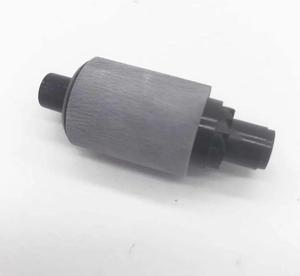
ADF Pick-Up Roller Fits For M3325ND ML3310 M3325 ML3310D SCX5639FR ML3312ND M3820 ML3712 ML3310ND ML3712ND
- Product Type: Sheet Feeder
- Model #: LSX-CZL-0018
- $31.19 –
- Free Shipping

Quick View
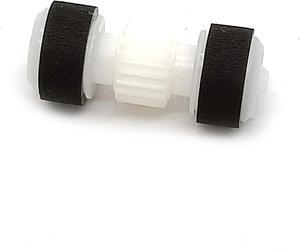
Paper Pick-up Roller Fits For MX518 MG3680 MX528 MX378 MX278 MX458 MX478 MX538 TS5180 MX398 MX438 MG3180 MX928
- Product Type: Sheet Feeder
- Model #: LSX-CZL-0056
- $25.67 –
- Free Shipping
Quick View
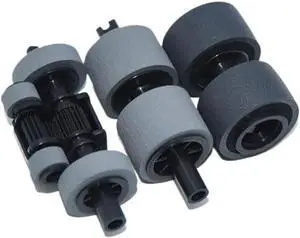
1X PA03708-0001 Consumable Pick Roller Brake Roller Set Compatible with SP-1120 SP-1125 SP-1130 Printer Supplies for Part Number PA03708-0001
- Model #: CHIPB0G31W8TDB
- $87.99 –
- Free Shipping

Quick View
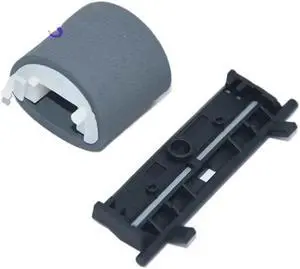
42Pcs Compatible with Pickup Roller for Part Number 116R00003 Feed Roller Pick Roller for 3610 3615 3655 Printer Models
- Model #: CHIPB0G3PTMQ5R
- $90.99 –
- Free Shipping
Quick View
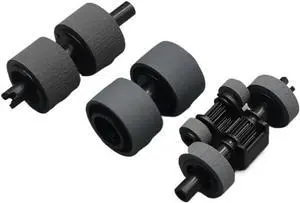
1X PA03708-0001 Consumable Pick Roller Brake Roller Set Compatible with SP-1120 SP-1125 SP-1130 SP1120 SP1125 SP1130 Printer Supplies for Part Number PA03708-0001
- Model #: CHIPB0G42QCK1Q
- $119.99 –
- Free Shipping
Choosing the Right Printer for Your Office Needs
When it comes to office solutions, printers and scanners are essential tools for any business. Whether you need to print important documents, scan invoices, or create professional-quality marketing materials, having the right equipment is crucial. In this article, we will explore the different types of printers and scanners available in the market and provide tips on how to choose the best one for your office.
All-in-One Printers: Versatility and Convenience
all-in-one printers, also known as multifunction printers, are a popular choice for offices. These devices combine the functionality of a printer, scanner, copier, and sometimes even a fax machine into a single unit. They offer versatility and convenience, allowing you to perform multiple tasks without the need for separate devices. All-in-one printers are available in both inkjet and laser options, catering to different printing needs and budgets.
Specialized Printers for Specific Tasks
In addition to all-in-one printers, there are specialized printers designed for specific tasks. For example, 3D printers are ideal for creating prototypes or intricate models, while barcode and label printers are perfect for businesses that require efficient inventory management. laser printers are known for their fast printing speeds and high-quality output, making them suitable for offices with high-volume printing needs. inkjet printers, on the other hand, are more cost-effective and can produce vibrant color prints.
Choosing the Right Supplies
Once you have selected the right printer for your office, it is important to choose the right supplies to ensure optimal performance and longevity. When it comes to inkjet printers, using high-quality ink cartridges is essential to achieve the best print quality and prevent clogging. For laser printers, it is important to choose the right type of toner cartridges that are compatible with your printer model. Additionally, investing in high-quality paper can make a significant difference in the final print results.
FAQs: Common Questions about Printers and Scanners
| Q: How often should I replace the ink cartridges? | A: The frequency of replacing ink cartridges depends on your printing volume. However, it is recommended to replace them when the print quality starts to degrade. |
|---|---|
| Q: Can I use third-party ink cartridges with my printer? | A: While it is possible to use third-party ink cartridges, it is important to ensure compatibility with your printer model. Using incompatible cartridges may result in poor print quality or damage to the printer. |
| Q: How do I clean the scanner glass? | A: To clean the scanner glass, use a soft, lint-free cloth slightly dampened with glass cleaner. Gently wipe the glass surface to remove any smudges or debris. |
| Q: What is the difference between optical and interpolated resolution in scanners? | A: Optical resolution refers to the actual hardware resolution of the scanner, while interpolated resolution is achieved through software enhancements. Optical resolution provides more accurate and detailed scans. |
| Q: How can I improve the scanning speed? | A: To improve scanning speed, reduce the scanning resolution, use black and white mode instead of color, and ensure that the scanner is connected to a high-speed USB port. |