

Your Browsing History
- In Stock
- Sold by Newegg
- Make an Offer
- New

Any questions? Our AI mode will help you find out quickly.
Try me now
Quick View
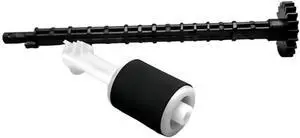
Paper Feeder Wheel Pick Up Roller for H-*P132A M227 M132SNW 134 Printer Parts
- Model #: CHIPB0GFYJ411N
- $112.99 –
- Free Shipping
Quick View
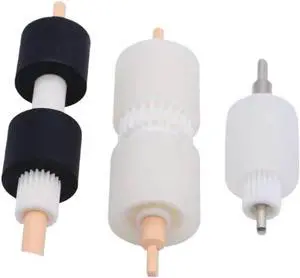
Compatible with Printer Models 4110 4127 4112 4595 1100 900 D95 for Part Number 008R13169 604K23660 Paper Tray Pick Roller
- Model #: CHIPB0G33TTFVC
- $119.99 –
- Free Shipping
Quick View
ADF Pick UP Roller Compatible with Printer Supplies SCX8123 SCX8128 SCX8230 SCX8240 CLX9201 CLX9251 CLX9301 CLX9252 for Part Number JC97-04009A
- Model #: CHIPB0G458GDS4
- $130.99 –
- Free Shipping

Quick View
Pick Up Pickup Roller for K-ocera M3540 M3550 P3045 P3050 P3055 P3060dn FS2100 4100 4200 4300 M3040 Printer Parts
- Model #: CHIPB0GHLMD8XQ
- $88.99 –
- Free Shipping
Quick View
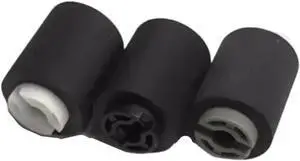
Pickup Pick Up Roller for X-rox TA4500 5500 6500 8000i 4550 5550 6550 7550ci Printer Parts
- Model #: CHIPB0GHHKXT78
- $119.99 –
- Free Shipping
Quick View
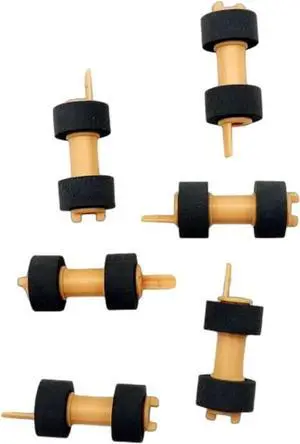
Feed Pick Up Pickup Roller for X-rox 3610 3615 3655 116R00003 Printer Print Parts 20pcs/lot
- Model #: CHIPB0GHHVZGTZ
- $130.99 –
- Free Shipping
Quick View
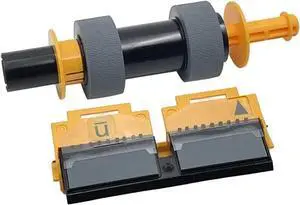
Pickup Pick Up Roller for K-ocera 6025 6525 6030 6530 3010i 3510i 3511 Printer Paper Separation Pad.Parts
- Model #: CHIPB0GHH7SVT9
- $122.99 –
- Free Shipping
Quick View
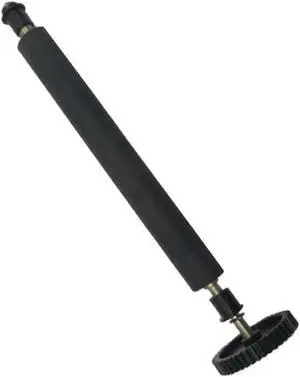
Pickup Pick Up Paper Roller for TSP800 TSP800L Printer Parts
- Model #: CHIPB0GHHDY32F
- $163.99 –
- Free Shipping
Quick View
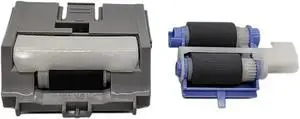
Pick Up Pickup Roller for H-/*P 501 506 M501 M506 M527 Printer Parts 5sets/lot
- Model #: CHIPB0GHJ3M1XQ
- $151.99 –
- Free Shipping
Quick View
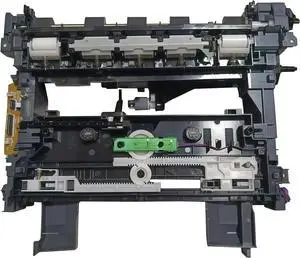
Feeder Unit Pickup Pick Up Roller Assembly, Compatible for HP LaserJet Tank 1020n 1020 1020W 2506DW MFP 1005 1005W 2606DN 2606SDN 2606SDW
- Model #: CHIPB0GG9J4SQ1
- $147.99 –
- Free Shipping
Quick View
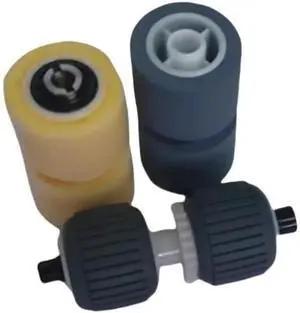
1set Pickup Pick Up Roller for Cn-on DR-6050C DR-7550C DR-9050C Scanner Printer Parts
- Model #: CHIPB0GFY9VBQP
- $197.99 –
- Free Shipping
Quick View
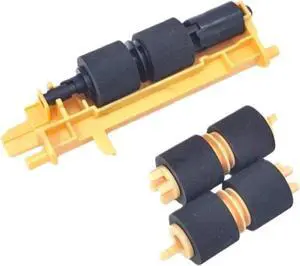
Pickup Pick Up Feed Roller for X-ROX V-rsaLink B600 B605 B610 B615 C500 C505 C600 C605 Printer Parts
- Model #: CHIPB0GHHGTL3K
- $150.99 –
- Free Shipping
Quick View
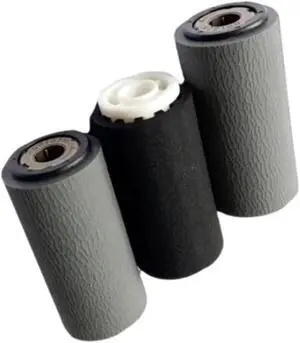
Pickup Pick Up Roller for X-rox C 7530 7535 7545 7556 7830 7835 Printer Parts
- Model #: CHIPB0GHLNVQJ8
- $193.99 –
- Free Shipping
Quick View
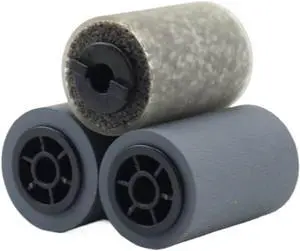
Second Hand ADF Paper Pick up Roller Compatible with V80 V180 V2100 4110 Models 59K29510 059K29510 59K29520
- Model #: CHIPB0G46LLJQD
- $192.99 –
- Free Shipping
Quick View
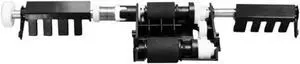
Pickup Pick UP Roller for P-ntum CP 2500 DN 2505/2506/2507/2510/ CM 7000 FDN 7105 Printer Parts
- Model #: CHIPB0GHJZMPBY
- $205.99 –
- Free Shipping
Quick View
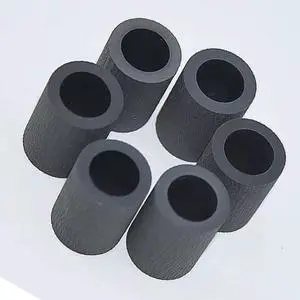
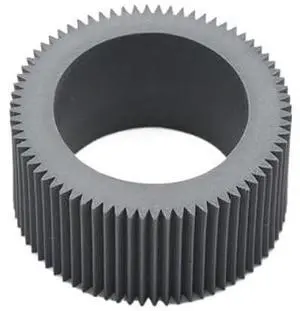
Pickup Roller Tire Pick Up Feed Rubber Compatible with Printer Supplies Riso RV RZ RP RN FR GR EZ 200 220 300 230 330 370 390 570 590 for Part Number 035-14303
- Model #: CHIPB0G4FVZ2PS
- $182.99 –
- Free Shipping
Quick View
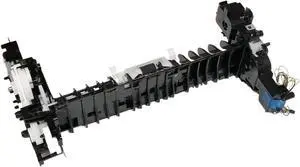
RM2-6372-000CN Paper Pick Up Assembly,Compatible for Color LaserJet Pro M454 M452 MFP M479 M477 Printer Parts RM2-6370
- Model #: ENGEB0GDXM3FSJ
- $96.99 –
- Free Shipping
Quick View
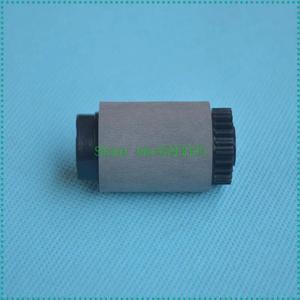
10PCS RF5-1835-000 RF5-1835 Pickup Roller Forhp-8000 8100 8150 8500 8550 5SI Printer Pick UP Roller
- Model #: LXS-DYJ-0253
- $49.92 –
Quick View
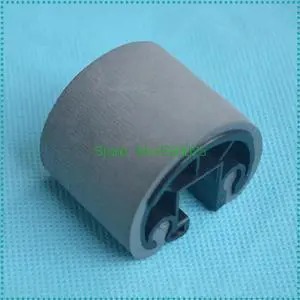
10PCS RB2-1821-000 Pickup Roller Forhp-5000 5100 FORcanon-LBP-1810 1820 Printer Pick UP Roller
- Model #: LXS-DYJ-0203
- $73.04 –
Quick View
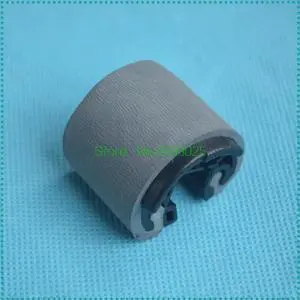
10PCS RB2-1820-000 Pickup Roller Forhp-5000 5100 9500 FORcanon-LBP-1810 1820 840 850 Printer Pick UP Roller
- Model #: LXS-DYJ-0295
- $69.56 –
Quick View
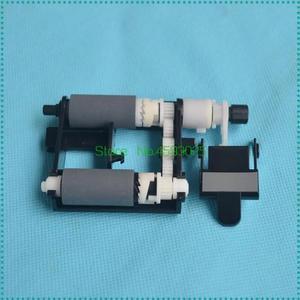
Pickup Roller Separation PAD For ML2160 ML2161 ML2165 SCX3400 SCX3401 3400 3405 2070 M2071 Pick UP Roller
- Model #: LXS-DYJ-0098
- $20.12 –
- Free Shipping
Quick View
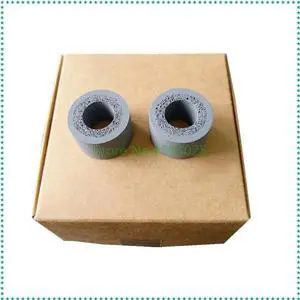
5SET Compatible Paper Pickup Roller Tire Forepson-DS510 DS520 DS560 DS760 DS860 Scanner Pick up Roller Rubber
- Model #: LXS-DYJ-0251
- $137.20 –
Quick View
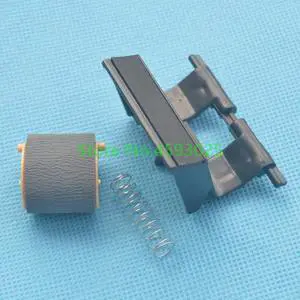
Pickup Roller RL1-2671-000 AND Separation PAD RM1-7228-000 For CP1025 M175 M176 M177 M275 Printer Pick UP Roller
- Model #: LXS-DYJ-0001
- $15.44 –
- $5.00 Shipping
Quick View
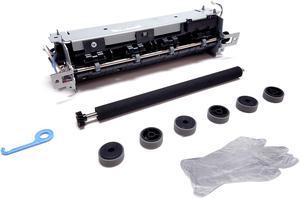
Altru Print 40X9135-MK-AP Maintenance Kit for Lexmark MS310 MS312 MS315 MS410 MS415 MS510 MS610 MX310 MX410 XM1140 M1140 M1145 M3150 110V includes 40X8023 Fuser, Transfer Roller & Pick Tires (3 Sets)
- Product Sort: Printing Supplies
- Product Type: Maintenance/Fuser Kit
- Color: N/A
- Compatibility: Lexmark M1140, Lexmark M1140+, Lexmark M3150, Lexmark M3150dn, Lexmark MS310d, Lexmark MS312dn, Lexmark MS315dn, Lexmark MS415dn, Lexmark MS510dn, Lexmark MS610de, Lexmark MS610dn, Lexmark MS610dte, Lexmark MS610dtn, Lexmark MX310dn, Lexmark MX410de, Lexmark MX510de, Lexmark MX511de, Lexmark MX611dhe, Lexmark MX611dte, Lexmark XM1140, Lexmark XM1145, Lexmark XM3150
- Model #: 40X9135-MK-AP
- $124.95 –
- Free Shipping
Quick View
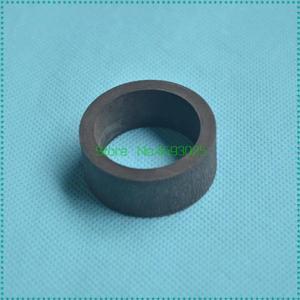
2PCS Compatible Paper Pickup Roller Tire Forcanon-380 FAX-L380 Printer Pick up Roller Rubber
- Model #: LXS-DYJ-0124
- $17.96 –
- $5.00 Shipping
Quick View
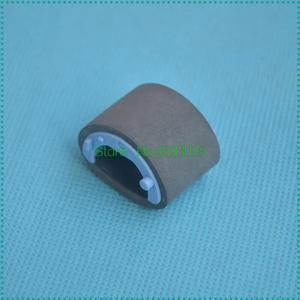
Pickup Roller RL1-0019-000 For 4200 4240 4250 4300 4345 4700 4730 CP4005 Printer pick UP Roller
- Model #: LXS-DYJ-0049
- $14.12 –
- $5.00 Shipping
Quick View
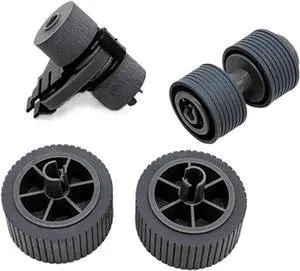
1set PA03740-K010 PA03740-K011 Brake Pick Roller for fi-7600 fi-7700 fi-7700S / fi7600 fi7700 fi7700S
- Model #: DARUB0G64DWPSW
- $139.99 –
- Free Shipping
Quick View
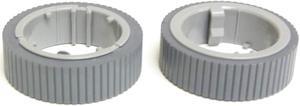
PA03670-0002, fi-7160/fi-7260/fi-7180/fi-7280, CONSUMABLE, ROLLER, PICK, PA03670-0002
- Model #: A01G5RA6CI
- $42.00 –
- $7.95 Shipping
Quick View
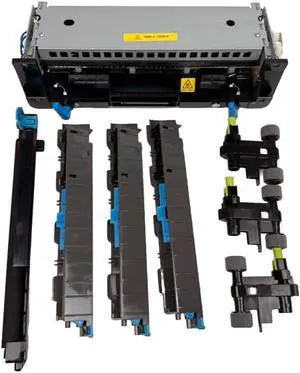
41X1115 Maintenance Kit - 120V for Lexmark MS/MX 821 822 823 825 826 Series Type 00 - Kit Includes: Fuser Unit,Media Pick Rollers,Transfer Roller,Separation Rollers
- Model #: CHIDB0GF6GDV4C
- $521.99 –
- Free Shipping
Quick View
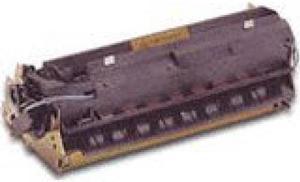
Lexmark MS825 Return Program Maintenance Kit (41X2233)
- Product Type: Toner Cartridges
- Color: Black
- Model #: 41X2233
- $314.99
- $294.99 –
- Save: $20.00 (6%)
- More options from $294.99 - $515.22
- Free Shipping
Quick View

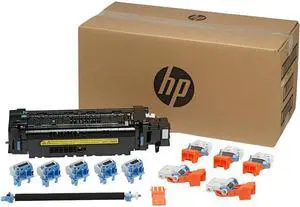
- Product Type: Maintenance Kit
- Color: N/A
- Specifications: Maintain consistent print quality and system uptime with the easy to install 220-volt fuser. Ensure reliable paper picking by refreshing your pick rollers.
- Features: Get the consistent print quality you expect from your HP LaserJet with the easily installed 220-volt fuser. Help avoid paper misfeeds when you refresh your HP LaserJet pick rollers. Maintain system uptime and user productivity with this easy to install Maintenance Kit.
- Model #: L0H25A
- $407.00 –
- More options from $407.00 - $481.10
- Free Shipping
Quick View
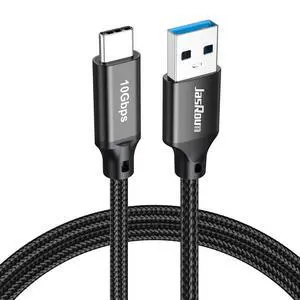
Data Transfer Cable USB to Type C 3FT, USB 3.1/3.2 Gen 2 10Gbps High Speed Data Sync, 3A USB-A to USB-C Charger Cord for External SSDs Laptop PS5 iPhone 17/16/15 Galaxy S25 Car Android Auto & Carplay
- Brand: JasRoum
- Type: USB to USB C
- Connector Type: Usb to Usb C
- Connector Number: 28
- Model #: 336822205508
- $11.99 –
- Free Shipping



Choosing the Right Printer for Your Office Needs
When it comes to office solutions, printers and scanners are essential tools for any business. Whether you need to print important documents, scan invoices, or create professional-quality marketing materials, having the right equipment is crucial. In this article, we will explore the different types of printers and scanners available in the market and provide tips on how to choose the best one for your office.
All-in-One Printers: Versatility and Convenience
all-in-one printers, also known as multifunction printers, are a popular choice for offices. These devices combine the functionality of a printer, scanner, copier, and sometimes even a fax machine into a single unit. They offer versatility and convenience, allowing you to perform multiple tasks without the need for separate devices. All-in-one printers are available in both inkjet and laser options, catering to different printing needs and budgets.
Specialized Printers for Specific Tasks
In addition to all-in-one printers, there are specialized printers designed for specific tasks. For example, 3D printers are ideal for creating prototypes or intricate models, while barcode and label printers are perfect for businesses that require efficient inventory management. laser printers are known for their fast printing speeds and high-quality output, making them suitable for offices with high-volume printing needs. inkjet printers, on the other hand, are more cost-effective and can produce vibrant color prints.
Choosing the Right Supplies
Once you have selected the right printer for your office, it is important to choose the right supplies to ensure optimal performance and longevity. When it comes to inkjet printers, using high-quality ink cartridges is essential to achieve the best print quality and prevent clogging. For laser printers, it is important to choose the right type of toner cartridges that are compatible with your printer model. Additionally, investing in high-quality paper can make a significant difference in the final print results.
FAQs: Common Questions about Printers and Scanners
| Q: How often should I replace the ink cartridges? | A: The frequency of replacing ink cartridges depends on your printing volume. However, it is recommended to replace them when the print quality starts to degrade. |
|---|---|
| Q: Can I use third-party ink cartridges with my printer? | A: While it is possible to use third-party ink cartridges, it is important to ensure compatibility with your printer model. Using incompatible cartridges may result in poor print quality or damage to the printer. |
| Q: How do I clean the scanner glass? | A: To clean the scanner glass, use a soft, lint-free cloth slightly dampened with glass cleaner. Gently wipe the glass surface to remove any smudges or debris. |
| Q: What is the difference between optical and interpolated resolution in scanners? | A: Optical resolution refers to the actual hardware resolution of the scanner, while interpolated resolution is achieved through software enhancements. Optical resolution provides more accurate and detailed scans. |
| Q: How can I improve the scanning speed? | A: To improve scanning speed, reduce the scanning resolution, use black and white mode instead of color, and ensure that the scanner is connected to a high-speed USB port. |