

Your Browsing History
- In Stock
- Sold by Newegg
- Make an Offer
- New

Any questions? Our AI mode will help you find out quickly.
Try me now
Quick View
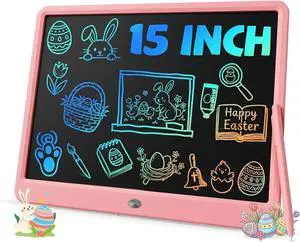
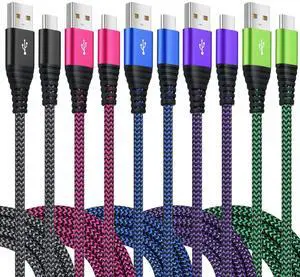
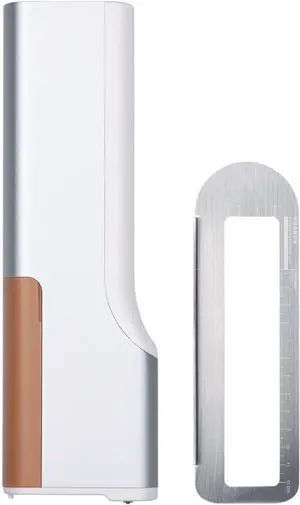
Handheld Printing Pen Latte Pen Macaron Cookie DIY Blessing Pattern Logo Use Scene Restaurant Hotel Reception School (Brown)
- Model #: DARKB0DNFP4FNR
- $540.99 –
- Free Shipping
Quick View
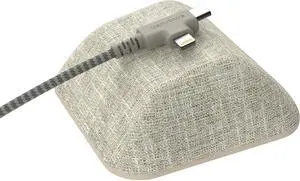
Smartish Cable Wrangler and Charger Bundle - Cable Wrangler Organizer with 2-in-1 USB-C to USB-C/Lightning Cable Fast Charger 100W - Lightly Toasted Beige
- Model #: GENXB0DLJF5ZTR
- $81.99 –
- Free Shipping
Quick View
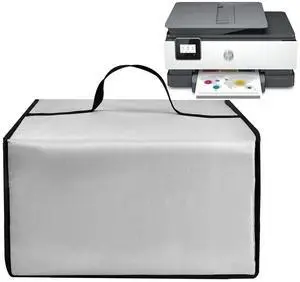
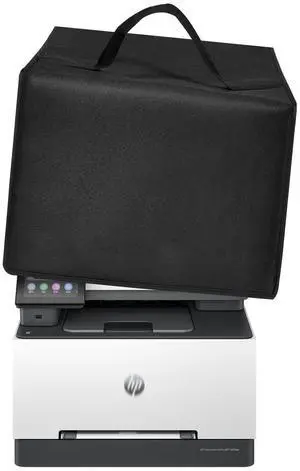
Printer Dust Cover Waterproof Nylon Case for HP Office Jet Pro 8139e/9015e/9125e/8135eWireless Printers Universal Case Protector for Printers(Silver)
- Model #: 994255019194
- $39.99 –
- $5.00 Shipping


Quick View
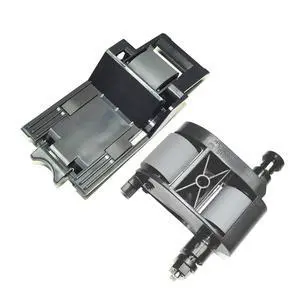
1set Scanner Pickup Roller Compatible with HP L2718A Automatic Document Feeder ADF Pickup Feed Roller Kit Assembly for HP Laserjet M525,M575,M630,M651,M680,M725,M775
- Model #: 439480309103
- $85.99 –
- $5.99 Shipping
Quick View
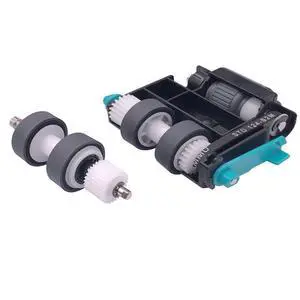
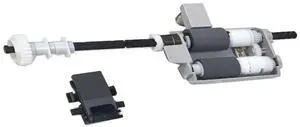
FixcoR Paper Pickup Roller Kit Compatible with Panasonic KV-S5076H KV-S5046H KV-SS063 KV-S5055C KV-SS039 KV-S5085 KV-S5086 KV-S5095 KV-S5096 KV-S2087
- Model #: 439480348881
- $138.99 –
- $5.99 Shipping
Quick View
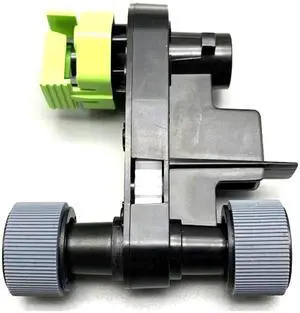
FixcoR ADF Paper Feed Roller Kit for Canon MF640 MF633 MF635 MF525 MF543 MF641 MF643 MF645 MF644Cdw MF631 MF744 MF741 MF733 MF735 D1620 D1650 1643i 1643iF
- Model #: 439480325332
- $94.99 –
- $5.99 Shipping
Quick View
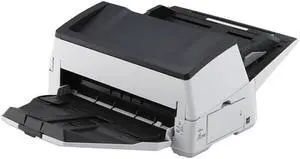
Used - Like New Ricoh / Fujitsu FI-7600 (PA03740-B505) Duplex 600 DPI x 600 DPI Production-class ADF document scanner
- Series: fi Series
- Type: Duplex
- Element Type: Color Charge-Coupled Device (CCD) x 2 (Front x 1, Back x 1)
- Light Source: White LED Array x 4 (Front x 2, Back x 2)
- Model #: PA03740-B505
- $2,498.95 –
- More options from $1,698.95 - $2,498.95
- Free Shipping
Quick View
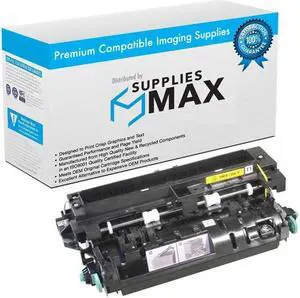
SuppliesMAX Compatible Replacement for Dell 5230DN/5230N/5350DN/5535DN 110V Fuser Assembly (300000 Page Yield) (330-6967)
- Series: Works In Dell 5230 / Dell 5350 / Dell 5530 / Dell 5535 Series and Other Laser Printers - LV Fuser Assembly (110V) (Includes Fuser Transfer Roll Charge Roll & 3 Sets of 2 Pick Rolls) (300000 Yield)
- Product Sort: Printer Ink & Toner
- Product Type: Replacement Parts
- Color: Black
- Model #: DLL330-6967-C
- $169.99 –
- $8.99 Shipping
Quick View
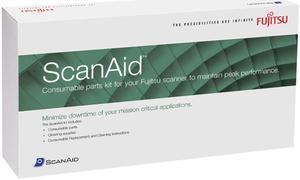
Fujitsu CG01000-518901 Scanaid Cleaning Consumable Kit for fi-5900C
- Product Sort: Scanner Accessories
- Product Type: Maintenance Kit
- Color: Black
- Compatibility: fi-5900C
- Model #: CG01000-518901
- $202.24 –
- More options from $202.24 - $225.06
- Free Shipping
Quick View
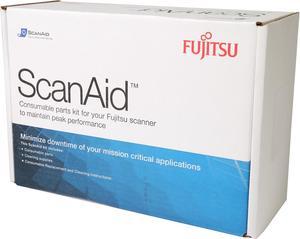
Fujitsu CG01000-524801 ScanAid Cleaning Kit for Fujitsu fi-6140 Scanner
- Product Sort: Scanner Accessories
- Product Type: Cleaning Kit
- Compatibility: FI-6140Z, Fi-6130Z
- Specifications: Package Contents: ScanAid Cleaning Kit 2 x Pad Assemblies 1 x Pick Roller and Cleaning Kit
- Model #: CG01000-524801
- $106.42 –
- More options from $98.99 - $106.42
- Free Shipping
Quick View
MX310/MX410/MX51X FUSER MAINTENANCE KIT
- Product Sort: Printer Accessories
- Product Type: Maintenance/Fuser Kit
- Color: N/A
- Compatibility: Lexmark XM1145, Lexmark MX511de, Lexmark MX510de, Lexmark MX410de, Lexmark MX310dn, Lexmark MX511dhe, Lexmark MX511dte
- Model #: 40X9135
- $317.76 –
- More options from $316.00 - $555.65
Quick View
Fujitsu CG01000-530801 ScanAid Maintenance Kit for fi-6800 Sheet-Fed Scanner
- Product Sort: Scanner Accessories
- Product Type: Cleaning and Maintenance kits
- Color: Black
- Compatibility: FI-6800
- Model #: CG01000-530801
- $201.85 –
- More options from $184.99 - $210.15
Quick View
Fujitsu CG01000-519101 ScanAid Cleaning and Consumable Kit
- Product Sort: Scanner Accessories
- Product Type: Maintenance Kit
- Compatibility: fi-5015C
- Specifications: Kit Contents: 2 Pad Assemblies, 1 Pick Roller, Cleaning Kit Only Applies Within The 1st 90 Days
- Model #: CG01000-519101
- $84.98 –
- Free Shipping
Quick View
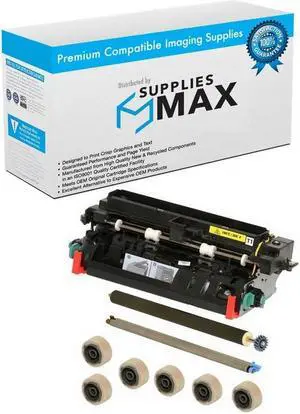
SuppliesMAX Compatible Replacement for Dell 5230DN/5230N/5350DN/5535DN 110V Maintenance Kit (300000 Page Yield) (330-9784)
- Series: Works In Dell 5230 / Dell 5350 / Dell 5530 / Dell 5535 Series and Other Laser Printers - LV Fuser Assembly (110V) (Includes Fuser Transfer Roll Charge Roll & 3 Sets of 2 Pick Rolls) (300000 Yield)
- Product Sort: Printer Ink & Toner
- Product Type: Cleaning and Maintenance kits
- Color: Black
- Model #: DLL330-9784-C
- $215.99 –
- $8.99 Shipping
Quick View
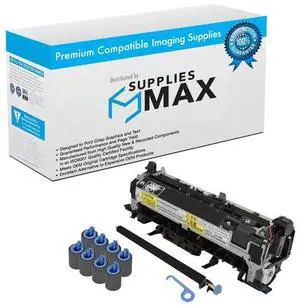
Compatible HP LaserJet Enterprise MFP M630 Series 110V Maintenance Kit (200000 Page Yield) (B3M77A)
- Brand: SuppliesMAX
- Series: Compatible With HP Enterprise Flow MFP M630Z / Enterprise M630DN / Enterprise M630F / Enterprise M630H / Enterprise MFP M630DN / Enterprise MFP M630F / Enterprise MFP M630H / Managed Flow MFP M630ZM / Managed MFP M630hm / Enterprise Flow MFP M630h Series and Other Laser Printers - (NOTES: Kit Includes 1-Fuser [RM2-5795] ; 1-Transfer Roller [B3G84-67901] / 1-Paper Pickup Roller Kit [B3G84-67905] / 1-Pick up Roller [RL1-2099] / 1-Separation Roller [RM1-0037]).
- Cartridge Quantity: 1 Pack
- Cartridge Color: Black
- Model #: SPB-HEWB3M77A-C
- $297.99 –
- $10.99 Shipping
Quick View
Fujitsu CG01000-510501 Consumable Kits
- Product Sort: Scanner Accessories
- Product Type: Consumable Kit
- Compatibility: fi-5110C, ScanSnap fi-5110EOX, fi-5110EOX2 ,fi-5110Series
- Specifications: Kit Contents : 2 Pad Assemblies 1 Pick Roller Cleaning Kit
- Model #: CG01000-510501
- $138.85 –
- Free Shipping
Quick View
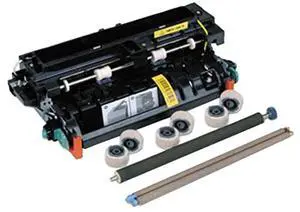
Lexmark 41X1228 200K Maintenance Kit - 110 V - 200000 Pages - Laser
- Brand: LEXMARK
- Part Number: 41X1228
- Product Type: Maintenance/Fuser Kit
- Color: Black
- Model #: 41X1228
- $422.30 –
- More options from $268.32 - $422.30
- Free Shipping
Quick View
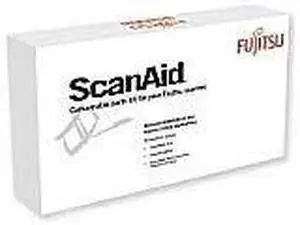
Fujitsu CG01000-447101 Consumable Kits
- Product Sort: Scanner Accessories
- Product Type: Maintenance Kit
- Compatibility: fi-4340C
- Specifications: 3 Pad Assemblies 2 Pick Rollers Cleaning Kit
- Model #: CG01000-447101
- $450.00 –
- Free Shipping

Quick View
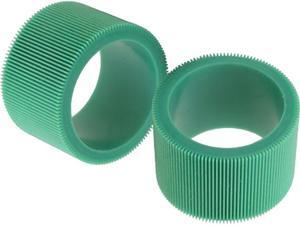
Lexmark Pick Tires
OUT OF STOCK
- Product Sort: Printer Accessories
- Product Type: Pickup Tire
- Compatibility: Lexmark C510DN Lexmark C510DTN Lexmark C510N Lexmark C510TN Lexmark C540N Lexmark C543DN Lexmark C544DN Lexmark C544DTN Lexmark C544DW Lexmark C544N Lexmark C546DTN Lexmark C734DN Lexmark C734DTN Lexmark C734DW Lexmark C734N Lexmark C736DN Lexmark C736DTN Lexmark C736N Lexmark C746DN Lexmark C746DTN Lexmark C746N Lexmark C748DE Lexmark C748DTE Lexmark C748E Lexmark CS310dn Lexmark CS310n Lexmark CS410dn Lexmark CS410dtn Lexmark CS410n Lexmark CS510de Lexmark CS510dte Lexmark CS736dn Lexmark CX410de Lexmark CX410dte Lexmark CX410e Lexmark CX510de Lexmark CX510dhe Lexmark CX510dthe Lexmark CX510the Lexmark X543DN Lexmark X544DN Lexmark X544DTN Lexmark X544DW Lexmark X544N Lexmark X546DTN Lexmark X548DE Lexmark X548DTE Lexmark X734DE Lexmark X736DE Lexmark X738DE Lexmark X738DTE L...
- Model #: 40X5168
- $15.99 –
- Free Shipping
Quick View
Lexmark 41X0958 Pick Roller Tire Kit
OUT OF STOCK
- Brand: LEXMARK
- Model: 41X0958
- Product Type: Roller
- Weight: 0.1
- Model #: 41X0958
- $16.99 –
- Free Shipping
Quick View
LEXMARK 41X1225 MS621, MS/MX622 Fuser Maintenance Kit, 110V
OUT OF STOCK
- Product Sort: Printer Accessories
- Product Type: Fuser Kit
- Compatibility: Lexmark B2650dn Lexmark MS621dn Lexmark MS622de Lexmark M3250 Lexmark MB2650ade Lexmark XM3250 Lexmark MX622ade Lexmark MX622adhe
- Specifications: The kit includes: Fuser (110 V) (41X1178) MPF pick roller and separator pad (41X1197) Pick tires (41X1198) Separator roller assembly (41X1212) Transfer roller (40X8393)
- Model #: 41X1225
- $289.99 –
- Free Shipping
Quick View
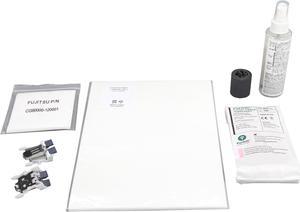
Fujitsu CG01000-530501 ScanAid Kit
OUT OF STOCK
- Product Sort: Scanner Accessories
- Product Type: Consumable Kit
- Color: N/A
- Compatibility: Fujitsu ScanSnap S1500M Sheet-Fed Scanner
- Model #: CG01000-530501
- $219.99 –
- More options from $113.31 - $219.99
- Free Shipping
Choosing the Right Printer for Your Office Needs
When it comes to office solutions, printers and scanners are essential tools for any business. Whether you need to print important documents, scan invoices, or create professional-quality marketing materials, having the right equipment is crucial. In this article, we will explore the different types of printers and scanners available in the market and provide tips on how to choose the best one for your office.
All-in-One Printers: Versatility and Convenience
all-in-one printers, also known as multifunction printers, are a popular choice for offices. These devices combine the functionality of a printer, scanner, copier, and sometimes even a fax machine into a single unit. They offer versatility and convenience, allowing you to perform multiple tasks without the need for separate devices. All-in-one printers are available in both inkjet and laser options, catering to different printing needs and budgets.
Specialized Printers for Specific Tasks
In addition to all-in-one printers, there are specialized printers designed for specific tasks. For example, 3D printers are ideal for creating prototypes or intricate models, while barcode and label printers are perfect for businesses that require efficient inventory management. laser printers are known for their fast printing speeds and high-quality output, making them suitable for offices with high-volume printing needs. inkjet printers, on the other hand, are more cost-effective and can produce vibrant color prints.
Choosing the Right Supplies
Once you have selected the right printer for your office, it is important to choose the right supplies to ensure optimal performance and longevity. When it comes to inkjet printers, using high-quality ink cartridges is essential to achieve the best print quality and prevent clogging. For laser printers, it is important to choose the right type of toner cartridges that are compatible with your printer model. Additionally, investing in high-quality paper can make a significant difference in the final print results.
FAQs: Common Questions about Printers and Scanners
| Q: How often should I replace the ink cartridges? | A: The frequency of replacing ink cartridges depends on your printing volume. However, it is recommended to replace them when the print quality starts to degrade. |
|---|---|
| Q: Can I use third-party ink cartridges with my printer? | A: While it is possible to use third-party ink cartridges, it is important to ensure compatibility with your printer model. Using incompatible cartridges may result in poor print quality or damage to the printer. |
| Q: How do I clean the scanner glass? | A: To clean the scanner glass, use a soft, lint-free cloth slightly dampened with glass cleaner. Gently wipe the glass surface to remove any smudges or debris. |
| Q: What is the difference between optical and interpolated resolution in scanners? | A: Optical resolution refers to the actual hardware resolution of the scanner, while interpolated resolution is achieved through software enhancements. Optical resolution provides more accurate and detailed scans. |
| Q: How can I improve the scanning speed? | A: To improve scanning speed, reduce the scanning resolution, use black and white mode instead of color, and ensure that the scanner is connected to a high-speed USB port. |