

Your Browsing History
- In Stock
- Sold by Newegg
- Make an Offer
- New

Any questions? Our AI mode will help you find out quickly.
Try me now

Quick View
GeekShare Large Gaming Mouse Pad Kawaii Pink Non-Slip Rubber Back Mouse Pad Big Waterproof Desk Mat for Keyboard and Mouse Perfect for Gaming,or Home Office Work - Star WingsSuper Dense Cloth
Limited time offer, ends 08/15
- Model #: JC7FW0709-OYJ-647
- $36.56 –
- Free Shipping

Quick View
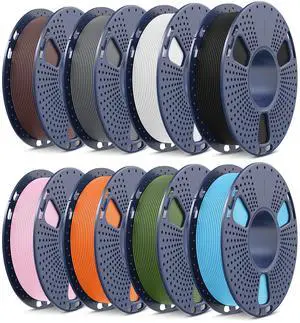
SainSmart TPU Filament 1.75 Pink Flexible TPU 3D Printing Filament 1.75 mm 250g Translucent Color Dimensional Accuracy +/- 0.05 mm
- Model #: 433330046910ComputerzoneGANG
- $28.89 –
- Free Shipping
Quick View
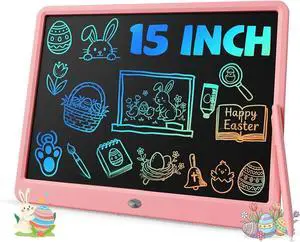
TEKFUN Teen Girl Gifts Ideas, 15inch LCD Writing Tablet for Kids Age 8-10 and Up, Doodle Board 4 5 6 7 Year Old Girl Toys, Mothdays Day Gifts Homeschool Supplies Easter Gifts for Adults(Pink)
- Model #: STARWELL426253762531Lan
- $41.78 –
- Free Shipping
Quick View
Simple (6-Foot) Fashion Series USB-C to USB-C Cable - Pink Glitter
- Type: Case
- Model #: 581571
- $6.99 –
Quick View
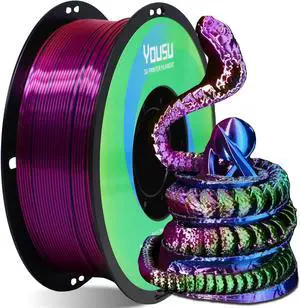
YOUSU Tri Color PLA 3D Printer Filament 1.75mm, Coextrusion Rainbow PLA Filament with Silk PLA Pink-Blue-Green, Multi Color 3D Printing Filament +/-0.02mm, 1kg/2.2lbs
- Model #: STARWELL426253765556Lan
- $36.08 –
- Free Shipping
Quick View
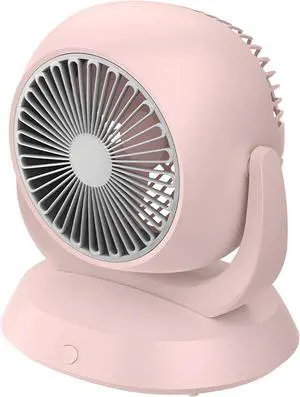
Air Circulator Fan, USB Rechargeable Desktop Fan for Home & Office, 4 Speed Settings, 180° Adjustable Angles, Quiet Operation, Portable Pink Fan, 4000mAh Battery
- Model #: DEEUB0H3T998YQ
- $105.99 –
- Free Shipping
Quick View
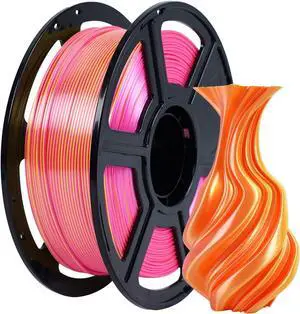
FLASHFORGE Silk Dual Color Filament, Pink and Yellow 2 in 1 Coextrusion Silk PLA Filament 1.75mm, 3D Printer Filament Color Change 1kg(2.2lbs) Spool, Dimensional Accuracy +/- 0.02mm
- Model #: STARWELL426253764757Lan
- $51.98 –
- Free Shipping
Quick View
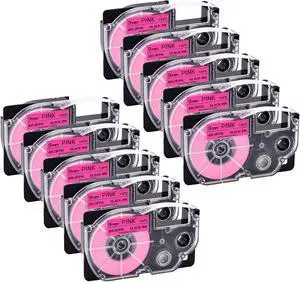
NineLeaf 10 Pack Compatible for XR-9FPK 9mm 3/8'' Black on Fluo Pink Label Tape LT for EZ Label Printer KL-1500 KL-2000 KL-7000 KL-7200
- Model #: ENGEB0C28CQ9PN
- $106.99 –
- Free Shipping
Quick View
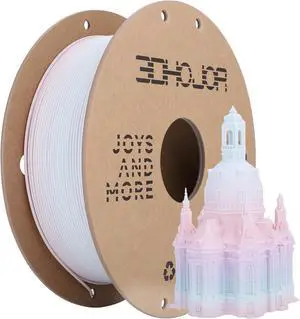
Matte Rainbow 3D Printer PLA Filament 1.75mm +/- 0.03 Multicolor Change Filament 1 KG(2.2lbs) Spool Fit Most FDM Printer-Pink Purple Green
- Model #: C0A150465010405267
- $50.68 –
- Free Shipping
Quick View
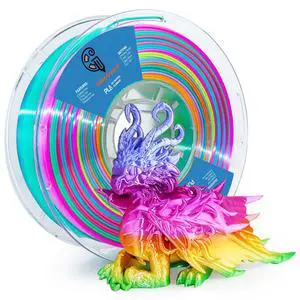
silk PLA Rainbow Filamentpla Filament 1.75mm Multicolor Changing with Green Blue Purple Pink Yellow,3D Printing Filament 1kg/2.2lbs for Most FDM 3D Printer
- Model #: 495159868246
- $54.99 –
- Free Shipping
Quick View
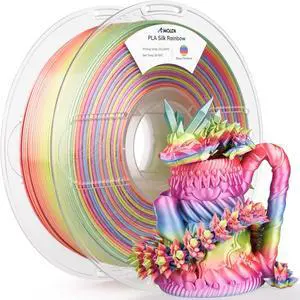
AMOLEN Silk PLA 3D Printer Filament, Shiny Multicolor Rainbow PLA Filament 1.75mm, Gradient Color Change PLA 3D Printing Filament for Most FDM 3D Printer, Pink Blue Purple Green Yellow, 1kg (2.2lbs)
- Model #: 433330055578ComputerzoneGANG
- $51.89 –
- Free Shipping
Quick View
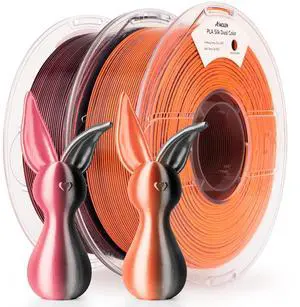
AMOLEN Silk PLA 3D Printer Filament Bundle 2KG, Dual Color PLA 1.75mm Pack, Shiny Color Change 3D Printing PLA Filament for Most FDM 3D Printer, Black Orange & Black Pink, 1KG X 2 Spools
- Model #: 433330055608ComputerzoneGANG
- $58.89 –
- Free Shipping

Quick View
Quiet Performance Cute Pet Dog Shape Mini Fan USB Rechargeable Pocket Handheld For Office Easy to Carry(Pink)
- Model #: TOLKB0H5WX1WK8
- $91.99 –
- Free Shipping
Quick View
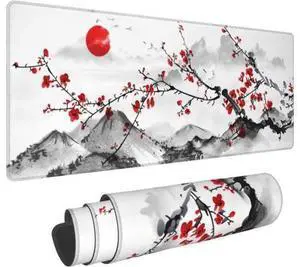
Watercolor Cherry Blossom Mouse Pad 31.5x11.8 Inch Pink Full Desk Japanese Sakura Mousepad Extended Large Non-Slip Rubber Base Waterproof Big Keyboard Mat with Stitched Edges for Gaming and Office
Limited time offer, ends 08/15
- Model #: YC7FW0709-oys-66
- $27.47 –
- Free Shipping

Quick View
Keyboard wrist rest and mouse pad and mouse wrist rest support set , anime kawaii cute pink mouse pad and keyboard pad set ,Silica gel easy typing pain relief ,suitable for computers, laptops(apricot)
Limited time offer, ends 08/15
- Model #: JC7FW0709-OYJ-671
- $42.96 –
- Free Shipping
Quick View
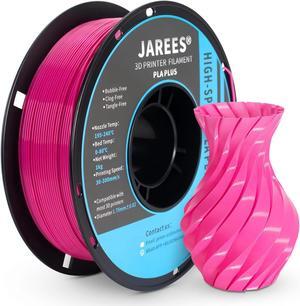
PLA Plus Filament 1.75mm, Higher Toughness Magenta Pink Rose 3D Printer Filament, High Speed PLA+ Pro 1kg Spool (2.2lbs), Dimensional Accuracy +/- 0.02 mm, Fit Most FDM Printer
- Model #: vfrtR302951378338
- $37.60 –
- Free Shipping
Quick View
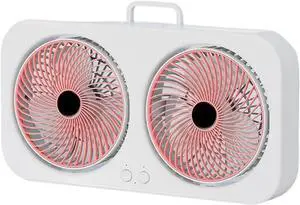
DYK&NX Dual Head Small Desk Fan, Rechargeable Portable Air Circulator Cooling Fan with 3 Wind Speeds Adjustment, Multi-Angle Rotation Quiet(Pink)
- Model #: DEEUB0GZ3W4HM5
- $64.99 –
- Free Shipping
Quick View
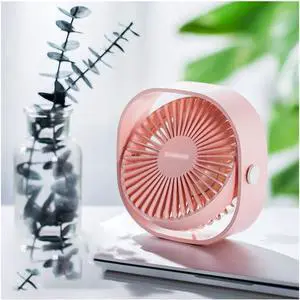
Portable Fan USB Desktop Fan 3 Speed Adjustable USB Powered Small Fan for Better Cooling Home Bedroom Office (Color : White) (Pink)
- Model #: DEEUB0DTHR7NC3
- $190.99 –
- Free Shipping
Quick View
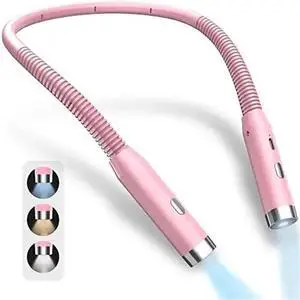
Pink,Neck Reading Light Book Lights Reading in Bed Bendable Long Lasting Portable USB Rechargeable Flexible LED Book Lighting
- Model #: DEEUB0FL25Z8G3
- $67.99 –
- Free Shipping

Quick View
MSX N2 Night Small Personal USB Desk Fan3 Speeds Table Fan Powered by USB7 Inch Portable Fan For Home Bedroom Car Outdoor Travel (pink)
- Model #: DEEUB092QTWY7K
- $72.99 –
- Free Shipping
Quick View
DYK&NX Rechargeable Portable Air Circulator Cooling Fan, Dual Head Desk Fan Quiet with 3 Wind Speeds Adjustment, USB Rechargeable(Pink)
- Model #: DEEUB0GZH9M1M9
- $72.99 –
- Free Shipping
Quick View
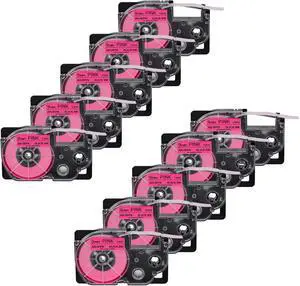
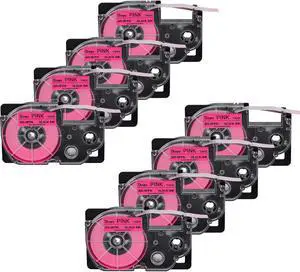
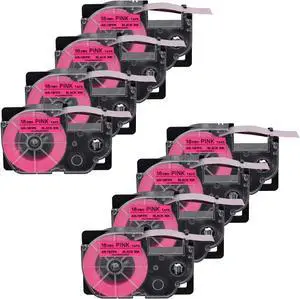
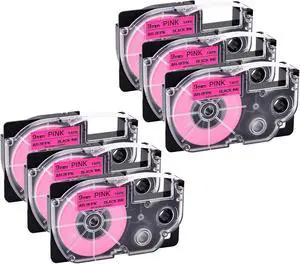
NineLeaf 6 Pack Compatible for XR-9FPK 9mm 3/8'' Black on Fluo Pink Label Tape LT for EZ Label Printer KL-750 KL-780 KL-820 KL-P1000
- Model #: ENGEB0C28FXS7K
- $74.99 –
- Free Shipping
Quick View
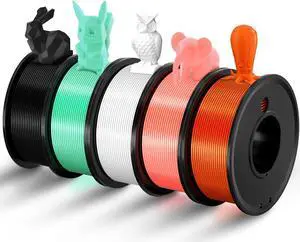
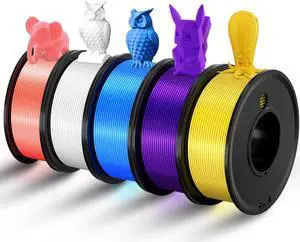
Matte Rainbow 3D Printer PLA Filament 1.75mm +/- 0.03 Multicolor Change Filament 1 KG(2.2lbs) Spool Fit Most FDM Printer-Pink Purple Green
- Model #: STARWELL426253756943Lan
- $51.98 –
- Free Shipping
Quick View
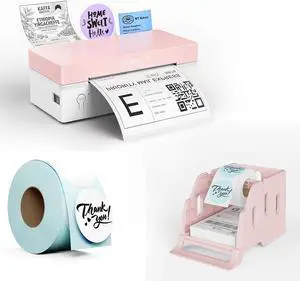
Rongta RP425 Pink Label Printer+750 PCS Labels+Pink Label Holder
- Model #: ENGEB0GN1TKPP5
- $97.99 –
- Free Shipping
Quick View
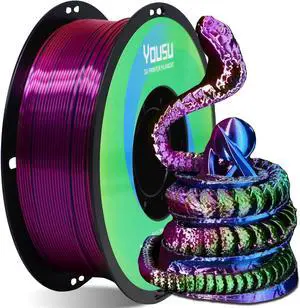
YOUSU Tri Color PLA 3D Printer Filament 1.75mm, Coextrusion Rainbow PLA Filament with Silk PLA Pink-Blue-Green, Multi Color 3D Printing Filament +/-0.02mm, 1kg/2.2lbs
- Model #: 433330055127ComputerzoneGANG
- $35.89 –
- Free Shipping
Quick View
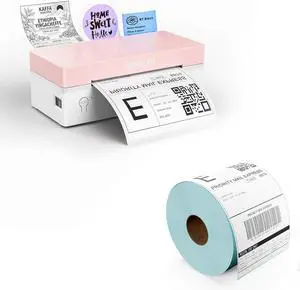
Rongta RP425 Pink Label Printer+Rolled 500 PCS Attached Labels
- Model #: ENGEB0GX6NXQNL
- $85.99 –
- Free Shipping

Quick View
Cute Pig Phone Holder Pink Resin Cellphone Stand for Desk, Animal Desktop Accessory and Office Decor
- Model #: EQWER462277173960
- $27.88 –
- Free Shipping

Quick View
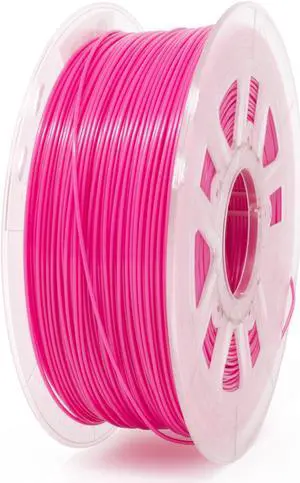
Gizmo Dorks 3D Printer Filament 1.75mm PLA, Fits Most FDM 3D Printers, 1kg Spool (2.2lb), Translucent Pink
- Model #: EQWER462277168744
- $49.88 –
- Free Shipping
Choosing the Right Printer for Your Office Needs
When it comes to office solutions, printers and scanners are essential tools for any business. Whether you need to print important documents, scan invoices, or create professional-quality marketing materials, having the right equipment is crucial. In this article, we will explore the different types of printers and scanners available in the market and provide tips on how to choose the best one for your office.
All-in-One Printers: Versatility and Convenience
all-in-one printers, also known as multifunction printers, are a popular choice for offices. These devices combine the functionality of a printer, scanner, copier, and sometimes even a fax machine into a single unit. They offer versatility and convenience, allowing you to perform multiple tasks without the need for separate devices. All-in-one printers are available in both inkjet and laser options, catering to different printing needs and budgets.
Specialized Printers for Specific Tasks
In addition to all-in-one printers, there are specialized printers designed for specific tasks. For example, 3D printers are ideal for creating prototypes or intricate models, while barcode and label printers are perfect for businesses that require efficient inventory management. laser printers are known for their fast printing speeds and high-quality output, making them suitable for offices with high-volume printing needs. inkjet printers, on the other hand, are more cost-effective and can produce vibrant color prints.
Choosing the Right Supplies
Once you have selected the right printer for your office, it is important to choose the right supplies to ensure optimal performance and longevity. When it comes to inkjet printers, using high-quality ink cartridges is essential to achieve the best print quality and prevent clogging. For laser printers, it is important to choose the right type of toner cartridges that are compatible with your printer model. Additionally, investing in high-quality paper can make a significant difference in the final print results.
FAQs: Common Questions about Printers and Scanners
| Q: How often should I replace the ink cartridges? | A: The frequency of replacing ink cartridges depends on your printing volume. However, it is recommended to replace them when the print quality starts to degrade. |
|---|---|
| Q: Can I use third-party ink cartridges with my printer? | A: While it is possible to use third-party ink cartridges, it is important to ensure compatibility with your printer model. Using incompatible cartridges may result in poor print quality or damage to the printer. |
| Q: How do I clean the scanner glass? | A: To clean the scanner glass, use a soft, lint-free cloth slightly dampened with glass cleaner. Gently wipe the glass surface to remove any smudges or debris. |
| Q: What is the difference between optical and interpolated resolution in scanners? | A: Optical resolution refers to the actual hardware resolution of the scanner, while interpolated resolution is achieved through software enhancements. Optical resolution provides more accurate and detailed scans. |
| Q: How can I improve the scanning speed? | A: To improve scanning speed, reduce the scanning resolution, use black and white mode instead of color, and ensure that the scanner is connected to a high-speed USB port. |