
Your Browsing History
- In Stock
- Sold by Newegg
- Make an Offer
- New

Any questions? Our AI beta will help you find out quickly.
Try me now
Quick View
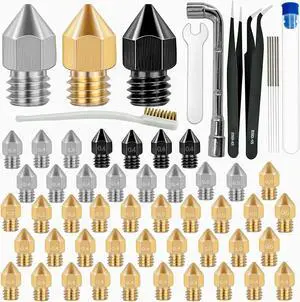
50 Pcs 3D Printer Nozzles Hardened Steel Stainless Steel Brass Printer Extruder Nozzles Set for CR-10, Ender 3 High Temperature Pointed Wear Resistant Mk8 Nozzle Cleaning Kit
- Model #: C0A575465010409517
- $35.08 –
- Free Shipping
Quick View
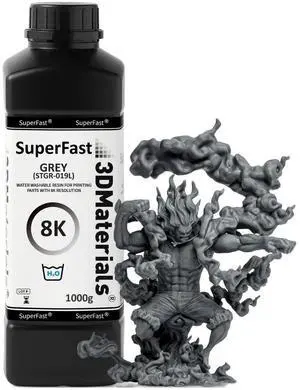
8K 22um Resolution SuperFast Water Washable Resin, 0.5 Sec. (50um), Made in Korea (Grey, 1000g)
- Model #: C0A628465010410049
- $58.11 –
- Free Shipping
Quick View
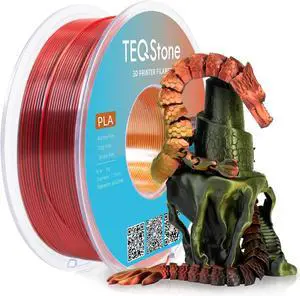
Tri Color Silk PLA Filament 1.75mm Red Gold Black 1KG, Shiny High Gloss Finish, Seamless Color Transition, Neatly Wound, Accuracy +/-0.02mm Vacuum Packaging
- Model #: C0A636465010410124
- $35.18 –
- Free Shipping

Quick View
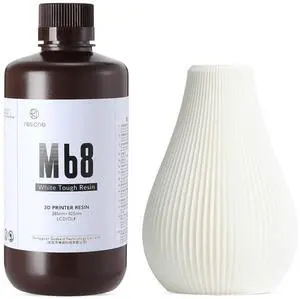
JAMG HE Rapid UV-Curing Resin 405nm, Dental Model Resin for Orthodontic Brace Water Washable with Lower Shrinkage & High Presicion Grey 500g
- Model #: C0A607465010409838
- $46.29 –
- Free Shipping
Quick View
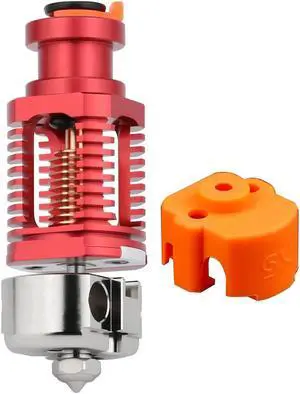
Upgrade Red Lizard k1 V6 Dragon Hotend Plated Copper Nozzle Block Compatible with Voron 2.4 0.1 CR10 Ender 3 V2 Pro Ender 5 Prusa I3 MK3s Titan DDB Extruder 3D Printer
- Model #: C0A438465010408145
- $77.98 –
- Free Shipping
Quick View
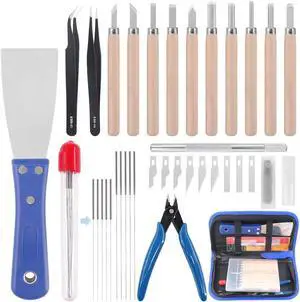
Glarks 34Pieces 3D Printer Nozzle Cleaning Removal Tool Kit, Including 0.35mm 0.4mm Cleaning Needles, Wood Carving Tools Kit, Knife Clean Up Kit, Tweezers, Scraper, Wire Cutter
- Model #: C0A23465010403997
- $37.03 –
- Free Shipping
Quick View
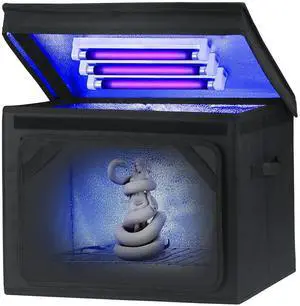
Resin Curing Light Lamp for 3D Printer Large Size Cure Light Box for Machine 3D Printer Led Light 365nm Solidify Photosensitive Resin, 36L/9.5gal, 6w Bulb x3
- Model #: C0A587465010409630
- $91.63 –
- Free Shipping
Quick View
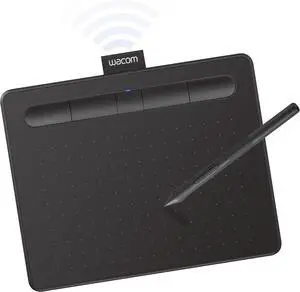
Wacom Intuos Small Bluetooth Graphics Drawing Tablet, 4 Customizable ExpressKeys, Portable for Teachers, Students and Creators, Compatible with Chromebook Mac OS Android and Windows - Black
- Model #: C0A699465010410759
- $150.13 –
- Free Shipping
Quick View
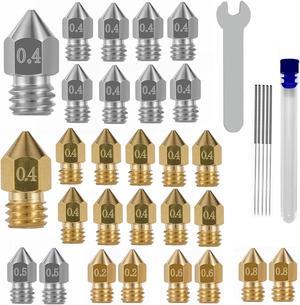
32PCS Nozzles 3D Printer nozzles Mk8 Nozzle, Stainless Steel, Brass,Compatible with Ender 3/Ender 3 Pro Nozzle/Ender 3 Neo/Ender 3 Max/Ender 5 Pro/,/Ender 3 Neo/CR 10..., Welcome to consult
- Model #: kolitt9451486448786
- $26.09 –
- Free Shipping
Quick View
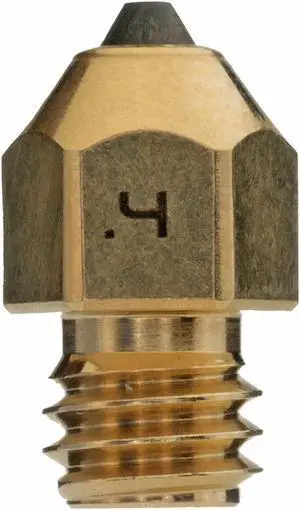
Diamondback Nozzles MK8 Compatible Polycrystalline Solid Diamond Tip 3D Printer Nozzles, Improved Extrusion, Any Filament, Long Life, Wear Resistant, Layer Adhesion, USA Made (0.4mm)
- Model #: C0A396465010407728
- $166.71 –
- Free Shipping
Quick View
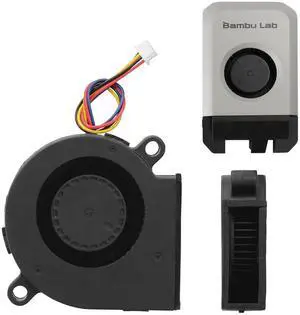
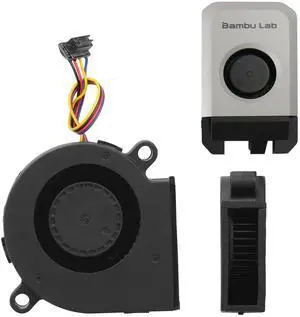
x1 Series 5015 Blower Cooling Fan for Bambu Lab 3D Printer X1C Components Cooling Blower Fan Fast Speed High Air Volume Low Noisy 3D Printer Parts(for x1 Series)
- Brand: Creality
- Part Number: 5015 Blower fan
- Type: Filament
- Model #: 551085790835
- $17.99 –
- Free Shipping
Quick View
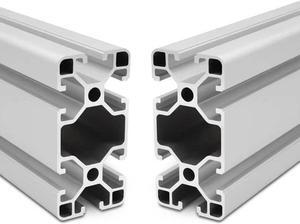
4080 T Slot Aluminum Extrusion for 3D Printer Parts and CNC DIY Silver 1220mmX2
- Model #: C0A30465010404062
- $175.48 –
- Free Shipping
Quick View
5015 24Vp1 Fan Dual Ball Bearing Cooling Blower Fan for Lab P1P P1S 3D Printer Quiet Turbo Fan,3D Printer DC24V Extruder Hotend Cooling Fan 5015 for Bambu Lab P1P/P1S
- Brand: Creality
- Part Number: p1 fan
- Compatible System: 3D Printer
- Specification: 3.05 watts, 4-Pin, p1 fan
- Model #: 529001675440
- $25.26 –
- Free Shipping
Quick View
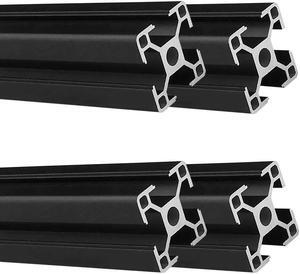
3030 T Slot Aluminum Extrusion for 3D Printer Parts and CNC DIY Black 1500mmX4
- Model #: C0A69465010404451
- $233.98 –
- Free Shipping
Quick View
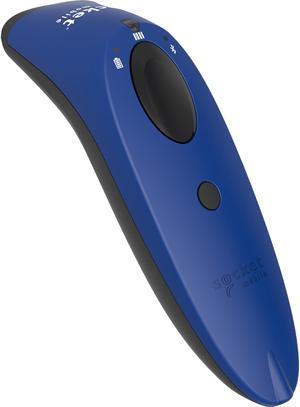
Socketscan® S740 1D/2D Imager Barcode Scanner Blue
- Series: SocketScan 700
- Part Number: CX3431-1881
- Connectivity: Wireless
- Cordless Type: Handheld Barcode Scanner
- Model #: CX3431-1881
- $339.57
- $317.20 –
- Save: $22.37 (6%)
- More options from $317.20 - $805.05
- Free Shipping
Quick View
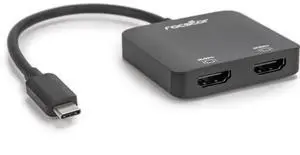
Rocstor Premium USB-C to Dual HDMI Multi Monitor Adapter Y10A203B1
- Connector Type: type
- Model #: Y10A203B1
Quick View
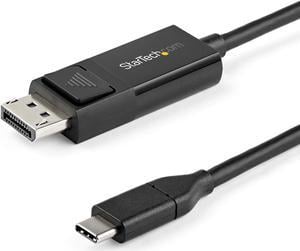
StarTech.com 3.3 ft. (1 m) USB C to DisplayPort 1.2 Cable - Bidirectional - 4K 60Hz - Thunderbolt 3 - USB Type C Adapter Cable (CDP2DP1MBD)
- Type: USB-C to DP 1.2 Adapter Cable
- Connector Number: 2
- Connector Detail: Connector A: 1 - USB-C (24 pin) DisplayPort Alt Mode Connector B: 1 - DisplayPort (20 pin)
- Terminal Gender: Male to Male
- Model #: CDP2DP1MBD
- $34.51 –
- More options from $34.51
Quick View
- $284.99 –
- $4.99 Shipping
Quick View
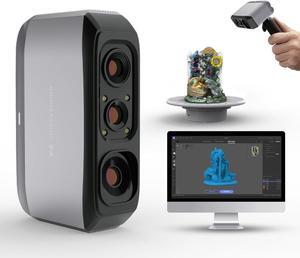
3D Scanner for 3D Printing, Handheld 3D Model Scanner with 0.05mm High Detailed Precision, 10FPS Scanning Speed, Anti-Shake Lenses, Compatible with Windows/MacOS, Moose Lite (Premium)
- Type: 3D Scanner
- Model #: BEMoose Lite
- $659.00 –
- Free Shipping
Quick View
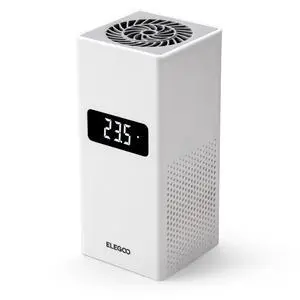
Smart Mini Heater for Resin 3D Printer Intelligent Temperature Control Heater with Air Filtration, Compatible with ELEGOO Most MSLA/DLP/LCD 3D Printers
- Part Number: EL-3D-ST1
- Color: Black
- Specification: resin, 23 L x 19 W x 8.7 H centimeters, White, 1.09 kilograms, EL-3D-ST1
- Features: resin, Resin
- Model #: 659306598062
- $69.69 –
- Free Shipping
Quick View
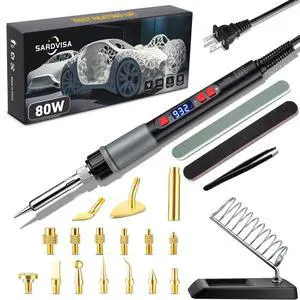
21-in-1 3D Printer Smoothing Tool Kit, 80W LCD Digital Adjustable Temperature Soldering Welding Iron Kit with Insert Brass Heatset Nuts & Soldering Tips, Fast Heating 3D Printing Modify Finishing Tool
- Brand: VERBATIM
- Part Number: E4096
- Compatible System: Windows, macOS, Linux
- Specification: Brass, Ceramic, 0.281 kilograms, E4096
- Model #: 602728416004
- $49.99 –
- Free Shipping
Quick View
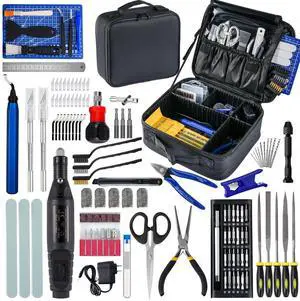
124Pcs 3D Printing Accessory Tools with Tool Bag for 3D Printer Modeler Basic Tools Diverse 3D Print Nozzle Cleaning Kit Mini Rotary Tool 3D Printer Tools for Remove/Trim and Finish 3D Print
- Part Number: ZP002
- Compatible System: Tools with Oxford bag
- Specification: Tools with Oxford bag
- Features: Tools with Oxford bag
- Model #: 028007207372
- $77.78 –
- Free Shipping
Quick View

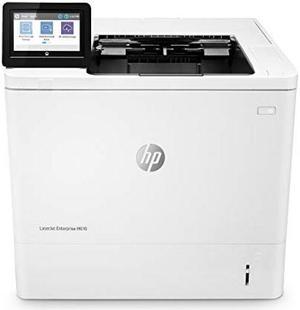
- Part Number: 7PS82A#BGJ
- Color Print Speed: Black
- Black Print Quality: 1200 x 1200 dpi
- Time To First Page (seconds): 5.0 sec
- Model #: 7PS82A#BGJ
- $1,259.00 –
- More options from $1,099.00 - $2,639.73
- $33.34 Shipping
Quick View
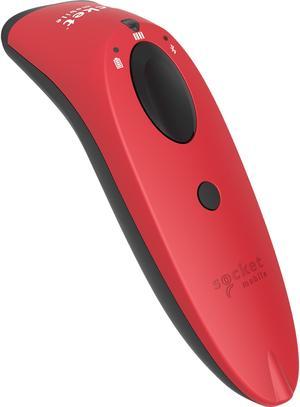
Socketscan® S740 1D/2D Imager Barcode Scanner Red
- Series: SocketScan 700
- : CX3413-1832
- Connectivity: Wireless
- Cordless Type: Handheld Barcode Scanner
- Model #: CX3413-1832
- $344.70
- $316.00 –
- Save: $28.70 (8%)
- More options from $316.00 - $988.32
- Free Shipping
Quick View
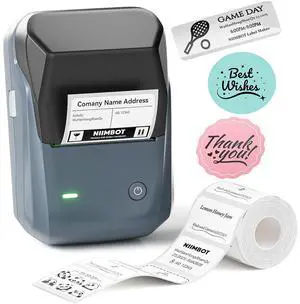
B1 Label Maker Machine, Thermal Label Printer Easy to Use for Office, Home, Business, Came with 1 Roll White Label(Blue)
- Brand: NIIMBOT
- Series: B1
- Print Technology: Thermal
- Printer Type: Printer
- Model #: 758348914091
- $55.99 –
- Free Shipping
Quick View
- $15.50 –
- $7.85 Shipping
Quick View
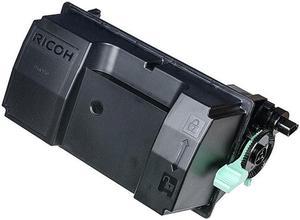
RICOH USA 418477 RICOH IM600 BLACK TONER CARTRIDGE. FOR USE IN P800 P801. ESTIMATED YIELD 25,500
- Model #: 418477
- $93.99 –
- More options from $91.38 - $173.99
- Free Shipping
Quick View
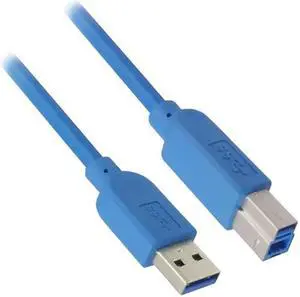
Nippon Labs 15ft.USB 3.0 Type A Male to B Male Cable for Printer and Scanner 50USB3-AB-15, Blue
- Cable Length: 15 ft.
- Type: USB
- Connector Type: USB A to USB B
- Connector Number: 2
- Model #: 50USB3-AB-15
- $16.95 –
- Free Shipping
Quick View
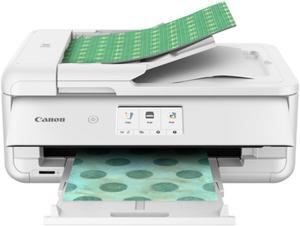
- $249.00 –
- More options from $249.00 - $355.99
- Free Shipping
Quick View
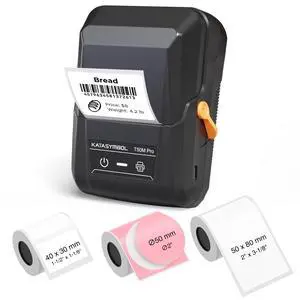
T50M Pro Bluetooth Label Maker Machine with 3 Tapes, Wide Waterproof Label, Versatile App with 30+ Fonts and 660+ Icons, Inkless Labeler for Home, Kitchen, School, Office Organization, Set 1
- Brand: SUPVAN
- Series: KA-X10
- Print Technology: Thermal
- Printer Type: All-in-One
- Model #: 101797067109
- $69.69 –
- Free Shipping
Choosing the Right Printer for Your Office Needs
When it comes to office solutions, printers and scanners are essential tools for any business. Whether you need to print important documents, scan invoices, or create professional-quality marketing materials, having the right equipment is crucial. In this article, we will explore the different types of printers and scanners available in the market and provide tips on how to choose the best one for your office.
All-in-One Printers: Versatility and Convenience
all-in-one printers, also known as multifunction printers, are a popular choice for offices. These devices combine the functionality of a printer, scanner, copier, and sometimes even a fax machine into a single unit. They offer versatility and convenience, allowing you to perform multiple tasks without the need for separate devices. All-in-one printers are available in both inkjet and laser options, catering to different printing needs and budgets.
Specialized Printers for Specific Tasks
In addition to all-in-one printers, there are specialized printers designed for specific tasks. For example, 3D printers are ideal for creating prototypes or intricate models, while barcode and label printers are perfect for businesses that require efficient inventory management. laser printers are known for their fast printing speeds and high-quality output, making them suitable for offices with high-volume printing needs. inkjet printers, on the other hand, are more cost-effective and can produce vibrant color prints.
Choosing the Right Supplies
Once you have selected the right printer for your office, it is important to choose the right supplies to ensure optimal performance and longevity. When it comes to inkjet printers, using high-quality ink cartridges is essential to achieve the best print quality and prevent clogging. For laser printers, it is important to choose the right type of toner cartridges that are compatible with your printer model. Additionally, investing in high-quality paper can make a significant difference in the final print results.
FAQs: Common Questions about Printers and Scanners
| Q: How often should I replace the ink cartridges? | A: The frequency of replacing ink cartridges depends on your printing volume. However, it is recommended to replace them when the print quality starts to degrade. |
|---|---|
| Q: Can I use third-party ink cartridges with my printer? | A: While it is possible to use third-party ink cartridges, it is important to ensure compatibility with your printer model. Using incompatible cartridges may result in poor print quality or damage to the printer. |
| Q: How do I clean the scanner glass? | A: To clean the scanner glass, use a soft, lint-free cloth slightly dampened with glass cleaner. Gently wipe the glass surface to remove any smudges or debris. |
| Q: What is the difference between optical and interpolated resolution in scanners? | A: Optical resolution refers to the actual hardware resolution of the scanner, while interpolated resolution is achieved through software enhancements. Optical resolution provides more accurate and detailed scans. |
| Q: How can I improve the scanning speed? | A: To improve scanning speed, reduce the scanning resolution, use black and white mode instead of color, and ensure that the scanner is connected to a high-speed USB port. |