
Your Browsing History
- In Stock
- Sold by Newegg
- New

Any questions? Our AI beta will help you find out quickly.
Try me now
Quick View
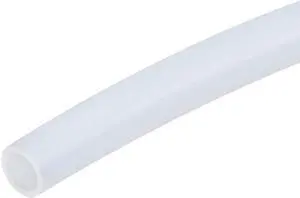
3 mm OD x 2 mm ID PTFE Teflon Tubing 6" Thermal Barrier Tube for 1.75 mm filament 3D Printer Hot End Bowden Extruder (3mm*2mm MK8/MK9) Flashforge Creator X/CTC Bizer/Makerbot Replicator clones
- Brand: ProTechTrader
- Material: Polytetrafluoroethylene
- Diameter: 3
- Weight: 1 grams
- Model #: 6in-3x2mm-ptfe-tube

Quick View
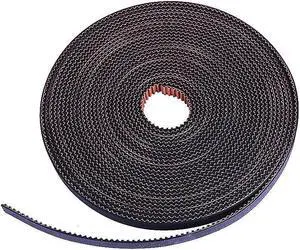
GT2 Timing Belt 10M 6mm Width Non-Slip Version,for Prusa Ender 3 CR-10,Anet A8, i3 Mega 3D Printer ect.(10M)
- Model #: vfrtR302951376174
- $39.56 –
- Free Shipping
Quick View
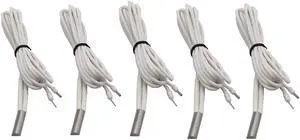
3Dman 24V 70W High Temperature Heater Cartridge 620 Heating Tube HT-NTC100K Thermistor 1M for 3D Printer Sensor Heater Block V6 J-Head Hotend (5 Pcs)
- Model #: vfrtR302951374439
- $27.70 –
- Free Shipping
Quick View
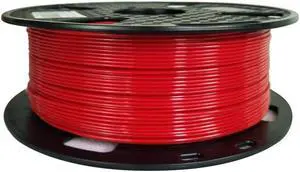
CC3D PETG Pro Filament Red 1.75 mm 1KG 3D Printer Filament 2.2lbs 3D Printing Material Easy to Print PETG Red
- Model #: vfrtR302951378222
- $31.66 –
- Free Shipping
Quick View
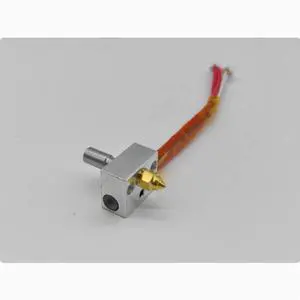
CREALITY 3D Sermoon V1/V1pro nozzle Kit, heating block kit, Creality 3D printing accessories
Limited time offer, ends 01/15
- Model #: BZ59-636
- $45.19 –
- Free Shipping
Quick View
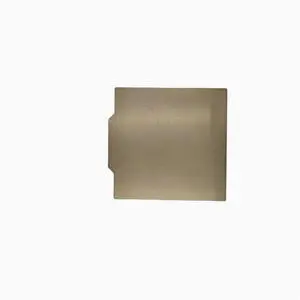
Creality 3D Sermoon V1/V1pro magnetic platform plate spring steel plate PC sheet High strength steel plate
Limited time offer, ends 01/15
- Model #: BZ59-637
- $39.19 –
- Free Shipping
Quick View
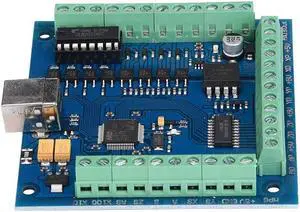
100 KHz Motion Card 4 Axis USB CNC Motion Controller Card Board for Engraving
- Model #: 9045829181241
- $54.99 –

Quick View
TWO5M PTFE Tube Red/Blue/Black/White/Transparent Nozzle Feed Tube 2x4mm with Portable Cutter for 3D Printer
- Model #: WB3EW-1217-105
- $29.36 –
- Free Shipping
Quick View
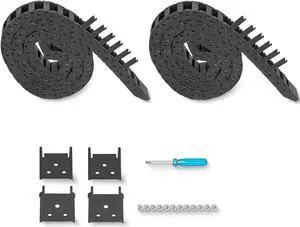
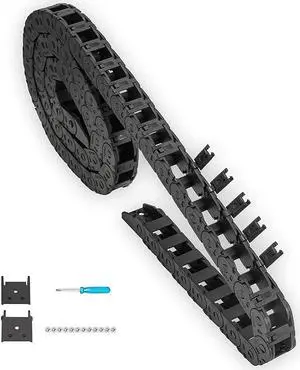
2pcs 39.4inch Drag Chain Cable Carrier Open Type R18 Wire Cable Chain for CNC Router Mill and 3D Printer,Extra 2 Pair End Connectors,1pc Screwdriver,9 Screws (10x20)
- Model #: vfrtR302951375290
- $50.65 –
- Free Shipping
Quick View
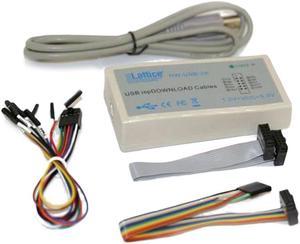
Download Cable Jtag SPI Programmer For LATTICE FPGA CPLD HW-N-2A Tools
- Connector Type: Micro USB to USB A
- Model #: 1-PowerCable0917
- $45.69 –
- More options from $45.69 - $48.10
- Free Shipping
Quick View
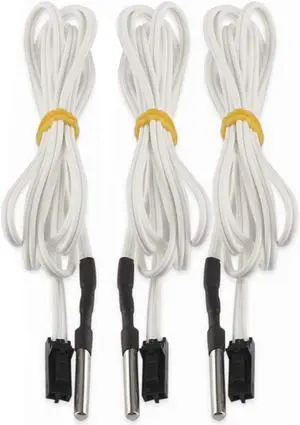
FYSETC Prusa i3 MK3 Upgrade Hotend Parts HT-NTC100K Thermistor Sensor High Temperature +250 Degrees 2 Pins for 3D Printer MK3 Extruder Heater Block 3Pcs
- Model #: vfrtR302951375665
- $25.37 –
- Free Shipping
Quick View
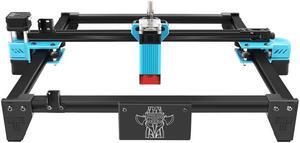
Twotrees 300x300mm Extension Kit for Twotrees TT-5.5S Laser Engraver Upgrades Engraving Area Expansion Kit Update Accessories
- Craft Type: Craft Kit
- Model #: TT-5.5S
- $159.56 –
- Free Shipping
Quick View
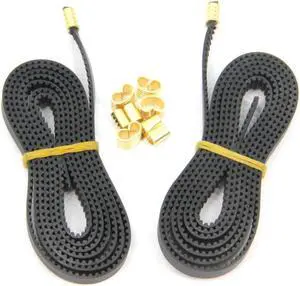
2pcs 2GT Open Timing Rubber Belt Length 1.2Meter Width 6mm with 8pcs Copper Buckle for Ender 3 3D Printer (Open Belt)
- Model #: vfrtR302951373746
- $25.74 –
- Free Shipping
Quick View
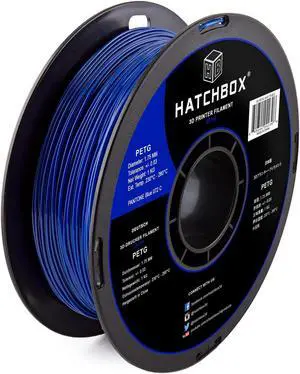
HATCHBOX PETG 3D Printer Filament, Dimensional Accuracy +/- 0.03 mm, 1 kg Spool, 1.75 mm, Blue
- Model #: vfrtR302951377195
- $51.48 –
- Free Shipping
Quick View
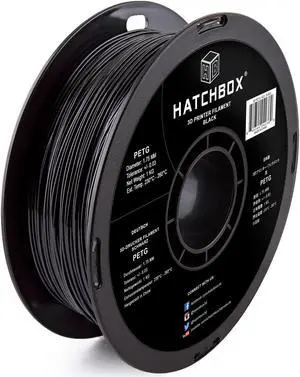
HATCHBOX PETG 3D Printer Filament, Dimensional Accuracy +/- 0.03 mm, 1 kg Spool, 1.75 mm, Black
- Model #: vfrtR302951373951
- $51.48 –
- Free Shipping
Quick View
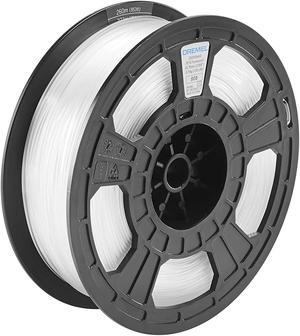
Dremel DigiLab PETG-TRA-01 3D Printer Filament, 1.75 mm Diameter, 0.75 kg Spool Weight, Color Translucent, RFID Enabled, New Formula and 50 Percent More per Spool
- Model #: Fahint365035839019
- $113.43 –
- Free Shipping
Quick View
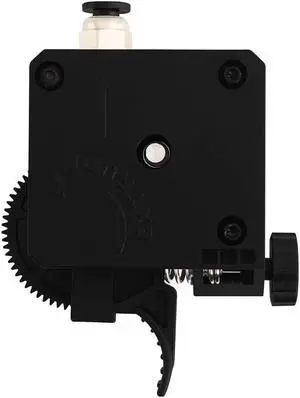
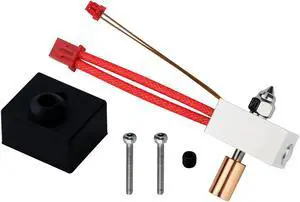
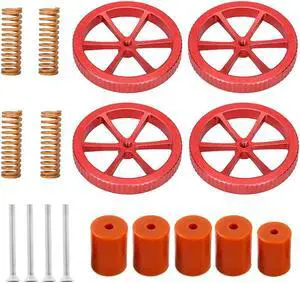
Upgraded Ender 3 Springs Kit,4 Pcs Hand Twist Leveling Nut +4 Pcs Hot Bed Die Springs +5 Pcs Silicone Leveling Column Solid Bed Mounts for Ender 3 V2/3/3 Pro/Ender 5 .(Type 2)
- Model #: vfrtR302951377003
- $29.51 –
- Free Shipping
Quick View
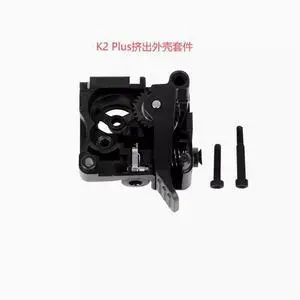
Creality 3D K2Plus extrusion front shell kit Extruder shell
Limited time offer, ends 01/15
- Model #: BZ59-653
- $59.19 –
- Free Shipping
Quick View
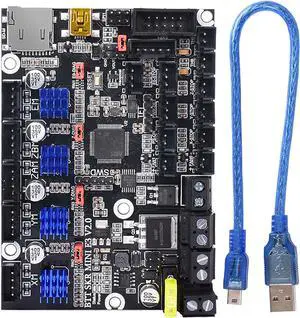
BIGTREETECH SKR Mini E3 V2.0 New Upgrade Control Board 32-Bit with TMC2209 UART Driver 3D Printer Parts Cheetah for Creality Ender 3
Limited time offer, ends 01/15
- Model #: 6295441432730ASDFA209190
- $68.19 –
- Free Shipping
Quick View
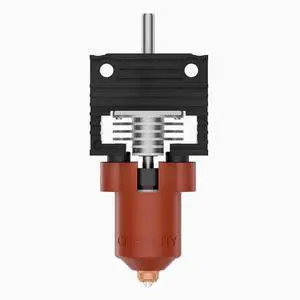
CREALITY 3DK1 series ceramic heating Head Kit Integrated Nozzle Upgrade Kit K1MAX Heat sink block
Limited time offer, ends 01/15
- Model #: BZ59-635
- $117.20 –
- Free Shipping
Quick View
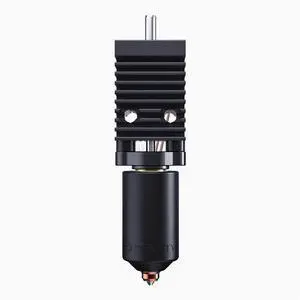
The original K2Plus ceramic nozzle kit from Creality 3D is a complete set of high-temperature heating nozzle kits
Limited time offer, ends 01/15
- Model #: BZ59-640
- $138.19 –
- Free Shipping
Quick View
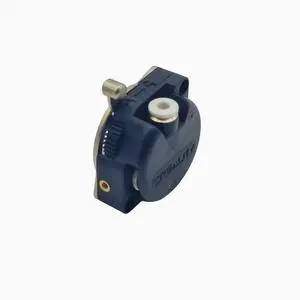
CREALITY 3D K1/K1 Max Extrusion Mechanism Kit /K1 /k1MAX Extrusion Kit with motor
Limited time offer, ends 01/15
- Model #: BZ59-631
- $153.75 –
- Free Shipping
Quick View
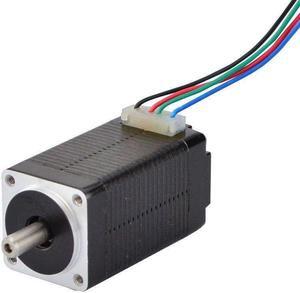
STEPPERONLINE Micro Step Motor Nema 8 Bipolar Stepper Motor 0.6A 5.7oz.in/4Ncm DIY Robot
- Model #: 6295441433287ASDFA414395
Quick View
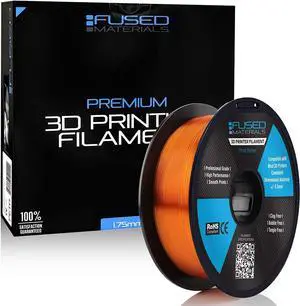
Transparent Orange PETG 3D Printer Filament - 1kg Spool, 1.75mm, Dimensional Accuracy +/- 0.03 mm, (Trans Orange)
- Model #: 6295441436240ASDFA15981579
Quick View
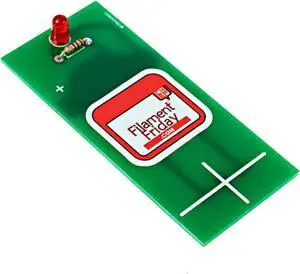
E-Leveler 3D Printer Electronic Bed Leveling Tool
- Model #: 6295441432525ASDFA173154
Quick View
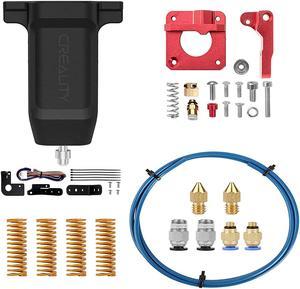
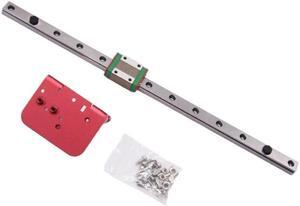
3D Printer Part X-Axis Linear Rails Backplane Kit 310mm/375mm for Ender3/CR10(Ender3)
- Model #: ff-yy-178
- $45.60 –
- Free Shipping
Quick View
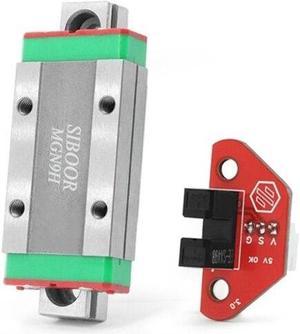
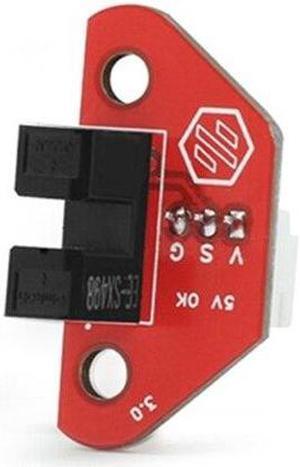
For Tap Probe Kit V2.4 Pcb Board Version Upgraded 3D Printer Part for 2.4 3D Printer Accessories(B)
- Model #: ff-yy-185
- $72.90 –
- More options from $72.86
- Free Shipping
Quick View
For Tap Probe Kit V2.4 Pcb Board Version Upgraded 3D Printer Part for 2.4 3D Printer Accessories(A)
- Model #: ff-yy-184
- $30.00 –
- Free Shipping
Quick View
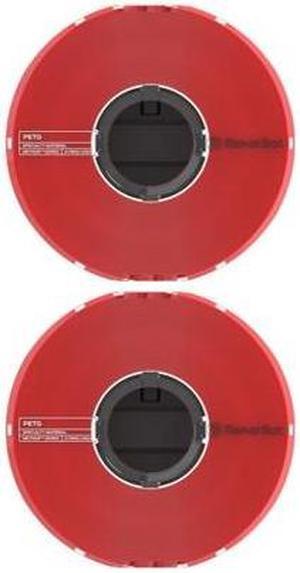
MakerBot PETG Specialty Filament Spool for Method 3D Printer (Red, 1.65lb, 2-Pk)
- Model #: 375-0028A_K2
- $183.99 –
- Free Shipping
Quick View
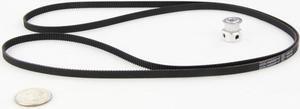
3DMakerWorld Set of GT2 Timing Belt & Pulley (20 Tooth)
- Model #: 3DMW-GT2SET20
- $13.31 –
- Free Shipping
Choosing the Right Printer for Your Office Needs
When it comes to office solutions, printers and scanners are essential tools for any business. Whether you need to print important documents, scan invoices, or create professional-quality marketing materials, having the right equipment is crucial. In this article, we will explore the different types of printers and scanners available in the market and provide tips on how to choose the best one for your office.
All-in-One Printers: Versatility and Convenience
all-in-one printers, also known as multifunction printers, are a popular choice for offices. These devices combine the functionality of a printer, scanner, copier, and sometimes even a fax machine into a single unit. They offer versatility and convenience, allowing you to perform multiple tasks without the need for separate devices. All-in-one printers are available in both inkjet and laser options, catering to different printing needs and budgets.
Specialized Printers for Specific Tasks
In addition to all-in-one printers, there are specialized printers designed for specific tasks. For example, 3D printers are ideal for creating prototypes or intricate models, while barcode and label printers are perfect for businesses that require efficient inventory management. laser printers are known for their fast printing speeds and high-quality output, making them suitable for offices with high-volume printing needs. inkjet printers, on the other hand, are more cost-effective and can produce vibrant color prints.
Choosing the Right Supplies
Once you have selected the right printer for your office, it is important to choose the right supplies to ensure optimal performance and longevity. When it comes to inkjet printers, using high-quality ink cartridges is essential to achieve the best print quality and prevent clogging. For laser printers, it is important to choose the right type of toner cartridges that are compatible with your printer model. Additionally, investing in high-quality paper can make a significant difference in the final print results.
FAQs: Common Questions about Printers and Scanners
| Q: How often should I replace the ink cartridges? | A: The frequency of replacing ink cartridges depends on your printing volume. However, it is recommended to replace them when the print quality starts to degrade. |
|---|---|
| Q: Can I use third-party ink cartridges with my printer? | A: While it is possible to use third-party ink cartridges, it is important to ensure compatibility with your printer model. Using incompatible cartridges may result in poor print quality or damage to the printer. |
| Q: How do I clean the scanner glass? | A: To clean the scanner glass, use a soft, lint-free cloth slightly dampened with glass cleaner. Gently wipe the glass surface to remove any smudges or debris. |
| Q: What is the difference between optical and interpolated resolution in scanners? | A: Optical resolution refers to the actual hardware resolution of the scanner, while interpolated resolution is achieved through software enhancements. Optical resolution provides more accurate and detailed scans. |
| Q: How can I improve the scanning speed? | A: To improve scanning speed, reduce the scanning resolution, use black and white mode instead of color, and ensure that the scanner is connected to a high-speed USB port. |