
Your Browsing History
- Sold by Newegg
- Make an Offer
- New

Any questions? Our AI beta will help you find out quickly.
Try me now
Quick View
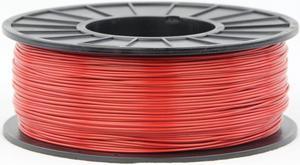
3DMakerWorld Plastic Filament - ABS (PA-747) 1.75mm Red 1Kg Spool, Made in the USA
- Weight: 2.20 lbs. (1 kg)
- Model #: 3DMW-ABS-1.75-RED-US
- $31.33 –
- Free Shipping
Quick View
#1 Best Seller
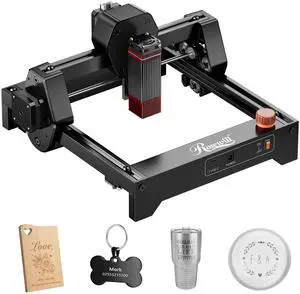
+ $10 off w/ promo code MMSF2429, limited offer
- Brand: Rosewill
- Type: Laser Engraver
- Color: Black
- Print Technology: Diode Laser
- Model #: Ray6mini_2.5W
- $129.99
- $99.99 –
- Save: $30.00 (23%)
- Free Shipping
Quick View
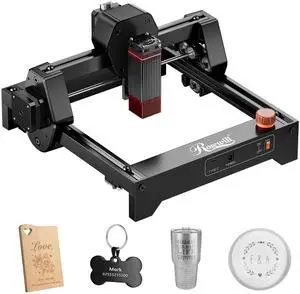
Rosewill Mini Laser Engraver 3.5W Diode Laser Engraving & Cutting Machine, 12000mm/min High Speed, 0.04mm Compressed Spot, ,130x140mm Engraving Area,Portable Engraver Eye Protection
- Brand: Rosewill
- Type: Laser Engraver
- Color: Black
- Print Technology: Diode Laser
- Model #: Ray6mini_3.5W
- $139.99
- $109.99 –
- Save: $30.00 (21%)
- Free Shipping
Quick View
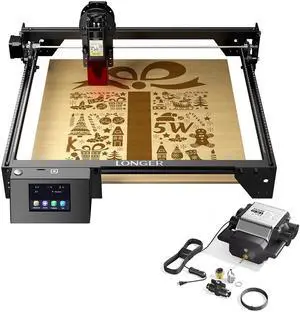
Longer RAY5 5W Laser Engraver & Air Assist kit
Limited time offer, ends 03/31
- Model #: RAY5 5W & Air Assist kit

Quick View
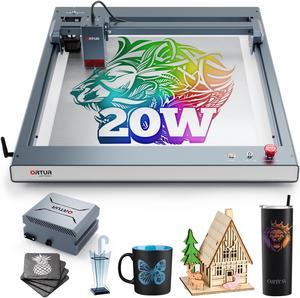
ORTUR Laser Master 3 with 50L Air Assist, 20W Output Laser Engraver and Cutter, 20000mm/min Engraving Speed and App Control Laser Engraving Machine, 380+ Colors Engraving On Metal Steel, 0.08mmx0.08mm
- Type: Laser Engraver & Cutter
- Model #: OLM3-LU3-20A-OAP1.0-US
- $1,299.99 –
- Free Shipping
Quick View
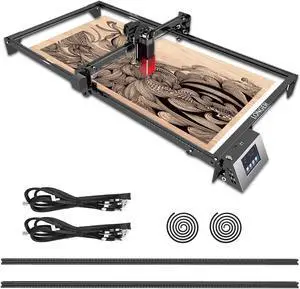
Longer RAY5 Extension Kit - Laser Engraver Area Expansion Kit for Longer RAY5 5W/10W/20W, Engraving Area is Expanded to 15.7"*33.5"(400 * 850mm), Longer Laser Engraving and Cutting for Laser Engraver
Limited time offer, ends 03/31
- Model #: RAY5 Extension Kit -Y
Quick View

- Brand: Rosewill
- Type: Laser Engraver
- Color: Black
- Print Technology: Diode Laser
- Model #: Ray6mini_2.5W
- $89.99 –
- Free Shipping
Quick View
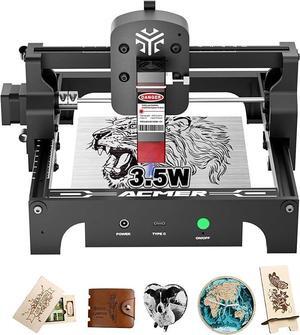
Acmer S1 Laser Engraver, 3.5W Output Laser Cutting Machine, Engraving Wood and Metal, 130 * 130mm Maximum Working Size,Only 2kg Easy to Carry Anywhere, Laser Class 4
- Series: 3.5W
- Type: Laser Engraver
- Body Material: Aluminum Alloy
- Chassis Material: Wood, glass, metal nameplate, etc.
- Model #: ACMER-S1-3.5W
Quick View
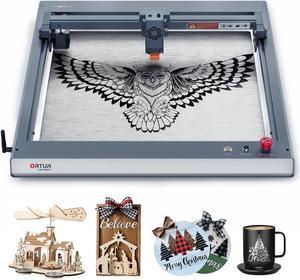
ORTUR Laser Master 3 10W Output Power Laser Engraver, 0.05 * 0.1mm Compressed Spot Laser Cutter add App Offline Control High Power Laser Engraver for Wood and Metal (with Air Assist Nozzle)
- Type: Laser Engraver & Cutter
- Model #: OLM3-LU2-10A
- $569.99 –
- Free Shipping
Quick View
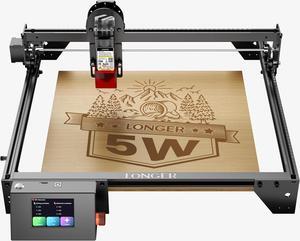
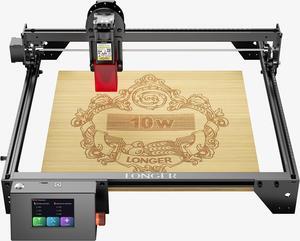
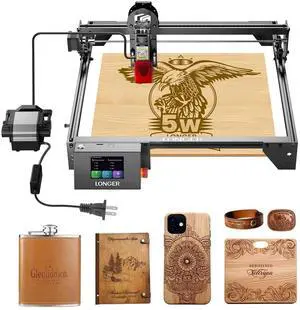
LONGER RAY5 5W Laser Engraver with Air Assist Kit, laser cutting machine for App Offline Control, DIY Engraving Tool for Metal/Glass/Wood, Engraving Area 15.7 "x15.7", 3.5-inch Color Touch Screen
Limited time offer, ends 03/31
- Type: Laser Engraver & Cutter
- Model #: RAY5 5W-3
Quick View
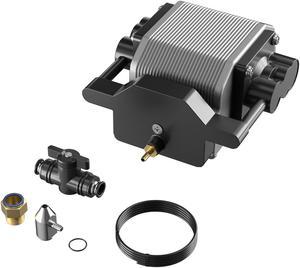
Longer Ray5 Engraver, Cutting Engraving Machine Air Assist Kit with Air Pump, Remove Smoke and Dust
Limited time offer, ends 03/31
- Model #: Air Assist Kit
Quick View
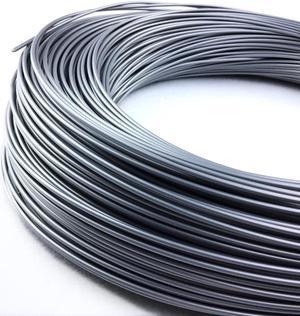
3DMakerWorld ABS (PA-747) Filament - 1.75mm, 1lb, Silver
- Model #: ABS1.75-SIL-1LB
- $29.46 –
- Free Shipping
Quick View
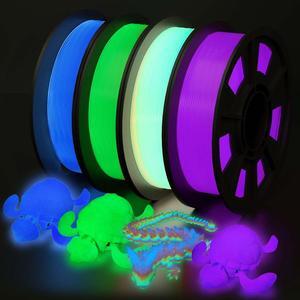
YOUSU 3D Printer Filament Bundle, Glow in The Dark Filament Multicolor, Green, Blue, Purple and Rainbow, PLA Filament 1.75 mm, Dimensional Accuracy +/- 0.03 mm, 250g X 4 Pack
- Model #: SOYE517526154327WEI
- $66.28 –
- Free Shipping
Quick View
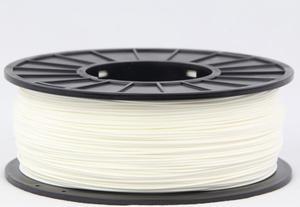
3DMakerWorld Plastic Filament - ABS (PA-747) 1.75mm White 1Kg Spool, Made in the USA
- Weight: 2.20 lbs. (1 kg)
- Model #: 3DMW-ABS-1.75-WHI-US
- $31.33 –
- Free Shipping
Quick View
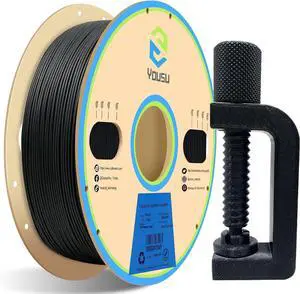
YOUSU Polypropylene PP Filament, 1.75mm 3D Printer Filament for 3D Printing, 1kg(2.2lbs) 5pcs Build Sheet Included, Semi-Flexible Ultra Tough Filament, Black
- Model #: Fahint365035837404
- $79.18 –
- Free Shipping
Quick View
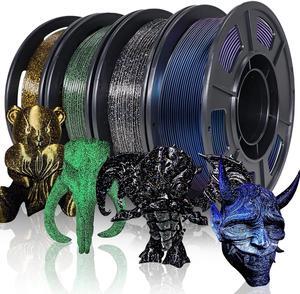
YOUSU 3D Printer Filament Galaxy PLA Filament 1.75mm, 3D Printing Filament Bundle, Multi Color PLA Filament Glitter 250g X 4 Color Pack.
- Model #: Fahint365035839675
- $67.30 –
- Free Shipping
Quick View
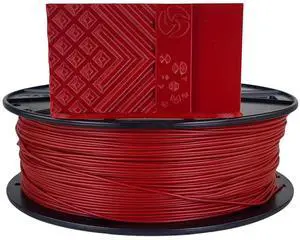
3D-Fuel Tough Pro PLA+ Filament for 3D Printing, Made in The USA, 3D Printer Filament, Dimensional Accuracy +/- 0.02 mm, 1.75 mm, 1 kg Spool, Iron Red
- Model #: Fahint365035838494
- $75.04 –
- Free Shipping
Quick View
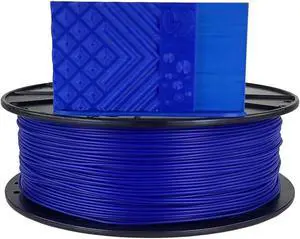
3D-Fuel Tough Pro PLA+ Filament for 3D Printing, Made in The USA, 3D Printer Filament, Dimensional Accuracy +/- 0.02 mm, 1.75 mm, 1 kg Spool, Cobalt Blue
- Model #: vfrtR302951376259
- $75.04 –
- Free Shipping
Quick View
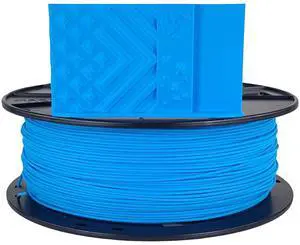
3D-Fuel Tough Pro PLA+ Filament for 3D Printing, Made in The USA, 3D Printer Filament, Dimensional Accuracy +/- 0.02 mm, 1.75 mm, 1 kg Spool, Fjord Blue
- Model #: vfrtR302951375870
- $75.04 –
- Free Shipping
Quick View
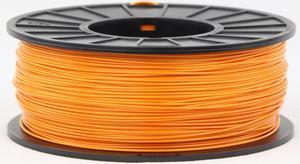
3DMakerWorld Plastic Filament - ABS (PA-747) 1.75mm Orange 1Kg Spool, Made in the USA
- Weight: 2.20 lbs. (1 kg)
- Model #: 3DMW-ABS-1.75-ORA-US
- $31.33 –
- Free Shipping
Quick View
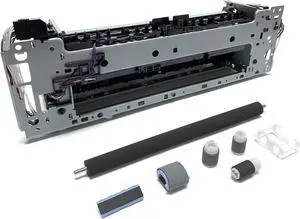
Altru Print RM2-6431-MK-AP Simplex Fuser Maintenance Kit for Color Laser Printer Pro M452, M477 (110-120V) Includes RM2-6455 Transfer Roller and Tray 1-2 Rollers
- Model #: LEMLB085G3FPWW
- $468.99 –
- Free Shipping
Quick View
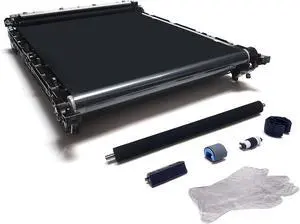
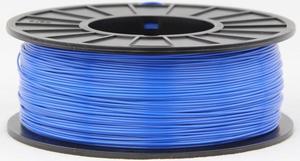
3DMakerWorld Plastic Filament - ABS (PA-747) 1.75mm Blue 1Kg Spool, Made in the USA
- Weight: 2.20 lbs. (1 kg)
- Model #: 3DMW-ABS-1.75-BLU-US
- $31.33 –
- Free Shipping
Quick View
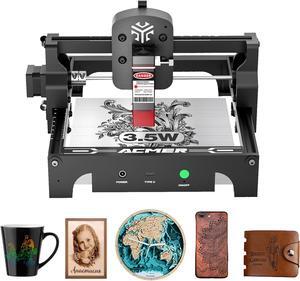
Acmer S1 Laser Engraver Machine, 3.5W(3500mW) High Precision DIY Laser Cutter and Engraving Machine, 130x130mm Working Area for Wood and Metal ( S1 3.5W)
- Series: S1
- Type: Laser Engraver
- Body Material: Aluminum Alloy
- Build Material: Wood, glass, metal nameplate, etc.
- Model #: S1-3.5W
- $139.00 –
- Free Shipping
Quick View
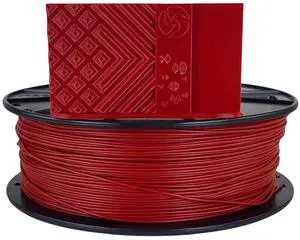
3D-Fuel Tough Pro PLA+ Filament for 3D Printing, Made in The USA, 3D Printer Filament, Dimensional Accuracy +/- 0.02 mm, 1.75 mm, 1 kg Spool, Iron Red
- Model #: vfrtR302951375214
- $75.04 –
- Free Shipping
Quick View
3DMakerWorld ABS (PA-747) Filament - 1.75mm, 1kg, Yellow
- Model #: ABS-1.75-YEL-US
- $31.33 –
- Free Shipping
Quick View
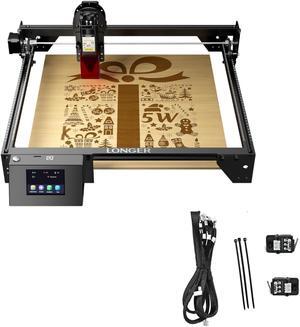
LONGER RAY5 5W Laser Engraver & Limit Switch Kit Suitable for RAY5 5W/10W
Limited time offer, ends 03/31
- Model #: RAY5 5W & Limit Switch Kit
Quick View
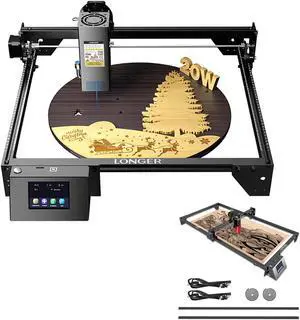
LONGER RAY5 20W Laser Engraver & RAY5 Extension Kit - Laser Engraver Area Expansion Kit for Longer RAY5 5W/10W/20W
Limited time offer, ends 03/31
- Model #: RAY5 20W & RAY5 Extension Kit
Quick View
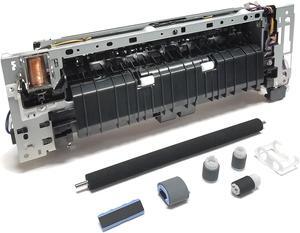
Altru Print RM2-6418-AP (RM2-6460) - Duplex - Fuser Maintenance Kit for Color Laser Printer Pro M377, M452, M477 (110V) Includes RM2-6455 Transfer Roller and Tray 1-2 Rollers
- Model #: RM2-6418-MK-AP
- $344.95 –
- Free Shipping
Quick View
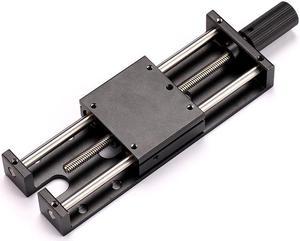
LONGER Laser Engraver Ray5 5W / 10W Laser Module Lifting Bracket Kit
Limited time offer, ends 03/31
- Model #: Ray5 Lifting Bracket Kit
Quick View
3D-Fuel Tough Pro PLA+ Filament for 3D Printing, Made in The USA, 3D Printer Filament, Dimensional Accuracy +/- 0.02 mm, 1.75 mm, 1 kg Spool, Iron Red
- Model #: R240247663309006
- $69.20 –
- Free Shipping
Quick View
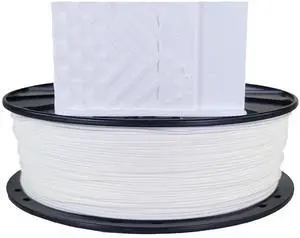
3D-Fuel Tough Pro PLA+ Filament for 3D Printing, Made in The USA, 3D Printer Filament, Dimensional Accuracy +/- 0.02 mm, 1.75 mm, 1 kg Spool, Snow White
- Model #: R21247663307170
- $69.20 –
- Free Shipping
Quick View
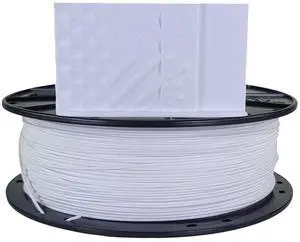
3D-Fuel Tough Pro PLA+ Filament for 3D Printing, Made in The USA, 3D Printer Filament, Dimensional Accuracy +/- 0.02 mm, 1.75 mm, 1 kg Spool, Brightest White
- Model #: R338247663309808
- $69.20 –
- Free Shipping
Quick View
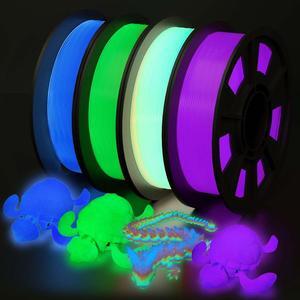
YOUSU 3D Printer Filament Bundle, Glow in The Dark Filament Multicolor, Green, Blue, Purple and Rainbow, PLA Filament 1.75 mm, Dimensional Accuracy +/- 0.03 mm, 250g X 4 Pack
- Model #: Fahint365035840725
- $73.24 –
- Free Shipping
Choosing the Right Printer for Your Office Needs
When it comes to office solutions, printers and scanners are essential tools for any business. Whether you need to print important documents, scan invoices, or create professional-quality marketing materials, having the right equipment is crucial. In this article, we will explore the different types of printers and scanners available in the market and provide tips on how to choose the best one for your office.
All-in-One Printers: Versatility and Convenience
all-in-one printers, also known as multifunction printers, are a popular choice for offices. These devices combine the functionality of a printer, scanner, copier, and sometimes even a fax machine into a single unit. They offer versatility and convenience, allowing you to perform multiple tasks without the need for separate devices. All-in-one printers are available in both inkjet and laser options, catering to different printing needs and budgets.
Specialized Printers for Specific Tasks
In addition to all-in-one printers, there are specialized printers designed for specific tasks. For example, 3D printers are ideal for creating prototypes or intricate models, while barcode and label printers are perfect for businesses that require efficient inventory management. laser printers are known for their fast printing speeds and high-quality output, making them suitable for offices with high-volume printing needs. inkjet printers, on the other hand, are more cost-effective and can produce vibrant color prints.
Choosing the Right Supplies
Once you have selected the right printer for your office, it is important to choose the right supplies to ensure optimal performance and longevity. When it comes to inkjet printers, using high-quality ink cartridges is essential to achieve the best print quality and prevent clogging. For laser printers, it is important to choose the right type of toner cartridges that are compatible with your printer model. Additionally, investing in high-quality paper can make a significant difference in the final print results.
FAQs: Common Questions about Printers and Scanners
| Q: How often should I replace the ink cartridges? | A: The frequency of replacing ink cartridges depends on your printing volume. However, it is recommended to replace them when the print quality starts to degrade. |
|---|---|
| Q: Can I use third-party ink cartridges with my printer? | A: While it is possible to use third-party ink cartridges, it is important to ensure compatibility with your printer model. Using incompatible cartridges may result in poor print quality or damage to the printer. |
| Q: How do I clean the scanner glass? | A: To clean the scanner glass, use a soft, lint-free cloth slightly dampened with glass cleaner. Gently wipe the glass surface to remove any smudges or debris. |
| Q: What is the difference between optical and interpolated resolution in scanners? | A: Optical resolution refers to the actual hardware resolution of the scanner, while interpolated resolution is achieved through software enhancements. Optical resolution provides more accurate and detailed scans. |
| Q: How can I improve the scanning speed? | A: To improve scanning speed, reduce the scanning resolution, use black and white mode instead of color, and ensure that the scanner is connected to a high-speed USB port. |